
Diagnostic assessment
Understanding hybrid storage
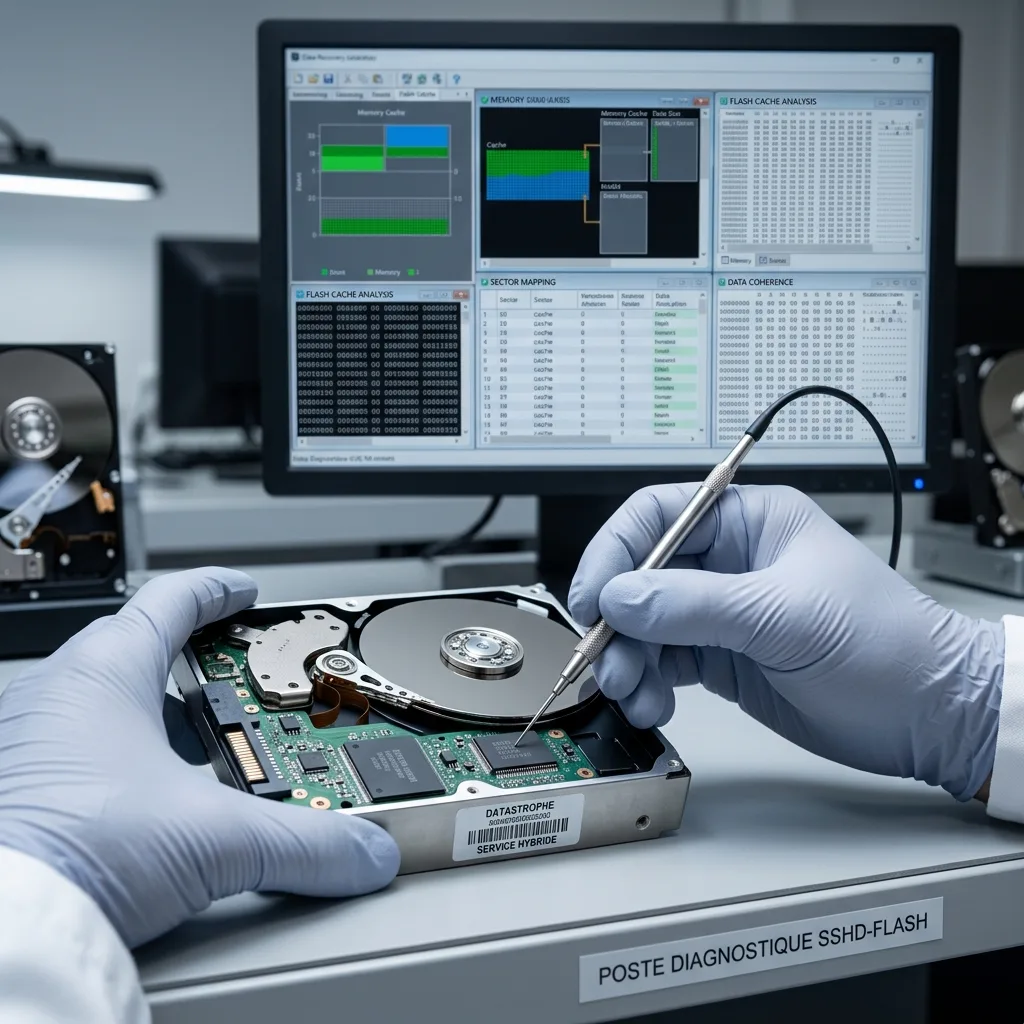
A hybrid storage device combines technologies to improve performance or capacity. Keep the original computer, power history and encryption details with the SSD so controller and host dependencies can be reviewed. An SSHD pairs a hard drive with flash memory. A workstation or server may use an SSD as a cache. A storage system can move blocks automatically between several tiers.
This architecture is practical in normal operation but complicates recovery. Data visible to the user may depend on a drive, cache, controller, utility and the metadata that record where individual blocks reside.
The system should not be limited to "hard drive plus SSD". Depending on the design, the fast layer may hold temporary copies, pending writes, frequently read blocks or critical metadata. Without context, an extraction from only one component may be inconsistent.
The evolution of storage media describes the impact of newer architectures. The practical concern is how to retain a consistent dataset when several layers are involved.
Diagnostic assessment
How to pinpoint the layers involved
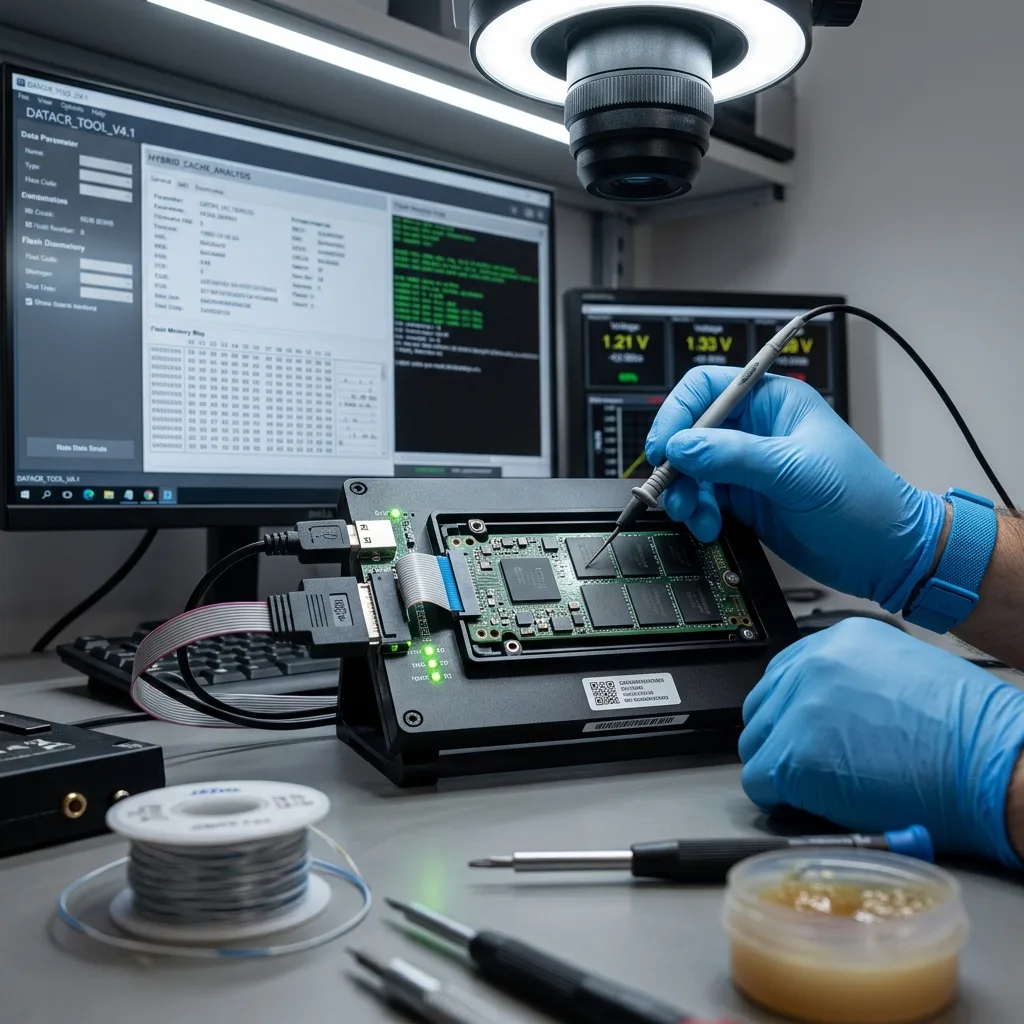
The diagnostic assessment must establish the exact chain: a standalone SSHD, software-managed SSD cache, controller card, NAS, server, encrypted volume or defined file system. Each case needs a separate approach.
A read-only cache doesn't present the same risk as a write cache. If recent writes remain in the fast layer, removing a component or rebuilding the volume may produce an older or internally inconsistent version.
Metadata are essential. They describe how blocks are distributed, which elements belong to the same volume and which versions are valid. Losing these records can make raw data difficult to reconstruct.
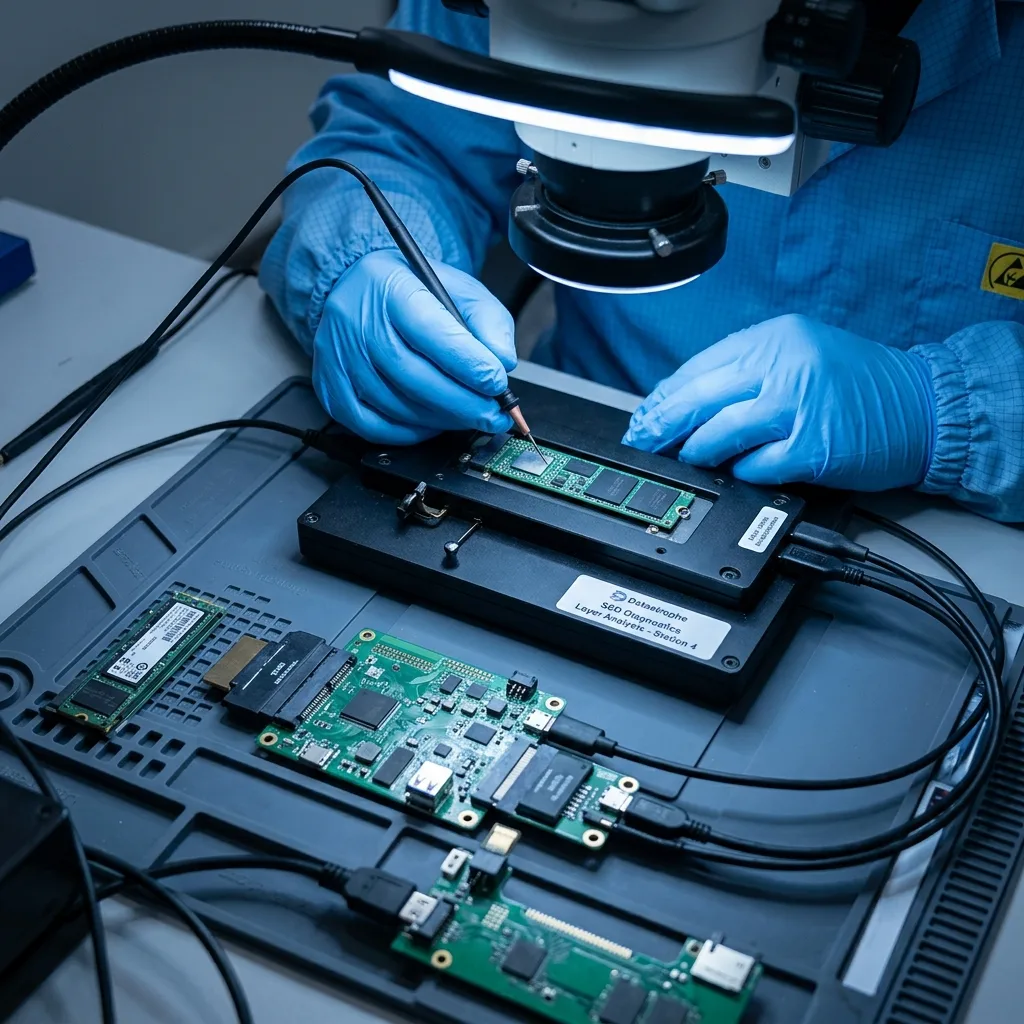
SSD data recovery covers flash storage. A hybrid system also requires an understanding of its hard drive, controller and the software that joins the layers.
Diagnostic assessment
Avoiding improvised rebuilds
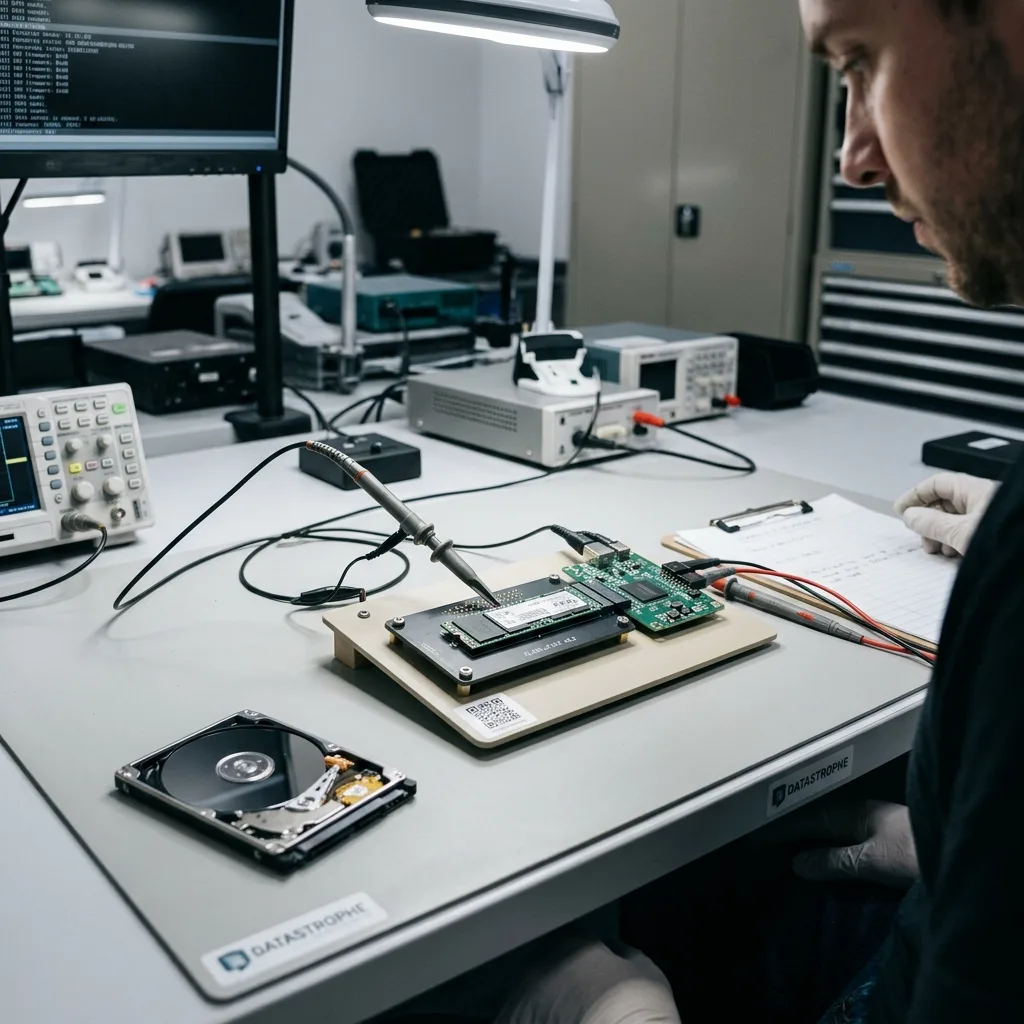
The first mistake is to separate components without documentation. Removing the cache SSD, connecting only the hard drive, resetting an accelerator or reinstalling a driver can alter the volume state. The system may then mark its cache as invalid.
Avoid automatic repairs. A utility may try to rebuild, clean or resynchronise the volume. If the original state hasn't been retained, that operation can replace a practical version with an inconsistent one.
Record the timeline: power fault, abrupt shutdown, update, drive replacement, controller change and messages from the caching software. These events indicate whether the issue began in the physical storage, cache or metadata.
Hard drive firmware failure shows how an internal layer can block access. A hybrid design has several layers capable of producing a similar symptom.

Diagnostic assessment
Reconstructing a consistent version
Recovery seeks an internally consistent version of the data, not merely a collection of blocks. A database, virtual machine or application project may be unusable when one part comes from an older state than the rest.
Where practicable, retain every component before analysis: the hard drive, cache SSD, configuration, controller, logs and screenshots. Technical images limit risk and allow several hypotheses to be compared.
Validation needs to match the content. A virtual machine should boot in a controlled environment, a database should open, an archive should extract and a volume should retain its folder structure. Performance no longer matters; consistency in the recovered data does.
Datastrophe treats these cases as architectures rather than isolated devices. This prevents the wrong component from being read as though it represented the whole system.
Diagnostic assessment
How to prevent data loss from hybrid storage
Prevention starts with documentation. Record which systems use a cache, where the metadata reside, which components are required and how acceleration can be disabled cleanly when necessary.
Backups should be application-consistent or consistent at volume level. Copying a single physical drive may be inadequate if a cache or tiering utility holds recent writes. Restore testing is therefore essential.
Driver, firmware and cache-software updates should follow a verified backup. A version change may alter the way the system interprets its metadata.
After a failure, retain all components and avoid automatic rebuilds. A hybrid storage system leaves more options open when its architecture remains intact.
Keep the configuration details as well. Cache mode, software, driver version, drive order, volume type and error messages may be needed to understand how data were distributed. Without them, the assessment must first reconstruct the architecture.
Business environments should test restores away from production. A backup that fails to capture the cache or application consistency correctly may complete technically but fail when the data are opened. Tests must cover critical files and applications.
When a component is replaced, retain the old one. A cache SSD considered faulty, a controller card or a slow hard drive may contain valuable metadata or a valuable version. Discarding it before assessment removes options.
Good prevention makes the system understandable to someone other than its installer. An undocumented hybrid architecture becomes fragile on the day it fails because decisions rely on assumptions rather than facts.
Virtual machines and databases are particularly sensitive. A cache may hold recent writes absent from a raw image of a single drive. Recovered data must be tested in the intended application or environment, not merely viewed in a file browser.
The issue can be subtler on an individual computer. A hybrid drive may look like a conventional hard drive while also depending on internal flash memory. Slowness, lock-ups or an incorrect capacity should be taken seriously prior to any repair.
Record the exact storage model and retain system logs. They may confirm that a caching or acceleration layer is involved in the failure.
Without this evidence, recovery risks treating one component in isolation rather than reconstructing the consistent volume.
Diagnostic assessment
Primary Technical References And Limits
Reference scope — storage SSHD cache data recovery guide: For hybrid storage SSHD cache data recovery guide, the primary references used are NIST SP 800-86. Physical evidence — storage SSHD cache data recovery guide: They define the relevant preservation, storage or validation concepts, but they cannot establish the exact physical condition, controller state, key availability or business consistency of the device received. Controller evidence — storage SSHD cache data recovery guide: Those points require measurements on the original set and verification on copies.
Diagnostic assessment
Arrange A Controlled Assessment
Complete set — storage SSHD cache data recovery guide: For a technical assessment of hybrid storage SSHD cache data recovery guide, provide the complete device or storage set, its associated power and interface parts, the symptom timeline and the priority records. Incident history — storage SSHD cache data recovery guide: Keep member order, labels and authorised credentials separate from the parcel paperwork; do not restart the source merely to obtain a new screenshot.
Laboratory responsibility — storage SSHD cache data recovery guide: Datastrophe performs the diagnosis, integrity checks and recovery directly in its own laboratory with its own team. Free assessment — storage SSHD cache data recovery guide: Diagnosis and the quote are free. Transport boundary — storage SSHD cache data recovery guide: Return courier transport is included; the carrier moves only the sealed parcel and neither accesses nor processes its data.
Controlled list — storage SSHD cache data recovery guide: Before any payment, the client receives the proposed price and a checked list. Verification classes — storage SSHD cache data recovery guide: Each item is classified, in order, as recoverable_verified, partial, detected_unverified or unrecoverable. Payment trigger — storage SSHD cache data recovery guide: Only recoverable_verified items whose contents were checked and found usable are presented as recoverable. No-result rule — storage SSHD cache data recovery guide: Payment is due only after the client accepts both the list and the price.
No-result rule — storage SSHD cache data recovery guide: If no usable data is verified, recovery fails, or the client declines the list or price, no standard fee is payable. Rare-part exception — storage SSHD cache data recovery guide: The only exception is a rare, costly and non-refundable part, which may be ordered only after a separate, explicit and priced proposal has been accepted.