

Diagnostic assessment
Why shared computers increase the risk
A USB flash drive used in a library, school, workshop, voluntary organisation or coworking space often moves between computers. Ports may be worn, operating systems different, antivirus tools active, sessions interrupted and users in a hurry. These conditions encourage premature removal and incomplete writes.
The drive may work for months, then become unreadable after one poor sequence: an interrupted copy, an open file during removal, a session ending, an unstable port or insufficient power. The computer may then request formatting, report an unusual capacity or hide folders.
This shouldn't be dismissed as simple carelessness. USB flash drives are convenient but fragile. Their controller, flash memory and connector don't cope well with repeated use in uncontrolled surroundings.
Risk rises when the drive carries the only copy of a document. Coursework, an administrative form or a work file may be edited directly on the device, then removed before writing finishes. The loss only becomes apparent when the document is opened elsewhere.
Shared computers can also enforce different policies: session clean-up, aggressive antivirus scanning, write restrictions or ageing drivers. These don't necessarily destroy the drive, but they increase interruptions and unpredictable behaviour during copying.

Diagnostic assessment
Telling physical failure from logical corruption
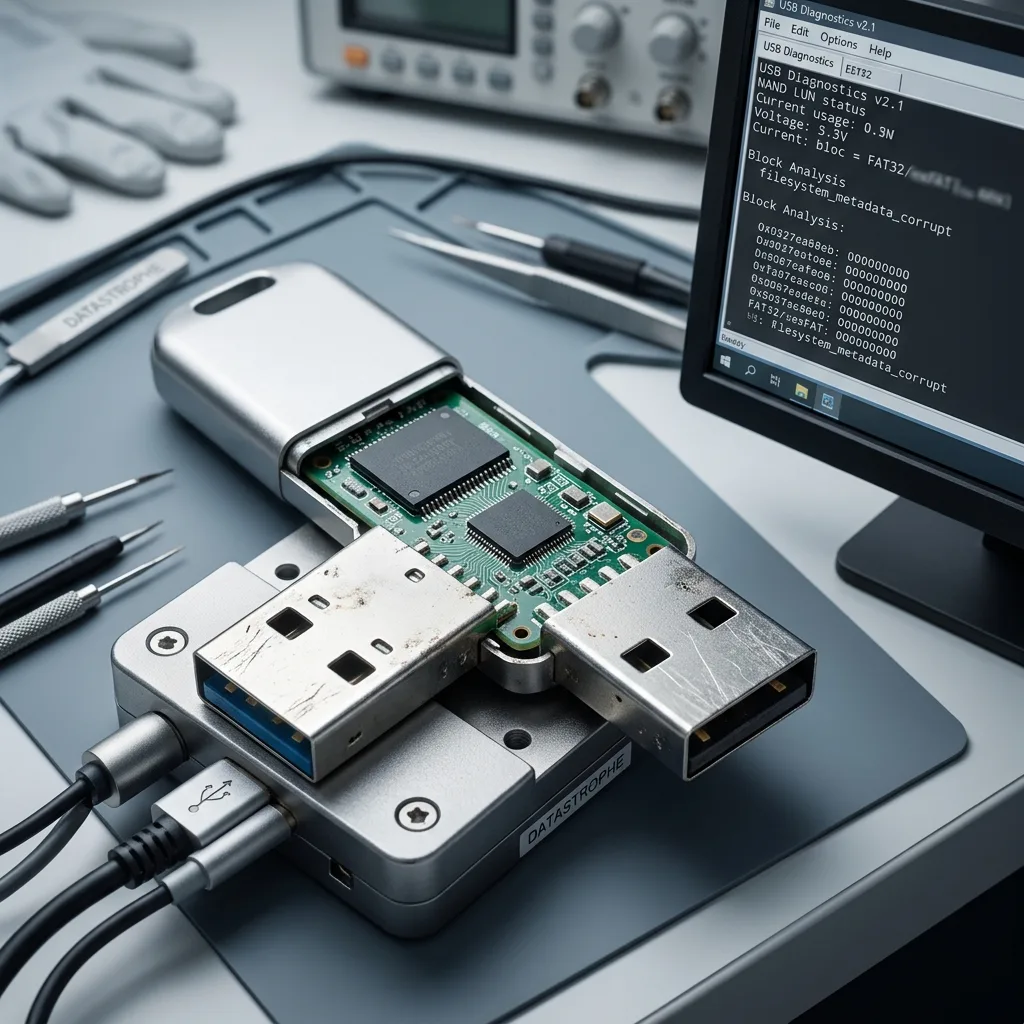
A physical fault may affect the connector, solder joints, controller or flash memory. The drive may become hot, disappear, fail to power up or change capacity. Logical corruption is more likely to affect the file table, FAT32 or exFAT system, folders and metadata.
The distinction matters. A physically unstable drive shouldn't be scanned repeatedly, while a logically corrupted one shouldn't be formatted merely to make it readable again. In either case, preserve its current state before acting.
Symptoms guide the diagnosis: repeated connection sounds, a format request, shortcut files, empty folders, a stalled copy, inconsistent capacity or extreme slowness. Each points towards the affected layer.
Check whether recognition is stable. A drive that appears and vanishes may have a physical problem; one that remains present but unreadable may primarily have logical damage. The read method and degree of risk differ accordingly.
A reported capacity of zero, an inconsistent size or an unfamiliar volume name may indicate something deeper than a deleted folder. Conversely, a visible folder structure with a few corrupt files may support a targeted logical reconstruction.

Diagnostic assessment
Avoiding actions that worsen the loss
Formatting is the most common trap. It can create a clean structure and make the drive look repaired, but it changes the device. An automatic repair may also move fragments, delete entries or create incomplete recovered files.
Don't reuse the drive after the incident. Every new document may occupy space that still holds the required files. Avoid running several repair or recovery utilities too, as they can multiply reads and may write their results to the source.
Instead, record the context: last computer used, files copied, message shown, Windows or macOS version, drive capacity and actions already attempted. This helps determine whether removal, corruption or physical instability caused the loss.
Accessible files can be copied to healthy media, provided that blocked files aren't forced. Repeated stalls may identify an unstable area. Preservation then takes priority over trying to copy everything through the file browser.

Diagnostic assessment
How to prevent loss in public places
Prevention begins with duplication. A shared USB flash drive must not be the only location of an important document. Keep another copy, confirm that the file opens after copying and remove the drive only once all writing has finished.
Avoid working directly on files stored on the drive when using a public computer. Copy the document locally, edit it, then transfer the final version back. This can't remove every risk, but reduces interrupted writes during editing.
Monitor the physical connector as well. Replace a drive that is bent, loose or recognised only at one angle. Continuing to use it increases the risk of sudden failure.
One rule works well in a shared setting: the drive is for transport, not sole storage. Important files should exist elsewhere before they are opened on a public computer. Close the file and allow all copying to finish before removal.
Diagnostic assessment
Relating the case to USB flash drive recovery
If the drive no longer mounts, requests formatting or has missing files, USB flash drive data recovery explains the assessment process. The relevant context remains its use on shared systems.
USB flash drives used in schools, libraries or at tills face the same practical risks: repeated handling, interrupted writes and file-system corruption. Record where the drive was used and stop all further writes.
A shared drive may still contain data that the operating system no longer displays. Don't write to it or format it; prepare the information needed for examination instead.
Protect the device physically for transport, avoid touching a fragile connector and state whether it was inserted into other computers after the incident. This chronology helps assess possible writes and the prospect of finding priority files.
Include the extensions required, approximate file dates and the last computer used. A USB flash drive may hold many old fragments; these reference points separate useful documents from irrelevant traces.
Diagnostic assessment
Primary Technical References And Limits
Reference scope — flash drive data loss risk guide: For shared USB flash drive data loss risk guide, the primary references used are NIST SP 800-86. Physical evidence — flash drive data loss risk guide: They define the relevant preservation, storage or validation concepts, but they cannot establish the exact physical condition, controller state, key availability or business consistency of the device received. Controller evidence — flash drive data loss risk guide: Those points require measurements on the original set and verification on copies.
Diagnostic assessment
Arrange A Controlled Assessment
Complete set — flash drive data loss risk guide: For a technical assessment of shared USB flash drive data loss risk guide, provide the complete device or storage set, its associated power and interface parts, the symptom timeline and the priority records. Incident history — flash drive data loss risk guide: Keep member order, labels and authorised credentials separate from the parcel paperwork; do not restart the source merely to obtain a new screenshot.
Laboratory responsibility — flash drive data loss risk guide: Datastrophe performs the diagnosis, integrity checks and recovery directly in its own laboratory with its own team. Free assessment — flash drive data loss risk guide: Diagnosis and the quote are free. Transport boundary — flash drive data loss risk guide: Return courier transport is included; the carrier moves only the sealed parcel and neither accesses nor processes its data.
Controlled list — flash drive data loss risk guide: Before any payment, the client receives the proposed price and a checked list. Verification classes — flash drive data loss risk guide: Each item is classified, in order, as recoverable_verified, partial, detected_unverified or unrecoverable. Payment trigger — flash drive data loss risk guide: Only recoverable_verified items whose contents were checked and found usable are presented as recoverable. No-result rule — flash drive data loss risk guide: Payment is due only after the client accepts both the list and the price.
No-result rule — flash drive data loss risk guide: If no usable data is verified, recovery fails, or the client declines the list or price, no standard fee is payable. Rare-part exception — flash drive data loss risk guide: The only exception is a rare, costly and non-refundable part, which may be ordered only after a separate, explicit and priced proposal has been accepted.