
Diagnostic assessment
Match The Drive To Its Real Use
An inexpensive USB drive is not automatically unfit for purpose. It can carry a temporary copy or an unimportant file perfectly well; the risk changes when it becomes the only home for documents, photographs, accounts exports, client folders or production work.
Problems arise when actual use exceeds the role for which the device was chosen. A promotional drive, bulk purchase or model selected only by advertised capacity can end up holding unique data worth far more than the hardware.
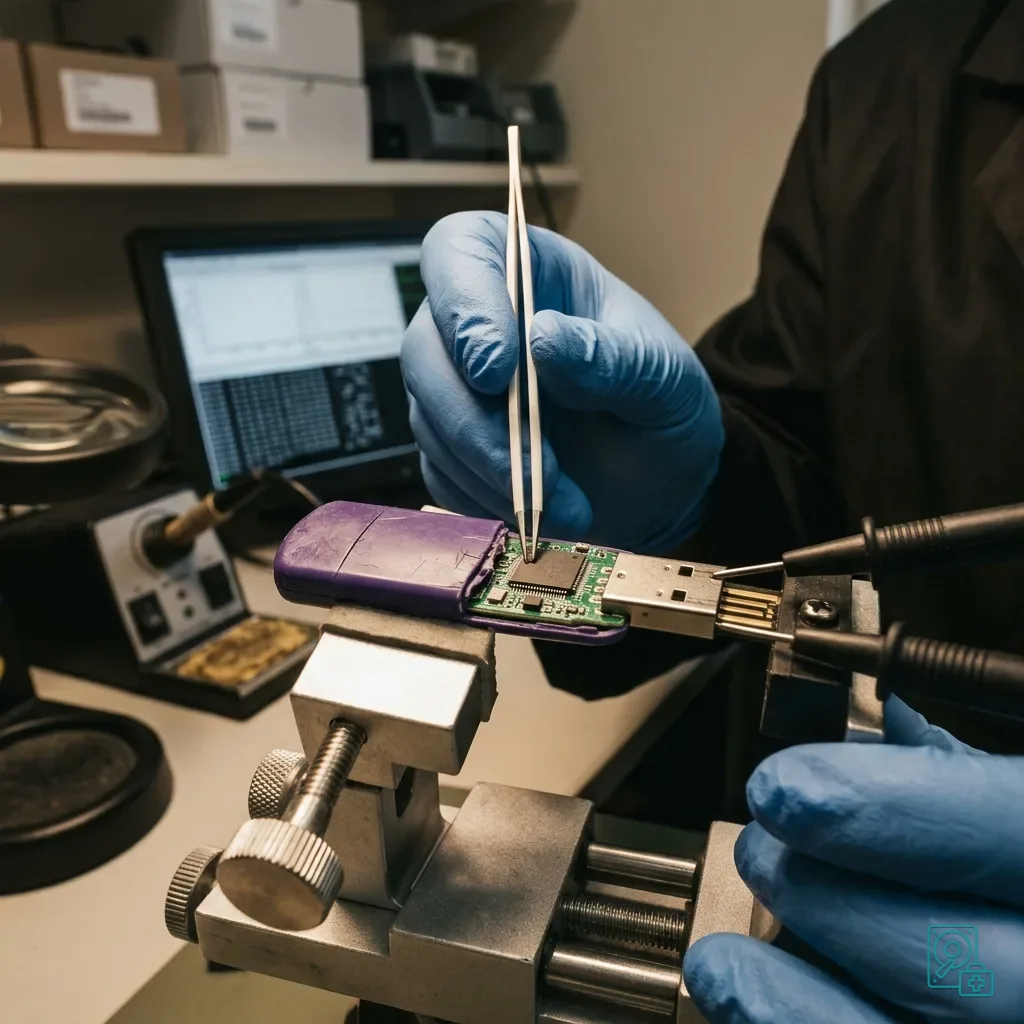
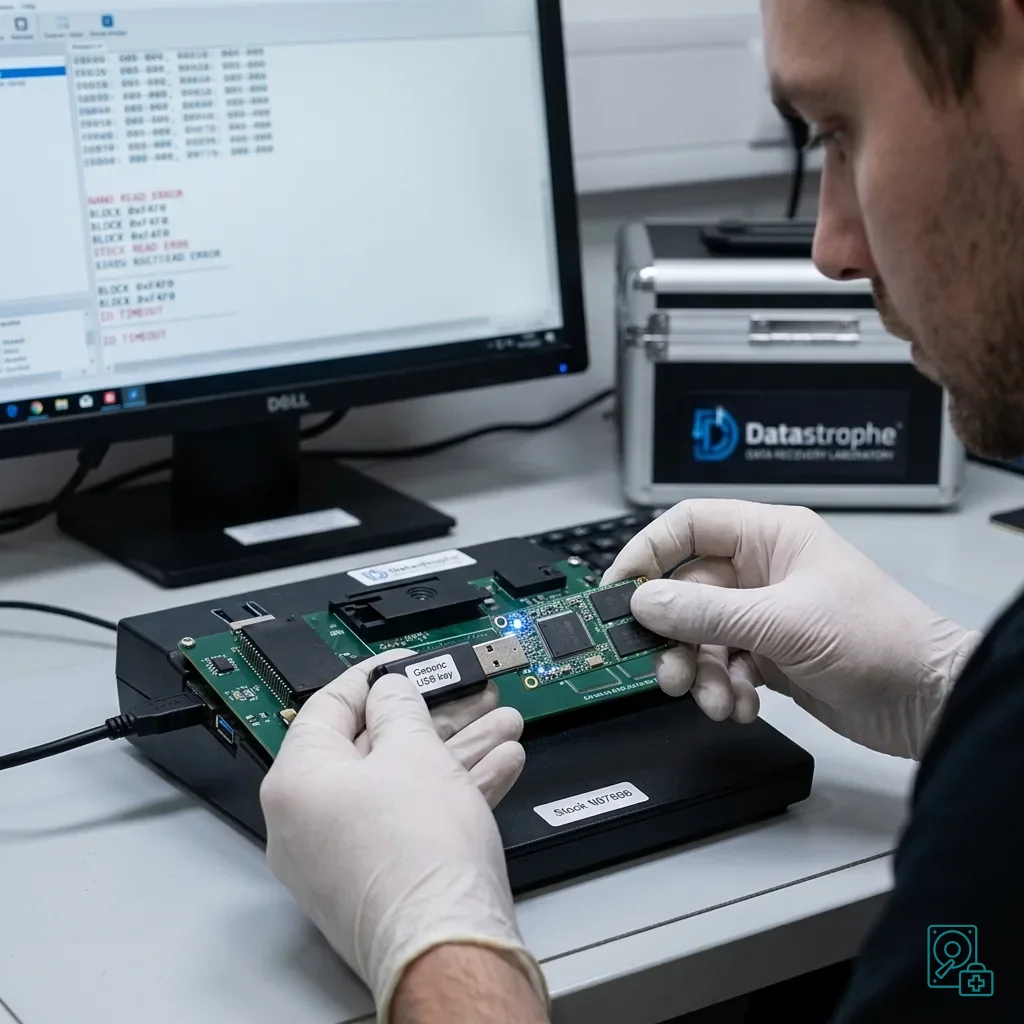
USB flash drive data recovery outlines the service process. The practical issue here is how flash memory, controllers, connectors and handling make losses on low-cost media harder to manage.
Weak media may operate normally for months before showing an abrupt change. A format prompt, false capacity, stalled transfer or intermittent detection should end further writes and informal testing.
Many drives arrive with no useful purchase or usage history. Media supplied with equipment, collected at an event or taken from a drawer should be treated as unverified before important information is placed on it.
Diagnostic assessment
Look Beyond The Stated Capacity
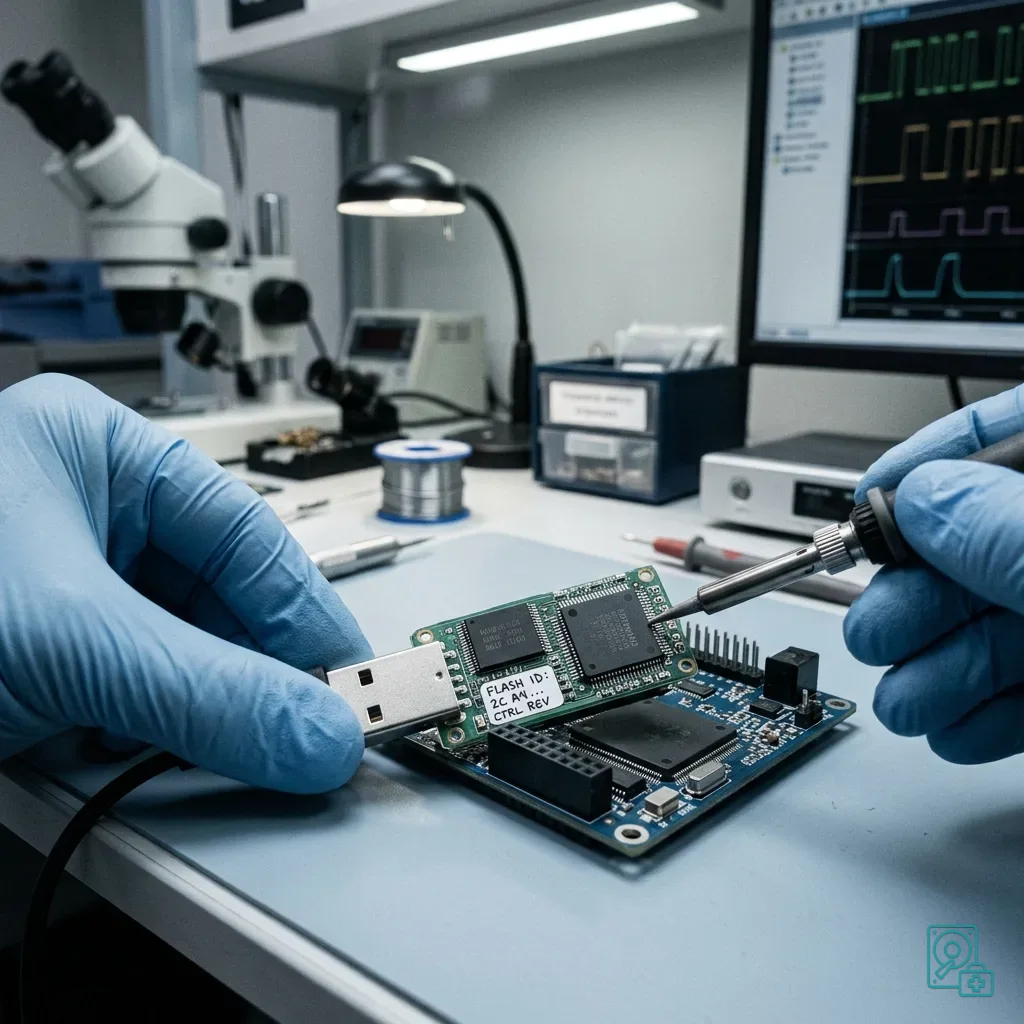
Every USB drive relies on both flash memory and a controller that manages writing, error correction and block access. Controller instability can make files disappear even while the device still powers on.
Flash cells have finite endurance, and low-cost products may combine less robust memory with basic error management. Those differences are hidden by the casing, so equal advertised capacities do not imply equal reliability.
Be wary of implausibly generous or inconsistent size claims. Some media expose more logical space than their real memory supports, with corruption becoming obvious only after a substantial amount has been written.
Mechanical quality matters too. A light casing, loose plug or constant movement between computers can interrupt a write and turn a straightforward transfer problem into logical damage.
Stress reveals controller quality more clearly than a quick first copy. A nearly full device, thousands of small files, prolonged transfer or unstable port may expose errors that an empty-volume test misses.
Diagnostic assessment
Limit Working Writes On Removable Media
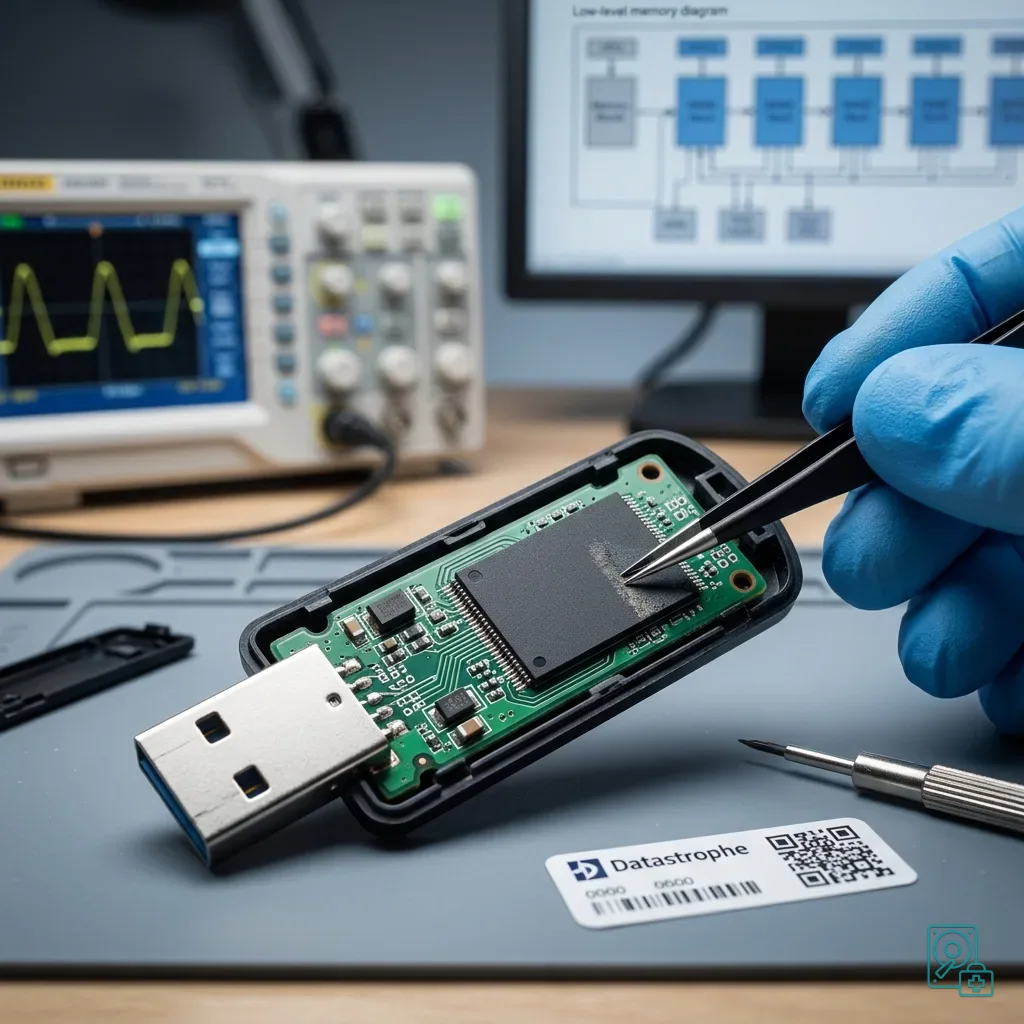
Using a budget USB as working storage creates frequent writes through direct editing, overwritten exports, quick backups and successive versions. That load differs greatly from carrying an occasional copy.
Interrupted writes are especially hazardous. Premature removal, a loss of port power or a disconnect during transfer can leave volume structures inconsistent and produce empty folders or a format request.
Do not accept automatic repair while valuable files remain only on the drive. Repair may rewrite logical structures and improve the display while removing information useful for reconstruction.
USB drives carried between locations adds daily transport and repeated connection to the risk. Cheap media are more exposed when plugged in everywhere without an independent copy.
Opening documents directly from the USB creates another failure path. A spreadsheet, database or report may be rewritten several times, and a disconnect during save can damage the latest version.
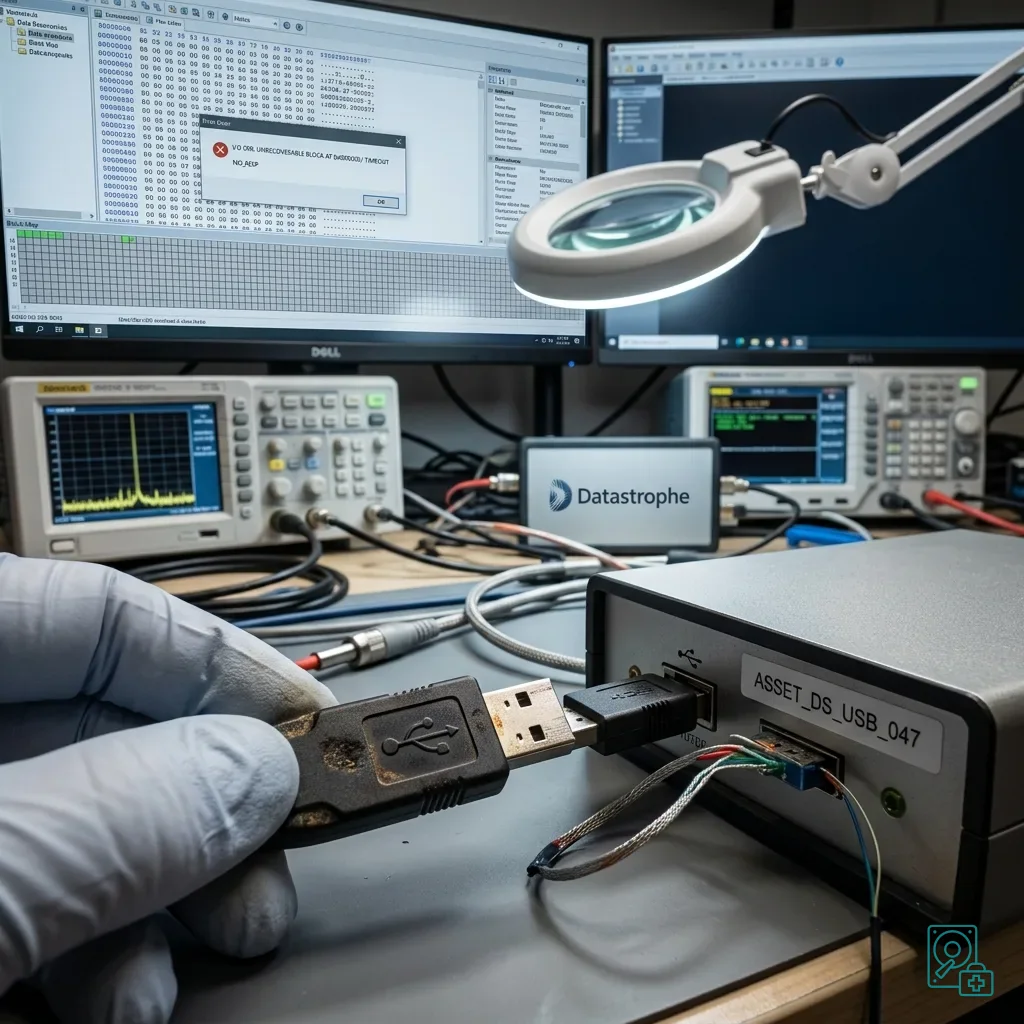
Diagnostic assessment
Act On The First Warning Sign
Take sudden slowness, stalled transfers, renamed files, changing capacity, heat, read errors, format requests and intermittent detection seriously. Writing another test file is the wrong response.
When some content remains visible, decide what matters before copying. An attempt to read the entire device can stall on damaged areas and delay access to the essential folders.
Check any backup before erasing or replacing the USB. Automated copies may omit the newest directory, repeat an already corrupt file or depend on the same removable medium.
Datastrophe evaluates the device in its actual condition. Depending on the fault, the first technical priority may be stable access, controlled imaging or reconstruction of the logical organisation.
Retain the USB even when its folders look empty. Missing directory entries do not prove that every useful block is gone, just as a visible file list does not prove that content is intact.
Brand and printed capacity cannot settle the question. Observed reading behaviour and verified file integrity provide stronger evidence.
Diagnostic assessment
Use A USB Drive For Transfer, Not As The Only Archive
The practical rule is straightforward: a budget USB may transport a copy, but important files must also exist on separate storage or in a verified backup.
Test new media before a critical handover by copying representative files, reading them back and checking their sizes and contents. Do not fill an untested drive for the first time on a deadline.
Retire any USB that has shown a format prompt, capacity shift or read error. Recovering its contents does not make the failed hardware dependable again.
Sound practice combines appropriate media, an independent copy, correct ejection and healthy scepticism about advertised capacity. Reliability is demonstrated by verified data, not by the number printed on the casing.
Diagnostic assessment
Primary Technical References And Limits
Reference scope — USB drive data risks: For budget USB drive data risks, the primary references used are NIST SP 800-86. Physical evidence — USB drive data risks: They define the relevant preservation, storage or validation concepts, but they cannot establish the exact physical condition, controller state, key availability or business consistency of the device received. Controller evidence — USB drive data risks: Those points require measurements on the original set and verification on copies.
Diagnostic assessment
Arrange A Controlled Assessment
Complete set — USB drive data risks: For a technical assessment of budget USB drive data risks, provide the complete device or storage set, its associated power and interface parts, the symptom timeline and the priority records. Incident history — USB drive data risks: Keep member order, labels and authorised credentials separate from the parcel paperwork; do not restart the source merely to obtain a new screenshot.
Laboratory responsibility — USB drive data risks: Datastrophe performs the diagnosis, integrity checks and recovery directly in its own laboratory with its own team. Free assessment — USB drive data risks: Diagnosis and the quote are free. Transport boundary — USB drive data risks: Return courier transport is included; the carrier moves only the sealed parcel and neither accesses nor processes its data.
Controlled list — USB drive data risks: Before any payment, the client receives the proposed price and a checked list. Verification classes — USB drive data risks: Each item is classified, in order, as recoverable_verified, partial, detected_unverified or unrecoverable. Payment trigger — USB drive data risks: Only recoverable_verified items whose contents were checked and found usable are presented as recoverable. No-result rule — USB drive data risks: Payment is due only after the client accepts both the list and the price.
No-result rule — USB drive data risks: If no usable data is verified, recovery fails, or the client declines the list or price, no standard fee is payable. Rare-part exception — USB drive data risks: The only exception is a rare, costly and non-refundable part, which may be ordered only after a separate, explicit and priced proposal has been accepted.