

Diagnostic assessment
How optical media change recovery
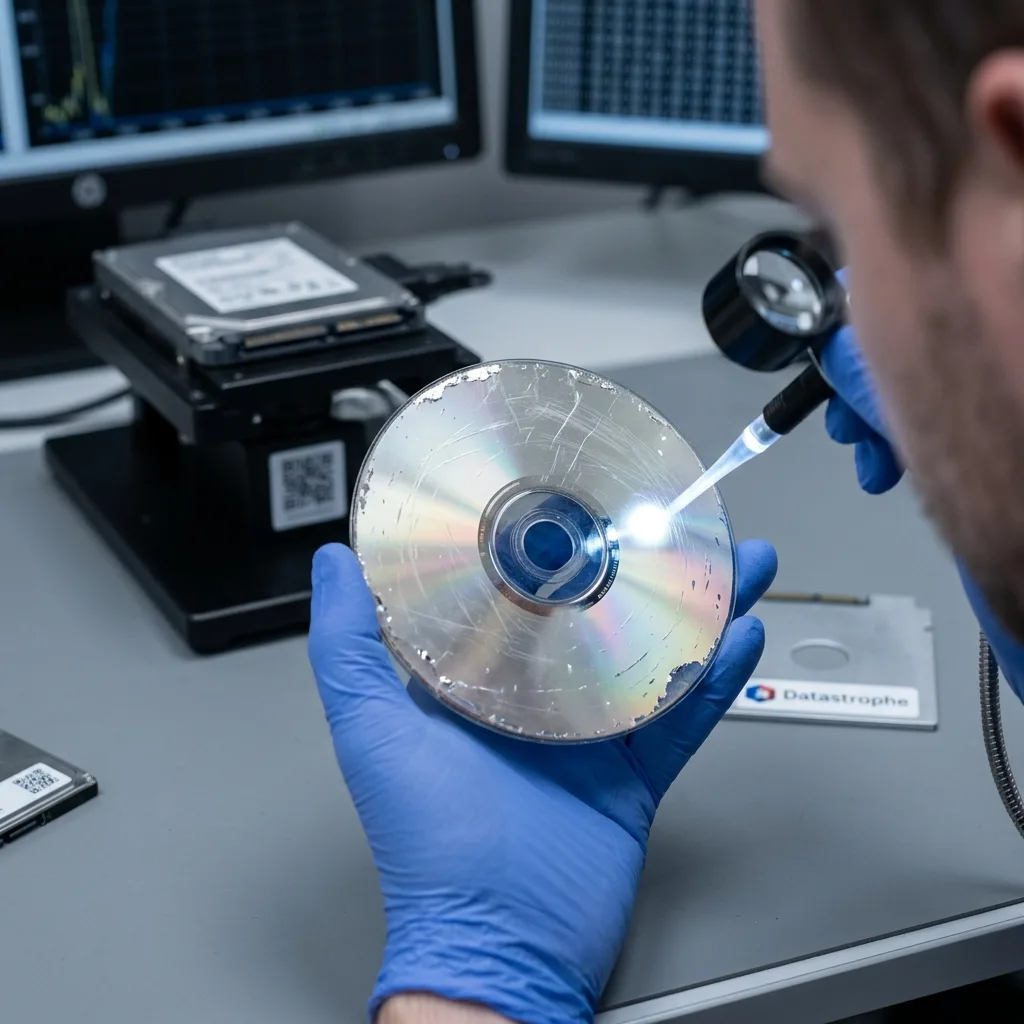
A CD, DVD or Blu-ray disc stores data very differently from a hard drive, SSD or USB flash drive. There is no internal mechanism to stabilise, but the read surface, data layer and optical conditions must remain good enough for a drive to interpret the information.
That difference changes the appropriate response. An unreadable optical disc shouldn't be treated like an ordinary computer volume. The central question is whether a drive can obtain a consistent read despite scratches, dirt, distortion or age-related degradation.
Recordable discs are often more sensitive than pressed discs. The quality of the medium, storage conditions, recording speed and elapsed time may all influence readability. A disc kept in heat, humidity or light can deteriorate without visible impact.
The content matters as well. A disc of photographs, an administrative archive, an old video and a business export require different validation. Some formats tolerate small defects, while others fail completely when one segment is missing. Recovery should target useful files rather than only produce a raw copy of the disc.
Differences between hard drive and optical media recovery compares these storage families. This article concentrates on damaged optical media and the decisions to take before attempting repeated reads.
Diagnostic assessment
Distinguishing scratches, layer damage and distortion
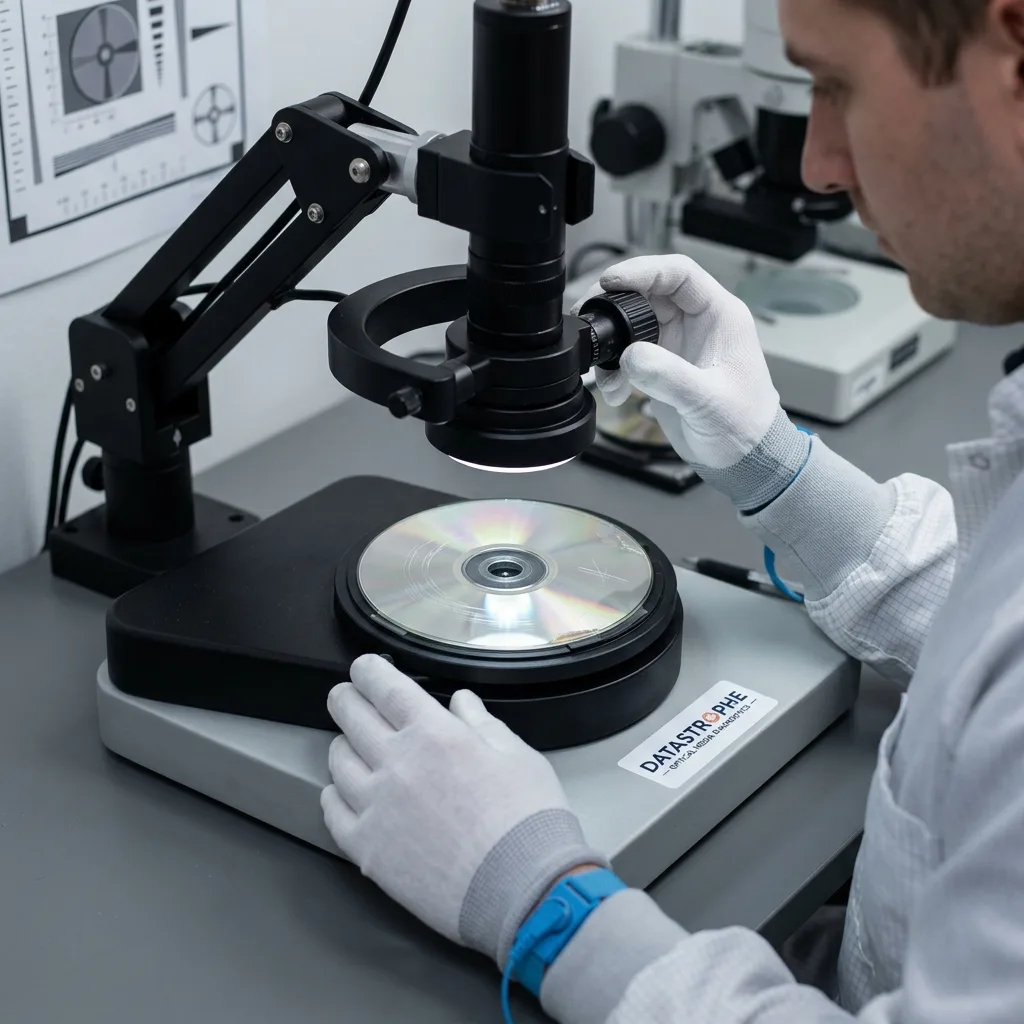
Not all scratches have the same effect. Shallow marks on the reading side may disrupt the laser, but some can be tolerated depending on their direction and depth. A circular scratch can be more serious than a radial one because it follows more of the read path.
The data layer must remain protected. On some discs, damage to the label side is more serious than a visible scratch on the reading side. If the reflective layer is torn away, oxidised or punctured, data in that area may be lost. A disc that merely looks scratched can therefore conceal a much harder limit.
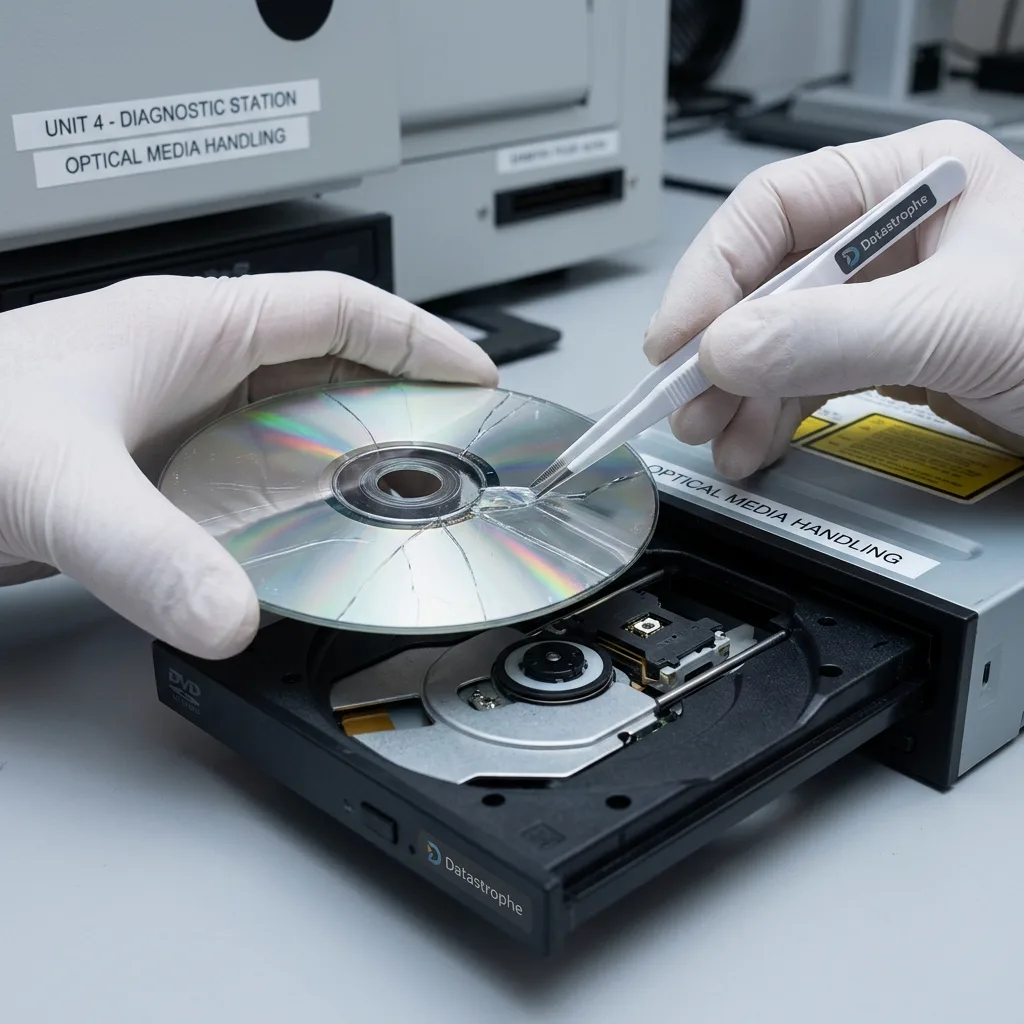
Distortion matters too. A warped, cracked or heat-damaged disc may no longer spin or focus correctly. Persisting with a high-speed drive can extend a crack, unbalance the rotation or make reading less stable.
Storage conditions often provide clues. A disc kept in an abrasive sleeve, broken case, hot vehicle or damp cellar may suffer from several defects at once. Visible marks then tell only part of the story; the data layer may have aged without obvious signs.
The diagnostic assessment should begin with observation. Gently removing dust is very different from polishing, heating, bending or scraping the disc. Heavy mechanical treatment can turn local damage into a permanent loss.
Diagnostic assessment
Limiting reads that cause further damage
When an optical disc is unstable, trying it in several drives may seem reasonable. Yet every high-speed read adds stress through rotation, vibration, heat, friction on an already warped disc or the risk of a crack extending.
Avoid copy processes that loop for hours with no clear method. A stalled read may keep stressing the same area without producing usable results. A cracked or severely distorted disc may also damage the drive.
Reading and copying software can't change the physical condition of the disc. Applications may handle errors differently, but they can't recreate a missing data layer. Recovery must distinguish difficult reading from irreversible physical loss.
One cautious attempt may provide useful information, but it shouldn't become a series of uncontrolled tests. Record the drive used, error message, point at which copying stops and any abnormal sound or vibration. These details help decide whether to continue or stop.
The principle is the same as for damaged physical storage: preserve the original, document symptoms and seek a controlled read instead of a succession of unrecorded attempts.
Diagnostic assessment
What recovery can provide
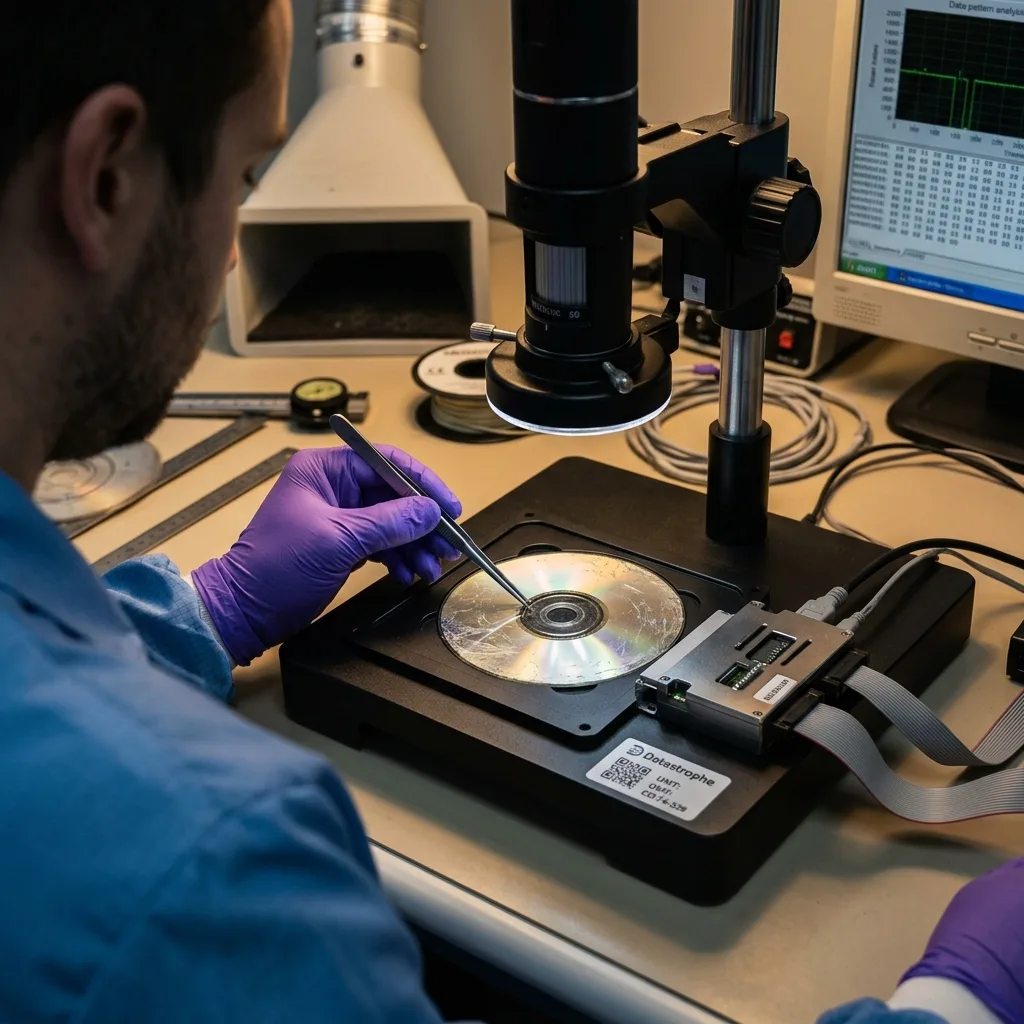
Recovery from an optical disc can produce several outcomes. The disc may be read completely, partly or only in particular areas. Files may open, remain incomplete or contain errors that aren't immediately visible. Validation must examine the content, not just the file list.
Video, image, archive and document formats respond differently to errors. A video may remain partly playable, an archive may fail to open, a document may lose components and an image may show corrupted areas. Results should be described against their intended use.
Metadata may also be missing. Filenames, dates, folder structure or recording sessions can become inconsistent. Content-based recovery may find files without restoring their original organisation.
Multisession discs add another difficulty. Data may be spread across several sessions while the final table has become unreadable. An older session may remain accessible when a recent one fails, or the reverse. The result should identify which period or session could be used.
A responsible assessment states the limits: unreadable areas, partial files, checksum errors or unusable sessions. This transparency prevents copied volume from being confused with genuinely usable data.
Diagnostic assessment
Deciding when to preserve or migrate
Optical media often have archival value. They may contain old photographs, videos, administrative files, business exports or historical backups. While a disc remains readable, migrate its data to more suitable storage and verify that the files open.
Migration shouldn't wait for the first symptoms. A disc that has become difficult to read may grow far less stable. Important archives should be copied, checked and duplicated across separate storage devices.
Avoid improvised repairs once the medium is damaged. Document its condition, protect the disc, identify priority files and seek advice before any physical lab work.
Datastrophe treats optical media as cases with clear limits. Recovery may be possible, but depends on the surface, data layer and integrity of the resulting files. The useful outcome isn't a "repaired" disc; it is checked data migrated to healthy storage.
After migration, retain a separate readable copy. An ageing optical disc shouldn't become the sole archive again. Recovered files need to be opened, renamed where necessary, organised into an understandable folder structure and duplicated on current storage with a verified backup.
Diagnostic assessment
Primary Technical References And Limits
Reference scope — optical media recovery limitations: For damaged optical media recovery limitations, the primary references used are NIST SP 800-86. Physical evidence — optical media recovery limitations: They define the relevant preservation, storage or validation concepts, but they cannot establish the exact physical condition, controller state, key availability or business consistency of the device received. Controller evidence — optical media recovery limitations: Those points require measurements on the original set and verification on copies.
Diagnostic assessment
Arrange A Controlled Assessment
Complete set — optical media recovery limitations: For a technical assessment of damaged optical media recovery limitations, provide the complete device or storage set, its associated power and interface parts, the symptom timeline and the priority records. Incident history — optical media recovery limitations: Keep member order, labels and authorised credentials separate from the parcel paperwork; do not restart the source merely to obtain a new screenshot.
Laboratory responsibility — optical media recovery limitations: Datastrophe performs the diagnosis, integrity checks and recovery directly in its own laboratory with its own team. Free assessment — optical media recovery limitations: Diagnosis and the quote are free. Transport boundary — optical media recovery limitations: Return courier transport is included; the carrier moves only the sealed parcel and neither accesses nor processes its data.
Controlled list — optical media recovery limitations: Before any payment, the client receives the proposed price and a checked list. Verification classes — optical media recovery limitations: Each item is classified, in order, as recoverable_verified, partial, detected_unverified or unrecoverable. Payment trigger — optical media recovery limitations: Only recoverable_verified items whose contents were checked and found usable are presented as recoverable. No-result rule — optical media recovery limitations: Payment is due only after the client accepts both the list and the price.
No-result rule — optical media recovery limitations: If no usable data is verified, recovery fails, or the client declines the list or price, no standard fee is payable. Rare-part exception — optical media recovery limitations: The only exception is a rare, costly and non-refundable part, which may be ordered only after a separate, explicit and priced proposal has been accepted.