
Diagnostic assessment
Understanding loop recording
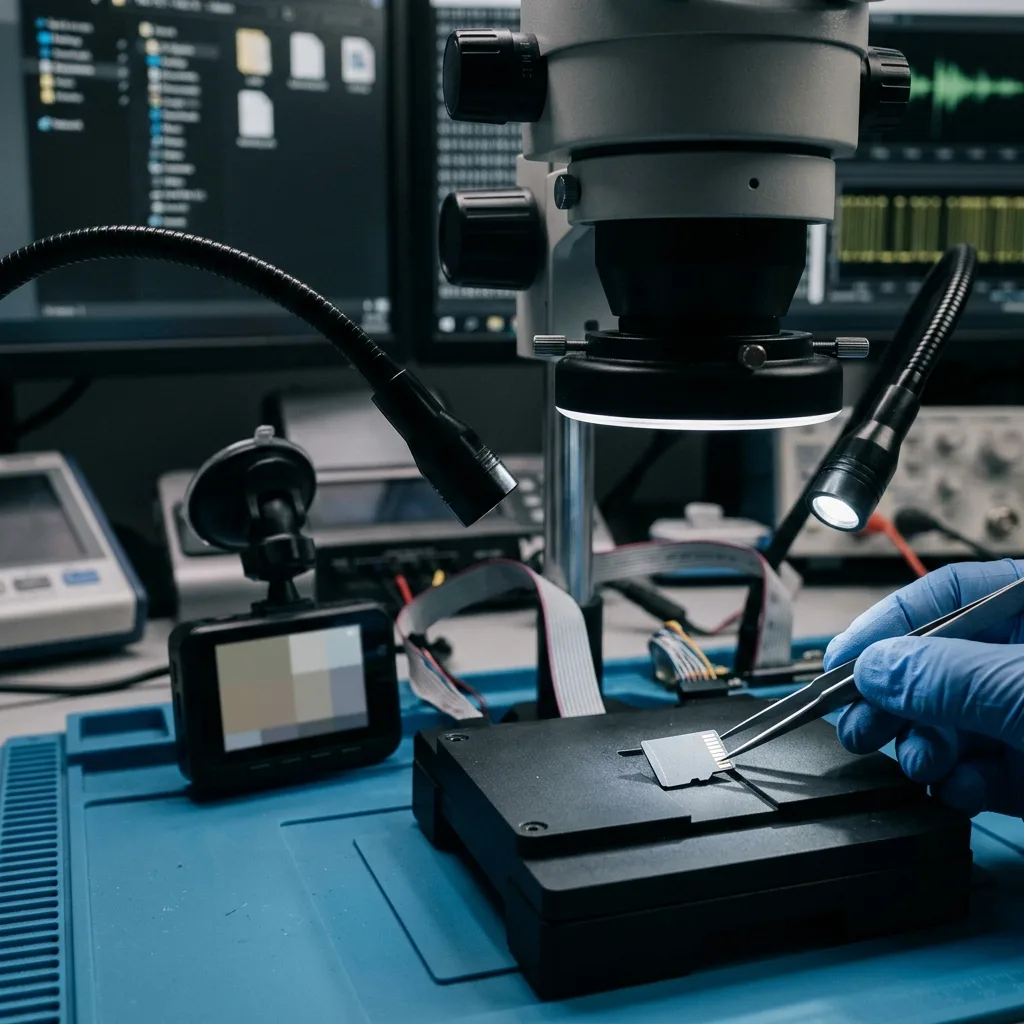
A dashcam records continuously. A dashcam card left in a parked vehicle can face high cabin temperatures; once footage matters, remove it before loop recording resumes. It splits video into sequences and progressively overwrites the oldest ones to avoid filling the card. That behaviour is normal, but it strongly changes the recovery logic.
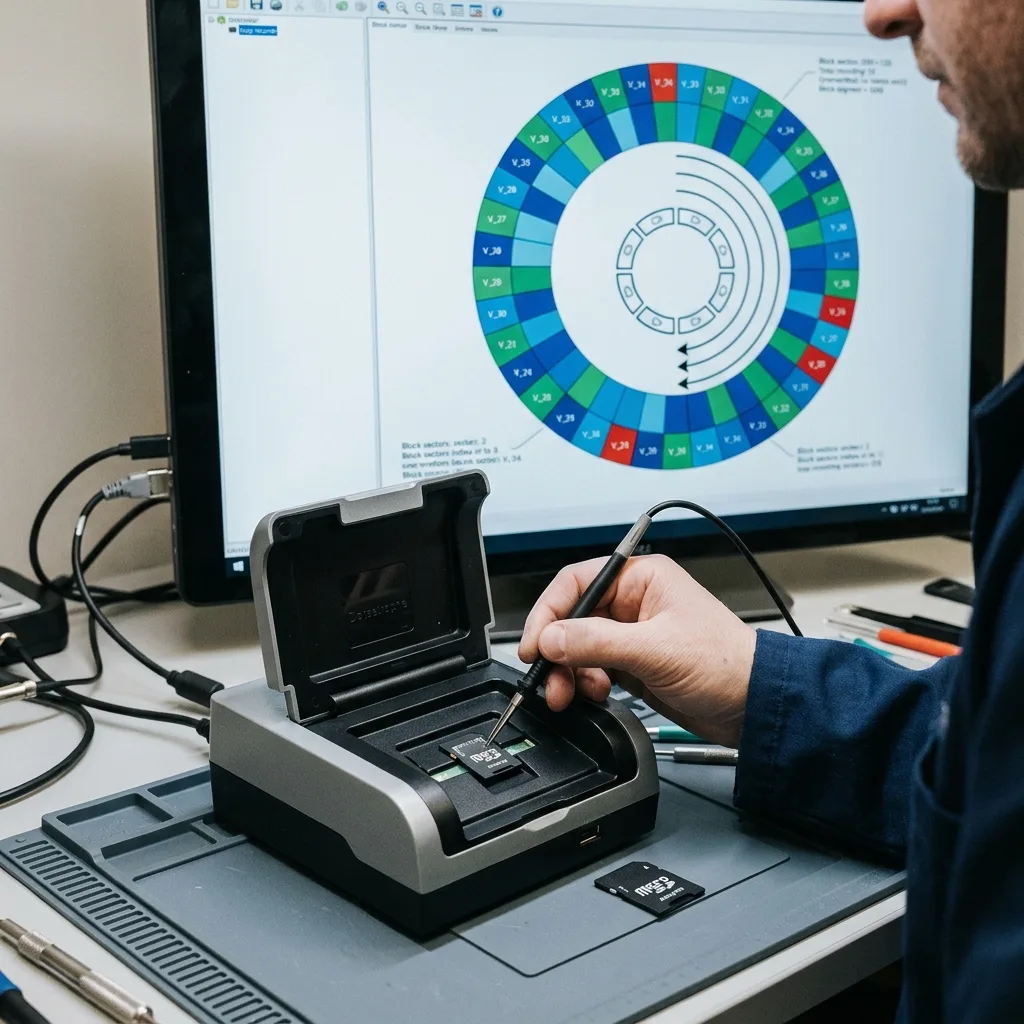
When a sequence is missing, it may have been deleted, corrupted or already replaced by a newer video. The first question is therefore not just whether the card works, but whether recording continued after the event being sought.
If the dashcam stays powered, it can write new sequences, generate indexes, update metadata or format temporary files. Every minute of use can limit the chance of finding a precise video.
The right reflex is to remove the card once the incident is pinpointed, then not put it back in the device. Video data recovery commonly depends on that first decision.

Diagnostic assessment
How to pinpoint in-car constraints
A dashcam memory card works in a demanding environment. The cabin can become very hot, vibration is frequent, power can be cut abruptly and the card is stressed by repeated writes. These conditions accelerate wear.
microSD cards don't all have the same endurance. A card used for continuous video can reach its limits faster than a card used for occasional photos. When flash memory weakens, errors may appear as unreadable files, missing sequences or a format prompt.
Power outages also matter. The current sequence or video index may remain inconsistent if the vehicle stops while writing. The card isn't necessarily empty, but the dashcam reader or application may no longer find the files.
This context separates a dashcam from a standard 4K camera or CCTV camera. Loop recording, heat and the search for a precise time window require a targeted strategy.
Diagnostic assessment
How to retain the card after an event
After a collision, near miss or event that needs to be documented, the dashcam shouldn't be kept in use just to confirm the sequence. Merely restarting the device may restart recording and overwrite the period being sought.
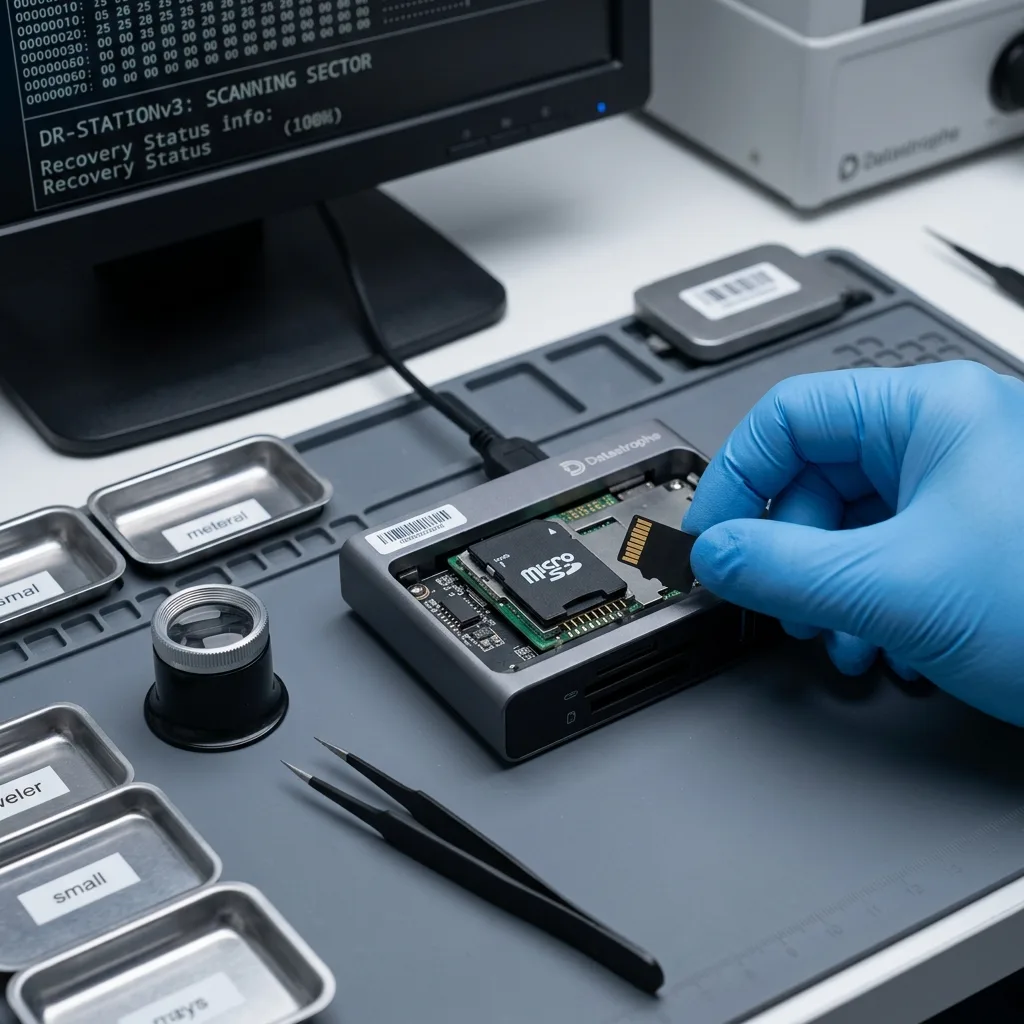
The card should be removed, physically protected and not formatted. If a computer offers to repair the card, refuse until the videos have been copied or evaluated. An automatic repair can change indexes.
The card must be read carefully. A simple copy may be enough if it is stable, but a slow, disconnecting or unreadable card should be treated as a fragile device. Insisting through the file explorer can multiply errors.
Memory card data recovery describes how SD and microSD cards are handled. The key issue here still requires retaining a precise video window.
Diagnostic assessment
Telling a visible file from a usable sequence
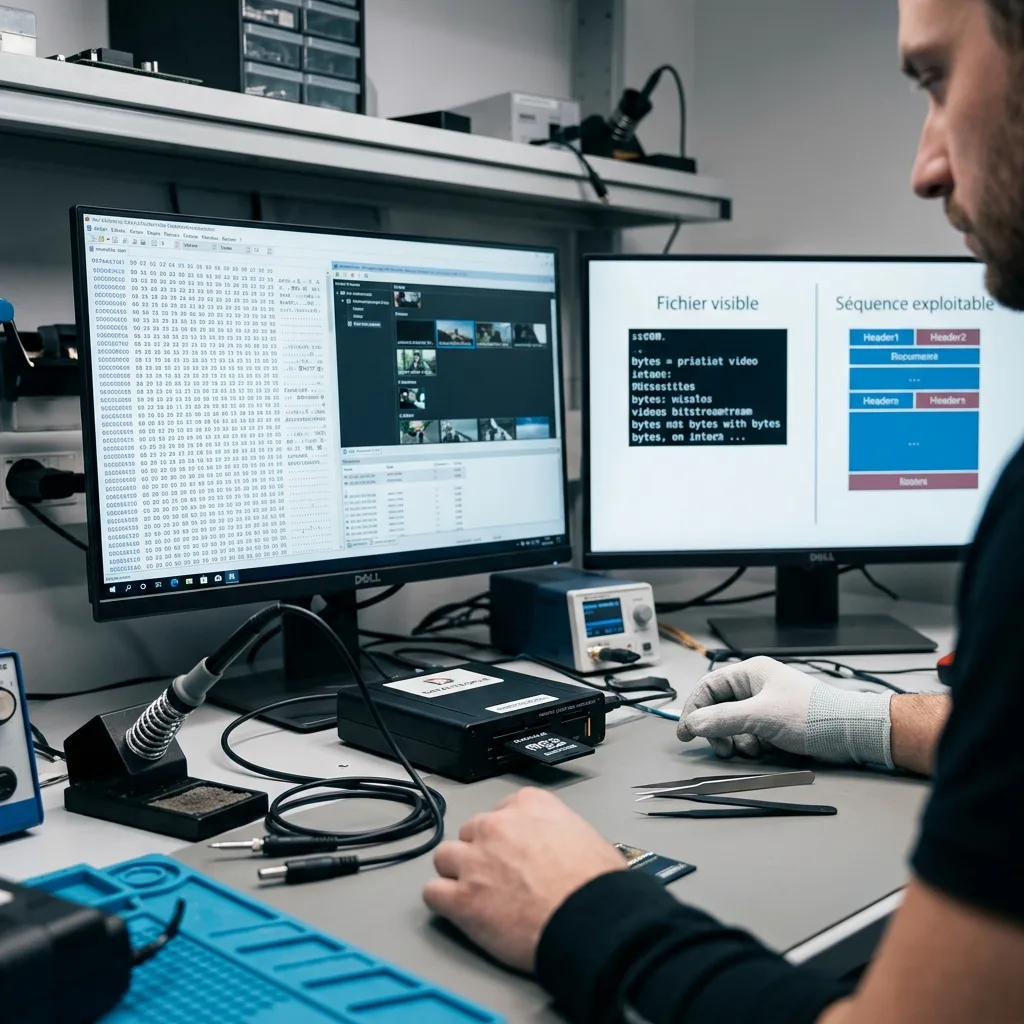
A card can show video files without the sequence being usable. The file may be incomplete, lack an index, stop too early or be partially overwritten. Conversely, video fragments may exist without appearing in the folder structure.
Recovery must therefore look for coherence, not just the presence of a file. The period, duration, opening, playback and sequence integrity need to be confirmed. A recovered video that freezes or lacks a usable ending should be reported as partial.
Video formats can make handover more complex. Some dashcams generate proprietary files, separate indexes or GPS metadata. The practical sequence may depend on several elements, especially if it is meant to document an event.
Overwriting must also be considered. If the card continued recording for several hours or days, some areas may have been replaced. The assessment should describe this clearly rather than promise complete restoration.
Diagnostic assessment
How to prevent loss without making the system unusable
Prevention is based on three habits: use a card suitable for continuous recording, regularly confirm that videos open, and keep an immediate copy of crucial sequences. A dashcam shouldn't be treated as a durable archive.
A heavily used card should be replaced periodically, especially if the dashcam runs every day. Early warning signs include format prompts, missing sequences, restarts or files that no longer play.
After a crucial event, recording should be stopped, the card removed and files copied to healthy storage. If the copy stalls or the card asks for repair, stop and prepare it for examination.
A dashcam card may still contain usable data even if the camera no longer lists it. But that possibility depends heavily on later writes. The sooner the card is retained, the better the analysis can distinguish deleted video, corrupted file and truly overwritten sequence.
The device and settings information should also be kept when available. Segment length, resolution, timestamping, GPS activation or parking mode can help describe file order and the period being sought. A card alone can be analysed, but context reduces ambiguity.
The handover should be shaped by the intended use. For a personal memory, a partial video may be enough. To document an incident, the time, continuity, readability and any cuts must be stated. This distinction avoids presenting a fragment as complete evidence when it covers only part of the scene.
Several cards should stay separate and labelled when they have been used in the same vehicle. Mixing cards or copying files into the same folder can blur the timeline. A simple card-by-card organisation helps confirm whether the sequence was recorded, deleted or overwritten.
It is also practical to note whether the dashcam was moved, reset or used with another card after the incident. These details can describe timestamp gaps, unusual file names or numbering that starts again. Video recovery commonly depends on this fine chronology.
Finally, a card used for a dashcam shouldn't then become an ordinary transfer device. Copying other documents onto it after the event can replace fragments that may still be recoverable. Once a sequence matters, the card should become an item to retain, not available storage space.
Diagnostic assessment
Primary Technical References And Limits
Reference scope — dashcam memory card data loss prevention: For dashcam memory card data loss prevention guide, the primary references used are www.onvif.org. Physical evidence — dashcam memory card data loss prevention: They define the relevant preservation, storage or validation concepts, but they cannot establish the exact physical condition, controller state, key availability or business consistency of the device received. Controller evidence — dashcam memory card data loss prevention: Those points require measurements on the original set and verification on copies.
Diagnostic assessment
Arrange A Controlled Assessment
Complete set — dashcam memory card data loss prevention: For a technical assessment of dashcam memory card data loss prevention guide, provide the complete device or storage set, its associated power and interface parts, the symptom timeline and the priority records. Incident history — dashcam memory card data loss prevention: Keep member order, labels and authorised credentials separate from the parcel paperwork; do not restart the source merely to obtain a new screenshot.
Laboratory responsibility — dashcam memory card data loss prevention: Datastrophe performs the diagnosis, integrity checks and recovery directly in its own laboratory with its own team. Free assessment — dashcam memory card data loss prevention: Diagnosis and the quote are free. Transport boundary — dashcam memory card data loss prevention: Return courier transport is included; the carrier moves only the sealed parcel and neither accesses nor processes its data.
Controlled list — dashcam memory card data loss prevention: Before any payment, the client receives the proposed price and a checked list. Verification classes — dashcam memory card data loss prevention: Each item is classified, in order, as recoverable_verified, partial, detected_unverified or unrecoverable. Payment trigger — dashcam memory card data loss prevention: Only recoverable_verified items whose contents were checked and found usable are presented as recoverable. No-result rule — dashcam memory card data loss prevention: Payment is due only after the client accepts both the list and the price.
No-result rule — dashcam memory card data loss prevention: If no usable data is verified, recovery fails, or the client declines the list or price, no standard fee is payable. Rare-part exception — dashcam memory card data loss prevention: The only exception is a rare, costly and non-refundable part, which may be ordered only after a separate, explicit and priced proposal has been accepted.