
Diagnostic assessment
Understanding damage after a fire
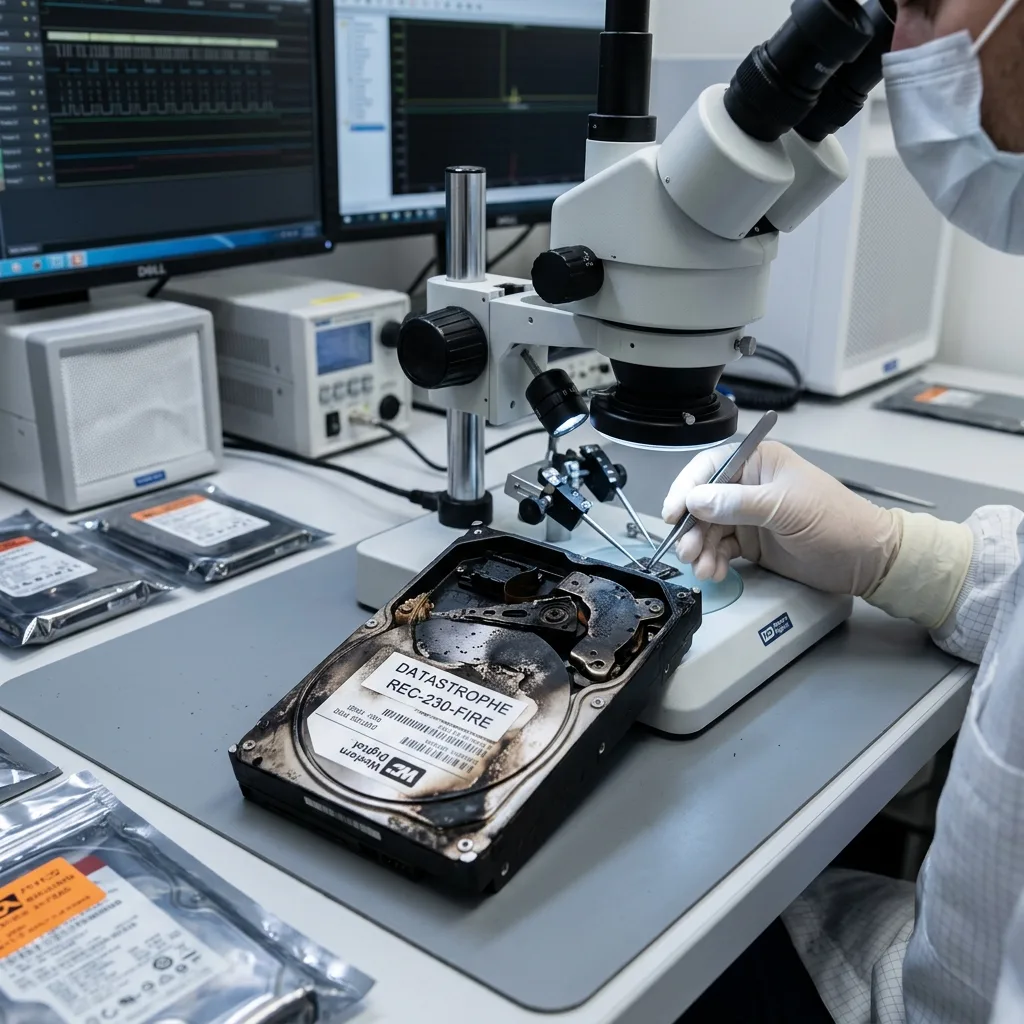
Heat isn't the only source of damage in a fire. Storage media can be exposed to soot, smoke, firefighting water, foam, chemical deposits, impacts and corrosion. These factors may act together even when a device shows little visible burning.
A hard drive contains platters that are sensitive to particles. An SSD, USB flash drive or memory card may suffer damage to its controller, solder joints or chips. Appearance alone doesn't establish the outcome. A marked enclosure may protect intact memory, or conceal severe damage.
Preserving the current condition is the priority. Cleaning, scraping, using a hairdryer, opening a hard drive or connecting the device can turn limited damage into permanent failure. After a fire, leaving it untouched is often the best immediate action.
Assessing storage damage explains the general method. A fire requires particular care with contamination and any handling that occurred afterwards.
Estimate the degree of exposure without dismantling the device. Storage recovered from a smoke-filled room, a burnt cupboard or the hottest area of the fire will present different risks. This context informs the level of caution, although it can't replace technical assessment.
Diagnostic assessment
Avoiding actions that worsen damage
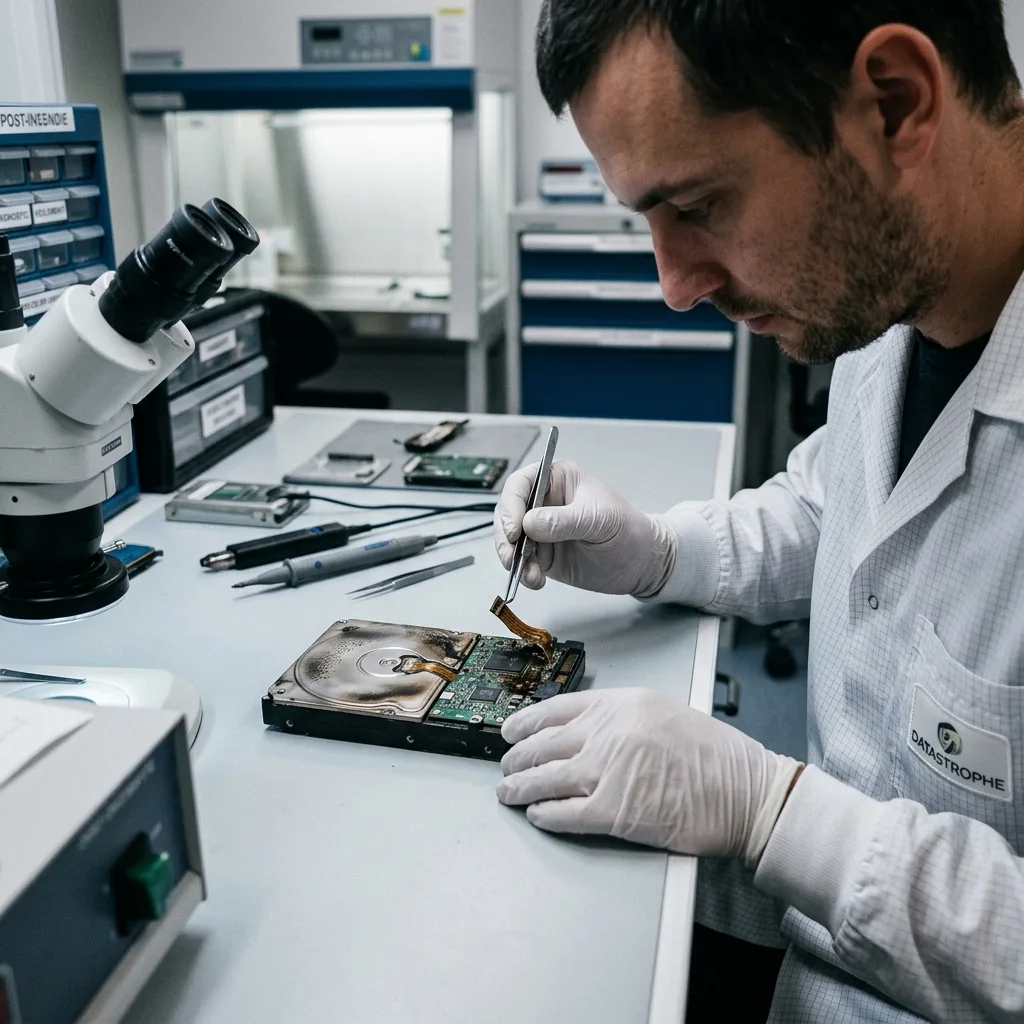
Powering the device on is the principal risk. Damp, contaminated or partly burnt storage can short circuit. Even if it starts once, its condition may deteriorate quickly or it may write inconsistent data.
Improvised cleaning is also dangerous. Soot can be abrasive, household products may leave residues and rubbing can push particles into sensitive areas. A hard drive must not be opened outside a suitable environment.
Drying requires care. Sealing damp storage in a bag, heating it strongly or placing it beside a heat source can accelerate corrosion. Keep the device stable and record the conditions of the fire.
When several devices are affected, separate and identify them. Hard drives, SSDs, USB flash drives, memory cards and backups shouldn't be mixed together. A secondary device may hold a more usable copy than the primary one.
Storage recovered from debris should be handled as fragile material. Don't stack, shake or package it alongside wet objects. A simple record of where each item was found can help determine the order of assessment.
Diagnostic assessment
How to document the fire and priorities
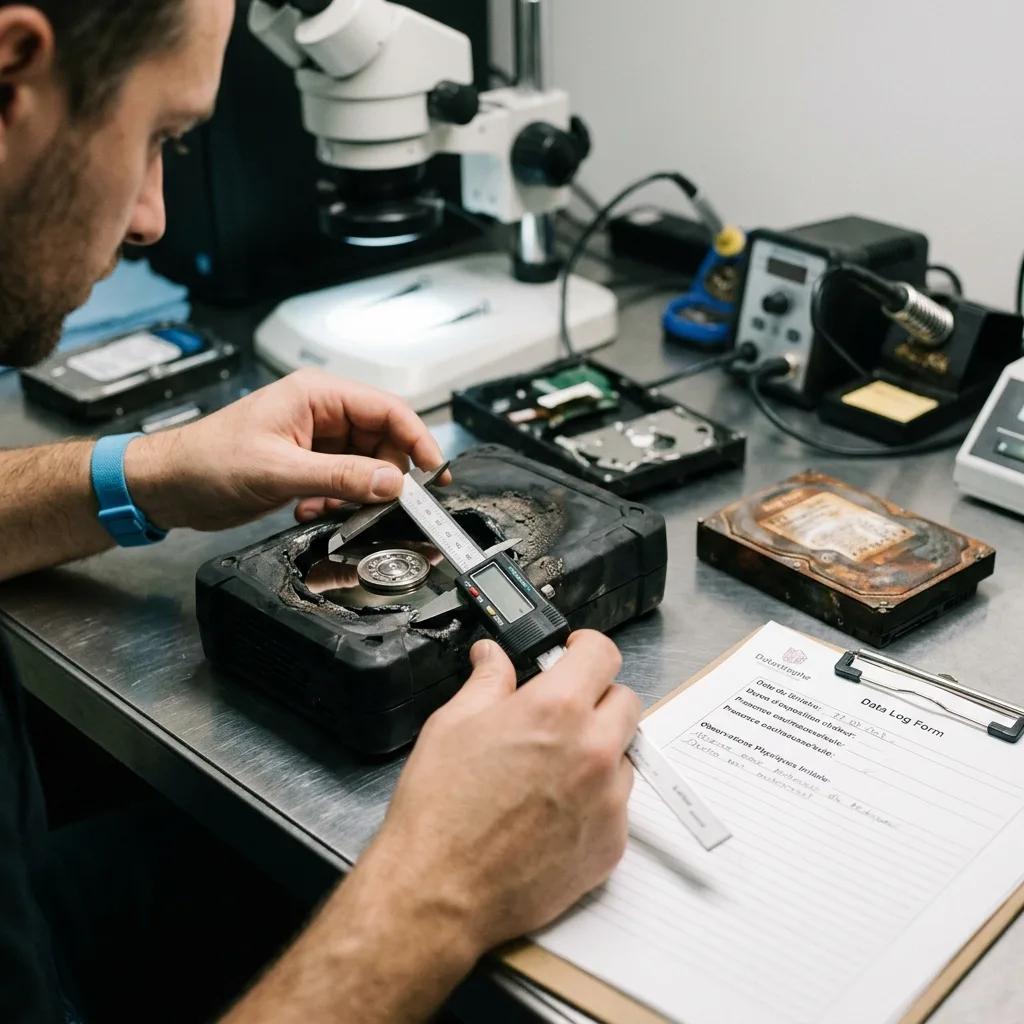
The diagnostic assessment depends on context. Record the date of the fire, likely heat exposure, presence of water, previous handling, type of storage and sought-after data. These details inform the method.
Priorities should be stated early. Accounts, photographs, videos, client files, legal archives and production databases don't require the same handover. After a fire, seeking essential data first may be more realistic than attempting an exhaustive recovery.
Check backups without overwriting the initial state. A local backup may have been damaged in the same fire. A remote backup could be old or incomplete. Inventory every possible source.
Preserving business data after an IT failure can help organise operational response. A fire adds the need to preserve contaminated storage safely.
Insurers and cleaning providers should be told that affected equipment may contain data. A drive discarded with burnt hardware, cleaned industrially or stored while damp may lose its final recovery possibilities.
Diagnostic assessment
Adapting the assessment to the storage device
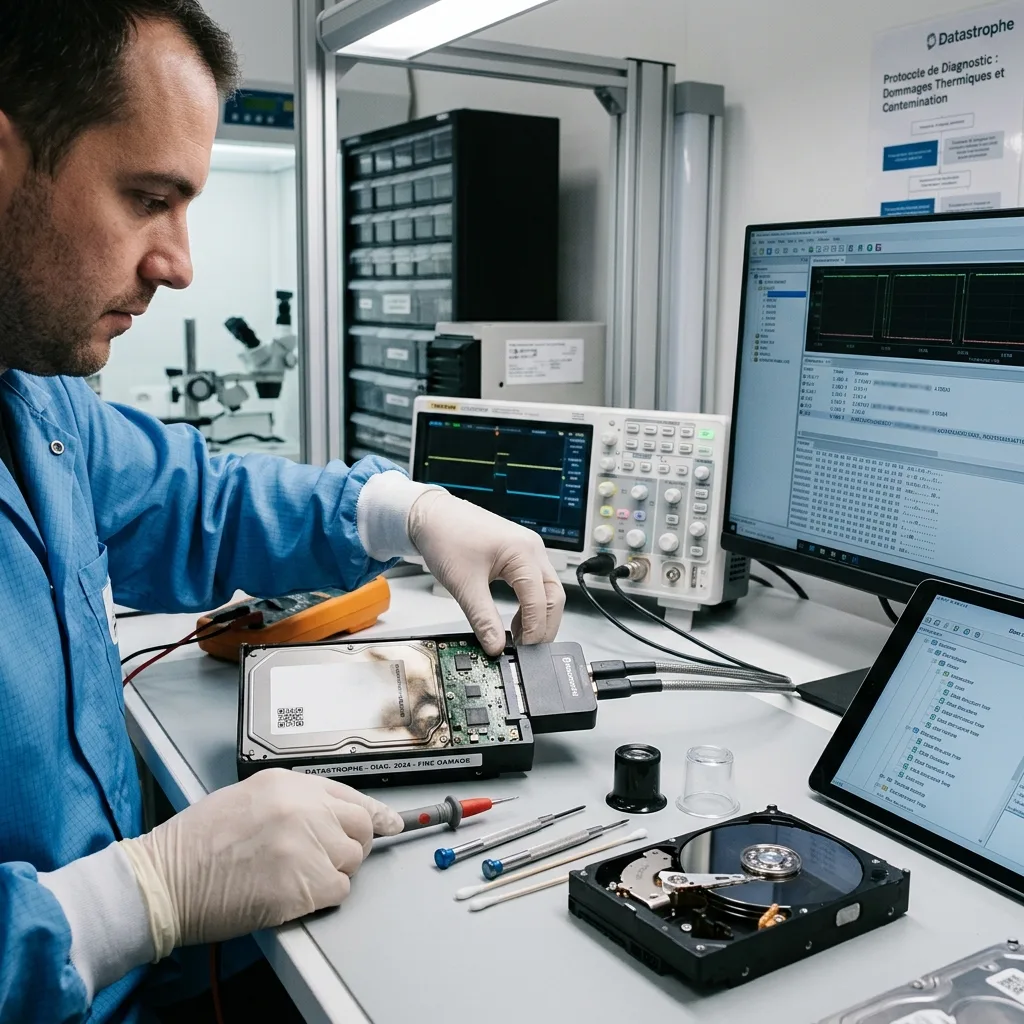
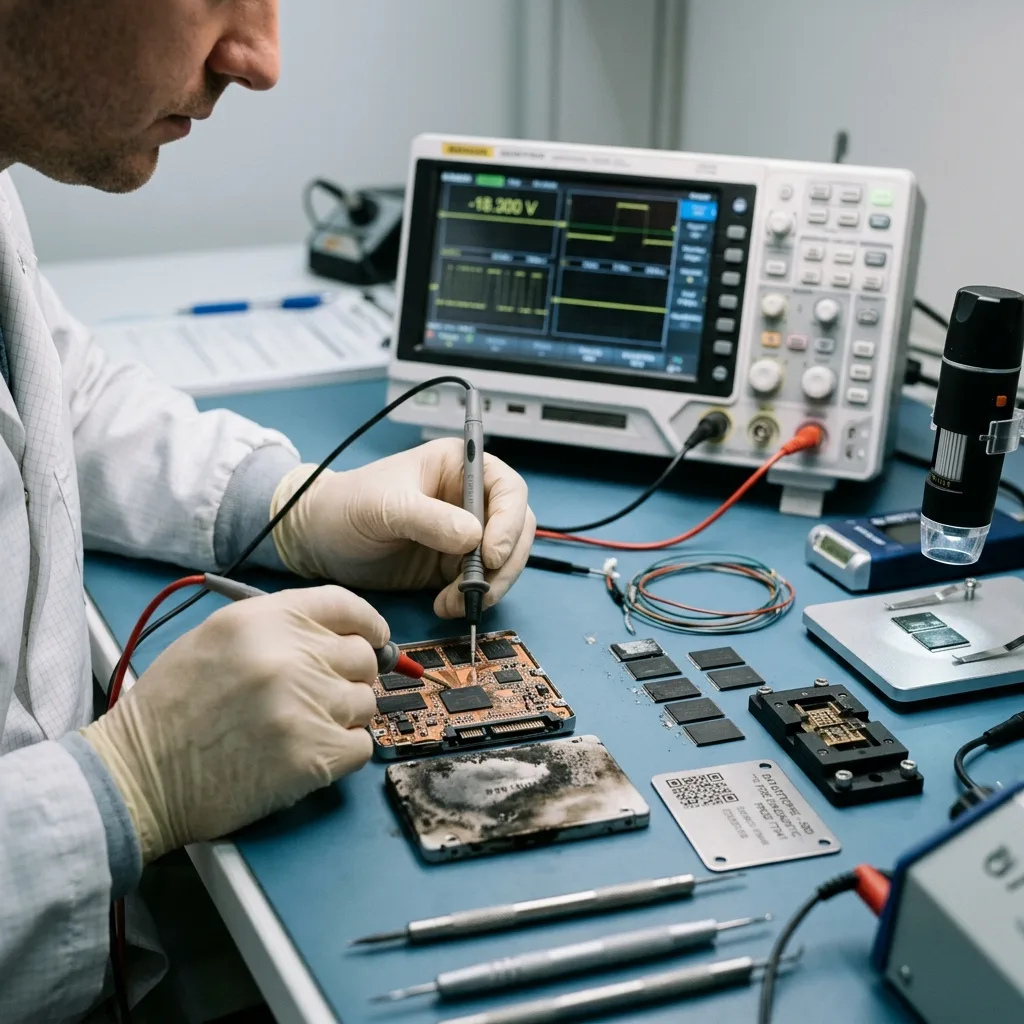
Each type of storage reacts differently. A contaminated hard drive calls for mechanical caution. An SSD can be examined through its electronics and flash memory. A USB flash drive or memory card may be tiny while holding critical data.
The assessment should establish whether the device can be stabilised, imaged or analysed by another route. It protects the original and provides a working copy where imaging is possible. The reason needs a clear explanation where it isn't.
Limits must be stated. Heat may distort, destroy or alter components. Water and corrosion can break tracks or make a controller unusable. Partial recovery may still be valuable when it targets the right files.
Datastrophe handles these cases through preservation: no promise before examination, no unnecessary manipulation, return of recovered files on a separate healthy storage device and a distinction between complete, partial and unrecoverable files.
Alternative sources can also contribute. An old computer, external backup, partly spared NAS or cloud export may complement the fire-damaged device. Every source should be inventoried before effort is concentrated on the most damaged one.
Diagnostic assessment
How to prepare the handover after a fire
Recovered data should be placed on healthy storage and checked. Priority files need to be opened, relevant periods confirmed and partial items identified. This validation prevents an incomplete folder from being mistaken for a complete one after a fire.
Confidentiality must also be controlled. Several parties may handle equipment after a fire, including an insurer, cleaning company, maintenance provider and IT staff. Storage containing data needs to remain tracked and protected.
Future prevention relies on backups kept away from the affected site, restore tests and an inventory of critical storage. A copy in the same room can disappear with the original.
Fire-damaged storage isn't automatically lost, but it can't be treated like ordinary equipment. Preservation, documentation and an assessment before reading offer the best prospect of recovering useful data.
After the handover, classify files by confidence level. Some data may be intact, while other files are partial or corrupted by the incident. This qualification supports recovery of the organisation without relying on incomplete material.
The chain of handling should remain simple but genuine. Recording who recovered the device, where it was stored and what was done to it limits secondary loss. It also helps explain why some files could be recovered and others could not.
Diagnostic assessment
Primary Technical References And Limits
Reference scope — storage data recovery guide: For fire-damaged storage data recovery guide, the primary references used are NIST SP 800-86. Physical evidence — storage data recovery guide: They define the relevant preservation, storage or validation concepts, but they cannot establish the exact physical condition, controller state, key availability or business consistency of the device received. Controller evidence — storage data recovery guide: Those points require measurements on the original set and verification on copies.
Diagnostic assessment
Arrange A Controlled Assessment
Complete set — storage data recovery guide: For a technical assessment of fire-damaged storage data recovery guide, provide the complete device or storage set, its associated power and interface parts, the symptom timeline and the priority records. Incident history — storage data recovery guide: Keep member order, labels and authorised credentials separate from the parcel paperwork; do not restart the source merely to obtain a new screenshot.
Laboratory responsibility — storage data recovery guide: Datastrophe performs the diagnosis, integrity checks and recovery directly in its own laboratory with its own team. Free assessment — storage data recovery guide: Diagnosis and the quote are free. Transport boundary — storage data recovery guide: Return courier transport is included; the carrier moves only the sealed parcel and neither accesses nor processes its data.
Controlled list — storage data recovery guide: Before any payment, the client receives the proposed price and a checked list. Verification classes — storage data recovery guide: Each item is classified, in order, as recoverable_verified, partial, detected_unverified or unrecoverable. Payment trigger — storage data recovery guide: Only recoverable_verified items whose contents were checked and found usable are presented as recoverable. No-result rule — storage data recovery guide: Payment is due only after the client accepts both the list and the price.
No-result rule — storage data recovery guide: If no usable data is verified, recovery fails, or the client declines the list or price, no standard fee is payable. Rare-part exception — storage data recovery guide: The only exception is a rare, costly and non-refundable part, which may be ordered only after a separate, explicit and priced proposal has been accepted.