
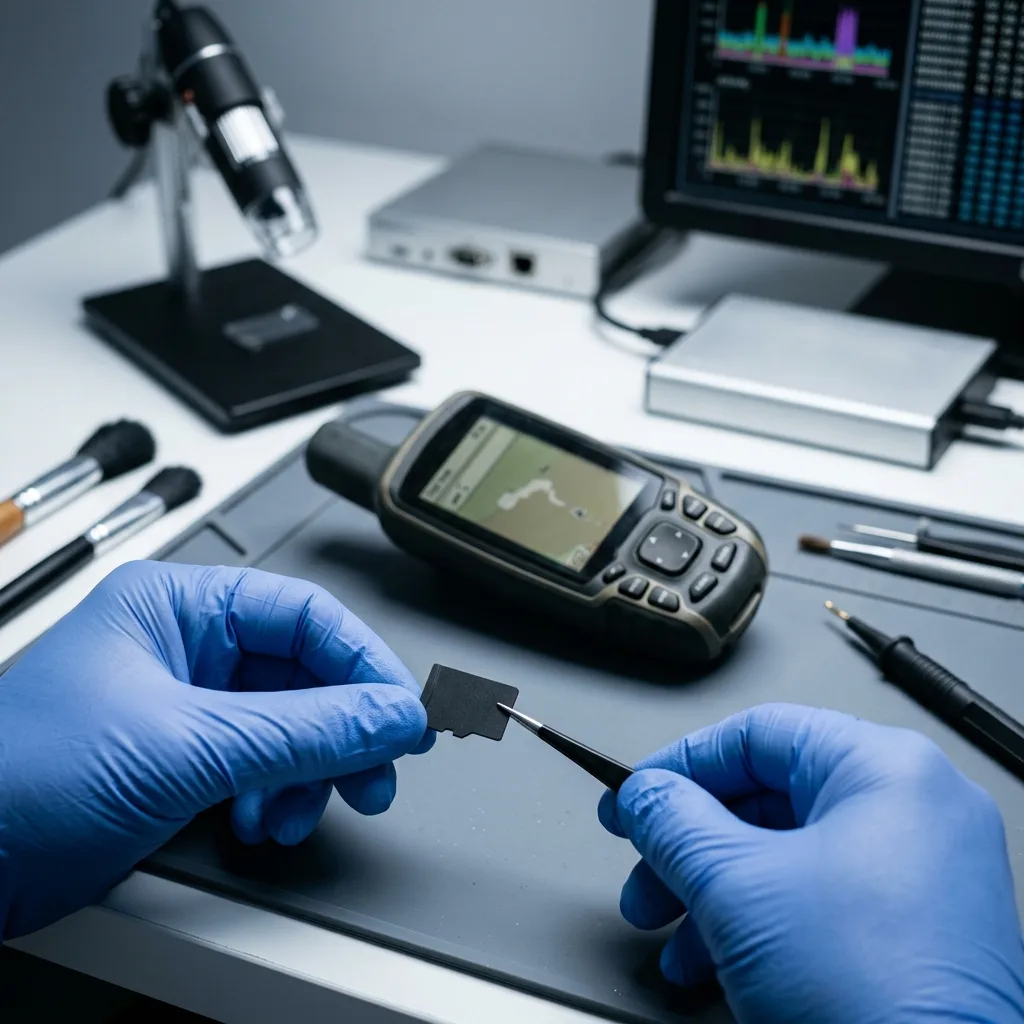

Diagnostic assessment
Understanding GPS writes
A GPS device can write to a memory card in several ways: movement tracks, maps, points of interest, logs, updates, exports, captures or manufacturer-defined files. For navigation or field records, log the route and target time window before the card returns to the device. Some data are generated continuously, while others are generated only during synchronisation.
This regular writing makes the card sensitive to interruptions. A low battery, removal too soon, a power outage or a restart during recording can leave a file incomplete. The GPS may then display an error or offer to reformat the card.
The card can also wear out. Flash media have a limited number of write cycles. A GPS used for a long time, in a vehicle, in the field or in a hot environment can stress the same areas repeatedly.
Map or firmware updates add another risk. They commonly write a large amount of data in one operation. The device can lose part of its structure without older tracks necessarily being erased if power is cut or the card is almost full.
The issue isn't limited to navigation maps. A walking route, business journey, technical work or field survey can have defined value. Recovery should therefore take account of the real use of the file.

Diagnostic assessment
How to pinpoint recurring causes of loss
Losses on GPS memory cards commonly come from a combination of factors: removal during writing, interrupted synchronisation, a failed update, a poor-quality card, erratic adaptor, moisture, vibration or a device that continues writing after it appears to be off.
Logical corruption can make the folder structure unreadable while data blocks remain present. Conversely, a visible card can contain recent files that are incomplete. The system may show the right capacity while no longer reading the expected files.
An electrical incident can also be involved, especially when the GPS is powered by a vehicle, charger or external battery. SD card power surge covers that scenario in more detail.
Don't conclude that the data are absent just because the GPS no longer displays them. The device may no longer recognise its own index, while some files remain recoverable through card analysis.
A full card can cause less visible losses. Some devices write new logs in a loop, others stop abruptly or replace temporary files. A nearly full card should be copied and cleaned methodically, never repaired in a hurry.

Diagnostic assessment
How to retain the card, device and route
The card should be removed and kept without further writing after a loss. Don't format it, put it back into the GPS to "test" it, or record a new route. Any new use can replace areas that are still practical.
The GPS device should be kept with the card. The model, settings, file type, date of loss and messages displayed help describe what needs to be searched for. Some files only make sense with the structure generated by the device.
Partial copies should also be kept. An old synchronisation, export to a computer, device backup or mapping tool may contain part of the data. These elements can complete the recovery or help validate returned files.
Memory card data recovery remains the entry point for media diagnosis. The GPS case mainly adds constraints around format and chronology.
The exact date of the route or mission should be supplied if possible. It helps target the right files, pinpoint the matching logs and distinguish usable data from old maps stored on the same memory card.

Diagnostic assessment
Recovering usable tracks
Recovery shouldn't merely find files. It should confirm that they are usable: complete track, expected period, readable points, consistent dates, openable maps or an export compatible with the application. A partial file can still have value if it covers the right area.
GPS formats can be standard or proprietary. Some files reconstruct better than others. Segments may be recoverable even if the final index is missing. Conversely, a visible track may contain gaps or inconsistent coordinates.
Priorities should be precise: one day's route, the last journey, a downloaded map, a professional survey or a set of archives. This precision avoids treating the card as a generic volume and helps qualify the outcome.
Datastrophe works from a copy when the card's condition allows it. The priority is to retain the original, reconstruct what can be reconstructed and distinguish complete files from partial data.
Validation should be carried out with the right tool. A file may appear in the folder structure but fail to import correctly into mapping software. Opening the file, confirming the period and verifying route continuity gives a more trustworthy measure of the outcome.
Diagnostic assessment
How to prevent losses in the field
Prevention starts with choosing a suitable card, but it doesn't stop there. Avoid old cards, doubtful adaptors and removal during writing. A card that slows down, disappears or asks to be formatted should be replaced.
After a crucial outing or mission, tracks should be copied and opened. An unchecked backup can contain an empty or incomplete file. The check should be done in the application that will actually be used.
For professional use, acquisition and archive should be separated. The GPS records, then the data are copied to healthy media and, where appropriate, to a backup location. The card shouldn't remain the only location for a crucial survey.
A GPS card rarely loses data without a sign or context. Remembering the point of failure, retaining the card and avoiding writes give the diagnostic assessment the best chance of finding a usable track.
Finally, the card should be replaced once it shows irregular behaviour: slowness, repeated messages, duplicate files, inconsistent dates or format prompts. Continuing to use it because it still works occasionally can turn a recoverable incident into a more difficult loss.
Diagnostic assessment
Primary Technical References And Limits
Reference scope — memory card data loss prevention guide: For GPS memory card data loss prevention guide, the primary references used are www.sdcard.org. Physical evidence — memory card data loss prevention guide: They define the relevant preservation, storage or validation concepts, but they cannot establish the exact physical condition, controller state, key availability or business consistency of the device received. Controller evidence — memory card data loss prevention guide: Those points require measurements on the original set and verification on copies.
Diagnostic assessment
Arrange A Controlled Assessment
Complete set — memory card data loss prevention guide: For a technical assessment of GPS memory card data loss prevention guide, provide the complete device or storage set, its associated power and interface parts, the symptom timeline and the priority records. Incident history — memory card data loss prevention guide: Keep member order, labels and authorised credentials separate from the parcel paperwork; do not restart the source merely to obtain a new screenshot.
Laboratory responsibility — memory card data loss prevention guide: Datastrophe performs the diagnosis, integrity checks and recovery directly in its own laboratory with its own team. Free assessment — memory card data loss prevention guide: Diagnosis and the quote are free. Transport boundary — memory card data loss prevention guide: Return courier transport is included; the carrier moves only the sealed parcel and neither accesses nor processes its data.
Controlled list — memory card data loss prevention guide: Before any payment, the client receives the proposed price and a checked list. Verification classes — memory card data loss prevention guide: Each item is classified, in order, as recoverable_verified, partial, detected_unverified or unrecoverable. Payment trigger — memory card data loss prevention guide: Only recoverable_verified items whose contents were checked and found usable are presented as recoverable. No-result rule — memory card data loss prevention guide: Payment is due only after the client accepts both the list and the price.
No-result rule — memory card data loss prevention guide: If no usable data is verified, recovery fails, or the client declines the list or price, no standard fee is payable. Rare-part exception — memory card data loss prevention guide: The only exception is a rare, costly and non-refundable part, which may be ordered only after a separate, explicit and priced proposal has been accepted.