
Diagnostic assessment
Understand the drive's role in the equipment
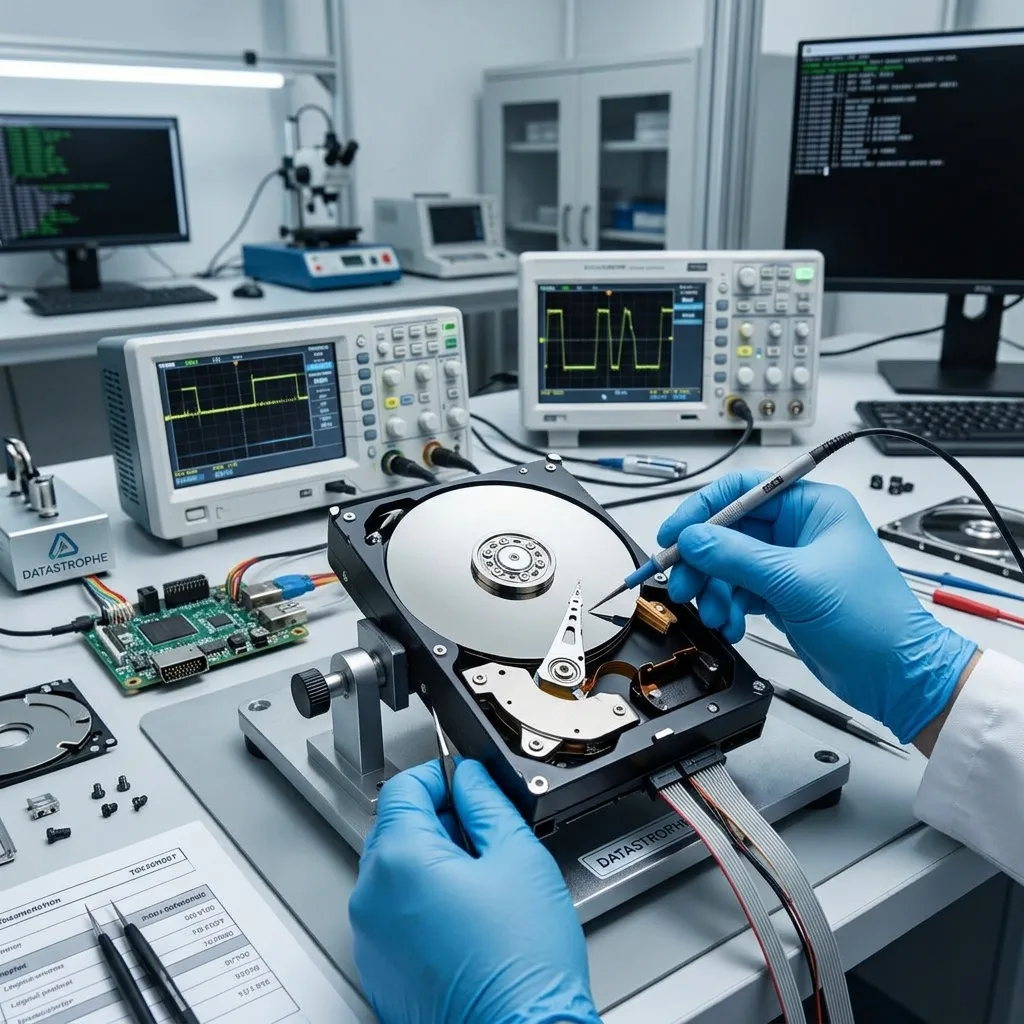
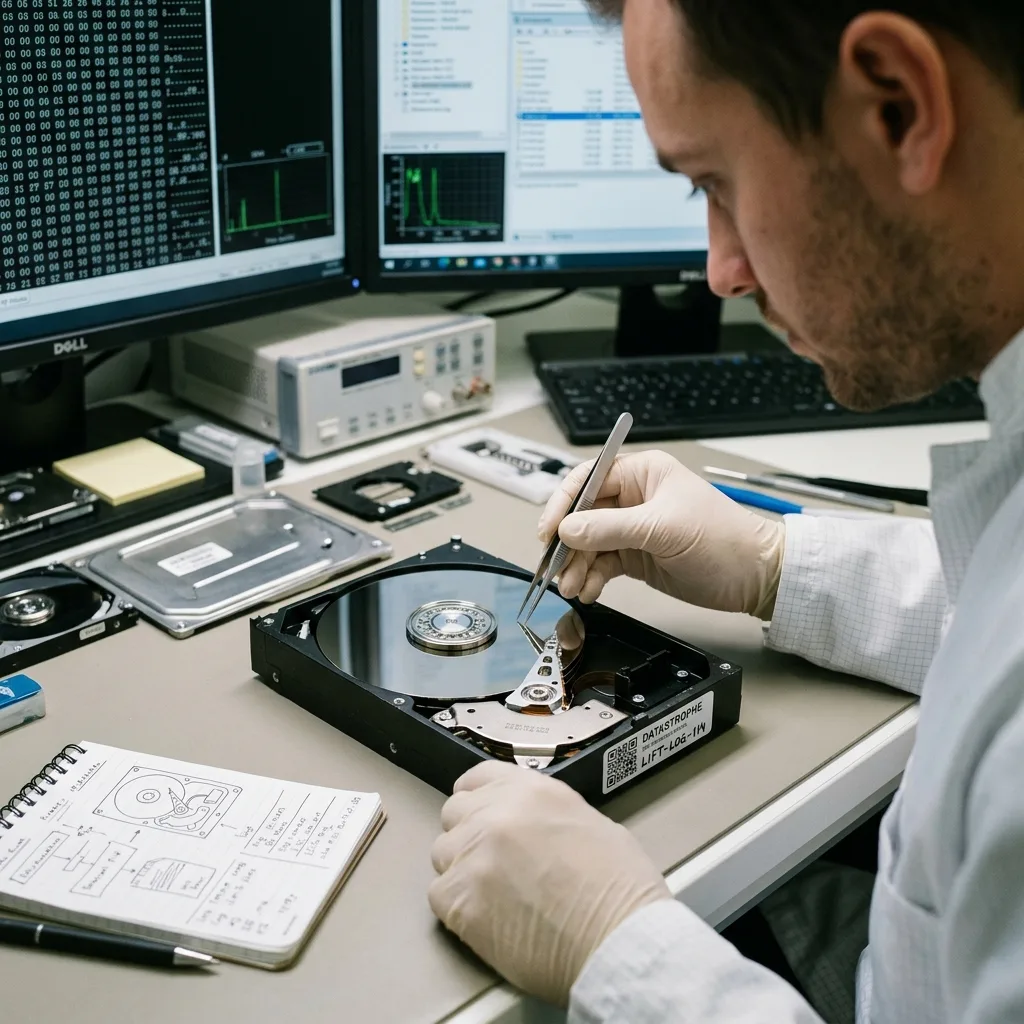
A hard drive associated with industrial equipment or a technical system doesn't necessarily store conventional documents. At a regional or remote worksite, isolate the drive from its host equipment and log power, vibration and controller symptoms before transit. It may contain logs, event histories, maintenance records, video, settings or equipment-defined exports. Recovery therefore depends on context.
Before reading it, establish whether it came from a controller, recorder, supervisory system, maintenance workstation or video unit. The same hard drive may have a structure that an ordinary computer understands or a format tied closely to the source system.
Define the requirement. Finding an event period, video sequence or configuration settings calls for a separate approach from complete recovery. This priority focuses the analysis rather than scanning without an objective.
Industrial equipment differs from office storage: automatic writes that the system may resume are as crucial as the technical data themselves.
Diagnostic assessment
Pinpoint mechanical and electrical stresses
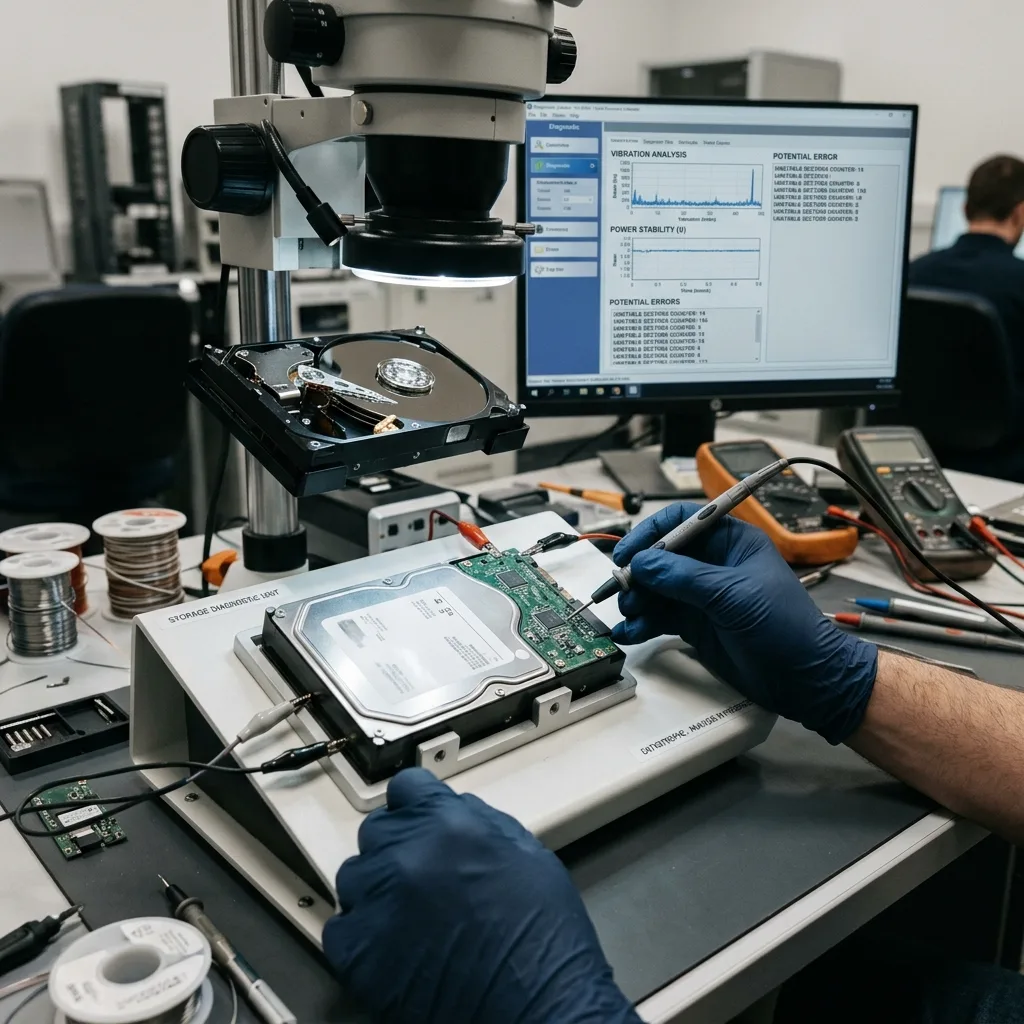
A technical environment may expose the drive to vibration, start-up cycles, heat, dust, abrupt shutdown and erratic power. These factors don't always cause immediate failure, but accelerate wear and encourage erratic sectors.
Vibration can disturb a mechanical drive, particularly when it is old, poorly mounted or active during movement. Power instability can interrupt writes. A device holding logs writes regularly and may do so for long periods.
Failure can therefore be combined. Mechanical damage may produce read errors followed by logical corruption. A power cut may leave a log inconsistent while the disk remains partly readable. The assessment must distinguish these layers.
Hard drive vibration and impact covers general physical stresses. Industrial equipment adds the source system, timestamped events and in some cases proprietary data.
Diagnostic assessment
Retain the device and chronology
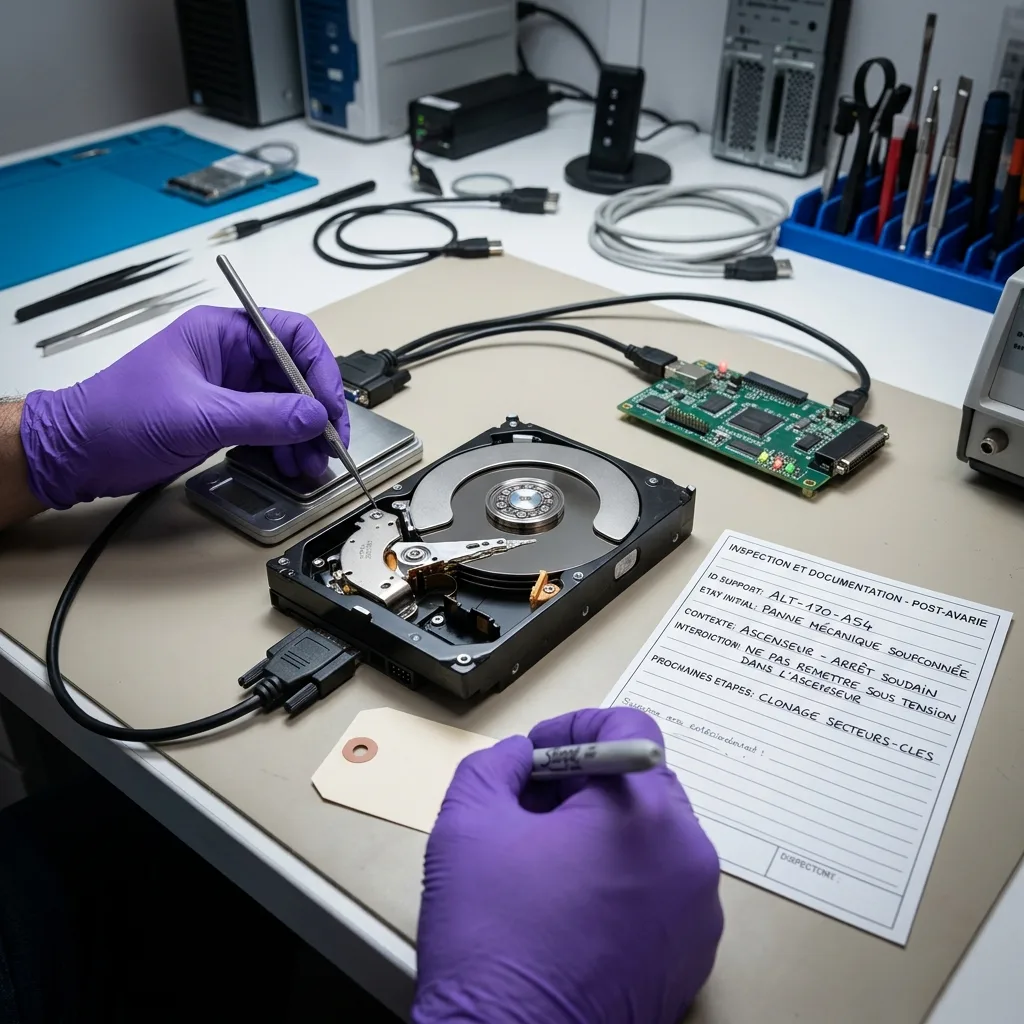
After a failure, avoid returning the drive to the equipment as a test. The system may write new logs, start a repair or overwrite the required traces. Freeze the device and document its state instead.
Chronology matters: incident date, displayed message, equipment shutdown, maintenance intervention, replacement drive, restart and prior actions. These details indicate whether data may have changed after the initial failure.
Keep associated items such as the original unit, caddy, cable, power supply, configuration export and documentation. Even when the drive is readable, they may be needed to interpret its files and formats.
Pinpoint every device separately. An older drive, maintenance backup or partial export may supplement the final handover. Mixing them without labels can make the chronology impossible to verify.

Diagnostic assessment
Read the data with clear priorities
Recovery from a technical drive should produce a usable outcome: a defined period, log, video, configuration file or set of folders. Coherent usable data matter more than total recovered volume.
An erratic drive may need controlled acquisition before logical analysis. The image protects the original and allows files to be reviewed without restarting equipment writes.
Proprietary formats can limit usability. A file may exist but remain uninterpretable without software, indexes or context. State this clearly rather than promising direct access.
Datastrophe treats the device as a data recovery case, not a repair of the industrial equipment. The objective is to retain and return available information without changing the initial state.
Diagnostic assessment
Prevent data loss on technical systems
Prevention relies on monitoring drives, power supplies and backups. A device that records logs continuously should be replaced before complete failure. Regular exports limit dependence on internal storage.
Document the configuration: drive position, data format, reader software, shutdown procedure and backup technique. This record becomes valuable when the equipment no longer starts.
Export crucial data to separate storage. The equipment must not be the sole archive. Periodic copies of logs or video can prevent a complex recovery after failure.
A hard drive in industrial or technical equipment can lose data for mechanical, electrical and logical reasons. Retain the device, understand the source equipment and seek valuable information in context.
Separate data recovery from equipment maintenance. Returning machinery or a system to service may require replacement hardware, but the restart must not overwrite the target data. Retain the original drive when its logs or video matter.
Timestamps need particular confirming. A technical system may have an offset clock, weak battery or altered configuration. Compare recovered events with the known real chronology, especially when the data help describe an incident.
Files may also be circular. Some equipment overwrites old logs or video as space runs out. Continued operation after the event can therefore replace usable data, and this must be made clear from the start.
After resolution, arrange regular export of crucial information. Logs that never leave the equipment depend entirely on its internal drive. Periodic copying reduces the need for complex recovery later.
Retention should reflect responsibilities. A maintenance provider, operator and owner may each hold part of the context. Establish who handled the device, when and for what purpose.
Technical data aren't always intended for direct reading. They may require manufacturer software, a configuration or an export. The assessment should state whether recovered files stand alone or depend on another tool.
If equipment resumes with a new drive, don't initialise the old one. It may still contain the required period. Keeping it separately prevents routine maintenance from erasing the only usable data.
Diagnostic assessment
Primary Technical References And Limits
Reference scope — equipment hard drive failure warning signs: For industrial equipment hard drive failure warning signs, the primary references used are NIST SP 800-86. Physical evidence — equipment hard drive failure warning signs: They define the relevant preservation, storage or validation concepts, but they cannot establish the exact physical condition, controller state, key availability or business consistency of the device received. Controller evidence — equipment hard drive failure warning signs: Those points require measurements on the original set and verification on copies.
Diagnostic assessment
Arrange A Controlled Assessment
Complete set — equipment hard drive failure warning signs: For a technical assessment of industrial equipment hard drive failure warning signs, provide the complete device or storage set, its associated power and interface parts, the symptom timeline and the priority records. Incident history — equipment hard drive failure warning signs: Keep member order, labels and authorised credentials separate from the parcel paperwork; do not restart the source merely to obtain a new screenshot.
Laboratory responsibility — equipment hard drive failure warning signs: Datastrophe performs the diagnosis, integrity checks and recovery directly in its own laboratory with its own team. Free assessment — equipment hard drive failure warning signs: Diagnosis and the quote are free. Transport boundary — equipment hard drive failure warning signs: Return courier transport is included; the carrier moves only the sealed parcel and neither accesses nor processes its data.
Controlled list — equipment hard drive failure warning signs: Before any payment, the client receives the proposed price and a checked list. Verification classes — equipment hard drive failure warning signs: Each item is classified, in order, as recoverable_verified, partial, detected_unverified or unrecoverable. Payment trigger — equipment hard drive failure warning signs: Only recoverable_verified items whose contents were checked and found usable are presented as recoverable. No-result rule — equipment hard drive failure warning signs: Payment is due only after the client accepts both the list and the price.
No-result rule — equipment hard drive failure warning signs: If no usable data is verified, recovery fails, or the client declines the list or price, no standard fee is payable. Rare-part exception — equipment hard drive failure warning signs: The only exception is a rare, costly and non-refundable part, which may be ordered only after a separate, explicit and priced proposal has been accepted.