
Diagnostic assessment
Understanding the effects of age
An old hard drive may remain readable for years and then fail during a copy. If the drive comes from a regional worksite, keep it unpowered in transit and send the observed noise, error and prior-action history with it. Age doesn't automatically erase data, but it increases the likelihood of mechanical, electronic and magnetic faults. The first power-up after a long period in storage is commonly the critical moment.
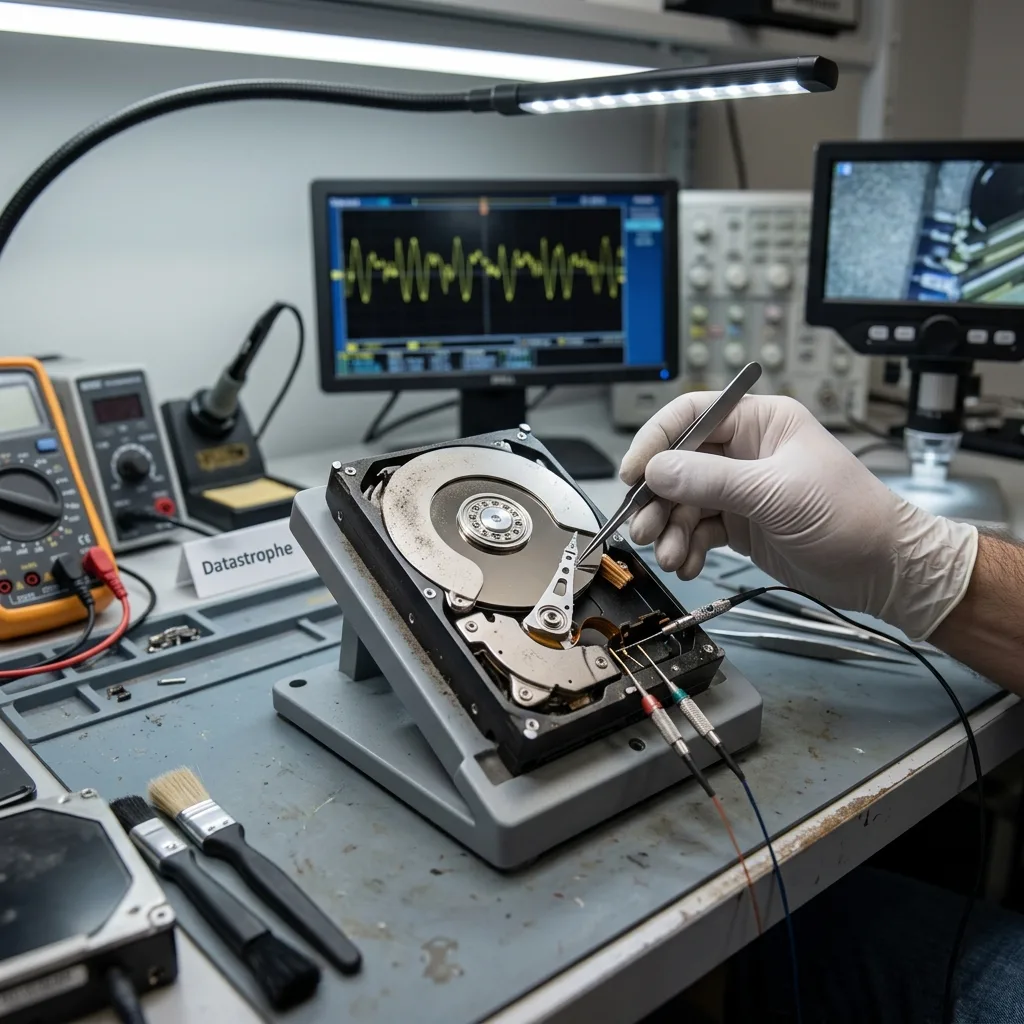
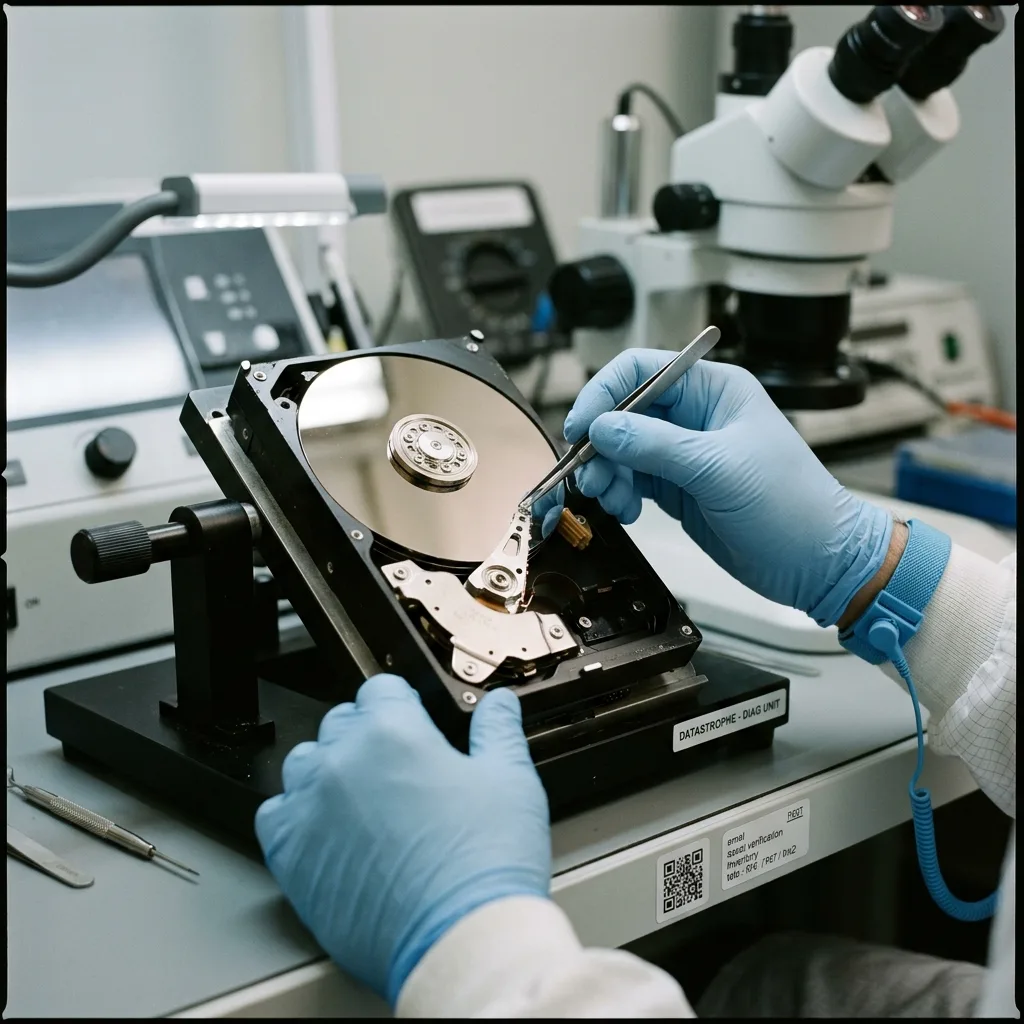
Mechanical components age. The motor, bearings, read/write heads and surfaces may have been affected by heat, humidity, dust, impact or long periods without movement. A drive that hasn't spun for years may make unusual noises, run slowly or lock up.
Sectors can become erratic. The operating system may still display the folder structure and then stall on particular files. An ordinary copy procedure may stop and retry the same reads repeatedly, placing further strain on the drive.
Interfaces also matter. IDE connections, old USB enclosures, external power supplies and poor-quality adaptors can introduce additional issues. An unsuitable connection can turn a straightforward migration into a failure.
Storage conditions have a substantial effect. A drive kept dry, at a stable temperature and protected from impact has a separate risk profile from one left in a loft, cellar or moving box. Moisture, heat and temperature changes can weaken electronics, connectors and surfaces even when the drive looks intact.
Diagnostic assessment
How to pinpoint signs of fragility
Stop an old hard drive that clicks, scrapes, takes a long time to appear, disappears during copying or freezes the computer. These signs show that the device shouldn't undergo prolonged tests.
Slow reading is a crucial warning. A drive that copies a few files and then slows dramatically may be encountering difficult areas. Standard copy software can persist with the same sectors, which is unsuitable for recovery.
Don't accept requests to format, initialise or repair the drive without a diagnostic assessment. They may reflect an old file system, damaged table or incompatible enclosure rather than an empty disk. Repairing it can alter the remaining structures.
The companion article on whether to recover or replace a damaged hard drive separates the question of the data from future use of the hardware. An old drive may remain a source for archives, but rarely provides dependable storage for the future.
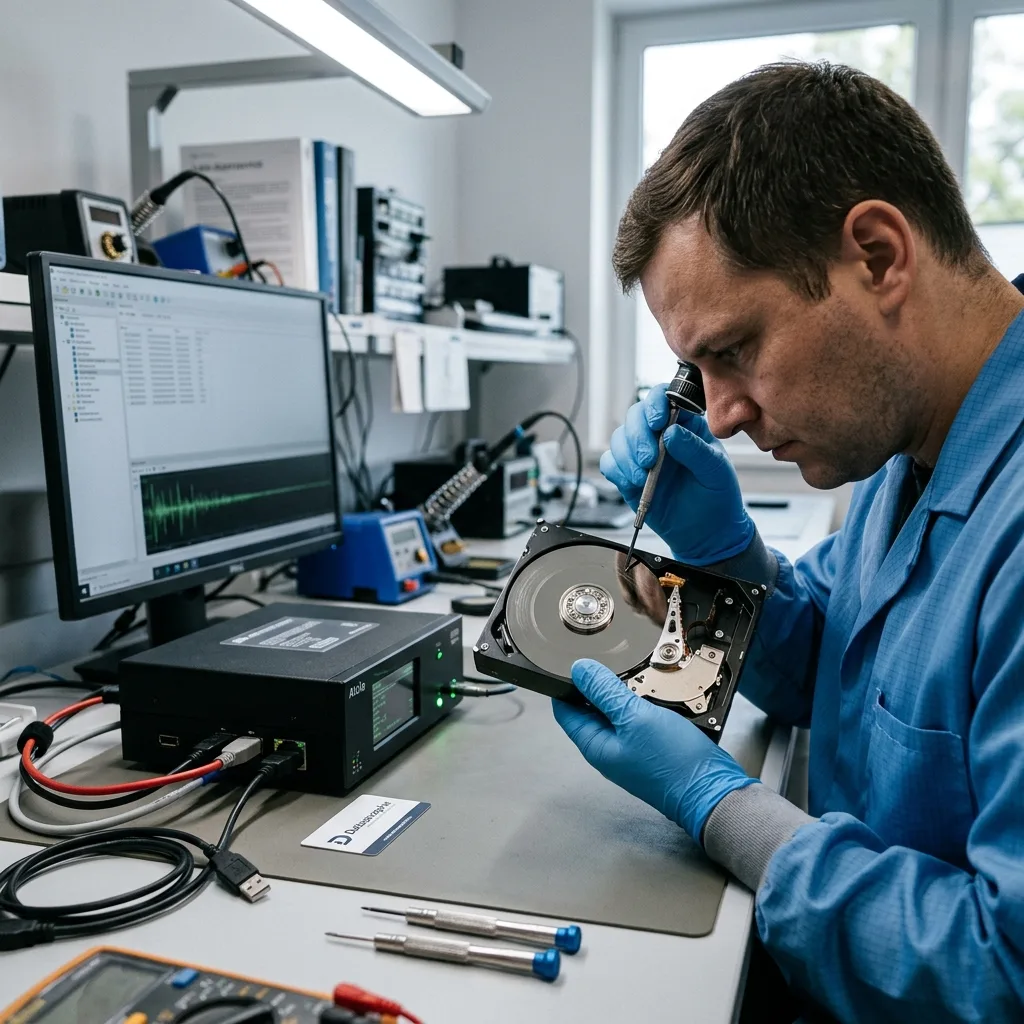
The adaptor can generate misleading symptoms. A worn power supply, erratic USB dock or unsuitable IDE converter may cause disconnections, errors or incorrect detection. The connection chain needs to be understood before blaming the drive, but high-value data shouldn't be exposed to repeated tests.
Diagnostic assessment
Copying without exhausting the drive
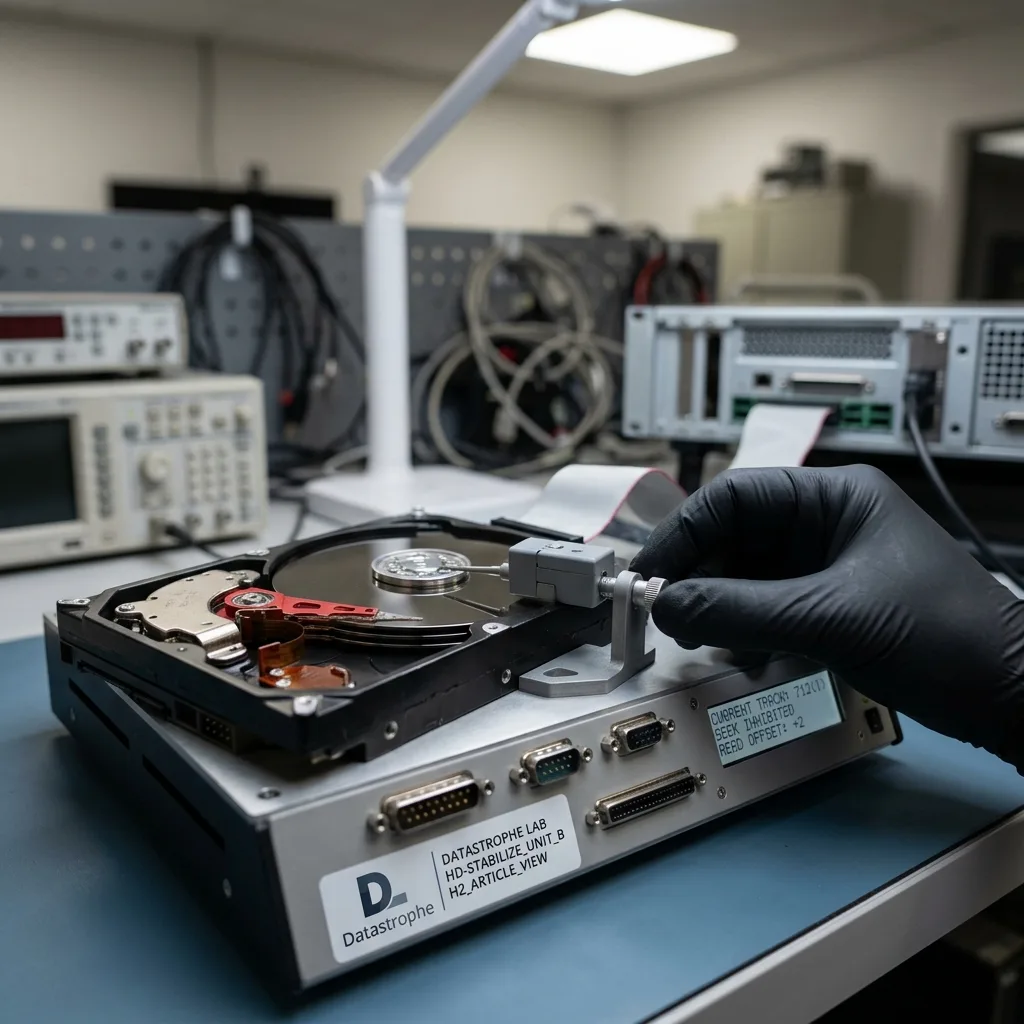
The priority isn't to browse the drive for hours when the data matter. Use a controlled imaging procedure that accounts for slow areas and read errors. The source should be stressed as little as possible.
Set priorities before copying. Family photographs, accounts, business projects and video archives require separate treatment. When the drive is erratic, recovering critical data first may be more practical than attempting an immediate complete image.
Avoid writing to the old drive. Don't move files, reorganise folders or install a utility on it. Even a seemingly harmless operation can alter a fragile structure.
Avoid stopping and restarting copies without a plan. Disconnecting the drive when progress appears frozen, changing the adaptor and then repeating the same folders can multiply reads over weak areas. A copy strategy should take account of errors already encountered.
The power supply deserves particular attention. Many old external drives depend on a defined mains adaptor. An erratic or unsuitable supply can prevent a correct start, cause shutdowns or damage the electronics. A charger that merely fits the socket isn't necessarily safe.
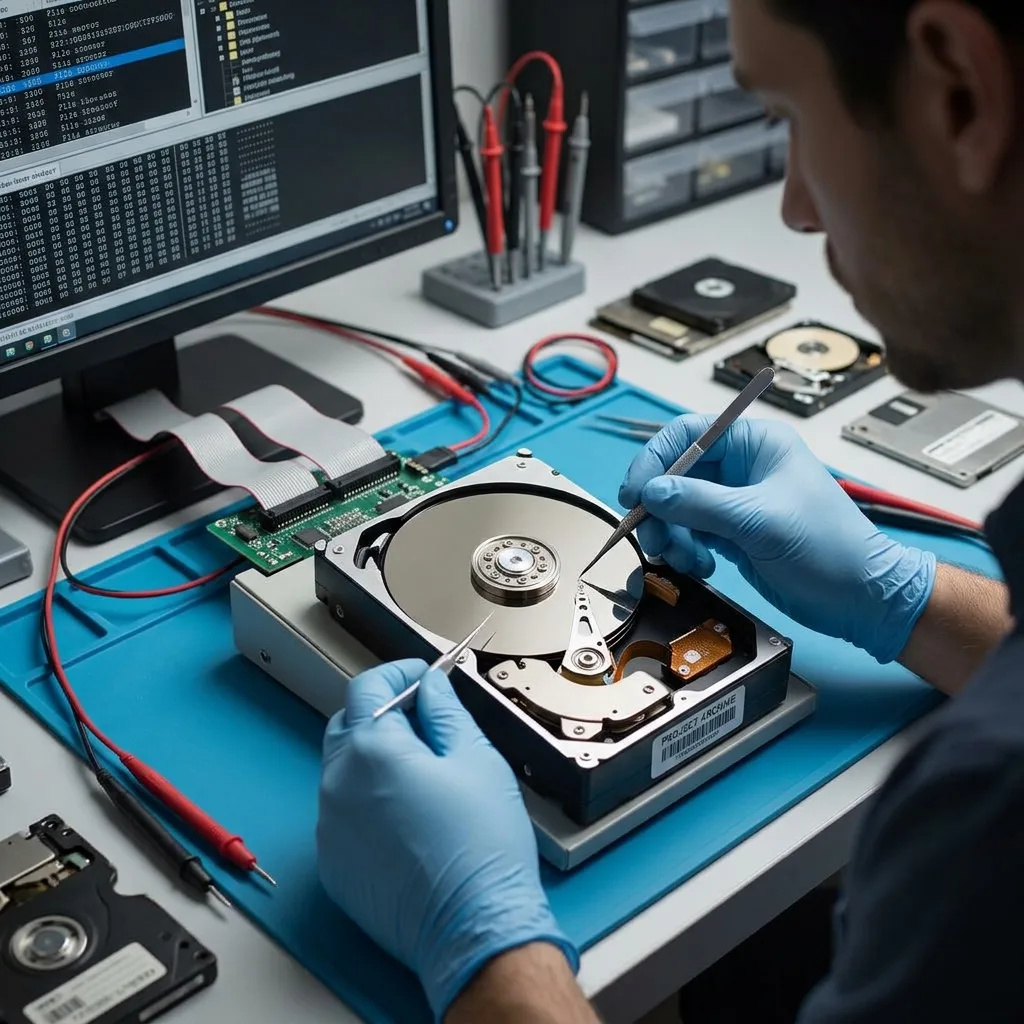
Hard drive data recovery describes how failed mechanical storage is handled. With an old drive, the diagnostic assessment should evaluate risk prior to any bulk read.
If imaging starts successfully, continue to watch for slowdowns. A sudden drop in progress, repeated errors in the same folders or a rising temperature indicates that the procedure needs adapting. Continuing merely to finish can turn a partial migration into more serious failure.
Diagnostic assessment
Managing old archives
Old drives commonly contain unique archives: photographs, accounts, projects, databases, email or forgotten backups. The challenge isn't purely technical. The expected content and folder structure also need to be understood.
Some legacy formats require their original software. A recovered file may be intact yet hard to open when its application or operating system is no longer available. Migration must include an opening test rather than only copying files.
Names, dates and folder structures can carry value. In a business archive, the location of a document may carry as much weight as its content. Signature-based recovery without folders can be inadequate when the structure has operational importance.
Confidentiality needs planning. An old drive may contain forgotten personal data. Before it is transferred or migrated, limit access and document the files being sought.
Duplicates require a methodical approach. An old drive may contain several partial backups, folder copies or dated exports. Removing duplicates before pinpointing the complete version can discard the best source. Compare them after imaging, on a separate healthy storage device.
Personal archives commonly present another difficulty: nobody knows exactly what matters until the folder structure is visible. Retaining that structure and the dates then becomes a priority because they help locate relevant memories, projects and documents.
A simple inventory saves time during migration. Record the periods, file types, applications and priority folders being sought. The list directs recovery towards the data with genuine value if the drive becomes erratic.
Diagnostic assessment
How to prevent the loss of archives
The best prevention is to migrate old storage before it fails. A hard drive kept in a cupboard isn't a dependable archive. Copy the data to current storage, verify that files open and generate a separate backup.
Archives should be reviewed periodically. An annual or biennial confirm is commonly enough: connect the device under controlled conditions, verify crucial files, copy them to current storage and remove unnecessary duplicates securely.
Don't retain the only copy on one storage device. Even a lightly used hard drive can fail. A practical archive deserves at least two locations, one separate from the primary equipment.
When in doubt, stop testing, record the symptoms, retain the hard drive and define priorities. With an old drive, caution before reading is better than an improvised copy that fails halfway through crucial files.
After migration, verify the outcome before storing or recycling the old drive. Open crucial files, compare expected volumes, confirm key folders and record the new archive location so that an incomplete copy isn't discovered too late.
Confirm at least a representative sample after migration: recent and old documents, photographs, videos, compressed archives and business files. A copy that completes without an error message may still contain unreadable files if the drive encountered weak sectors.
The old hard drive may then be retained temporarily as the original source, but it should no longer be working storage. Once migration is validated and backups exist, decide whether to retain or erase it with due regard for confidentiality.
Diagnostic assessment
Primary Technical References And Limits
Reference scope — hard drive data recovery risks guide: For old hard drive data recovery risks guide, the primary references used are NIST SP 800-86. Physical evidence — hard drive data recovery risks guide: They define the relevant preservation, storage or validation concepts, but they cannot establish the exact physical condition, controller state, key availability or business consistency of the device received. Controller evidence — hard drive data recovery risks guide: Those points require measurements on the original set and verification on copies.
Diagnostic assessment
Arrange A Controlled Assessment
Complete set — hard drive data recovery risks guide: For a technical assessment of old hard drive data recovery risks guide, provide the complete device or storage set, its associated power and interface parts, the symptom timeline and the priority records. Incident history — hard drive data recovery risks guide: Keep member order, labels and authorised credentials separate from the parcel paperwork; do not restart the source merely to obtain a new screenshot.
Laboratory responsibility — hard drive data recovery risks guide: Datastrophe performs the diagnosis, integrity checks and recovery directly in its own laboratory with its own team. Free assessment — hard drive data recovery risks guide: Diagnosis and the quote are free. Transport boundary — hard drive data recovery risks guide: Return courier transport is included; the carrier moves only the sealed parcel and neither accesses nor processes its data.
Controlled list — hard drive data recovery risks guide: Before any payment, the client receives the proposed price and a checked list. Verification classes — hard drive data recovery risks guide: Each item is classified, in order, as recoverable_verified, partial, detected_unverified or unrecoverable. Payment trigger — hard drive data recovery risks guide: Only recoverable_verified items whose contents were checked and found usable are presented as recoverable. Accepted recovery list — old hard drive assessment: Payment is due only after the client accepts both the list and the price.
No usable files verified — old hard drive assessment: If no usable data is verified, recovery fails, or the client declines the list or price, no standard fee is payable. Rare-part exception — hard drive data recovery risks guide: The only exception is a rare, costly and non-refundable part, which may be ordered only after a separate, explicit and priced proposal has been accepted.