
Diagnostic assessment
Understand what the outage interrupts
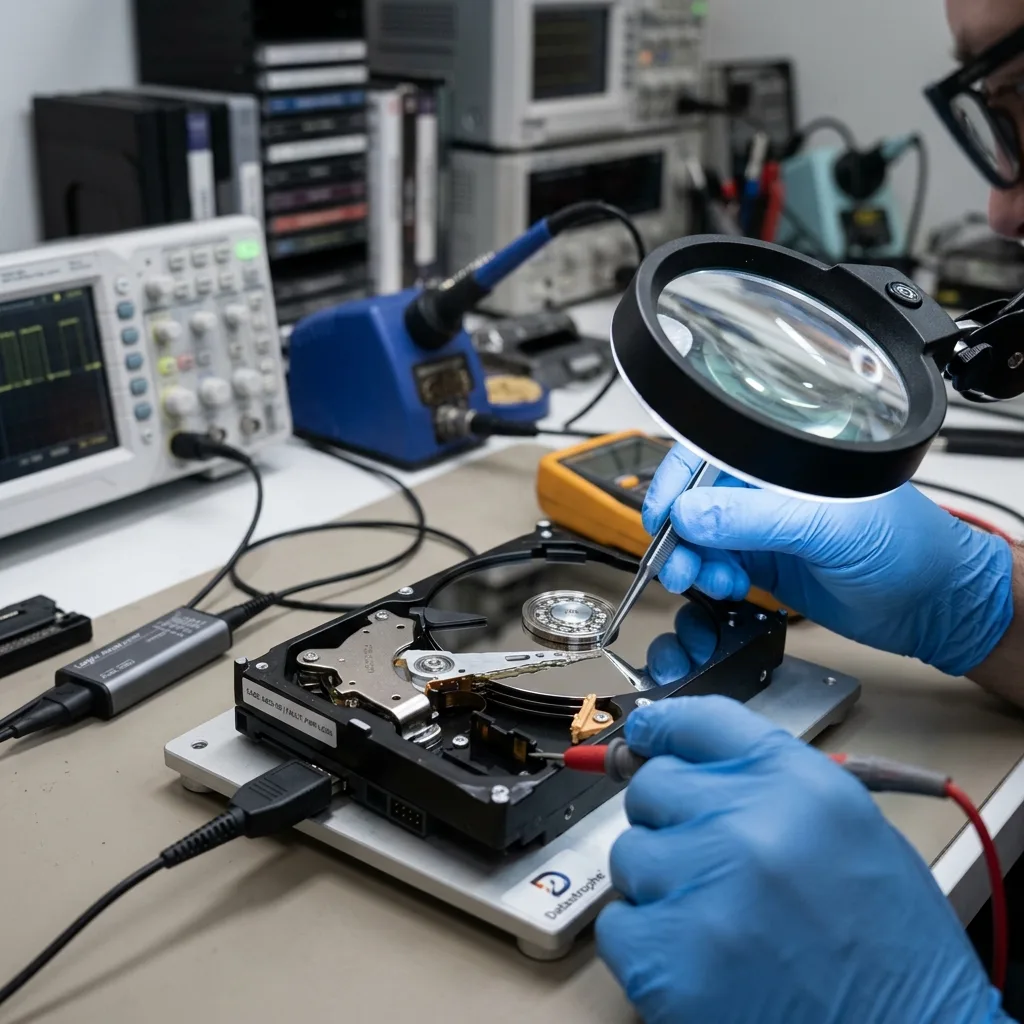
Power failure doesn't threaten data only through a dramatic surge. After a power event affecting Canberra and Hobart, record local timestamps and give one incident owner control of restores, synchronisation and handover. More commonly, it interrupts a write. A file, database, log, partition table or file system can be left inconsistent.
On a workstation this may prompt repair or formatting. On a NAS it can interrupt synchronisation or rebuilding. On a server it may stop volumes, databases or virtual machines abruptly. Damage depends on the precise moment power was lost.
Distinguish an outage, brief interruption, surge and erratic supply. One can corrupt a write, another cause repeated disconnection, and a surge may damage a board or enclosure. Diagnosis shouldn't assume one cause.
Observe before restarting. If the device is recognised normally and backups are internally consistent, restoration may be straightforward. When symptoms appear, persisting can change the initial state.
Timing matters. An outage during backup, updating, RAID rebuilding or database writing differs from one on an idle workstation. Recording what was active helps distinguish hardware failure, logical corruption and abrupt shutdown.
Diagnostic assessment
Hard drives, SSDs and NAS respond differently
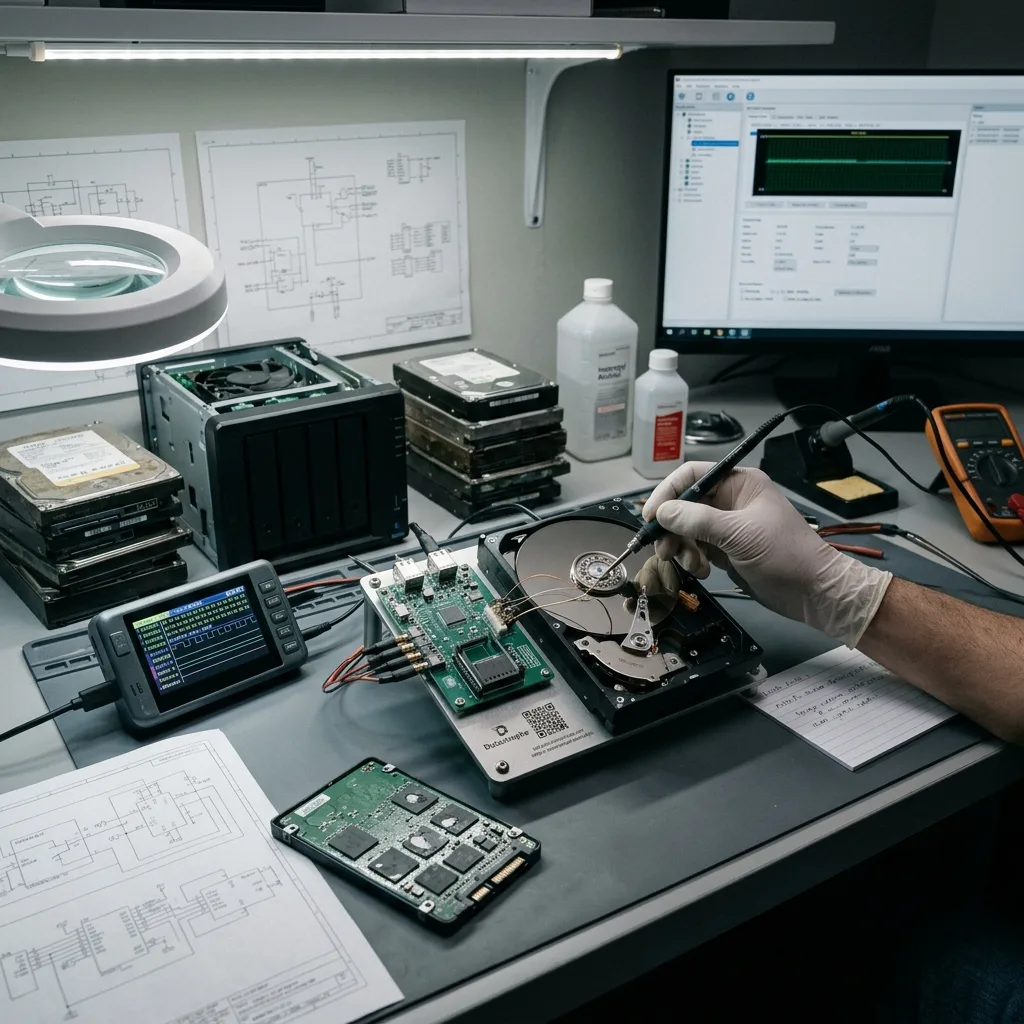
A mechanical hard drive can suffer from sudden shutdown, particularly when already tired. Heads, platters, motor and erratic sectors don't behave like simple memory. Take post-outage slowness or abnormal noise seriously.
An SSD or NVMe drive relies on its controller and internal management. Power loss during a write can disturb translation tables, blocks or metadata. The device may remain visible while access to some files is lost.
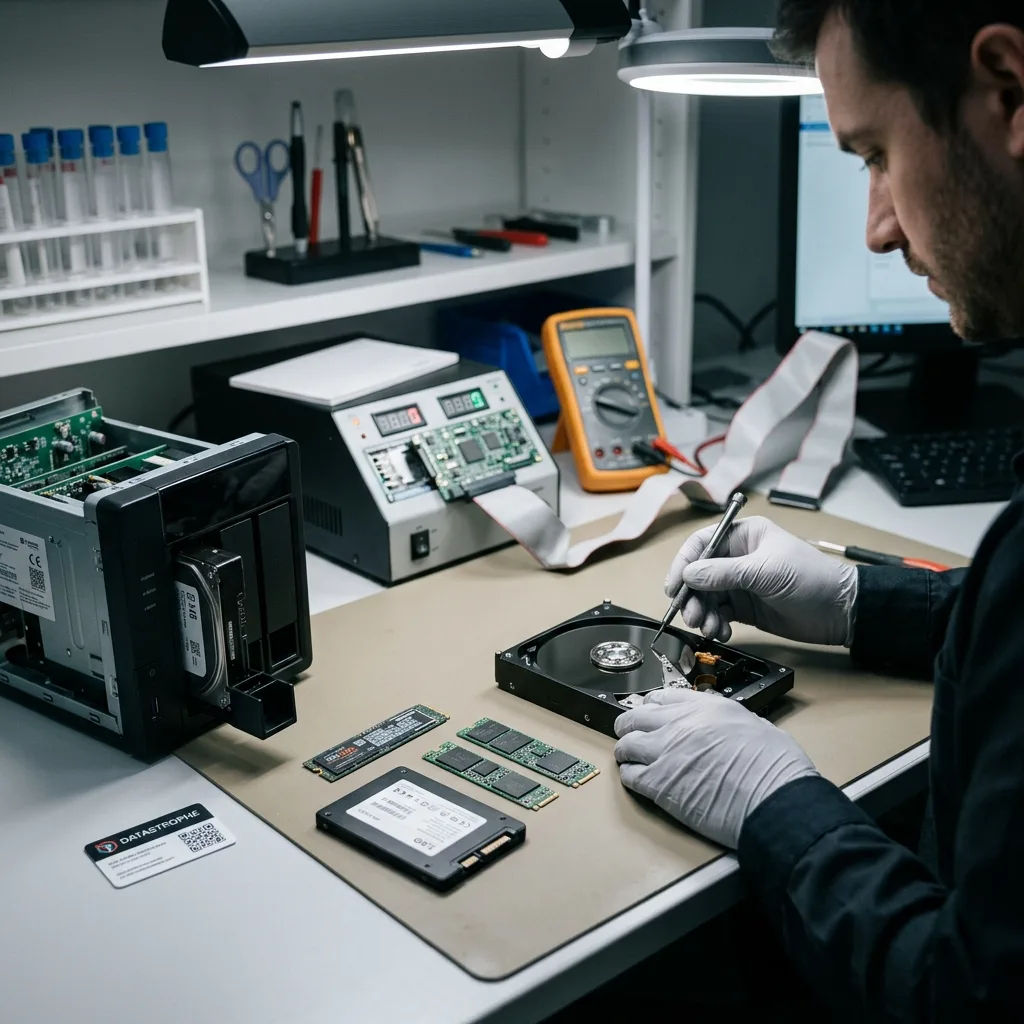
NAS and RAID add a layer. Drives may not restart in the same way, and the volume can begin confirming, resynchronisation or rebuilding. An existing weak member can cause the system to propose a dangerous action.
RAID power failure examines the collective case. The wider point here is how one outage affects isolated storage, a workstation, NAS or server.
External devices are commonly overlooked. A USB drive powered through an enclosure, dock or erratic extension lead can suffer repeated brief outages. The electrical environment may contribute even when the disk appears solely at fault.
Diagnostic assessment
Avoid premature automatic repair
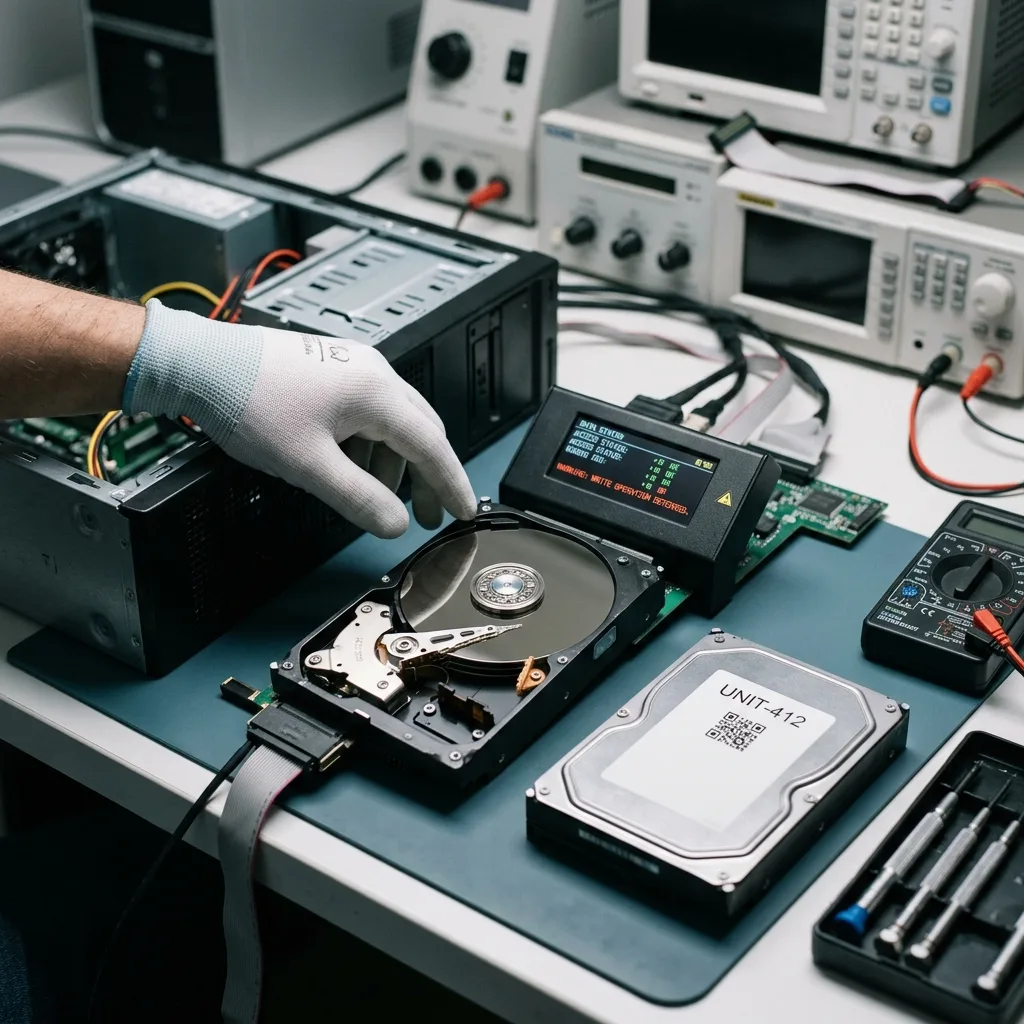
Systems commonly offer repair after a power outage. It may help a healthy volume but add risk when storage is erratic or data are critical. Repair can write to the disk and alter structures needed for finer recovery.
Be particularly cautious after a format request, inconsistent capacity, disappearance during reading or stalled copying. These signs may indicate more than a simple logical inconsistency.
Don't rebuild a NAS without understanding every disk. Rebuilding places heavy reads on remaining members and can worsen a latent fault. It may also use the wrong order when several disks changed state.
The data recovery process describes why Datastrophe begins with assessment. After power failure, it separates logical corruption, weak storage, damaged electronics and multi-disk volumes.
Record repair messages before accepting them. "Repair", "initialise", "format" and "rebuild" are separate operations. Closing the prompt and retaining storage is safer than approving a write in doubt.
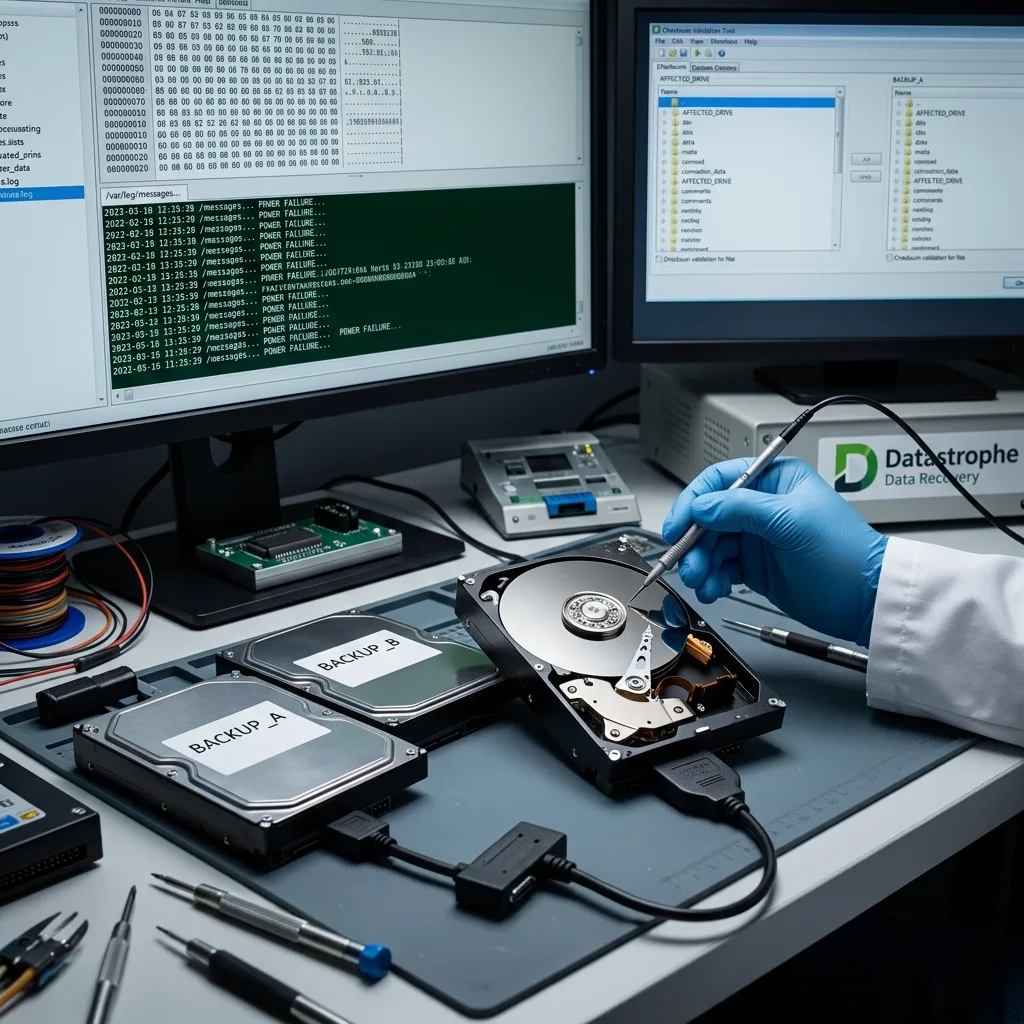
Diagnostic assessment
Confirm available backups and logs
A power outage should trigger backup verification, not just a restart. Open crucial files, confirm dates and databases, and compare recent data. A present but incomplete backup creates false security.
Logs can help. NAS, server and application records may show the outage time, affected volumes, disk errors and interrupted operations. These facts limit guesswork.
Keep partial copies. Folders copied before a device deteriorated may supplement the handover. Don't overwrite them during later tests.
Network outages and backups covers incidents centred on remote copies or synchronisation. Power failure first requires the local device condition to be confirmed.
A short timeline is commonly enough: outage time, affected equipment, state after restart, messages, backups and prior actions. This is more valuable than several theories about the exact cause.
Diagnostic assessment
Prevent loss without impossible promises
A UPS reduces abrupt outages but doesn't eliminate data loss. It needs correct sizing, monitoring and tests. An ageing battery may provide theoretical protection only.
Prevention also needs protected or disconnected backups, drive alerts, clean server shutdown and minimal documentation. Replace critical storage before an outage exposes it as the weak point.
Confirm power supplies, extension leads, external enclosures and exposed environments. A drive on an erratic installation may disconnect repeatedly, while an unmonitored NAS can accumulate errors until the next outage.
After power failure, don't multiply interventions against the original device. Recovery commonly depends on the quality of the first assessment and retaining the state before correction.
Match protection to the data. A low-priority workstation, business NAS and production server need separate measures. Pinpoint storage whose abrupt loss would stop operations and address it prior to the next incident.
Diagnostic assessment
Primary Technical References And Limits
Reference scope — failure storage data loss warning signs: For power failure storage data loss warning signs, the primary references used are NIST SP 800-86. Physical evidence — failure storage data loss warning signs: They define the relevant preservation, storage or validation concepts, but they cannot establish the exact physical condition, controller state, key availability or business consistency of the device received. Controller evidence — failure storage data loss warning signs: Those points require measurements on the original set and verification on copies.
Diagnostic assessment
Arrange A Controlled Assessment
Complete set — failure storage data loss warning signs: For a technical assessment of power failure storage data loss warning signs, provide the complete device or storage set, its associated power and interface parts, the symptom timeline and the priority records. Incident history — failure storage data loss warning signs: Keep member order, labels and authorised credentials separate from the parcel paperwork; do not restart the source merely to obtain a new screenshot.
Laboratory responsibility — failure storage data loss warning signs: Datastrophe performs the diagnosis, integrity checks and recovery directly in its own laboratory with its own team. Free assessment — failure storage data loss warning signs: Diagnosis and the quote are free. Transport boundary — failure storage data loss warning signs: Return courier transport is included; the carrier moves only the sealed parcel and neither accesses nor processes its data.
Controlled list — failure storage data loss warning signs: Before any payment, the client receives the proposed price and a checked list. Verification classes — failure storage data loss warning signs: Each item is classified, in order, as recoverable_verified, partial, detected_unverified or unrecoverable. Payment trigger — failure storage data loss warning signs: Only recoverable_verified items whose contents were checked and found usable are presented as recoverable. No-result rule — failure storage data loss warning signs: Payment is due only after the client accepts both the list and the price.
No-result rule — failure storage data loss warning signs: If no usable data is verified, recovery fails, or the client declines the list or price, no standard fee is payable. Rare-part exception — failure storage data loss warning signs: The only exception is a rare, costly and non-refundable part, which may be ordered only after a separate, explicit and priced proposal has been accepted.