
Diagnostic assessment
Context Matters As Much As The SSD
An SSD inside laboratory, acquisition or other professional equipment may contain databases, logs, configuration, images, accounts and metadata tied to that machine. Ordinary file recovery may not preserve those relationships.
Although the hardware may resemble a consumer drive, confidentiality, audit history, proprietary formats and service continuity change the brief. The goal is to preserve technical context, not interpret the client's professional records.
Failure might appear as an equipment startup problem, a missing export, a corrupt local database, an application error or an unrecognised SSD. The source can be the drive, system, software or several interacting layers.
The SSD data recovery service explains the service route. Assessment then adds the constraints associated with sensitive, instrumented systems.
The wider environment may include a control computer, acquisition unit, local server, specialist application or export station. The SSD is only one link, and mapping where data are created, transformed and archived prevents investigation of the wrong location.
Identify who is authorised and able to validate the recovered material. A laboratory can return files, but functional coherence may need a client engineer, vendor, maintenance provider or application owner to resolve ambiguity.
Diagnostic assessment
Encryption, Access And Confidentiality Shape The Case
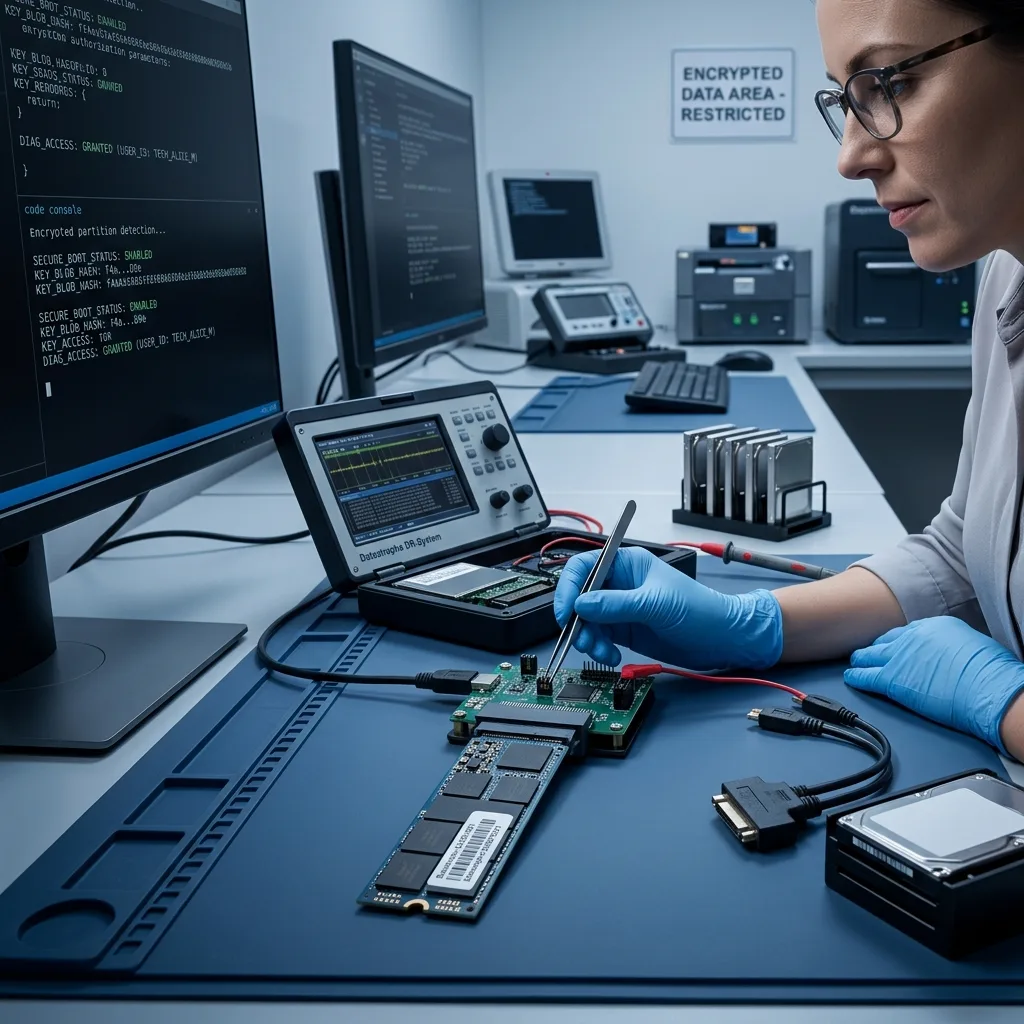
Sensitive records require verified authority, identified devices, limited content access and documented handling. Only the agreed scope should be returned to named recipients.
Encryption may sit at storage, operating-system or application level. Keys, profiles, accounts and machine configuration can be essential to make physically present data usable.
Avoid resets, account changes and automated restores before assessment. They can alter both the volume and its logs, making the original event harder to understand.
The guidance on choosing a data recovery laboratory includes confidentiality and working-method criteria. These become central when the equipment contains sensitive information.
Define the useful data scope rather than requesting everything by default. The system may hold unrelated sensitive files, and a targeted request reduces exposure while making controlled delivery easier.
The audit trail should remain proportionate and can list received devices, handling dates, supplied credentials, requested files and observed limitations. It separates technical recovery from confidentiality controls and business validation.
Diagnostic assessment
Application Formats Must Remain Usable
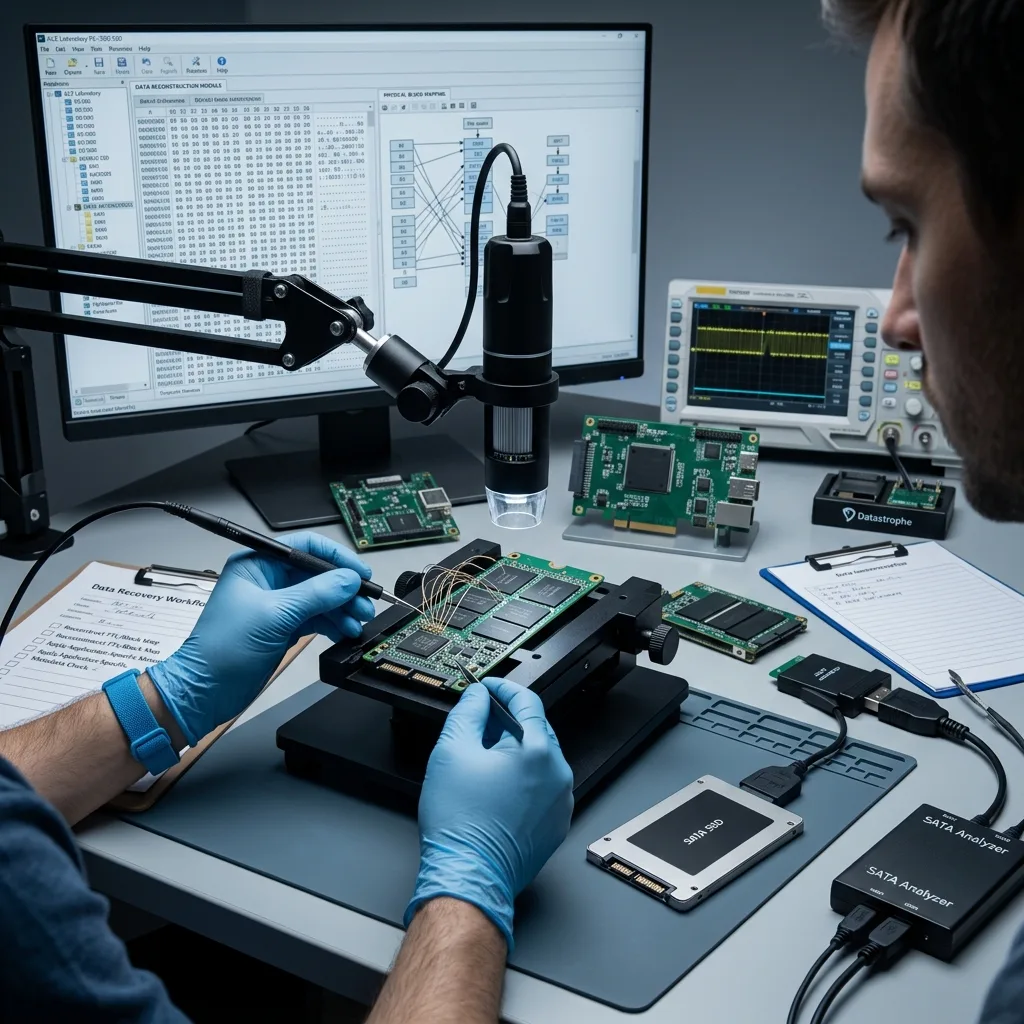
A recovered file is not necessarily a usable result. The equipment may rely on a proprietary database, index and directory tree whose components must remain aligned.
Retain equipment and software versions, expected exports, date range, error messages, accounts and folder map. This context supports meaningful validation.
Logs may also be important. They do not replace the primary records, but they can identify the affected period, restarts, write errors and actions already attempted.
Recovery should produce material that competent authorised staff can use. Datastrophe handles the technical storage and file work without interpreting professional content.
Keep standard exports with the native files. An export may be easier to read, while the native form can retain more metadata; both can be necessary to test technical coherence.
Clarify the role of any vendor or maintenance provider. They may explain a format or inspect a copied database, but they should not modify the original SSD before it has been secured and separated from operational restoration.
Diagnostic assessment
Limit Writes After The Incident
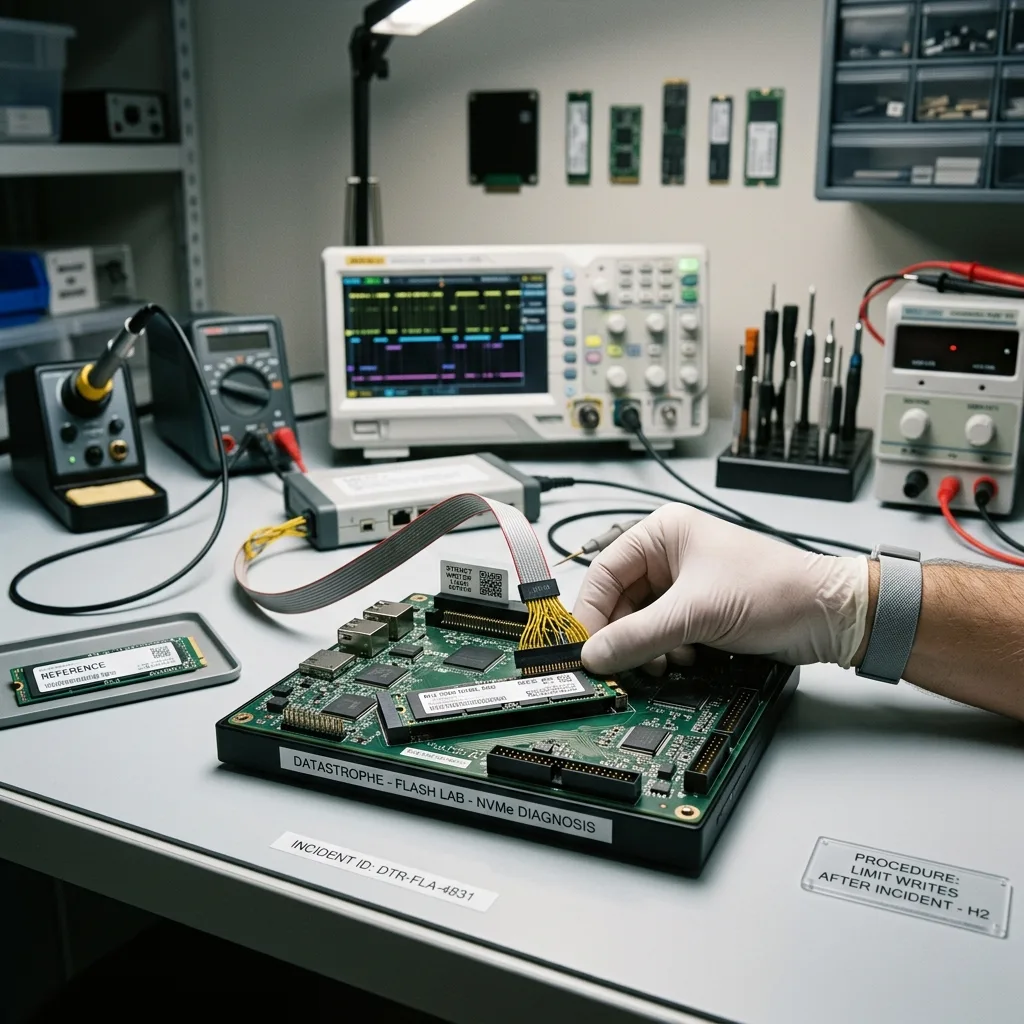
TRIM, background writes, repair and restoration can alter this SSD like any other. Pressure to restart essential equipment should not turn the source into a continuity test.
Do not reinstall software, purge logs, recreate databases or restore onto the same SSD before preservation. Use a separate continuity environment when operations must resume.
State priorities explicitly: the period, folders, exports, images, configurations, logs or databases required. This list guides acquisition if the SSD becomes unstable.
The article on logical SSD failures adds the underlying technical context. The same principles apply here, with stricter confidentiality and handling records.
Where the equipment must continue running, arrange replacement or a separate recovery environment. Reusing the original SSD can alter the sought data, and continuity should not erase the technical evidence.
Choose the return device and access controls deliberately. Sensitive material should be delivered within an agreed scope to authorised recipients; recovery is controlled transmission, not merely extraction.
Diagnostic assessment
Prepare A Controlled Recovery
Provide equipment model, SSD details, symptoms, incident date, prior actions, authorised access and expected data. Preserve associated devices that contribute to the Australian operating environment.
Verify backup age, scope and application compatibility before restoration. Comparison with the source may be required when the copy is incomplete or tied to the same software.
Document recovered files, limits, uncertain areas and delivery conditions. This prevents technical availability from being mistaken for business usability and gives the next team a clear basis for review.
A professional-equipment SSD therefore needs a restrained, traceable recovery. Preserving the source, machine context, access and priorities is more valuable than a series of rapid tests on an unstable system.
After delivery, the client should verify the files in its authorised environment. Technical checks confirm extraction, while final usability depends on the application, permissions, version and internal procedures.
Diagnostic assessment
Primary Technical References And Limits
Reference scope — equipment SSD recovery: For professional equipment SSD recovery Australia, the primary references used are europe.kioxia.com. Physical evidence — equipment SSD recovery: They define the relevant preservation, storage or validation concepts, but they cannot establish the exact physical condition, controller state, key availability or business consistency of the device received. Controller evidence — equipment SSD recovery: Those points require measurements on the original set and verification on copies.
Diagnostic assessment
Arrange A Controlled Assessment
Complete set — equipment SSD recovery: For a technical assessment of professional equipment SSD recovery Australia, provide the complete device or storage set, its associated power and interface parts, the symptom timeline and the priority records. Incident history — equipment SSD recovery: Keep member order, labels and authorised credentials separate from the parcel paperwork; do not restart the source merely to obtain a new screenshot.
Laboratory responsibility — equipment SSD recovery: Datastrophe performs the diagnosis, integrity checks and recovery directly in its own laboratory with its own team. Free assessment — equipment SSD recovery: Diagnosis and the quote are free. Transport boundary — equipment SSD recovery: Return courier transport is included; the carrier moves only the sealed parcel and neither accesses nor processes its data.
Controlled list — equipment SSD recovery: Before any payment, the client receives the proposed price and a checked list. Verification classes — equipment SSD recovery: Each item is classified, in order, as recoverable_verified, partial, detected_unverified or unrecoverable. Payment trigger — equipment SSD recovery: Only recoverable_verified items whose contents were checked and found usable are presented as recoverable. No-result rule — equipment SSD recovery: Payment is due only after the client accepts both the list and the price.
No-result rule — equipment SSD recovery: If no usable data is verified, recovery fails, or the client declines the list or price, no standard fee is payable. Rare-part exception — equipment SSD recovery: The only exception is a rare, costly and non-refundable part, which may be ordered only after a separate, explicit and priced proposal has been accepted.