

Diagnostic assessment
Understand RAID 10 fault tolerance
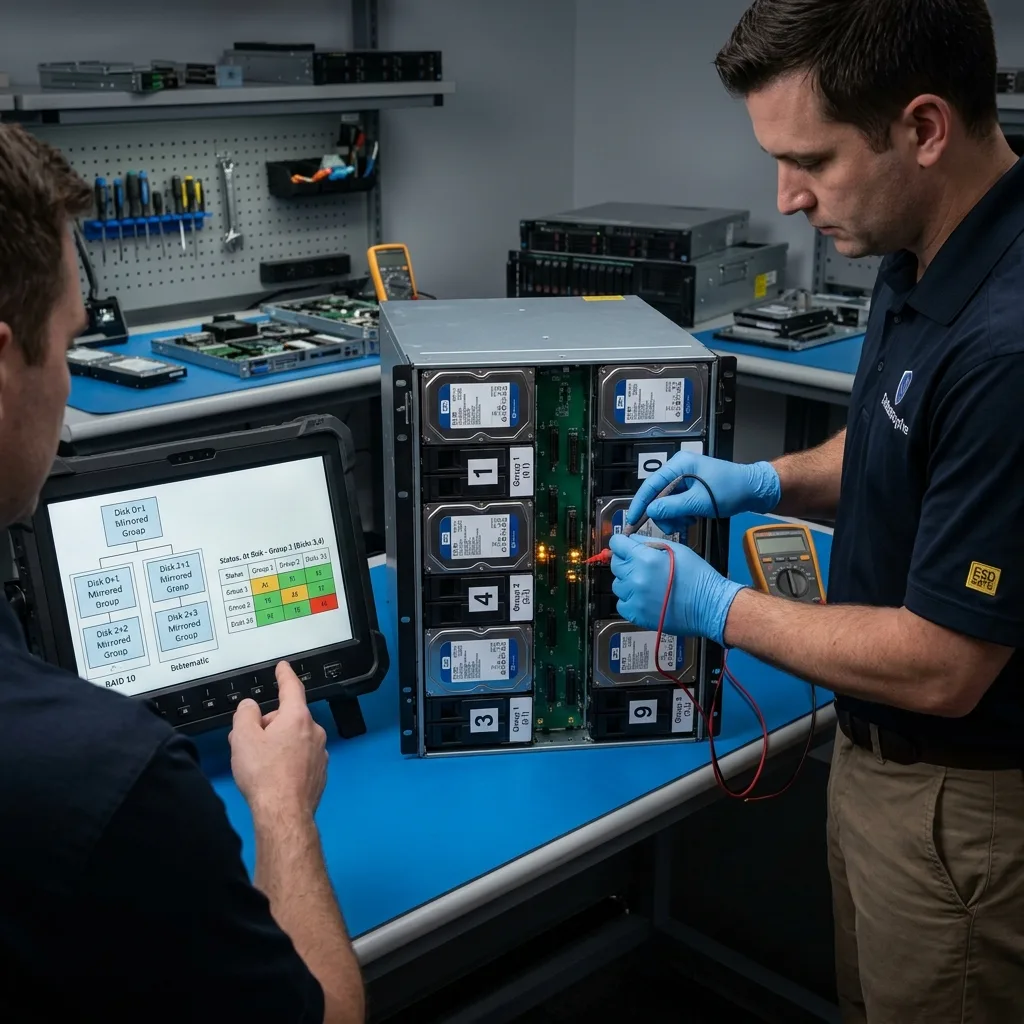
RAID 10 combines mirroring and striping. For a team working across Sydney and Perth, record local timestamps and give one incident owner control of restores, synchronisation and handover. It can tolerate certain disk failures, but not every combination. If several erratic disks belong to the wrong mirrored pairs, the volume can become inaccessible despite its redundancy.
The presence of RAID is no reason to downplay alerts. A degraded array, repeated rebuilding, SMART errors or unusual slowness all show that its safety margin is narrowing. The right time to act is prior to the volume disappears.
RAID 10 commonly sits in NAS appliances, servers and storage arrays. Its data may depend on applications, virtual machines, databases or shares. Recovery therefore has to account for both the RAID layer and how the data are used.
RAID data recovery covers specialist handling. This assessment focuses on signs that should prompt preservation before a risky rebuild.
The difficulty is confidence generated by continued access. Alerts are commonly postponed while the volume still mounts. Yet one weak disk failing under the load of a rebuild can move RAID 10 from degraded operation to severe loss in a single event.
Diagnostic assessment
Recognise the warning signs
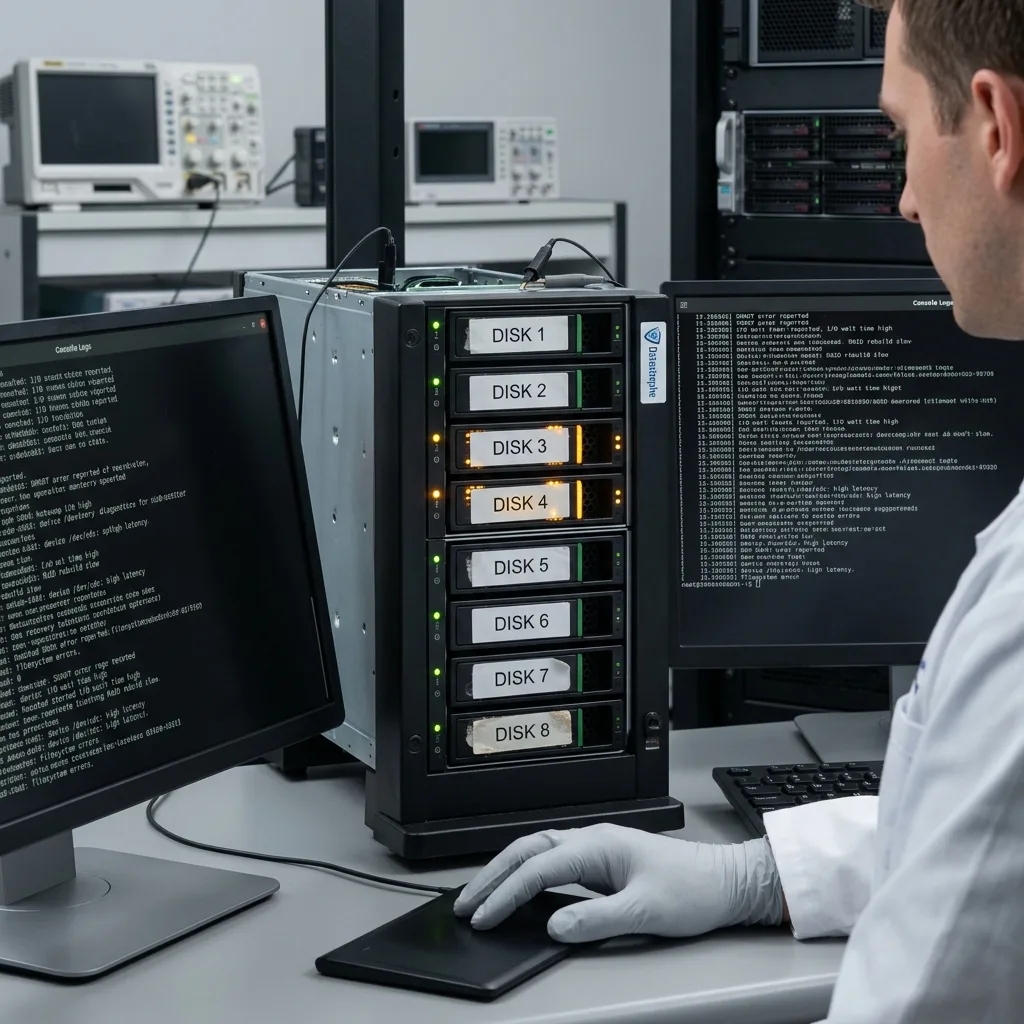
Disk notifications aren't the only warnings. A slow NAS, files that open unreliably, failed backups, error logs or an unusually long rebuild may point to a wider issue.
Pay attention to disks replaced recently. A new member starts rebuilding, but that procedure reads the surviving disks intensively. If another is weak, the added load can accelerate its failure.
Power cuts and repeated restarts are dangerous too. They can interrupt rebuilding, alter metadata or obscure the true sequence of events. Retain the timeline.
RAID after power failure develops that point. With RAID 10, the urgent question isn't merely which disk to replace, but the condition of every member.
Application errors matter as well. An incoherent database, freezing virtual machine or recently corrupted file may show that a mounted volume is no longer dependable.
Diagnostic assessment
Retain before rebuilding
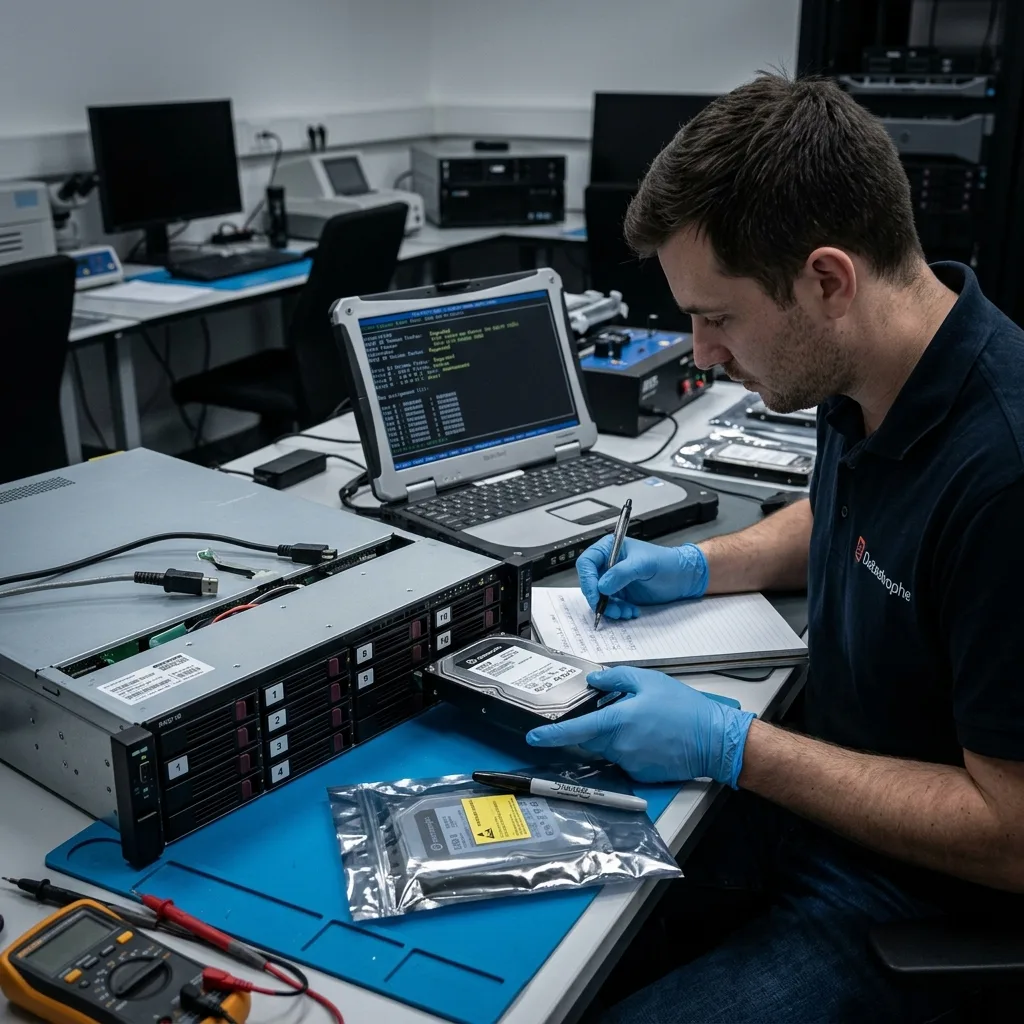
Before acting, record disk order, bay positions, serial numbers, controller messages, RAID level and every action already carried out. These details may become indispensable if the volume no longer mounts.
Don't initialise, force a rebuild or move disks to another enclosure without documentation. An administration interface may suggest an action that serves availability but puts data at risk when several disks are erratic.
Test backups prior to any heavy operation. Discovering that a copy is old, incomplete or corrupt after a failed rebuild is too late. The test must confirm that essential files genuinely open.
When data are critical, separate service continuity from recovery. Resuming work from a validated copy or backup is preferable to continuing writes on a deteriorating volume.
Avoid panicked handling too. Removing several disks, changing bay order or accepting every interface prompt can destroy the reference points needed for controlled reconstruction.
Diagnostic assessment
Decide from the whole picture
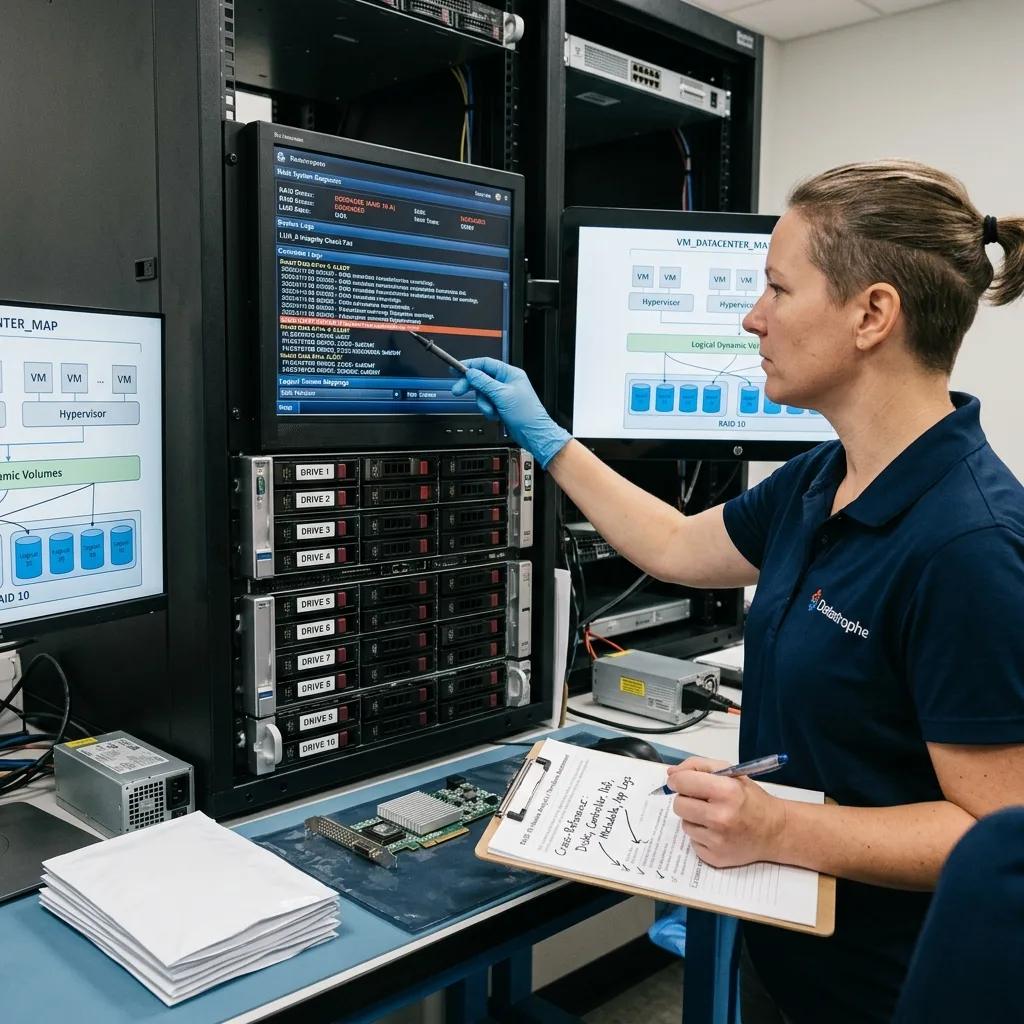
An alerted disk may not be the only issue. Examination must cover disks, controller, RAID metadata, file system, logical volumes, hypervisor and applications. A decision based on one disk can miss the real risk.
Set priorities. A production database, virtual machine, business share and archive call for separate acquisition choices. The most critical data can direct read-out and delivery.
RAID 10 recovery may require virtual reconstruction of the array rather than repair in the source enclosure. Working from copies allows analysis without consuming the original disks.
Datastrophe favours that preservation-led approach: freeze the state, understand the configuration, reconstruct carefully and deliver to healthy storage. Success means usable data, not merely a mounted volume.
Keep the assessment documented. Screenshots of alerts, the disk list, replacement dates and backup status prevent conflicting decisions. Straightforward records also speed up handling if the volume fails completely.
Diagnostic assessment
Prepare for the next alert
After the incident, update the RAID record: level, disk order, capacity, controller, firmware, backups and shutdown procedure. A short, accurate document can prevent improvised decisions at the next alert.
Monitoring must trigger action. An alert delivered to an unread mailbox protects nothing. Define who decides, which backup test begins and when the volume must be stopped.
Keep backups separate from RAID. RAID improves availability, but doesn't replace backup. Deletion, corruption, ransomware, human error and an unsuccessful rebuild can affect the whole volume.
RAID 10 buys time, not certainty. Detecting imminent failure means using that time to retain data, confirm backups and avoid an automatic rebuild when the array's overall condition is unclear.
Once stable operation has been restored, perform a restoration test. Until the backup has been opened, RAID remains the only perceived safety net. Real prevention depends on an independent, verified copy rather than redundancy alone.
Keep compatible replacement parts available. Installing an unsuitable disk under pressure can slow rebuilding or generate fresh alerts. Hardware inventory is therefore part of prevention, not just software monitoring.
Decide in advance when the volume should be stopped. If errors accumulate, continuing to serve data can be riskier than a controlled outage. The rule needs to be understood prior to the incident.
Assign that decision to a named owner; otherwise the alert can remain suspended between technical staff and operations.
Diagnostic assessment
Primary Technical References And Limits
Reference scope — 10 imminent failure data preservation: For RAID 10 imminent failure data preservation, the primary references used are Linux MD administration guide. Physical evidence — 10 imminent failure data preservation: They define the relevant preservation, storage or validation concepts, but they cannot establish the exact physical condition, controller state, key availability or business consistency of the device received. Controller evidence — 10 imminent failure data preservation: Those points require measurements on the original set and verification on copies.
Diagnostic assessment
Arrange A Controlled Assessment
Complete set — 10 imminent failure data preservation: For a technical assessment of RAID 10 imminent failure data preservation, provide the complete device or storage set, its associated power and interface parts, the symptom timeline and the priority records. Incident history — 10 imminent failure data preservation: Keep member order, labels and authorised credentials separate from the parcel paperwork; do not restart the source merely to obtain a new screenshot.
Laboratory responsibility — 10 imminent failure data preservation: Datastrophe performs the diagnosis, integrity checks and recovery directly in its own laboratory with its own team. Free assessment — 10 imminent failure data preservation: Diagnosis and the quote are free. Transport boundary — 10 imminent failure data preservation: Return courier transport is included; the carrier moves only the sealed parcel and neither accesses nor processes its data.
Controlled list — 10 imminent failure data preservation: Before any payment, the client receives the proposed price and a checked list. Verification classes — 10 imminent failure data preservation: Each item is classified, in order, as recoverable_verified, partial, detected_unverified or unrecoverable. Payment trigger — 10 imminent failure data preservation: Only recoverable_verified items whose contents were checked and found usable are presented as recoverable. No-result rule — 10 imminent failure data preservation: Payment is due only after the client accepts both the list and the price.
No-result rule — 10 imminent failure data preservation: If no usable data is verified, recovery fails, or the client declines the list or price, no standard fee is payable. Rare-part exception — 10 imminent failure data preservation: The only exception is a rare, costly and non-refundable part, which may be ordered only after a separate, explicit and priced proposal has been accepted.