
Diagnostic assessment
Start with a usable technical copy
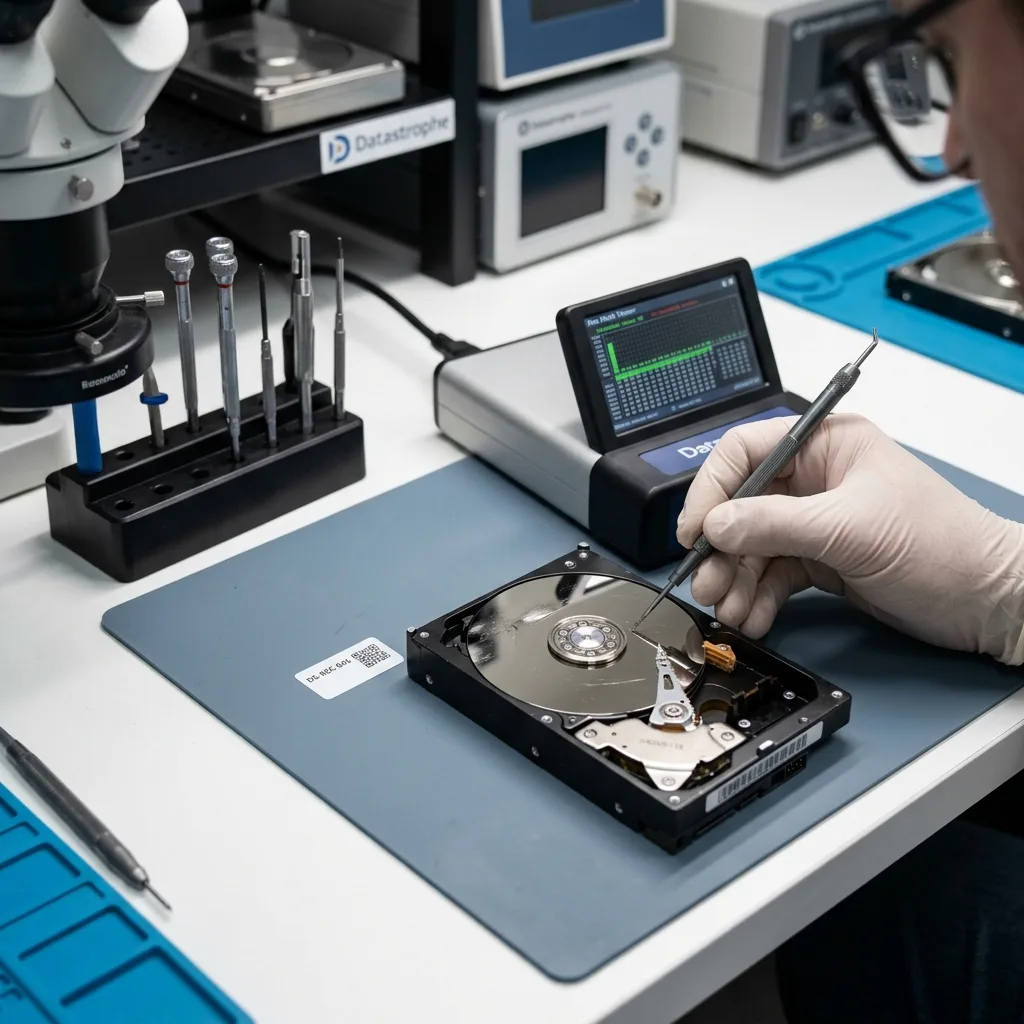
Data reconstruction doesn't begin with visible files. For media travelling from a regional site, sound packaging and a precise incident brief matter more than another trial with local recovery software. It starts with a technical copy of the device when its condition permits. That acquisition may be complete, partial or prioritised around readable regions. Its purpose is to retain the original and generate a stable working base.
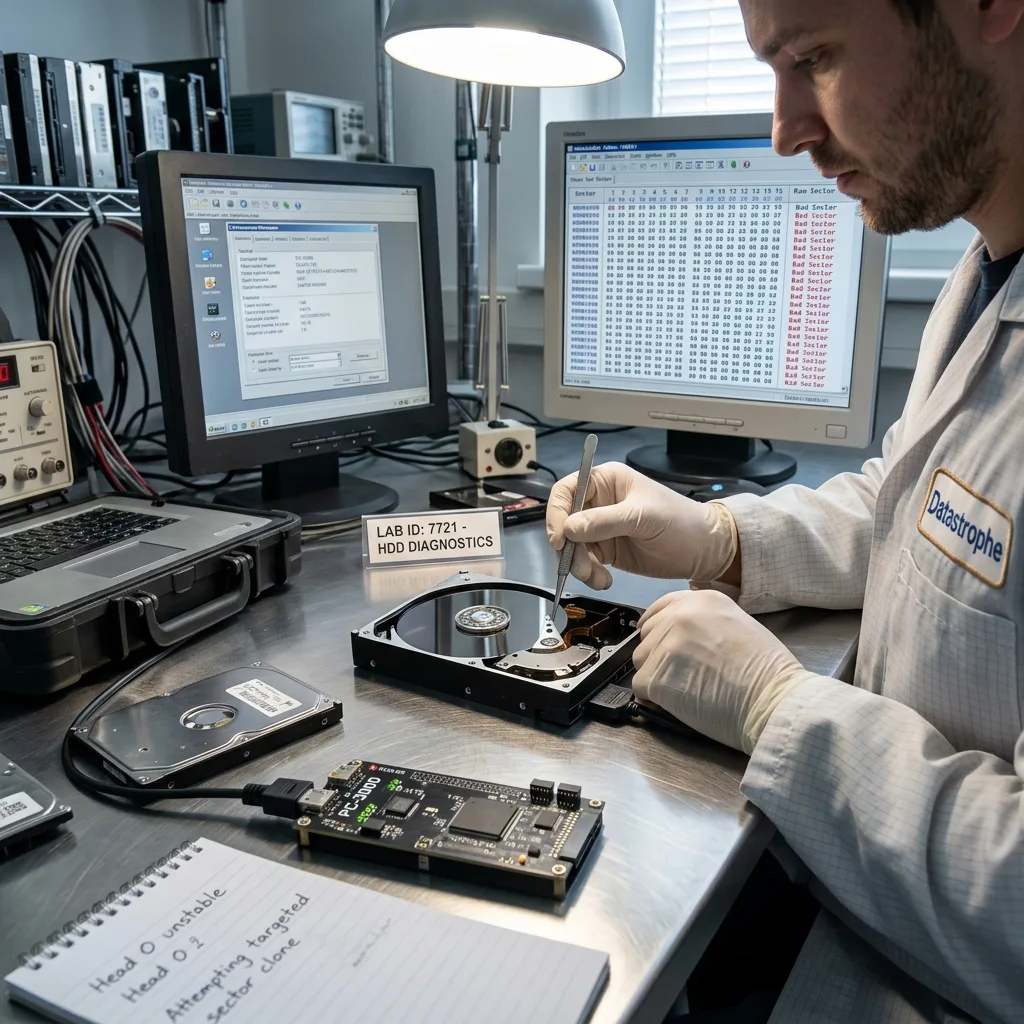
Damaged storage may respond intermittently, stop at particular sectors, report an inconsistent capacity or show a misleading directory tree. In that state, an ordinary folder copy can dwell on weak regions and waste time on secondary files.
The technical copy also records errors. It shows which areas were read, which remain uncertain and where reconstruction needs caution. This evidence is essential when describing the limits of the outcome.
Assessing storage damage comes first. Reconstruction follows when a partial or disordered read-out needs to be turned into usable files.
That separation prevents steps being rushed. Until the device's condition is understood, attempting reconstruction directly on the original can multiply unnecessary reads. A technical copy provides room for analysis without consuming damaged storage further.
Diagnostic assessment
Understand the role of metadata
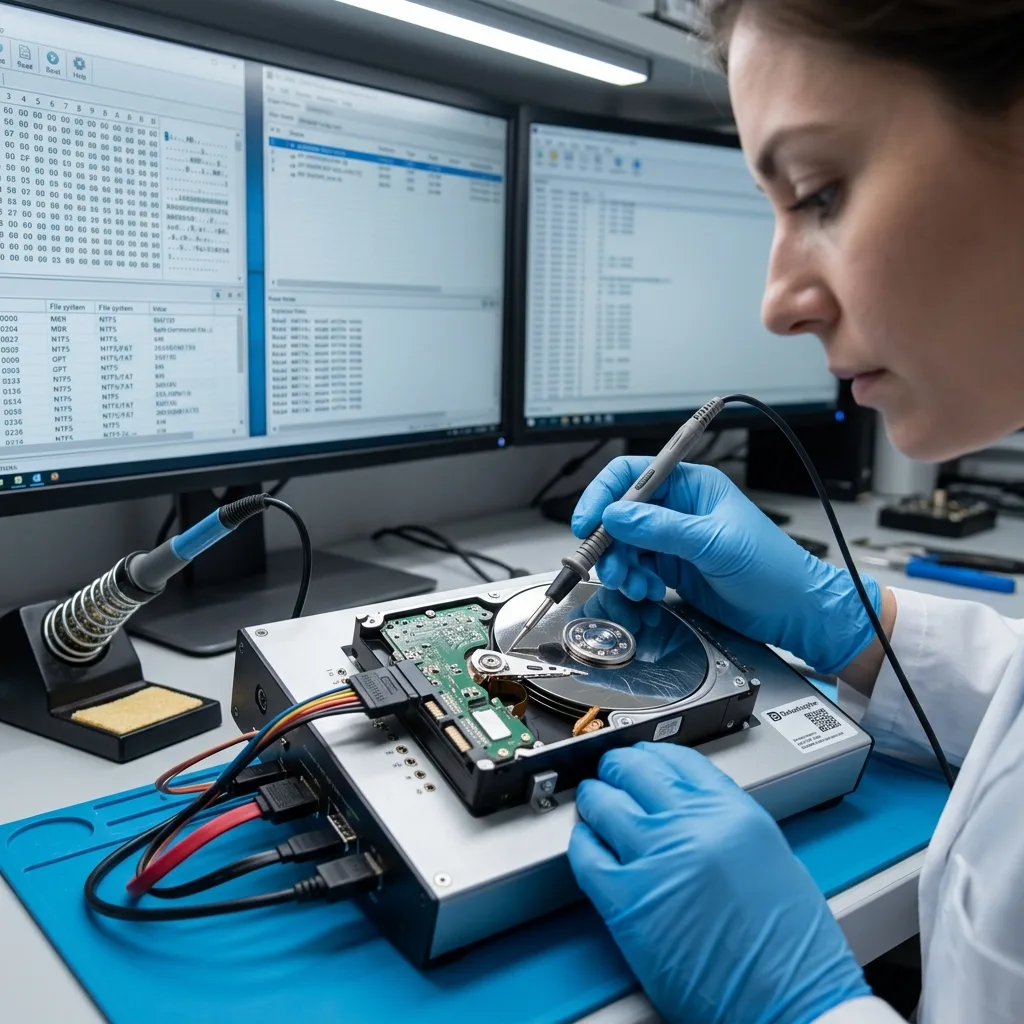
Metadata describe file organisation: names, folders, sizes, dates, fragments, file systems, journals and indexes. They can support a structure close to the original when intact. When corrupt, reconstruction becomes less certain.
A file can survive without its original path. A folder may be listed while some of its contents are unreadable. A database can be present but inconsistent. Reconstruction therefore connects available fragments with information that remains trustworthy.
Further writes after the incident add difficulty. Automatic repair, formatting, restoration or prolonged use may alter metadata. These actions don't invariably make all recovery impossible, but they change the technique.
Distinguish logical reconstruction from device repair as well. Reconstructing data doesn't restore a hard drive, SSD or USB flash drive to service. Damaged storage remains a source to retain, not a workspace to reuse.
Proprietary systems complicate interpretation further. A DVR, NAS, virtual machine or business application may organise data differently from an ordinary folder. Reconstruction then has to understand the system structure before producing files that genuinely work.
Diagnostic assessment
Prioritise files rather than promising everything
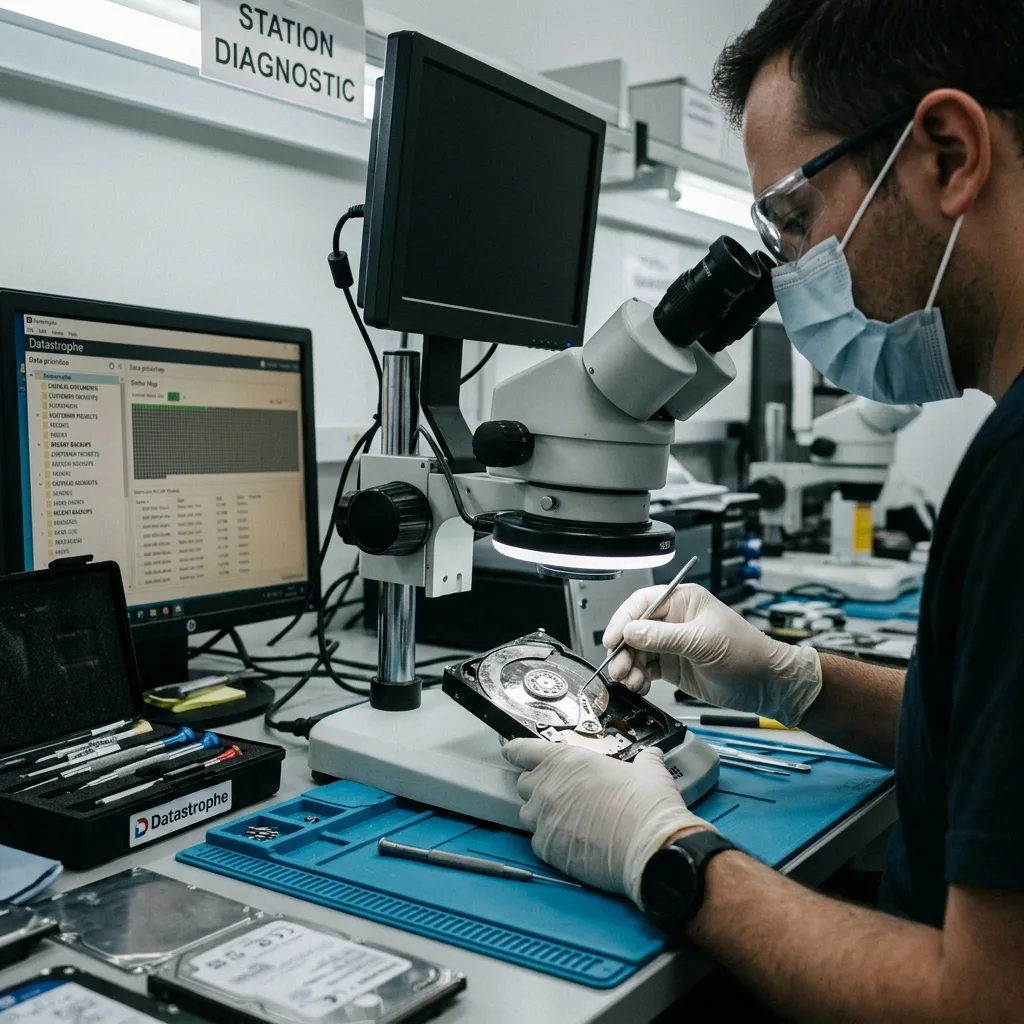
When storage is badly degraded, expected data should determine the approach. Accounts, contracts, video, recent photographs, a line-of-business database or a client project carry different weight from temporary files. Practical reconstruction starts with priorities.
Those priorities influence the order of analysis. Some areas can be acquired before others, particular extensions or signatures can be sought, and one database may need several associated files. An archive may fail completely if only a few blocks are missing.
Reconstructing everything is neither always possible nor necessary. Partial recovery may be enough when it covers critical data. Conversely, a large unvalidated file collection can have little value. Datastrophe distinguishes data volume from practical usefulness.
Incident documentation supports this stage. A timeline and priority file list direct reconstruction and prevent fragments being interpreted without context.
Priorities should include dependencies. A database may require logs, an application and a precise version; video may need an index; a project can rely on linked files. One isolated file doesn't necessarily form a usable outcome.
Diagnostic assessment
Validate reconstructed files
Validation is a separate stage. A file included in delivery isn't automatically usable: it may be partial, corrupt, duplicated, old or compatible only with particular software. Reconstructed material needs checking.
Begin with priority files. Confirm that they open, cover the expected period, remain internally consistent and work for their real purpose. A database may require its business application, an archive needs extraction, and video must play through the relevant sequence rather than merely exist.
Mark uncertain files clearly. Professional delivery shouldn't conceal limitations behind an impressive file count. The client needs to distinguish validated items, partial data and material that could not be reconstructed.
That transparency supports continuity decisions. A business can resume from a partial scope when it knows exactly what is missing. Ambiguity is more dangerous than a clearly stated limit.
Adapt validation to the data. An office document can be opened promptly; an archive must extract; a database should mount in its environment; video needs playback over the expected period. One indicator can't suit every format.
Diagnostic assessment
Describe limits without alarmism
Reconstruction has technical limits. Overwritten areas, unreadable flash, badly scored platters, destroyed metadata or encryption without a key can prevent particular outcomes. Describe those limits without dramatic language.
Avoid broad promises too. Two devices with the same symptom can produce different outcomes depending on history, subsequent writes, file system and the priority data. The method reduces uncertainty; it can't remove it.
Deliver to healthy storage. Never reuse the damaged device to confirm or hold reconstructed files. A separate destination needs sufficient capacity and validation appropriate to the data.
Understanding reconstruction means accepting that success isn't necessarily an exact restoration of the initial state. A sound outcome is controlled, documented and proportionate to the data that genuinely matter.
This approach also protects confidentiality. Working from a copy, limiting scope and clearly identifying validated files reduces unnecessary exposure. Reconstruction shouldn't become an unrestricted exploration of everything left on the device.
Datastrophe reconstructs priority data from a controlled acquisition, identifies partial or unverified results and validates usable files before handover; clean room work applies only to mechanical drives that must be opened.
Diagnostic assessment
Primary Technical References And Limits
Reference scope — data damaged storage limitations practical guide: For reconstruct data damaged storage limitations practical guide, the primary references used are NIST SP 800-86. Physical evidence — data damaged storage limitations practical guide: They define the relevant preservation, storage or validation concepts, but they cannot establish the exact physical condition, controller state, key availability or business consistency of the device received. Controller evidence — data damaged storage limitations practical guide: Those points require measurements on the original set and verification on copies.
Diagnostic assessment
Arrange A Controlled Assessment
Complete set — data damaged storage limitations practical guide: For a technical assessment of reconstruct data damaged storage limitations practical guide, provide the complete device or storage set, its associated power and interface parts, the symptom timeline and the priority records. Incident history — data damaged storage limitations practical guide: Keep member order, labels and authorised credentials separate from the parcel paperwork; do not restart the source merely to obtain a new screenshot.
Laboratory responsibility — data damaged storage limitations practical guide: Datastrophe performs the diagnosis, integrity checks and recovery directly in its own laboratory with its own team. Free assessment — data damaged storage limitations practical guide: Diagnosis and the quote are free. Transport boundary — data damaged storage limitations practical guide: Return courier transport is included; the carrier moves only the sealed parcel and neither accesses nor processes its data.
Controlled list — data damaged storage limitations practical guide: Before any payment, the client receives the proposed price and a checked list. Verification classes — data damaged storage limitations practical guide: Each item is classified, in order, as recoverable_verified, partial, detected_unverified or unrecoverable. Payment trigger — data damaged storage limitations practical guide: Only recoverable_verified items whose contents were checked and found usable are presented as recoverable. No-result rule — data damaged storage limitations practical guide: Payment is due only after the client accepts both the list and the price.
No-result rule — data damaged storage limitations practical guide: If no usable data is verified, recovery fails, or the client declines the list or price, no standard fee is payable. Rare-part exception — data damaged storage limitations practical guide: The only exception is a rare, costly and non-refundable part, which may be ordered only after a separate, explicit and priced proposal has been accepted.