
Diagnostic assessment
Account For Continuous Background Writes
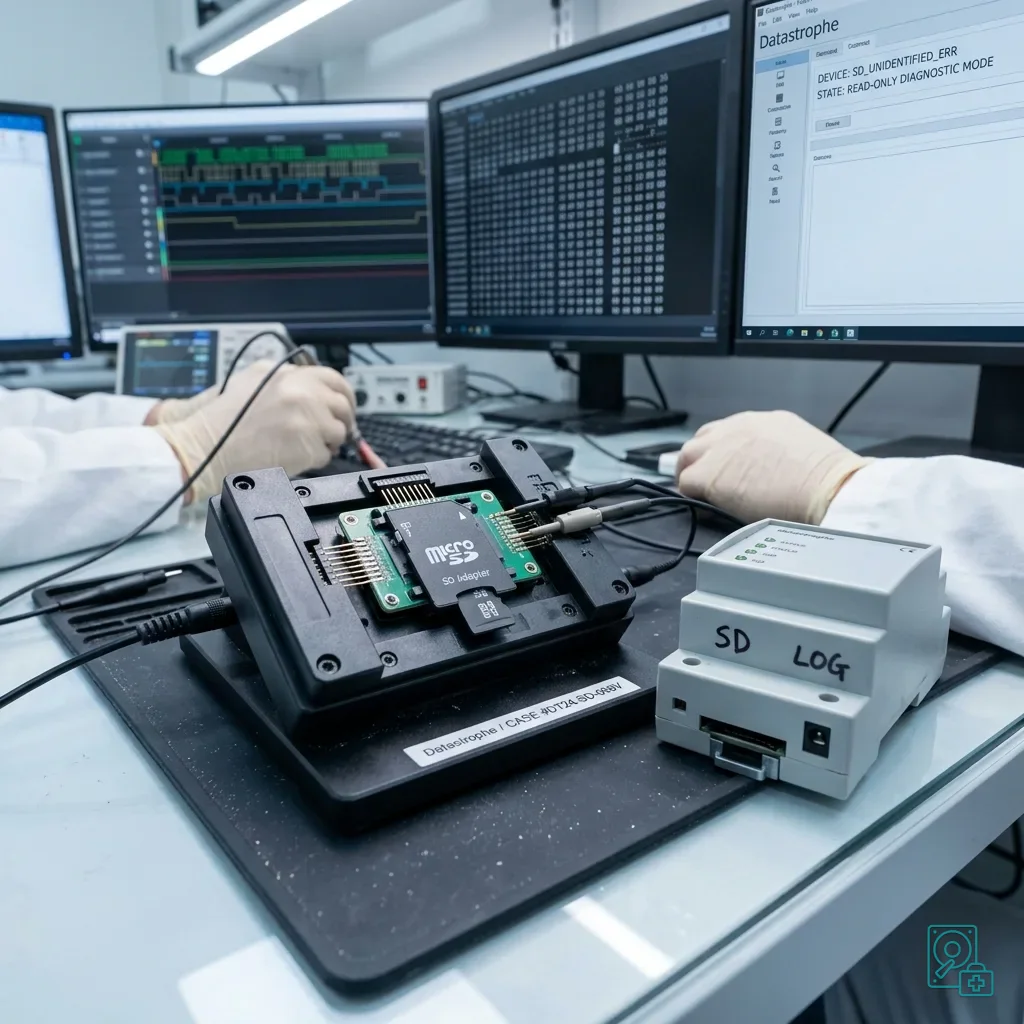
A card installed in technical equipment may be active around the clock. Sensors, gateways, PLCs, recorders and local workstations can write logs, images, events, databases and configuration continually, increasing wear and corruption exposure.
Failure may appear as missing history, unplayable sequences, repeated restart, lost settings, a format prompt or empty folders. The card can be physically sound while its logical state is inconsistent after an interrupted write.
Memory card data recovery covers the storage medium itself. The extra risk is that the host system may keep writing even when an operator believes they are only viewing earlier records.
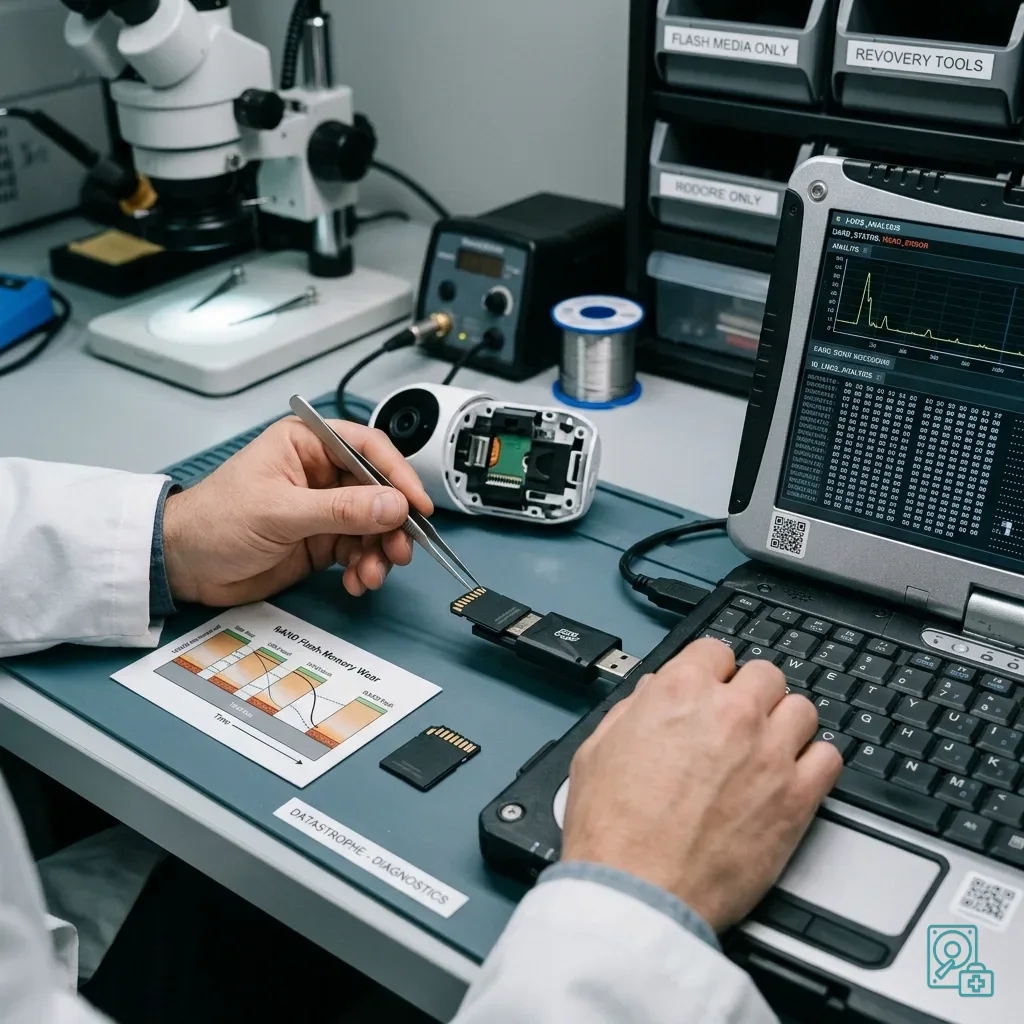
Do not return the source card to the equipment without a defined purpose. Start-up can generate logs, purge older entries, rebuild indexes or reset a local database. Capture the initial state before restoring service.
Identify the equipment and the card's role. A sensor, PLC, gateway and recorder store different content and structures. This prevents work focusing on visible video when configuration or event data has greater value.
Separate local records from synchronised data. The application may show only part of the history while the card contains more detail, or remote storage may hold information absent locally. Verify both before declaring a loss.
Diagnostic assessment
Define The Data That Makes The System Useful
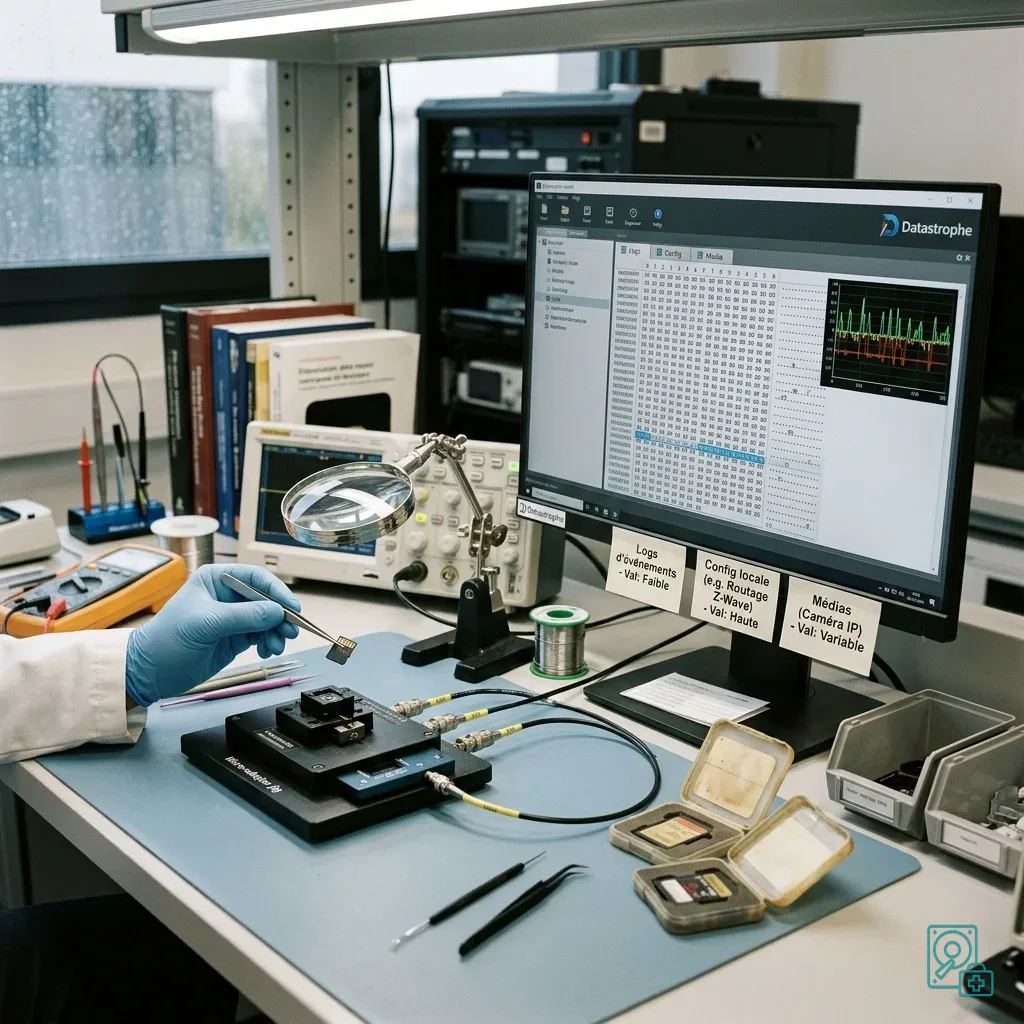
The most visible files are not always the most important. Video and images may matter, but configuration, event logs, local databases and exports can be essential to understanding or rebuilding the system. Define what is actually missing.
Technical equipment often uses proprietary formats. Files recovered without their original folder layout may be difficult to interpret. Equipment model, software version and the card's function give the handover practical meaning.
Dates and times are frequently central. An alert, sensor history, video segment or pre-failure configuration may concern a narrow window. When access is unstable, that interval should guide reading order.
Incident documentation supports this work. Record failure time, messages, restarts, maintenance and copy attempts because they may explain why selected records disappeared or changed.
Retain account and access context too. Some systems encrypt or bind files to a local profile. Without credentials, keys or the correct environment, extracted content may remain difficult to use.
Diagnostic assessment
Treat Power Loss As A Write Interruption
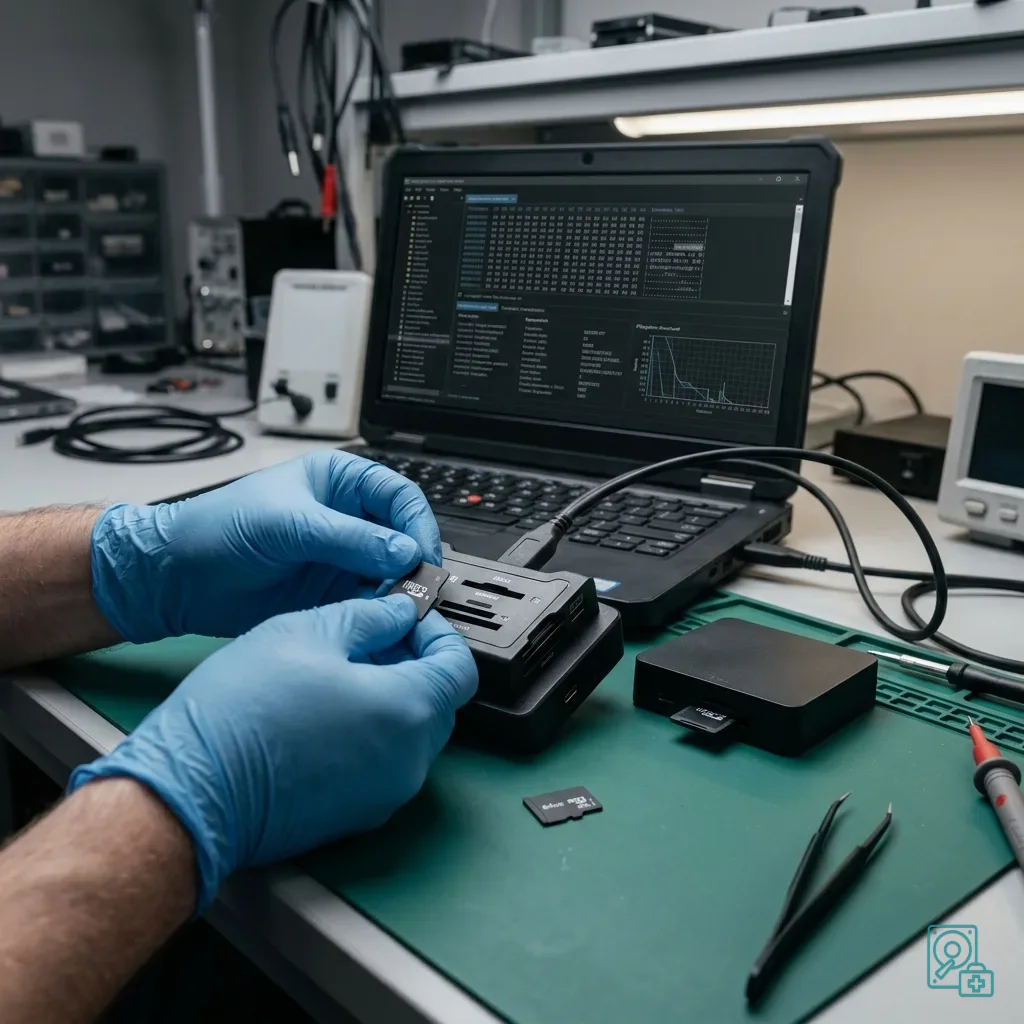
Technical systems often experience unstable supply, abrupt restart, mains outage, card removal or incomplete update. Any of these can leave a database transaction, configuration file or video container unfinished.
Decline automatic repair offered by a computer. It may alter logical structures and discard records it considers inconsistent. A format prompt should never be accepted when the source data matter.
Card endurance also matters. Media designed for occasional photography may not tolerate continuous logging or loop recording. Heavy workloads require suitable cards and planned replacement.
Stop if the card becomes hot, slow or disappears while reading. Continuing to stress unstable media can consume the opportunity to acquire the priority database, logs or event range.
A nearly full card is more exposed to interruption and loop overwrite. Systems that remove old data automatically may replace the exact period required if operation continues after the incident.
Diagnostic assessment
Keep Service Restoration Separate From Recovery
When equipment must remain available, resetting the system or reformatting its old card is tempting. Service restoration and data recovery are different objectives, and the source should remain preserved.
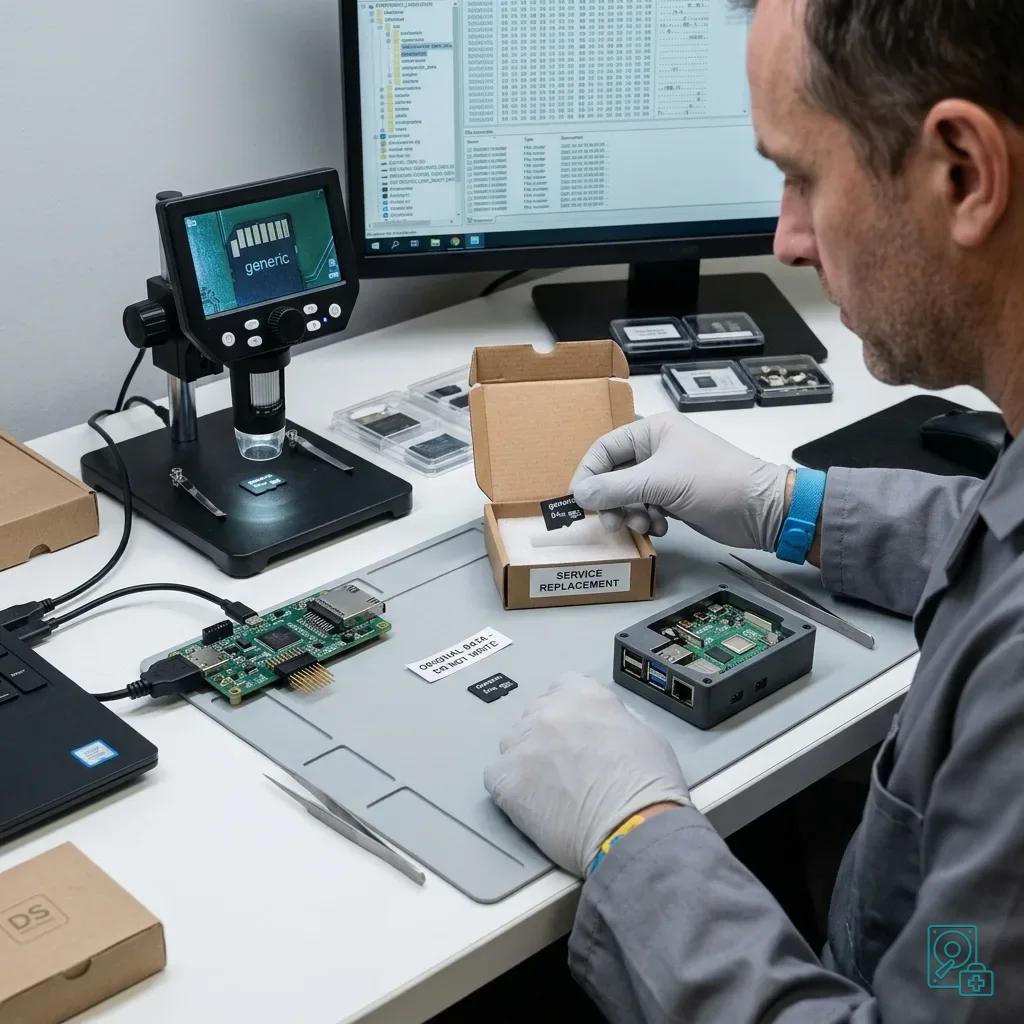
The installation may be able to resume using known-good replacement media while the failed card is isolated. This prevents new writes and can produce a fresh structure for comparison without altering the original.
Verify every supposed backup. Cloud synchronisation, local copies and automatic exports can be incomplete or delayed. Open and check the relevant period before relying on them.
Datastrophe assesses card behaviour and stated priorities. The useful scope may be one event window, configuration, group of logs or media set rather than an unfiltered image of everything.
A replacement card initialised by the equipment can provide a reference layout. Expected folders, names and database files may help interpret recovery while the source remains untouched.
The handover should explain limits. A log may be complete but difficult to import, video may play outside the original application and configuration may require validation by the manufacturer or responsible integrator.
That final distinction prevents successful extraction from being confused with a fully restored technical service. Files must be both technically coherent and meaningful in their intended operating context.
Diagnostic assessment
Reduce Future Loss From Equipment Cards
Systems that write frequently need suitable endurance-rated media and a replacement schedule. Installed cards are not permanent archives, particularly under continuous logs, databases or looping video.
Export important settings and records regularly. A backup is useful only when its content has been read and restored successfully, and critical history should exist away from the installed card.
Reduce power interruptions with stable supply, clean shutdown and a documented media-replacement procedure. Retaining equipment models, software versions and export formats also speeds any later assessment.
A failed technical-equipment card needs a methodical response: preserve it, retain the host context, prevent writes and define the useful operational data before extraction begins.
Diagnostic assessment
Primary Technical References And Limits
Reference scope — equipment memory card recovery: For technical equipment memory card recovery, the primary references used are www.sdcard.org. Physical evidence — equipment memory card recovery: They define the relevant preservation, storage or validation concepts, but they cannot establish the exact physical condition, controller state, key availability or business consistency of the device received. Controller evidence — equipment memory card recovery: Those points require measurements on the original set and verification on copies.
Diagnostic assessment
Arrange A Controlled Assessment
Complete set — equipment memory card recovery: For a technical assessment of technical equipment memory card recovery, provide the complete device or storage set, its associated power and interface parts, the symptom timeline and the priority records. Incident history — equipment memory card recovery: Keep member order, labels and authorised credentials separate from the parcel paperwork; do not restart the source merely to obtain a new screenshot.
Laboratory responsibility — equipment memory card recovery: Datastrophe performs the diagnosis, integrity checks and recovery directly in its own laboratory with its own team. Free assessment — equipment memory card recovery: Diagnosis and the quote are free. Transport boundary — equipment memory card recovery: Return courier transport is included; the carrier moves only the sealed parcel and neither accesses nor processes its data.
Controlled list — equipment memory card recovery: Before any payment, the client receives the proposed price and a checked list. Verification classes — equipment memory card recovery: Each item is classified, in order, as recoverable_verified, partial, detected_unverified or unrecoverable. Payment trigger — equipment memory card recovery: Only recoverable_verified items whose contents were checked and found usable are presented as recoverable. No-result rule — equipment memory card recovery: Payment is due only after the client accepts both the list and the price.
No-result rule — equipment memory card recovery: If no usable data is verified, recovery fails, or the client declines the list or price, no standard fee is payable. Rare-part exception — equipment memory card recovery: The only exception is a rare, costly and non-refundable part, which may be ordered only after a separate, explicit and priced proposal has been accepted.