
Diagnostic assessment
Remote Work Adds Layers Around A Virtual Disk
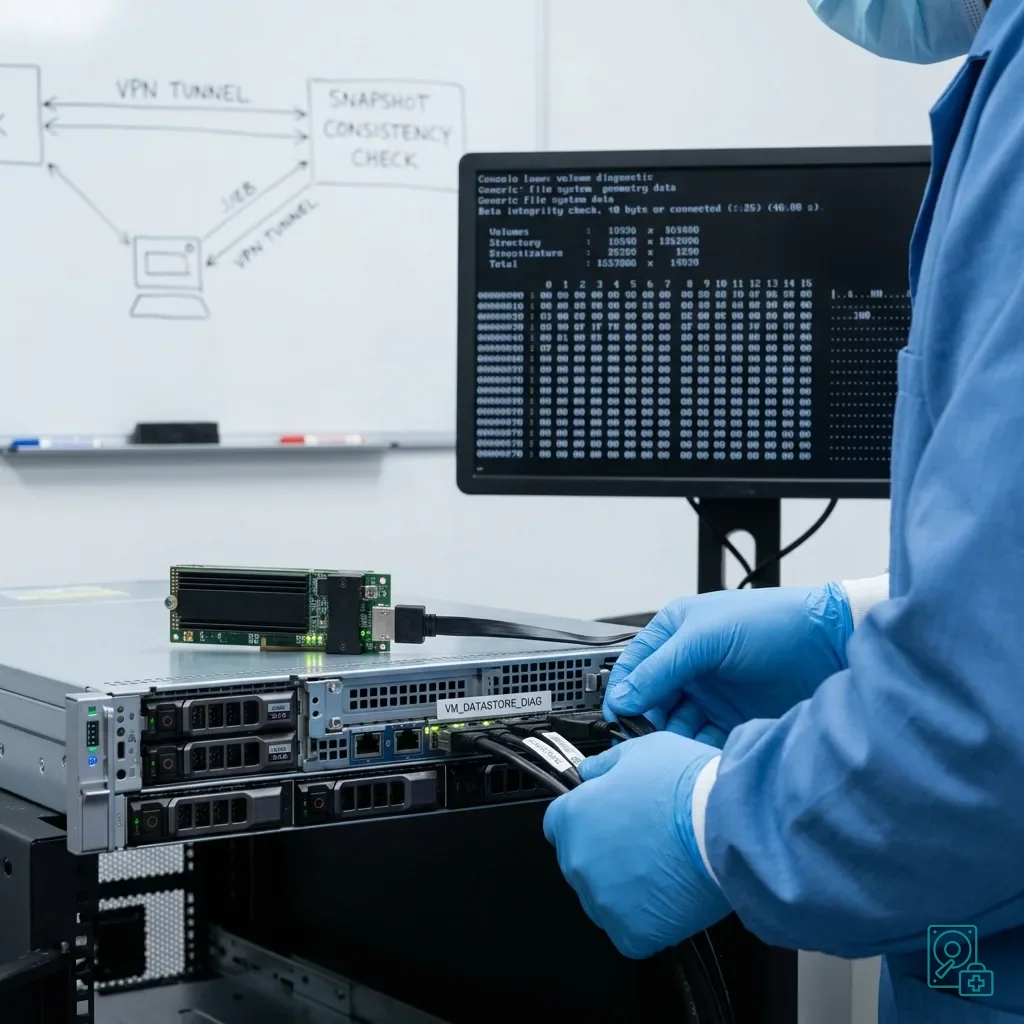
A virtual disk used for remote work is more than the file that holds its data. It may depend on a hypervisor, network share, VPN client, synchronisation service, local cache and automated backup. When something fails, these layers can each display a different version.
The visible symptom is often ordinary: a missing folder, an old version returning, a slow virtual machine, a volume that no longer mounts or an error after a network interruption, but the relevant version may still exist away from the server. The technical risk is nevertheless real when several systems attempt to repair or resynchronise the same content.
First establish where writes occurred. A colleague may have worked offline before reconnecting, an application may have kept files open or synchronisation may have stopped halfway through a database or archive, so each device and session can hold a different state. These details substantially alter which state should be examined first.
Virtual disk recovery covers virtualised environments generally. The particular issue here is the risk created by remote access and by the synchronisation mechanisms surrounding the disk, rather than treating the synchronisation service as transparent transport.
Do not immediately select the latest displayed version. Newest does not necessarily mean healthiest. An older local copy may retain a usable structure, while a later synchronised version may already have propagated the incident, making powered-off laptops possible evidence sources.
Diagnostic assessment
Synchronisation And VPNs Can Conceal The Failure
A VPN creates the impression of direct access to the company network, but it adds dependencies: latency, disconnection, reconnection, permissions, file conflicts and cache management, and reconnect timing can change how conflicts are resolved. If a write fails during an unstable session, the application may report the error late or not at all.
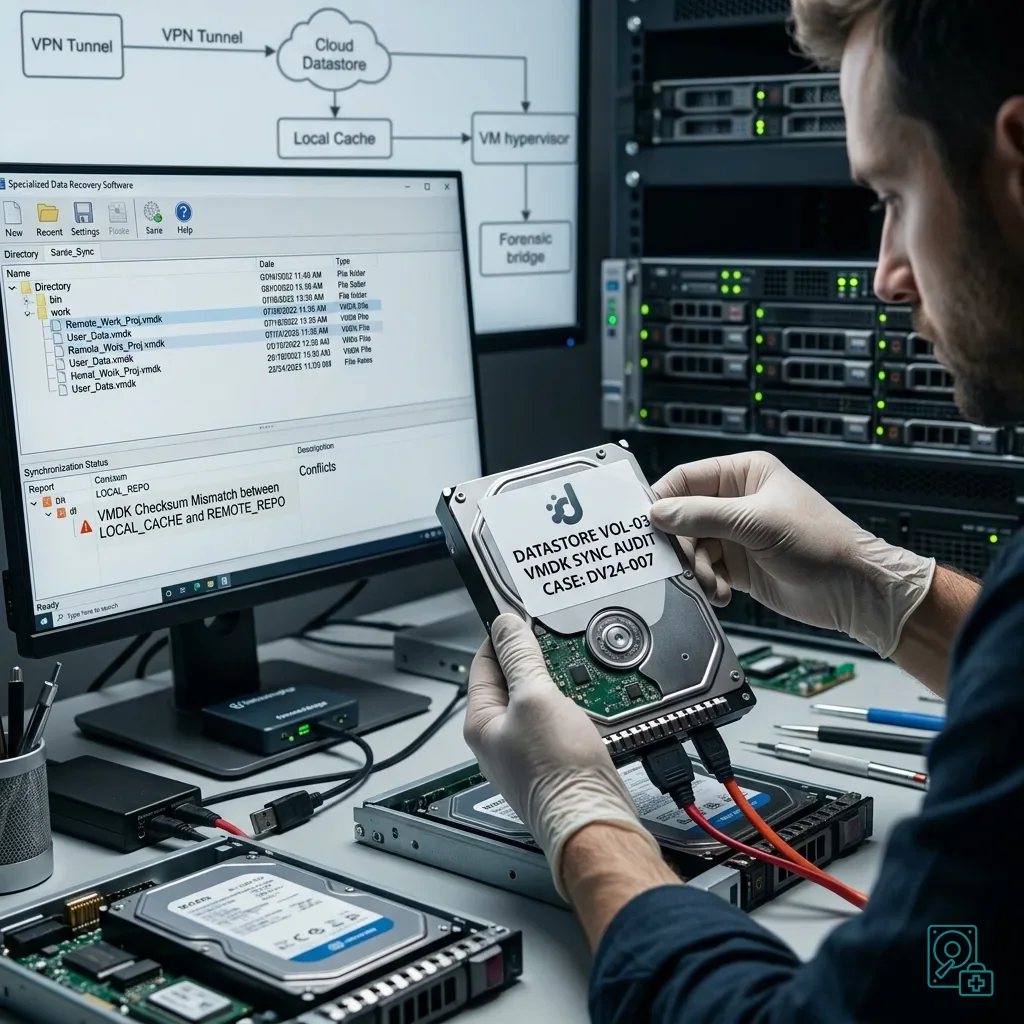
Synchronisation tools create another difficulty. They may rename conflicting files, retain a temporary version, mark a folder as synchronised while some blocks are missing or delete locally what was removed remotely, so conflict files should not be cleaned up before an inventory. The synchronisation icon is therefore not evidence of integrity after an incident.
Chronology becomes essential. Record when the computer was offline, when it reconnected, which user opened the files, what message appeared and whether a backup started, with device time zone and clock drift noted. This evidence helps select the first source to analyse without allowing one copy to overwrite another.
Virtual machines also involve very large synchronised files. Copying or moving a VMDK, VHDX or equivalent disk while a task is failing can produce an incomplete version. A file having the expected name and a substantial size does not prove that its internal data is coherent.
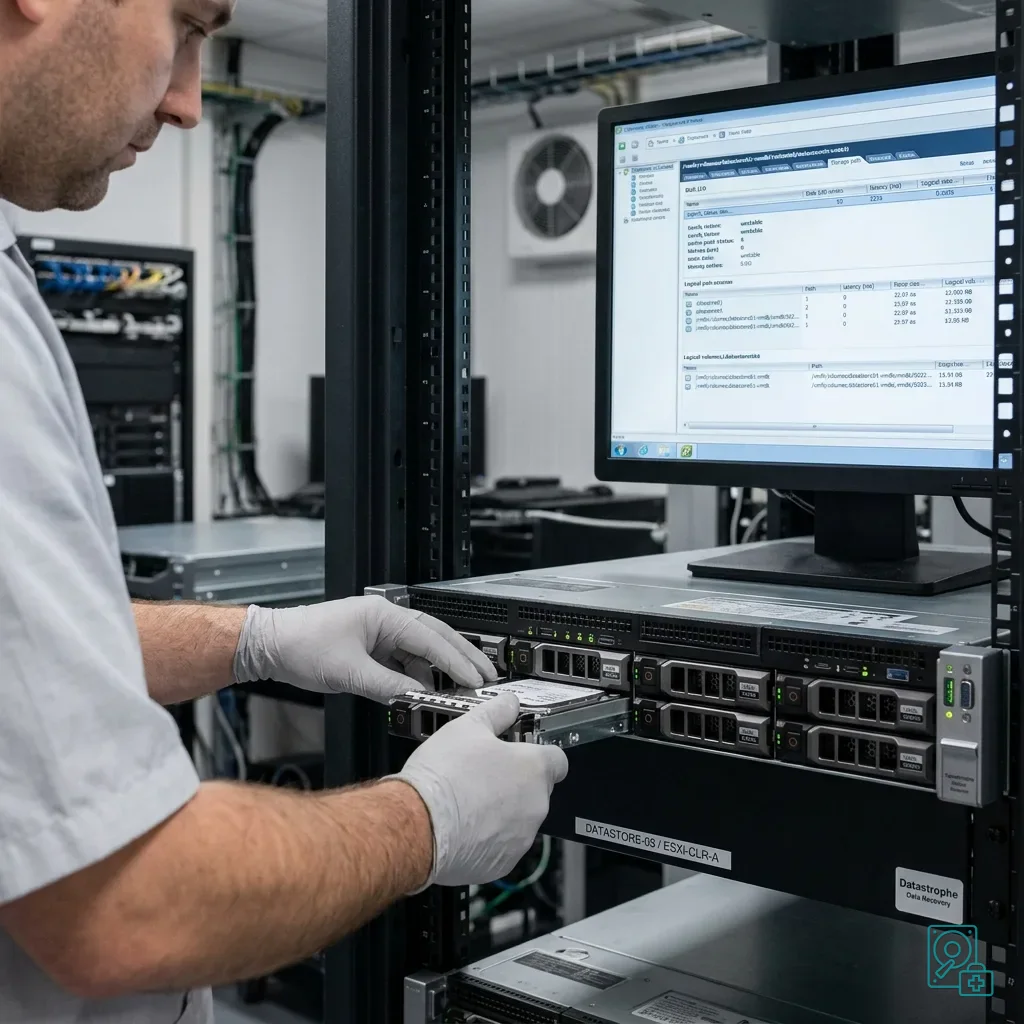
Warning signs in a clustered virtual-disk environment adds the infrastructure perspective, while remote work adds endpoint and cache chronology. During remote work, the greater problem is often not the cluster itself but the scattering of states across the workstation, network and storage, requiring a source map before any restoration.
Diagnostic assessment
Preserve Snapshots And Local Copies
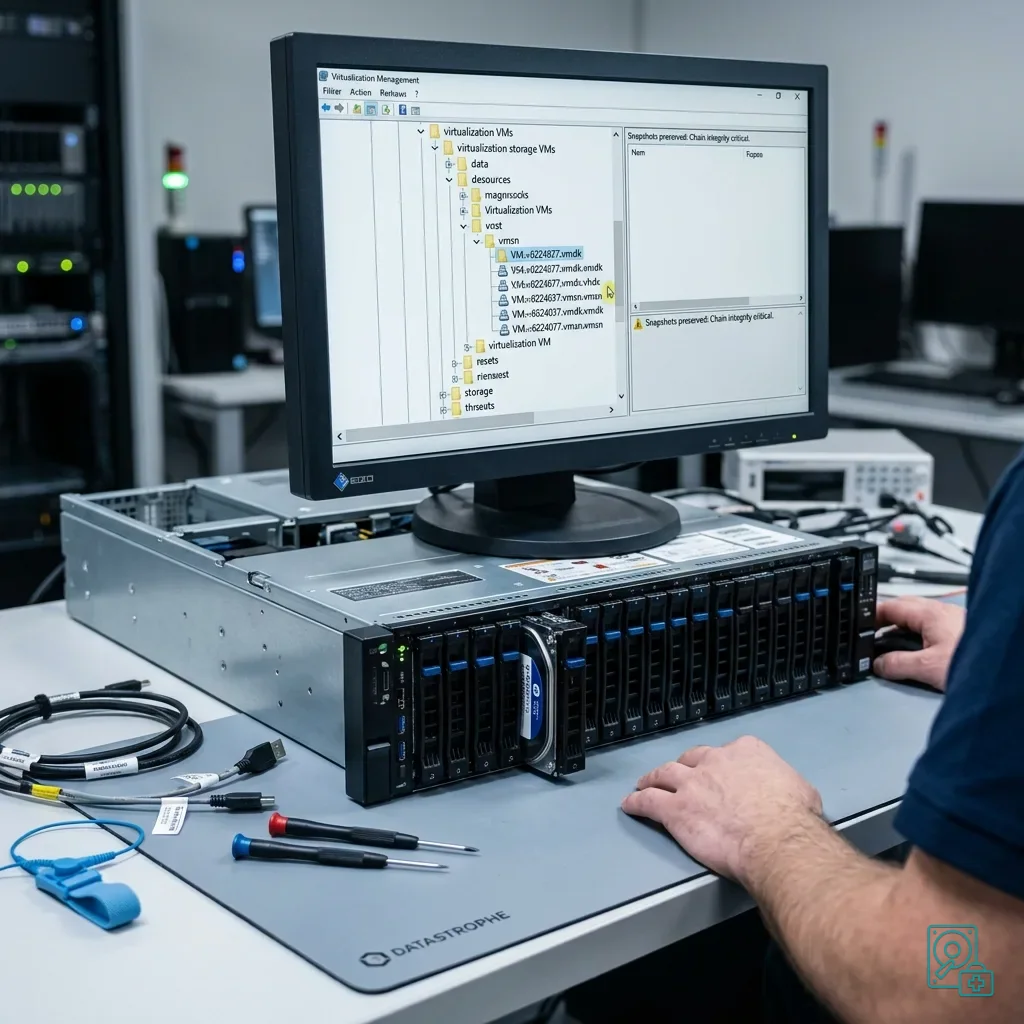
A snapshot may help, but can also complicate recovery when its chain is altered too soon. If there is doubt, retain the virtual-disk files, snapshot files, descriptors and logs. Deleting one component to release space may make reconstruction much harder.
Treat local copies with the same care. A remote worker's computer may hold a cache, exported archive, temporary folder or database copied before the incident. Even an apparently secondary copy can supply a coherent version or provide a comparison for recovered files.
Avoid renaming or moving these items without a record. If a copy is required, make it to healthy storage and note its source, time, workstation and user. This is not administrative formality; it keeps the incident understandable when several similar versions exist.
Pressure to consolidate snapshots is strong when storage space is scarce. Consolidation changes files and can obscure the failure point, however. If work must resume, use a separate environment or a clearly identified copy while leaving the source intact.
This follows the same principles as incident documentation. The more distributed the environment, the more important its chronology and complete source list become in preventing an unsuitable restoration, and any device still offline should remain offline until its state is captured.
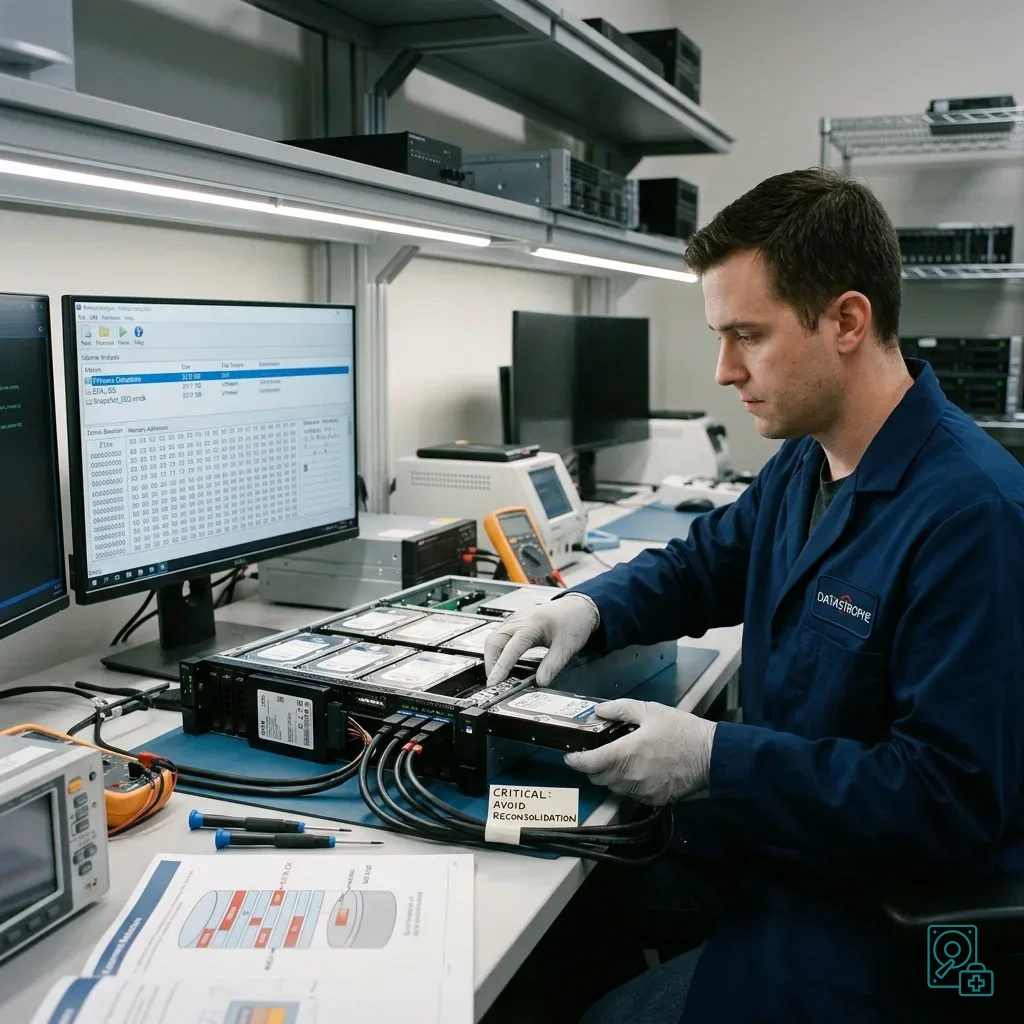
Diagnostic assessment
Avoid Hurried Reconstruction
After a failure, the IT team understandably wants to restore service. Certain actions can nonetheless reduce recovery prospects: restarting synchronisation globally, restoring a backup to the same location, deleting conflict files, consolidating snapshots or extending a volume before making a controlled copy.
The question is not only how to restart, but which states must be preserved first. In a remote-work environment, the relevant state may sit on a server, remote computer, cloud platform, backup or powered-off virtual machine.
Separate operational continuity from recovery. Work may resume from a working copy or partial restoration as long as the sources are not overwritten. Recovery must independently establish what was deleted, corrupted or left out of synchronisation.
Local databases, business files and compressed archives are particularly sensitive. Partial synchronisation can leave a file visible but unusable. Small files are not automatically the priority; structural files may determine whether an entire application can operate.
List every involved device and account before substantial corrective work. This avoids searching only the server when a sound version may remain on a workstation that never completed its synchronisation.
Diagnostic assessment
Prepare A Controlled Restart
Useful prevention does not mean multiplying copies without a method. Define the authoritative location, how workstations synchronise, how long versions are retained and who can stop synchronisation during an incident.
For each virtual disk, document its format, location, snapshots, application dependencies and backups. An architecture that staff can explain clearly will be easier to assess when a volume becomes inaccessible.
Remote workers also need concise instructions: do not reopen an application repeatedly, delete conflict files, clear a cache or perform a local restoration without guidance. These simple limits often stop a small loss becoming a wider incident.
Backups require regular verification, but that does not replace understanding synchronisation. A backup may capture a state that is already corrupted or incomplete, so testing must include actually opening critical files and confirming the expected records.
Once failure has occurred, Datastrophe can examine the available layers: virtual disk, snapshots, local copies, underlying physical media and incident chronology. The practical objective is to preserve what remains, identify the most coherent version and return useful data without promising more than the evidence supports.
Diagnostic assessment
Primary Technical References And Limits
Reference scope — disk remote work synchronisation risks: For virtual disk remote work synchronisation risks, the primary references used are NIST SP 800-86. Physical evidence — disk remote work synchronisation risks: They define the relevant preservation, storage or validation concepts, but they cannot establish the exact physical condition, controller state, key availability or business consistency of the device received. Controller evidence — disk remote work synchronisation risks: Those points require measurements on the original set and verification on copies.
Diagnostic assessment
Arrange A Controlled Assessment
Complete set — disk remote work synchronisation risks: For a technical assessment of virtual disk remote work synchronisation risks, provide the complete device or storage set, its associated power and interface parts, the symptom timeline and the priority records. Incident history — disk remote work synchronisation risks: Keep member order, labels and authorised credentials separate from the parcel paperwork; do not restart the source merely to obtain a new screenshot.
Laboratory responsibility — disk remote work synchronisation risks: Datastrophe performs the diagnosis, integrity checks and recovery directly in its own laboratory with its own team. Free assessment — disk remote work synchronisation risks: Diagnosis and the quote are free. Transport boundary — disk remote work synchronisation risks: Return courier transport is included; the carrier moves only the sealed parcel and neither accesses nor processes its data.
Controlled list — disk remote work synchronisation risks: Before any payment, the client receives the proposed price and a checked list. Verification classes — disk remote work synchronisation risks: Each item is classified, in order, as recoverable_verified, partial, detected_unverified or unrecoverable. Payment trigger — disk remote work synchronisation risks: Only recoverable_verified items whose contents were checked and found usable are presented as recoverable. No-result rule — disk remote work synchronisation risks: Payment is due only after the client accepts both the list and the price.
No-result rule — disk remote work synchronisation risks: If no usable data is verified, recovery fails, or the client declines the list or price, no standard fee is payable. Rare-part exception — disk remote work synchronisation risks: The only exception is a rare, costly and non-refundable part, which may be ordered only after a separate, explicit and priced proposal has been accepted.
Diagnostic assessment
Map The Australian Remote-Work Copies Before Reconnection
An Australian hybrid-work incident can span offices, home connections and cloud services operating across several state time zones. The first task is to identify which endpoint wrote to the virtual disk, which service synchronised it and which clock appears in each log. A laptop showing the newest local timestamp is not automatically the authoritative copy if its upload was interrupted or another session remained open elsewhere.
Connectivity history matters as much as the VPN label. A workstation may have moved between office broadband, home Wi-Fi and a mobile connection while an application retained a lock or a large virtual-disk delta. Record the connection changes, sleep and wake events, sync-client messages and the cloud or server location involved. Keep a disconnected endpoint offline until its cache, conflict files and local snapshots have been inventoried; reconnecting it can immediately propagate a deletion or incomplete state.
For service continuity, create a separate working environment rather than promoting one of the uncertain copies in place. The recovery set should preserve the server-side files, remote endpoint cache, virtual-disk descriptors, snapshot chain and relevant logs as distinct evidence sources. This makes it possible to compare states and return a verified business dataset while the operational team resumes from an explicitly labelled copy, without allowing the restart process to rewrite the material still under examination.