

Apple Mac Data Recovery for APFS and Integrated Storage
Apple Mac data recovery must preserve APFS, FileVault and the original hardware relationship. A restore, erase or board swap can remove the access path to data that remains on integrated storage.
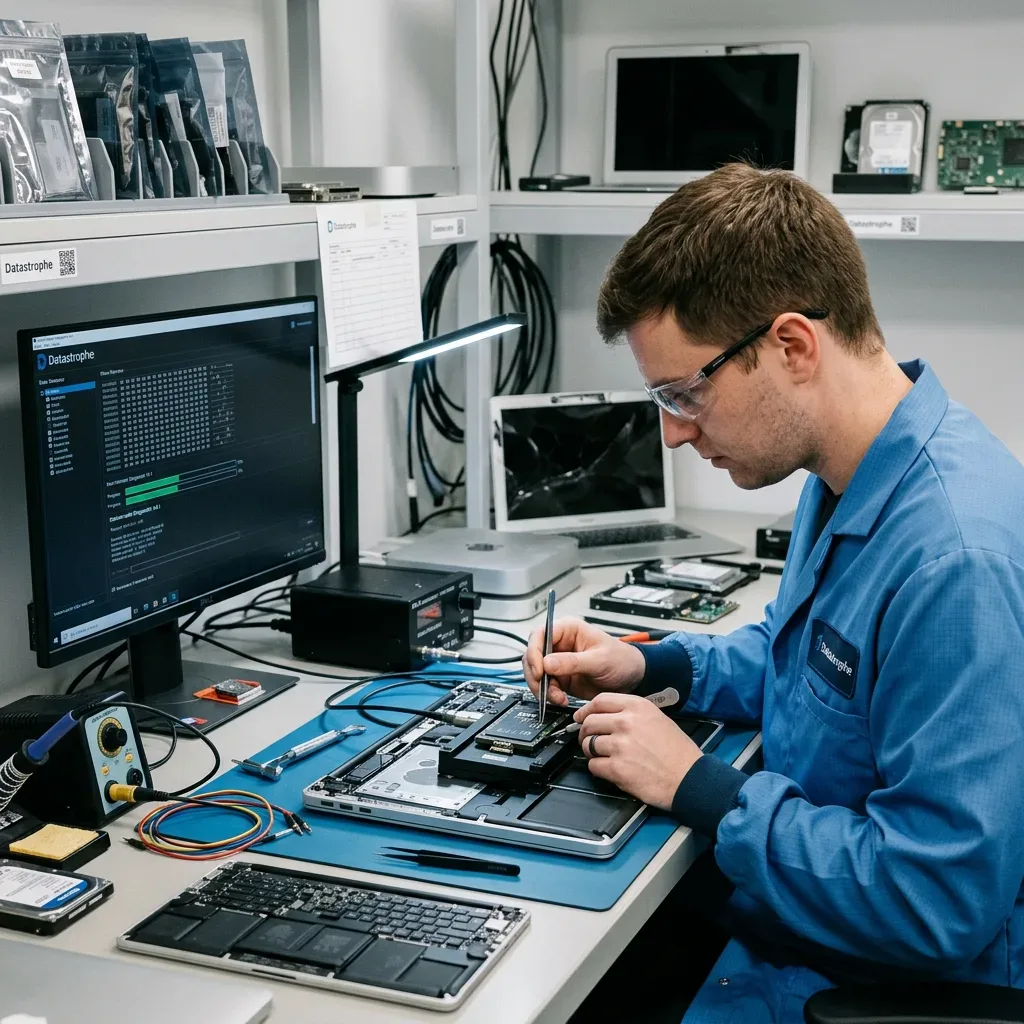
Integrated storage
Liquid-damaged Macs may depend on the original logic board
On many modern Macs, storage and security functions cannot be separated from the board like a removable drive.
A liquid-damaged MacBook can retain local data while power, charging or communication circuits fail around it. Pressing the power button or reconnecting USB-C power may energize residue and extend damage toward integrated storage and security hardware. Disconnect external power, stop charging and avoid heat. The internal battery may still supply standby rails, so safe isolation and inspection come before another boot attempt.
Earlier Intel models may use a removable SSD, while many later Macs carry soldered NAND whose translation and encryption depend on original board components. Replacing the logic board can return a computer to service but does not move the old encrypted data to the replacement. Component-level stabilization therefore targets the minimum circuits needed for authorized access and acquisition. It is not a promise that the liquid-damaged Mac will become reliable again.
Residue can remain beneath shields and packages after the surface looks dry. Inspection records corrosion, shorted rails and previous work before cleaning or microsoldering. If the original platform can present a coherent decrypted volume, data acquisition takes priority. Direct removal of NAND is not a generic alternative because raw components may lack the controller, security and key relationships required to interpret their contents.
- Stop charging and repeated power-button tests
- Keep the original logic board and all removed parts
- Do not authorize a board swap before the data path is assessed
- Treat temporary stabilization as acquisition-only work
Removable-storage Macs
The drive can be assessed separately only after its interface, FileVault state and relationship to the original platform are documented.
Integrated-storage Macs
Board-level stabilization preserves controller, secure hardware and encryption relationships needed to produce an authorized readable view.
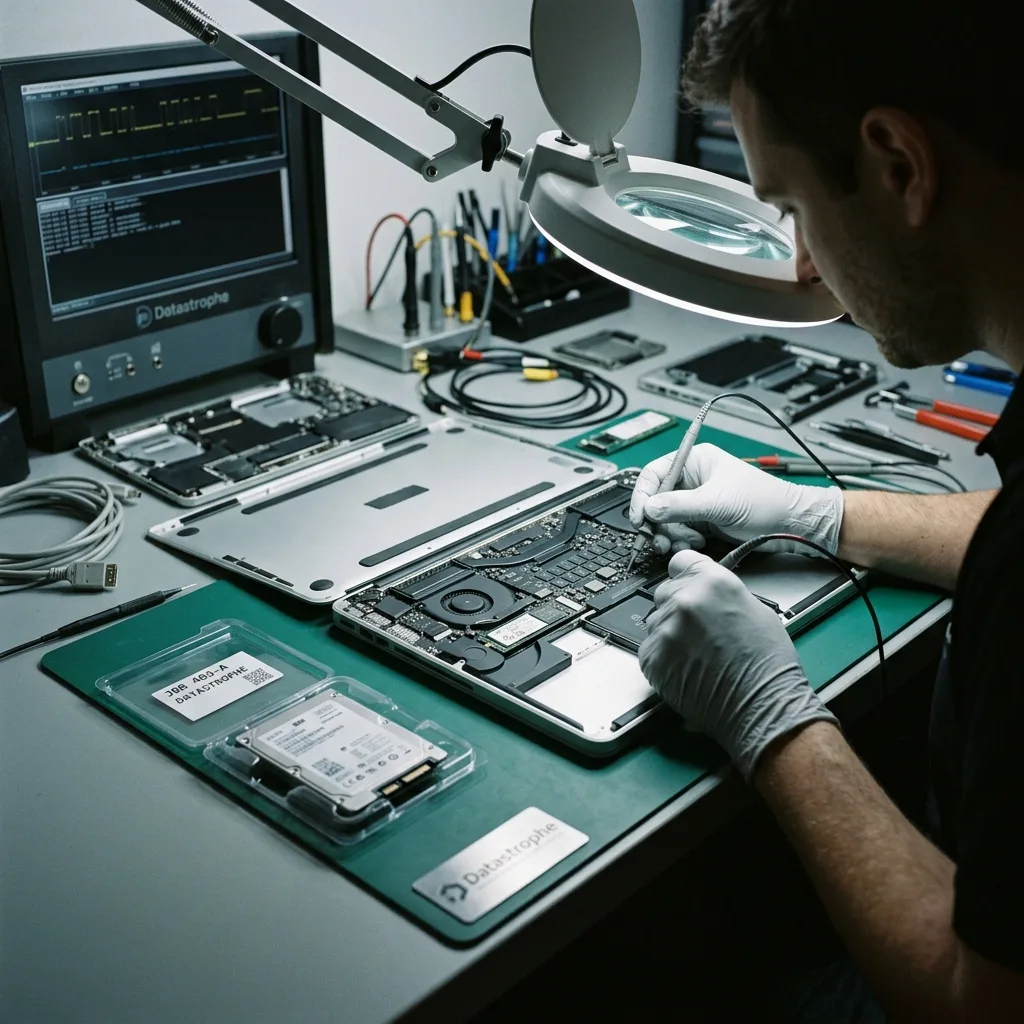
Symptom classification
A flashing folder, frozen logo and no-power Mac differ
A flashing folder can indicate that macOS cannot find a valid startup system, but the cause may be file-system damage, a missing volume, a failed storage device or changed boot configuration. A progress bar that stalls can reflect unreadable files, an update state or hardware timeouts. A completely silent Mac adds power and board faults to the picture. These symptoms should be recorded exactly rather than summarized as “the drive failed.”
Recovery Mode, Disk Utility First Aid, reinstall and DFU restore serve system-repair purposes and may write or erase. They are not neutral diagnostics when unique local files are the priority. A revive and a restore are also not interchangeable; authorizing the wrong procedure can remove the data sought. Stop before choosing an option whose effect on the source is uncertain.
The diagnostic assessment identifies model year, processor family, storage type, encryption state and last healthy event. Existing boot logs or screenshots can help without forcing another start. If a removable drive is physically unstable, it follows an appropriate SSD and NVMe recovery path. If the platform is required for decryption, board stability and authorized login material become part of the acquisition plan.
- Record the exact folder, logo, progress-bar or power symptom
- Do not select erase, reinstall or DFU restore
- Identify the Mac model, processor family and last healthy event
- Preserve known authorized credentials and recovery material
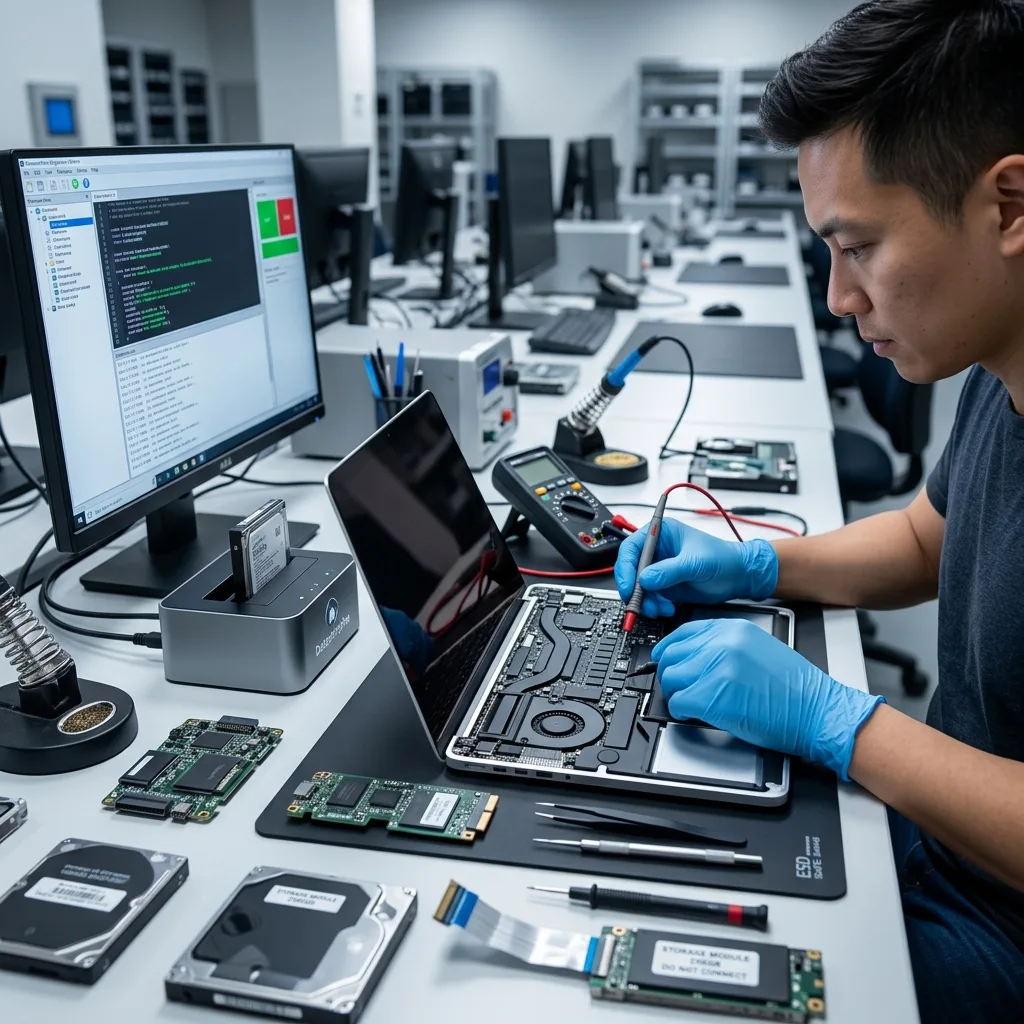
File-system structure
APFS links containers, volumes, snapshots and clones
APFS organizes physical stores into containers that can hold multiple related volumes, commonly including system and data roles. Space is shared, and volume groups, snapshots and object maps describe changing filesystem states. A mountable volume is only one view of this structure. Damaged container metadata can leave file records and extents present even when macOS refuses to mount the expected data volume.
Snapshots can preserve earlier metadata states, but they are not guaranteed backups and may reference blocks later freed or damaged. Clones allow files to share extents until one changes, so careless reconstruction can double-count or associate the wrong version. Analysis compares checkpoints, object maps and volume roles on an acquired image, retaining competing hypotheses rather than repairing the source container in place.
The aim is a coherent data view with traceable provenance. Original paths and dates are preserved where APFS evidence supports them; categorized recovery is identified when it does not. Time Machine, iCloud and application-level versions are checked as independent sources, not confused with local APFS recovery. A visible snapshot name does not prove that all of its referenced content still exists.
Volume groups
System and Data roles can be paired through metadata, so recovering one visible volume does not automatically recover the user's complete environment.
Snapshots and clones
Earlier metadata states and shared extents require consistency checks before files are attributed to a particular date or version.
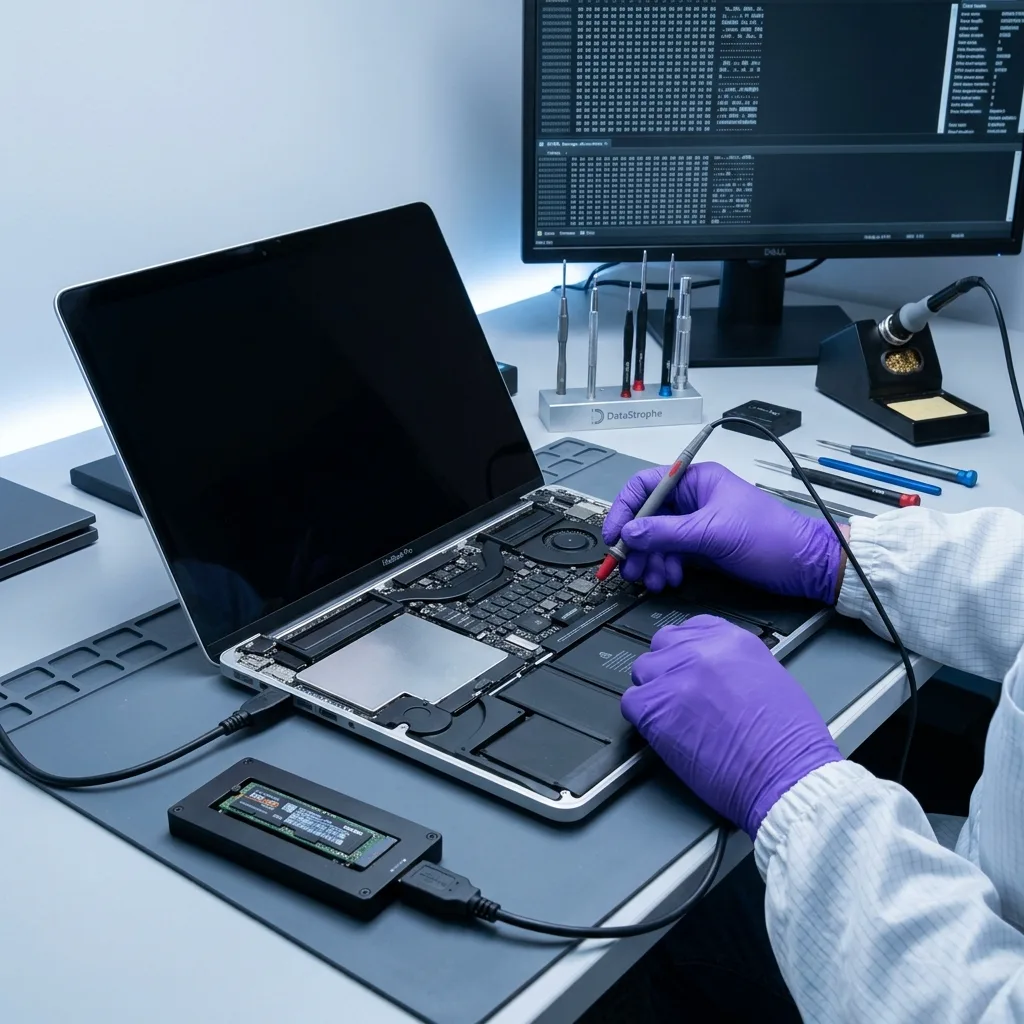
Encryption boundary
FileVault needs both valid credentials and intact metadata
FileVault protects APFS or earlier macOS volumes with encryption linked to authorized users and recovery material. On Macs with T2 or Apple silicon, hardware security and storage encryption are integrated deeply into the platform. A login password may participate in unlock, but account state, secure tokens and recovery keys differ by system version. The original Mac and its authorized access context should be preserved until that relationship is understood.
Do not reset the password, erase the Mac or remove it from management solely to test access. Record the exact model, known user, FileVault recovery key and any authorized institutional escrow without placing credentials in the parcel. If the Mac still reaches a supported sharing or target mode safely, controlled acquisition may preserve a decrypted view; if it does not, board stabilization may be required before that view exists.
Encryption cannot be bypassed through clean-room work or raw NAND reading. A correct key still depends on sufficiently intact APFS and key metadata, while a complete encrypted acquisition remains unusable without matching recovery material. The report distinguishes physical acquisition, container reconstruction and successful decryption. This prevents a large byte count from being described as recovered user data when it cannot yet be interpreted.
- Preserve the original Mac and its security context
- Record authorized users and recovery keys separately
- Avoid password reset, erase and management removal
- Report acquisition and decryption as distinct outcomes
Credential evidence
Authorized users, secure-token state and recovery-key records identify which unlock path belongs to the affected volume.
Container evidence
A valid credential still requires coherent APFS encryption and key metadata before the acquired blocks can produce readable files.
Paired storage
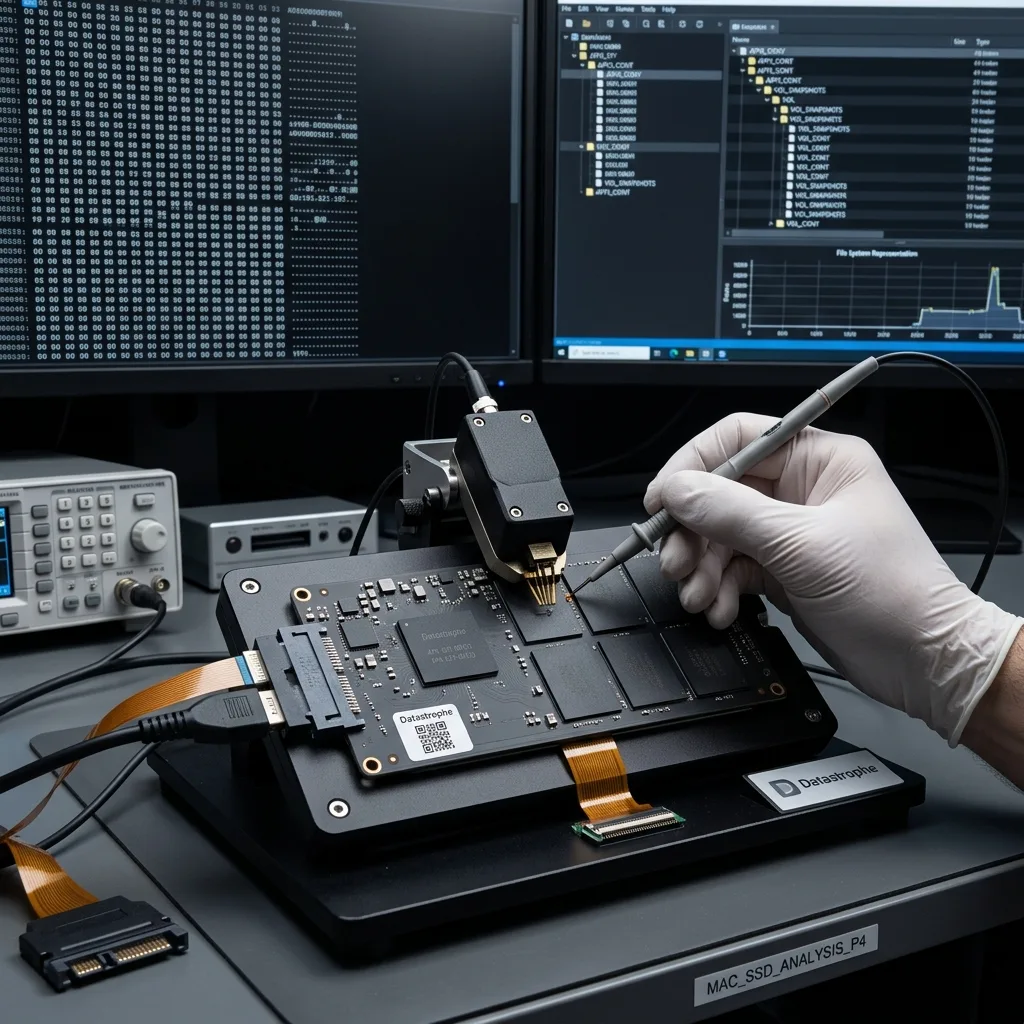
Fusion Drive recovery requires both physical members
A Fusion Drive combines an SSD and a hard drive into one logical storage arrangement managed by macOS. User files and metadata may be distributed across both members, so reading either disk alone can produce an incomplete or apparently unrecognizable result. Preserve the Mac, both devices, their original connections and any identifiers from Disk Utility or system records already available.
Each physical member is assessed independently. A mechanically failed hard drive may require staged imaging or, when diagnosed, controlled internal work. An unstable SSD follows a flash-specific path. Images are then used to reconstruct the pairing and logical address relationships without asking the original members to participate in repair. A replacement disk should not be initialized into the same Mac before the old topology is documented.
Fusion metadata can be damaged by partial replacement, interrupted updates or previous attempts to split the set. Reconstruction tests candidate layouts and checks APFS or Core Storage evidence depending on the macOS generation. Missing blocks on one member can affect files that appear to reside mainly on the other. The result therefore names member-level gaps and their effect on priority libraries instead of treating the healthier device as a complete fallback.
macOS application data
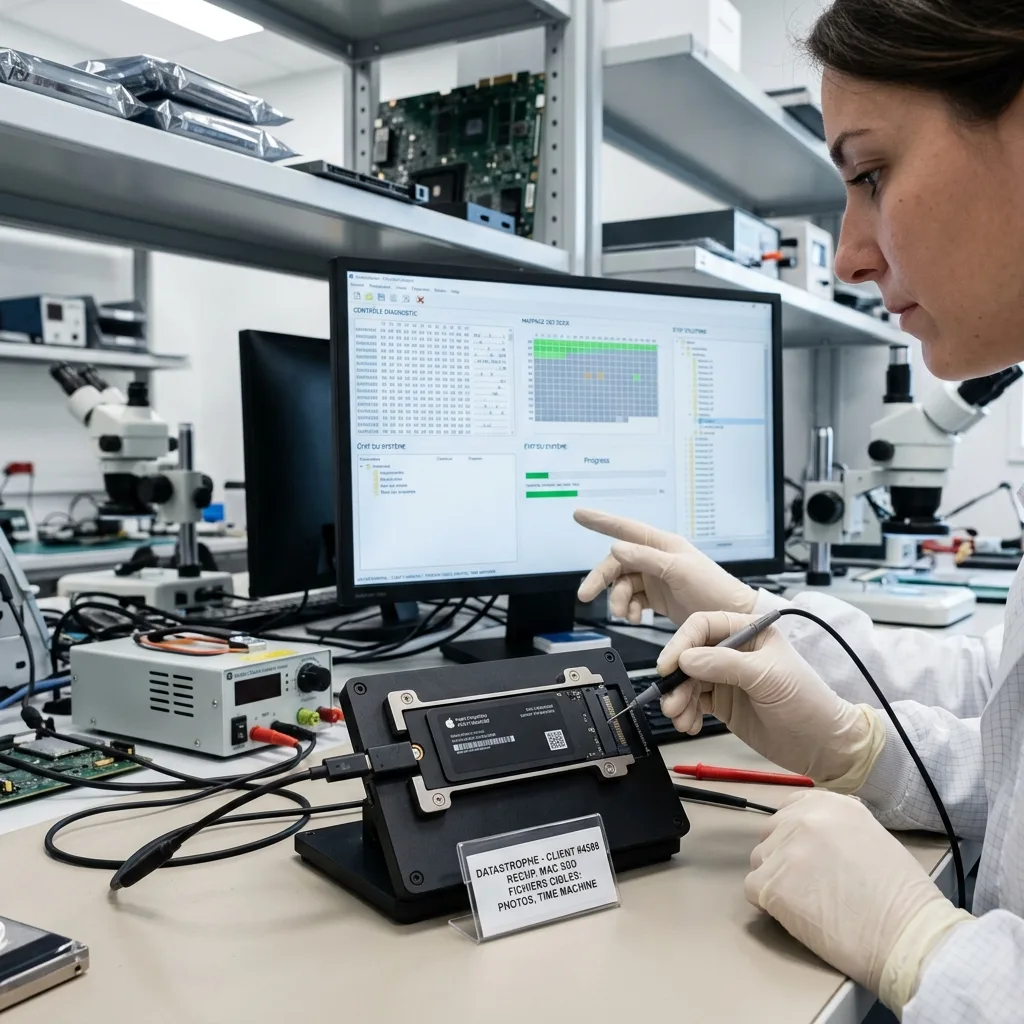
Photos and Final Cut libraries are structured packages
macOS presents many libraries as a single icon even though they contain databases, originals, previews, sidecars and generated media. A Photos library can open with thumbnails while original images are missing. A Final Cut library may contain events and project timelines but reference external media on another volume. Mail, Logic, Lightroom and other applications have comparable relationships that a flat file export can lose.
Validation begins with the owner's priorities: library name, date range, albums, projects and whether originals were managed internally or referenced externally. Databases and package structure are checked before the library is opened on a working system. Originals are sampled at full quality, and linked assets are identified separately from render files or previews. A successful application launch does not prove every project element is present.
iCloud settings add another distinction. Optimized storage may leave local derivatives while originals reside only in an authorized cloud account; a local placeholder is not reported as recovered original data. Conversely, locally imported files may never have synchronized. Cloud retrieval, Time Machine restoration and laboratory acquisition are recorded as separate sources so the final inventory remains understandable and does not overstate what came from the failed Mac.
Photos libraries
Library databases, albums, full-resolution originals and previews are checked separately, including whether iCloud optimization changed local availability.
Creative projects
Timelines, events, linked media, fonts and external assets are inventoried so an opening project is not mistaken for a complete one.
Verified result
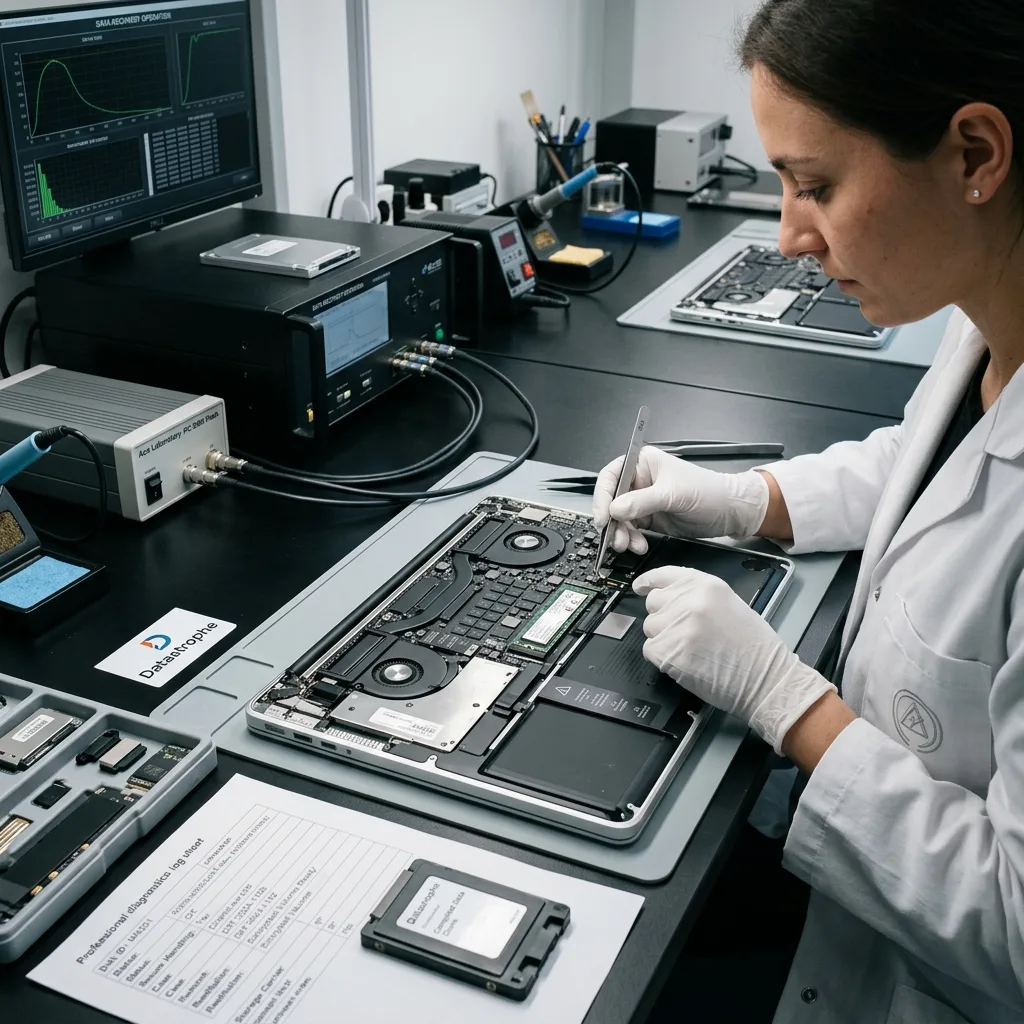
Decrypted files still require content and dependency checks
Successful FileVault unlock exposes a logical volume; it does not verify the files inside. APFS damage, unreadable SSD blocks or missing Fusion extents can still affect documents and libraries. Representative files are opened across priority date ranges, archives are tested internally and application packages are checked for essential databases and assets. Items that exist only as thumbnails, aliases or cloud placeholders are labelled accordingly.
The result separates original structure, reconstructed paths and categorized files. Checksums can confirm that delivered copies match the validated set, while a readable report identifies partial or missing content. For encrypted work data, only the authorized recipient receives the decrypted delivery, and retention or source-disposition expectations are agreed before release.
Recovered data returns on healthy storage or an approved secure channel, not by putting a liquid-damaged or failing Mac back into routine use. The owner can migrate verified content to a replacement system and rebuild backups independently. A temporarily stabilized logic board, reconstructed Fusion set or marginal SSD remains a recovery source, not certified production hardware.
- Open priority files after decryption
- Check package databases and linked assets
- Distinguish originals from previews and cloud placeholders
- Deliver through an authorized, healthy destination
Case preparation
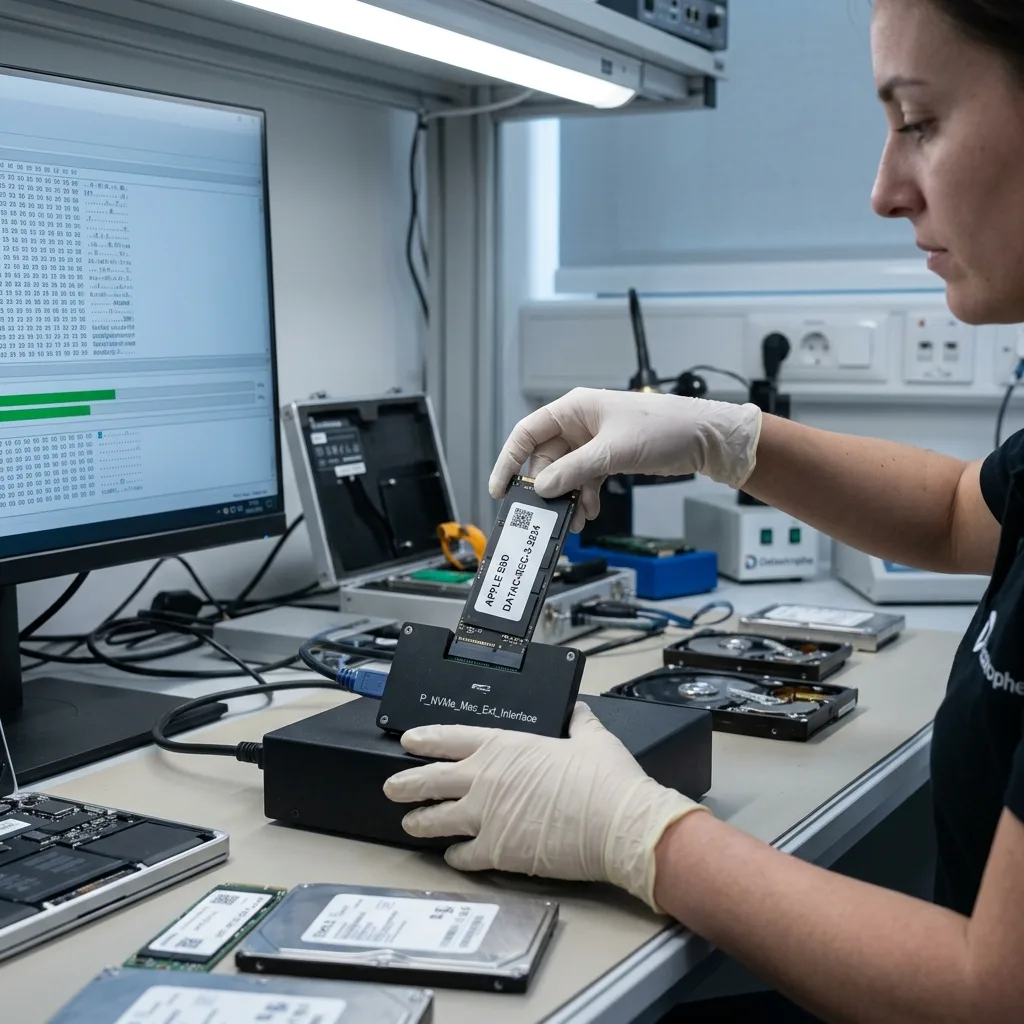
Model identifiers and library priorities define the brief
Record the Mac model identifier or serial number, processor family, approximate year and last working macOS version when known. Describe the exact symptom, liquid or impact history, update, restore prompt and every repair attempted. Include the original charger and all removed SSDs, boards, screws or shields labelled by position. Do not authorize an exchange or depot board replacement before the local-data requirement is documented.
Provide FileVault and authorized account information through the secure case process. List priority home folders, Photos libraries, creative projects, Mail data and date ranges, including whether external disks or cloud-optimized storage were involved. For a managed Mac, preserve the device record and identify the authorized administrator before keys or secure-token access expire.
Package the powered-off Mac in a rigid cushioned container. A damaged or swollen battery requires appropriate shipping guidance and must not be compressed. Allow cold equipment to acclimatize while sealed. The laptop recovery page covers broader removable-storage and Windows cases, while the data recovery process explains assessment, authorization, acquisition and verified return.
FAQ
Frequently asked questions
Can data be recovered from a liquid-damaged MacBook with soldered storage?
It may be possible when original board components can be stabilized enough to present an authorized decrypted data path. Stop charging and power attempts, keep the original logic board and avoid a replacement before assessment. Raw NAND removal is not a generic solution because controller, security and encryption relationships may be integrated into the original Mac.
Should I use Disk Utility First Aid on a Mac that will not boot?
Not when the only local copy matters and storage condition is uncertain. First Aid is a repair operation and can change APFS metadata. Recovery Mode reinstall, erase and DFU restore may also write or remove data. The device and storage are assessed first, a stable acquisition is made where possible, and file-system hypotheses are tested on working copies.
Does a FileVault password guarantee access to recovered Mac data?
No. Valid authorized credentials or a recovery key must match the encrypted volume, and APFS key metadata and storage blocks must remain coherent. T2 and Apple-silicon systems may also depend on the original hardware security context. Acquisition, APFS reconstruction and decryption are separate stages, each with limits that are reported independently.
Why are both Fusion Drive members required for recovery?
The SSD and hard drive form one logical set, and metadata or file extents may be distributed across both. Either member alone can look incomplete even if it is physically readable. Preserve both devices and their original context. Each is imaged according to its condition, then the pairing and file system are reconstructed virtually on copies.
Media
Other expertise
- Hard Drive Data Recovery for Clicking and Unreadable Disks Hard drive data recovery for clicking, dropped, slow or unreadable HDDs, using controlled imaging, mechanical assessment and file-level validation.
- External Hard Drive Data Recovery after USB or Disk Failure External hard drive recovery for dropped, disconnected, unrecognized or format-requesting USB disks, with enclosure-aware imaging and file validation.
- SSD and NVMe Data Recovery for Silent Flash Failures SSD and NVMe recovery for undetected, unstable, liquid-damaged or logically inaccessible flash storage, with controller-aware acquisition and validation.
- USB Flash Drive Data Recovery for Connector and NAND Failures USB flash drive recovery for broken connectors, zero-capacity devices, controller faults, formatting and damaged file systems, with validated handover.
- Memory Card Data Recovery for Photos and Video Memory card recovery for formatted, unreadable or physically damaged SD, microSD, CFexpress and CompactFlash media, with capture-aware validation.
- Laptop Data Recovery after No-Boot or Liquid Damage Laptop data recovery after no-boot, liquid, impact, BitLocker or storage failure, with device-aware acquisition and priority-file validation.
- Tablet Data Recovery for No-Power and Local Data Tablet data recovery for no-power, liquid, broken-screen and local-storage cases, with encryption-aware access and verified export of authorized data.
- Virtual Disk Data Recovery for VMDK and VHDX Virtual disk recovery for broken VMDK, VHDX and snapshot chains, using preserved datastores, dependency-aware reconstruction and application validation.
- RAID and NAS Data Recovery after Array Failure RAID and NAS recovery after degraded arrays, failed rebuilds or multiple member faults, with imaging, virtual reconstruction and workload validation.
- Server Data Recovery for Storage and Database Failures Server data recovery for storage, file-system, virtual-machine and database failures, with write containment, dependency mapping and isolated validation.
- NVR and DVR Recovery for Missing Camera Footage NVR and DVR recovery for missing security-camera footage, damaged disks, broken indexes and proprietary exports, with channel and timeline validation.
- ISO 5 (Class 100 equivalent) Clean-Room Data Recovery ISO 5 clean-room recovery for diagnosed hard-drive head, spindle or contamination failures, followed by controlled imaging and validation.
 Hard Drive Data Recovery for Clicking and Unreadable Disks
  SSD and NVMe Data Recovery for Silent Flash Failures
  USB Flash Drive Data Recovery for Connector and NAND Failures
  Memory Card Data Recovery for Photos and Video
  Laptop Data Recovery after No-Boot or Liquid Damage
  Tablet Data Recovery for No-Power and Local Data
  Virtual Disk Data Recovery for VMDK and VHDX
  RAID and NAS Data Recovery after Array Failure
  Server Data Recovery for Storage and Database Failures
  NVR and DVR Recovery for Missing Camera Footage
  ISO 5 (Class 100 equivalent) Clean-Room Data Recovery
 Diagnostic assessment
Unsure about a storage device or fault?
Datastrophe assesses the risk before any recovery attempt and points you toward the safest next step.