

Memory Card Data Recovery for Photos and Video
Memory card data recovery depends on the camera, recorder and missing capture window as much as the card itself. Stop recording, formatting and repeated adapter tests before new writes replace evidence.

Capture context
The recording device explains how the card was written
The same card can contain very different structures when used in a still camera, drone, action camera, dashcam or recorder.
Record the device make and model, recording mode, resolution, frame rate and the last known good capture. Still cameras may pair RAW files with JPEG previews, while video devices can span clips, pre-allocate containers or maintain separate indexes. A dashcam or field recorder may overwrite in a loop. Those behaviours determine which timestamps, fragments and allocation patterns are meaningful after a failure.
Keep the original camera or recorder available when practical, but do not reinsert the card merely to see whether it works. The device can update databases, create folders, repair a volume or continue circular recording. Existing companion cards, proxy files and a sample clip made with a different blank card can help interpret proprietary structures without writing to the source. Context is evidence; it is not permission to resume capture.
Outdoor Canadian use adds useful incident details: temperature, condensation, water, vibration and battery interruption may explain when the card stopped responding. Allow a cold, sealed device to acclimatize before opening the package. Do not dry a wet card with heat. Photograph its label and lock-switch position, and preserve any adapter because damaged contacts or a poor microSD adapter can imitate card failure.
- Identify the camera, drone, recorder or instrument model
- Record resolution, codec, frame rate and missing time range
- Keep adapters and companion media without reinserting the source
- Note cold, moisture, impact and interrupted-power conditions
Still-camera context
Capture mode, RAW and JPEG pairing, burst settings and card reuse explain how names, previews and allocation sequences should relate.
Continuous-recording context
Codec, frame rate, clock offset and loop-retention behaviour define the expected stream fragments and the interval at risk.
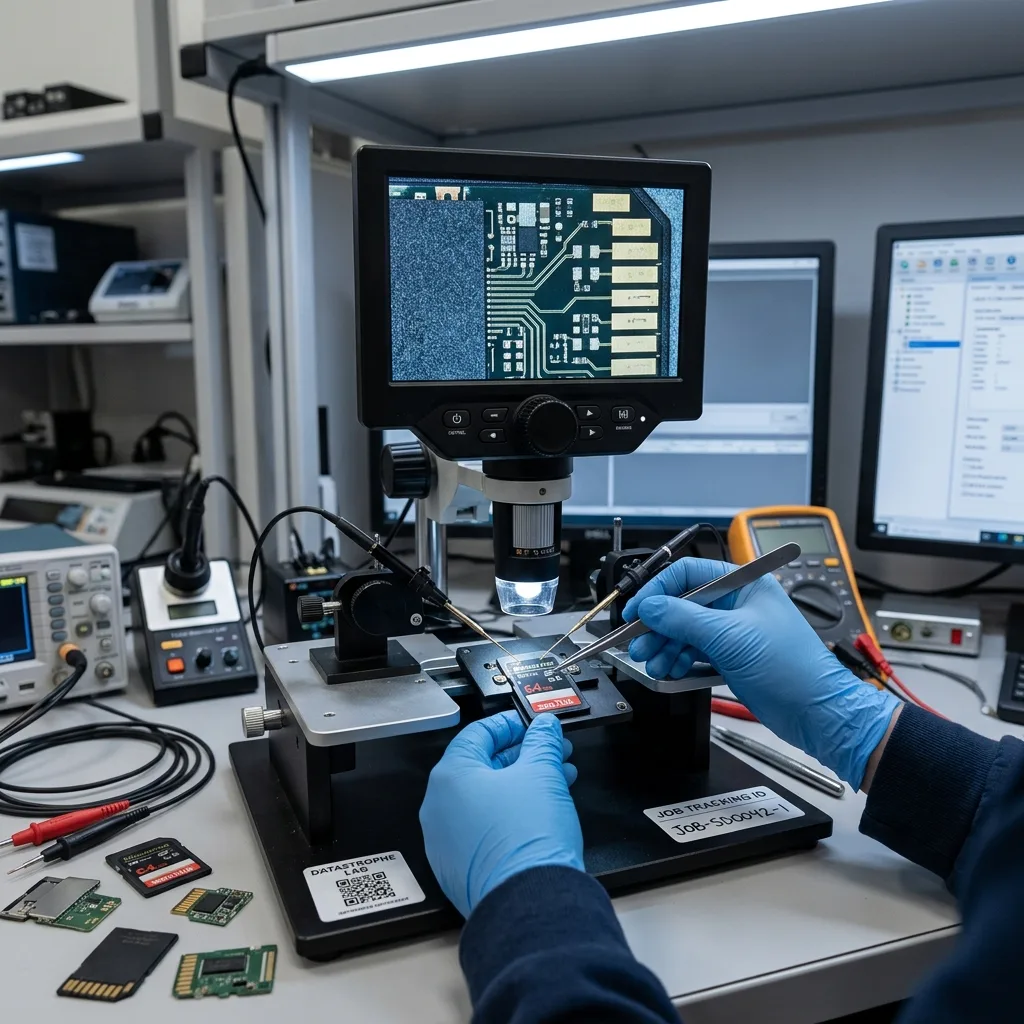
Accidental loss
After formatting, every new capture can replace old data
A quick format usually creates new file-system structures without deliberately reading every previous file, but it still writes to the card. The amount of old data that remains depends on the format type, device behaviour, controller, subsequent recording and any background erase functions. Taking test photos after the mistake can overwrite clusters from the missing session.
Turn the device off, remove the card and engage its mechanical write-protect tab when one exists. That tab is an instruction interpreted by compatible readers, not an electronic guarantee, so the source still requires controlled handling. Do not run repair or consumer recovery utilities against the only card, and never save recovered files back to it. A full acquisition to separate storage comes before logical experiments.
The diagnostic assessment records the time of formatting, whether it was performed in-camera or on a computer and how much use followed. File-system reconstruction is attempted before broad carving because intact allocation data may preserve names, dates and clip order. When only signatures remain, recovered files may lose original organization and video fragments may need container-specific assembly. The result should reflect those differences rather than label every found fragment complete.
- Power off the recording device as soon as the loss is noticed
- Remove the card without making another test capture
- Do not format, repair or save recovered files to the source
- Record whether formatting occurred in-camera or on a computer
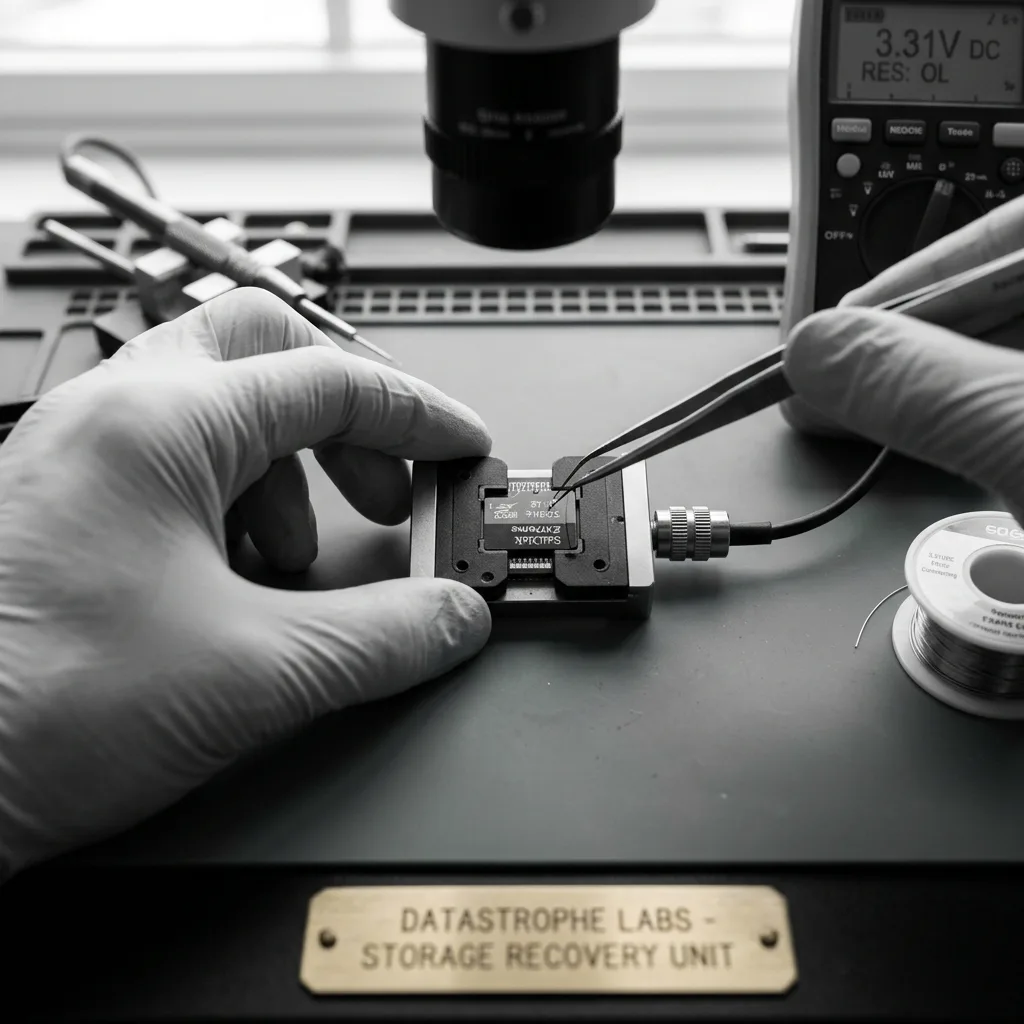
Flash electronics
Controller failure can require supported NAND reconstruction
A memory card controller translates host addresses into changing NAND locations, handles worn blocks and applies error correction. When it still presents a stable logical address space, controller-based imaging preserves the card's own translation. A card that reports the wrong capacity, resets or never completes initialization may have a controller, power, package or NAND problem rather than ordinary file-system corruption.
Direct acquisition is considered only when normal access cannot provide coherent data and the physical architecture is supported. Raw NAND pages must be corrected, descrambled, de-interleaved and mapped before FAT, exFAT or other structures can be interpreted. Monolithic microSD packages concentrate contacts, controller and NAND in one body; cracked internal connections or unsupported layouts can make access impractical. Internal hardware encryption can impose another boundary.
Microsoldering and package preparation carry risk, so the method must be justified by the card's measured behaviour and value of the data. Heat, scraping or uncontrolled probing can destroy tiny access points. The laboratory records the acquisition path and keeps raw reads separate from reconstructed images. A successful NAND read is only an intermediate result; photographs, clips and metadata still require logical and content validation.
Removable-package cards
Some full-size cards expose distinct controller and NAND components, but compatibility and board condition still govern whether direct work is appropriate.
Monolithic microSD cards
Internal access points may require specialized preparation, and cracks, unsupported layouts or encryption can limit reconstruction even when the package looks intact.

File-system structure
FAT and exFAT allocation should be rebuilt before carving
Cameras commonly use FAT32 or exFAT, where directory entries and allocation structures describe how clusters belong to each file. When those records survive partly, they can preserve names, timestamps and the sequence of fragments. A signature scan that ignores them may find the beginning of a file but join unrelated clusters, especially on cards that were reused, fragmented or formatted between recording sessions.
Reconstruction compares primary and backup boot information, allocation tables, directory records and data patterns on an acquired image. Conflicting states are kept separate rather than merged because a stale directory can point into newer content. The analysis may recover an original hierarchy, a partial hierarchy or only categorized media. That provenance is reported so the owner knows whether clip order came from metadata or later inference.
High-bitrate video creates large, sometimes fragmented files and may use sidecar indexes or split segments. A clip with a valid header can still contain missing middle ranges. Conversely, a container that will not open may hold recoverable elementary streams. Logical reconstruction therefore feeds format-aware media work; neither a successful mount nor a long list of carved files is accepted as the final measure of recovery.
- Compare boot records and backup structures
- Preserve competing allocation states instead of merging them
- Use signature carving after structured recovery paths
- Record whether names and dates are original or inferred
Structured reconstruction
Boot records, directories and allocation chains are reconciled first because they can retain names, timestamps and fragment order.
Signature-based recovery
Carving supplies candidates when metadata is missing, but each result still needs fragmentation and format validation before delivery.

Format-aware recovery
RAW photos and video containers need different proof
A camera RAW file can contain sensor data, embedded previews and maker-specific metadata. A visible thumbnail does not prove that the full-resolution mosaic is intact. JPEG decoding should progress beyond the header and thumbnail, and images are sampled across the frame for corruption. Burst sequences are checked for expected numbering and capture times where surviving metadata supports them.
MP4 and MOV normally require coherent container metadata that describes tracks, timing and sample locations. An interrupted recording may never have written final metadata, while a damaged allocation chain can separate the header from media fragments. H.264 or H.265 bitstreams may need to be correlated with device settings and a healthy sample. Playback for a few seconds is not enough; duration, seeking, audio alignment and representative intervals are checked.
Professional and personal priorities differ. A wedding photographer may prioritize one ceremony interval and paired RAW originals; a survey team may need geotagged images and flight sequence; a dashcam request may focus on a narrow time window and correct clock offset. The authorized scope guides deeper validation without implying that missing frames can be generated. Recovered media must come from surviving source data, not invented continuity.
Still-image validation
Full-resolution decode, metadata consistency and visual sampling distinguish intact originals from previews or partly corrupt image payloads.
Video validation
Track structure, duration, seeking, frame continuity and audio synchronization are checked across the requested interval.

Diagnostic assessment
Unreadable, slow and locked cards require symptom separation
A reader error can originate in the card, adapter, contacts, host or file system. A full-size SD lock tab does not encrypt data; it signals write protection to compatible readers. A card that appears locked unexpectedly may have a damaged switch or reader, while a password-protected or encrypted card requires its original security context. The exact message and reported capacity are more useful than the general statement that the card is “dead.”
Slow, intermittent reads can indicate NAND wear, controller instability or poor contact. Cleaning with abrasives, flexing the card or cycling through many cheap adapters can worsen physical damage. If the body is cracked, stop handling it and keep every fragment. Contact cleaning, when appropriate, is controlled and does not involve soaking the package or scraping plated surfaces.
The assessment tests a known interface with bounded reads and monitors error consistency. Stable logical access leads to imaging; unstable electronics may require a supported lower-level path. A card that is readable in the original camera but not on a computer is not automatically safe to browse in-camera, because the device may modify its database. Acquisition remains separate from viewing and later repair.
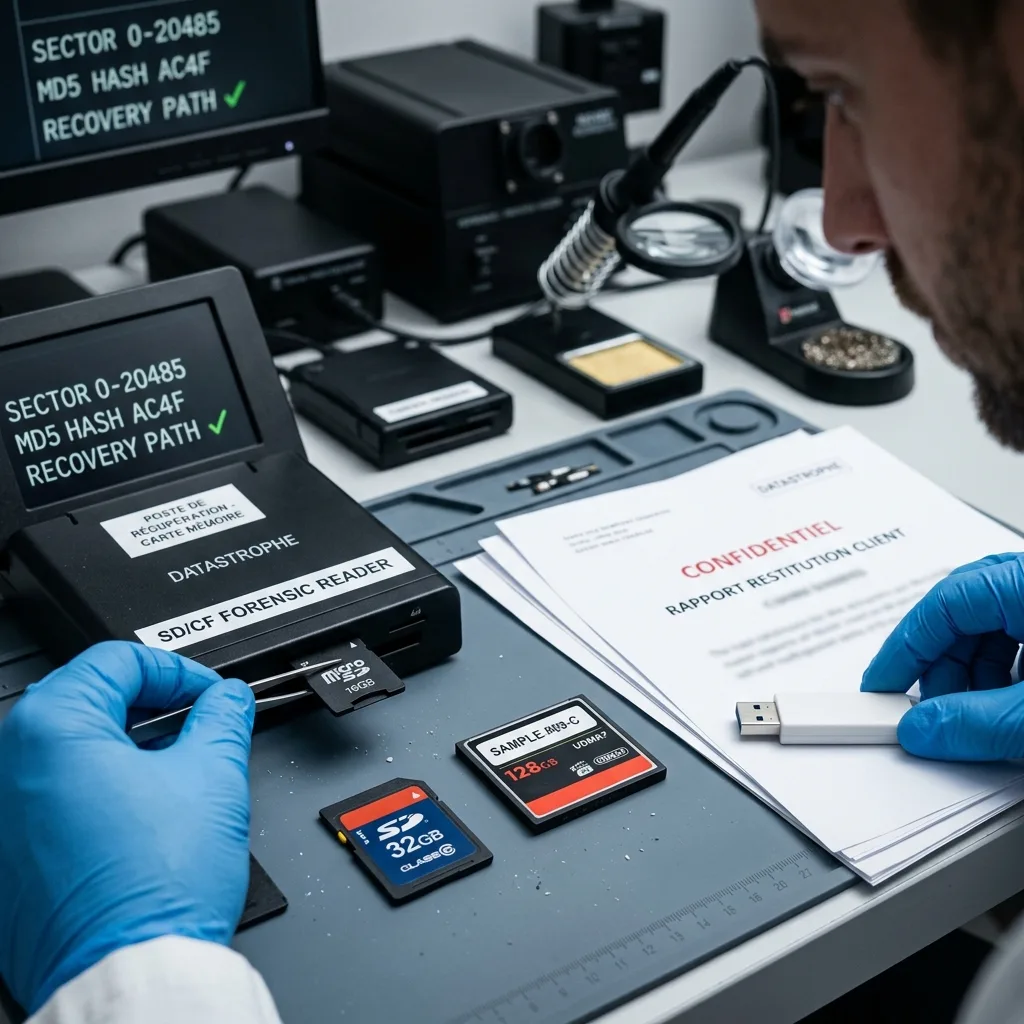
Result validation
Visual review must disclose fragments and missing intervals
Recovered media is reviewed in a way that matches its intended use. Representative photographs are opened at full resolution and sampled across early, middle and late captures. Video is checked by requested interval, duration, camera or device identifier and playback at several points. A generated contact sheet can help an authorized owner review large sets, but thumbnails do not replace validation of the originals.
Files are categorized as verified, partial, corrupt or identified only by metadata. A video with a missing section should not be delivered under the same label as a continuous clip, and a JPEG with a complete preview but damaged full image must be identified accordingly. Where timestamps depend on a device clock offset, the stated time basis and uncertainty are preserved.
Delivery uses healthy media or an agreed secure method. Checksums can confirm that accepted files were transferred unchanged. They cannot prove completeness where clusters were overwritten or NAND pages were unreadable. Sensitive recordings and images are released only to the authorized recipient, with working-copy retention and source disposition handled under the agreed case terms.
- Open full-resolution originals, not only previews
- Check video duration, seeking and representative intervals
- Label partial and fragmented media clearly
- Preserve clock offsets and timestamp uncertainty

Recovery brief
Prepare the card, source device and missing-shot list
Include the card in protective anti-static packaging and, when relevant, its adapter. Keep the camera, drone or recorder available rather than continuing to test the source. Record device firmware and recording settings only from existing notes or menus that do not require reinserting the failed card. A healthy sample created on a different card can be useful for uncommon video formats, but it should match the same mode and must never overwrite the original.
Describe the missing material precisely: capture dates, event segments, camera numbers, filenames, resolution and whether paired RAW/JPEG copies are expected. Note subsequent formatting, test shots, loops or computer writes. For professional assignments, the authorized contact can prioritize deliverables and identify privacy or evidentiary requirements without granting broader access than necessary.
A USB flash drive recovery case follows a related NAND pathway but places more emphasis on the USB connector and cross-computer use. NVR or DVR media belongs with video-surveillance recovery when proprietary indexes, channels and circular retention define the result. Choosing the correct context prevents technically recovered fragments from losing the metadata that makes them useful.
FAQ
Frequently asked questions
What should I do after accidentally formatting a camera memory card?
Stop the camera or recorder, remove the card and do not take test photos. Engage the mechanical write-protect tab when available, while recognizing that it is not an electronic guarantee. Do not repair or save recovered files to the source. Record whether formatting occurred in-camera or on a computer and how much the card was used afterward.
Can video be recovered when a card was removed during recording?
The video payload may survive even when the device did not finalize its MP4 or MOV container, but the outcome depends on overwritten clusters, fragmentation and the recording format. Preserve the card and device settings. Analysis may correlate stream fragments with a healthy sample, then validate duration, seeking, frames and audio. Missing source frames cannot be fabricated.
Why is the original camera or recorder information important?
It explains folder layout, codec, resolution, clip spanning, timestamps and whether recording was circular. That context helps distinguish complete files from previews or fragments and can support reconstruction of proprietary structures. Keep the device available, but do not reinsert the failed card merely for testing because it may update indexes or write new data.
Does an unreadable microSD card always require direct NAND access?
No. Normal controller-based imaging is preferred when the card presents a stable logical address space. Direct work is considered only when ordinary access cannot provide coherent data and the monolithic layout is supported. Raw pages still require ECC, descrambling and mapping; cracks, unsupported designs, worn NAND or encryption may prevent a usable reconstruction.
Media
Other expertise
- Hard Drive Data Recovery for Clicking and Unreadable Disks Hard drive data recovery for clicking, dropped, slow or unreadable HDDs, using controlled imaging, mechanical assessment and file-level validation.
- External Hard Drive Data Recovery after USB or Disk Failure External hard drive recovery for dropped, disconnected, unrecognized or format-requesting USB disks, with enclosure-aware imaging and file validation.
- SSD and NVMe Data Recovery for Silent Flash Failures SSD and NVMe recovery for undetected, unstable, liquid-damaged or logically inaccessible flash storage, with controller-aware acquisition and validation.
- USB Flash Drive Data Recovery for Connector and NAND Failures USB flash drive recovery for broken connectors, zero-capacity devices, controller faults, formatting and damaged file systems, with validated handover.
- Laptop Data Recovery after No-Boot or Liquid Damage Laptop data recovery after no-boot, liquid, impact, BitLocker or storage failure, with device-aware acquisition and priority-file validation.
- Apple Mac Data Recovery for APFS and Integrated Storage Apple Mac data recovery for liquid, no-boot, APFS, FileVault, soldered storage and Fusion Drive failures, with library-aware validation.
- Tablet Data Recovery for No-Power and Local Data Tablet data recovery for no-power, liquid, broken-screen and local-storage cases, with encryption-aware access and verified export of authorized data.
- Virtual Disk Data Recovery for VMDK and VHDX Virtual disk recovery for broken VMDK, VHDX and snapshot chains, using preserved datastores, dependency-aware reconstruction and application validation.
- RAID and NAS Data Recovery after Array Failure RAID and NAS recovery after degraded arrays, failed rebuilds or multiple member faults, with imaging, virtual reconstruction and workload validation.
- Server Data Recovery for Storage and Database Failures Server data recovery for storage, file-system, virtual-machine and database failures, with write containment, dependency mapping and isolated validation.
- NVR and DVR Recovery for Missing Camera Footage NVR and DVR recovery for missing security-camera footage, damaged disks, broken indexes and proprietary exports, with channel and timeline validation.
- ISO 5 (Class 100 equivalent) Clean-Room Data Recovery ISO 5 clean-room recovery for diagnosed hard-drive head, spindle or contamination failures, followed by controlled imaging and validation.
 Hard Drive Data Recovery for Clicking and Unreadable Disks
  SSD and NVMe Data Recovery for Silent Flash Failures
  USB Flash Drive Data Recovery for Connector and NAND Failures
  Laptop Data Recovery after No-Boot or Liquid Damage
  Tablet Data Recovery for No-Power and Local Data
  Virtual Disk Data Recovery for VMDK and VHDX
  RAID and NAS Data Recovery after Array Failure
  Server Data Recovery for Storage and Database Failures
  NVR and DVR Recovery for Missing Camera Footage
  ISO 5 (Class 100 equivalent) Clean-Room Data Recovery
 Diagnostic assessment
Unsure about a storage device or fault?
Datastrophe assesses the risk before any recovery attempt and points you toward the safest next step.