

NVR and DVR Recovery for Missing Camera Footage
NVR data recovery starts by stopping new recording and documenting the requested camera, time window and clock offset. Circular storage can overwrite the relevant interval while the recorder still appears operational.
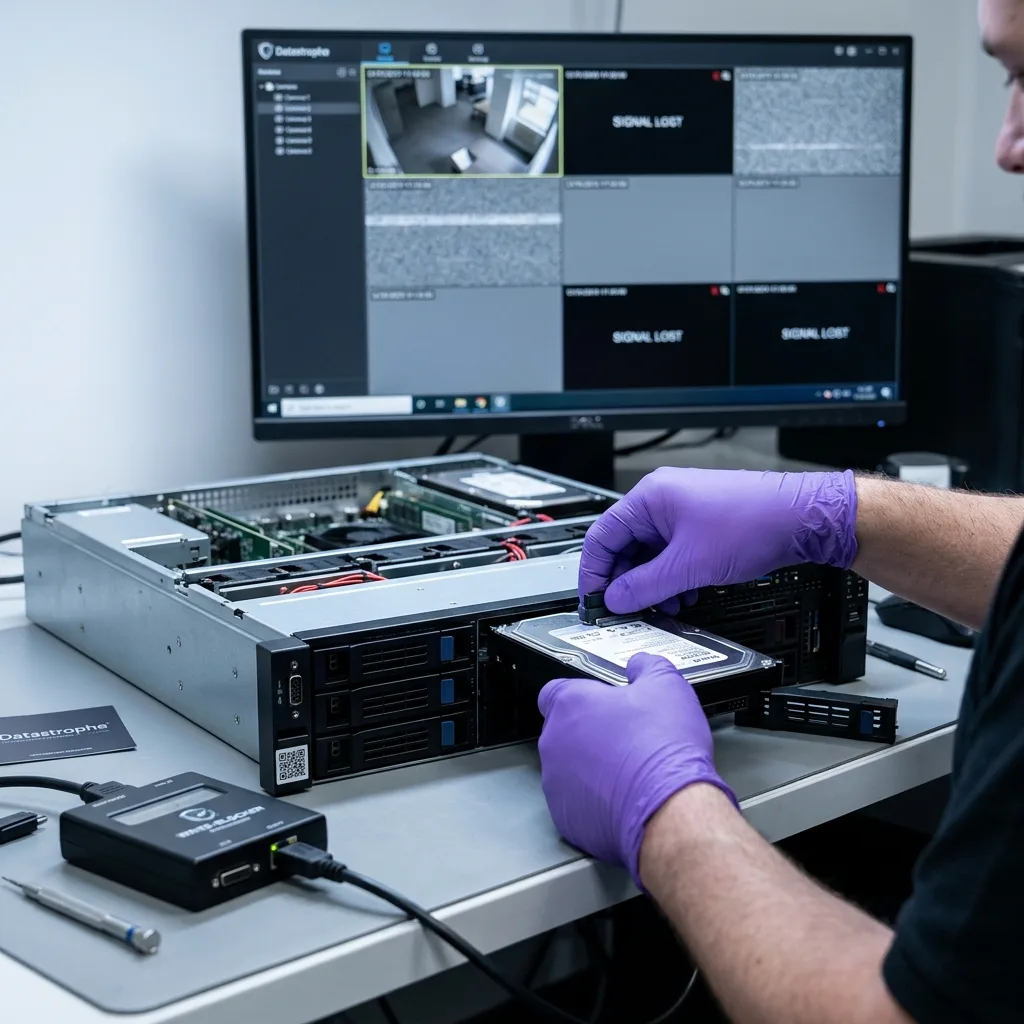
Digital scene protection
Preserve the recorder state before searching for footage
A missing export can result from indexing or playback failure even when stream data remains on the disks.
Stop recording as soon as the relevant interval is identified, using a method that does not initialize storage or reset configuration. A running NVR or DVR continually replaces older blocks according to retention rules. Playback, export and search can also update databases or temporary areas. Record the current screen, system time, time zone, camera names and disk status before power-down when this can be done without prolonging recording unnecessarily.
Define the requested evidence precisely: camera or channel, start and end time, event description and whether the recorder clock appeared early or late. Preserve a known reference such as an access-control event or external timestamp when authorized. Canadian systems can cross several time zones and daylight-saving transitions; the displayed local time must not be assumed to equal UTC or the true event time.
Keep the complete recorder, power supply, storage members and any export drive together. Do not reset an administrator password, update firmware or remove disks without photographing bay order. A file that will not export is not proof that its encoded stream has vanished, and a successful onscreen playback is not proof that a standard exported file will retain correct channel and timestamp context.
- Stop new recording and scheduled retention activity
- Record channel names, system clock and known offset
- Photograph disk bays before removal
- Avoid reset, initialization and firmware update
Recorder-state evidence
Disk status, channel labels, clock settings and retention configuration are captured before the system is powered down.
Requested-interval evidence
Camera, event time, known clock offset and external reference events define the precise footage search boundary.
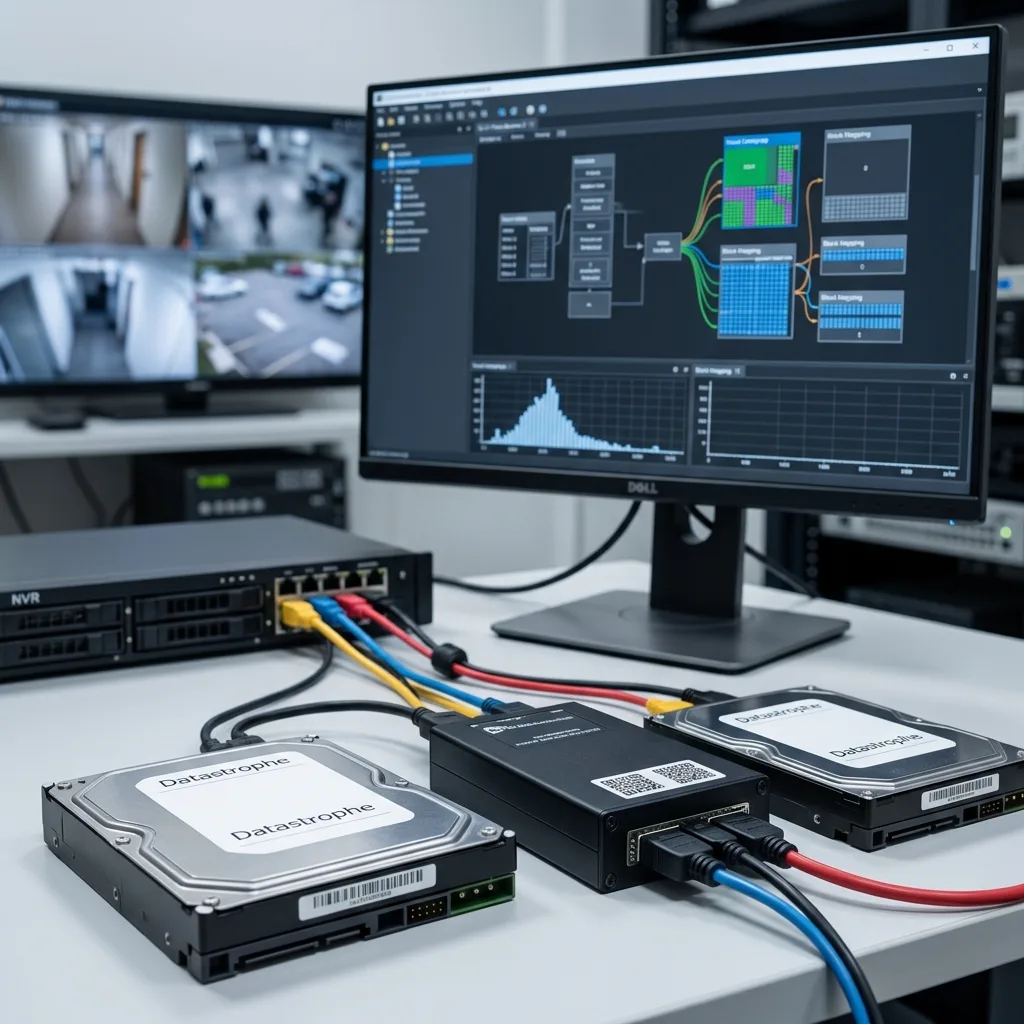
Recovery sequence
Recorder recovery combines cloning, mapping and reconstruction
Each storage device is assessed and acquired before proprietary structures are interpreted. Stable disks are imaged with identifiers and bay positions; unstable hard drives use staged reads and error maps. The recorder is not allowed to repair, format or claim those members during acquisition. If one disk has diagnosed mechanical damage, that member follows a hard-drive laboratory pathway while the rest of the set remains preserved.
The images are mapped for partitions, recorder signatures, circular regions, indexes, channel identifiers and timestamp structures. Analysis distinguishes active, deleted, unindexed and overwritten areas. A working copy can be searched repeatedly without asking the recorder or damaged source to read the same blocks. The method retains raw acquisition evidence separately from decoded clips and any generated indexes.
Reconstruction correlates stream fragments with camera, order and time. It may use surviving recorder metadata, codec properties and known system configuration. Several candidate timelines can be kept when clock or index evidence conflicts. The data recovery process keeps acquisition evidence separate from generated exports. This recorder-specific method differs from a generic file scan that may carve H.264 fragments without knowing their channel, sequence or actual playback boundaries.
- Acquire every storage member with bay and serial identity
- Retain source hashes, read errors and raw recorder structures
- Map circular regions, indexes, channels and timestamp fields
- Generate review exports only from protected working copies
Clone the storage
Acquire each disk or flash device with bay identity, error maps and source hashes before logical interpretation begins.
Map and reconstruct
Locate recorder structures, correlate streams with channels and time, and generate review copies without altering raw images.

Storage layout
Multiple disks may form a proprietary recording array
A recorder with several disks may use mirroring, striping, parity, concatenation or its own allocation scheme. Video can be distributed by block, channel or time period. One member mounted alone may look empty even when it holds valid array fragments. Preserve bay order, serial numbers and controller metadata; do not initialize a disk merely because the operating system cannot recognize it.
Each member can also have a different physical condition. Continuous surveillance workloads expose hard drives to sustained writes, and a degraded set may have continued recording after the first error. Member images are created according to risk, then geometry and recorder-level relationships are inferred virtually. An earlier failed disk may contain older intervals that were no longer present on current members, so it remains part of the case.
Parity or mirrored data does not guarantee complete footage. Redundancy may have been exceeded, stale or configured for uptime rather than archive. Reconstruction tests layout against indexes, stream continuity and known channel behaviour. Complex arrays can use the RAID and NAS recovery process for member geometry while the NVR pathway remains responsible for proprietary video interpretation.
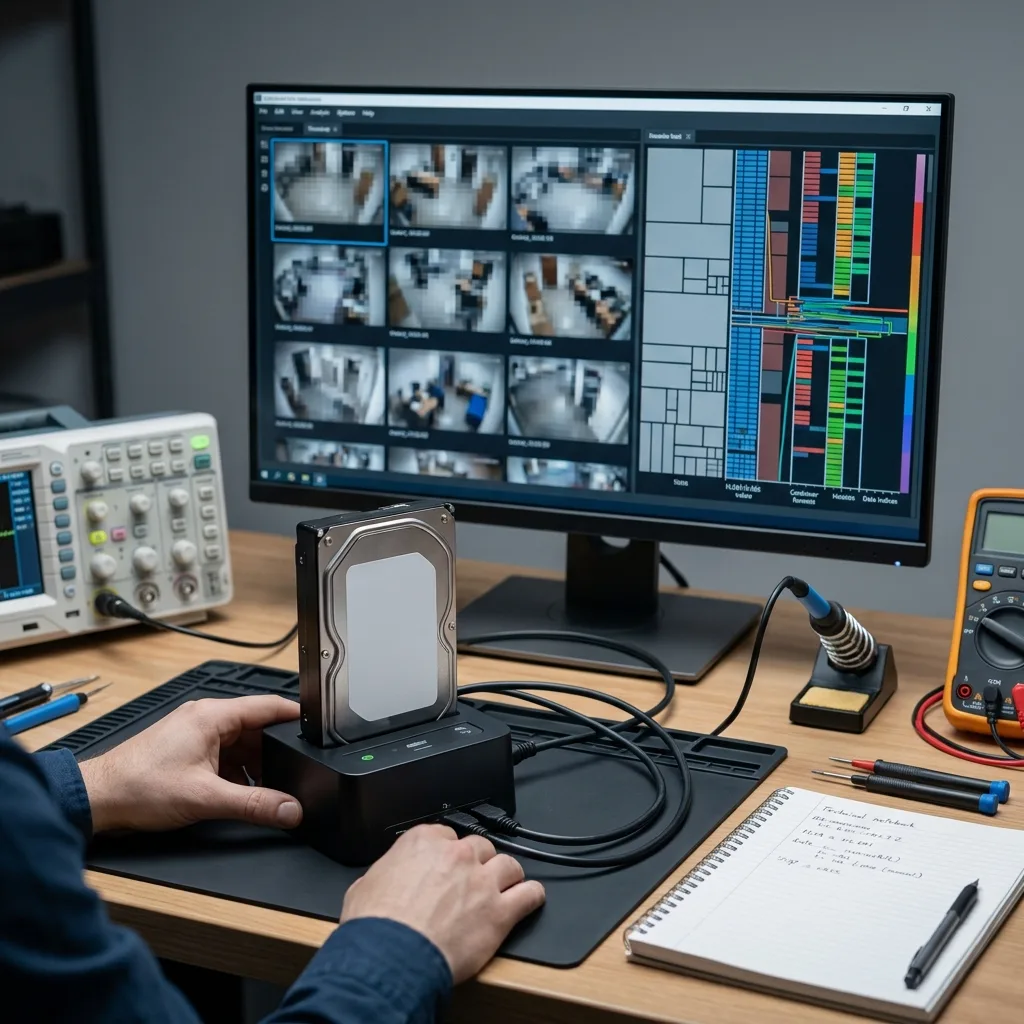
Codec reconstruction
H.264 and H.265 streams are not complete exports by themselves
Recorders often store H.264 or H.265/HEVC elementary streams in proprietary blocks, with indexes and metadata kept elsewhere. A decoder needs parameter sets, frame order and timing information, and some frames depend on earlier reference frames. Finding a recognizable keyframe can prove that part of a stream survived, but it does not establish complete duration, correct camera identity or smooth playback.
Export containers may be standard MP4 or a vendor-specific format with a dedicated player. When the original export function fails, reconstruction can correlate encoded fragments and build review copies while preserving the raw source. Audio, overlays and analytics may be separate streams and may not survive in the same way as video. Any transcoding or repackaging is documented because it changes presentation, even when image content remains derived from the source.
Validation examines start and end boundaries, decoded frames, keyframe continuity, duration, seeking and channel mapping. Corrupt blocks may create frozen or missing frames rather than a completely unreadable file. Those intervals are flagged. No interpolation or generated imagery is used to fill absent source frames, because visual continuity would then exceed what the recorder actually preserved.
- Identify codec and surviving parameter sets
- Correlate frames with channel and sequence metadata
- Document repackaging or transcoding
- Mark frozen, corrupt and missing intervals
Elementary-stream evidence
Parameter sets, frame types and encoded fragments establish which source video survived before a container is generated.
Export evidence
Channel identity, timing, audio, overlays and every repackaging step remain documented with the reviewable output.
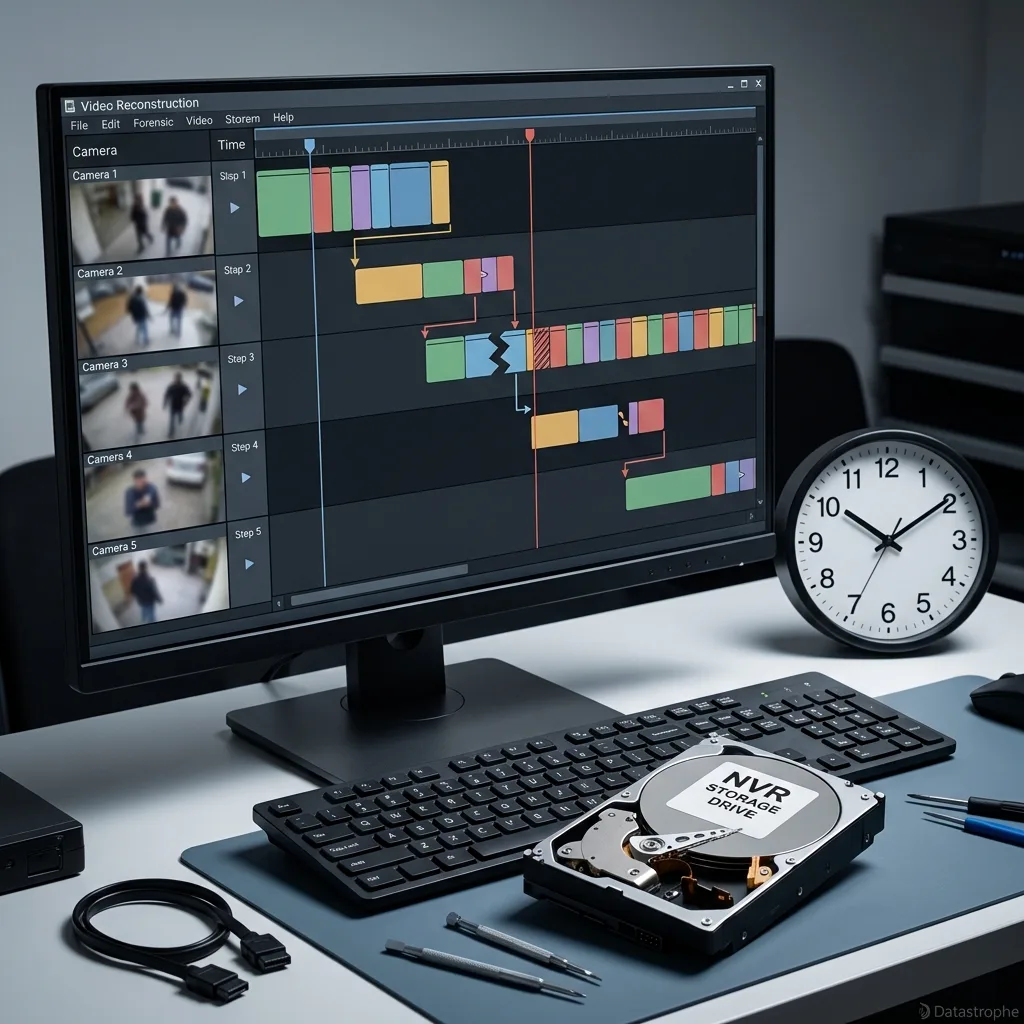
Time evidence
Index and clock reconstruction establish the usable timeline
Recorder indexes connect storage locations to channels and time ranges. A damaged index can hide otherwise decodable footage or point to a block that has since been overwritten. Reconstruction compares primary and backup indexes, circular allocation, stream headers and system configuration. A newly generated index is kept separate from original metadata and labelled as an analytical result.
Displayed time can differ from actual event time because of manual settings, time-zone configuration, daylight-saving changes, network-time loss or a drifting clock. The brief should include known offsets and external reference events. Analysis may establish a corrected timeline or only a bounded uncertainty. The report states whether timestamps came from original recorder metadata, encoded overlays, file-system times or correlation.
Camera names can also change after installation, and channel numbers may be reassigned. A clip labelled “Camera 4” must be checked against the relevant scene rather than trusted from one stale index. The delivered sequence retains both source labels and any authorized corrected interpretation. This preserves useful context without claiming evidentiary conclusions that technical recovery alone cannot establish.
Index provenance
Original, backup and reconstructed indexes remain distinguished so generated search aids are not presented as untouched recorder metadata.
Clock provenance
Recorder time, overlay time, UTC conversion and external reference events are documented with any remaining uncertainty.
Retention limit
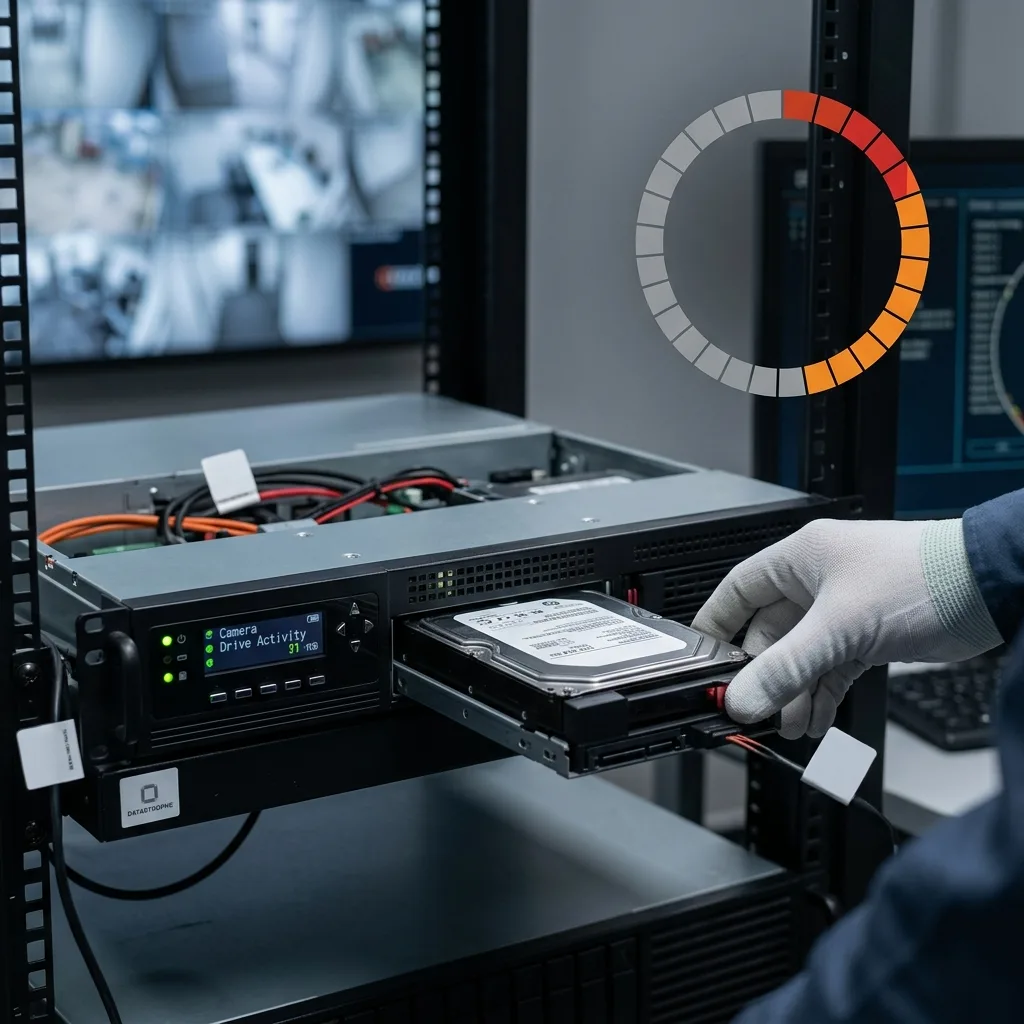
Circular overwrite makes immediate containment decisive
NVR and DVR storage is commonly circular: when capacity or retention age is reached, new recordings reuse older blocks. Deleting an event from the interface may remove an index immediately while its stream remains until those blocks are reused. Continuing to record after discovering a loss reduces that window unpredictably, especially on busy multi-camera systems with high resolution and frame rates.
Stop cameras or the recorder according to the safest system procedure, but do not delete channels or reconfigure retention to create space. Export attempts can generate temporary files and may not pause recording. If the business must keep surveillance running, move recording to separate known-good equipment rather than allowing the affected unit to continue overwriting the requested disk set.
Once a region has been overwritten with new encoded data, the earlier magnetic or flash state cannot be reconstructed from the current blocks. Partial boundaries may survive where allocation changed mid-sequence, and index remnants can identify a lost event without containing its frames. The result distinguishes recovered footage, metadata-only evidence and intervals absent because circular recording replaced them.
Usable result
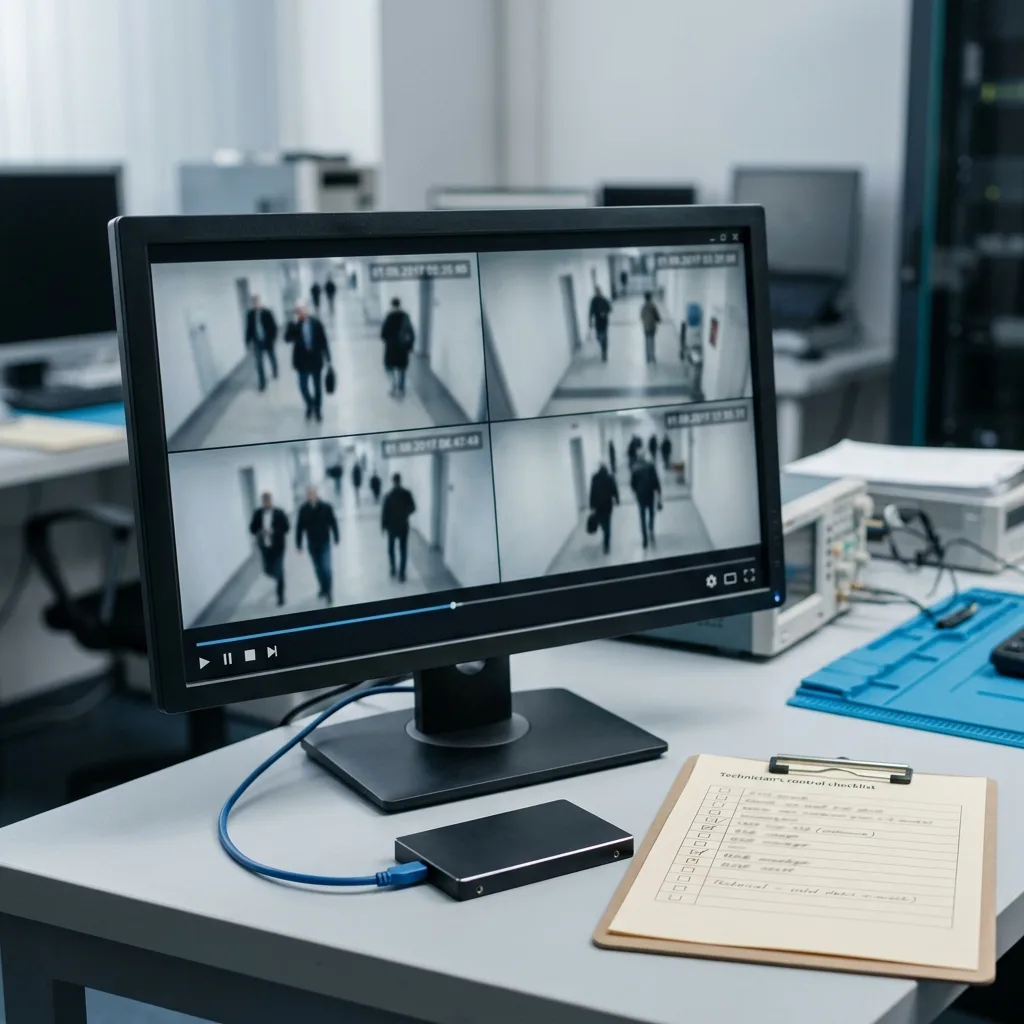
Delivery should provide reviewable sequences and provenance
The authorized recipient needs sequences that can be reviewed by camera and time range, not an unexplained directory of fragments. Delivery can include source-derived clips, a compatible player where licensing permits, still-frame contact sheets and a technical inventory. Original storage images remain separate from generated review exports, and each output is tied to its source channel and reconstruction method.
Playback is checked throughout the requested interval, including seeking, duration, representative frames and audio when present. Known frozen frames, gaps, clock offsets and channel uncertainty are marked. Cryptographic hashes can show that delivered files remain unchanged after preparation; they do not establish legal admissibility or fill missing content. Chain-of-custody requirements should be defined by the authorized organization before work begins.
Exports use healthy encrypted media or an approved secure transfer suitable for sensitive footage. The failed recorder is not returned to service as part of recovery, and reconstructed storage is not inserted back into it for validation. Where a standard format was generated, the original proprietary stream or image is retained according to the agreed scope so later technical review can distinguish source data from presentation copies.
- Organize outputs by camera and requested interval
- Keep raw images separate from review exports
- Document gaps, clock offsets and transformations
- Hash delivered files for transfer integrity
Confidential handling
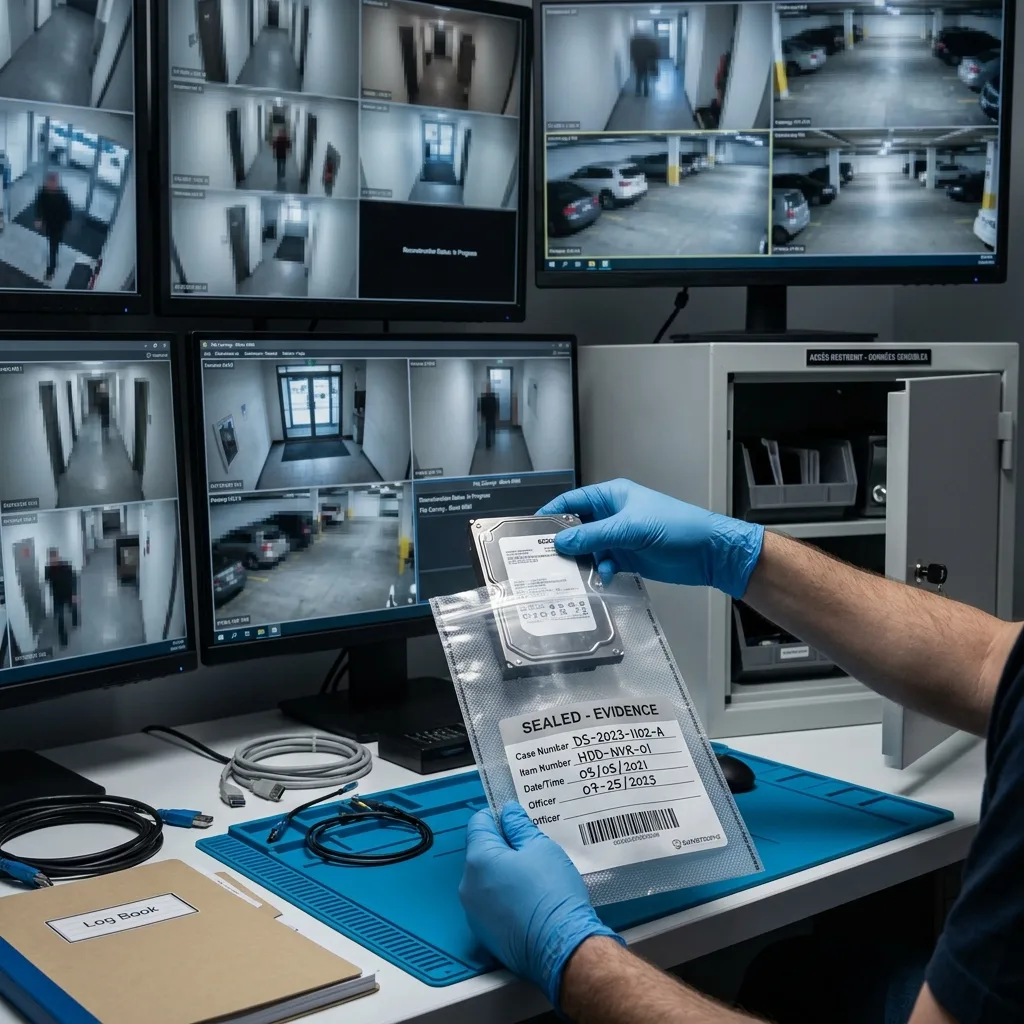
Sensitive footage requires limited and authorized access
Security footage can show employees, customers, residents, licence plates and private premises. The case should identify the data owner, authorized contact, requested channels and time window before broad decoding. Access to working images and exports is limited to the technical purpose, and unnecessary viewing is avoided. Passwords and encryption keys are transmitted separately from the recorder.
Retention, disclosure and evidentiary obligations vary by context and cannot be inferred from the recovery alone. The owner should provide applicable instructions for preservation, legal hold, insurer or law-enforcement coordination. Technical reporting describes source identity, acquisition, transformations and known gaps without claiming that a recovered clip proves a particular event or satisfies every legal requirement.
Source disposition and working-copy retention are agreed before handover. Authorized review can use lower-resolution copies while source-derived output remains protected, but transformations are documented. If unrelated cameras or dates are recovered during technical reconstruction, they are not automatically included in the delivery. Scope control protects privacy and makes the result easier to audit.
FAQ
Frequently asked questions
What should I do when important NVR footage is missing?
Stop new recording as quickly as the system allows without resetting or initializing storage. Record the camera, requested time range, recorder clock, known offset and current disk status. Preserve the complete recorder and bay order. Continued circular recording can overwrite the relevant blocks even when the interface still shows older event names or thumbnails.
Can footage exist when the recorder export function fails?
Yes, in some cases the proprietary index, player or export path fails while encoded stream blocks remain. Storage is acquired first, then indexes, channels, H.264 or H.265 fragments and timestamps are correlated on copies. A found stream still needs playback, duration and camera validation; an export error does not guarantee either loss or recoverability.
Why are NVR disks not recovered as ordinary video files?
Recorders may distribute proprietary stream blocks, indexes and timestamps across one or several disks using circular allocation or array layouts. A single member can appear empty on a computer. Recovery preserves bay order, reconstructs storage and recorder metadata, then generates reviewable sequences while retaining source images and known gaps.
Can overwritten security-camera footage be reconstructed?
Not when the blocks holding the earlier frames have been replaced by new recordings. Index remnants may show that an event existed, and partial boundaries may survive, but new encoded data does not contain the previous imagery. Recovery reports metadata-only, partial and recovered intervals separately and never generates replacement frames to create false continuity.
Media
Other expertise
- Hard Drive Data Recovery for Clicking and Unreadable Disks Hard drive data recovery for clicking, dropped, slow or unreadable HDDs, using controlled imaging, mechanical assessment and file-level validation.
- External Hard Drive Data Recovery after USB or Disk Failure External hard drive recovery for dropped, disconnected, unrecognized or format-requesting USB disks, with enclosure-aware imaging and file validation.
- SSD and NVMe Data Recovery for Silent Flash Failures SSD and NVMe recovery for undetected, unstable, liquid-damaged or logically inaccessible flash storage, with controller-aware acquisition and validation.
- USB Flash Drive Data Recovery for Connector and NAND Failures USB flash drive recovery for broken connectors, zero-capacity devices, controller faults, formatting and damaged file systems, with validated handover.
- Memory Card Data Recovery for Photos and Video Memory card recovery for formatted, unreadable or physically damaged SD, microSD, CFexpress and CompactFlash media, with capture-aware validation.
- Laptop Data Recovery after No-Boot or Liquid Damage Laptop data recovery after no-boot, liquid, impact, BitLocker or storage failure, with device-aware acquisition and priority-file validation.
- Apple Mac Data Recovery for APFS and Integrated Storage Apple Mac data recovery for liquid, no-boot, APFS, FileVault, soldered storage and Fusion Drive failures, with library-aware validation.
- Tablet Data Recovery for No-Power and Local Data Tablet data recovery for no-power, liquid, broken-screen and local-storage cases, with encryption-aware access and verified export of authorized data.
- Virtual Disk Data Recovery for VMDK and VHDX Virtual disk recovery for broken VMDK, VHDX and snapshot chains, using preserved datastores, dependency-aware reconstruction and application validation.
- RAID and NAS Data Recovery after Array Failure RAID and NAS recovery after degraded arrays, failed rebuilds or multiple member faults, with imaging, virtual reconstruction and workload validation.
- Server Data Recovery for Storage and Database Failures Server data recovery for storage, file-system, virtual-machine and database failures, with write containment, dependency mapping and isolated validation.
- ISO 5 (Class 100 equivalent) Clean-Room Data Recovery ISO 5 clean-room recovery for diagnosed hard-drive head, spindle or contamination failures, followed by controlled imaging and validation.
 Hard Drive Data Recovery for Clicking and Unreadable Disks
  SSD and NVMe Data Recovery for Silent Flash Failures
  USB Flash Drive Data Recovery for Connector and NAND Failures
  Memory Card Data Recovery for Photos and Video
  Laptop Data Recovery after No-Boot or Liquid Damage
  Tablet Data Recovery for No-Power and Local Data
  Virtual Disk Data Recovery for VMDK and VHDX
  RAID and NAS Data Recovery after Array Failure
  Server Data Recovery for Storage and Database Failures
  ISO 5 (Class 100 equivalent) Clean-Room Data Recovery
 Diagnostic assessment
Unsure about a storage device or fault?
Datastrophe assesses the risk before any recovery attempt and points you toward the safest next step.