

USB Flash Drive Data Recovery for Connector and NAND Failures
USB flash drive data recovery starts by preserving the board, controller and NAND. Stop reconnecting a bent, heating, zero-capacity or format-requesting drive before the fault becomes harder to isolate.
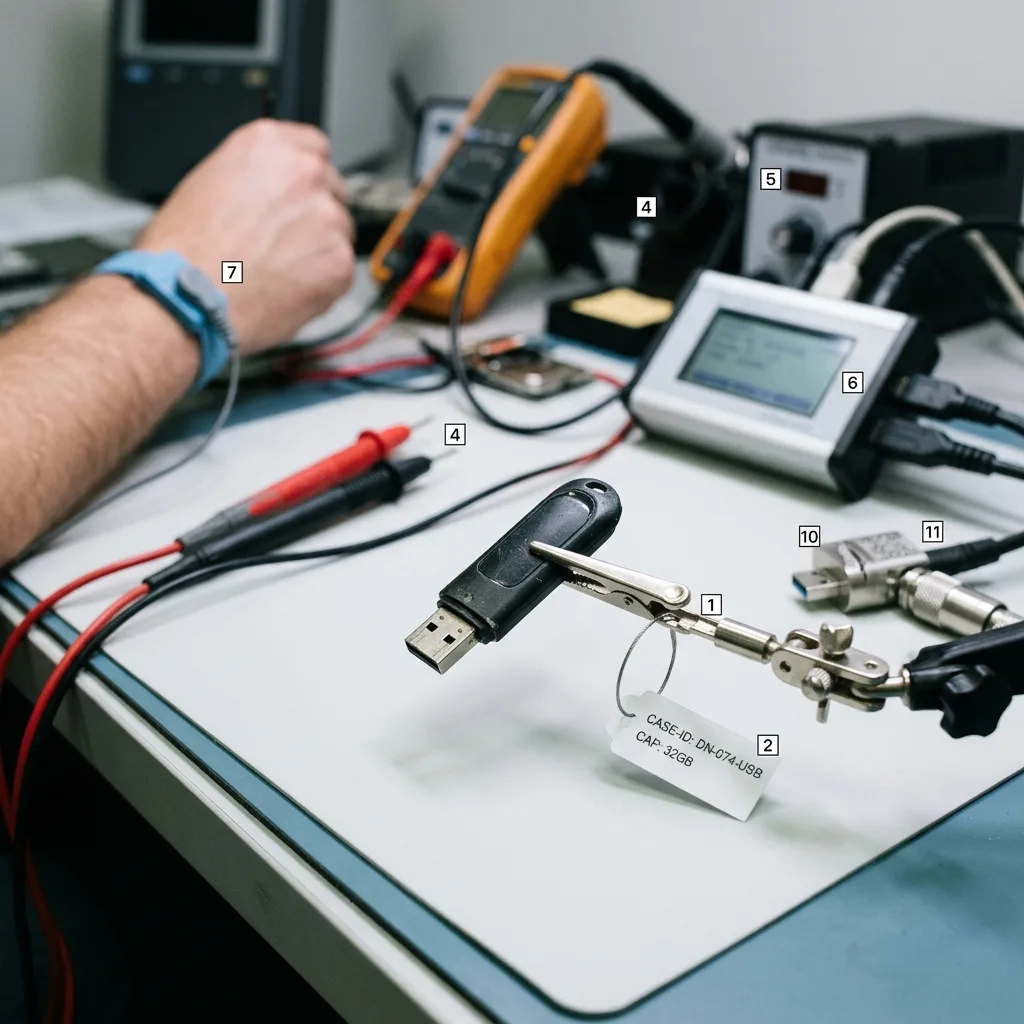
Intake before access
Photographs and incident details preserve the first evidence
A clear view of the drive and a precise chronology are safer than one more connection made only for testing.
Photograph both sides of the intact casing, the connector and any visible crack without bending the drive to expose it. Record the capacity printed on the device, the last computer or machine that used it and the exact symptom: no detection, intermittent connection, zero bytes, a format prompt, unusual heat or physical breakage. If a message was already captured, keep the screenshot; do not reconnect the flash drive solely to collect one.
The event sequence matters. A drive that failed after being struck while inserted suggests different risks from one that became read-only after a long copy or disappeared following a power surge. Note soldering, connector replacement, formatting, CHKDSK, antivirus quarantine and every adapter already tried. Previous work is diagnostic evidence, even when it appeared unsuccessful. Concealing it can lead to repeated heat or stress on the same weakened traces.
Define priority data by folder, filename pattern, date and application. For workplace media, identify the authorized contact and any personal, health, financial or client information that requires restricted handling. Package the powered-off drive in a small anti-static container inside a rigid cushioned box. Loose envelopes provide little protection against flexing, and adhesive placed over a cracked connector can pull pads away when removed.
- Photograph the device without flexing or dismantling it
- List each computer, adapter and repair already attempted
- Identify exact priority documents, dates and file types
- Keep passwords and encryption information outside the parcel
Physical evidence
Connector angle, casing cracks, heat and liquid exposure establish handling risk without requiring another insertion into a computer.
System evidence
Screenshots, reported capacity and the last known host help distinguish enumeration, controller and file-system symptoms.

Physical board damage
A torn USB connector requires trace-level protection
When a flash drive is struck while inserted, the connector can lift pads, tear copper traces or crack the printed circuit board. Holding it at an angle until the computer recognizes it can enlarge damaged conductors or create a short. A short between the five-volt supply and a signal or ground path can damage the controller and turn a localized connector repair into a deeper electronic failure.
The board is examined under magnification before solder is applied. Pad continuity, trace routes, passive components and the condition of the controller and NAND packages determine the repair plan. Temporary conductors or a replacement connector can establish a controlled data path when the remaining electronics are sound. The objective is stable acquisition, not a cosmetically rebuilt flash drive for continued use.
Unplanned hot-air work can shift tiny components, overheat NAND or erase evidence of which pads were originally connected. Superglue and conductive paint introduce contamination and make later cleaning difficult. Keep broken casing pieces and any detached connector with the source. If a previous repairer installed wires, leave them in place unless they create an immediate short; document their arrangement so the laboratory can evaluate it before altering the board.
- Disconnect the drive without flexing the connector again
- Keep casing fragments and any broken connector parts
- Do not bridge pads or apply unrestricted five-volt power
- Photograph the board orientation before authorized disassembly
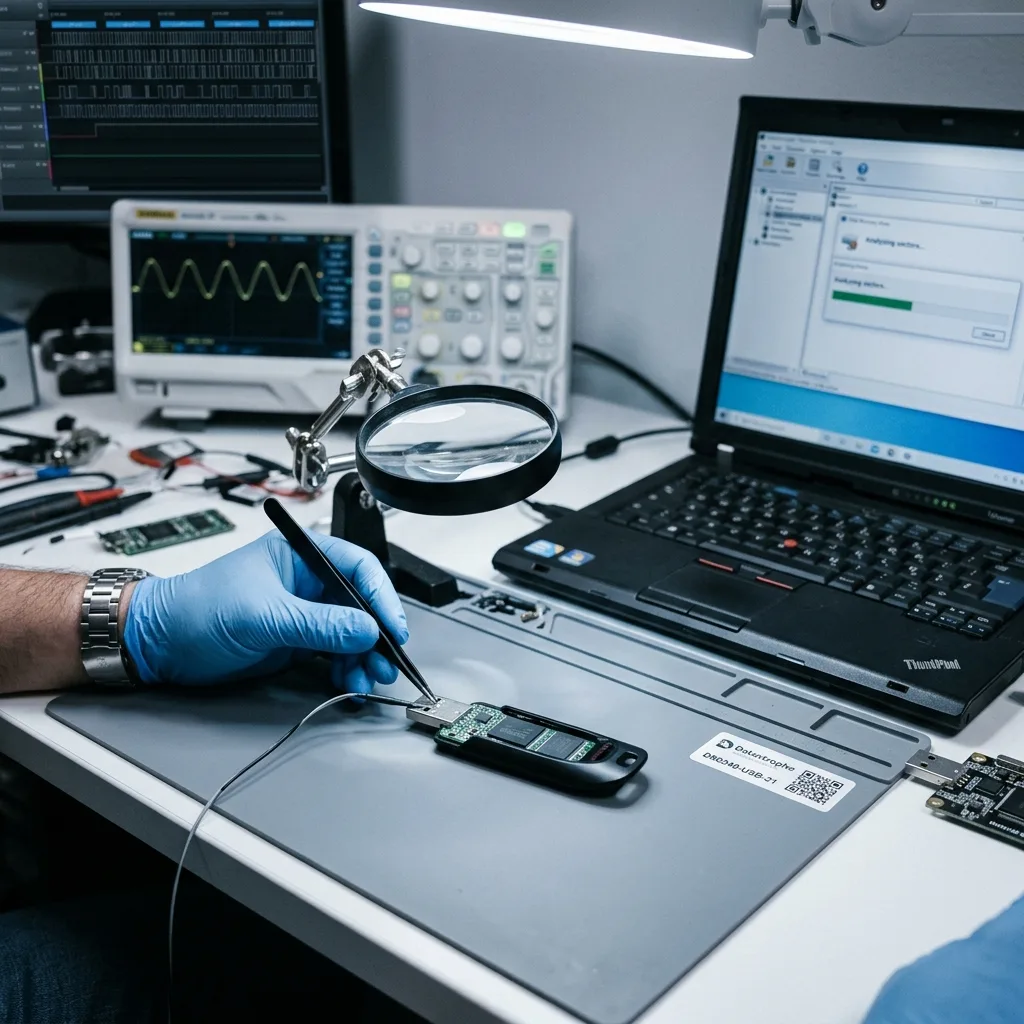
Detection symptoms
Zero capacity and format prompts point to different layers
A device reported with its correct capacity but an unreadable volume may have damaged partition or file-system structures. A drive that identifies as zero bytes, no media or an incorrect model may instead be failing to initialize NAND through its controller. Intermittent capacity can indicate unstable power, connections or firmware. None of these symptoms authorizes initialization or formatting.
Formatting writes new allocation structures and may trigger further controller activity. CHKDSK and similar repairs can change directories, allocation maps and lost chains on the only source. Even a read-only consumer scan can keep an overheating or resetting controller active for hours. The safer route is to establish whether the normal controller can present a stable address space, then acquire that space to separate media before file-system work begins.
A correct capacity is useful but not proof of healthy NAND. Controllers can return cached identity information while reads fail across large regions. Conversely, a logical volume can be reconstructed even when the host refuses to mount it, provided the relevant blocks remain readable. The assessment records identity, error behaviour and read stability so physical, firmware and logical findings are not collapsed into the vague label “corrupted USB.”
Correct capacity, no volume
Partition and file-system evidence may be damaged, but source imaging should still precede any repair or signature scan.
Zero bytes or no media
Controller-to-NAND initialization, firmware and electrical paths require assessment before a logical file search is possible.
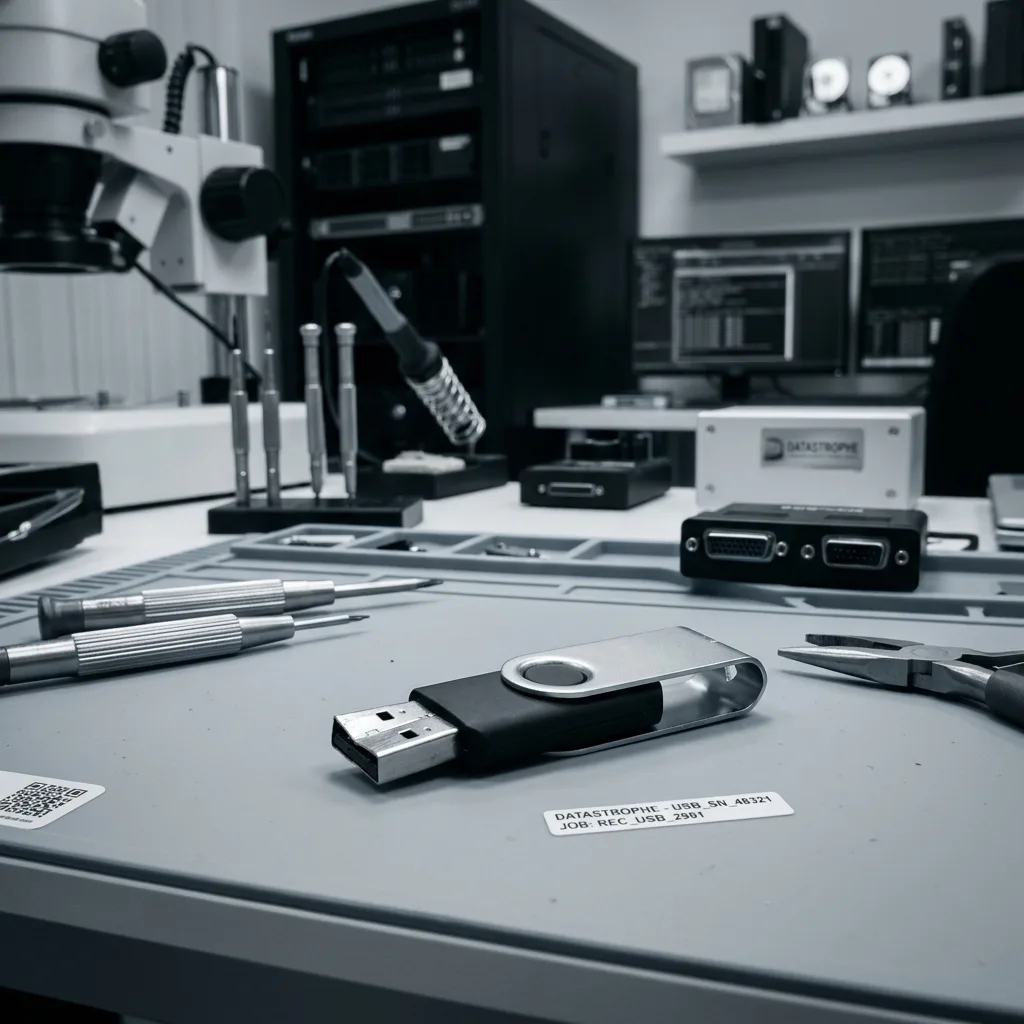
Flash architecture
The controller transforms raw NAND before files exist
NAND packages store pages and spare-area metadata, not a permanent sector-for-sector image of the volume. The controller distributes writes, substitutes worn blocks, interleaves channels, scrambles data and applies error correction. It also maintains the relationship between logical addresses and physical pages. That relationship changes through use, so simply reading a memory package does not produce recognizable documents.
Normal controller access is preferred whenever it can provide a coherent logical view. It preserves the device's own translation, ECC decisions and any internal encryption. Controlled imaging can then limit retries and record unreadable ranges. Service or firmware-specific access may be considered when ordinary USB enumeration fails, but support depends on the exact controller and configuration rather than the brand printed on the casing.
Direct NAND acquisition is a fallback when the controller cannot provide usable access and the architecture is supported. Raw dumps must be corrected, descrambled, de-interleaved and mapped before a file system can be reconstructed. Monolithic devices, damaged bond connections, unsupported controllers and hardware encryption can prevent that route. Direct NAND is not a universal shortcut, and it does not bypass encryption.
- Identify controller, NAND package and board configuration
- Attempt bounded normal controller access first
- Preserve ECC and mapping evidence with raw acquisitions
- State unsupported or encrypted architectures as technical limits
Controller-managed access
A stable controller view preserves logical addressing, correction and mapping that would otherwise have to be reconstructed from raw pages.
Supported raw-flash access
Direct acquisition remains conditional on package access, controller-family knowledge and enough metadata to rebuild the original translation.
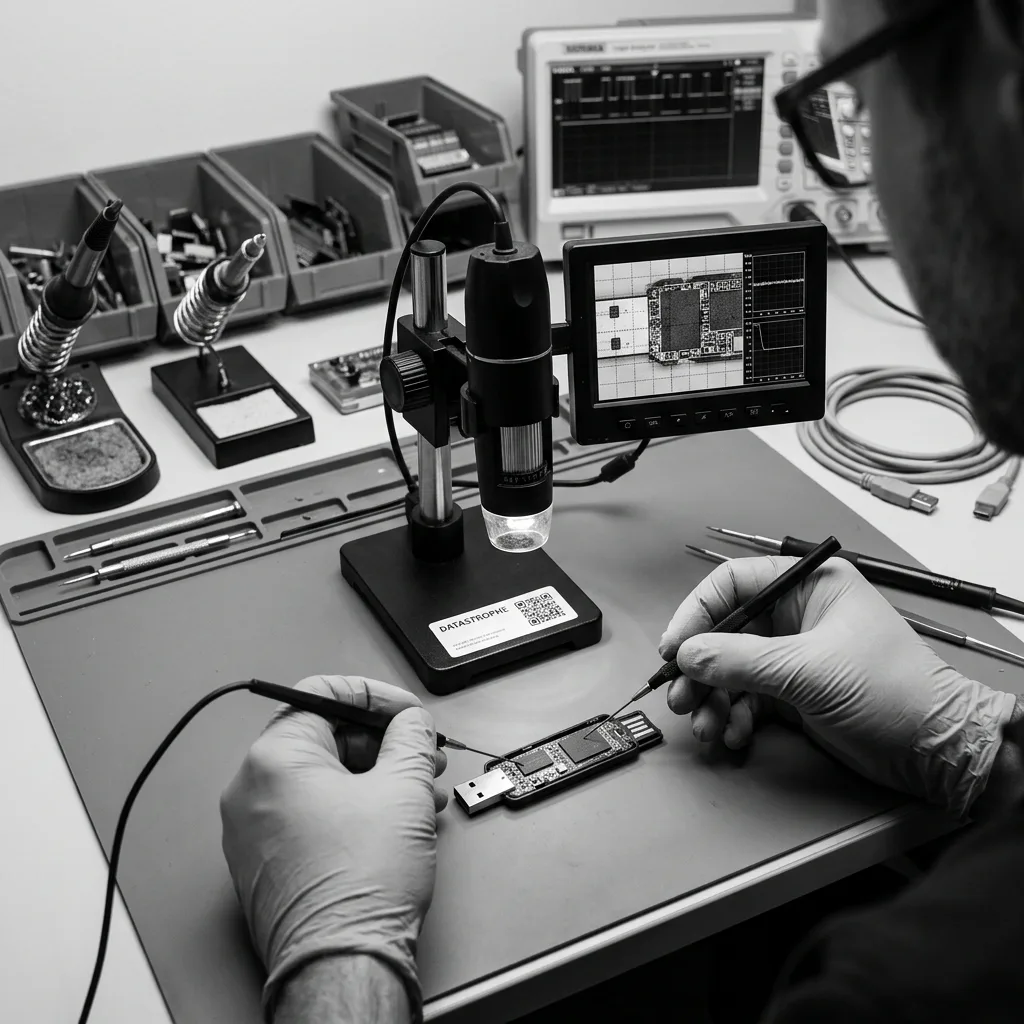
Logical reconstruction
Recovered folders must lead to usable priority files
After acquisition, FAT, exFAT or NTFS structures are examined on a working copy. Directory entries, allocation chains and timestamps can reconnect files more accurately than signature carving alone. When metadata is inconsistent, several candidate states may be compared. A broad scan by file header remains useful for some losses, but it can discard original names and dates and may produce fragments or false positives.
Documents are opened and checked beyond the first page. Photographs are decoded at full resolution rather than accepted because a thumbnail exists. Archives are tested internally, and application files such as accounting exports or design projects are checked with appropriate structure-aware tools where possible. Priority items receive explicit verification so a large list of recovered names does not hide that the few important files are incomplete.
Overwritten blocks, exhausted NAND cells, missing controller metadata and unavailable encryption material are separate limits. A drive used after deletion may contain newer data in the same logical areas, while a worn device may return inconsistent versions of a page. The delivery labels verified, partial and unconfirmed content and explains whether folder organization came from original metadata or post-recovery categorization.
Controlled reading
Unstable flash is acquired in bounded passes
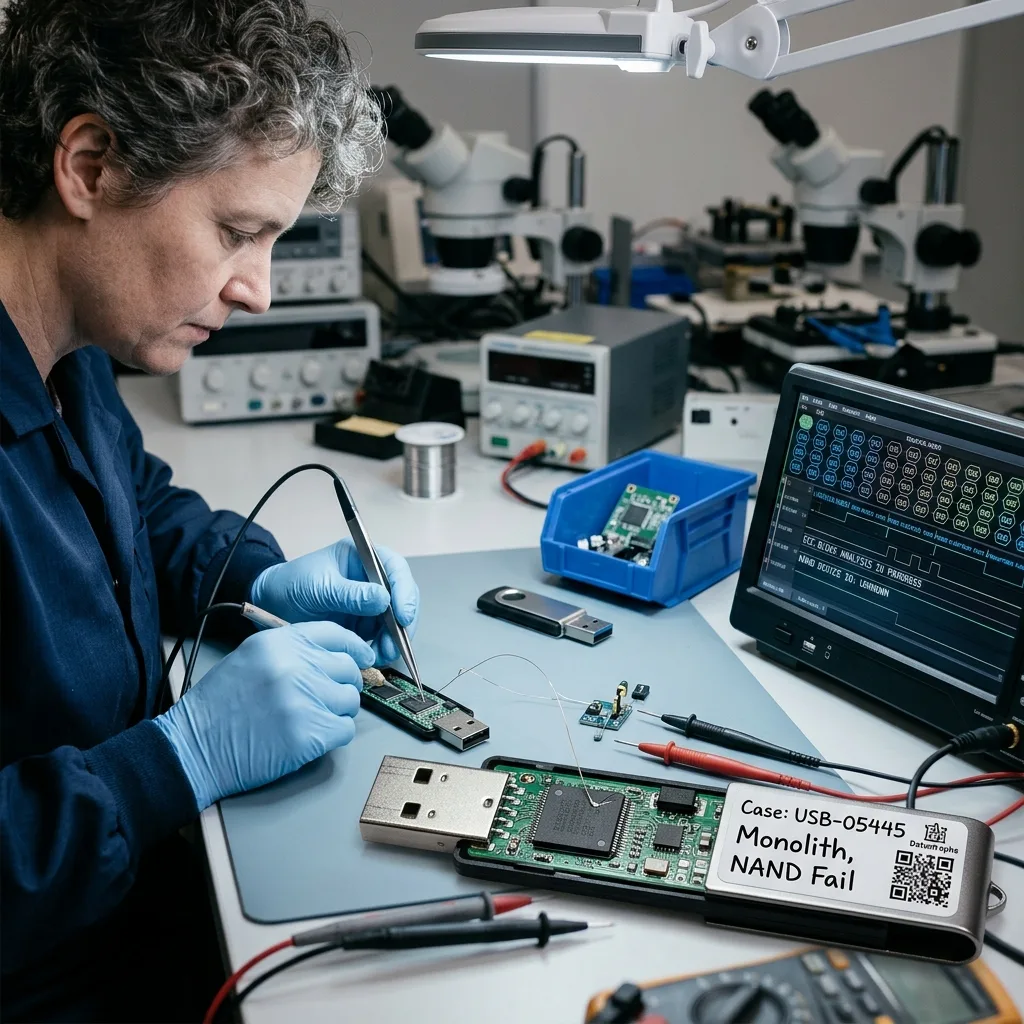
A flash drive that resets, heats or returns changing errors should not be copied through an ordinary desktop loop. The acquisition plan limits power-on time, monitors temperature and captures stable ranges before concentrating on weak blocks. When normal controller access works, its logical sector stream is recorded with an error map. The source is never used as the destination for repairs or recovered files.
Read order can reflect the priority data once enough file-system metadata is available. A current spreadsheet or unique photo folder may be scheduled before replaceable software installers. This prioritization is disclosed because it manages a finite reading window; it is not a guarantee that the selected ranges remain intact. Error logs allow later reconstruction to distinguish genuinely missing blocks from areas that were never requested.
If electronic stabilization is needed, temporary repairs serve only long enough to obtain consistent data. A reworked connector or controller pathway does not make the USB drive trustworthy again. Deeper NAND reconstruction, when justified, produces a logical image that receives the same file-system and file-quality checks as controller-based acquisition. The data recovery process separates assessment, authorization, acquisition and handover.
Controller-based image
Logical ranges are captured with the device's translation active, while resets, temperature and read errors remain logged.
Reconstructed NAND image
Corrected and mapped raw pages are assembled into a logical address space before partitions and files are interpreted.
Secure handover
Return media and source disposition require separate decisions
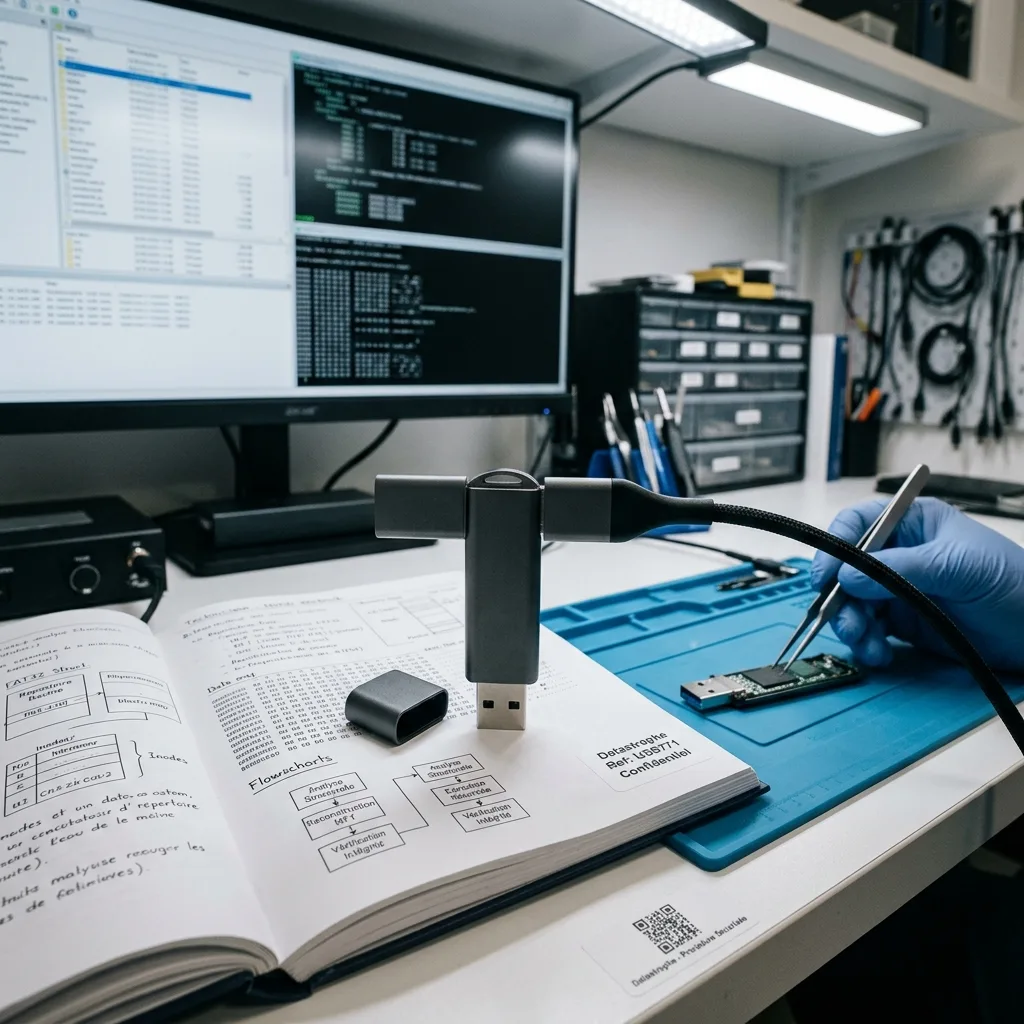
Recovered data is delivered on different healthy media or through an agreed secure transfer appropriate to its size and sensitivity. The failed USB drive is not reformatted and handed back as if it were repaired. Its connector, controller or NAND may have been stabilized only temporarily, and further use could fail without warning. The owner decides whether the original is returned, retained for an agreed period or securely destroyed under the case terms.
For organizational data, the authorized recipient and handling purpose should be confirmed before files are released. A small flash drive can contain payroll, client lists, research results or regulated personal information disproportionate to its physical size. Access to working copies is limited to the recovery task, and the delivery inventory should identify what was provided without exposing sensitive content unnecessarily.
Verification records can include checksums for delivered files, sample-opening results and a list of known partial items. Hashes establish that the transferred copy matches the prepared result; they do not prove completeness of content that was already missing from the source. After acceptance, important files should enter a backup plan with independent copies rather than being moved onto another single USB drive.
- Deliver to healthy storage separate from the failed source
- Confirm the authorized recipient before releasing sensitive files
- Retain checksums and a readable inventory of known gaps
- Move accepted data into an independently tested backup plan
Related flash media
USB drives and memory cards share NAND but not context
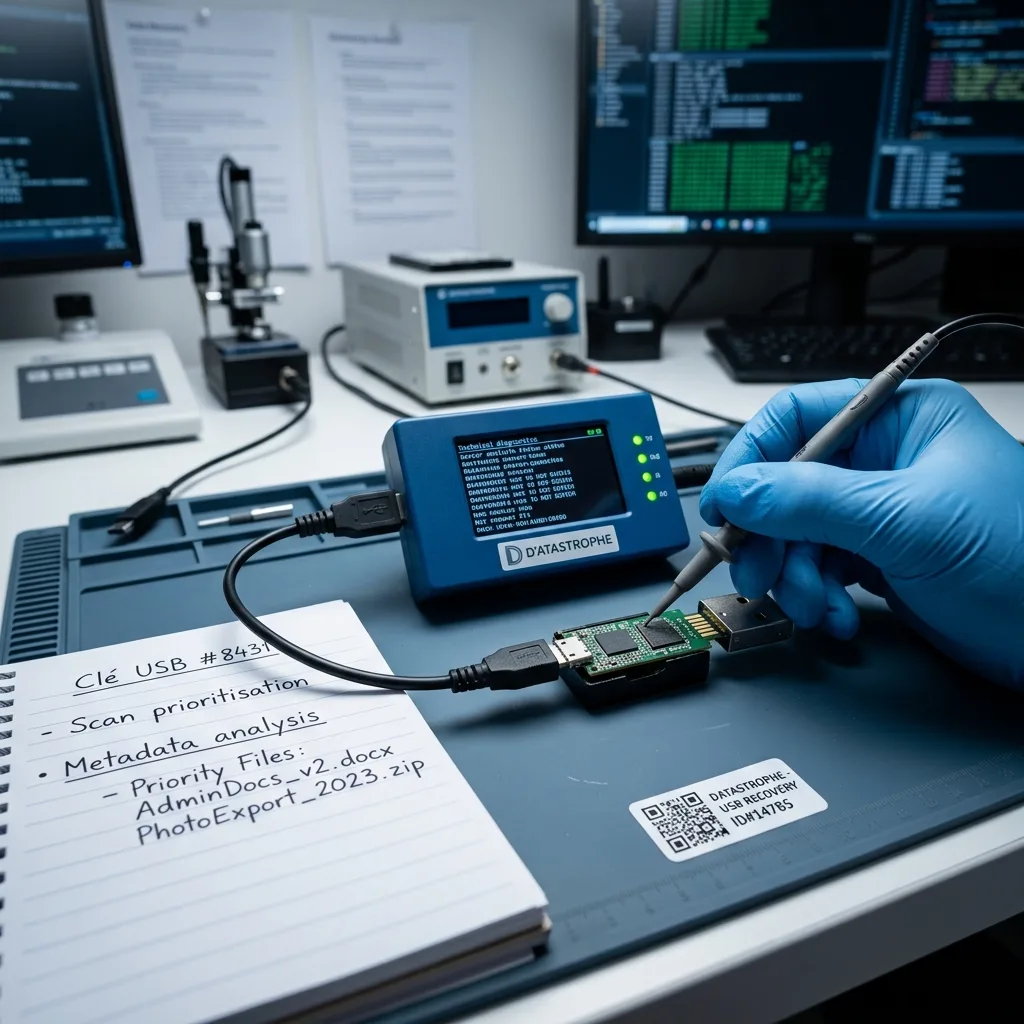
Both media types may use NAND, controller translation, ECC and FAT-family file systems, but their physical designs and workloads differ. A USB drive often fails at a protruding connector or through repeated use across computers. An SD, microSD or CFexpress card may be affected by a camera format, recording interruption, cracked body, adapter contact or a video file that was never finalized.
The original host matters in both cases. A USB drive may carry an encrypted work volume or files written by industrial equipment. A memory card may depend on camera metadata, clip spanning and a specific recording mode. Moving either source through multiple adapters can introduce new contact variables without resolving controller or NAND damage. Preserve the device and describe the system that created the missing data.
Choose memory card data recovery when the source came from a camera, drone, recorder or card-based instrument and footage or capture context matters. Use the USB pathway when the board, connector and USB controller are central to access. Neither category should be treated like an SSD merely because all three contain flash; packaging, firmware and translation support determine the viable laboratory methods.
FAQ
Frequently asked questions
Can a USB flash drive with a broken connector be recovered?
It may be possible when the controller, NAND and enough board traces remain intact. The connector and pads are inspected before any soldering, and a temporary stable data path may be built for acquisition. Do not flex the drive until it connects, glue the plug or apply unplanned heat. Torn traces, shorts and previous rework can change what is technically feasible.
Why does my USB drive show zero bytes or no media?
The controller may identify to the computer without successfully initializing its NAND, or the power, firmware or board path may be unstable. This differs from a correct-capacity device with only file-system damage. Do not initialize or format it. Assessment tests normal controller access and electronics before determining whether controller-specific or direct-NAND work is supported.
Is direct NAND reading the normal USB recovery method?
No. Normal controller access is preferred because it preserves the drive's own mapping, ECC and possible internal encryption. Direct NAND acquisition is considered when the controller cannot provide coherent access and the architecture is supported. Raw pages still require correction, descrambling, interleaving and mapping, and some monolithic or encrypted designs cannot be reconstructed.
Should I format a USB drive that asks to be formatted?
No, not when the existing files are needed. Formatting writes new allocation data and can trigger additional flash activity. Cancel the prompt, disconnect the drive and preserve its incident history. The source should be acquired first through the safest viable path, then FAT, exFAT, NTFS or other structures can be reconstructed and validated on working copies.
Media
Other expertise
- Hard Drive Data Recovery for Clicking and Unreadable Disks Hard drive data recovery for clicking, dropped, slow or unreadable HDDs, using controlled imaging, mechanical assessment and file-level validation.
- External Hard Drive Data Recovery after USB or Disk Failure External hard drive recovery for dropped, disconnected, unrecognized or format-requesting USB disks, with enclosure-aware imaging and file validation.
- SSD and NVMe Data Recovery for Silent Flash Failures SSD and NVMe recovery for undetected, unstable, liquid-damaged or logically inaccessible flash storage, with controller-aware acquisition and validation.
- Memory Card Data Recovery for Photos and Video Memory card recovery for formatted, unreadable or physically damaged SD, microSD, CFexpress and CompactFlash media, with capture-aware validation.
- Laptop Data Recovery after No-Boot or Liquid Damage Laptop data recovery after no-boot, liquid, impact, BitLocker or storage failure, with device-aware acquisition and priority-file validation.
- Apple Mac Data Recovery for APFS and Integrated Storage Apple Mac data recovery for liquid, no-boot, APFS, FileVault, soldered storage and Fusion Drive failures, with library-aware validation.
- Tablet Data Recovery for No-Power and Local Data Tablet data recovery for no-power, liquid, broken-screen and local-storage cases, with encryption-aware access and verified export of authorized data.
- Virtual Disk Data Recovery for VMDK and VHDX Virtual disk recovery for broken VMDK, VHDX and snapshot chains, using preserved datastores, dependency-aware reconstruction and application validation.
- RAID and NAS Data Recovery after Array Failure RAID and NAS recovery after degraded arrays, failed rebuilds or multiple member faults, with imaging, virtual reconstruction and workload validation.
- Server Data Recovery for Storage and Database Failures Server data recovery for storage, file-system, virtual-machine and database failures, with write containment, dependency mapping and isolated validation.
- NVR and DVR Recovery for Missing Camera Footage NVR and DVR recovery for missing security-camera footage, damaged disks, broken indexes and proprietary exports, with channel and timeline validation.
- ISO 5 (Class 100 equivalent) Clean-Room Data Recovery ISO 5 clean-room recovery for diagnosed hard-drive head, spindle or contamination failures, followed by controlled imaging and validation.
 Hard Drive Data Recovery for Clicking and Unreadable Disks
  SSD and NVMe Data Recovery for Silent Flash Failures
  Memory Card Data Recovery for Photos and Video
  Laptop Data Recovery after No-Boot or Liquid Damage
  Tablet Data Recovery for No-Power and Local Data
  Virtual Disk Data Recovery for VMDK and VHDX
  RAID and NAS Data Recovery after Array Failure
  Server Data Recovery for Storage and Database Failures
  NVR and DVR Recovery for Missing Camera Footage
  ISO 5 (Class 100 equivalent) Clean-Room Data Recovery
 Diagnostic assessment
Unsure about a storage device or fault?
Datastrophe assesses the risk before any recovery attempt and points you toward the safest next step.