

Hard Drive Data Recovery for Clicking and Unreadable Disks
A clicking, dropped or suddenly unreadable hard drive should be powered off. Hard drive data recovery begins by protecting its last readable state, not by forcing another scan.
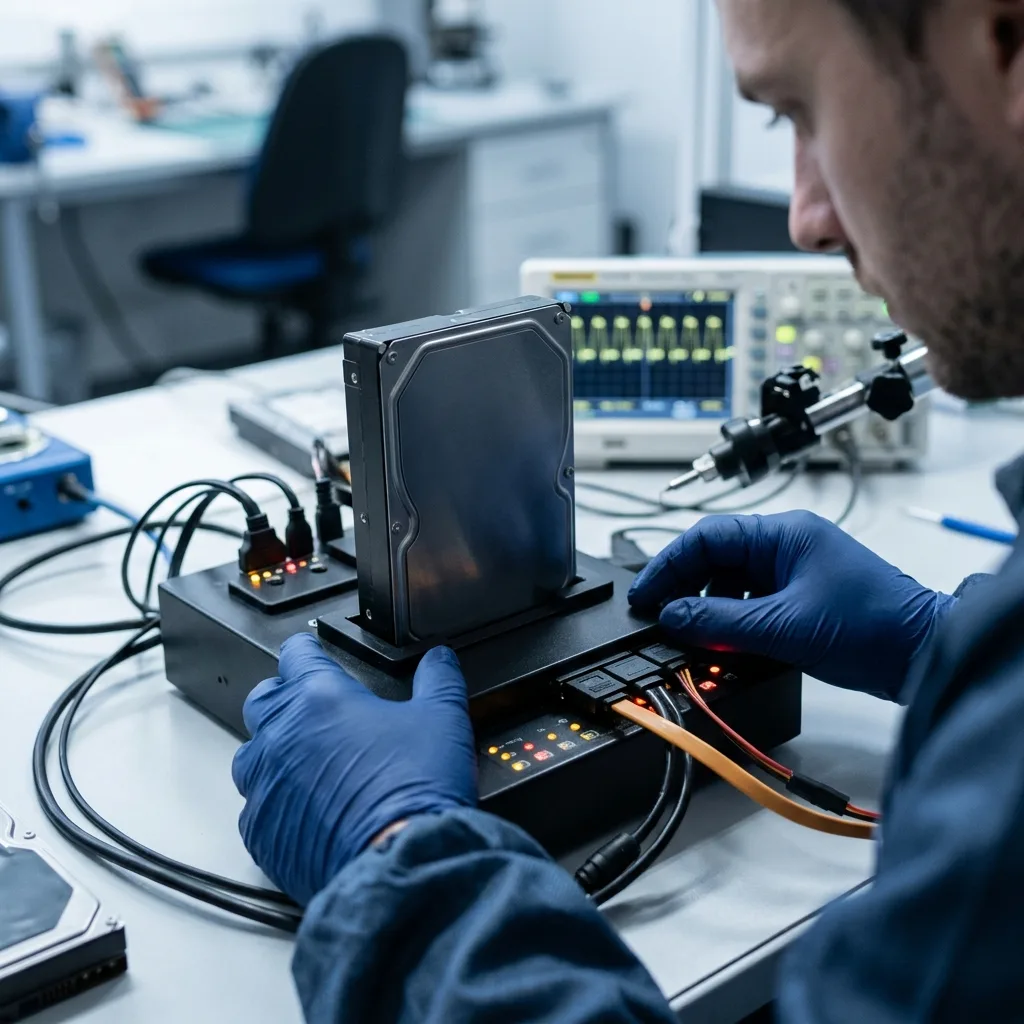
Media condition
Unstable sectors must be mapped before any repair
Slow reads, SMART warnings and a RAW volume are clues, but none identifies the failure by itself.
A hard drive may identify correctly while one head, one platter surface or one range of sectors is deteriorating. SMART attributes can reveal reallocations, pending sectors or interface errors, yet they are historical counters rather than a complete diagnosis. A RAW prompt can result from damaged file-system metadata, unreadable sectors under that metadata, an enclosure problem or a previous repair attempt. The safest interpretation combines the disk's behaviour with the incident chronology.
The diagnostic assessment records detection time, spin behaviour, temperature, error density and whether the same logical block fails consistently. Short, bounded reads may show that one head is weak while the remaining surfaces still respond. That evidence affects direction, block size and retry limits during acquisition. It also helps distinguish a deteriorating magnetic surface from a cable or controller-path issue without treating a temporary detection as proof that the disk is healthy.
Repair commands are postponed because they can convert a readable but inconsistent source into a changed source. CHKDSK, fsck, initialization and partition writes may update precisely the structures needed to explain the loss. The working objective is narrower: identify which regions can be read with controlled risk, capture them to separate storage and preserve an error log. Logical reconstruction comes later, against copies that can be examined repeatedly without consuming more of the original drive.
- Record the exact SMART output without running a long self-test
- Note whether slowness affects the whole disk or particular folders
- Treat a RAW or initialization prompt as a warning, not permission to write
SMART evidence
Reallocated and pending-sector counts establish history, while live read timing and repeatability show how the drive is behaving during the assessment.
RAW volume evidence
A RAW prompt identifies an unreadable file-system view, not its cause; sector condition and metadata location must be examined separately.
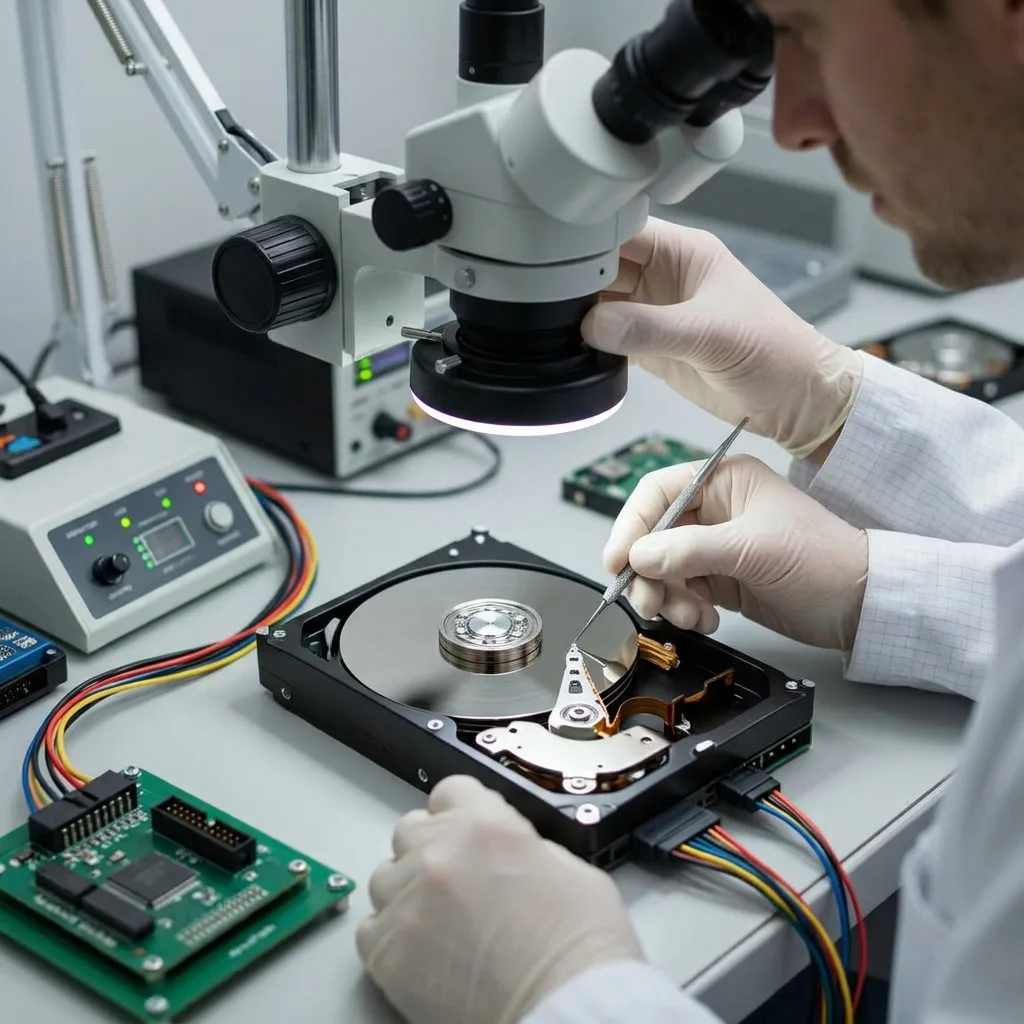
Mechanical symptoms
Clicking changes the case from scanning to preservation
Repeated clicks usually mean the drive cannot complete a positioning or calibration sequence, although the exact cause may involve heads, firmware, electronics or damaged media. Scraping, beeping, stalled rotation and repeated spin-up are different symptoms and should be described separately. A new mechanical sound is a reason to stop power, because every uncontrolled start can move compromised heads across recording surfaces that still contain readable data.
Home enclosures, docking stations and operating-system scans cannot correct an internal mechanical problem. Freezing, tapping or rotating the drive changes clearances and may add condensation, impact or surface contact. Swapping a printed circuit board is also not a generic cure: adaptive parameters and ROM data may be unique to the drive, and an electrically compatible board can still fail to initialize the head-disk assembly correctly.
The drive is kept with its original label, board and any enclosure electronics. A short sound recording can be useful if it was made without another power cycle, as can notes describing whether the impact occurred while the disk was running. That evidence supports a measured decision between closed-drive electronics work, firmware access and an internal mechanical pathway. It does not justify opening the cover on an ordinary workbench.
- Stop power when clicking, scraping or repeated spin-up begins
- Record the sound only if no additional start is required
- Do not freeze, tap, open or repeatedly reconnect the drive
- Keep the original board, enclosure and power supply together
After a drop
Keep the drive still, dry and unpowered. Record whether it was operating at impact and which orientation it landed in; do not restart it to see whether the sound has changed.
After an electrical event
Preserve the original power supply and board. A protection component may have failed, but power-path testing must precede any attempt to bypass it.
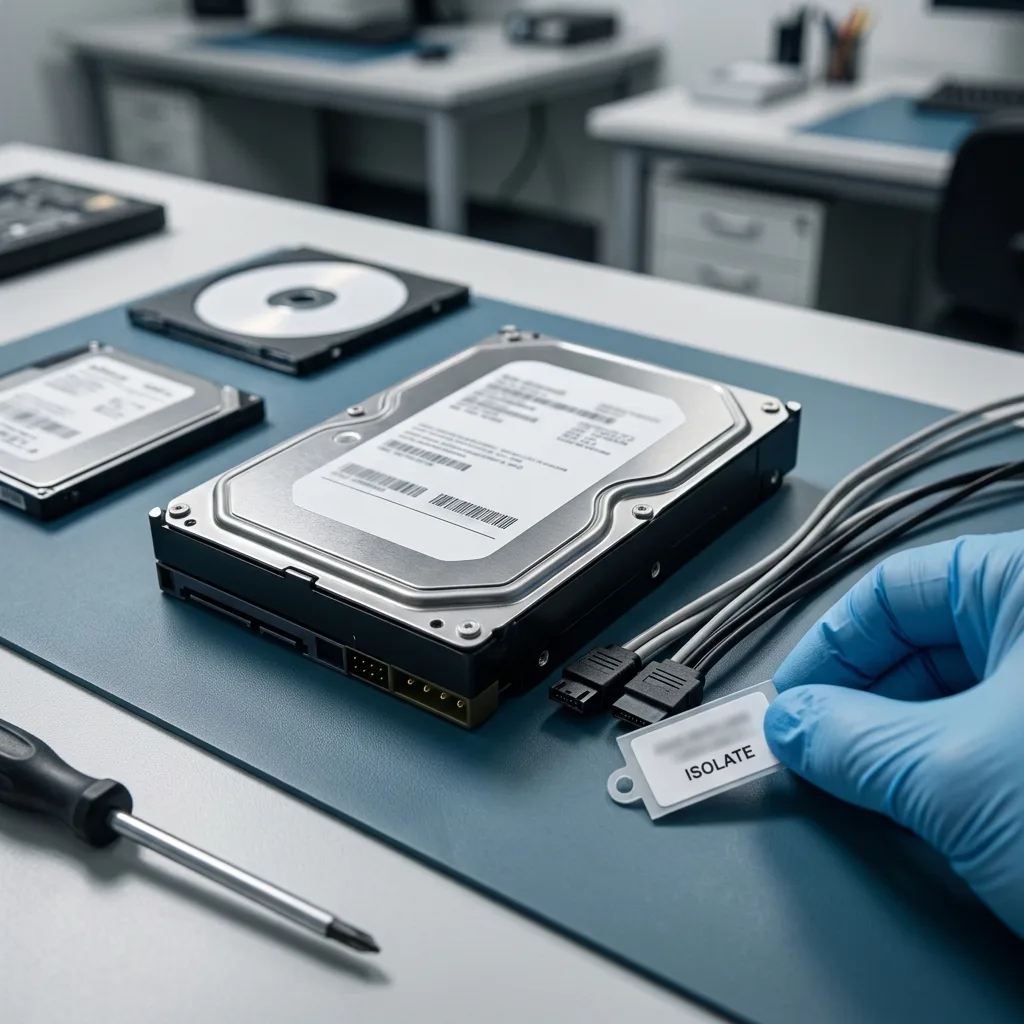
Mechanical pathway
Clean-room work is reserved for diagnosed internal damage
An ISO 5 (Class 100 equivalent) environment is relevant when a supported finding requires the hard-drive enclosure to be opened. Examples include damaged read-write heads, a seized spindle or contamination created by internal contact. Filtered air reduces the risk of adding particles while platters are exposed. It does not improve deleted files, a damaged partition, a failed USB bridge or unavailable encryption credentials, so it should never be presented as the default route for every hard-drive case.
Internal inspection looks for head deformation, platter contact, debris and other evidence that influences whether a temporary reading path is realistic. If compatible donor components are considered, family, revision, preamplifier and adaptive compatibility matter; matching capacity or a retail model label alone is insufficient. The purpose of an intervention is to enable controlled sector acquisition, not to repair the disk for continued service.
Some physical limits cannot be reversed. Scratched recording surfaces, displaced magnetic coating and severe platter deformation can eliminate signal from affected areas. A head replacement may allow access to other surfaces without restoring those regions. The assessment therefore distinguishes a technically justified opening from a promise of full recovery and explains how any unreadable areas may affect the requested folders or file types.
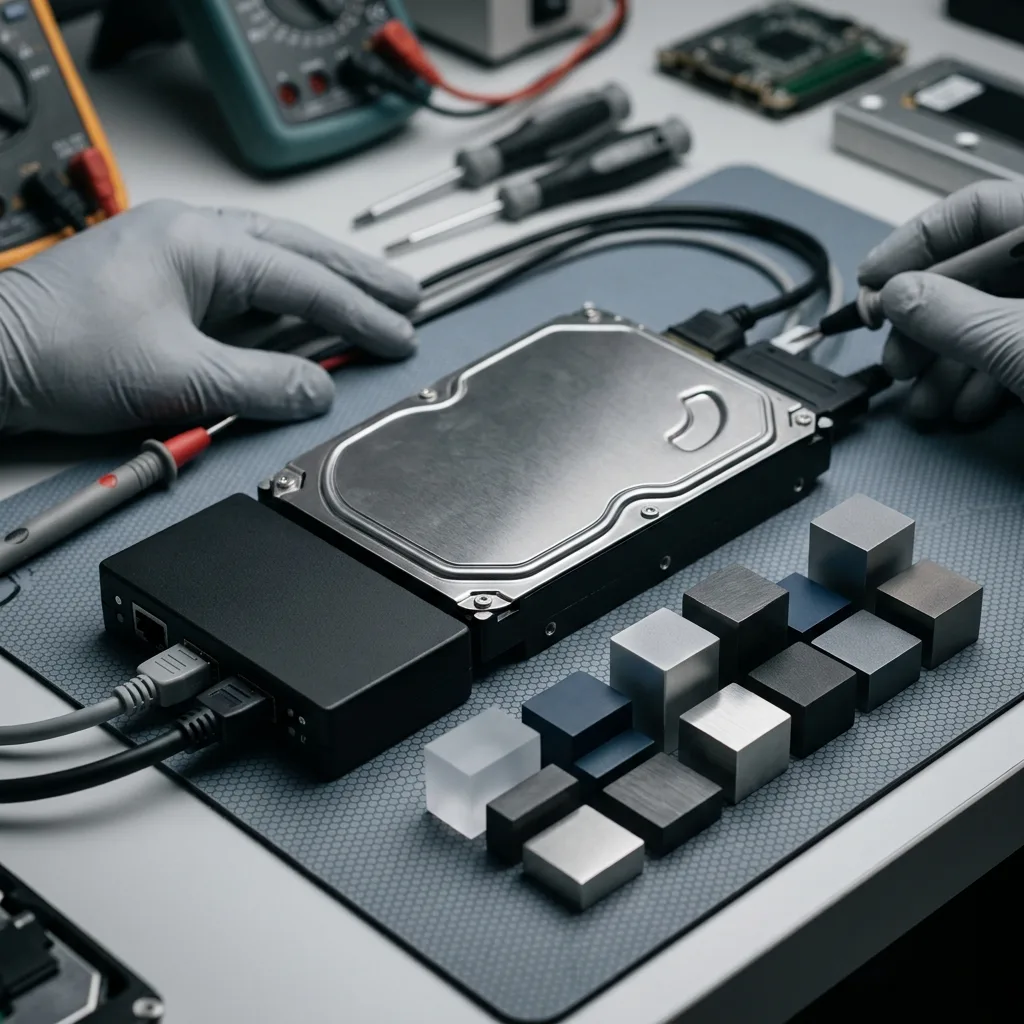
Controlled acquisition
Imaging follows head behaviour instead of disk order
A conventional clone reads from the first address to the last and may spend excessive time on one damaged area. Laboratory imaging can divide the source into passes, begin with responsive regions and defer difficult sectors. Error density, transfer speed and head performance guide the sequence. This approach aims to secure the greatest amount of stable evidence while the disk still responds, rather than maximizing retries on the first failure encountered.
Priority ranges can sometimes be identified from file-system metadata or known folder locations. When a business needs a current accounting database or a family needs a specific photograph archive, those ranges may be scheduled before lower-value content. The order is documented because prioritization is a risk decision, not a hidden claim that every requested file will be captured. If metadata itself is incomplete, broad acquisition may still be necessary before any file location can be inferred.
Every acquired block is written to healthy destination storage with a map of successful, slow and unreadable sectors. Subsequent file-system analysis uses that image or a derivative working copy. The source remains separate and is not mounted for routine browsing. This separation makes hypotheses reproducible: a partition interpretation can be changed or rejected without asking the damaged disk to repeat the same work.
- Capture stable regions before concentrated retry passes
- Adjust direction and block size to observed head performance
- Keep acquisition logs with every working image
- Reconstruct partitions and files only on copies
Responsive-region pass
Large stable ranges are secured with limited interruption before the acquisition returns to slow or repeatedly failing zones.
Targeted retry pass
Retry direction, block size and time limits follow the error map so one damaged surface does not dominate the remaining source life.
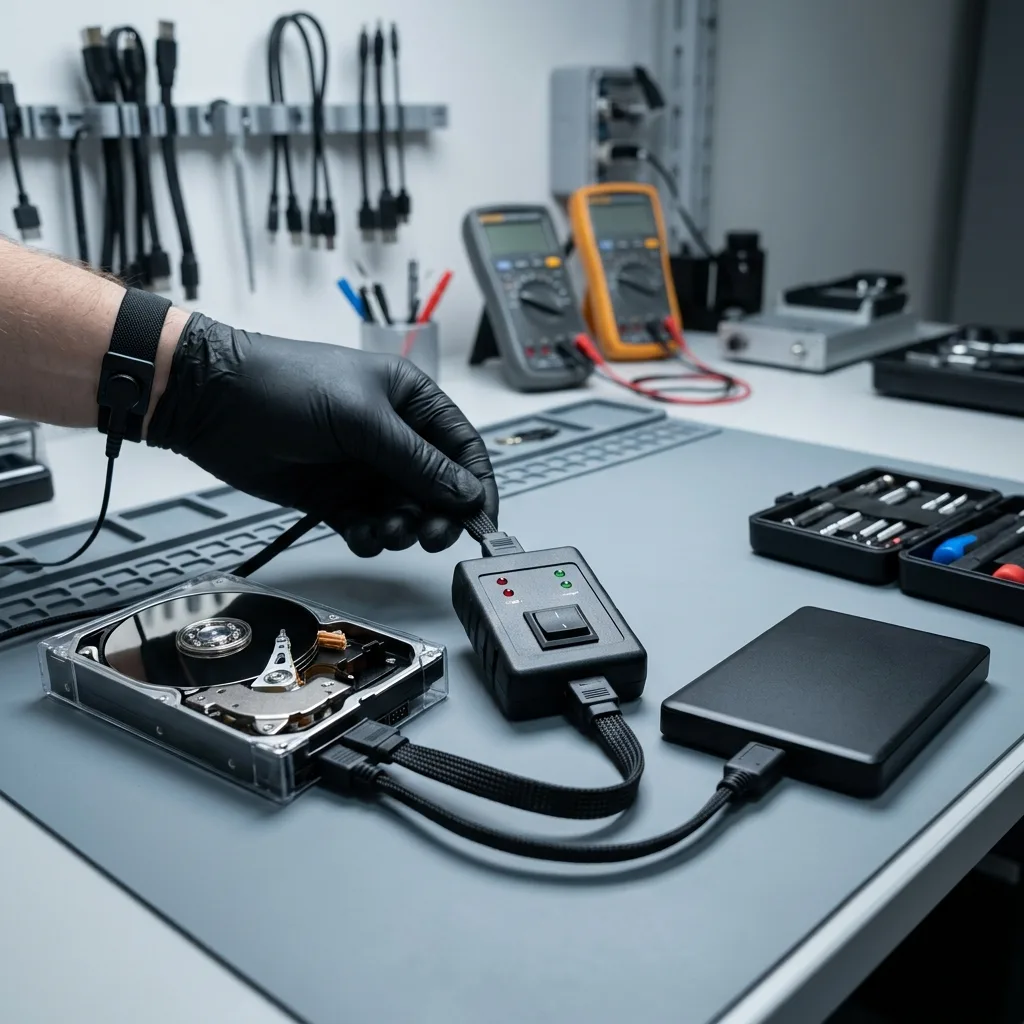
Logical reconstruction
Recovered capacity is not the same as usable data
Once acquisition is stable enough, partition tables, boot records, allocation structures and journals are compared across the image. NTFS, exFAT, HFS+, APFS and Linux file systems leave different evidence, and a partially mountable volume is not automatically the most coherent reconstruction. Several candidate states may be retained when metadata from different dates conflicts, especially after an interrupted repair or an operating-system reinstall.
Filename recovery alone can be misleading. A directory entry may point to unreadable sectors, a database may open while recent pages are missing, and a photograph may retain a preview despite damaged original data. Representative files are checked by format and sampled throughout their content. Archives, virtual disks and database containers receive structure-aware checks because their outer file size says little about the integrity of records stored inside.
The result separates verified files, partial files and entries that were identified but could not be read coherently. Overwritten sectors, missing decryption material and physically destroyed magnetic areas remain explicit boundaries. For a multi-disk source, the workflow also changes: coordinated members should be handled through RAID and NAS recovery rather than interpreted as independent stand-alone disks.
Documents and media
Validation checks internal structure, expected pages or frames and representative content, not only the extension and apparent file size.
Databases and archives
Container integrity, internal indexes and extractable records are assessed separately so a recognizable header is not mistaken for a complete result.
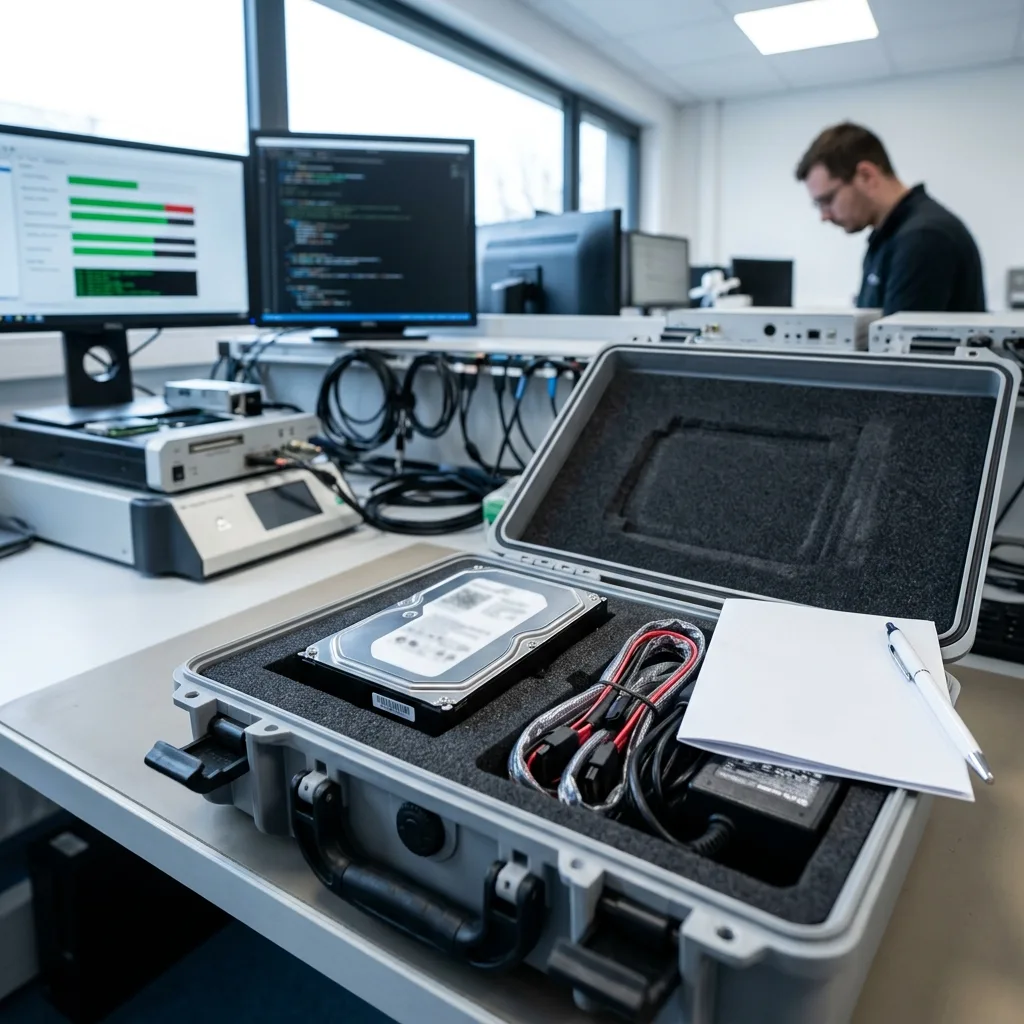
Case preparation
A useful intake identifies the disk and priority evidence
The model, full serial number, capacity and interface establish the starting point, while the incident timeline explains what changed. Useful details include the last normal use, new sounds, a fall, a power event, detection messages and every subsequent attempt. Screenshots of a SMART report or error message can help when they already exist, but collecting them should not require powering an unstable disk again.
Priority is described in operational terms: folder paths, file types, date ranges, project names and the applications needed to use the files. A list such as “all documents” is less actionable than the name of a bookkeeping file, a client project directory or a photograph date. Authorized contacts should also identify encryption or privacy constraints before acquisition so access is limited to the agreed purpose.
Canadian transport can expose storage to cold, condensation and long transit distances. Use a rigid box, anti-static protection and cushioning that prevents movement; never ship a loose drive in an envelope. If a sealed package arrives very cold, it should acclimatize before opening or power is considered. The data recovery process explains how intake, assessment, authorization and return are separated.
- Drive model, serial number, capacity and original device
- Symptoms and previous attempts in chronological order
- Priority folders, dates, applications and file extensions
- BitLocker, FileVault or other recovery material held separately
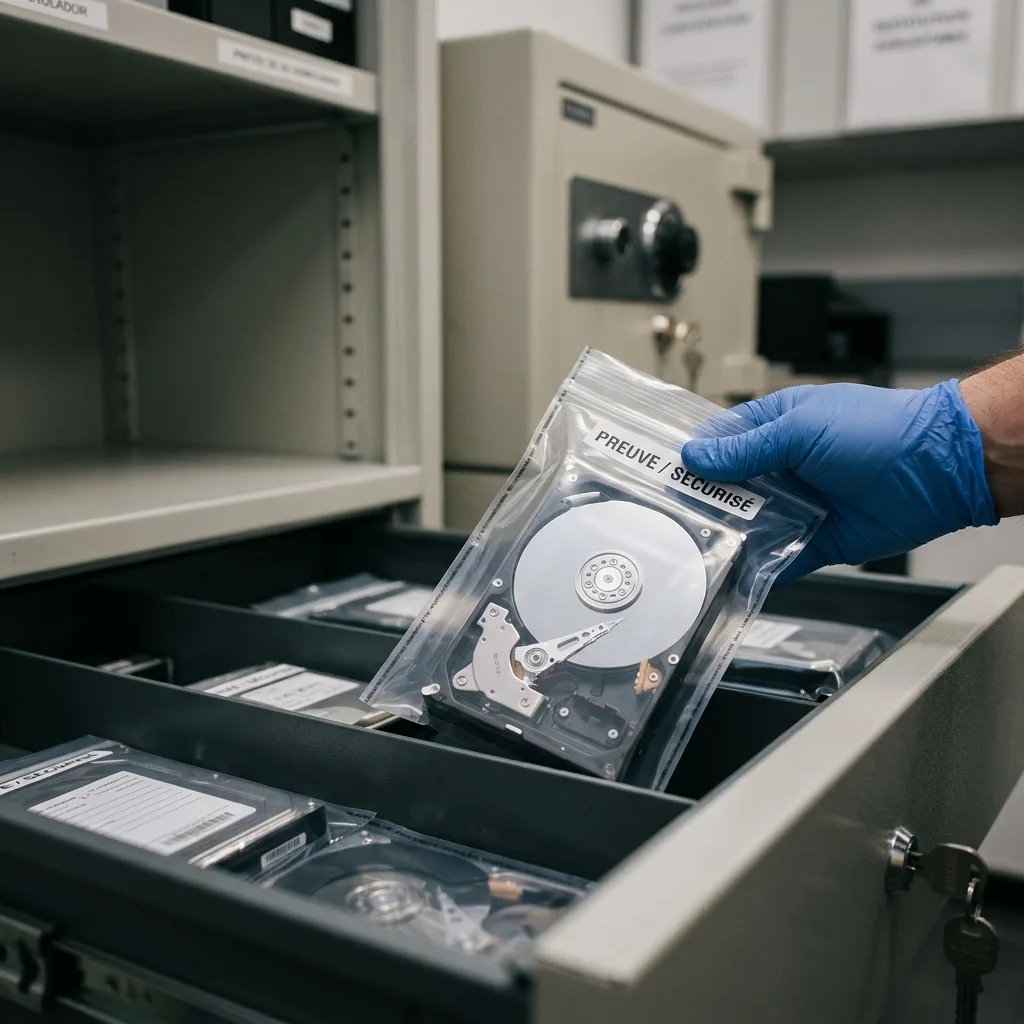
Verified handover
Delivery must show integrity and unresolved gaps
Recovered content is returned on healthy destination media, never by putting the damaged hard drive back into service. The directory structure may reflect the original volume, a reconstructed hierarchy or categorized files when metadata could not be preserved. The handover should state which method was used so a reorganized result is not mistaken for an untouched copy of the source.
Verification focuses on the agreed priority set and representative samples across the remainder. Checks can include document opening, image decoding, archive tests, database-level review and cryptographic hashes for transferred files. A hash confirms that a delivered copy matches the validated result; it does not prove that sectors missing from the source were somehow restored. Known unreadable regions and incomplete files stay visible in the report.
For organizational cases, the authorized recipient, retention expectation and secure deletion request should be recorded before release. Large data sets may require staged review rather than casual cloud transfer. The practical success measure is whether the priority information is usable for its intended work, with enough evidence to understand omissions, not whether a directory browser displays an impressive number of names.
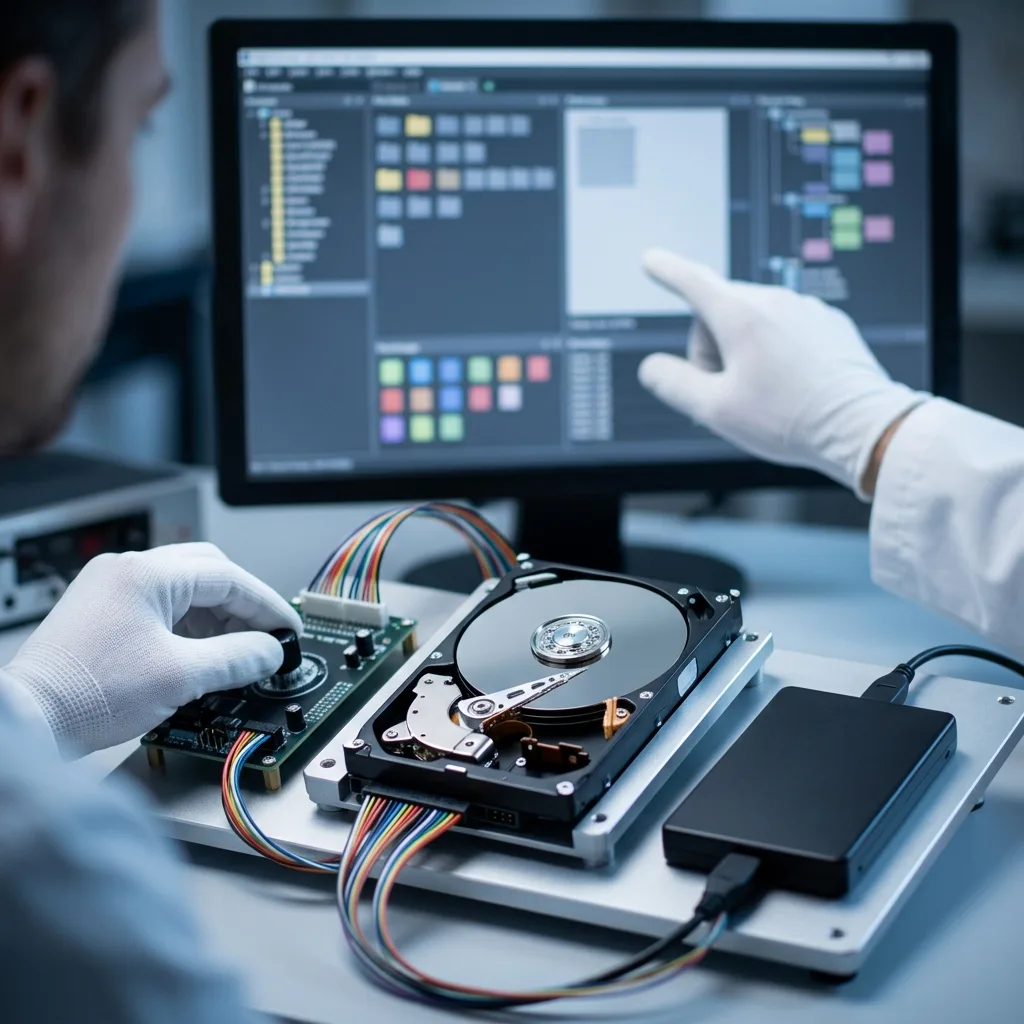
Connected systems
The original device context determines the right service
A bare SATA hard drive, a USB desktop enclosure and a recorder disk can contain similar magnetic technology but expose different dependencies. An external enclosure may perform USB translation or hardware encryption; removing the drive too early can discard the electronics required to interpret it. Those cases belong with external hard drive recovery, where the bridge, power supply and enclosure are assessed alongside the disk.
A disk removed from a NAS, server or video recorder should not be treated as a normal single volume. Member order, RAID parity, proprietary recording structures or device-specific encryption may determine where each block belongs. Keep bay labels and the host configuration with the drive. Mounting one member independently can trigger writes or produce an apparently empty file system even though the data is distributed across several devices.
The context also prevents unnecessary clean-room work. A healthy disk behind a failed USB bridge needs a different path from a clicking unit with internal damage, while a logically damaged stand-alone volume may only require controlled imaging and reconstruction. Describing the whole system allows the diagnostic assessment to start at the correct layer and avoids a generic procedure that overlooks essential electronics or metadata.
Keep system evidence
Preserve enclosures, adapters, bay order, controller details and error logs whenever the hard drive came from a larger storage system.
FAQ
Frequently asked questions
What should I do immediately when a hard drive starts clicking?
Shut the computer or enclosure down and leave the drive unpowered. Do not repeat starts, run a scan, tap the casing or freeze the disk. Record the sound only if it was captured without another power cycle, and note whether a drop, power event or slowdown came first. Clicking can indicate a mechanical access problem, but a diagnostic assessment is needed to distinguish heads, media, firmware and electronics.
Does every failed hard drive need an ISO 5 clean room?
No. Controlled opening is considered when diagnosed internal mechanical damage makes it necessary. Board faults, firmware states, unstable sectors, deleted data and file-system corruption are normally assessed with the enclosure closed. An ISO 5 environment reduces added particle contamination during justified internal work; it cannot restore overwritten sectors, destroyed magnetic coating or missing encryption credentials.
Can CHKDSK repair a RAW hard drive before recovery?
It may alter allocation records and directory structures on the source, and it can generate more reads from unstable media. That is why repair is not the first step when the only copy matters. The disk condition is assessed, readable sectors are acquired to separate storage, and file-system hypotheses are tested on working copies. A RAW label describes an access problem, not a safe instruction to initialize or repair.
How is a hard-drive recovery result verified?
Acquisition logs show which sectors were read and which remained unavailable. Reconstructed folders are then checked through representative documents, photographs, archives, databases or other priority formats. Files that are partial, corrupt or only identified by metadata are separated from verified content. The report should connect technical gaps to the requested data instead of relying on a percentage that hides where missing sectors occurred.
Media
Other expertise
- External Hard Drive Data Recovery after USB or Disk Failure External hard drive recovery for dropped, disconnected, unrecognized or format-requesting USB disks, with enclosure-aware imaging and file validation.
- SSD and NVMe Data Recovery for Silent Flash Failures SSD and NVMe recovery for undetected, unstable, liquid-damaged or logically inaccessible flash storage, with controller-aware acquisition and validation.
- USB Flash Drive Data Recovery for Connector and NAND Failures USB flash drive recovery for broken connectors, zero-capacity devices, controller faults, formatting and damaged file systems, with validated handover.
- Memory Card Data Recovery for Photos and Video Memory card recovery for formatted, unreadable or physically damaged SD, microSD, CFexpress and CompactFlash media, with capture-aware validation.
- Laptop Data Recovery after No-Boot or Liquid Damage Laptop data recovery after no-boot, liquid, impact, BitLocker or storage failure, with device-aware acquisition and priority-file validation.
- Apple Mac Data Recovery for APFS and Integrated Storage Apple Mac data recovery for liquid, no-boot, APFS, FileVault, soldered storage and Fusion Drive failures, with library-aware validation.
- Tablet Data Recovery for No-Power and Local Data Tablet data recovery for no-power, liquid, broken-screen and local-storage cases, with encryption-aware access and verified export of authorized data.
- Virtual Disk Data Recovery for VMDK and VHDX Virtual disk recovery for broken VMDK, VHDX and snapshot chains, using preserved datastores, dependency-aware reconstruction and application validation.
- RAID and NAS Data Recovery after Array Failure RAID and NAS recovery after degraded arrays, failed rebuilds or multiple member faults, with imaging, virtual reconstruction and workload validation.
- Server Data Recovery for Storage and Database Failures Server data recovery for storage, file-system, virtual-machine and database failures, with write containment, dependency mapping and isolated validation.
- NVR and DVR Recovery for Missing Camera Footage NVR and DVR recovery for missing security-camera footage, damaged disks, broken indexes and proprietary exports, with channel and timeline validation.
- ISO 5 (Class 100 equivalent) Clean-Room Data Recovery ISO 5 clean-room recovery for diagnosed hard-drive head, spindle or contamination failures, followed by controlled imaging and validation.
 External Hard Drive Data Recovery after USB or Disk Failure
  SSD and NVMe Data Recovery for Silent Flash Failures
  USB Flash Drive Data Recovery for Connector and NAND Failures
  Memory Card Data Recovery for Photos and Video
  Laptop Data Recovery after No-Boot or Liquid Damage
  Tablet Data Recovery for No-Power and Local Data
  Virtual Disk Data Recovery for VMDK and VHDX
  RAID and NAS Data Recovery after Array Failure
  Server Data Recovery for Storage and Database Failures
  NVR and DVR Recovery for Missing Camera Footage
  ISO 5 (Class 100 equivalent) Clean-Room Data Recovery
 Diagnostic assessment
Unsure about a storage device or fault?
Datastrophe assesses the risk before any recovery attempt and points you toward the safest next step.