

Laptop Data Recovery after No-Boot or Liquid Damage
Laptop data recovery begins by separating a display or motherboard failure from storage loss. Stop repeated starts, automatic repair and charging after liquid until the device and data path are assessed.
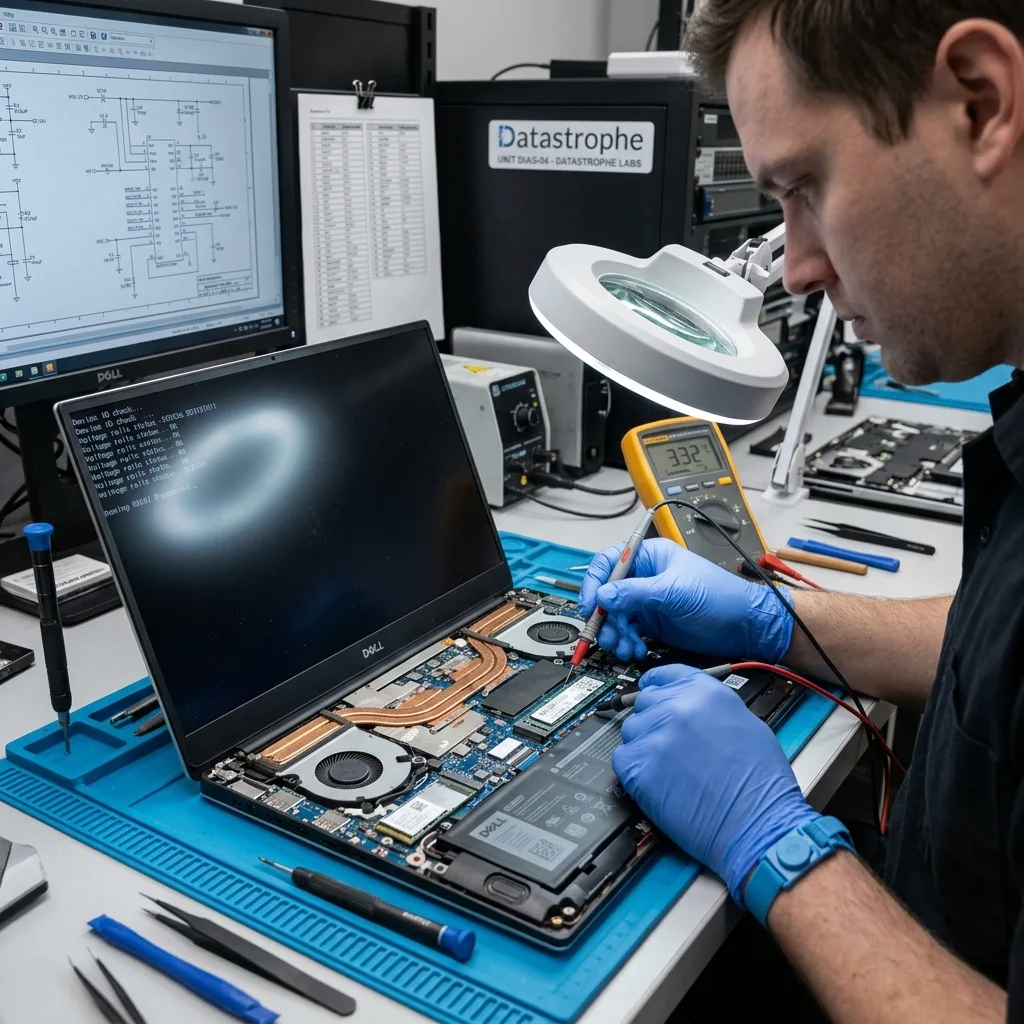
No-boot diagnosis
A black screen does not prove the storage is lost
Display, memory, power, firmware and storage faults can all produce a laptop that appears not to start.
A laptop with no image may still complete part of its boot sequence, while a machine caught in automatic repair may have a readable SSD behind a damaged operating system. Conversely, a logo that remains on screen can reflect storage timeouts or an NVMe device that disappears under load. A black screen is a symptom across several layers, not proof that storage has failed. The diagnostic assessment records indicator behaviour, fan activity, external-display results already attempted and exact error messages without treating any one symptom as conclusive.
Repeated starts are avoided when the storage clicks, overheats, vanishes or follows a liquid event. Windows recovery, BIOS updates and factory reset can write to the source or alter TPM and boot relationships. If the issue is limited to the display or charging circuit, the least intrusive path may be to establish authorized logical access through the original machine. If the storage itself is unstable, acquisition takes priority over restoring a bootable laptop.
The distinction protects both time and evidence. Replacing a screen will not repair unreadable NAND, while removing an encrypted SSD unnecessarily can complicate access that the original platform could still provide. The objective is not to make the laptop look operational for a few minutes; it is to identify the layer that blocks the requested data and preserve the safest route to it.
- Record existing LED, fan, screen and error behaviour
- Stop if storage clicks, heats or disappears intermittently
- Avoid factory reset, BIOS update and automatic repair
- Keep the original platform available for encrypted storage
Platform findings
Power, display, memory and board indicators are separated from storage timeouts before the machine is dismantled or reset.
Storage findings
Detection, capacity, heat and read stability determine whether controlled acquisition should replace any further boot attempt.
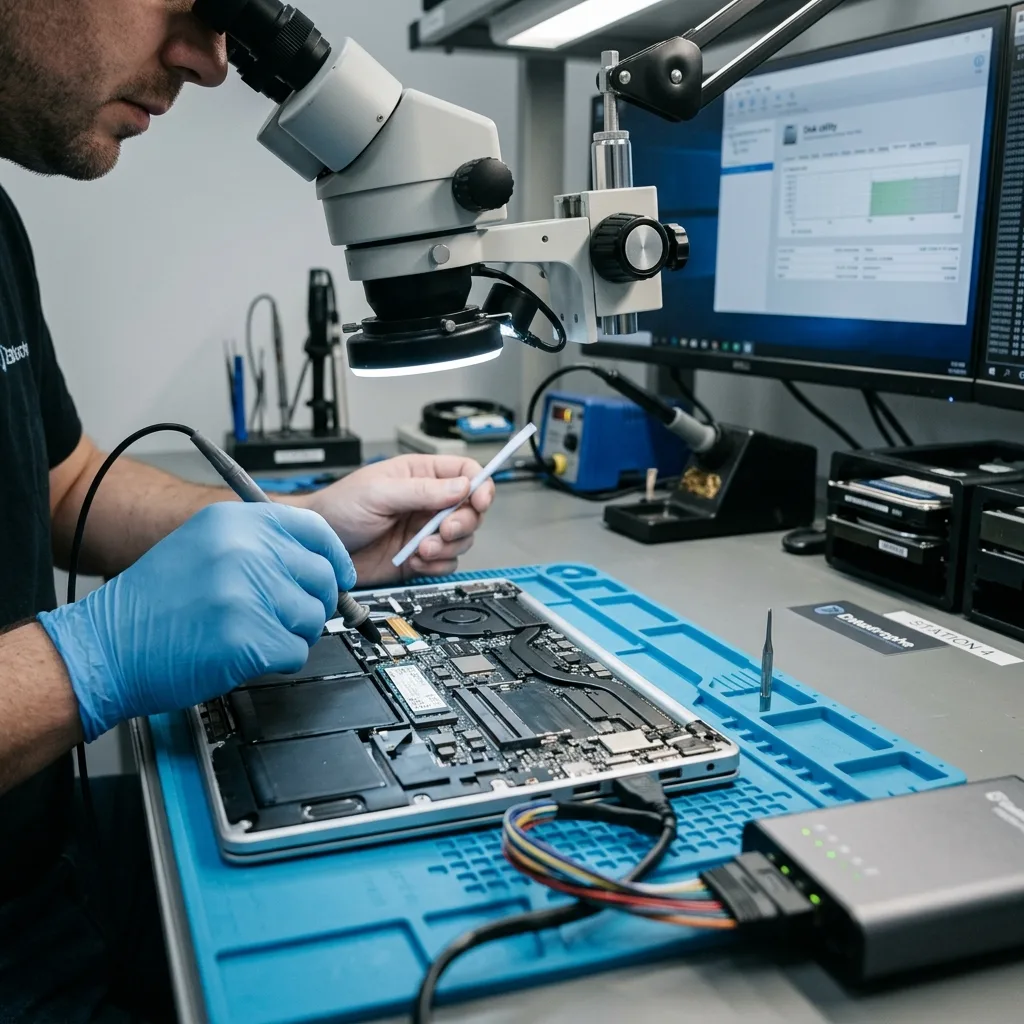
Board stabilization
Liquid exposure makes charging an immediate risk
Liquid can bridge power rails while the laptop appears off, because an installed battery may still energize standby circuits. Pressing the power button or connecting a charger can drive current through residue and damage the storage path. Disconnect external power, avoid further starts and, where it can be done safely without flexing a swollen battery, isolate the internal battery through an authorized technician.
Drying the keyboard surface does not remove contamination under shields or packages. Heat can move residue, deform plastics and accelerate corrosion. Rice does not reach board-level deposits. The machine should remain intact with its charger, detached storage and any removed screws or shields accounted for. The type of liquid, duration of exposure and time since the incident help prioritize inspection.
Electronics work aims to stabilize the minimum circuits needed for data access. Power rails, corrosion, shorts and communication paths are measured before energizing the board. A damaged laptop is not refurbished as part of recovery; if temporary board repair restores access, acquisition begins promptly. When storage is removable and independent, it may be handled separately only after encryption, interface and system context have been documented.
- Disconnect the charger and stop all power-button tests
- Do not use rice, heat or compressed air on the laptop
- Record the liquid type, exposure area and incident time
- Treat a swollen battery as a separate handling hazard
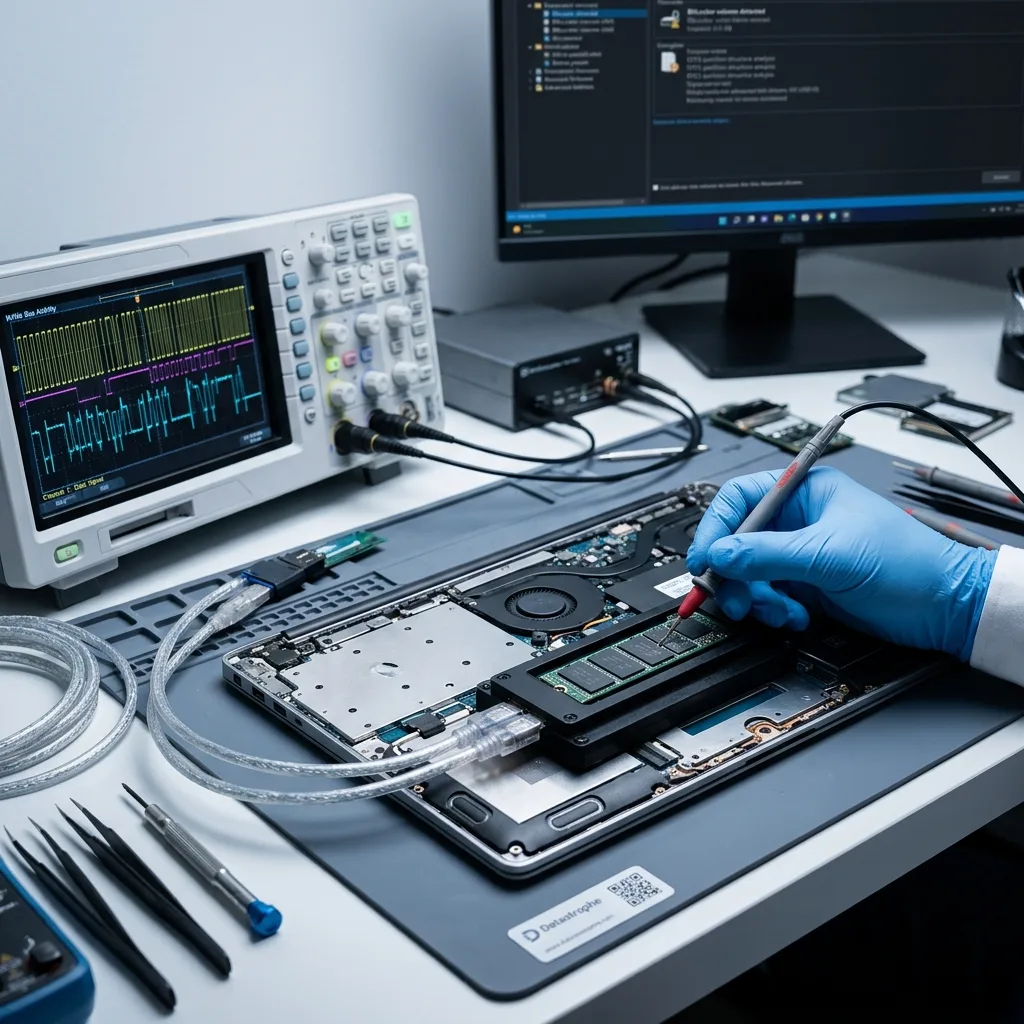
Device architecture
Storage removal follows documentation, not assumption
Laptop storage may be a 2.5-inch SATA hard drive, an M.2 SATA or NVMe SSD, soldered eMMC or flash integrated with the motherboard. Some systems use more than one device or cache technology. Before anything is removed, record model, serial numbers, slot position, interface and firmware settings. An M.2 shape alone does not identify its protocol, and the wrong adapter can create a false failure or electrical risk.
Encryption and boot context also travel with the system. BitLocker may rely on TPM measurements and a recovery key; Linux volumes may use LUKS; vendor firmware can alter storage modes between AHCI, RAID and NVMe presentation. Changing those settings to make a disk appear can change what the operating system sees. Preserve the original configuration and photograph it only when doing so does not require another risky start.
A removable, unencrypted and physically stable drive can often be acquired through a controlled external path. Soldered storage or platform-bound encryption may require the laptop board to be stabilized. A clicking internal hard drive follows hard drive recovery, while a silent flash failure follows the SSD and NVMe pathway. The device architecture, not convenience, determines the route.
Removable storage
Label the slot and preserve interface and encryption details before controlled acquisition outside the laptop is considered.
Soldered storage
Board stabilization and authorized logical access may preserve controller, security and encryption relationships that chip removal would lose.
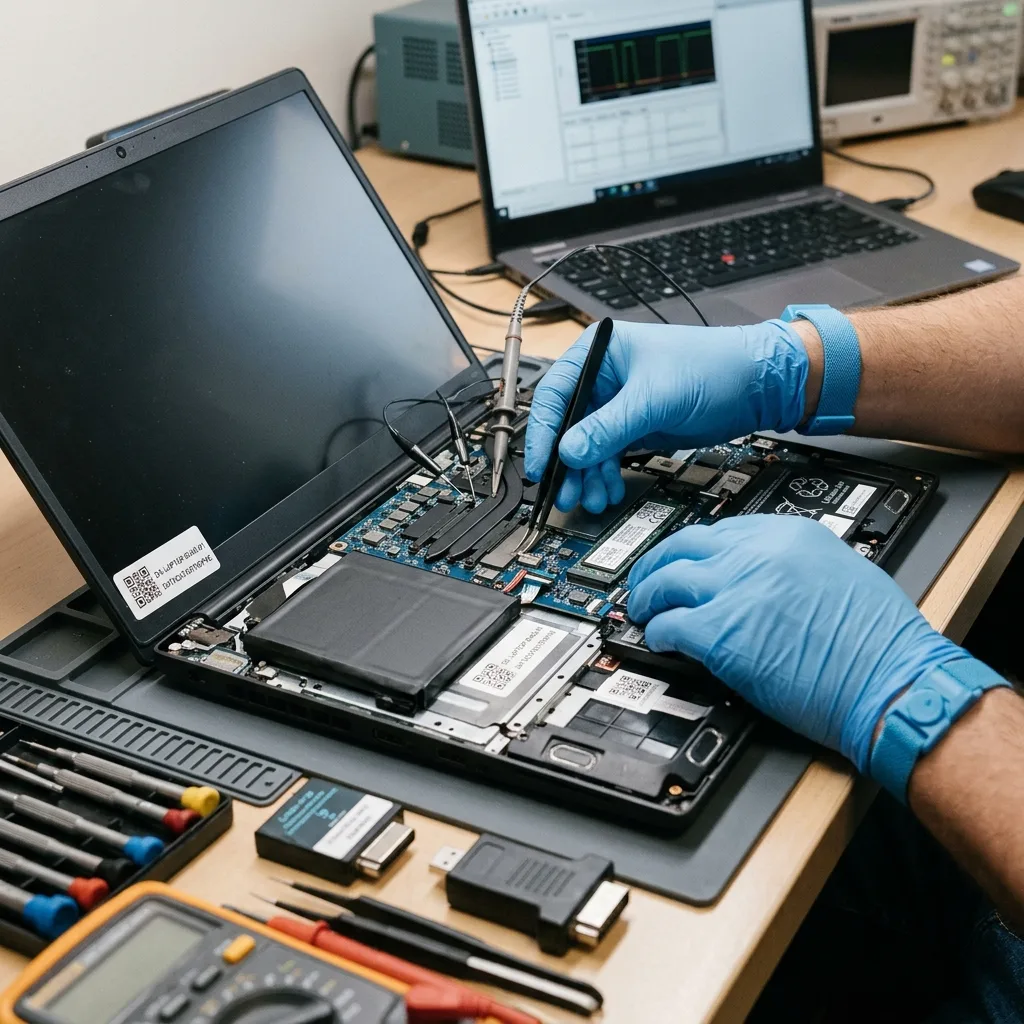
Source acquisition
A storage image comes before Windows repair
Startup Repair, CHKDSK, system restore and an operating-system reinstall can modify boot records, file-system metadata and user-profile data. Those tools are designed to return a computer to service, not to preserve the last state of unique information. When the data is the priority, a stable storage image is acquired first and repair hypotheses are tested on copies.
For a healthy removable drive, acquisition can be straightforward and write-controlled. An unstable hard drive or SSD needs staged reading, bounded retries and an error map. If only the original laptop can decrypt or present the storage, controlled logical acquisition may be performed through that platform after the board is stabilized. The chosen method records which layers were active so later analysis can be reproduced.
The acquired image is cloned again for working analysis. Partitions, Windows profiles, ReFS or NTFS structures, Linux file systems and application data are reconstructed without mounting the only source read-write. Priority ranges can be addressed when the storage is deteriorating and metadata permits it. The data recovery process separates diagnostic assessment, authorization, imaging and validation from any later decision to repair or replace the laptop.
- Acquire before Startup Repair, CHKDSK or reinstall
- Use bounded reads for unstable HDD or SSD storage
- Preserve an acquisition log with the image
- Perform file-system reconstruction on a working copy
Physical source image
Stable readable blocks, slow regions and failures are captured with an error map before any operating-system repair is attempted.
Working analysis image
Partitions, profiles and applications are reconstructed on a derivative copy so competing interpretations never alter the acquisition master.
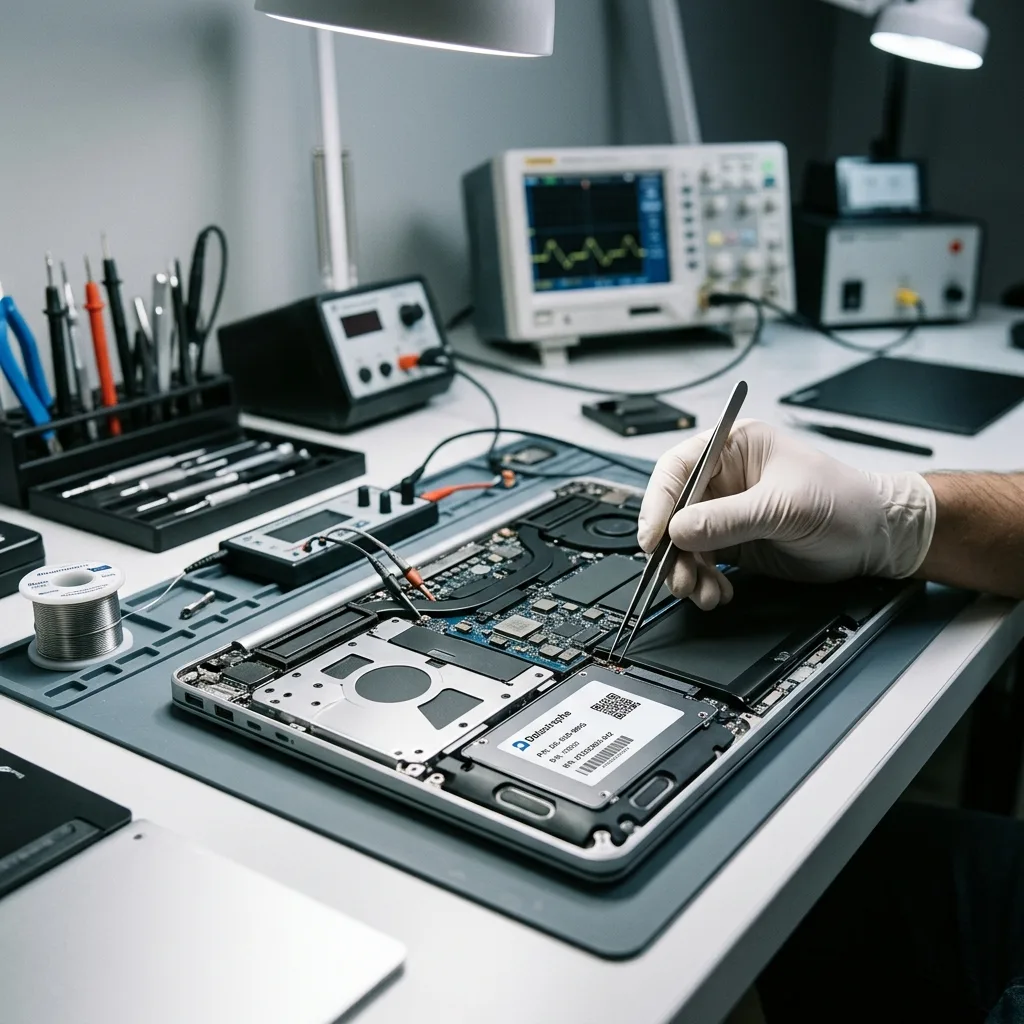
Encryption access
BitLocker links keys, TPM state and a coherent volume
BitLocker can unlock transparently during normal startup, yet request a recovery key after hardware, firmware or boot measurements change. A dead motherboard does not automatically mean the encrypted data is lost, but the recovery path may depend on a valid key, the original TPM context or an authorized account where the key was escrowed. Resetting firmware or replacing the board before documentation can remove a useful access route.
Record the laptop identity, user or organizational ownership and any recovery-key identifier already displayed. Authorized administrators may need to preserve a managed device record before it expires or is removed. Credentials and recovery keys should be transmitted separately through the case process, never packed with the laptop. They are tested against a sufficiently coherent copy, not used to justify unrestricted work on the source.
Encryption and storage recovery are separate results. A complete encrypted image remains unreadable without matching material; a correct key cannot repair missing BitLocker metadata or unreadable SSD blocks. The assessment reports both layers. It also distinguishes Windows device encryption from passwords used only for sign-in or application access, because a familiar login password is not always the required recovery key.
Priority data
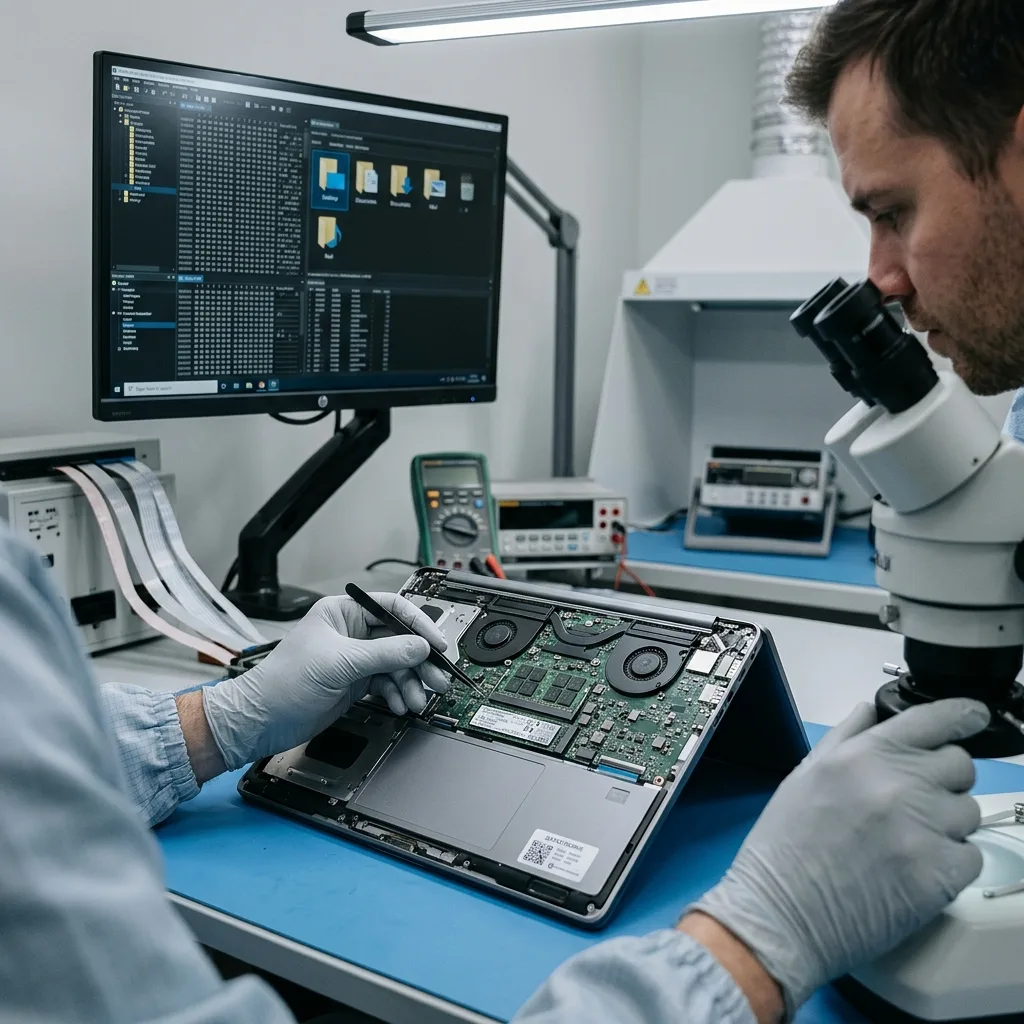
Email archives and projects need application-level checks
A recovered user folder may contain documents and photographs yet omit the application data that makes a laptop useful. Outlook data files, browser profiles, accounting databases, source-code repositories, design projects and synchronized folders each have dependencies. Some cloud folders contain placeholders rather than local content, while cached email may be incomplete by design. Validation must distinguish locally present data from references to remote copies.
Priority is expressed through file paths, date ranges, accounts and applications. Documents are opened beyond their first page; mail stores are checked for folder and message structure; archives are tested internally; repositories are assessed for object and working-tree consistency. A project that opens but lacks linked assets is labelled accordingly. Application validation therefore checks databases, linked assets, configuration and version dependencies before recovered files are considered reusable.
User profiles can also contain multiple versions after a failed update or profile migration. Timestamps, registry evidence and application metadata help identify the last coherent state without merging incompatible copies. The result notes whether folder organization is original, reconstructed or categorized. Usability for the stated purpose takes priority over a raw count of recovered files.
Local versus synchronized
Placeholders, cached copies and fully downloaded files are separated so a cloud reference is not reported as recovered local content.
Structured applications
Mail stores, databases and project packages receive internal checks rather than being accepted from filename and size alone.
Handover boundary
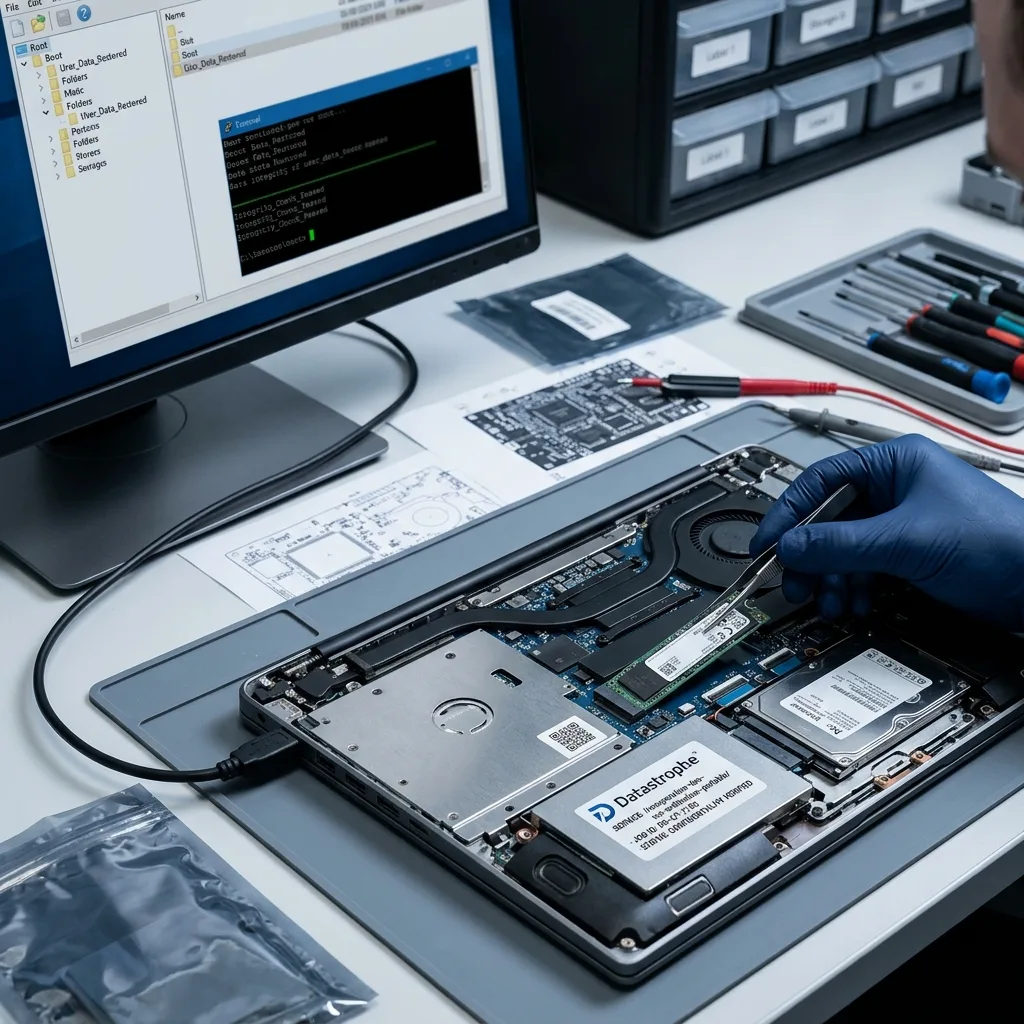
Recovered files return without reviving the damaged laptop
Data recovery and computer repair have different success criteria. A liquid-damaged board may be stabilized only long enough to access soldered storage, and an unstable SSD may provide a limited imaging window. Neither should be represented as a reliable repaired machine. Recovered data is prepared on healthy media or through an agreed secure transfer, while the failed laptop is returned, retained or disposed of according to the case authorization.
The handover identifies verified priority files, partial items and missing dependencies. Checksums can confirm that delivered copies remain unchanged after transfer. For large profiles, an inventory and sample review help the authorized owner confirm that the correct user and date range were recovered before data is migrated to a replacement computer. Sensitive files are not casually uploaded to an unapproved personal account.
The replacement environment should be treated as a new system. Scan and restore accepted files according to the owner's security policy, reinstall applications from trusted sources and establish independently tested backups. Avoid cloning an uncertain operating system directly into production merely because it boots. The recovery result preserves information; it does not certify the previous installation or damaged hardware as safe to resume.
- Return data on healthy storage separate from the failed device
- Identify partial files and missing application dependencies
- Confirm delivery with the authorized owner
- Build tested backups on the replacement system
Case preparation
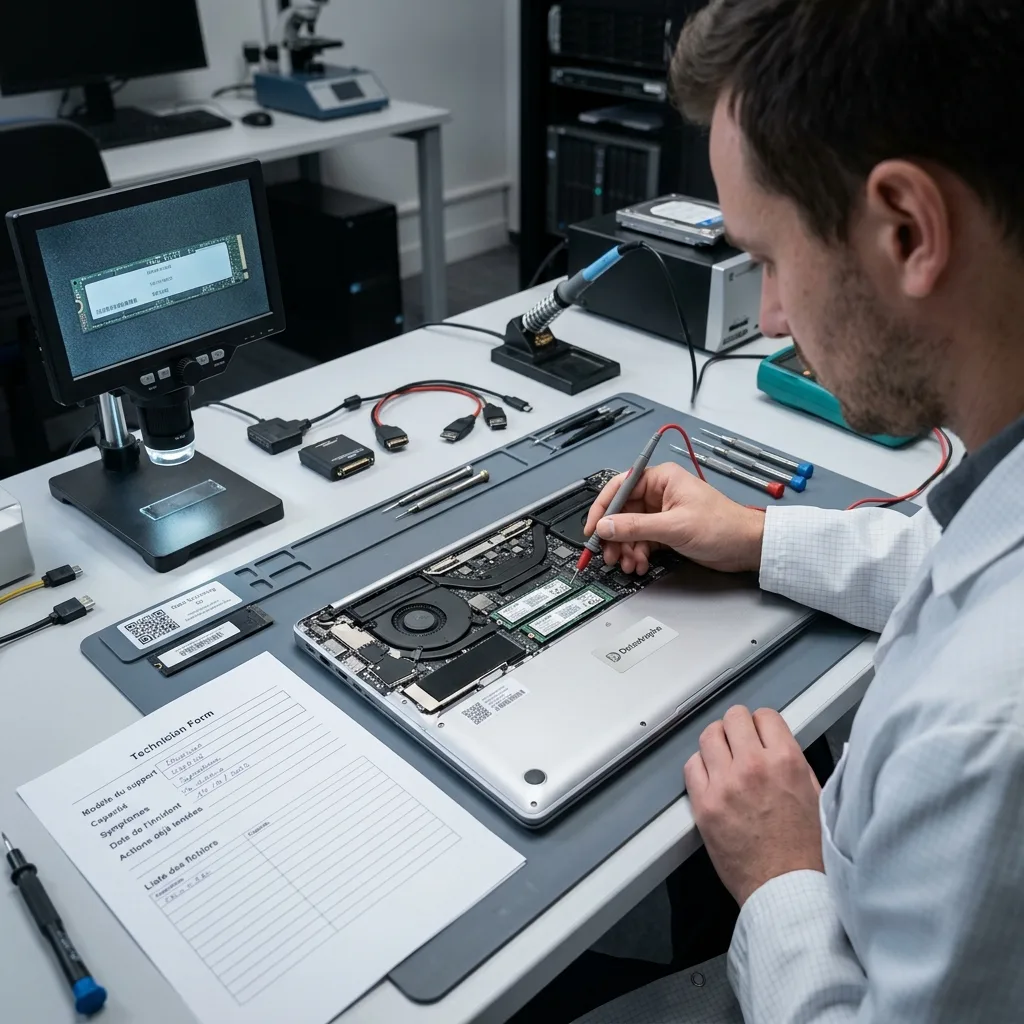
Bring the laptop, power context and priority folder list
Keep the laptop intact with its original charger when motherboard, liquid or encryption context may matter. Include any SSD, hard drive, screws, shields or adapters already removed, each labelled by its original position. Record the full model and serial number, last normal use, impact, liquid, power event, error screens and every repair attempt. Do not reconnect a suspect charger simply to confirm the symptom.
Prepare authorized BitLocker, LUKS or application credentials separately, along with the device's managed-account contact where relevant. List priority users, folders, dates and programs. State whether the content was local, synchronized, stored in a virtual machine or spread across multiple drives. This scope lets acquisition and validation prioritize the information that restores actual work rather than treating every cache file as equally important.
Use a rigid cushioned box and keep a powered-off laptop protected from movement. A swollen battery requires specialist shipping guidance and must not be punctured or compressed. Cold equipment should remain sealed while it acclimatizes to reduce condensation. Request a diagnostic assessment before authorizing board-level or storage-level work; findings determine whether the whole system or only a documented removable drive should proceed.
FAQ
Frequently asked questions
Can data be recovered from a laptop that will not turn on?
Possibly. A no-power symptom can come from the charger, battery, motherboard, display or storage. The assessment determines whether removable storage can be acquired independently or whether soldered and encrypted storage requires the original platform to be stabilized. Repeated starts, board replacement and factory reset should wait until storage type, encryption and the priority data path are documented.
What should I do after spilling liquid on a laptop?
Disconnect external power and stop pressing the power button. Do not connect the charger, apply heat or rely on rice. Keep the laptop, charger and removed parts together, and note the liquid and timing. An internal battery may still energize standby circuits, so safe isolation and board inspection should precede any attempt to access soldered or removable storage.
Is my Windows password enough to unlock BitLocker data?
Not always. Normal sign-in can trigger transparent unlock, but changed hardware or boot measurements may require a separate 48-digit recovery key or an authorized managed-device record. Preserve the original laptop, TPM context and key identifier. A valid key must still match an intact encrypted volume, and it cannot repair unreadable storage blocks or missing encryption metadata.
Why image the laptop drive before running Startup Repair?
Startup Repair, CHKDSK, system restore and reinstall can write boot, file-system and profile data. An image preserves the last readable state and allows repair hypotheses to be tested on copies. If the storage is unstable, staged acquisition also logs unreadable areas and can prioritize important ranges before additional reads reduce the available recovery window.
Media
Other expertise
- Hard Drive Data Recovery for Clicking and Unreadable Disks Hard drive data recovery for clicking, dropped, slow or unreadable HDDs, using controlled imaging, mechanical assessment and file-level validation.
- External Hard Drive Data Recovery after USB or Disk Failure External hard drive recovery for dropped, disconnected, unrecognized or format-requesting USB disks, with enclosure-aware imaging and file validation.
- SSD and NVMe Data Recovery for Silent Flash Failures SSD and NVMe recovery for undetected, unstable, liquid-damaged or logically inaccessible flash storage, with controller-aware acquisition and validation.
- USB Flash Drive Data Recovery for Connector and NAND Failures USB flash drive recovery for broken connectors, zero-capacity devices, controller faults, formatting and damaged file systems, with validated handover.
- Memory Card Data Recovery for Photos and Video Memory card recovery for formatted, unreadable or physically damaged SD, microSD, CFexpress and CompactFlash media, with capture-aware validation.
- Apple Mac Data Recovery for APFS and Integrated Storage Apple Mac data recovery for liquid, no-boot, APFS, FileVault, soldered storage and Fusion Drive failures, with library-aware validation.
- Tablet Data Recovery for No-Power and Local Data Tablet data recovery for no-power, liquid, broken-screen and local-storage cases, with encryption-aware access and verified export of authorized data.
- Virtual Disk Data Recovery for VMDK and VHDX Virtual disk recovery for broken VMDK, VHDX and snapshot chains, using preserved datastores, dependency-aware reconstruction and application validation.
- RAID and NAS Data Recovery after Array Failure RAID and NAS recovery after degraded arrays, failed rebuilds or multiple member faults, with imaging, virtual reconstruction and workload validation.
- Server Data Recovery for Storage and Database Failures Server data recovery for storage, file-system, virtual-machine and database failures, with write containment, dependency mapping and isolated validation.
- NVR and DVR Recovery for Missing Camera Footage NVR and DVR recovery for missing security-camera footage, damaged disks, broken indexes and proprietary exports, with channel and timeline validation.
- ISO 5 (Class 100 equivalent) Clean-Room Data Recovery ISO 5 clean-room recovery for diagnosed hard-drive head, spindle or contamination failures, followed by controlled imaging and validation.
 Hard Drive Data Recovery for Clicking and Unreadable Disks
  SSD and NVMe Data Recovery for Silent Flash Failures
  USB Flash Drive Data Recovery for Connector and NAND Failures
  Memory Card Data Recovery for Photos and Video
  Apple Mac Data Recovery for APFS and Integrated Storage
  Tablet Data Recovery for No-Power and Local Data
  Virtual Disk Data Recovery for VMDK and VHDX
  RAID and NAS Data Recovery after Array Failure
  Server Data Recovery for Storage and Database Failures
  NVR and DVR Recovery for Missing Camera Footage
  ISO 5 (Class 100 equivalent) Clean-Room Data Recovery
 Diagnostic assessment
Unsure about a storage device or fault?
Datastrophe assesses the risk before any recovery attempt and points you toward the safest next step.