

Server Data Recovery for Storage and Database Failures
Server data recovery starts by freezing writes and mapping the complete storage stack. Restart loops, forced RAID assembly and database repair can alter the only coherent evidence left after an outage.
Incident containment
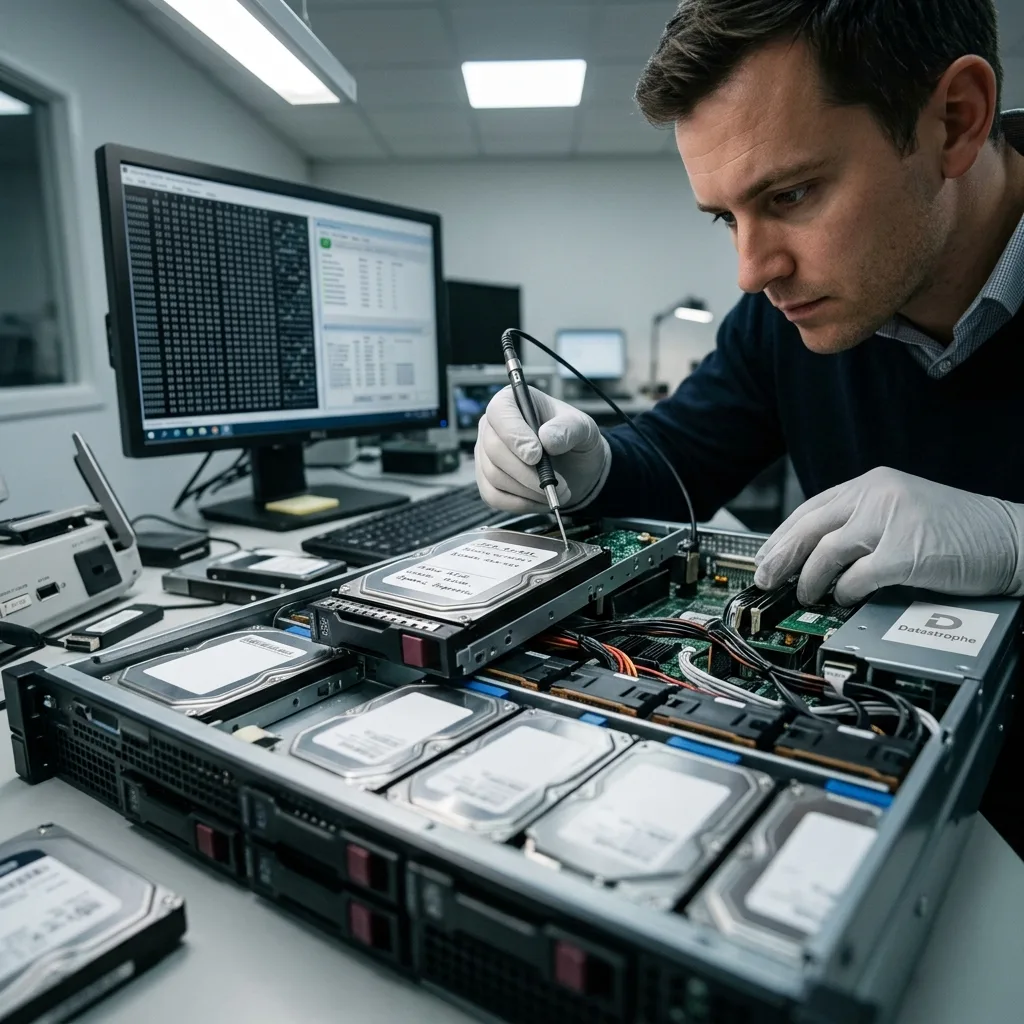
Freeze writes before attempting another server restart
A server that boots briefly can still rewrite journals, queues, databases and degraded storage before failing again.
Stop application traffic, scheduled jobs, replication, backup cleanup and automated remediation when the source state is uncertain. Repeated restarts may replay logs against damaged volumes, initiate RAID rebuilds or allow services to overwrite older recoverable records. If continuity is urgent, use a separate known-good failover or restore environment rather than making the affected storage carry production writes while it is being diagnosed.
Record the last healthy time, alerts, operator actions and the order in which services or disks failed. Preserve console messages, controller state, hypervisor events and database logs already available. Do not clear alerts, reseat every drive or update firmware for troubleshooting before the topology is captured. Those actions can change identifiers and the temporal sequence needed to reconstruct the incident.
The diagnostic assessment identifies whether the immediate blocker is physical media, array geometry, file-system damage, virtual-disk dependency or application inconsistency. A successful power-on is not the recovery objective. The objective is to preserve and acquire the data layers needed for a controlled restart elsewhere, with enough evidence to understand which state and time range were delivered.
- Stop applications, replication and scheduled maintenance
- Use separate continuity infrastructure where available
- Preserve alerts and logs before clearing or updating
- Do not restart solely to see whether the error repeats
Write containment
Applications, replication, maintenance and automated repair are stopped so the affected storage no longer changes during diagnosis.
Continuity separation
Urgent service resumes on a known-good environment rather than forcing the uncertain source back into production.

Topology mapping
Controller, RAID, SAN and volumes form one dependency stack
A logical drive shown to the operating system may depend on controller metadata, RAID members, a SAN LUN, multipath configuration, encryption and volume management. Above it sit partitions, file systems, virtual disks and applications. A symptom at one layer must not be repaired first at another layer. For example, file-system errors caused by missing RAID stripes should not be answered first with an in-place consistency check.
Document chassis bays, drive serial numbers, controller model and cache state, RAID or HBA mode, LUN identifiers, storage-pool membership and sector presentation. Preserve battery- or flash-backed cache modules and configuration exports. If external storage is involved, record fabric, path and snapshot context without reconnecting the failed host in a way that resumes writes.
Each physical source is assessed according to its condition. Degraded arrays follow RAID and NAS recovery, while stable block storage can be imaged or snapshotted under controlled conditions. Higher layers are reconstructed only after their underlying address space is coherent enough to support them. Missing ranges remain identified rather than converted silently to zeros that could mislead later database checks.
- Map chassis bays, serial numbers and controller cache state
- Record RAID, HBA, SAN path and LUN presentation
- Preserve encryption, volume-manager and file-system dependencies
- Keep missing source ranges explicit through every upper layer
Physical and array layer
Member condition, bay order, controller metadata, cache and parity determine the blocks available to upper layers.
Logical and application layer
Volumes, file systems, virtual disks, databases and services are reconstructed in dependency order from protected source images.
Decision boundary
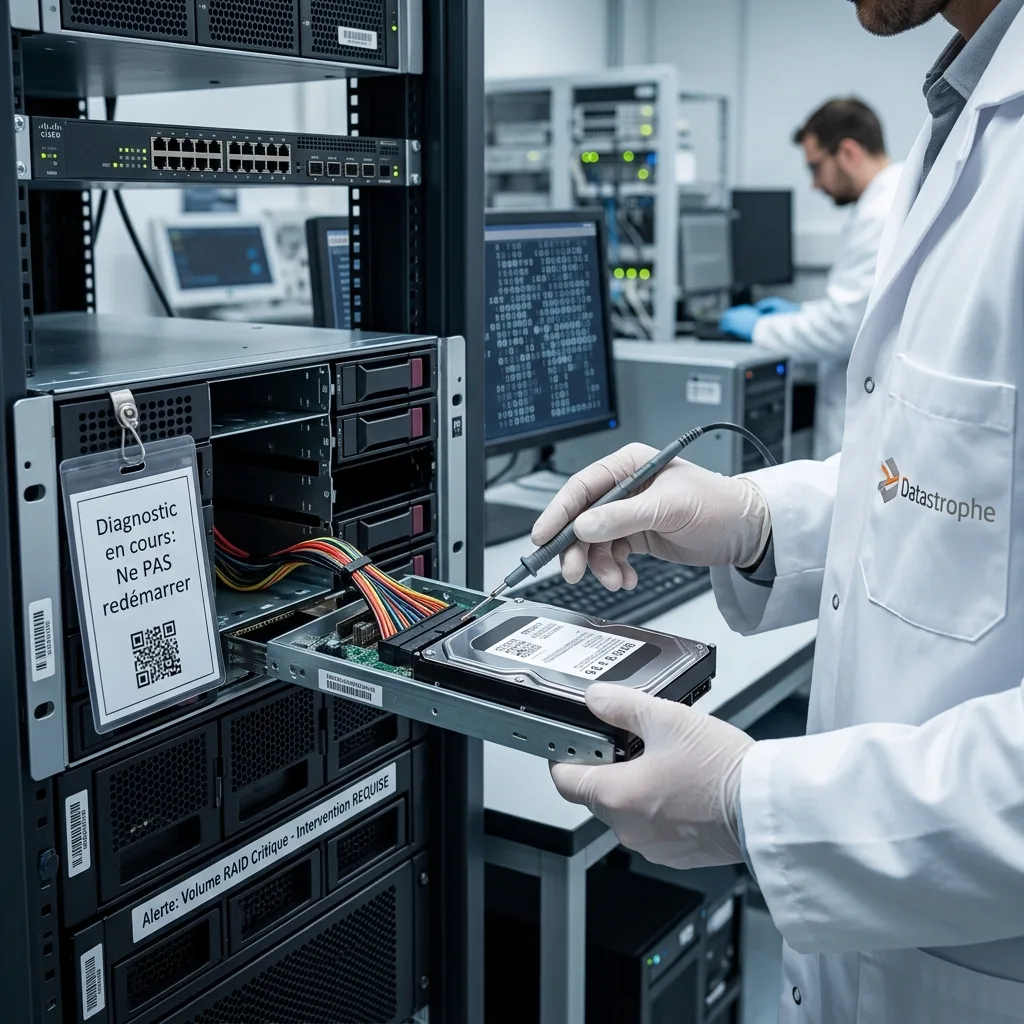
System repair and data recovery have different goals
Operating-system repair aims to make the server boot and may replace configuration, replay journals or modify packages. Data recovery aims to preserve the last readable state and extract an authorized, verifiable result. Running consistency or database repair on the only source can reduce the evidence available for recovery.
Acquisition comes first where technically possible. The original media remain protected: stable volumes are copied with metadata, failing devices are imaged in stages, and virtual disks and databases are duplicated before repair tools are tested. Any consistency operation runs on an expendable working copy, and its output is compared with the preserved image. This permits a repair hypothesis to be rejected without committing it to production storage.
The recovery deliverable may be priority files, a database export, a reconstructed virtual disk or an isolated server image. It need not be a bootable clone of the failed system. Malware, compromised credentials, obsolete software and damaged configuration can make direct revival unsafe even when the data is readable. Recovery and later remediation are planned as distinct workstreams with an explicit handoff.
Hypervisor layer
Virtual servers require datastores and snapshot chains
A virtualized server can fail above healthy storage or inherit gaps from a damaged datastore. Preserve host configuration, VM files, descriptors, snapshots, checkpoints and logs as a complete set. Copying only the largest VMDK or VHDX can omit active deltas or parent metadata. Consolidation and checkpoint merge remain disabled until every dependency has been inventoried.
Candidate virtual disks are reconstructed on copies and exposed read-only before boot. Parent identifiers, block allocation and missing ranges are checked against the requested point in time. A boot test, when justified, uses a disposable duplicate in an isolated network with writes redirected. This prevents service startup from changing the preserved recovery state.
For complex chains, the VMDK and VHDX recovery process handles format-specific metadata and application validation. A host may also contain several guests with different priorities; restoring a domain or database service may depend on DNS, certificates or companion servers. The brief identifies those relationships so one successfully mounted guest disk is not mistaken for complete platform recovery.
- Preserve VM configuration, descriptors and every delta
- Keep consolidation and checkpoint merge disabled
- Expose candidate disks read-only first
- Boot only disposable duplicates in isolation
Dependency inventory
Host records, descriptors, base disks and deltas establish the candidate virtual state and its requested recovery point.
Isolated validation
Read-only exposure precedes any disposable boot so journals, services and networking cannot alter the preserved reconstruction.

Transactional data
Database files and logs must share a coherent timeline
A database engine coordinates data pages, transaction logs, temporary files and configuration. Copying the primary data file without its matching log can yield an older or crash-inconsistent view. Storage-level snapshots may capture different volumes milliseconds apart, which matters when logs and data live separately. The required recovery point and tolerance for lost transactions should be documented before repair or replay begins.
Validation uses duplicates in an isolated environment and methods appropriate to the engine. Structural checks, log analysis and authorized test queries can establish whether priority tables and date ranges are coherent. A service that starts but reports internal errors is not a validated result, and an automated repair that drops damaged pages may trade availability for silent record loss.
Where full consistency is impossible, partial extraction can still preserve selected tables, records, documents or attachments. That output is labelled differently from a restorable database. Encryption keys, certificates, service accounts and schema dependencies are inventoried because intact files may remain unusable without them. The report connects missing storage ranges to application impact wherever evidence permits.
Physical database set
Data, logs, configuration and dependent files are preserved together at a documented source time before repair is attempted.
Logical verification
Authorized queries, exports and integrity checks test required records without promoting an unverified source copy into production.
Recovery sequencing
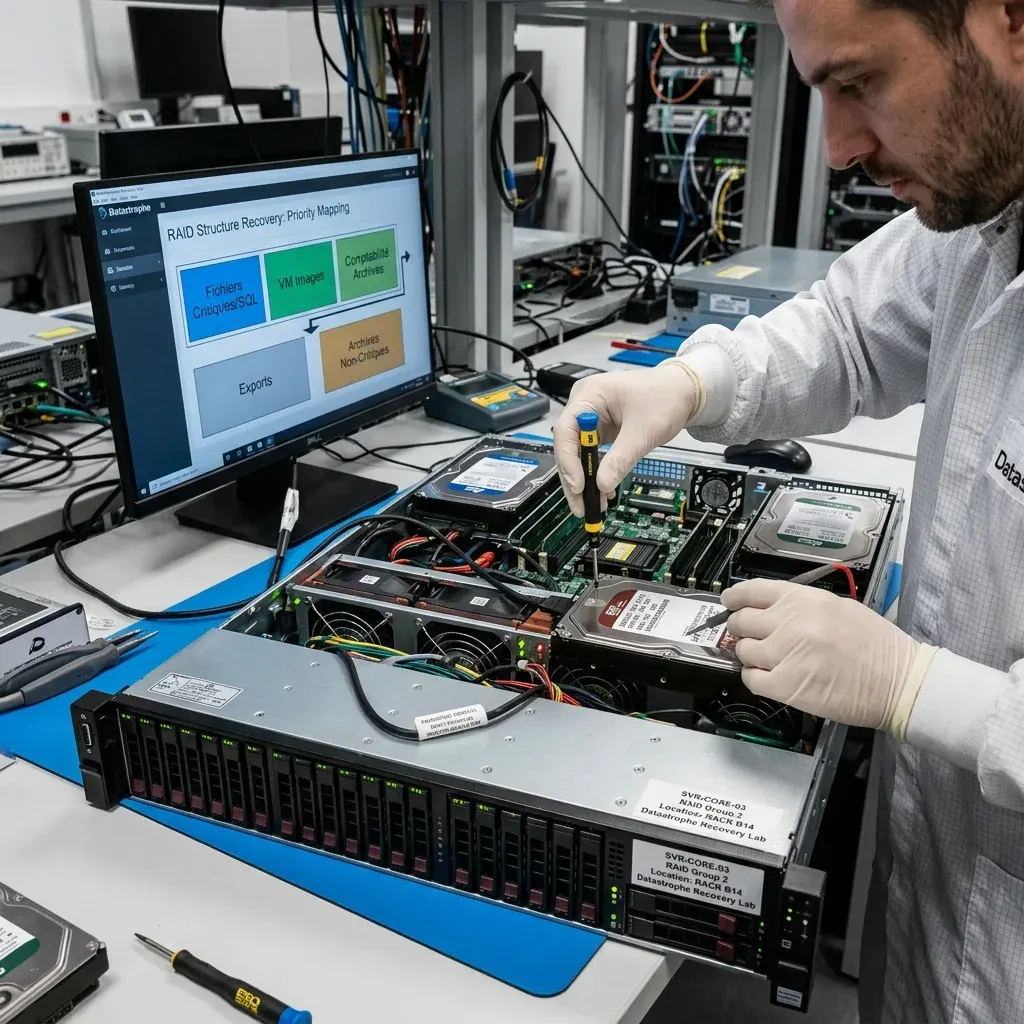
Identity, configuration and business data need explicit priority
Not every terabyte contributes equally to recovery. Directory services, certificates, encryption material, network configuration, current databases and active shares may determine whether other data can be used. Replaceable installation media, caches and old replicas may rank lower. Owners should define priority through business function, dependencies and date ranges rather than ask for the largest possible export first.
A recovery-time objective can guide sequencing but does not authorize shortcuts that hide corruption. Priority ranges or volumes may be acquired first when source condition and metadata permit. Validation then follows the workload: identities and access relationships, database records, file-share permissions, virtual-disk chains or backup catalogue restoration. Each has a different proof standard.
Authorized contacts also define access boundaries. A server may contain employee, client, health, financial or research information alongside system data. The case records which administrators can approve decryption and receive results, and whether particular folders require restricted handling. These controls are established before broad extraction so urgency does not expand access beyond the stated purpose.
- Rank identity and key material by dependency
- Name critical databases, shares and recovery dates
- Defer replaceable caches and installation media
- Confirm authorized recipients and restricted data scopes

Controlled proof
Validation belongs in an isolated recovery environment
Recovered server data should not be connected directly to production networks. An isolated environment prevents unintended replication, scheduled jobs, email delivery and authentication changes while the result is assessed. It also limits exposure from an unknown incident cause. Network routes, time synchronization and external integrations are enabled only when a specific validation step requires them and authorization permits it.
File systems are checked across multiple regions; shares are sampled by priority; virtual machines use disposable overlays; databases receive engine-aware checks. Checksums identify source images and delivered artifacts. Known gaps, inferred configuration and repair actions are recorded so administrators can distinguish preserved evidence from changes made during testing.
Acceptance is tied to the stated recovery objective: required records, date range, file usability and dependency completeness. A green service status or mounted volume is insufficient. Once accepted, data is migrated through a controlled plan to clean infrastructure, credentials are reviewed and backups are rebuilt. The recovered image itself remains a reference or transition source, not automatic approval to resume the failed server unchanged.

Case preparation
Topology, logs and recovery objectives define the intake
Prepare hardware models, serial numbers, chassis bay maps, controller configuration, SAN or NAS identifiers and volume diagrams. Include hypervisor, operating-system and database versions, encryption status and the latest existing backups. Preserve logs and screenshots already available without restarting the source. Record power events, firmware changes, failed rebuilds, restore attempts and administrator commands in chronological order.
Define the required recovery point, priority services, acceptable downtime and authorized recipients. State whether continuity is running elsewhere and which replicas or backups were tested. Identify dependencies such as DNS, certificates, identity, message queues and external storage. This turns a vague request to recover “the server” into verifiable data and service objectives.
Label removable drives by bay and package each in anti-static protection; keep controller and cache components with the set. Large chassis, damaged batteries or geographically distributed storage require a transport and acquisition decision appropriate to their condition. If backup appliances, tapes or offline copies may contain part of the requested period, inventory them without recycling media or overwriting catalogues; they can narrow the recovery gap even when they do not replace source analysis. The data recovery process confirms scope before member imaging, logical reconstruction or application-level testing begins.
FAQ
Frequently asked questions
Should I keep restarting a server that boots only intermittently?
No. Each restart can replay journals, trigger RAID activity, start applications and overwrite older recoverable states. Freeze workload writes, replication and scheduled jobs, preserve the current alerts and document the last healthy time. Use separate known-good continuity infrastructure if available while the physical, array, file-system and application layers are assessed.
Why is server repair separated from data recovery?
Repair tools change the system to make it boot or pass consistency checks. Recovery preserves the last readable state and tests changes on copies. A repaired server can still have missing database pages or wrong snapshot data. Acquisition, reconstruction and validation therefore precede any decision to rebuild production, and the deliverable may be data rather than a bootable clone.
Can a recovered database be trusted if the service starts?
Startup is only one observation. Data files, transaction logs, configuration and the required point in time must align. Validation uses isolated copies, engine-appropriate structural checks and authorized test queries against priority records. Any pages dropped by repair, missing log ranges or dependent files remain disclosed. A partial logical export is labelled differently from a restorable database.
What information is most useful for a server recovery request?
Provide the storage topology, bay map, controller and SAN or NAS details, hypervisor and operating-system versions, database engines, encryption, logs, backup results and incident chronology. Define the required recovery point, priority services and authorized recipients. Preserve all members and configuration before firmware changes, rebuilds, file-system repair or virtual-disk consolidation.
Media
Other expertise
- Hard Drive Data Recovery for Clicking and Unreadable Disks Hard drive data recovery for clicking, dropped, slow or unreadable HDDs, using controlled imaging, mechanical assessment and file-level validation.
- External Hard Drive Data Recovery after USB or Disk Failure External hard drive recovery for dropped, disconnected, unrecognized or format-requesting USB disks, with enclosure-aware imaging and file validation.
- SSD and NVMe Data Recovery for Silent Flash Failures SSD and NVMe recovery for undetected, unstable, liquid-damaged or logically inaccessible flash storage, with controller-aware acquisition and validation.
- USB Flash Drive Data Recovery for Connector and NAND Failures USB flash drive recovery for broken connectors, zero-capacity devices, controller faults, formatting and damaged file systems, with validated handover.
- Memory Card Data Recovery for Photos and Video Memory card recovery for formatted, unreadable or physically damaged SD, microSD, CFexpress and CompactFlash media, with capture-aware validation.
- Laptop Data Recovery after No-Boot or Liquid Damage Laptop data recovery after no-boot, liquid, impact, BitLocker or storage failure, with device-aware acquisition and priority-file validation.
- Apple Mac Data Recovery for APFS and Integrated Storage Apple Mac data recovery for liquid, no-boot, APFS, FileVault, soldered storage and Fusion Drive failures, with library-aware validation.
- Tablet Data Recovery for No-Power and Local Data Tablet data recovery for no-power, liquid, broken-screen and local-storage cases, with encryption-aware access and verified export of authorized data.
- Virtual Disk Data Recovery for VMDK and VHDX Virtual disk recovery for broken VMDK, VHDX and snapshot chains, using preserved datastores, dependency-aware reconstruction and application validation.
- RAID and NAS Data Recovery after Array Failure RAID and NAS recovery after degraded arrays, failed rebuilds or multiple member faults, with imaging, virtual reconstruction and workload validation.
- NVR and DVR Recovery for Missing Camera Footage NVR and DVR recovery for missing security-camera footage, damaged disks, broken indexes and proprietary exports, with channel and timeline validation.
- ISO 5 (Class 100 equivalent) Clean-Room Data Recovery ISO 5 clean-room recovery for diagnosed hard-drive head, spindle or contamination failures, followed by controlled imaging and validation.
 Hard Drive Data Recovery for Clicking and Unreadable Disks
  SSD and NVMe Data Recovery for Silent Flash Failures
  USB Flash Drive Data Recovery for Connector and NAND Failures
  Memory Card Data Recovery for Photos and Video
  Laptop Data Recovery after No-Boot or Liquid Damage
  Tablet Data Recovery for No-Power and Local Data
  Virtual Disk Data Recovery for VMDK and VHDX
  RAID and NAS Data Recovery after Array Failure
  NVR and DVR Recovery for Missing Camera Footage
  ISO 5 (Class 100 equivalent) Clean-Room Data Recovery
 Diagnostic assessment
Unsure about a storage device or fault?
Datastrophe assesses the risk before any recovery attempt and points you toward the safest next step.