

External Hard Drive Data Recovery after USB or Disk Failure
External hard drive data recovery must separate the USB cable, power supply, bridge board and enclosed disk. A lit enclosure does not prove that the stored data is safely accessible.
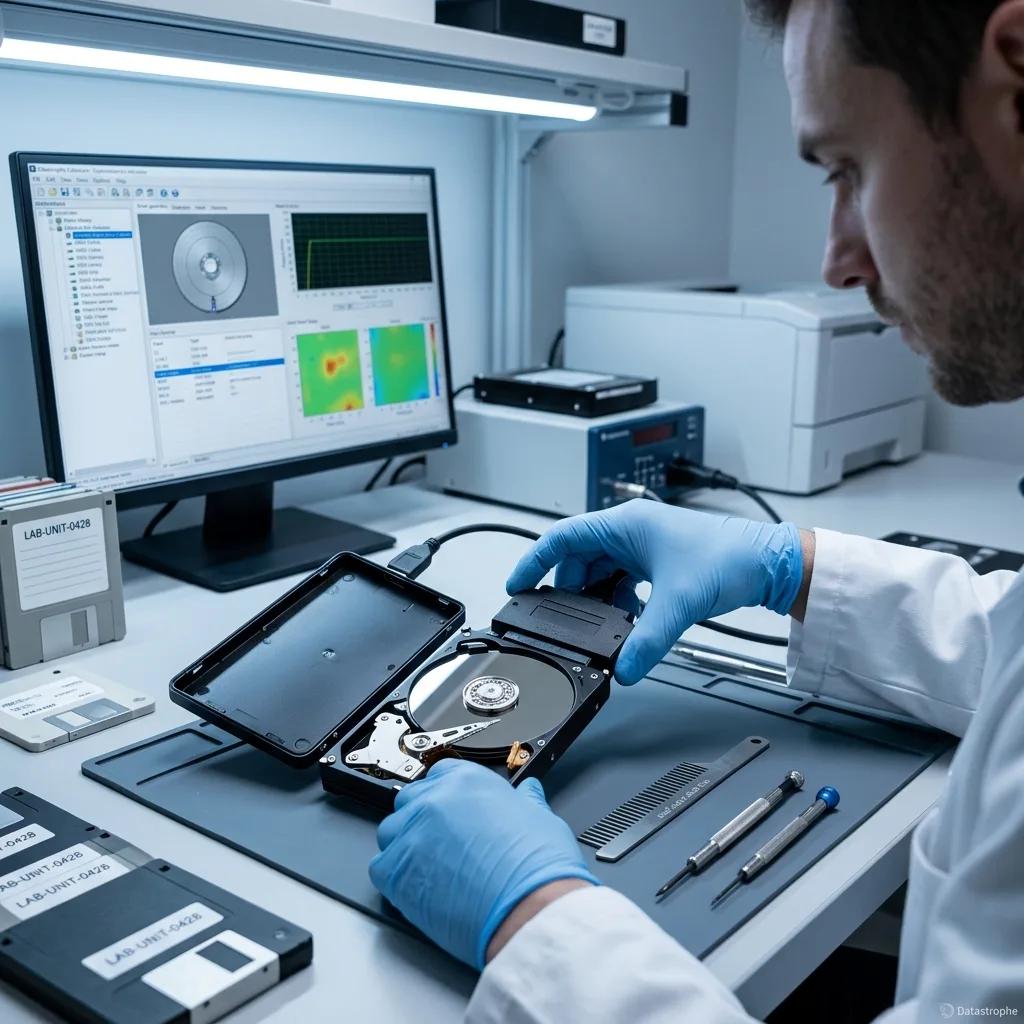
USB and power path
A power light confirms only part of the enclosure
The indicator can glow while the bridge, connector, power rail or disk behind it remains unavailable.
An external drive is a storage device inside a small system. The host supplies USB signalling and, for many portable models, operating power. Desktop units add an adapter and internal regulation. A light-emitting diode may be connected before the bridge controller has initialized the disk, so it cannot confirm spindle rotation, SATA communication, decryption or readable sectors. Repeated connect-disconnect sounds likewise show that enumeration started, not that the source is stable.
The diagnostic assessment separates the path in stages: known-good host port, correct cable type, power adapter output, connector condition, bridge response and the behaviour of the enclosed medium. That sequence avoids blaming the hard drive for every USB problem. It also avoids the opposite error—replacing a cable and continuing a long copy while the internal disk clicks, slows sharply or resets under load.
Only low-risk observations already available should be collected by the owner. Note whether the drive spins, whether the light pattern changed and whether it appears with its correct capacity. Do not open a sealed enclosure merely to bypass the bridge. Some models expose a native SATA disk, while others integrate USB on the drive board or rely on enclosure-specific encryption. Preserving the complete assembly keeps all of those options available.
- Keep the original USB cable and desktop power adapter
- Record the exact capacity or error shown by the computer
- Disconnect after clicking, heating or repeated USB resets
- Do not assume a lit indicator means the disk is readable
Enclosure power path
Adapter output, protection components and internal regulation are checked before a lit indicator is interpreted as evidence about the enclosed disk.
USB data path
Cable, connector and bridge enumeration are separated from spindle and sector access so an interface fault is not confused with media failure.
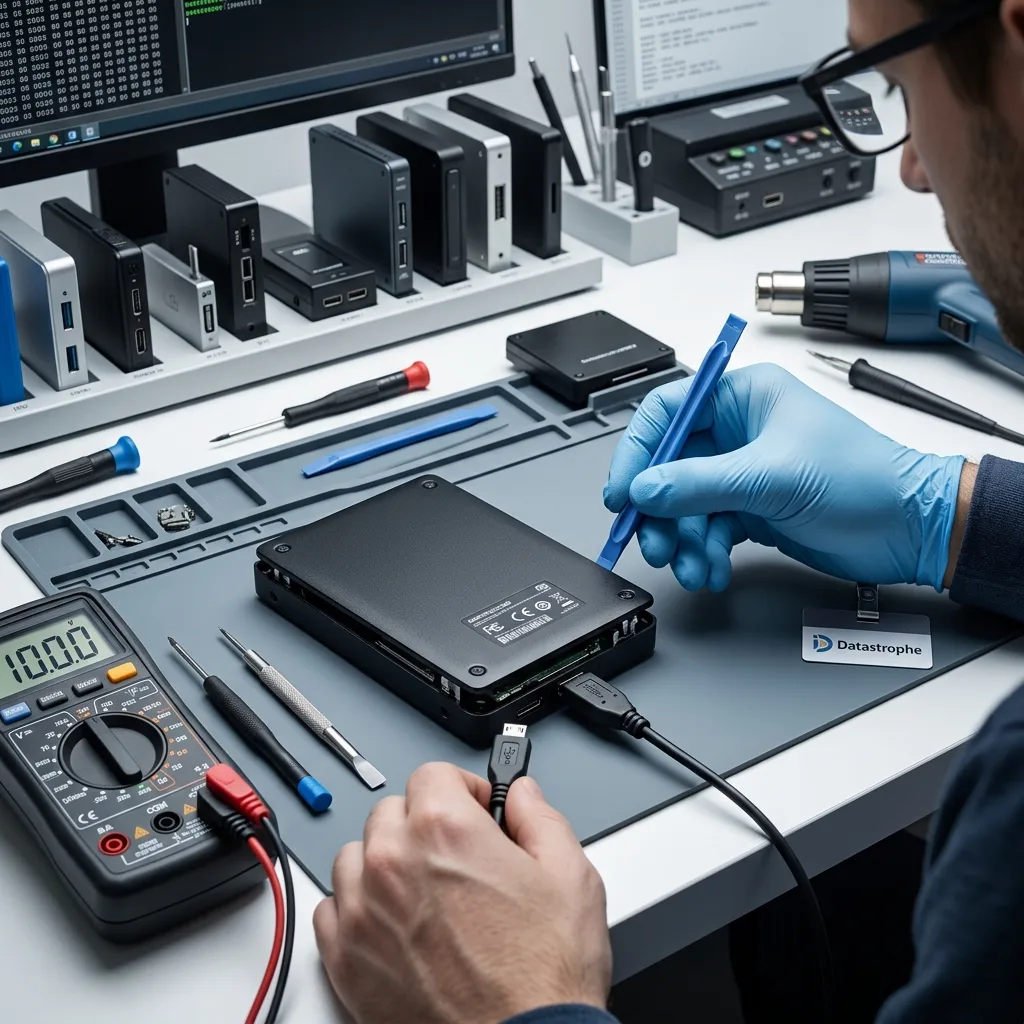
Impact response
A dropped enclosure can hide internal head damage
A rubber case or intact plastic shell does not show what happened inside a spinning hard drive. During operation, the read-write heads fly extremely close to the platter surfaces. A fall while the platters are spinning can damage a head or prevent the spindle from turning even when the exterior looks normal. An enclosure that fell while unplugged may have a different risk profile, but it still should not be restarted repeatedly to test whether it survived.
Describe the height, surface, operating state and new symptoms without recreating them. A single controlled examination is more informative than several household tests through different computers. Scraping, rhythmic clicking, beeping or the absence of normal spin-up changes the handling plan. If the internal disk shows evidence of mechanical damage, the hard drive recovery pathway and, where justified, controlled opening are considered before sector imaging.
Impact can also break a soldered USB connector or crack an enclosure board while leaving the disk itself undamaged. That distinction matters: board-level access may preserve the original signal and encryption path without exposing the magnetic assembly. Conversely, repairing a connector does not make a mechanically damaged disk safe to browse. The assessment follows both layers and chooses the least intrusive route supported by the evidence.
- Record whether the drive was operating at the moment of impact
- Keep the enclosure level, dry and disconnected from power
- Describe clicking, scraping or missing spin without reproducing it
- Retain the original cable, adapter and enclosure electronics
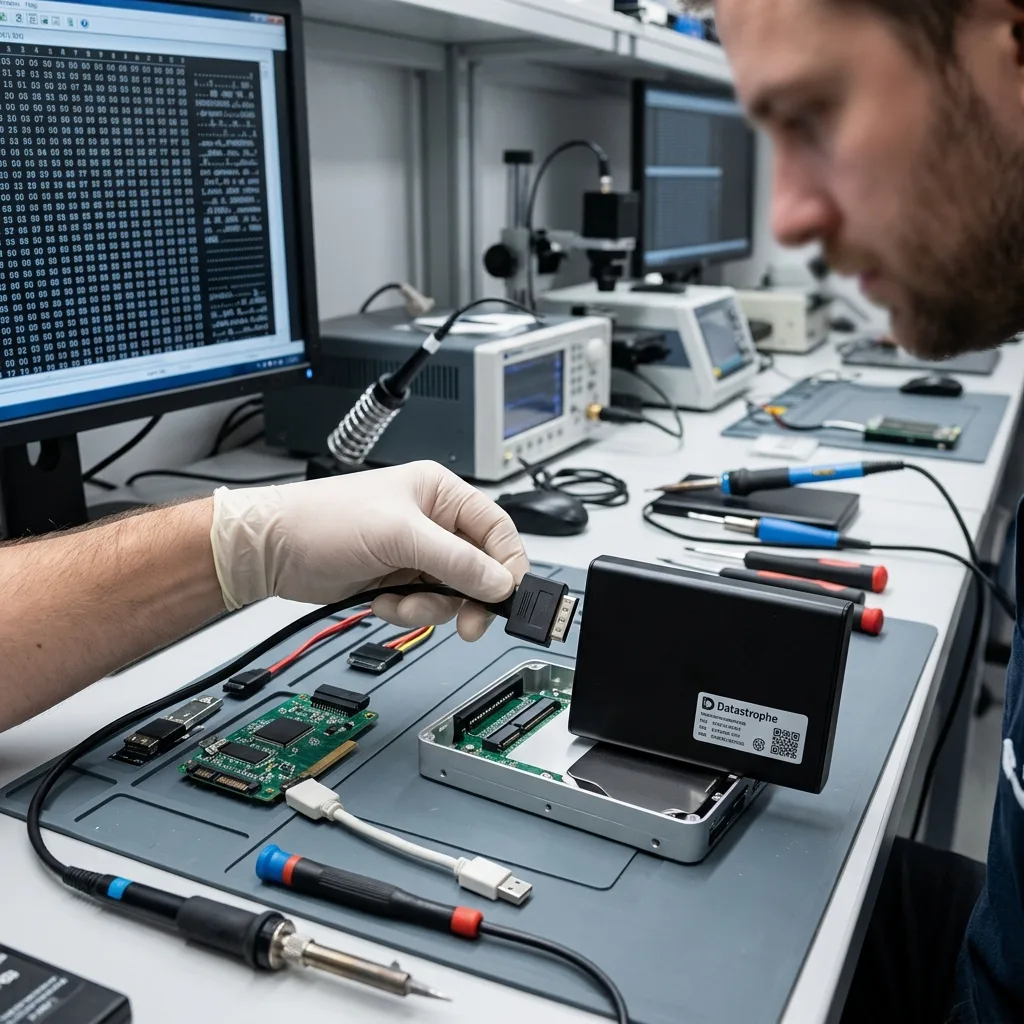
Translation and encryption
The original USB bridge may be part of the key
Many external enclosures translate between USB commands and a SATA disk, but the bridge may do more than protocol conversion. Certain models apply transparent hardware encryption even when the owner never set a password. The data on a removed disk can therefore look random through a generic adapter despite being intact. Other products store bridge configuration or sector-size translation that affects how partitions are interpreted.
For this reason, the enclosure board, attached USB board and original power components stay with the case. Electronics testing can determine whether the bridge initializes, whether its power rails are stable and whether a controlled bypass would preserve the same logical presentation. A direct SATA connection is only appropriate when the hardware design and encryption state support it. Removing the disk first and discarding the case can eliminate essential context.
Password-protected products add another dependency. Valid credentials may be required after the physical storage is acquired, and a reset utility can erase or replace the encryption metadata instead of unlocking it. Record the software used, the remembered password state and any recovery material, but transmit secrets only through the authorized case process. Encryption is not bypassed by clean-room work or by moving platters to another mechanism.
Native SATA designs
A bridge bypass may be possible after the controller and sector presentation are documented, provided no enclosure-specific encryption is involved.
Integrated USB designs
When USB electronics are built onto the drive board, connector and board work may be required before the medium can be addressed normally.
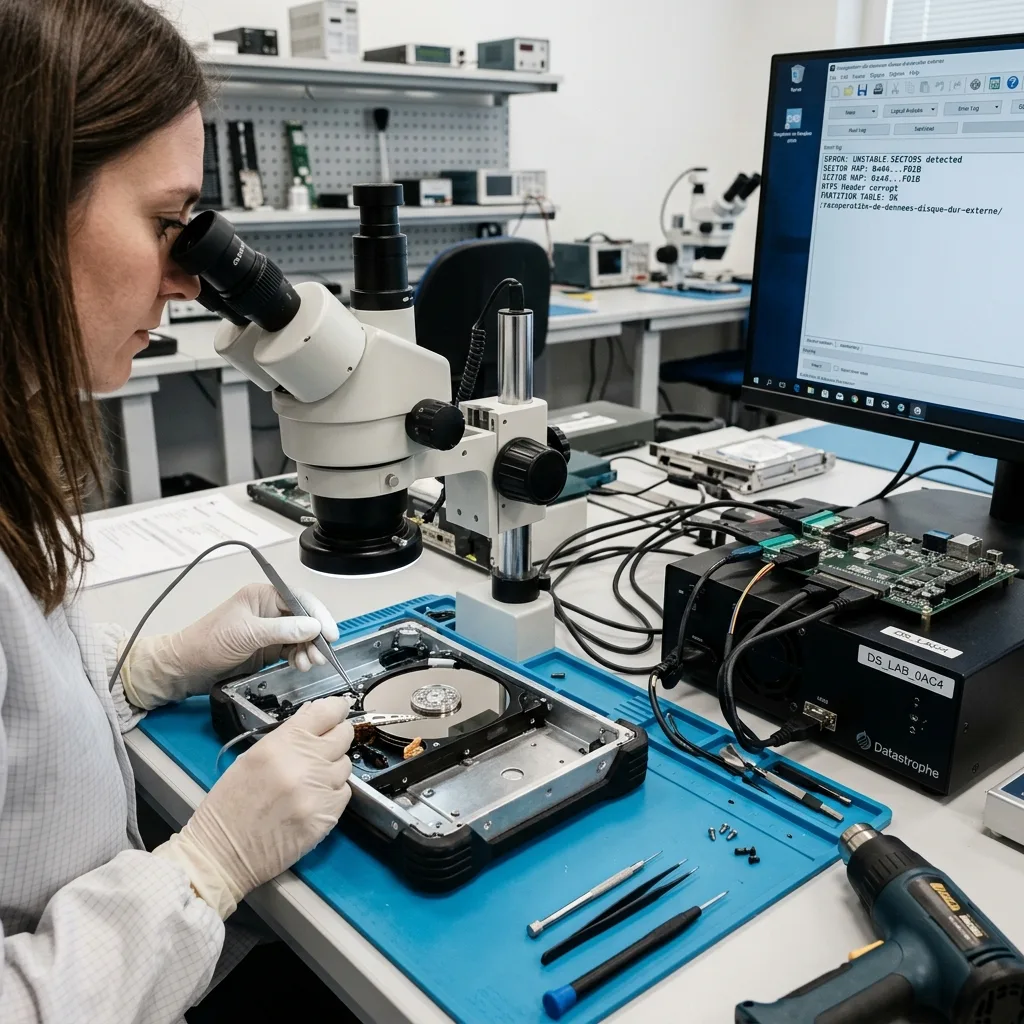
Logical symptoms
A format request is a stop signal, not a remedy
Windows or macOS may ask to initialize, erase or format an external drive when it cannot interpret the partition or file system. The prompt does not establish whether the cause is logical corruption, a changed sector presentation, unreadable metadata or an unstable disk. Accepting it writes new structures to the source and can overwrite evidence needed to locate the previous volume. Cancel the prompt and disconnect the drive if the data is unique.
A volume that mounts but takes minutes to open also deserves caution. Finder or Explorer can issue thumbnails, indexing requests and retries across damaged areas without explaining what is happening. Copying folders alphabetically may spend the available reading window on replaceable files while a priority archive remains untouched. The assessment first determines whether a stable image can be made and how the requested data should be prioritized.
Logical reconstruction compares partition tables, file-system metadata and known data patterns on a copy. exFAT and NTFS structures, macOS volumes and vendor backup formats each need context. A raw signature scan can find fragments, but it may discard filenames, dates and folder relationships or produce false positives. It is used as one evidence source after structured recovery paths have been evaluated, not as an automatic first response.
- Cancel initialize, erase and format prompts
- Avoid First Aid, CHKDSK and repair utilities on the source
- Do not let backup software claim or reconfigure the disk
- Preserve screenshots of existing messages without reconnecting
Partition evidence
Existing partition boundaries and backup headers can identify the previous volume without accepting an initialization request.
File-system evidence
Directories, allocation records and data patterns are compared on an image before fragmented signature results are treated as usable files.
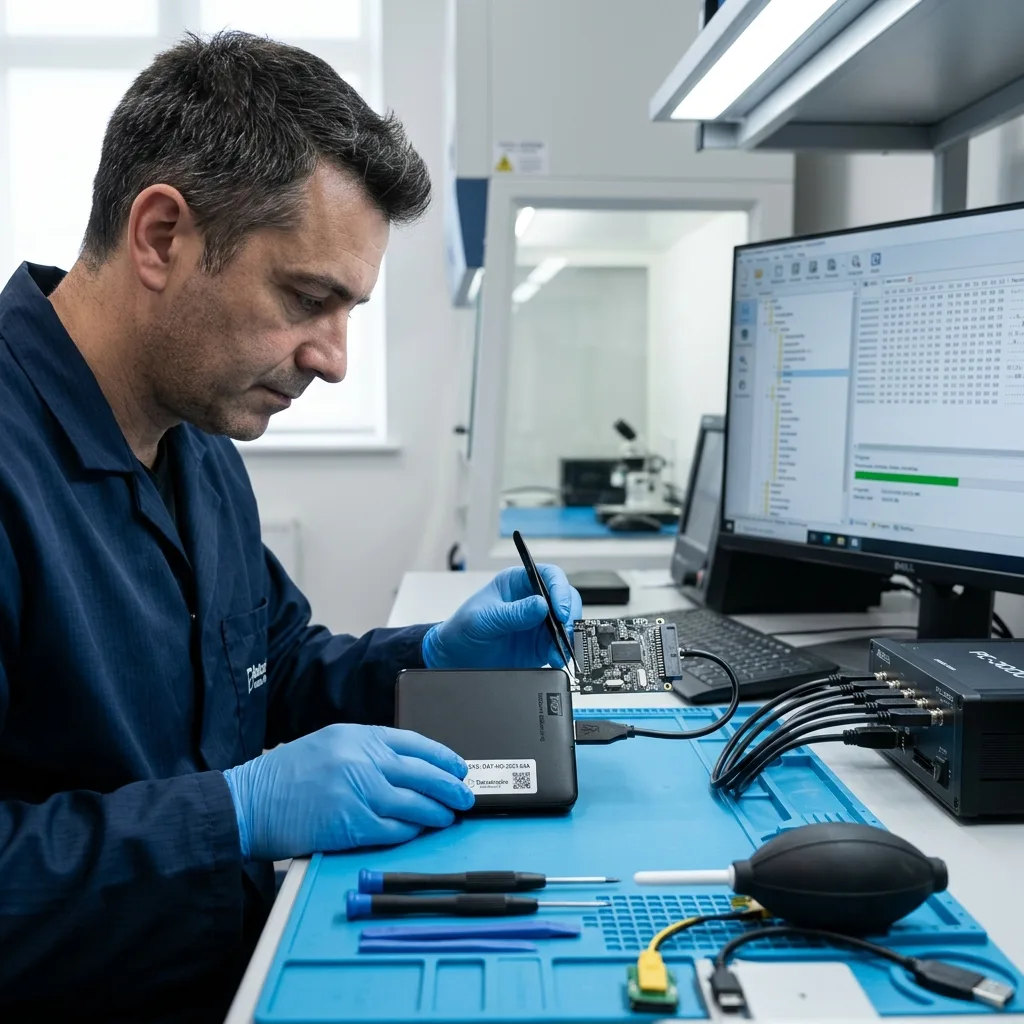
Controlled imaging
Acquisition must not depend on repeated USB reconnects
Consumer USB stacks often reset an enclosure when a read stalls. Each reset can restart the disk, clear error context and force the same weak area to be requested again. Controlled acquisition aims for a stable communication path and records the response of every range. If the bridge is necessary for encryption, the plan must retain it while limiting resets; if a documented native path is safe, the disk may be addressed through that path instead.
Imaging proceeds in stages rather than by dragging the whole volume to another disk. Responsive areas are captured first, difficult ranges are deferred and retry budgets are bounded. Transfer size and direction can be adjusted to the observed failure. Priority folders may guide acquisition after enough metadata is available, particularly when the source deteriorates under sustained reads.
The image, error map and original source are kept separate. File-system repair, archive extraction and photo-catalogue reconstruction take place on working copies. This prevents a failed interpretation from changing the only evidence and makes it possible to compare several volume states. When the enclosed medium is an SSD rather than a magnetic disk, the SSD and NVMe recovery process also considers controller mapping, TRIM and flash-specific limits.
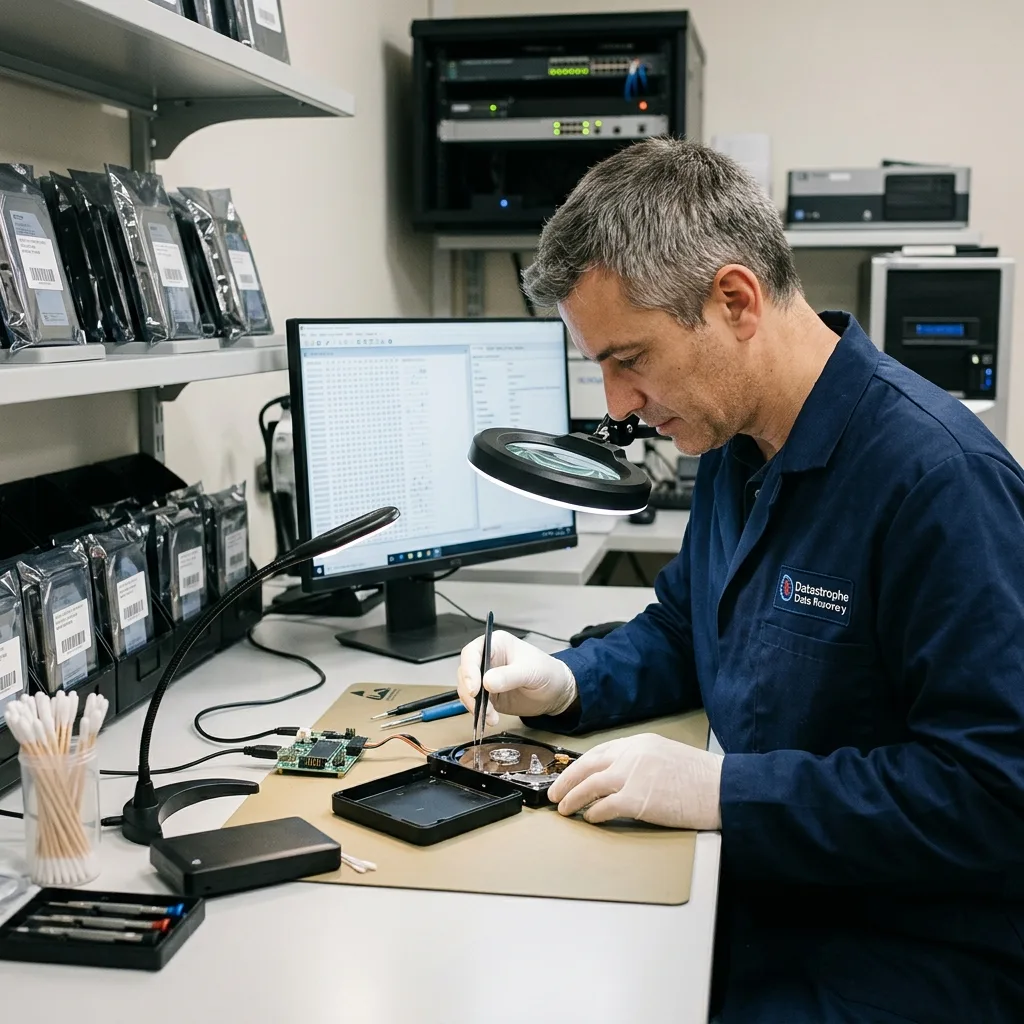
File quality
Archives and catalogues need application-aware validation
External drives often hold long-term photo libraries, video projects, accounting exports and backup sets rather than ordinary loose files. A recovered folder can look complete while a catalogue database references missing previews, an archive contains damaged members or a sparse backup image lacks required segments. Validation therefore follows the purpose of the data instead of counting filenames or gigabytes.
Photo libraries are sampled across dates and camera formats, with original files distinguished from thumbnails. ZIP and other archives are tested internally. Video projects may depend on sidecar files, proxies and linked media stored in different folders. Backup containers are checked for their index and extractable content without restoring them over a live system. These checks identify whether the result can support the owner's next step and where manual reconstruction may still be required.
Unreadable sectors are connected to affected content where the file system allows that relationship to be traced. Some items may open partially, while others have intact metadata but missing payload. The delivery separates verified, partial and unconfirmed material. A familiar folder tree is useful evidence, but it is not proof that every file inside is usable. Priority data receives deeper checks agreed during intake.
Photo and video libraries
Original media, catalogue databases, sidecars and previews are checked as related components rather than treated as interchangeable files.
Backup containers
Indexes, restore points and sample extraction are reviewed on isolated copies so a recovered backup is not assumed valid merely because its outer file exists.
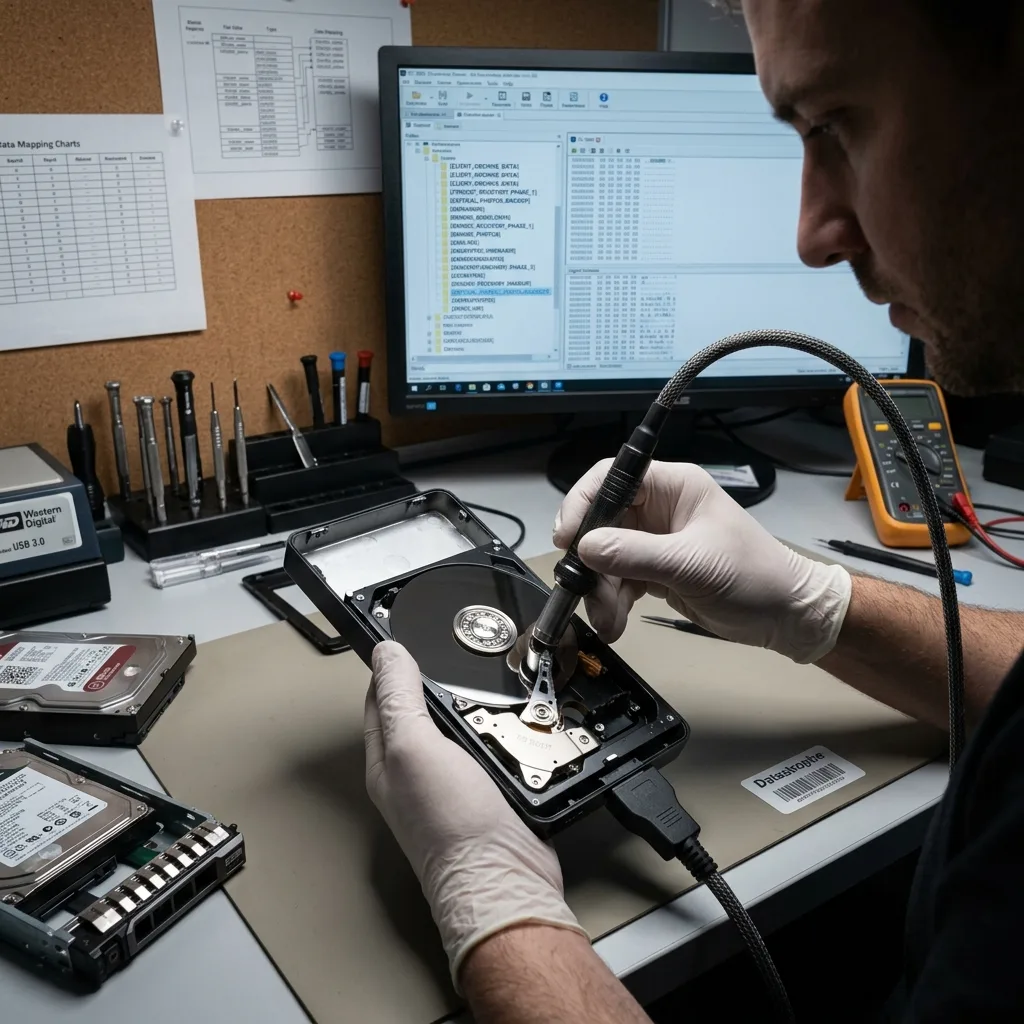
Risk boundary
An external drive is a transport medium, not a backup plan
A single external disk connected for regular work remains one copy. It can be dropped with the laptop, encrypted by the same incident, damaged by the same power event or overwritten by synchronization. Even a disk marketed for backup does not provide redundancy until the data also exists independently and the restore path has been tested. Recovery addresses an incident; it does not turn the failed device into a reliable archive.
After handover, recovered files should be copied into a strategy with separation between working data, local backup and an offline or appropriately protected second location. The exact design depends on volume, privacy and recovery-time needs. Automated jobs need alerts and periodic sample restores, because a green status light can coexist with incomplete versions or a destination that stopped updating months earlier.
The failed external drive should not be returned to routine use. Its enclosure and disk may have been stabilized only long enough to acquire data, and a logical failure can recur if the underlying media condition was not the sole cause. Healthy return media is supplied or arranged separately. The recovery report and the original chronology can then inform replacement and backup decisions without overstating what one consumer disk can protect.
- Keep at least one copy outside the normal workstation workflow
- Test sample restores instead of trusting job completion alone
- Separate backup credentials from everyday user access
- Retire the failed source even after a successful recovery
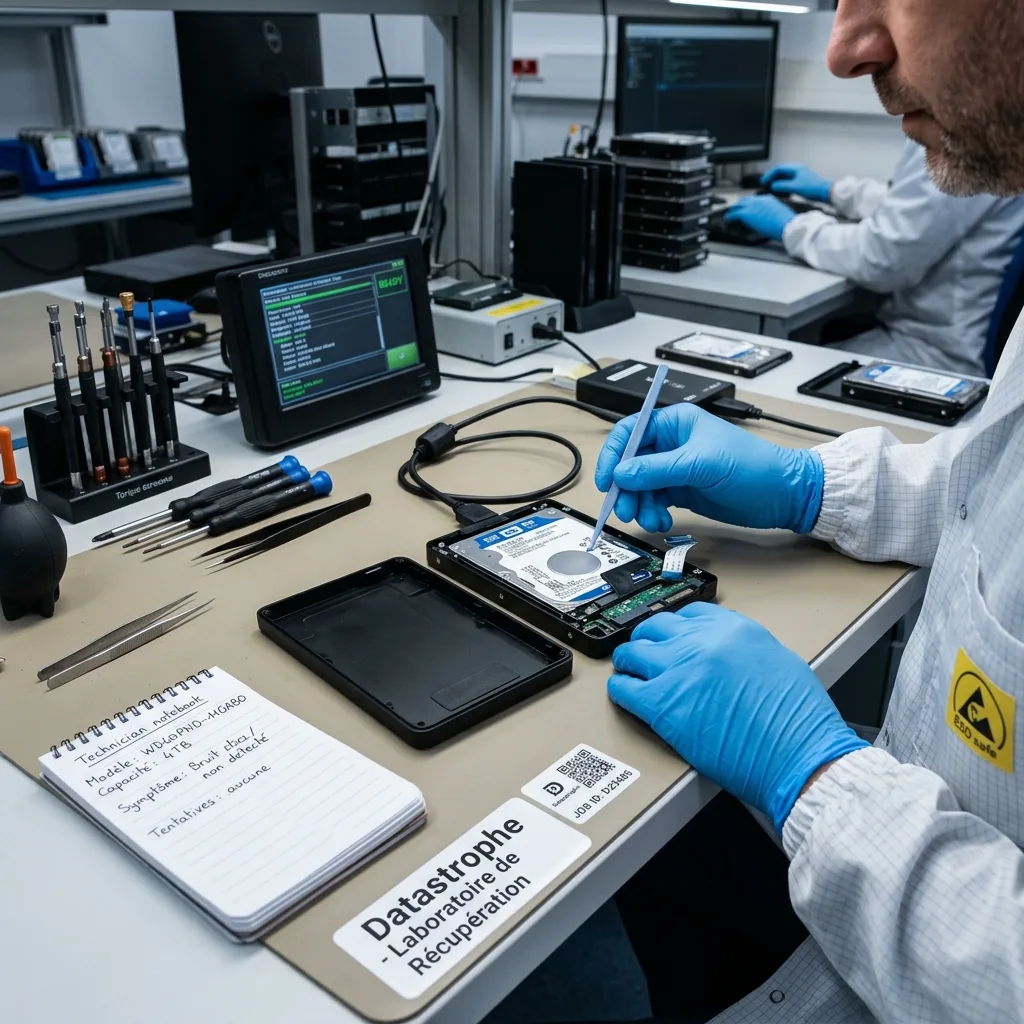
Canadian intake
Send the enclosure, cable and incident chronology together
The complete device is usually more informative than a bare disk. Include the enclosure, detachable cable, power adapter and any parts already removed. Label them without covering serial numbers or vents. Record whether another adapter was tried, whether the drive was dropped while running, which computers recognized it and the exact wording of format or password prompts. Previous repair attempts belong in the chronology even when they did not appear to change anything.
Package the powered-off drive in anti-static protection inside a rigid box with cushioning on every side. Desktop adapters should be wrapped separately so they cannot strike the enclosure. Canadian winter transport adds a condensation risk: a cold sealed package should be allowed to acclimatize before it is opened or powered. Do not apply heat, desiccant directly against electronics or a vacuum seal that bends the case.
List priority folders, date ranges, application libraries and the authorized recipient. If transparent encryption or backup software was used, identify the product and preserve credentials through the agreed secure channel rather than placing passwords in the box. The diagnostic assessment and recovery process confirms scope before intrusive work and records how recovered content will be returned.
FAQ
Frequently asked questions
Why does my external drive light up but not appear on the computer?
The light may receive power before the USB bridge has initialized the enclosed disk. A damaged cable, connector, adapter, bridge board, integrated USB controller or the storage medium itself can interrupt the path. Preserve the complete enclosure and stop repeated reconnects if it clicks, heats or resets. A diagnostic assessment tests those layers in order rather than treating the indicator as proof of disk health.
Should I remove the hard drive from its USB enclosure?
Not before the model and bridge function are documented. Some enclosures use transparent hardware encryption, sector translation or integrated USB electronics. A bare disk may therefore look unreadable through a generic adapter even when its data remains intact. Keep the casing, bridge board, cable and power supply with the case so a safe native or enclosure-dependent access path can be selected.
Can I format an external drive when the computer asks me to?
Do not format or initialize it when the existing data is needed. The prompt means the current system cannot interpret the volume; it does not diagnose the cause. Formatting writes new metadata and may overwrite evidence from the previous partition or file system. Acquisition and reconstruction should be performed on separate copies after the physical and electronic condition has been assessed.
What should be included with an external drive recovery request?
Include the powered-off enclosure, original USB cable, desktop power adapter when applicable and all removed parts. Provide the model, serial number, incident timeline, computer messages, encryption or backup-software context and a specific list of priority folders or date ranges. Package components separately in a rigid cushioned box, and disclose liquid, impact, electrical events and previous repair attempts.
Media
Other expertise
- Hard Drive Data Recovery for Clicking and Unreadable Disks Hard drive data recovery for clicking, dropped, slow or unreadable HDDs, using controlled imaging, mechanical assessment and file-level validation.
- SSD and NVMe Data Recovery for Silent Flash Failures SSD and NVMe recovery for undetected, unstable, liquid-damaged or logically inaccessible flash storage, with controller-aware acquisition and validation.
- USB Flash Drive Data Recovery for Connector and NAND Failures USB flash drive recovery for broken connectors, zero-capacity devices, controller faults, formatting and damaged file systems, with validated handover.
- Memory Card Data Recovery for Photos and Video Memory card recovery for formatted, unreadable or physically damaged SD, microSD, CFexpress and CompactFlash media, with capture-aware validation.
- Laptop Data Recovery after No-Boot or Liquid Damage Laptop data recovery after no-boot, liquid, impact, BitLocker or storage failure, with device-aware acquisition and priority-file validation.
- Apple Mac Data Recovery for APFS and Integrated Storage Apple Mac data recovery for liquid, no-boot, APFS, FileVault, soldered storage and Fusion Drive failures, with library-aware validation.
- Tablet Data Recovery for No-Power and Local Data Tablet data recovery for no-power, liquid, broken-screen and local-storage cases, with encryption-aware access and verified export of authorized data.
- Virtual Disk Data Recovery for VMDK and VHDX Virtual disk recovery for broken VMDK, VHDX and snapshot chains, using preserved datastores, dependency-aware reconstruction and application validation.
- RAID and NAS Data Recovery after Array Failure RAID and NAS recovery after degraded arrays, failed rebuilds or multiple member faults, with imaging, virtual reconstruction and workload validation.
- Server Data Recovery for Storage and Database Failures Server data recovery for storage, file-system, virtual-machine and database failures, with write containment, dependency mapping and isolated validation.
- NVR and DVR Recovery for Missing Camera Footage NVR and DVR recovery for missing security-camera footage, damaged disks, broken indexes and proprietary exports, with channel and timeline validation.
- ISO 5 (Class 100 equivalent) Clean-Room Data Recovery ISO 5 clean-room recovery for diagnosed hard-drive head, spindle or contamination failures, followed by controlled imaging and validation.
 Hard Drive Data Recovery for Clicking and Unreadable Disks
  SSD and NVMe Data Recovery for Silent Flash Failures
  USB Flash Drive Data Recovery for Connector and NAND Failures
  Memory Card Data Recovery for Photos and Video
  Laptop Data Recovery after No-Boot or Liquid Damage
  Tablet Data Recovery for No-Power and Local Data
  Virtual Disk Data Recovery for VMDK and VHDX
  RAID and NAS Data Recovery after Array Failure
  Server Data Recovery for Storage and Database Failures
  NVR and DVR Recovery for Missing Camera Footage
  ISO 5 (Class 100 equivalent) Clean-Room Data Recovery
 Diagnostic assessment
Unsure about a storage device or fault?
Datastrophe assesses the risk before any recovery attempt and points you toward the safest next step.