

Tablet Data Recovery for No-Power and Local Data
Tablet data recovery is usually an original-device access problem. The storage, processor, security component and passcode remain linked, so reset, restore and uncontrolled charging can close the viable path.

Integrated access
Board stabilization seeks one authorized decrypted path
The objective is controlled access through the original tablet, not removal of memory as though it were an unencrypted drive.
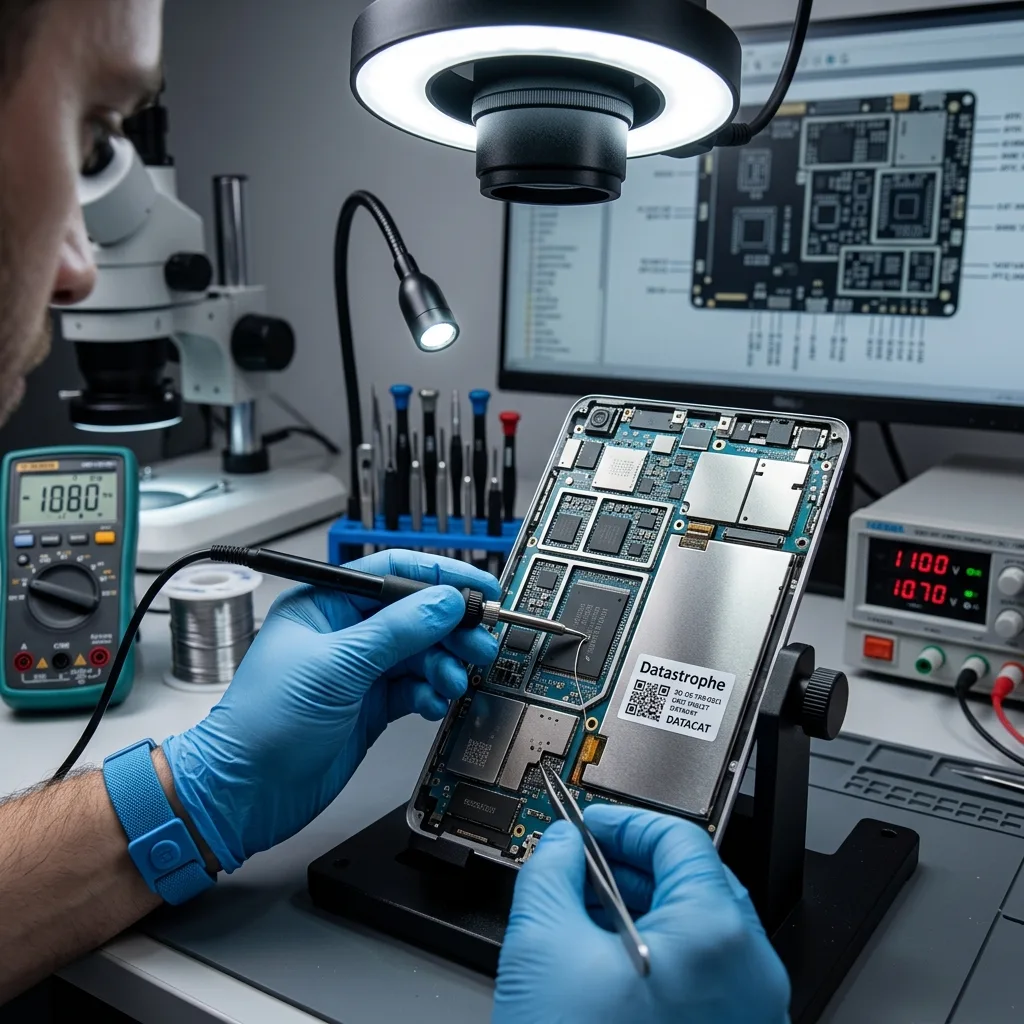
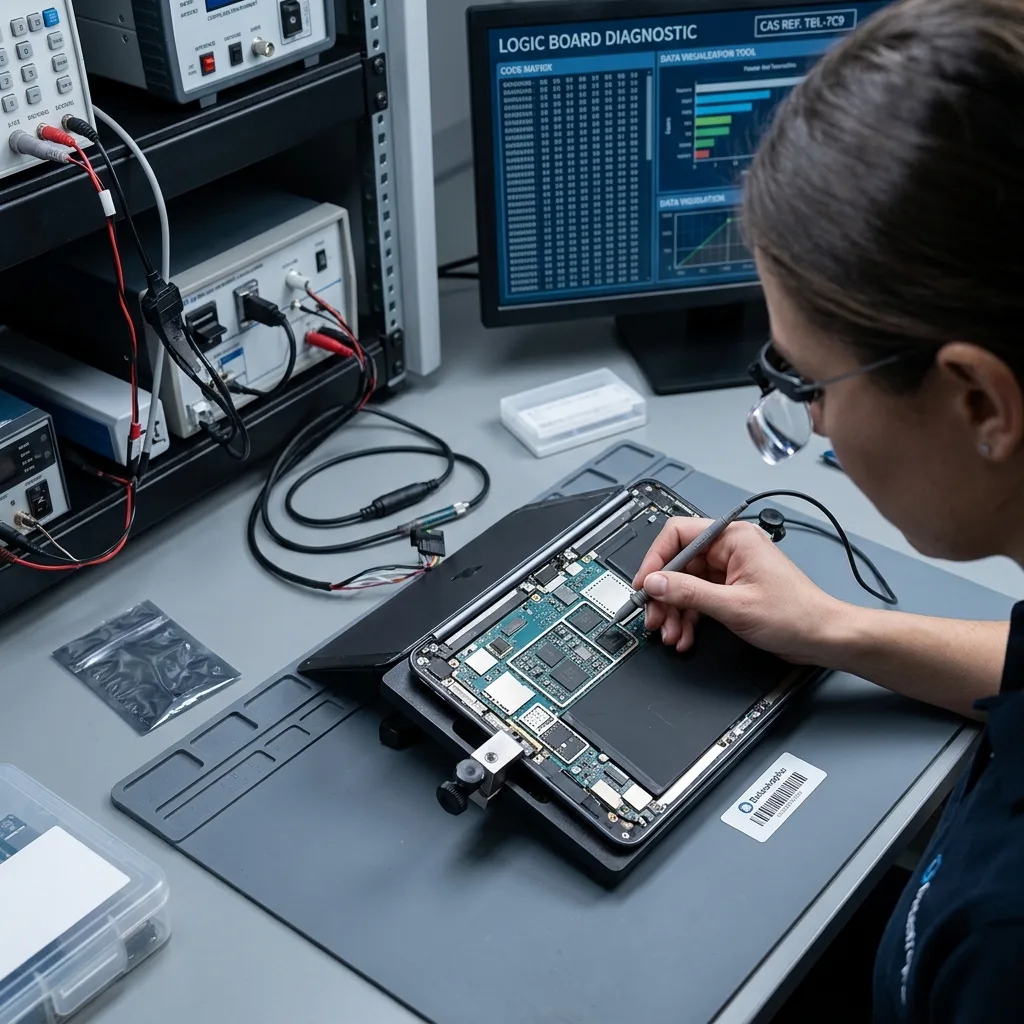
Modern tablets integrate flash storage with a system-on-chip, power-management circuits and security hardware. Data blocks may be encrypted with keys tied to that original platform and protected by the user's passcode. Removing a NAND package can yield encrypted raw data without the translation, key or file-system state needed to interpret it. For that reason, component-level work focuses on restoring the minimum safe functions required for authorized logical access.
The diagnostic assessment examines power rails, charging behaviour, board damage, display and touch dependencies and the last known unlock state. A broken screen may block passcode entry even when the logic board and storage remain healthy. A no-power tablet may need temporary power-path repair. If stable access is achieved, export begins promptly and the device is not returned to everyday use on the strength of a temporary repair.
The method has strict limits. Severe board damage, failed security components, unreadable integrated storage, an unknown passcode or an unsupported operating-system state can prevent decryption. Microsoldering cannot guarantee access and does not defeat functioning encryption. Findings determine whether further work is proportionate to the priority data, and the authorization remains limited to the agreed tablet and user scope.
- Preserve the original logic board and security components
- Stabilize only the functions needed for authorized access
- Export priority data before considering device repair
- Treat unknown passcodes and security damage as real limits
Power and display path
Minimum board and screen functions are stabilized only far enough to support a controlled authorized unlock and export.
Security and storage path
The original processor, security hardware, flash translation and passcode context must remain coherent for protected local data to decrypt.
Destructive options
Reset and restore erase the local evidence sought
Factory reset, erase and operating-system restore are designed to return a tablet to a fresh state. They remove user data and can discard the encryption material that made previous local content readable. A setup screen after restore is therefore not progress toward recovery. Do not select erase from a device finder, recovery mode or management console when local files remain the objective.
Update and revive options require case-specific interpretation. Some procedures may attempt to preserve data, while others fall back to restoration after an error. Storage shortage, interrupted update or boot-loop conditions can make another update unpredictable. Existing screenshots and logs should be reviewed before an action is authorized. The source is not used as a test bed for every recovery-menu choice.
Repeated passcode guesses also carry risk. Depending on policy and configuration, delays increase and erase-after-failed-attempts may be enabled. Record the known passcode and last successful unlock without experimenting. If the tablet belongs to an organization or school, the authorized administrator may need to preserve its managed record and recovery context before remote commands, account removal or device retirement occur.
- Stop before selecting erase, reset or recovery-mode restore
- Preserve screenshots and logs from the existing failure state
- Do not test repeated passcodes when automatic erase may be enabled
- Keep managed-device records active until access scope is resolved
Encryption boundary
Passcode and security hardware remain part of recovery
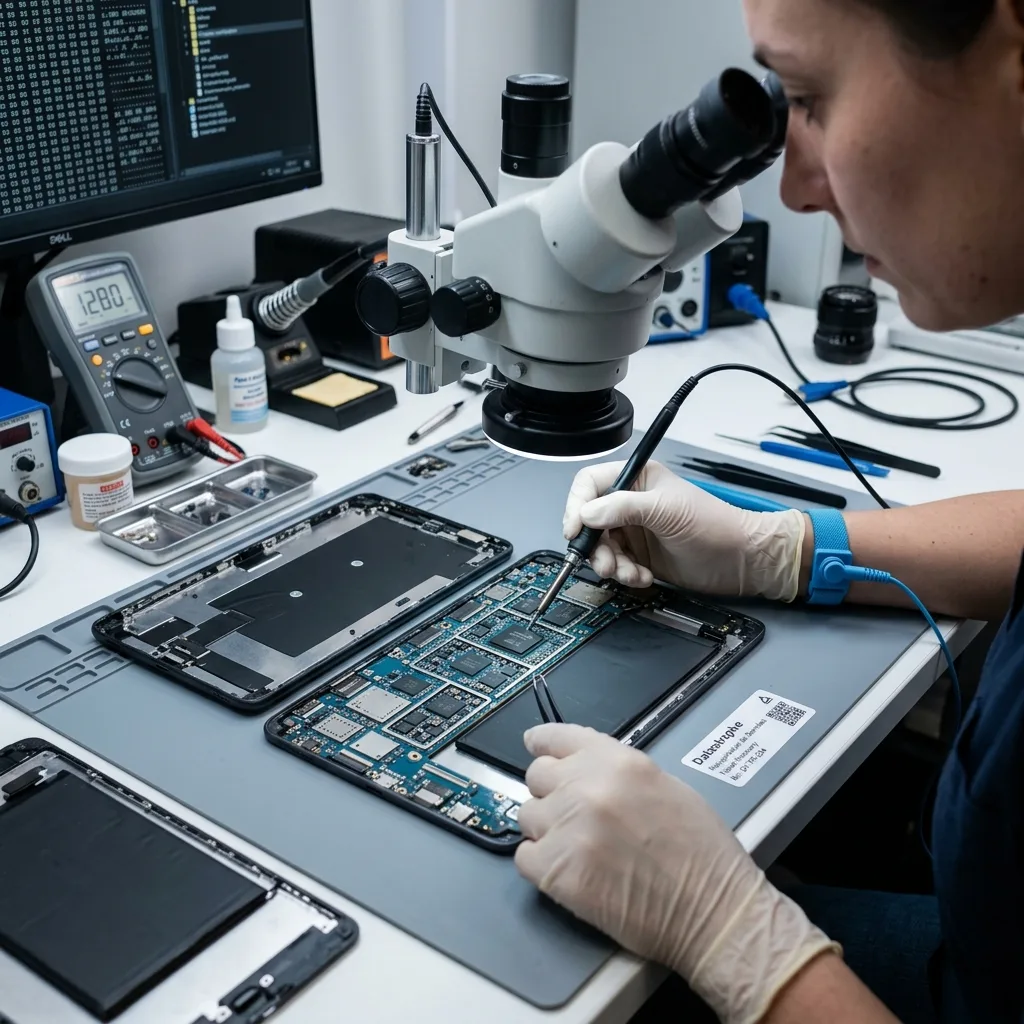
A screen-lock code is not merely an interface preference. On current tablet platforms it contributes to access control for hardware-backed encryption and protected application data. After restart, biometric unlock commonly requires the passcode before protected files become available. Replacing the logic board or security component changes the cryptographic context rather than transferring access.
Provide the known passcode through the authorized case process, not on a note attached to the device. Record the user account, managed-device ownership and whether the tablet had recently rebooted, updated or been disabled. USB trust or developer options should not be assumed; a computer previously paired with the tablet may contain useful authorized context, but connecting it must not trigger synchronization, update or backup changes without review.
A valid passcode still depends on functioning original hardware and coherent storage. Conversely, readable flash components remain encrypted when matching keys or security functions are unavailable. The report distinguishes electrical stabilization, successful unlock and exported data. This prevents a powered-on screen from being described as recovered content when applications or files remain inaccessible.
Personal tablet access
Preserve the known passcode, account identity and any previously trusted computer without issuing reset or erase commands.
Managed tablet access
The authorized administrator should retain ownership records and avoid remote retirement until local-data requirements and allowed access are documented.
Physical incident
After a drop or liquid, stop charging the tablet
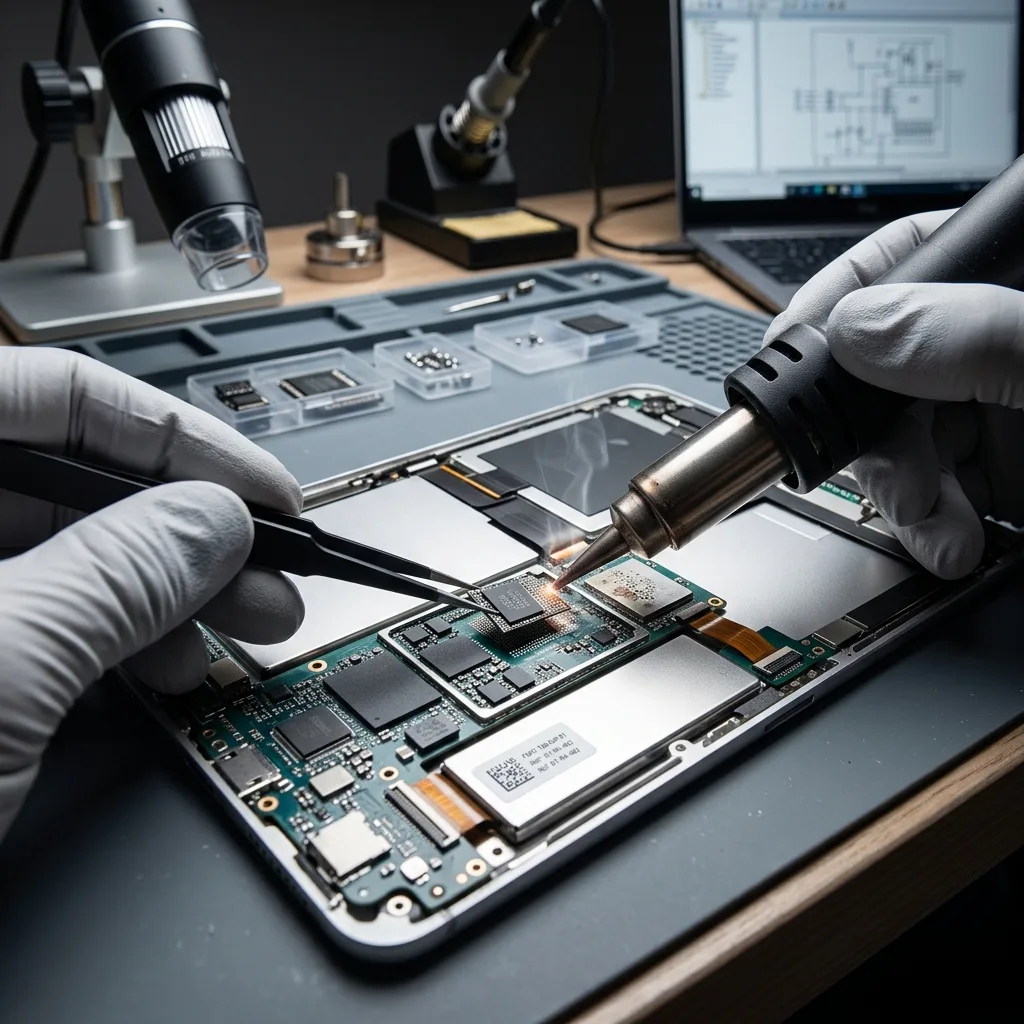
A cracked display can conceal a functioning tablet, but sharp glass, a bent frame and a damaged battery make repeated handling unsafe. Liquid can leave conductive residue beneath shields even after the exterior dries. Connecting a charger may energize shorted rails and extend corrosion toward the processor, storage or security circuitry. Stop power attempts and do not press on a swollen or distorted case.
Record whether the tablet was powered on, unlocked or recording at the time of impact, what liquid was involved and which charging attempts followed. Do not use rice, household heat, contact cleaner or ultrasonic cleaning without a board-specific plan. Keep detached screen parts, buttons, SIM trays or screws labelled with the device. The original board is central to encrypted access.
Inspection separates display and connector damage from deeper logic-board failure. A temporary known-good screen or controlled power input may support authorized access when the board is stable. If the battery is damaged, transport and handling need a specific safety decision before ordinary shipping. The tablet remains a recovery source; temporary screen or power repair does not certify it for return to daily use.
- Disconnect the charger and stop power-button tests
- Do not heat, compress or puncture the device
- Keep all original board and display parts together
- Flag a swollen battery before transport is arranged
Impact assessment
Frame distortion, glass, connector and battery condition are documented before a replacement display or controlled power path is considered.
Liquid assessment
Residue beneath shields and its affected rails are located before cleaning, charging or energized board measurements begin.

Controlled acquisition
Export must turn application data into reusable files
Once authorized access is stable, the export plan starts with priority data and available time. Photos, notes, documents, recordings and application databases may expose different export routes. A full device backup can preserve relationships but may remain encrypted or tied to platform tools; a file-level export is easier to review but can omit application metadata. The chosen methods are documented and may be combined.
Application sandboxes can contain files, databases, caches and thumbnails. Exporting only the visible gallery may miss originals stored by a drawing, field-work or document application. Conversely, copying a database without its attachments may produce an unusable result. Where technically possible and authorized, structured application data is checked with its supporting files, and proprietary formats are delivered alongside practical exports rather than silently converted.
Acquisition avoids normal synchronization that could merge, delete or replace content. Destination storage is separate and healthy. Checksums and inventories record the prepared result, while the device remains unchanged as far as the authorized access method allows. The data recovery process explains how diagnostic assessment, scope approval, acquisition and handover are separated.
Device backup
A supported backup can preserve broader relationships, but encryption, platform compatibility and successful restoration must be assessed separately.
File and app export
Priority originals, databases and attachments are collected in reviewable form while proprietary source data remains available where possible.
Source inventory
Local originals must be separated from synchronized copies
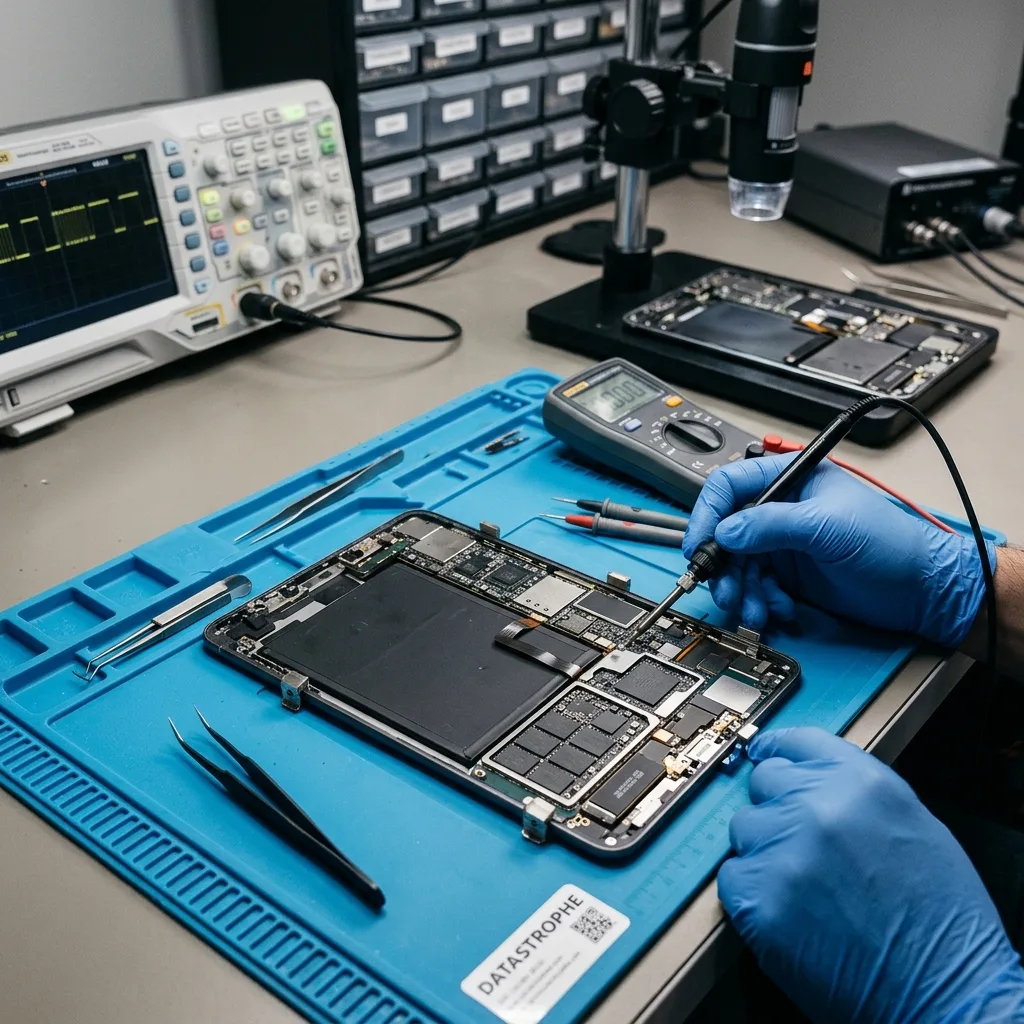
A tablet may show thumbnails for content stored only in an authorized cloud account, maintain local originals that never synchronized or keep offline copies within an application sandbox. The account's web view, another device and an existing backup can establish which copies exist outside the tablet. That comparison isolates what still requires local-device recovery; account changes wait until their synchronization consequences are understood.
For photographs, determine whether storage optimization was enabled and whether full-resolution originals are present locally. Notes and productivity apps may synchronize some records but omit attachments, offline folders or unsent changes. Educational and field applications can store observations in a local database until a manual upload. The missing-data statement should identify those distinctions rather than request every byte indiscriminately.
Cloud access and laboratory access are parallel evidence sources. If an authorized online copy is complete, the immediate risk and scope may change. If the cloud contains only older versions or previews, original-device access may still matter. The report identifies where each delivered item came from and avoids merging versions without provenance. A visible thumbnail is neither proof of a local original nor proof of a complete synchronized copy.
Result quality
Originals, attachments and timestamps need validation
Recovered photographs are opened at full resolution so gallery thumbnails are not mistaken for originals. Videos are checked for duration, seeking and representative frames. Notes and documents are reviewed for attachments, pages and embedded objects. Application databases are tested for record relationships and date coverage where a safe viewer or export path exists.
Timestamps can reflect capture, import, synchronization or export rather than one universal event time. The report preserves available metadata and states when dates were inferred. Duplicate files from cloud, backups and local storage are not automatically discarded; hashes and version information help identify exact copies while modified variants remain distinct.
Delivery separates verified, partial and inaccessible items. Encrypted backups that were acquired but not opened are not described as recovered user files. Recovered data goes to healthy media or an approved secure channel and is released to the authorized recipient. The damaged tablet is not represented as reliable simply because it remained stable long enough for export.
- Open full-resolution photos and complete video intervals
- Check notes and documents for attachments
- Preserve source and meaning of timestamps
- Distinguish exported files from unopened encrypted backups
Case preparation
Prepare the exact model, passcode and priority apps
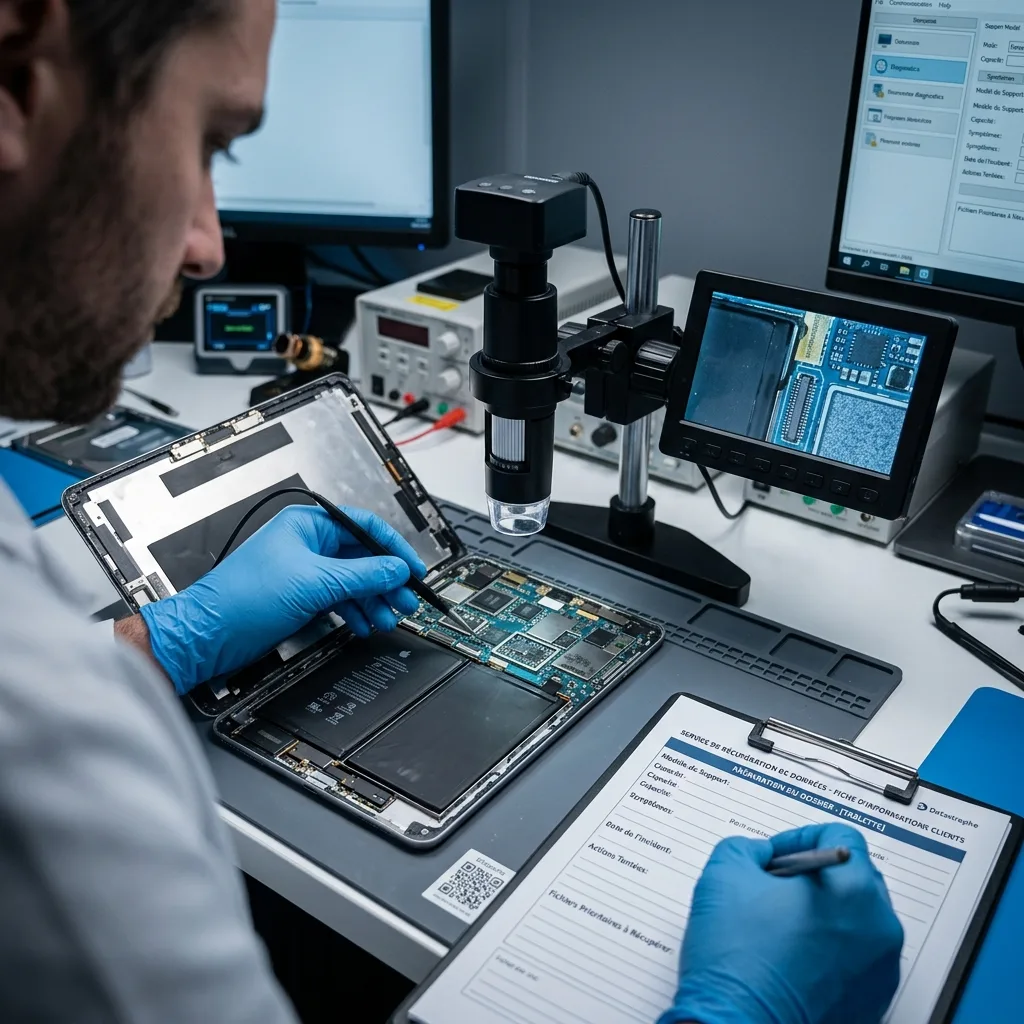
Record the tablet model, serial number, storage capacity and operating-system version when known. Describe no-power, boot-loop, screen, liquid, impact or update symptoms and every charging, restore or repair attempt. Include the original device, detached parts and a previously trusted computer only when it may contain authorized access context.
Provide the known passcode and account or managed-device contact separately through the secure process. List priority applications, folders, notebooks, capture dates and unsynchronized work. State which cloud services and backups were checked and whether full originals or only previews were found. This brief lets the assessment focus on irreplaceable local content and the precise authorization.
Use a rigid cushioned package and flag battery swelling, puncture, heat or chemical odour before transport. A cold sealed tablet should acclimatize before opening to reduce condensation. The Apple Mac recovery pathway covers macOS computers rather than tablets; the tablet case remains centred on integrated-device access, application export and encryption limits.
FAQ
Frequently asked questions
Can data be recovered from a tablet that will not power on?
It may be possible when the original board can be stabilized enough for authorized decrypted access. The power path, battery, display and integrated storage relationship are assessed first. Stop charging and repeated starts. Removing NAND is not a generic solution because encryption keys, controller functions and security hardware may remain tied to the original tablet.
Will factory reset or restore help recover my tablet files?
No. Reset, erase and restore are designed to remove user data and can discard encryption material needed for the previous state. Do not select those options when local files matter. Update or revive procedures also need case-specific review because some error paths can fall back to restoration. Preserve the existing device and document its current screen.
Is a tablet passcode required for data recovery?
On modern encrypted tablets, valid authorized access is commonly required. The passcode interacts with hardware-backed security, and raw storage is not automatically readable outside the original platform. A known passcode still depends on functioning security components and coherent data. Repeated guesses should stop because delays or erase policies may apply.
How do I know whether missing tablet data is local or in the cloud?
Review authorized account inventories, existing backups and another synchronized device without forcing a new sync or resetting the tablet. Thumbnails and placeholders do not prove that full originals exist locally or online. Recovery records each delivered source separately and checks photographs, attachments, application databases and versions so local work is not confused with cloud retrieval.
Media
Other expertise
- Hard Drive Data Recovery for Clicking and Unreadable Disks Hard drive data recovery for clicking, dropped, slow or unreadable HDDs, using controlled imaging, mechanical assessment and file-level validation.
- External Hard Drive Data Recovery after USB or Disk Failure External hard drive recovery for dropped, disconnected, unrecognized or format-requesting USB disks, with enclosure-aware imaging and file validation.
- SSD and NVMe Data Recovery for Silent Flash Failures SSD and NVMe recovery for undetected, unstable, liquid-damaged or logically inaccessible flash storage, with controller-aware acquisition and validation.
- USB Flash Drive Data Recovery for Connector and NAND Failures USB flash drive recovery for broken connectors, zero-capacity devices, controller faults, formatting and damaged file systems, with validated handover.
- Memory Card Data Recovery for Photos and Video Memory card recovery for formatted, unreadable or physically damaged SD, microSD, CFexpress and CompactFlash media, with capture-aware validation.
- Laptop Data Recovery after No-Boot or Liquid Damage Laptop data recovery after no-boot, liquid, impact, BitLocker or storage failure, with device-aware acquisition and priority-file validation.
- Apple Mac Data Recovery for APFS and Integrated Storage Apple Mac data recovery for liquid, no-boot, APFS, FileVault, soldered storage and Fusion Drive failures, with library-aware validation.
- Virtual Disk Data Recovery for VMDK and VHDX Virtual disk recovery for broken VMDK, VHDX and snapshot chains, using preserved datastores, dependency-aware reconstruction and application validation.
- RAID and NAS Data Recovery after Array Failure RAID and NAS recovery after degraded arrays, failed rebuilds or multiple member faults, with imaging, virtual reconstruction and workload validation.
- Server Data Recovery for Storage and Database Failures Server data recovery for storage, file-system, virtual-machine and database failures, with write containment, dependency mapping and isolated validation.
- NVR and DVR Recovery for Missing Camera Footage NVR and DVR recovery for missing security-camera footage, damaged disks, broken indexes and proprietary exports, with channel and timeline validation.
- ISO 5 (Class 100 equivalent) Clean-Room Data Recovery ISO 5 clean-room recovery for diagnosed hard-drive head, spindle or contamination failures, followed by controlled imaging and validation.
 Hard Drive Data Recovery for Clicking and Unreadable Disks
  SSD and NVMe Data Recovery for Silent Flash Failures
  USB Flash Drive Data Recovery for Connector and NAND Failures
  Memory Card Data Recovery for Photos and Video
  Laptop Data Recovery after No-Boot or Liquid Damage
  Virtual Disk Data Recovery for VMDK and VHDX
  RAID and NAS Data Recovery after Array Failure
  Server Data Recovery for Storage and Database Failures
  NVR and DVR Recovery for Missing Camera Footage
  ISO 5 (Class 100 equivalent) Clean-Room Data Recovery
 Diagnostic assessment
Unsure about a storage device or fault?
Datastrophe assesses the risk before any recovery attempt and points you toward the safest next step.