

SSD and NVMe Data Recovery for Silent Flash Failures
SSD data recovery starts with power, controller, NAND, encryption and TRIM evidence. An undetected NVMe or SATA SSD can fail silently, so repeated restarts are not a neutral test.
Silent failure
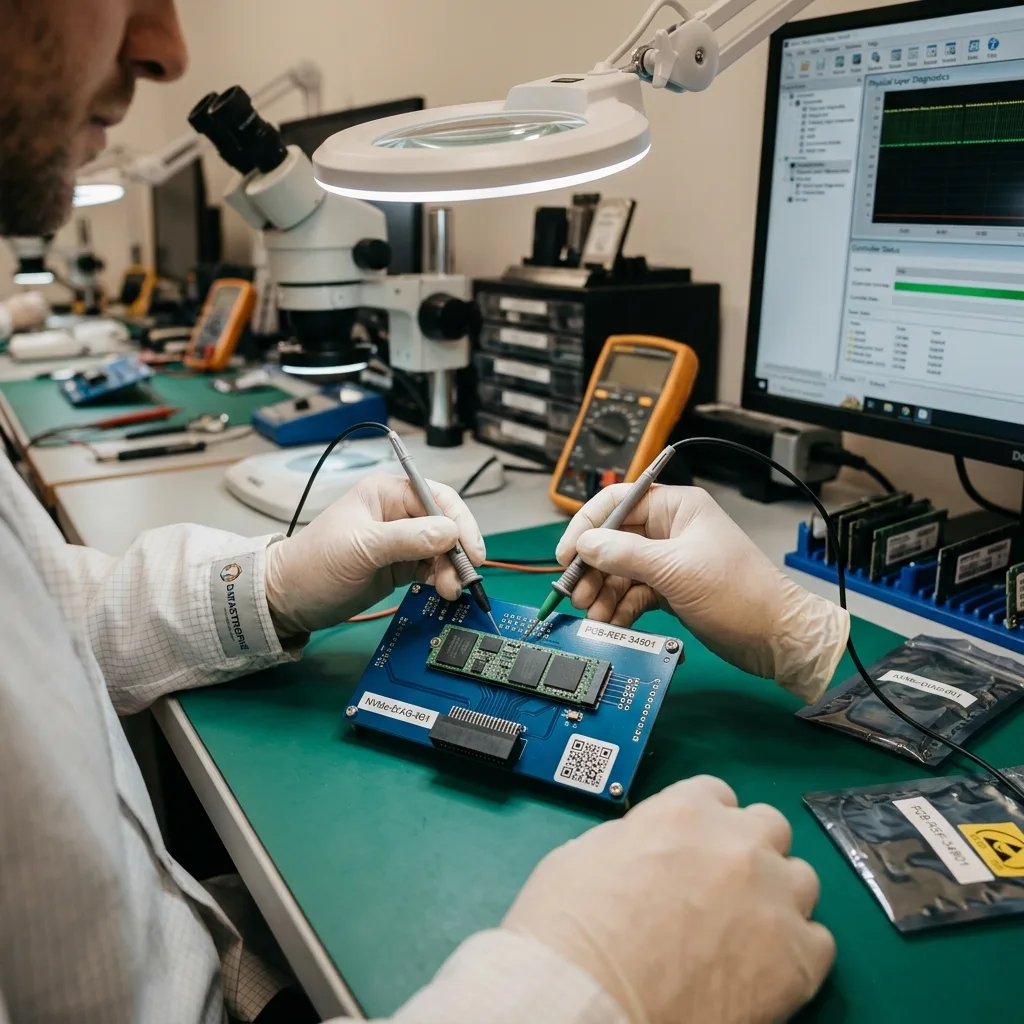
An SSD missing from firmware needs a power-first assessment
The absence of clicking does not mean low risk. Flash storage can disappear while electrical or mapping damage continues.
An SSD that is absent from BIOS or UEFI may have a failed power stage, shorted component, controller fault, firmware state or damaged NAND path. NVMe devices can also enter protective or unstable states after heat, power loss or controller errors. Because there are no moving heads, the failure may present as silence, a frozen boot or a system that no longer lists the expected capacity. Repeated restarts can add heat and background activity without producing better evidence.
The diagnostic assessment begins with the interface and power domain. Form factor, keying and protocol matter: a physically compatible M.2 socket may carry SATA or PCIe, and the wrong adapter can produce a misleading absence. Current draw, thermal behaviour and component condition are evaluated before a long read is attempted. If the device still identifies, its reported model, capacity, firmware state and error behaviour are captured without initializing the volume.
A system-level symptom is kept separate from the storage finding. A laptop may fail to boot because of memory, board or operating-system damage while its removable SSD remains readable. Conversely, a healthy-looking machine may contain soldered or encrypted storage that cannot simply be moved. The goal is to establish a stable, authorized access path and preserve the original flash state before any repair, update or operating-system reinstall.
- Stop repeated boot and power-cycle tests
- Record the exact SSD model, interface and reported capacity
- Avoid firmware updates and vendor secure-erase tools
- Preserve the original computer when storage is soldered or encrypted
Power-domain findings
Current draw, temperature and rail stability distinguish a communication symptom from a short, failed regulator or controller start-up fault.
Identification findings
Model, capacity and reset behaviour show whether the controller presents a coherent device before any sustained acquisition is authorized.
Deletion and formatting
TRIM can remove deleted blocks before recovery begins
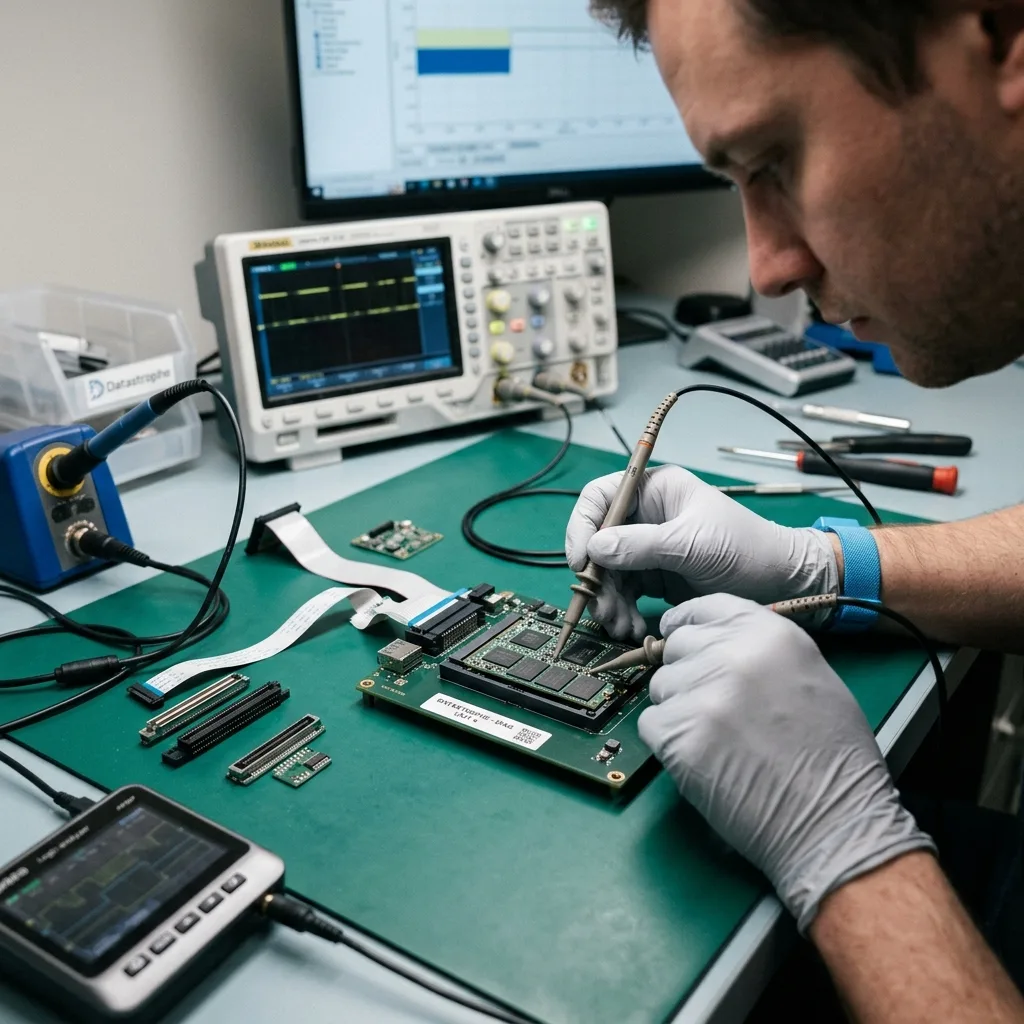
TRIM lets an operating system tell an SSD which logical blocks are no longer in use. The controller may then erase or recycle the underlying NAND pages during garbage collection. After deletion, quick formatting or partition changes, the presence of an old filename does not prove that its content remains addressable. The effect depends on the operating system, file system, command path, controller behaviour, power-on time and whether the command reached the device.
Immediate shutdown is therefore important after an accidental deletion on active solid-state storage. Browsing, installing software, running recovery scans or merely leaving the system powered can create writes and allow internal cleanup to continue. A clone made after TRIM has already deallocated and erased relevant pages cannot recreate the earlier charge state. No laboratory method can guarantee reversal of completed NAND erasure.
Assessment distinguishes what is known from what is assumed. Logs, system state and the timing of the incident can show whether TRIM was likely supported, but only acquisition and analysis reveal what logical or raw evidence remains. Snapshots, backups, synchronized copies and application versions are checked as independent sources rather than presented as SSD recovery. When recoverable structures exist, work continues on copies and the result clearly separates intact content from metadata-only remnants.
- Shut down the affected SSD instead of browsing for deleted files
- Record the deletion, format or partition event and its time
- Preserve snapshots, synchronized copies and independent backups
- Do not install scanning software on the affected system
Flash translation
Controller metadata turns NAND pages into a usable volume
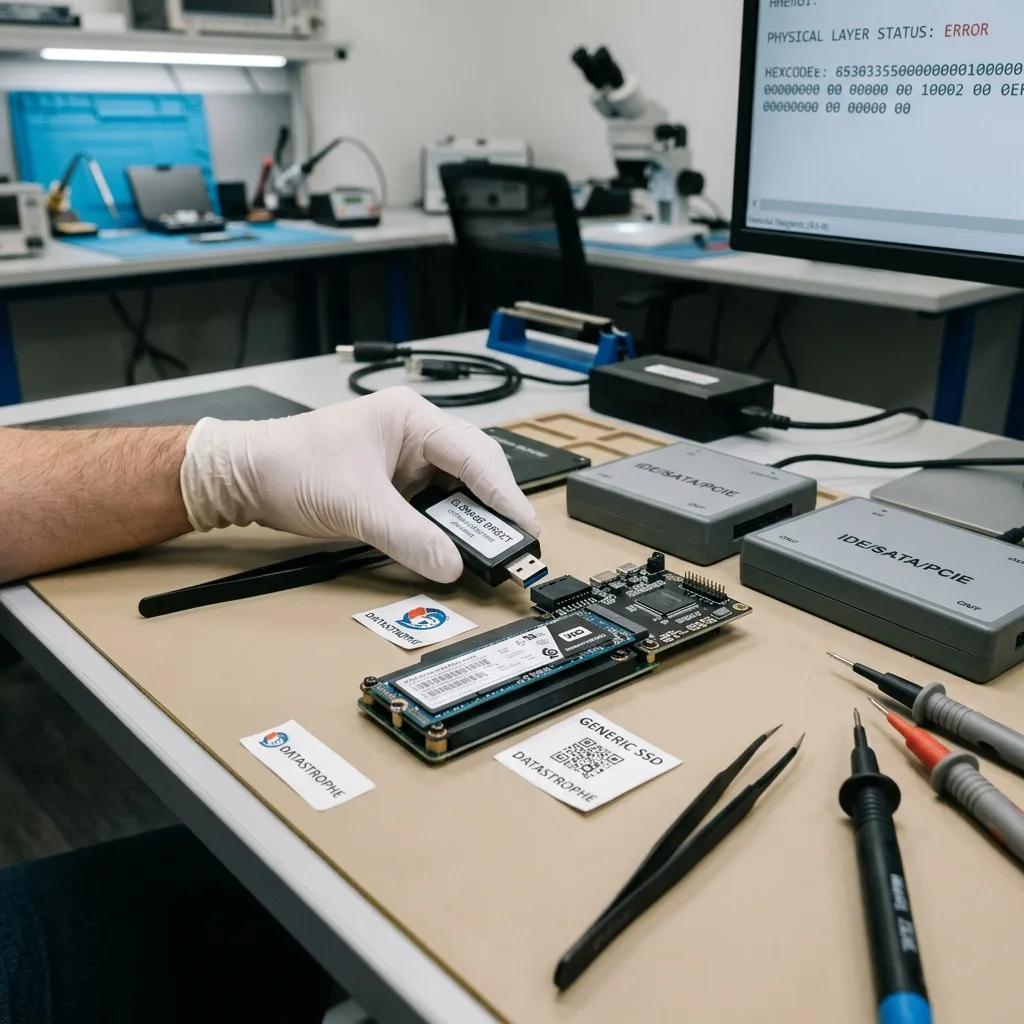
NAND memory is not organized as a permanent one-to-one copy of the sectors seen by the computer. The controller spreads writes, substitutes spare blocks, corrects bit errors and records where each logical address currently resides. This flash translation layer, or FTL, changes over the life of the SSD. Raw page dumps without the corresponding mapping, channel order and firmware rules do not form a mountable disk image.
Modern controllers also use scrambling, interleaving, multiple dies and strong error-correction schemes such as BCH or LDPC. Some encrypt data internally even when the owner did not enable an operating-system password. Recovery must interpret those transformations in the correct order. A controller that partly responds may provide the most faithful logical view, while a completely failed controller can make reconstruction dependent on family-specific knowledge and surviving metadata.
The laboratory pathway evaluates controller access before direct NAND work because native translation preserves context that would otherwise need to be rebuilt. Direct acquisition is technically demanding, can be limited by monolithic packaging or unsupported controllers and does not bypass hardware encryption. The decision is based on measured access and architecture, not on a generic belief that removing memory chips always exposes files.
Logical block view
When the controller can present stable logical sectors, acquisition preserves its mapping and error handling while access limits are carefully bounded.
Raw NAND view
When native access is impossible, page data still requires channel, die, ECC, scrambling and FTL reconstruction before file systems can be examined.
Electronic damage
Liquid and short circuits must be stabilized before reading
Liquid can bridge power rails immediately and leave conductive residue that corrodes pads over time. An SSD exposed inside a laptop may look dry while contamination remains under its controller or power components. Applying power to check whether it recovered can enlarge a short or damage a previously intact NAND supply. Disconnect the device and battery where safe, avoid heat and keep all original parts with the case.
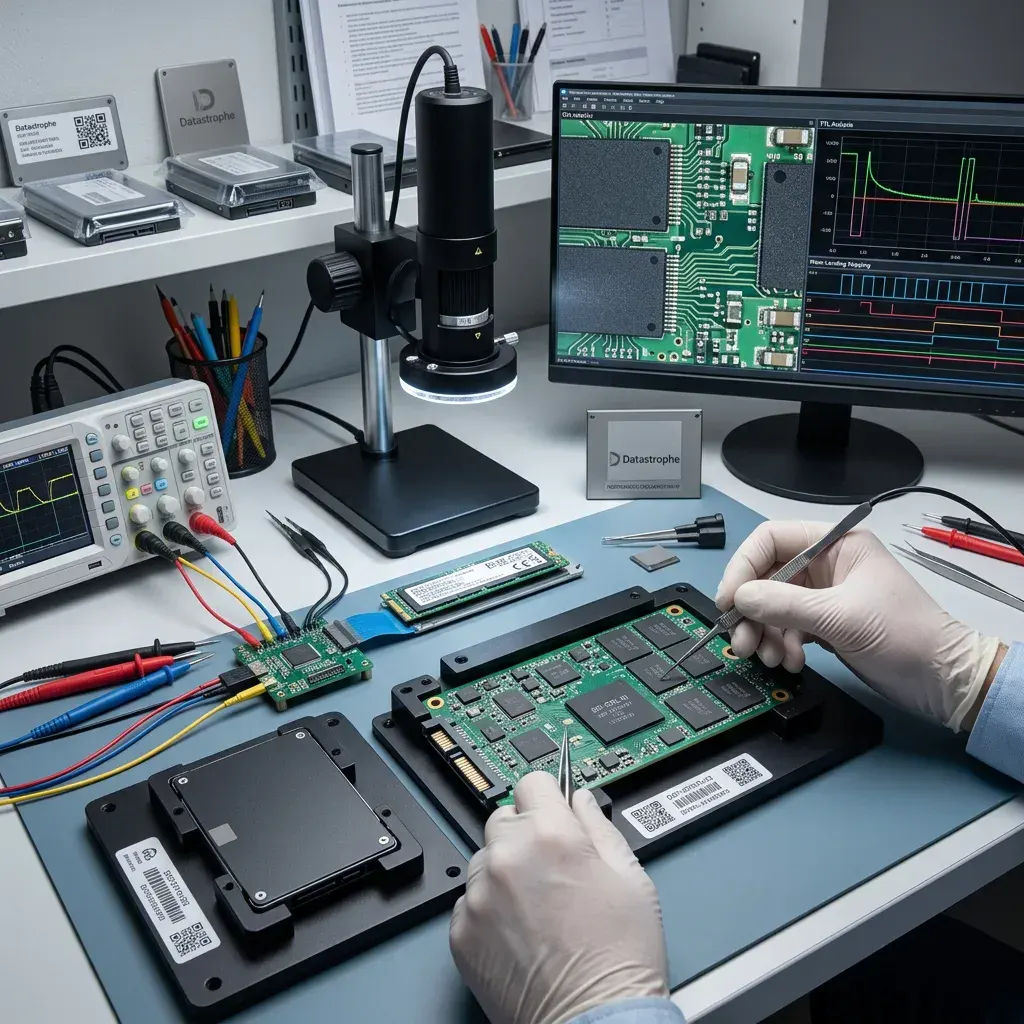
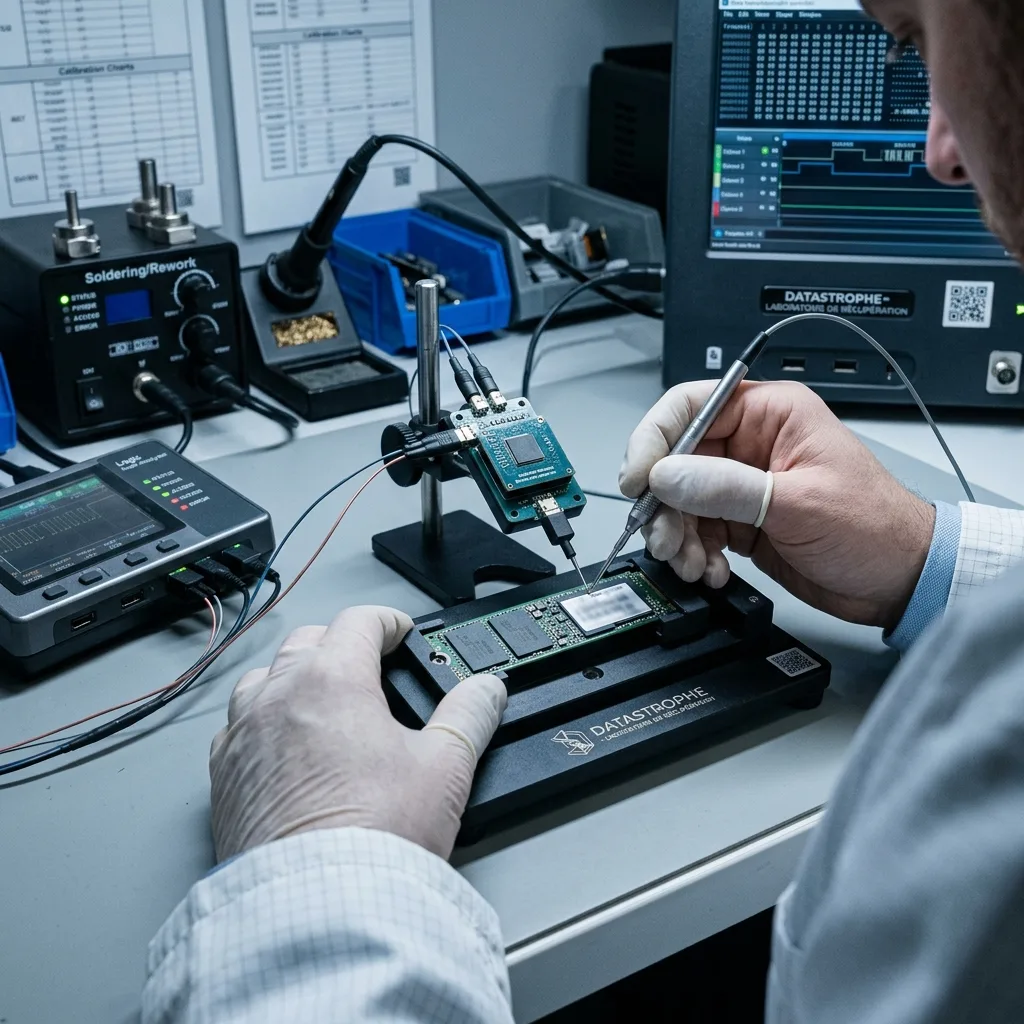
Electronics work starts with visual inspection, resistance and power-rail measurements rather than unrestricted current. Protection components, regulators and clock or reset paths are considered in relation to the board design. A shorted capacitor may be replaceable, but bypassing protection without understanding the fault can send incorrect voltage into the controller or NAND. Corrosion cleaning is controlled so package markings, pads and evidence are not scrubbed away.
The objective is a temporary stable access window, not refurbishment of the SSD for reuse. Once the controller presents data coherently, acquisition takes priority over operating-system repair. If electronic stabilization cannot restore normal access, alternative controller or NAND methods are evaluated with their limitations. The failed source remains unsuitable for daily service even if its files can be acquired successfully.
- Disconnect power and the host battery after liquid exposure
- Do not use rice, an oven, a hair dryer or contact spray
- Keep the SSD board, labels and original host together
- Authorize component-level work only after measured findings
Contamination assessment
Magnified inspection locates residue beneath packages and around fine-pitch components before cleaning or energized measurements begin.
Controlled power assessment
Resistance and current-limited rail tests identify the affected domain without applying unrestricted host power to a shorted SSD.
Acquisition strategy
The least intrusive access path preserves the most context
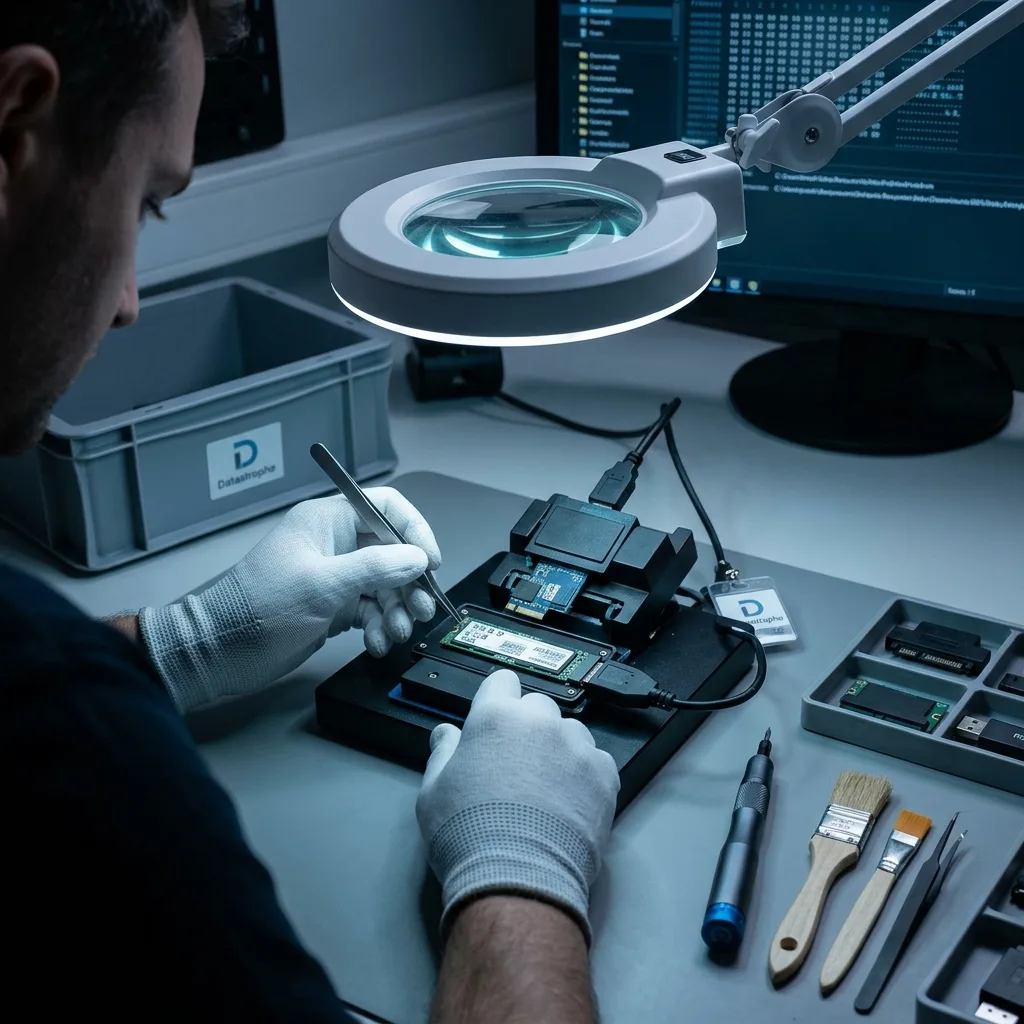
If an SSD identifies consistently, controlled logical imaging is preferred because the controller still applies its native FTL, ECC and decryption. Transfer behaviour is monitored and reads can be staged when the device overheats, resets or reports media errors. A normal operating-system mount is avoided when it would issue repairs, indexing or background writes. The acquired blocks and error map are stored separately from later reconstruction.
When standard access fails, controller-specific service modes or firmware work may provide a limited reading path. These methods depend on the exact controller, board and firmware family and are not universally available. Direct NAND acquisition is considered only when normal controller access cannot yield a coherent image and the package architecture can be read and reconstructed. It is an electronic and logical procedure, not clean-room platter work.
Every deeper method trades intrusion against potential information. Removing packages can damage a marginal board and may lose controller-managed metadata; controller emulation can be blocked by internal encryption; a monolithic device may expose no practical removable memory interface. The assessment explains which path is justified, what evidence supports it and which failure conditions could make the requested data unavailable.
Encryption boundary
BitLocker and FileVault require valid recovery material
Operating-system encryption protects logical content after the SSD has been acquired. BitLocker may depend on a password, recovery key, TPM state or an authorized organizational account. FileVault may require a user credential or recovery key associated with the APFS volume. The physical presence of NAND pages does not reveal plaintext when the encrypted container and key material are functioning as designed.
Preserve the original computer when a TPM, secure component or soldered storage relationship may matter. Record authorized accounts, key identifiers and any management system that held recovery material. Credentials should be transmitted separately through the agreed secure process, not taped to the device or sent in an ordinary parcel. A motherboard replacement, firmware reset or account removal can change the path to otherwise valid keys.
Encryption status is tested against a sufficiently coherent image. A correct key cannot repair missing container metadata or unreadable sectors, while intact encrypted blocks remain unusable without a matching key. Recovery reports distinguish storage acquisition from successful decryption so neither is overstated. For integrated Mac storage and APFS-specific dependencies, see Apple Mac data recovery.
Personal devices
Check printed or saved recovery keys and authorized cloud-account records without resetting the device or replacing its system board first.
Managed devices
An authorized administrator may need to identify the recovery-key record and device identity while preserving access and audit requirements.
Validation
ECC correction must be followed by file-level proof
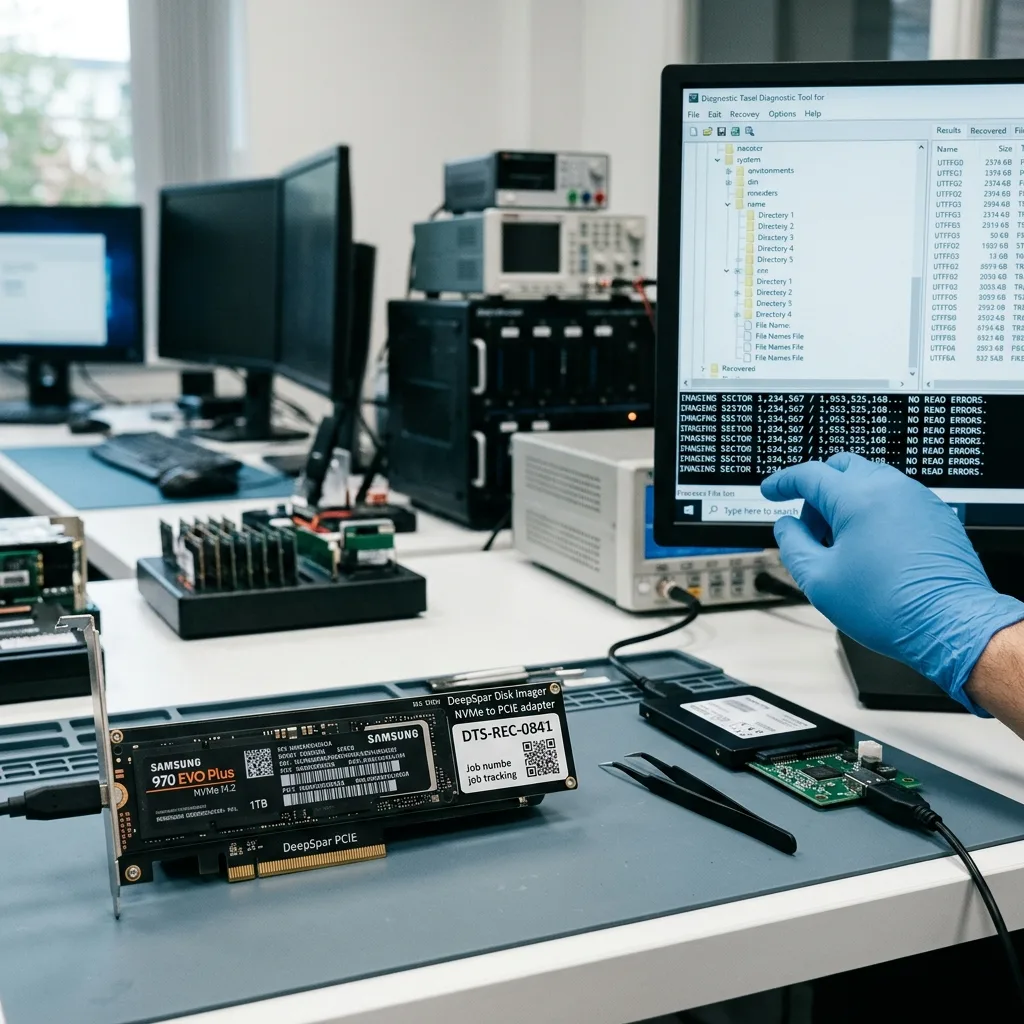
Flash error correction can recover some bit errors, but its success varies by page, wear level and available parity information. A reconstructed logical image may contain regions corrected confidently, regions recovered with uncertainty and pages that remain unreadable. The error model is retained so later file checks can account for where questionable data entered the image instead of treating every exported byte as equally reliable.
File systems are then reconstructed on copies. APFS, NTFS, ext4 and other structures are checked for coherent allocation and timestamps, not merely a mountable root directory. Representative documents, images and archives are opened throughout their content. Databases and virtual disks need internal checks because an intact header or file size can conceal missing pages that affect records farther inside.
The delivery identifies verified, partial and unrecoverable priority items. TRIMmed ranges, lost FTL metadata, excessive NAND wear and unavailable encryption material are reported as distinct limits. A headline percentage can hide whether missing blocks fall in replaceable cache files or the only required database, so the assessment connects physical and logical gaps to the user's stated purpose.
- Retain page and block error information from acquisition
- Check file-system allocation before broad signature carving
- Open priority files by format and intended use
- Report TRIM, encryption and missing mapping as separate limits
Case preparation
Model, interface and last access define the intake
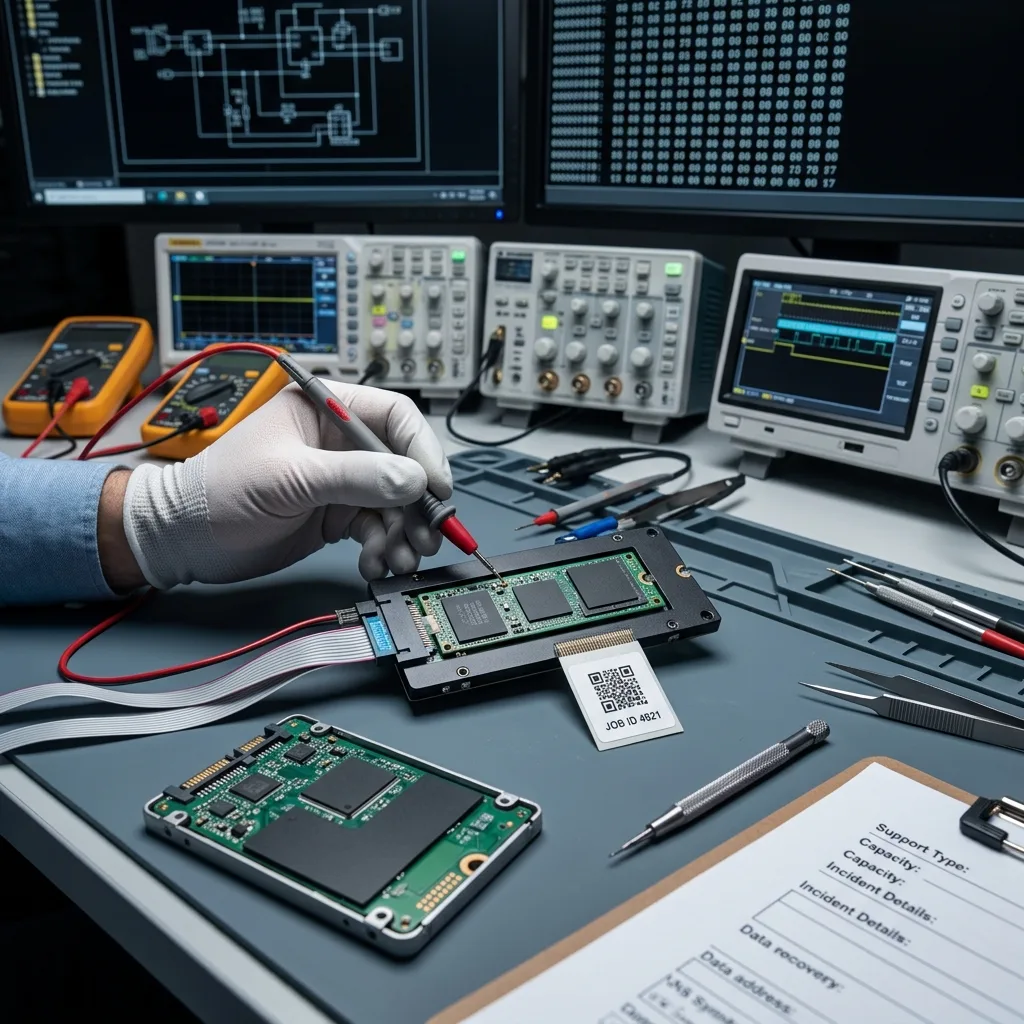
Photograph the label and record the full model, capacity, form factor and interface. M.2 alone is not a protocol; note whether the device is SATA or NVMe when that information is already known. Describe the last successful use, power loss, liquid, heat warning, deletion or firmware event and list every test performed afterward. Do not reconnect solely to gather details that can be read from the label or host records.
Identify BitLocker, FileVault, hardware encryption and the authorized sources of recovery keys. For a managed computer, preserve its asset identity and contact the administrator before accounts or device records expire. Define priority folders, date ranges and applications so acquisition and validation can focus on operational value. A precise database name or project path is more useful than a request for every allocated block.
Ship removable SSDs in anti-static protection inside a rigid cushioned box. Keep a liquid-damaged or soldered-storage computer intact unless safe removal has already been performed by an authorized technician. Allow a cold sealed parcel to acclimatize before opening to reduce condensation risk. The data recovery process separates diagnostic assessment, authorization, acquisition and verified handover.
FAQ
Frequently asked questions
Can data be recovered when an SSD is not detected in BIOS?
Sometimes, depending on the power path, controller, firmware, NAND condition, mapping metadata and encryption. Absence from BIOS is a symptom, not a diagnosis. Repeated restarts and firmware updates should stop. A diagnostic assessment verifies the interface, current draw and electronics before deciding whether normal controller access, a supported service mode or a deeper NAND pathway is technically justified.
How does TRIM affect deleted-file recovery from an SSD?
TRIM can tell the controller that deleted logical blocks are no longer needed. Garbage collection may then erase or recycle their NAND pages. The outcome depends on the operating system, file system, command path, controller and time powered on, but completed erasure cannot be reversed by scanning. Shut the system down promptly and preserve backups or snapshots as separate possible sources.
Does direct NAND reading always recover an SSD?
No. Raw pages still require ECC, scrambling, channel order, interleaving and FTL reconstruction. Modern controllers may also apply internal encryption, and some monolithic or unsupported packages cannot be acquired practically. Native controller access is preferred when it can produce a coherent logical image. Direct NAND is considered only for supported architectures when less intrusive access is unavailable.
What encryption information should accompany an SSD case?
Record whether BitLocker, FileVault or another product was active, the device identity and where an authorized recovery key may be stored. Preserve the original computer when TPM or secure-component relationships may matter. Do not place passwords in the parcel or reset the account. Valid keys are tested only against a sufficiently intact encrypted container, and they cannot repair unreadable NAND or missing metadata.
Media
Other expertise
- Hard Drive Data Recovery for Clicking and Unreadable Disks Hard drive data recovery for clicking, dropped, slow or unreadable HDDs, using controlled imaging, mechanical assessment and file-level validation.
- External Hard Drive Data Recovery after USB or Disk Failure External hard drive recovery for dropped, disconnected, unrecognized or format-requesting USB disks, with enclosure-aware imaging and file validation.
- USB Flash Drive Data Recovery for Connector and NAND Failures USB flash drive recovery for broken connectors, zero-capacity devices, controller faults, formatting and damaged file systems, with validated handover.
- Memory Card Data Recovery for Photos and Video Memory card recovery for formatted, unreadable or physically damaged SD, microSD, CFexpress and CompactFlash media, with capture-aware validation.
- Laptop Data Recovery after No-Boot or Liquid Damage Laptop data recovery after no-boot, liquid, impact, BitLocker or storage failure, with device-aware acquisition and priority-file validation.
- Apple Mac Data Recovery for APFS and Integrated Storage Apple Mac data recovery for liquid, no-boot, APFS, FileVault, soldered storage and Fusion Drive failures, with library-aware validation.
- Tablet Data Recovery for No-Power and Local Data Tablet data recovery for no-power, liquid, broken-screen and local-storage cases, with encryption-aware access and verified export of authorized data.
- Virtual Disk Data Recovery for VMDK and VHDX Virtual disk recovery for broken VMDK, VHDX and snapshot chains, using preserved datastores, dependency-aware reconstruction and application validation.
- RAID and NAS Data Recovery after Array Failure RAID and NAS recovery after degraded arrays, failed rebuilds or multiple member faults, with imaging, virtual reconstruction and workload validation.
- Server Data Recovery for Storage and Database Failures Server data recovery for storage, file-system, virtual-machine and database failures, with write containment, dependency mapping and isolated validation.
- NVR and DVR Recovery for Missing Camera Footage NVR and DVR recovery for missing security-camera footage, damaged disks, broken indexes and proprietary exports, with channel and timeline validation.
- ISO 5 (Class 100 equivalent) Clean-Room Data Recovery ISO 5 clean-room recovery for diagnosed hard-drive head, spindle or contamination failures, followed by controlled imaging and validation.
 Hard Drive Data Recovery for Clicking and Unreadable Disks
  USB Flash Drive Data Recovery for Connector and NAND Failures
  Memory Card Data Recovery for Photos and Video
  Laptop Data Recovery after No-Boot or Liquid Damage
  Tablet Data Recovery for No-Power and Local Data
  Virtual Disk Data Recovery for VMDK and VHDX
  RAID and NAS Data Recovery after Array Failure
  Server Data Recovery for Storage and Database Failures
  NVR and DVR Recovery for Missing Camera Footage
  ISO 5 (Class 100 equivalent) Clean-Room Data Recovery
 Diagnostic assessment
Unsure about a storage device or fault?
Datastrophe assesses the risk before any recovery attempt and points you toward the safest next step.