
Diagnostic assessment
Observe Symptoms Without Jumping To Conclusions
Hard drive failure can appear as noise, slowness, loss of recognition, a format request, corrupt files or a stalled copy. These signs do not all describe the same fault. Diagnosis begins with observation, not repair.
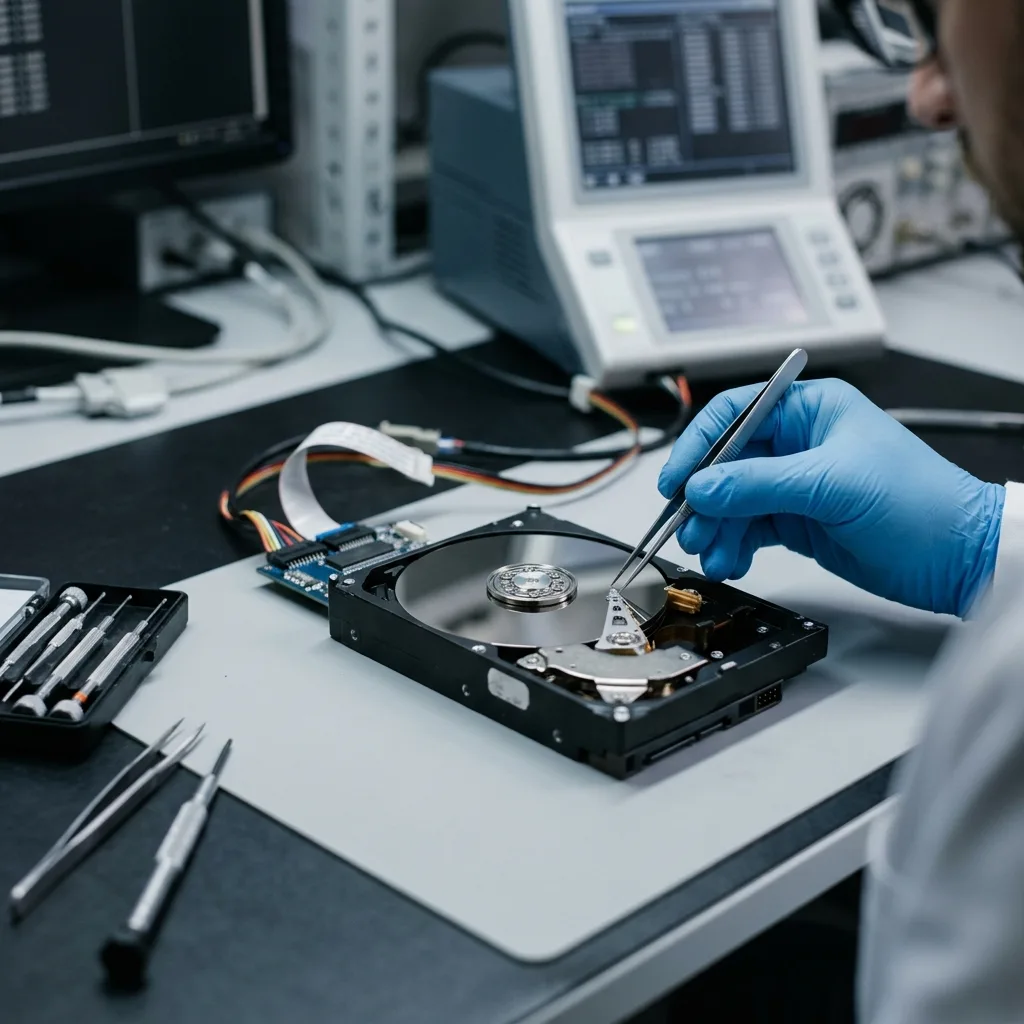
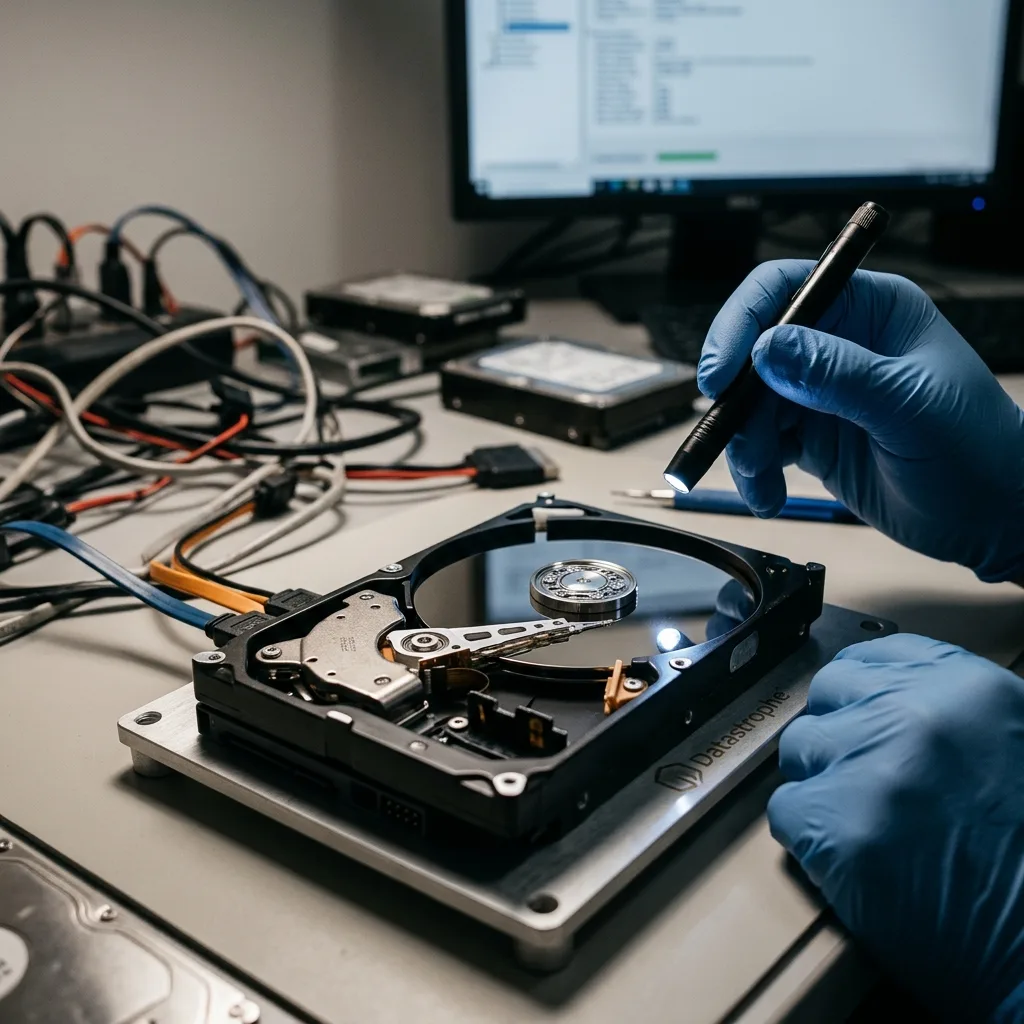
A mechanical drive combines platters, motor, read heads, electronics and a file system. One or multiple layers can fail. Logical corruption may follow unstable sectors, a power outage can expose an existing mechanical weakness, and an external enclosure can conceal the condition of the drive itself.
Record the precise behaviour: noise at begin-up, disappearance after a few minutes, incoherent capacity, read errors, or visible files that cannot be copied. These clues shape the approach and prevent every fault being treated as deleted files.
Datastrophe proceeds progressively. The hard drive is first treated as a device to retain and then, if its condition allows, as a source to image. This avoids tests that appear productive while worsening the failure.
Diagnostic assessment
Separate Mechanical, Electronic And Logical Failure
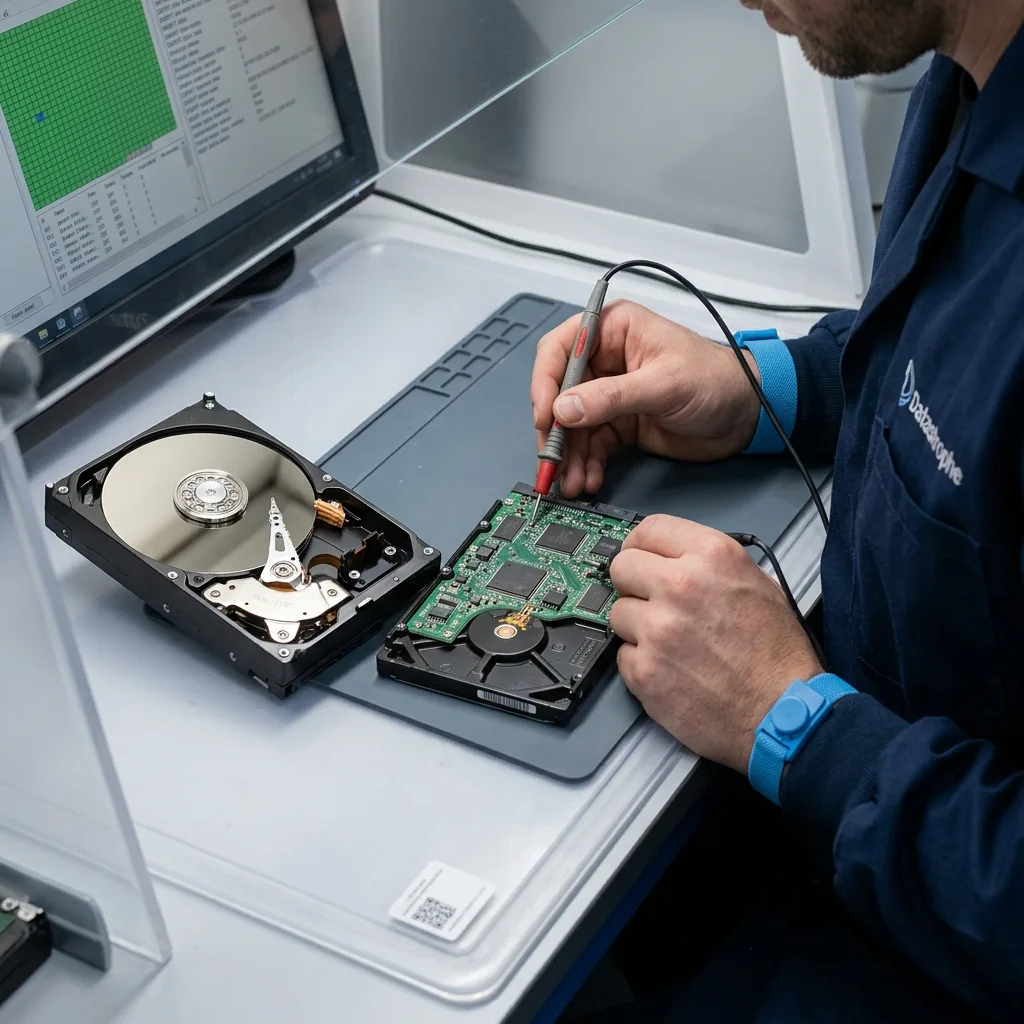
Mechanical failure concerns platters, the motor or read heads and calls for immediate caution, especially with clicking, scraping or repeated stalls. Electronic failure more frequently involves the board, power or interface. Logical failure affects partitions, metadata, the file system or deleted files.
These categories can overlap. Unstable sectors may eventually corrupt files. A failing power supply can interrupt writes. An external drive may appear dead due to its enclosure, or the enclosure may hide a fault in the drive.
The assessment looks for consistency between symptoms. A stable but unreadable volume needs a distinct approach from a drive that disappears during acquisition. Abnormal noise changes priorities. A reported capacity of zero indicates a deeper access issue than one erased folder.
Hard drive data recovery covers the service route. The focus here is the initial diagnosis: understand the failure before looking for files.
Diagnostic assessment
Retain The Drive Ahead of A Prolonged Read
Forcing an unstable drive is the principal risk. Repeated starts, full scans, automated repair routines and file-browser copying can stress weak areas. If the device has a limited reading window, these attempts may consume it before controlled recovery begins.
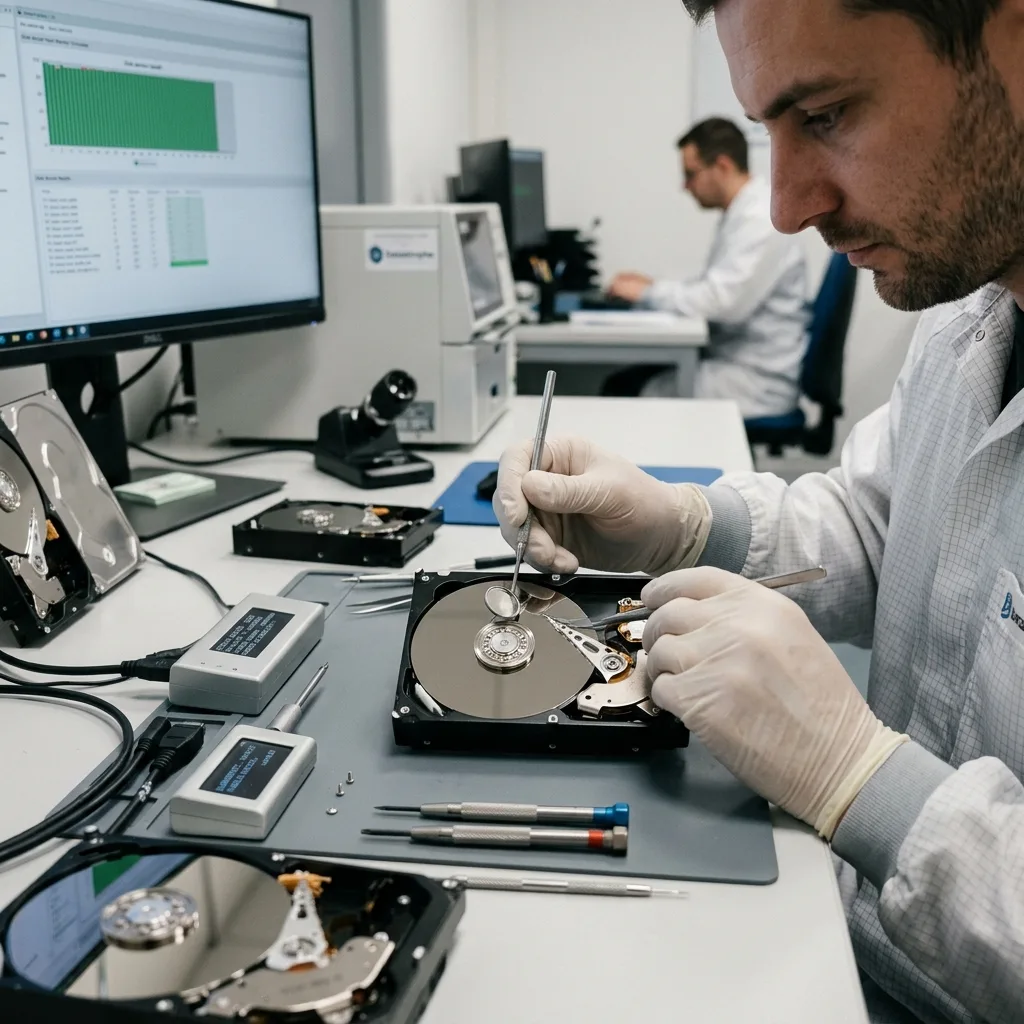
When the drive still responds, decide whether controlled acquisition is possible. This is not an ordinary file transfer. It accounts for unstable sectors, reading order, priority data and the errors encountered.
Stop applying power if the drive makes noise or becomes abnormally hot. Connecting it to multiple computers does not supply a reliable diagnosis; it multiplies mechanical risk and obscures the chronology.
Retain associated items too: cable, external enclosure, power supply, original computer and displayed messages. They may help separate an interface issue, electronic fault and failure of the drive itself.

Diagnostic assessment
Prioritize Data Instead Of Promising Everything
Useful recovery does not always mean extracting the whole drive. Highly unstable storage may require priorities: accounts folders, recent photographs, a client project, database, archive or administrative records. That list changes acquisition order.
The diagnosis must explain limits too. Some files may be valid while others are partial or corrupt. A visible folder structure does not prove that each file opens. An partial image can remain valuable if it covers the required data.
Previous attempts need to be known. Repair, formatting, restoration or an automated utility may have changed metadata. Such actions do not always prevent recovery, yet they alter the analysis.
Storage media damage assessment describes the general approach. The particular concern here stays the mechanical hard drive: noise, unstable sectors, read heads and cautious acquisition.
Diagnostic assessment
Prepare Relevant details For The Laboratory
To speed up the assessment, supply the model, capacity, drive type, failure context, any sounds, messages, previous actions and data priorities. A short, precise account is more valuable than an elaborate theory.
Keep backups and partial copies. Even older versions can validate recovered files or supplement a handover. Do not overwrite them while testing.
Protect the drive physically in transit. A dropped or noisy device should not be shaken or left loose inside its packaging. It should reach the laboratory as close as possible to its post-incident state.
Analyzing hard drive failure means resisting haste. The outcome frequently depends on the first decision: stop writes, understand the symptoms, retain the original and work from an image where possible.
Keep diagnosis separate from the recovery quote. Diagnosis describes observable condition, risks and priorities. The quote must not turn those observations into excessive certainty. A partly readable drive can reveal new limits during acquisition, and that possibility should be clear.
The handover also needs checking. A file listed in a folder structure may not open. An archive may be partial and a database inconsistent. Validate priority files and label partial material instead of presenting an unreviewed volume as a final result.
When multiple faults are plausible, record the hypotheses instead of selecting the most dramatic. Noise, slowness and read errors can have multiple causes. A measured workflow reduces uncertainty step by step without repeatedly stressing the original drive.
After handover, the failed drive should not return to service. Even where some data were recovered, the incident proves it is no longer reliable. Replace it and introduce a tested backup into the new arrangement.
Diagnostic assessment
Primary Technical References And Limits
Reference scope — failed hard drive before recovery: For assessing failed hard drive before recovery, the primary references used are NIST SP 800-86. Physical evidence — failed hard drive before recovery: They define the relevant preservation, storage or validation concepts, but they cannot establish the exact physical condition, controller state, key availability or business consistency of the device received. Controller evidence — failed hard drive before recovery: Those points require measurements on the original set and verification on copies.
Diagnostic assessment
Arrange A Controlled Assessment
Complete set — failed hard drive before recovery: For a technical assessment of assessing failed hard drive before recovery, provide the complete device or storage set, its associated power and interface parts, the symptom timeline and the priority files. Incident history — failed hard drive before recovery: Keep member order, labels and authorised credentials separate from the parcel paperwork; do not restart the source merely to obtain a new screenshot.
Laboratory responsibility — failed hard drive before recovery: Datastrophe performs the diagnosis, integrity checks and recovery directly in its own laboratory with its own team. Free assessment — failed hard drive before recovery: Diagnosis and the written estimate are free. Transport boundary — failed hard drive before recovery: Two-way private shipping is included; the carrier moves only the sealed parcel and neither accesses nor processes its data.
Controlled list — failed hard drive before recovery: Before any payment, the client receives the proposed price and a checked list. Verification classes — failed hard drive before recovery: Each item is classified, in order, as recoverable_verified, partial, detected_unverified or unrecoverable. Payment trigger — failed hard drive before recovery: Only recoverable_verified items whose contents were checked and found usable are presented as recoverable. No-result rule — failed hard drive before recovery: Payment is due only after the client accepts both the list and the price.
No-result rule — failed hard drive before recovery: If no usable data is verified, recovery fails, or the client declines the list or price, no standard fee is payable. Rare-part exception — failed hard drive before recovery: The only exception is a rare, costly and non-refundable part, which may be ordered only after a separate, explicit and priced proposal has been accepted.