
Diagnostic assessment
Identifying What Has Actually Aged
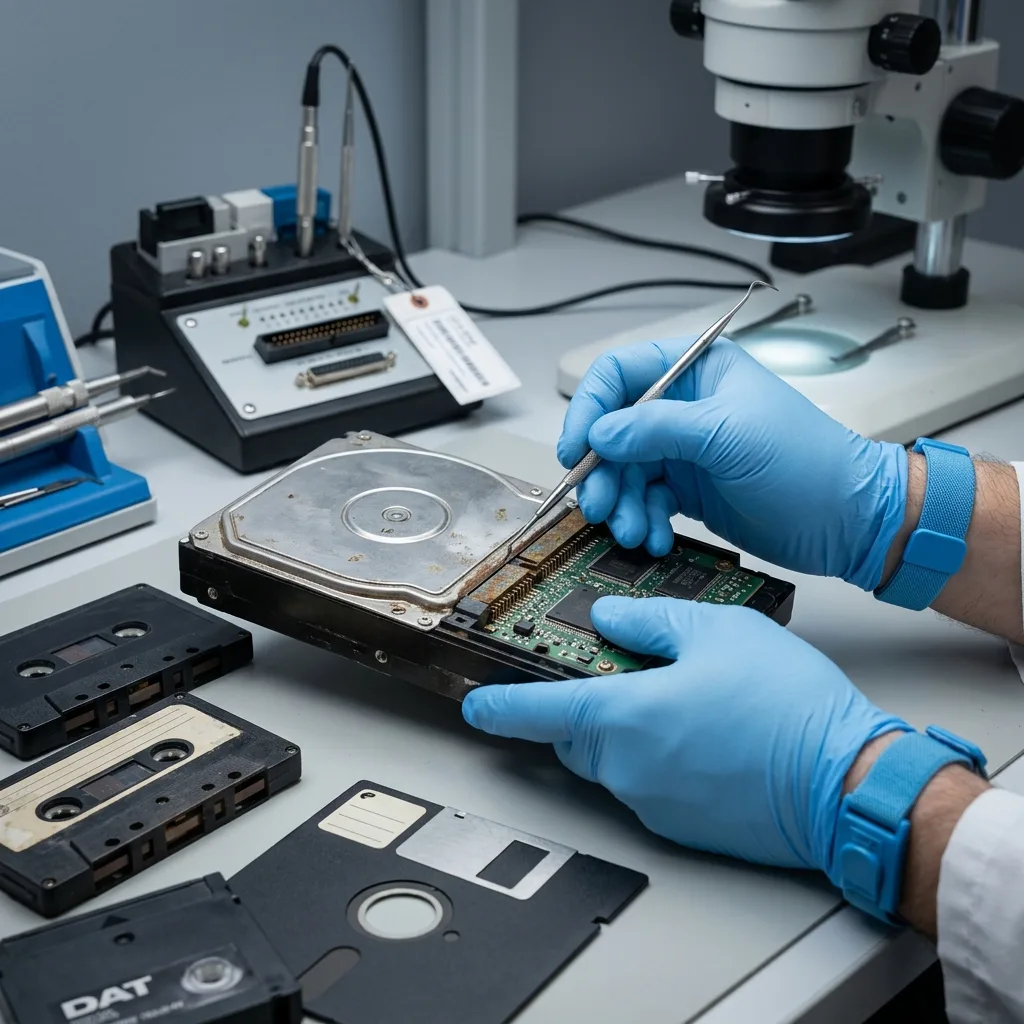
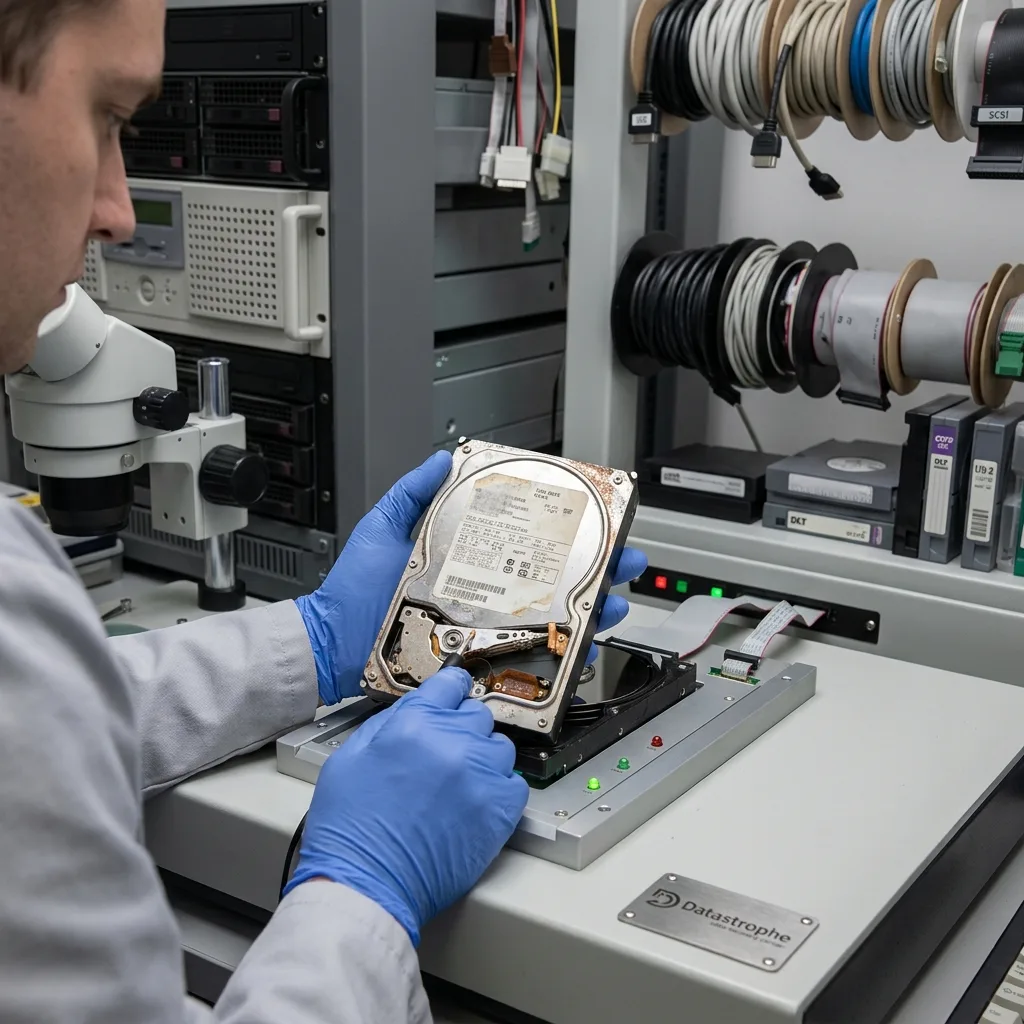
An aging storage device is more than an old one. Wear, long-term storage, heat, humidity, write cycles, obsolete interfaces and software that no longer reads the original formats can all make it unstable. The data may still exist while access becomes less certain.
Old hard drives combine mechanical risks with unstable sectors. SSDs and flash memory age differently through their controller, NAND cells and internal wear management. Optical media may suffer from scratches, layer degradation or distortion. Each family calls for a different approach to reading.
Dependencies need consideration too. An old application, operating system, codec, database or backup structure may be needed to use the files. Recovering data is not enough if nothing can open them.
Aging can remain invisible until the first demanding operation. A device stored for years may appear sound and then fail during a complete copy. The first read should be treated as preservation work instead of ordinary browsing.
Old hard drives: risks and data recovery examines mechanical storage. The broader issue here covers archives and old media across several technology families.
Diagnostic assessment
Avoiding A Bulk Copy On First Connection
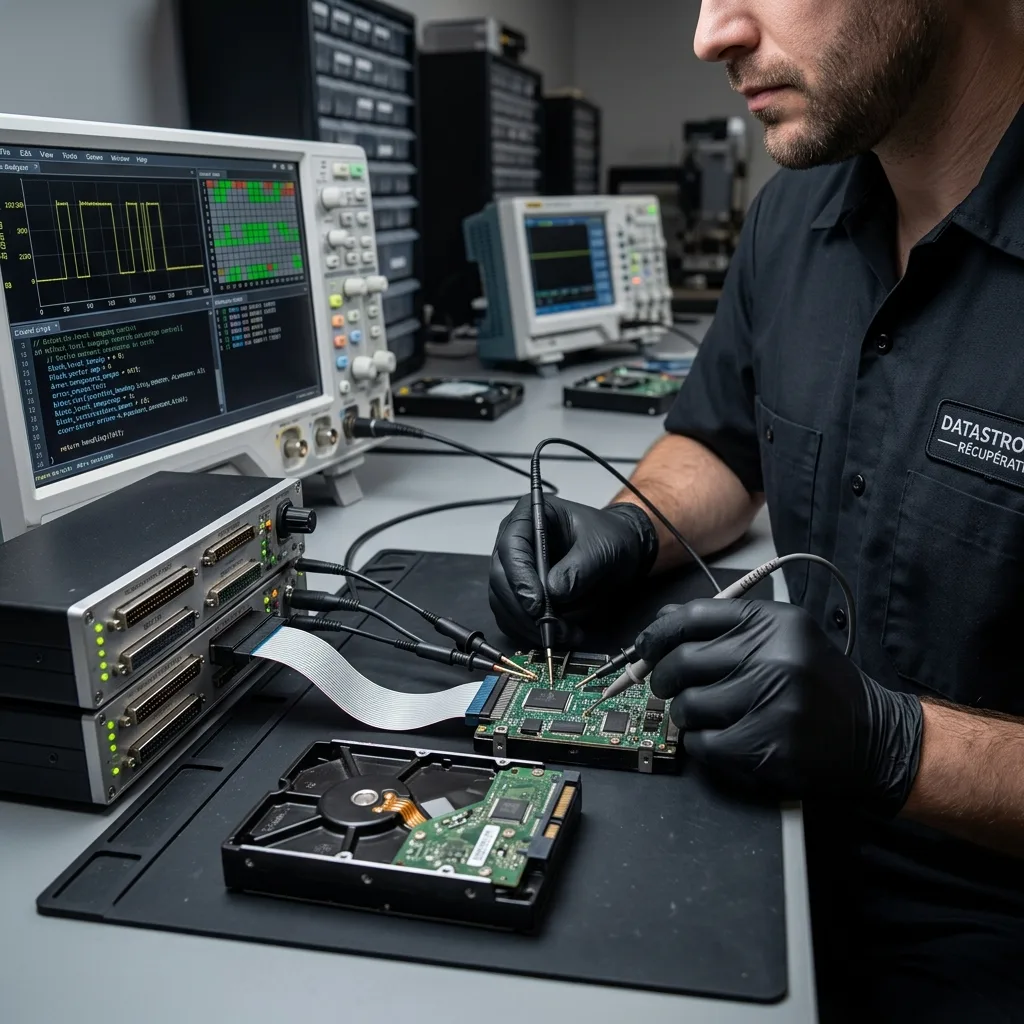
The natural first response is often to connect the device and copy everything visible. That may be too demanding for aging storage. A long copy stresses weak areas, warms the hardware and can stall on repeated errors.
Before a bulk copy, observe its behavior: noise, speed, disconnections, reported capacity, messages, temperature, visible folder structure and priority files. Stop testing if the storage device shows signs of instability.
Adaptors and power supplies need particular attention. An old IDE drive, worn USB enclosure, aging optical drive or faulty memory-card adaptor can create errors resembling failure in the storage itself. Understand the reading chain without multiplying tests.
Trying several drives is an understandable temptation, but it needs control. Each attempt adds another read and may add heat or a power interruption. If the storage becomes slower, disconnects or repeats errors, preservation of what remains readable takes priority over exploration.
When a device is fragile, recovery should begin with the important data. Photographs, administrative documents, business archives, databases, videos and client folders should be prioritized. A complete copy can follow if the condition permits.

Diagnostic assessment
Handling Obsolete Formats And Interfaces
Age affects more than hardware. File formats, file systems, applications and backup media can all become difficult to use. A recovered file may be intact yet unusable without compatible software.
Old backups may be incremental, split into parts or dependent on a catalogue. Virtual disks, databases, compressed archives and proprietary formats need validation in context. The presence of a file does not prove that its data are complete.
Metadata may carry considerable value: dates, folders, names, recording sessions, permissions or project structure. Signature-based recovery may find files while losing their organization. That result can be inadequate for a business archive.
Aging storage frequently lacks documentation too. Nobody may remember the software, password, period covered or meaning of individual folders. Before changing anything, record visible clues such as labels, volume names, dates, formats and original equipment.
Damaged optical media illustrates this problem for CDs, DVDs and Blu-ray discs. Aging storage needs the same caution: check that files open instead of merely confirming that they copied.
Diagnostic assessment
Validating Recovery Before Migration
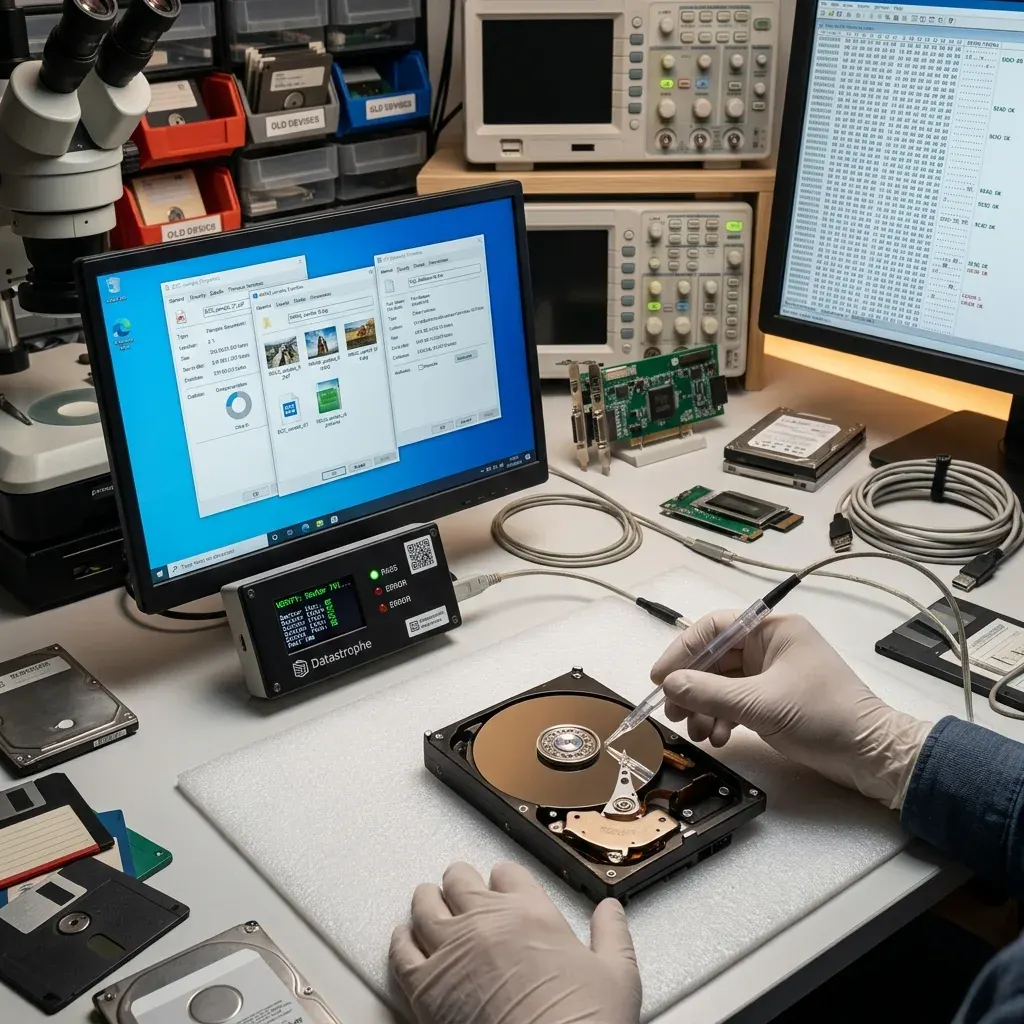
A successful migration produces readable data on a healthy storage device. Open a representative sample of documents, photographs, videos, archives, databases and specialist files. Record errors instead of concealing them.
Validation should also confirm the period covered. Old storage may contain several partial backups, duplicates or conflicting versions. Removing duplicates before comparison could discard the best source.
Preserve the original device until the migration has been confirmed. Do not return it to production use. Once the data are checked, keep the new archive in a separate backed-up location.
Where possible, critical files should be checked in their intended application. A photograph may open easily, while a database, compressed archive or business project still calls for dependencies. Validation must cover actual use instead of a few previews.
Datastrophe separates data recovery from returning a device to service. Aging storage may yield useful files without becoming reliable again. The right result is a checked handover, not extended reliance on old equipment.
Diagnostic assessment
Preventing The Loss Of Old Archives
Prevention means migrating before the need becomes urgent. Important archives should be copied to current storage, checked and documented. Waiting for noise, unreadability or incompatibility to appear lowers the available options.
A simple inventory is sufficient: storage type, content, approximate date, required software, backup status and priority. It allows archives to be handled before they become recovery cases.
Store media under suitable conditions with a stable temperature, low humidity, protection from impact, clean connectors and suitable packaging. Good storage is not a substitute for duplication. A single archive remains fragile however carefully it is kept.
Migration needs its own record. Note where the new copy is held, who can open it and when it was tested. An archive moved without an inventory can become impossible to find after a few years even when the technical recovery succeeded.
For aging storage that is already unstable, the rule stays the same: stop testing, document the context, set priorities and avoid writes. Age does not always prevent recovery, but it requires a more cautious approach than an improvised copy.
For aging storage, Datastrophe protects the first reliable read, preserves legacy context and validates representative files before migration; clean room work applies only to mechanical drives that must be opened.
Diagnostic assessment
Primary Technical References And Limits
Reference scope — recovery limits aging storage media: For data recovery limits aging storage media, the primary references used are NIST SP 800-86. Physical evidence — recovery limits aging storage media: They define the relevant preservation, storage or validation concepts, but they cannot establish the exact physical condition, controller state, key availability or business consistency of the device received. Controller evidence — recovery limits aging storage media: Those points require measurements on the original set and verification on copies.
Diagnostic assessment
Arrange A Controlled Assessment
Complete set — recovery limits aging storage media: For a technical assessment of data recovery limits aging storage media, provide the complete device or storage set, its associated power and interface parts, the symptom timeline and the priority files. Incident history — recovery limits aging storage media: Keep member order, labels and authorised credentials separate from the parcel paperwork; do not restart the source merely to obtain a new screenshot.
Laboratory responsibility — recovery limits aging storage media: Datastrophe performs the diagnosis, integrity checks and recovery directly in its own laboratory with its own team. Free assessment — recovery limits aging storage media: Diagnosis and the written estimate are free. Transport boundary — recovery limits aging storage media: Two-way private shipping is included; the carrier moves only the sealed parcel and neither accesses nor processes its data.
Controlled list — recovery limits aging storage media: Before any payment, the client receives the proposed price and a checked list. Verification classes — recovery limits aging storage media: Each item is classified, in order, as recoverable_verified, partial, detected_unverified or unrecoverable. Payment trigger — recovery limits aging storage media: Only recoverable_verified items whose contents were checked and found usable are presented as recoverable. No-result rule — recovery limits aging storage media: Payment is due only after the client accepts both the list and the price.
No-result rule — recovery limits aging storage media: If no usable data is verified, recovery fails, or the client declines the list or price, no standard fee is payable. Rare-part exception — recovery limits aging storage media: The only exception is a rare, costly and non-refundable part, which may be ordered only after a separate, explicit and priced proposal has been accepted.