
Diagnostic assessment
Check the Device Before Blaming the Card
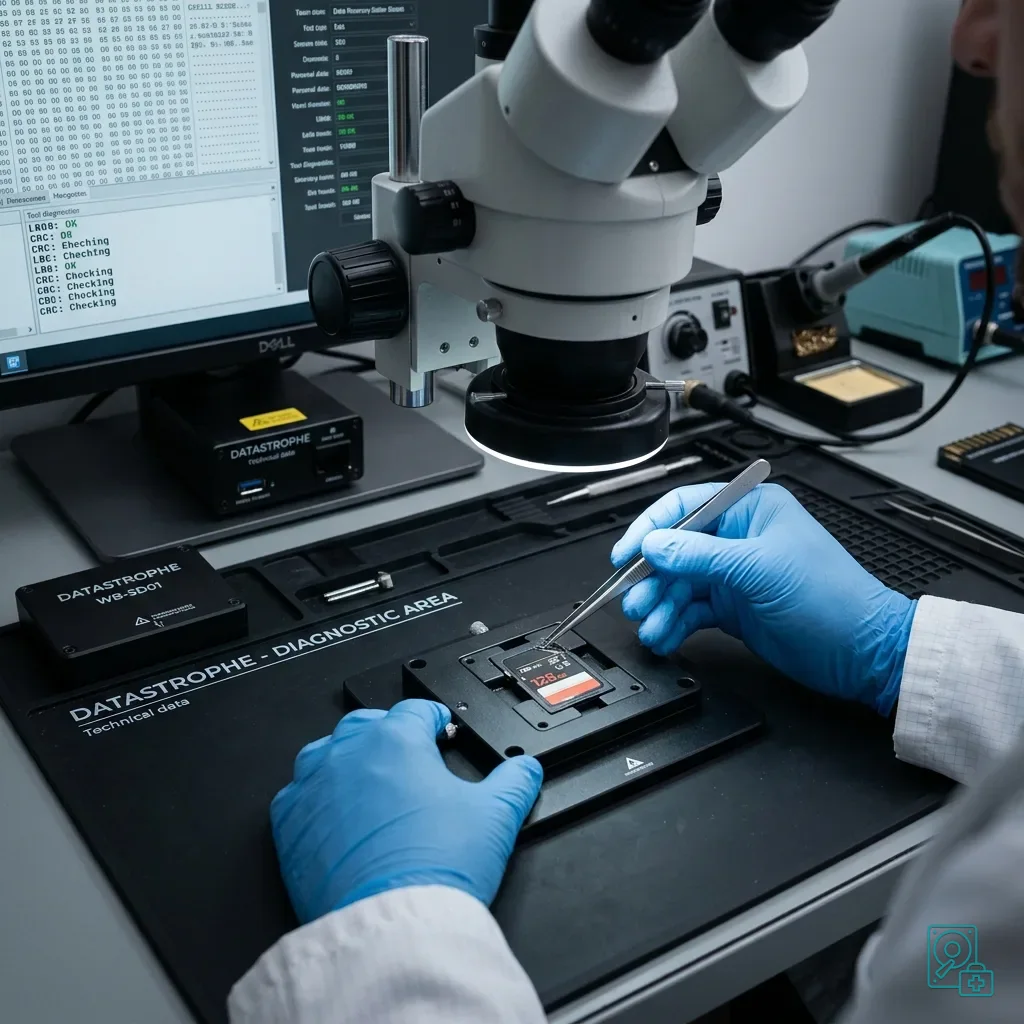
After a drop, the memory card is not always the only cause of the problem. The camera, drone, GPS unit or card reader may also be damaged. A card that looks unreadable in its original device may still be healthy, although the reverse is equally possible.
Avoid reaching a conclusion too quickly. An SD card may have marked contacts, a microSD card may be slightly bent, and the device may have stopped a write at the worst moment. The visible symptom does not yet show whether the failure is physical, logical or in the source equipment.
Damaged memory cards explains the broader failure types. The immediate concern here is impact: the device was dropped, the card was ejected, a cover opened, an adaptor was struck or writing stopped during the fall.
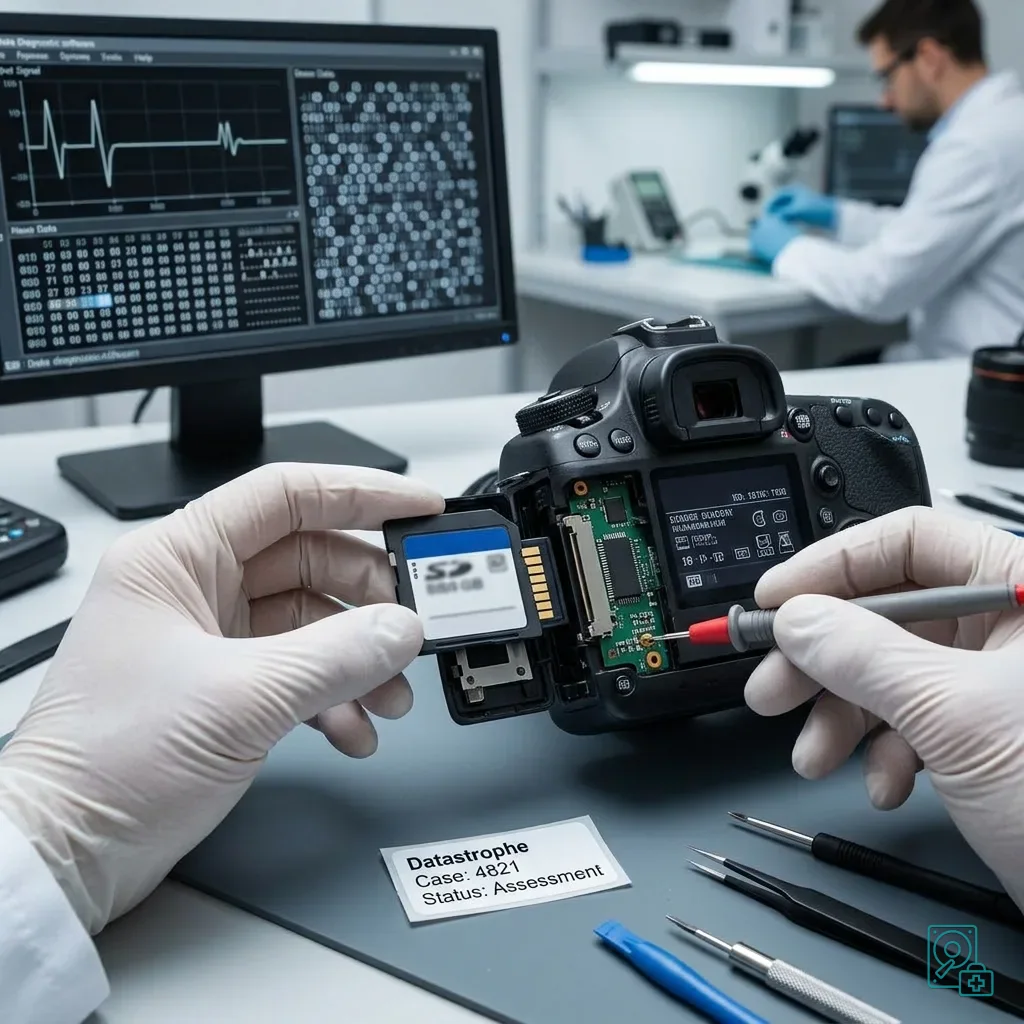
Keep the source device where possible. It can reveal the expected format, incident time, file types and error messages. Some devices also create auxiliary files needed to play a video or interpret a sequence of images.
The card's position at the moment of impact is useful evidence. A card that remained in its slot, one that was ejected and one recovered from the ground face different risks. This detail informs checks on the connector, adaptor and likelihood of an interrupted write.
Diagnostic assessment
Stop Repeated Insertions and Reader Swaps
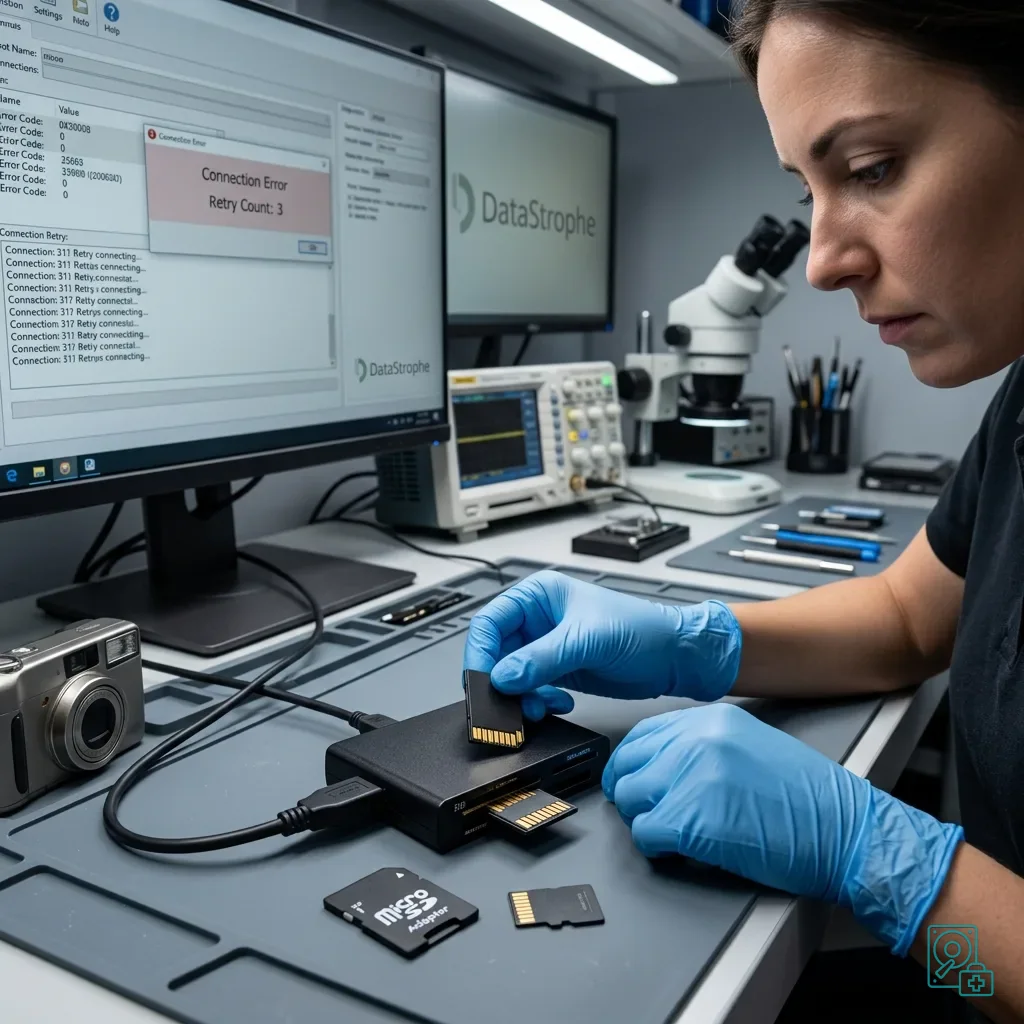
The natural first response is often to put the card back into the device, then try a computer, external reader and adaptor. These tests may seem cautious, but they place more stress on the connector and can trigger new writes.
Stop if the card asks to be formatted, reports the wrong capacity, disappears or causes errors. Refuse automatic repairs and initialization. They can change the logical structure and reduce the chance of recovering the required files.
Do not force a cracked or bent card into a reader. Even if it still fits, every insertion can move the damaged area. A microSD card is particularly vulnerable because its small size can hide meaningful mechanical stress.
Isolate the card, record the symptoms and establish the priorities instead. When files are critical, reading should follow a controlled plan rather than a sequence of random tests.
Avoid improvised cleaning as well. Blowing hard, scraping contacts or applying an unsuitable product can move debris or add moisture. If the card looks dirty after the drop, its condition should be assessed carefully.
Keep any microSD adaptor that was involved in the fall. The adaptor itself may be causing unstable contact or incomplete reading.
Diagnostic assessment
Prioritize Video and Burst Sequences
A drop during photography, a drone flight, an inspection or a video sequence can interrupt writing. The newest files are the most vulnerable: they may appear but remain incomplete, be absent from the folder or report an implausible size.
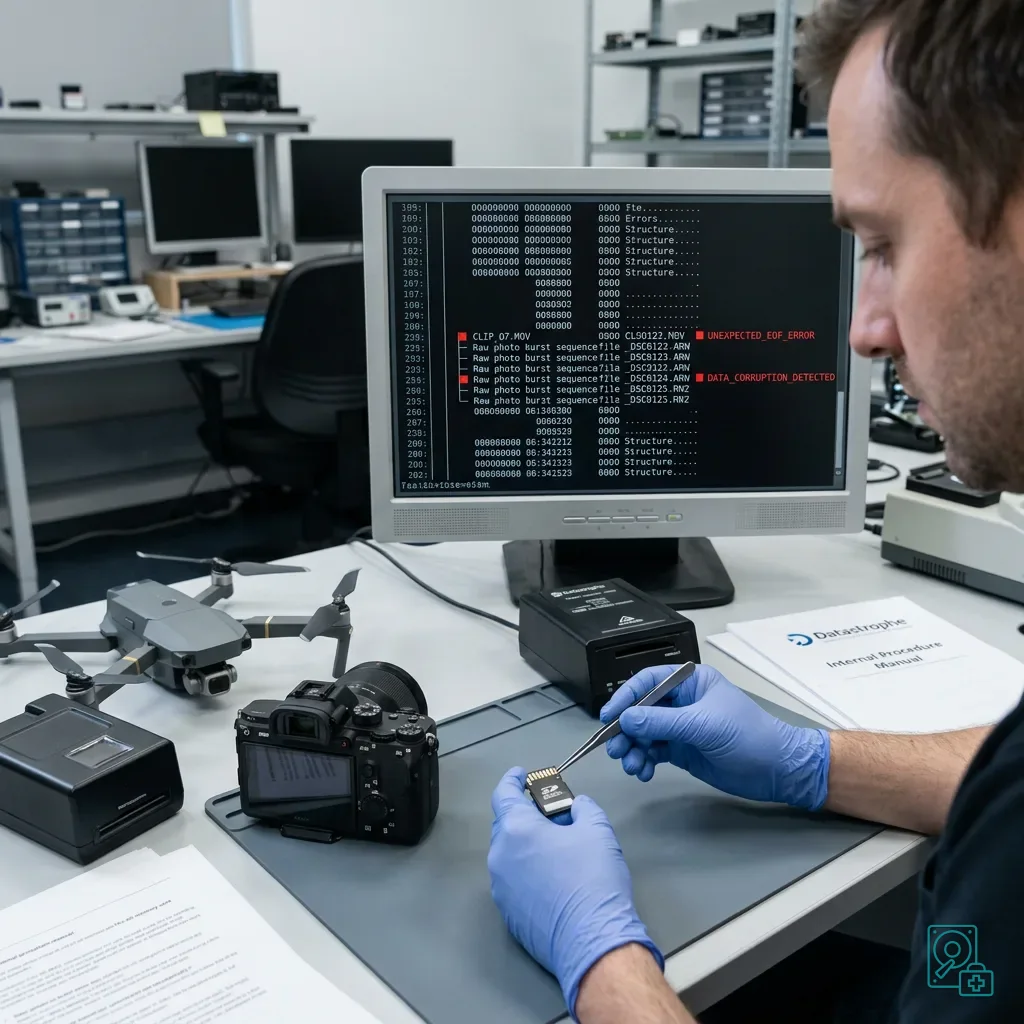
Video needs particular attention. Some formats write their index only when recording ends. If the impact cuts power before that point, the file may contain video data but remain unplayable in an ordinary player.
Burst photographs and RAW files can also be affected. The device may have written part of the sequence before the folder structure became inconsistent. A useful recovery checks files individually instead of relying on a total count.
Cards used in 4K cameras or drones often write quickly for long periods. An abrupt interruption can create a logical fault even when the card has no direct physical damage.
For professional work, state whether the lost sequence came from a unique assignment. An inspection, production, site record, temporary monitoring session or technical flight may be impossible to repeat, and that priority should guide recovery.
Diagnostic assessment
Work from the Earliest Stable State
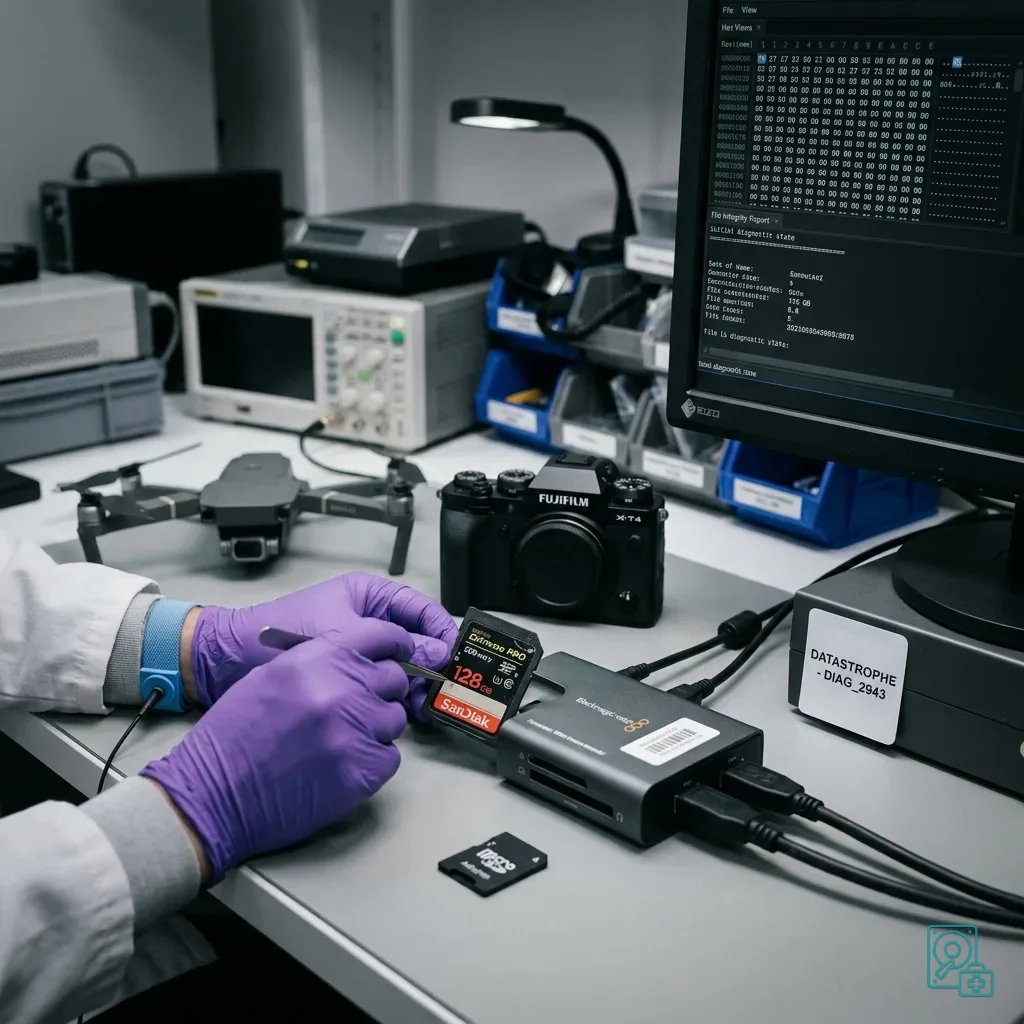
Recovery should start from the state closest to the drop. Report any partial copy already attempted, any restart of the source device and any format operation, because each action changes the assessment.
When the card responds, the priority is to create a controlled copy. This protects the original and allows partitions, signatures, files and fragments to be examined without repeatedly reading the source. If access is unstable, the most important areas may be acquired first.
List the priority files by date, sequence, folder, type, video duration, assignment or event. A high-capacity card often contains secondary material, and reading the useful items first can matter when stability is limited.
Datastrophe distinguishes complete, partial, corrupted and absent files. That distinction prevents a result that looks comprehensive from failing to answer the actual need.
Final checks must use the expected files, not just their extensions. A video can have the right size but fail to play, a photograph can show a preview while containing defects, and a flight-path file can be missing important points.
Diagnostic assessment
Resume Production on Separate Media
After a drop, the affected card should not immediately return as the primary storage medium. Even if it appears readable, confidence in it has fallen. Use a new, tested card to resume the assignment.
Check the device as well. A damaged slot, loose cover, unstable battery or distorted adaptor can harm a replacement card. Replacing the media alone is not enough when the cause lies in the equipment.
Prevention is practical: copy files after every important session, protect cards during transport, never remove them while writing and rotate media for critical captures. One card concentrates too much risk.
A drop should therefore be treated as an incident involving both media and context. Preserving the card, limiting tests and keeping the source device offer better prospects than a series of improvised connections.
Diagnostic assessment
Primary Technical References And Limits
Reference scope — dropped memory card data: For dropped memory card data recovery, the primary references used are www.sdcard.org. Physical evidence — dropped memory card data: They define the relevant preservation, storage or validation concepts, but they cannot establish the exact physical condition, controller state, key availability or business consistency of the device received. Controller evidence — dropped memory card data: Those points require measurements on the original set and verification on copies.
Diagnostic assessment
Arrange A Controlled Assessment
Complete set — dropped memory card data: For a technical assessment of dropped memory card data recovery, provide the complete device or storage set, its associated power and interface parts, the symptom timeline and the priority files. Incident history — dropped memory card data: Keep member order, labels and authorised credentials separate from the parcel paperwork; do not restart the source merely to obtain a new screenshot.
Laboratory responsibility — dropped memory card data: Datastrophe performs the diagnosis, integrity checks and recovery directly in its own laboratory with its own team. Free assessment — dropped memory card data: Diagnosis and the written estimate are free. Transport boundary — dropped memory card data: Two-way private shipping is included; the carrier moves only the sealed parcel and neither accesses nor processes its data.
Controlled list — dropped memory card data: Before any payment, the client receives the proposed price and a checked list. Verification classes — dropped memory card data: Each item is classified, in order, as recoverable_verified, partial, detected_unverified or unrecoverable. Payment trigger — dropped memory card data: Only recoverable_verified items whose contents were checked and found usable are presented as recoverable. No-result rule — dropped memory card data: Payment is due only after the client accepts both the list and the price.
No-result rule — dropped memory card data: If no usable data is verified, recovery fails, or the client declines the list or price, no standard fee is payable. Rare-part exception — dropped memory card data: The only exception is a rare, costly and non-refundable part, which may be ordered only after a separate, explicit and priced proposal has been accepted.