
Diagnostic assessment
A Drive Can Look Intact And Still Be Damaged
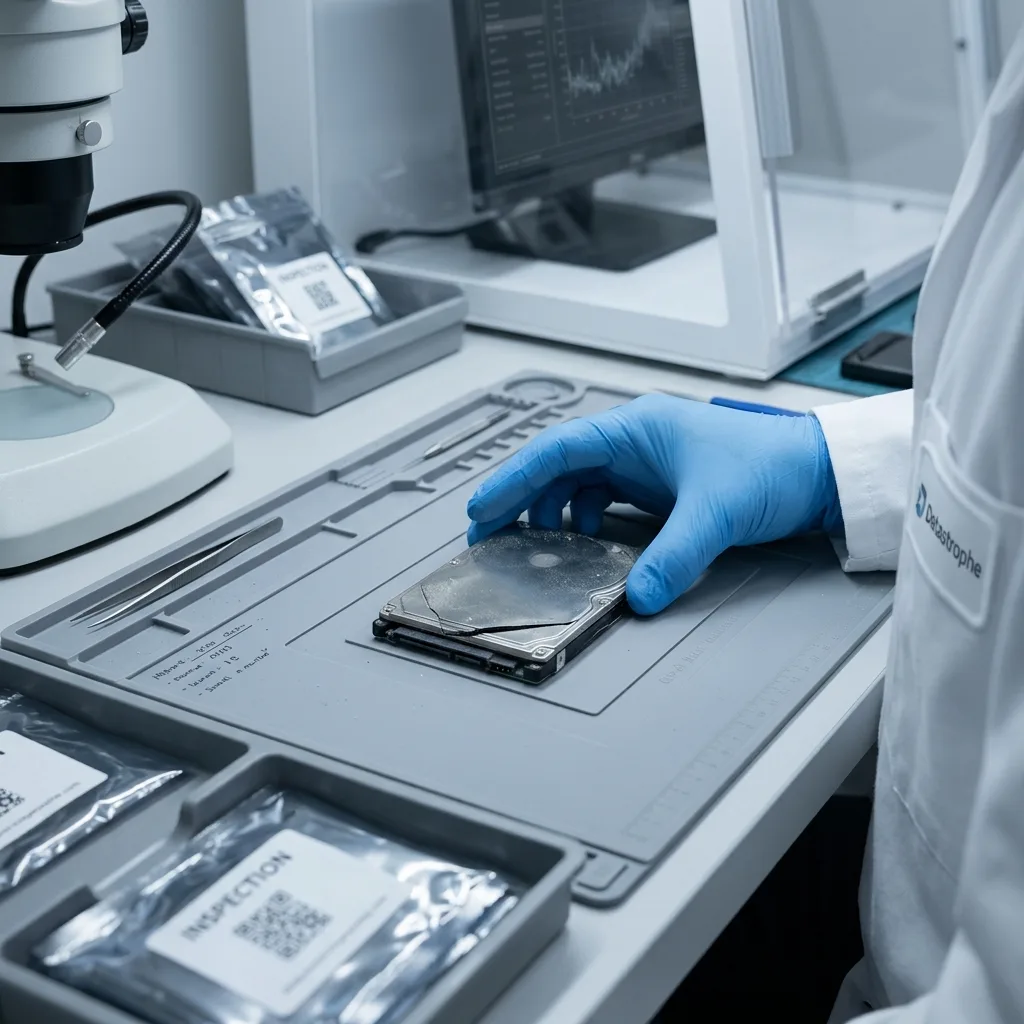
Unpacking an apparently undamaged drive does not mean it survived the move safely. A box may have been dropped, shaken in a vehicle, compressed under other items or exposed to heat, cold and damp. The enclosure reduces some force, but it cannot isolate the disk from every condition.
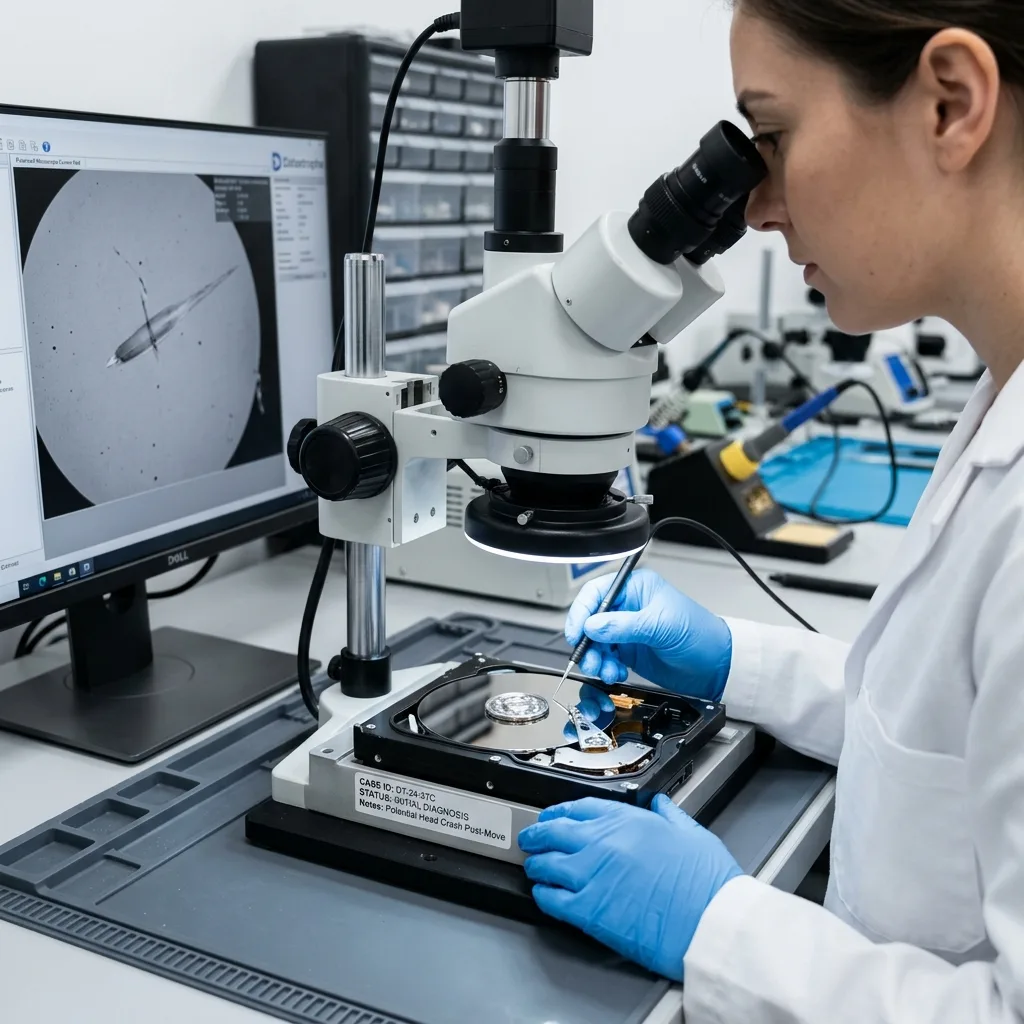
Problems often show up as soon as the drive is connected. It may not be recognized, may sound abnormal, request formatting, respond very slowly, disconnect or display folders with no contents. These symptoms need more caution than a routine cable swap.
Mechanical hard drives are particularly sensitive to impact because the heads, platters and spindle can be stressed while the unit is off. External SSDs do not share that mechanical design, yet their connectors, cases and electronic components remain vulnerable.
The unpacking details belong in the incident history. Finding the drive under a heavy box, compressed inside a case or packed with a twisted cable suggests different stresses from carrying it separately. That context helps determine an appropriate level of caution.
External hard drive data recovery outlines the broader service. In this case, the assessment concentrates on transport, packing and the symptoms observed after arrival.
The stakes increase when the device contains the only set of family records, business documents or project exports. Backups are commonly disconnected, distributed between boxes or placed with the original during a move. Independent copies can unintentionally travel as one vulnerable set.
Diagnostic assessment
Accessories Can Change The Failure Picture
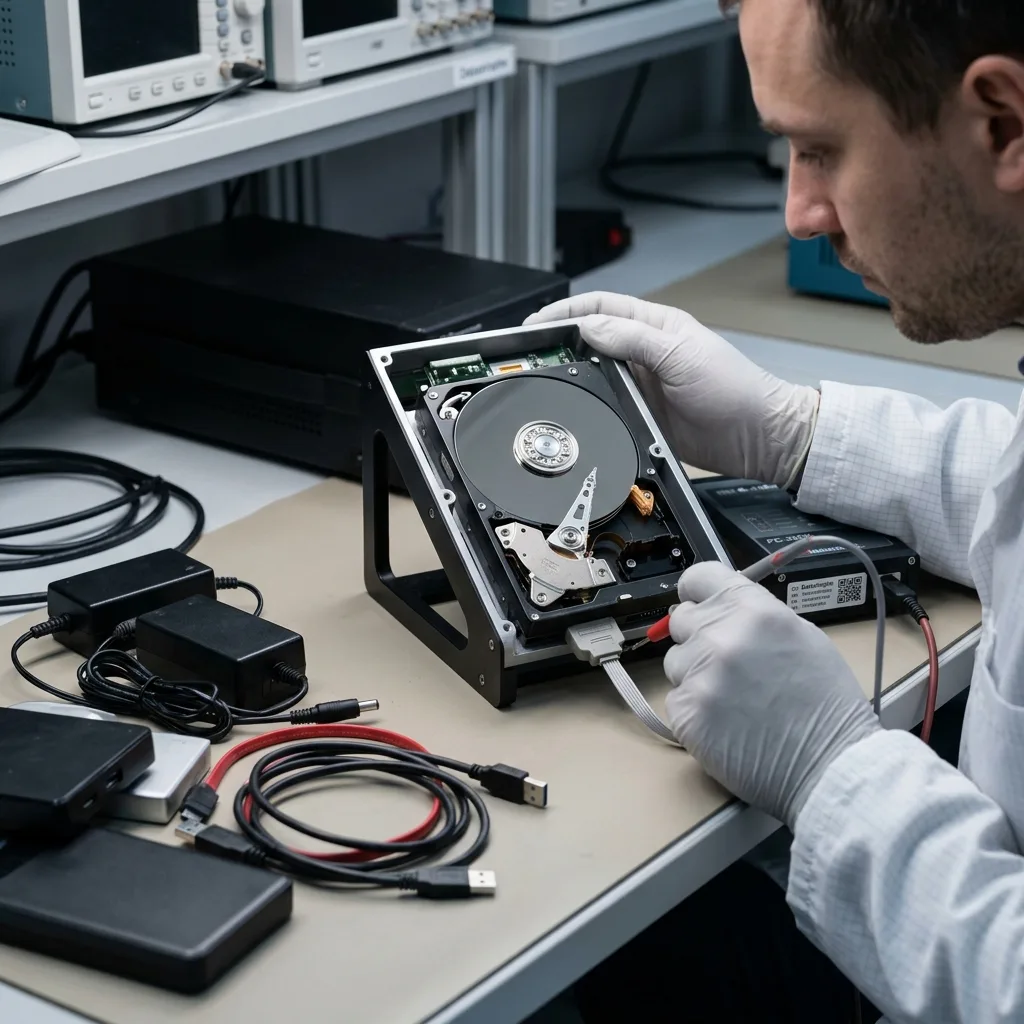
Packing can separate or mix up power supplies, USB cables and enclosures. An incompatible adapter, deteriorating power supply or damaged cable can produce symptoms that resemble disk failure. Multiple accessory changes can also obscure a genuine internal fault.
Retain the drive's original enclosure, cable and power supply. Together, they show how the device was normally used and give the assessment the full configuration. Controlled substitution may be appropriate later, but not through repeated trials when the disk is noisy or unstable.
Some high-capacity external drives depend on steady external power. If voltage or current is insufficient, the disk may stop during a read. A sudden shutdown in the middle of an attempt can add file-system damage to the initial failure.
For valuable data, a brief and unreliable connection is not a successful outcome. The priority is preserving the current state while avoiding new writes, automated repairs and unnecessary power cycles.
Check whether the original enclosure provides encryption or another essential function. Certain models manage power, encryption or capacity translation rather than acting as a simple USB adapter. Keeping that hardware with the drive maintains all possible routes to the data.
Diagnostic assessment
Temporary Storage Adds Environmental Risk
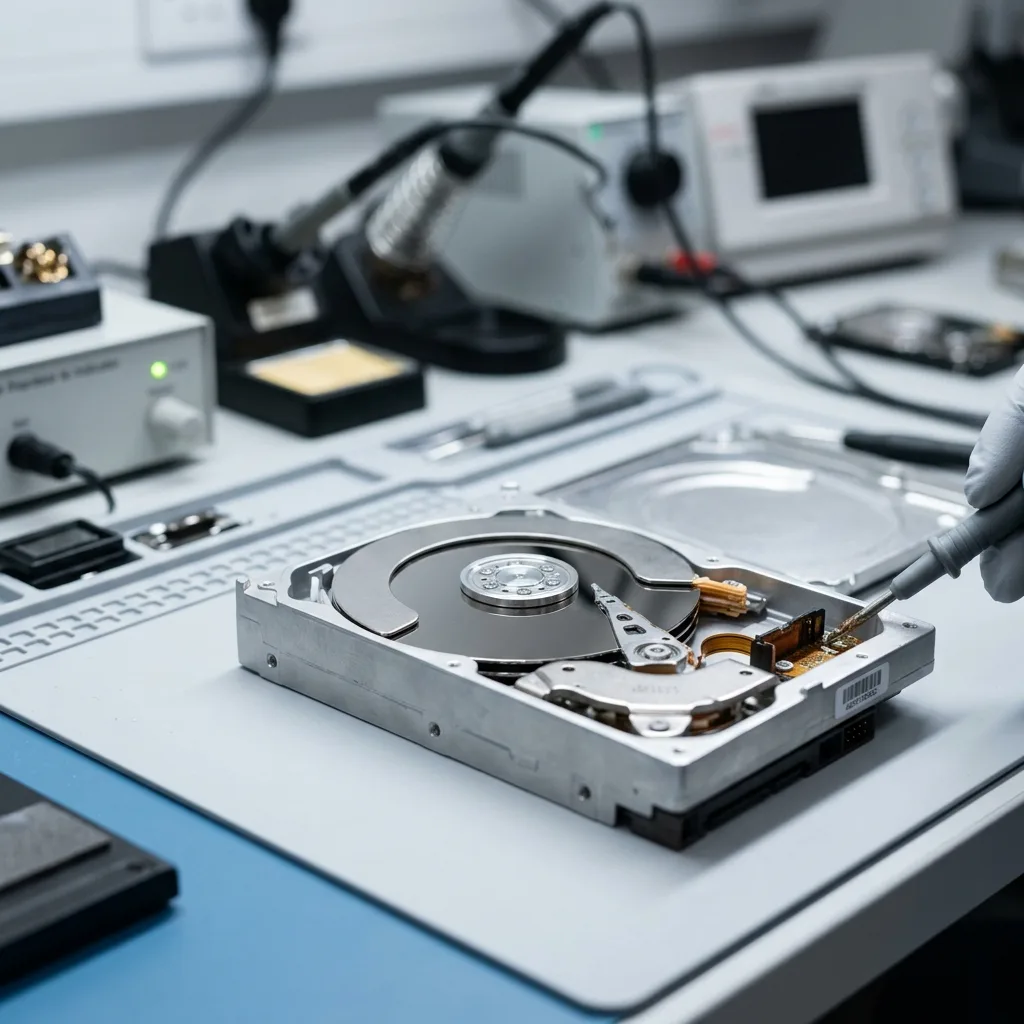
A drive kept in a garage, basement, vehicle or self-storage locker may encounter dust, condensation and large temperature changes. Exposure does not always destroy the device, but it can weaken contacts or bring an existing fault to the surface.
Avoid connecting a cold or damp unit immediately. Leave it in a dry environment until it reaches room temperature, reducing the chance of condensation while powered. Visible water residue or oxidation is a reason to stop.
Temperature and moisture describes these effects on storage devices. During moving, they can act together with vibration, impact and hurried handling.
Keep a record of crushed packaging or a split enclosure. Even without obvious marks on the internal disk, those details allow a laboratory to choose a more careful assessment method.
Temporary storage duration should be included as well. Weeks in an unheated or humid space can lead to symptoms unlike those caused by one sharp impact. Organize the timeline so the actual exposure is clear.
For storage in a vehicle or locker, note the length of time, likely conditions and delay before the first connection. A problem discovered three weeks after the move may still be associated with moisture, oxidation or mechanical strain from transport.
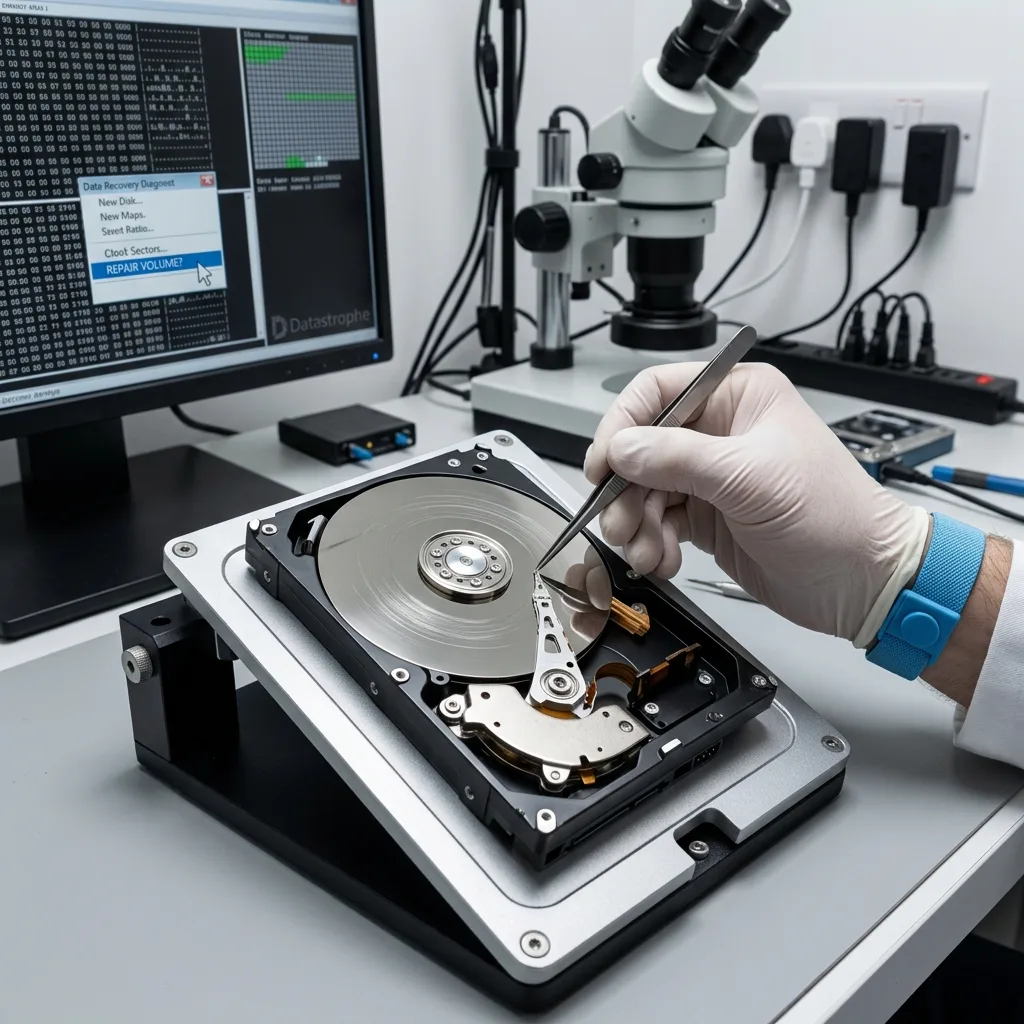
Diagnostic assessment
Early Recovery Decisions Protect The Data
Connecting the disk to several computers and approving an operating-system repair is a common first error. If the volume has become corrupt, the repair can modify metadata that would otherwise assist reconstruction.
Opening the USB enclosure without understanding it is another risk. An enclosure may encrypt or translate access to the disk, so removing the internal mechanism can make reading more difficult when its electronics are required.
Starting a complete copy without priorities is the third problem. A failing drive may deteriorate before the process reaches the essential directories. Prioritize the critical folders before committing to a long read.
Datastrophe considers the storage media, enclosure and symptoms together. Based on that combined picture, the initial work may involve controlled imaging, stabilization or logical reconstruction.
Prepare an ordered list of the required files in advance. Photographs, accounting records, client folders, design archives and software backups may justify different reading sequences. When stability is limited, this plan can improve the useful result.
Record any earlier partial copy as part of the history. Successfully copied folders may identify readable areas, but do not demonstrate that the remaining disk is sound. This information can prevent the same difficult regions from being stressed twice.
Diagnostic assessment
Build A Safer Plan For The Next Move
Before the next move, eject the external drive correctly, use rigid cushioning and keep it away from heavy objects. Create an independent copy of the important data before packing. A lone disk in a box still represents one point of failure.
Test the backup before departure rather than assuming it is usable. A copy that has never been opened may fail when it is finally needed. Critical files should be available on at least one separate device or service.
After arrival, monitor the disk before using it intensively. Unexpected noise, heat, slow response or disconnections are signs to take seriously. Heavy use of a questionable drive can extend the original damage.
Moving is ordinary, but it combines several physical risks within a short window. The prudent response is to minimize tests, preserve the related accessories and request an assessment when the data has value.
Revisit backup organization after any incident. A portable drive should have an independent copy kept in another location whenever possible, and all critical copies should not be transported together.
Diagnostic assessment
Primary Technical References And Limits
Reference scope — hard drive failure after moving: For external hard drive failure after moving, the primary references used are NIST SP 800-86. Physical evidence — hard drive failure after moving: They define the relevant preservation, storage or validation concepts, but they cannot establish the exact physical condition, controller state, key availability or business consistency of the device received. Controller evidence — hard drive failure after moving: Those points require measurements on the original set and verification on copies.
Diagnostic assessment
Arrange A Controlled Assessment
Complete set — hard drive failure after moving: For a technical assessment of external hard drive failure after moving, provide the complete device or storage set, its associated power and interface parts, the symptom timeline and the priority files. Incident history — hard drive failure after moving: Keep member order, labels and authorised credentials separate from the parcel paperwork; do not restart the source merely to obtain a new screenshot.
Laboratory responsibility — hard drive failure after moving: Datastrophe performs the diagnosis, integrity checks and recovery directly in its own laboratory with its own team. Free assessment — hard drive failure after moving: Diagnosis and the written estimate are free. Transport boundary — hard drive failure after moving: Two-way private shipping is included; the carrier moves only the sealed parcel and neither accesses nor processes its data.
Controlled list — hard drive failure after moving: Before any payment, the client receives the proposed price and a checked list. Verification classes — hard drive failure after moving: Each item is classified, in order, as recoverable_verified, partial, detected_unverified or unrecoverable. Payment trigger — hard drive failure after moving: Only recoverable_verified items whose contents were checked and found usable are presented as recoverable. No-result rule — hard drive failure after moving: Payment is due only after the client accepts both the list and the price.
No-result rule — hard drive failure after moving: If no usable data is verified, recovery fails, or the client declines the list or price, no standard fee is payable. Rare-part exception — hard drive failure after moving: The only exception is a rare, costly and non-refundable part, which may be ordered only after a separate, explicit and priced proposal has been accepted.