

Diagnostic assessment
Understand The True Role Of Dust
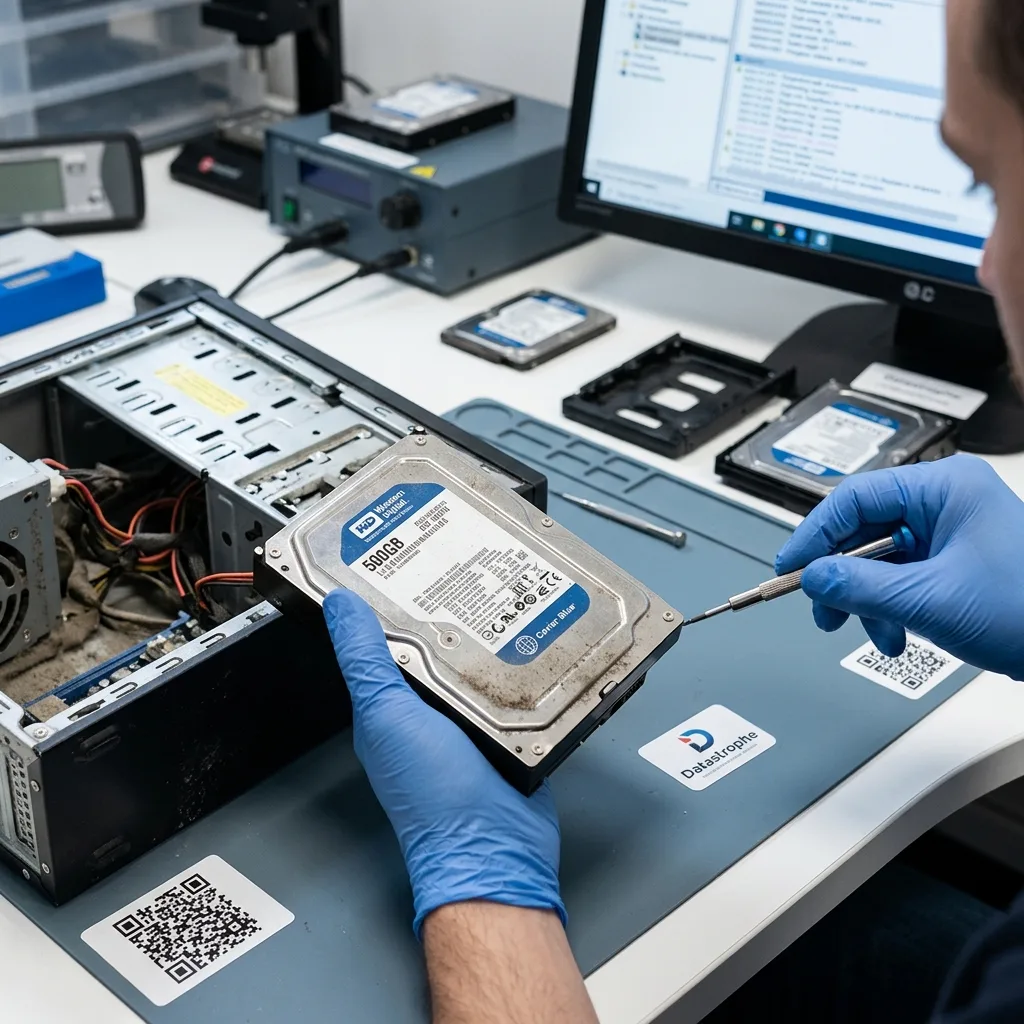
Dust is not a mysterious cause of data loss. A mechanical hard drive is designed as an enclosed assembly with internal filtration suited to its operation. Everyday danger lies around it instead: a clogged case, seized fan, aging power supply, dirty connectors or an overheating computer.
That distinction prevents poor decisions. A dusty external drive should not be opened for cleaning. Treat an internal disk from a heavily contaminated tower as storage potentially exposed to heat, vibration and power outages, not an object to dismantle casually.
Dust becomes essential when it changes operating conditions. It can lower airflow, block a fan, raise temperature, retain moisture or encourage poor electrical contact. The drive may continue to work, yet with less tolerance for any further strain.
It may also conceal another cause. A disk failing in a dirty computer was not always destroyed by dust itself. It may have experienced repeated heat cycles, abrupt shutdowns or unstable power. Assessment should reconstruct the environment instead of draw conclusions from appearance alone.
Hard drive overheating after fan failure examines the thermal case. The wider point here is how a dusty environment weakens data storage without confusing a visible clue with a technical diagnosis.

Diagnostic assessment
Recognize A Dust-Clogged Environment
A heavily contaminated computer or enclosure may show gradual symptoms: a noisy fan, unusual heat, restarts, slowness, copy errors, USB disconnections or sudden shutdowns. They do not prove that the drive is damaged, yet show that it has operated in poor conditions.
Connections need attention too. A dirty USB port, loose cable, dusty dock or unstable external supply can interrupt read-out. Those interruptions may break writes, corrupt metadata or make a copy unreliable.
Drives in workshops, tills, plant rooms, warehouses or floor-level enclosures face greater exposure. Fine dust, fibres, sawdust, metallic residue and greasy deposits create distinct risks. Describe the setting when submitting the device for examination.
Business systems in certain cases add continuity pressure. A recorder, till or workshop workstation may continue writing despite early warnings. The longer those writes continue, the more readily a limited fault can become data loss with incoherent files.
Record the sequence: how long the equipment has run hot, which message appears, what copy was attempted, whether cleaning took place and whether the disk behaved differently after being moved. This helps separate an environmental issue from an active mechanical failure.

Diagnostic assessment
Avoid Dangerous Cleaning
Clean the surroundings, not the inside of the drive. Clearing a grille, replacing a fan or changing a cable may help the computer, yet cannot repair damage the storage has already suffered. Retain an important disk before undertaking any lengthy work.
Never blow forcefully into an open disk, vacuum its electronics, clean the platters, apply a product or remove the lid. A mechanical hard drive opened outside suitable conditions exposes its platters to invisible particles and may cause destructive head contact.
Use compressed air cautiously on the external environment. A jet held too close can move contamination, create condensation or dislodge a fragile component. If the device already shows symptoms, stopping tests stays the right response.
Do not immediately try the disk in one enclosure after another without understanding the symptom. A new enclosure may help when power or a connector is at fault. If the drive is noisy, hot or disappearing, multiple attempts can shorten the available read window.
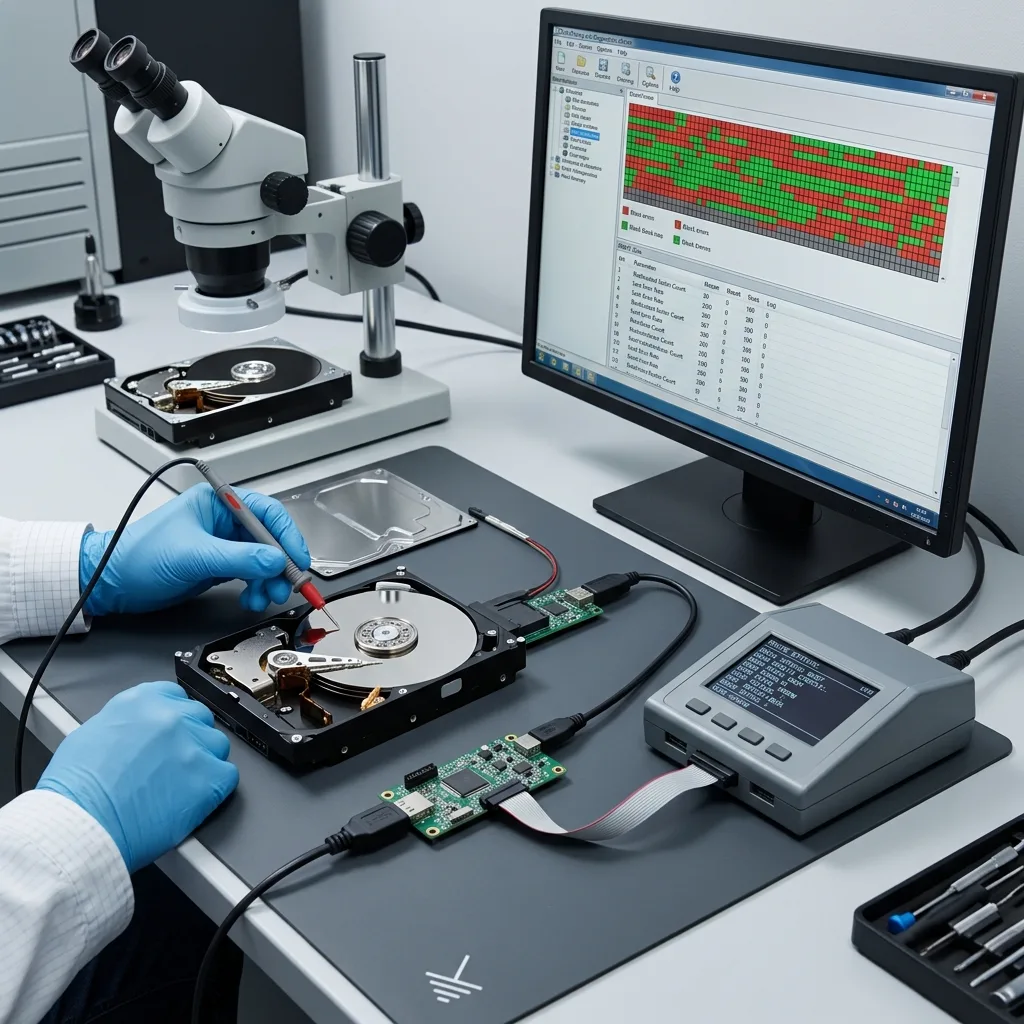
The clean-room data recovery laboratory clarifies why opening a mechanical drive requires controlled conditions. At that point dust becomes a direct risk since ordinary contamination is unacceptable on the platters.
Diagnostic assessment
Assess The Drive, Not Its Appearance
A dust-covered disk may remain healthy, while an immaculate one can be severely damaged. Examine actual behaviour: noise, detection, capacity, read errors, temperature, history of power outages and the state of priority files.
An ordinary copy can worsen matters when a disk is readable but unstable. Slow regions, unstable sectors and disconnections require a suitable acquisition plan. The aim is not to clean the device and return it to service, yet to retain readable data.
File coherence needs to be confirmed. Following an incident involving heat or power interruption, a directory tree may appear even though some files are partial. Photographs, archives, databases and video should be opened or validated on healthy storage.
Keep the source device separate from the dirty workstation. The computer may need repair for future use, yet recovery should not write to a fragile drive. Cleaning the machine does not make its storage trustworthy again.
Hard drive data recovery describes handling for mechanical failure. In a dusty setting, Datastrophe establishes the sequence between environment, symptoms, handling and the disk's actual condition.
Diagnostic assessment
Prevent Risk Without False Reassurance
Prevention begins with clean, ventilated and stable surroundings. Clear grilles, avoid sealed cases that retain heat, replace failed fans, use dependable cables and keep critical storage away from heavily contaminated areas.
These measures do not replace backup. A hard drive can fail in a clean environment too. Essential data need an independent copy, a tested restoration route and periodic checks that files open.
Monitor exposed devices. A CCTV disk, workshop PC, till, NAS in a plant room or frequently moved external drive merits closer attention than lightly used storage in a clean office.
Keep prevention proportionate. Regular dust removal, better ventilation, a replacement cable or a tested backup may cut risk substantially. Perfection is not the goal; preventing dust from causing heat, interruptions and emergency handling is.
When in doubt, stop long copies, record the environment, retain the drive and rank the required files. Visible dust is evidence, not a diagnosis. Valuable the recovery path depends on the state of the device and on data that can genuinely be used.
Diagnostic assessment
Primary Technical References And Limits
Reference scope — can cause hard drive failure: For dust can cause hard drive failure, the primary references used are NIST SP 800-86. Physical evidence — can cause hard drive failure: They define the relevant preservation, storage or validation concepts, but they cannot establish the exact physical condition, controller state, key availability or business consistency of the device received. Controller evidence — can cause hard drive failure: Those points require measurements on the original set and verification on copies.
Diagnostic assessment
Arrange A Controlled Assessment
Complete set — can cause hard drive failure: For a technical assessment of dust can cause hard drive failure, provide the complete device or storage set, its associated power and interface parts, the symptom timeline and the priority files. Incident history — can cause hard drive failure: Keep member order, labels and authorised credentials separate from the parcel paperwork; do not restart the source merely to obtain a new screenshot.
Laboratory responsibility — can cause hard drive failure: Datastrophe performs the diagnosis, integrity checks and recovery directly in its own laboratory with its own team. Free assessment — can cause hard drive failure: Diagnosis and the written estimate are free. Transport boundary — can cause hard drive failure: Two-way private shipping is included; the carrier moves only the sealed parcel and neither accesses nor processes its data.
Controlled list — can cause hard drive failure: Before any payment, the client receives the proposed price and a checked list. Verification classes — can cause hard drive failure: Each item is classified, in order, as recoverable_verified, partial, detected_unverified or unrecoverable. Payment trigger — can cause hard drive failure: Only recoverable_verified items whose contents were checked and found usable are presented as recoverable. No-result rule — can cause hard drive failure: Payment is due only after the client accepts both the list and the price.
No-result rule — can cause hard drive failure: If no usable data is verified, recovery fails, or the client declines the list or price, no standard fee is payable. Rare-part exception — can cause hard drive failure: The only exception is a rare, costly and non-refundable part, which may be ordered only after a separate, explicit and priced proposal has been accepted.