
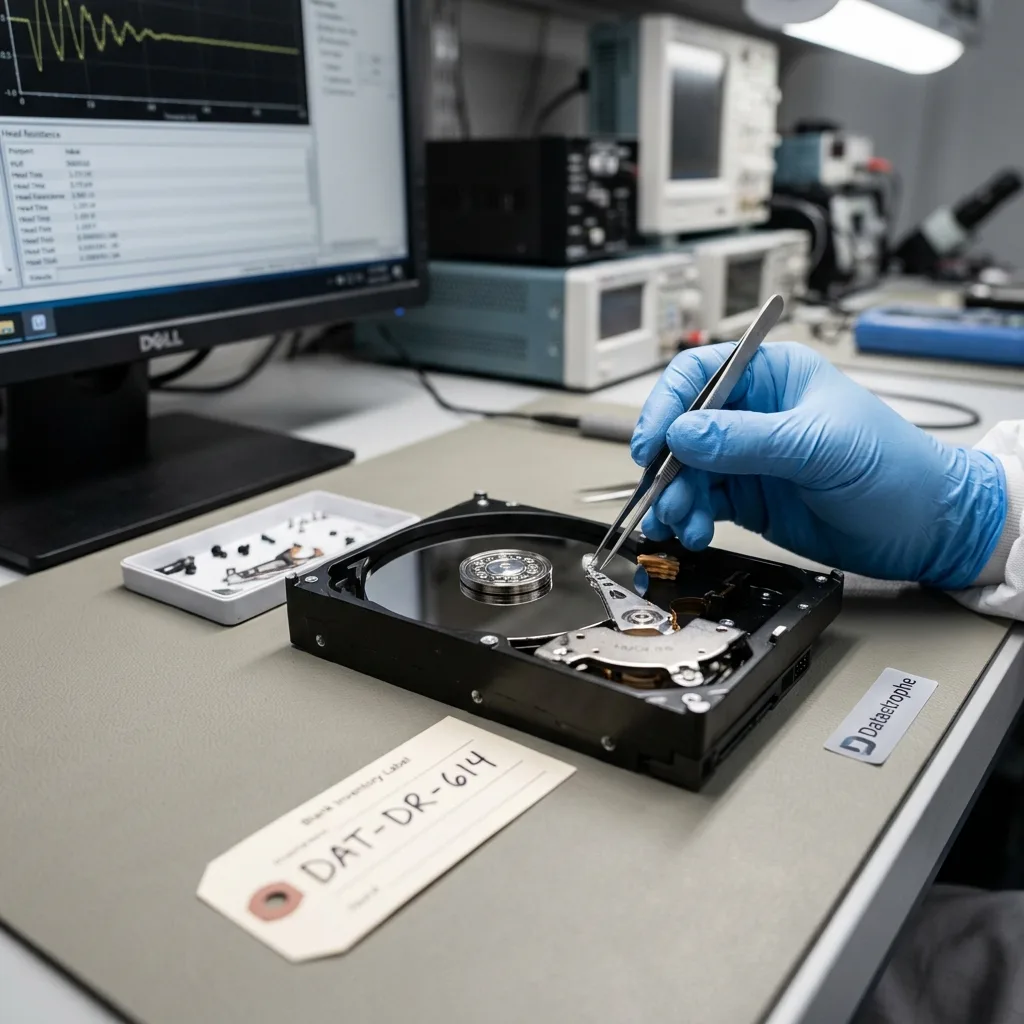
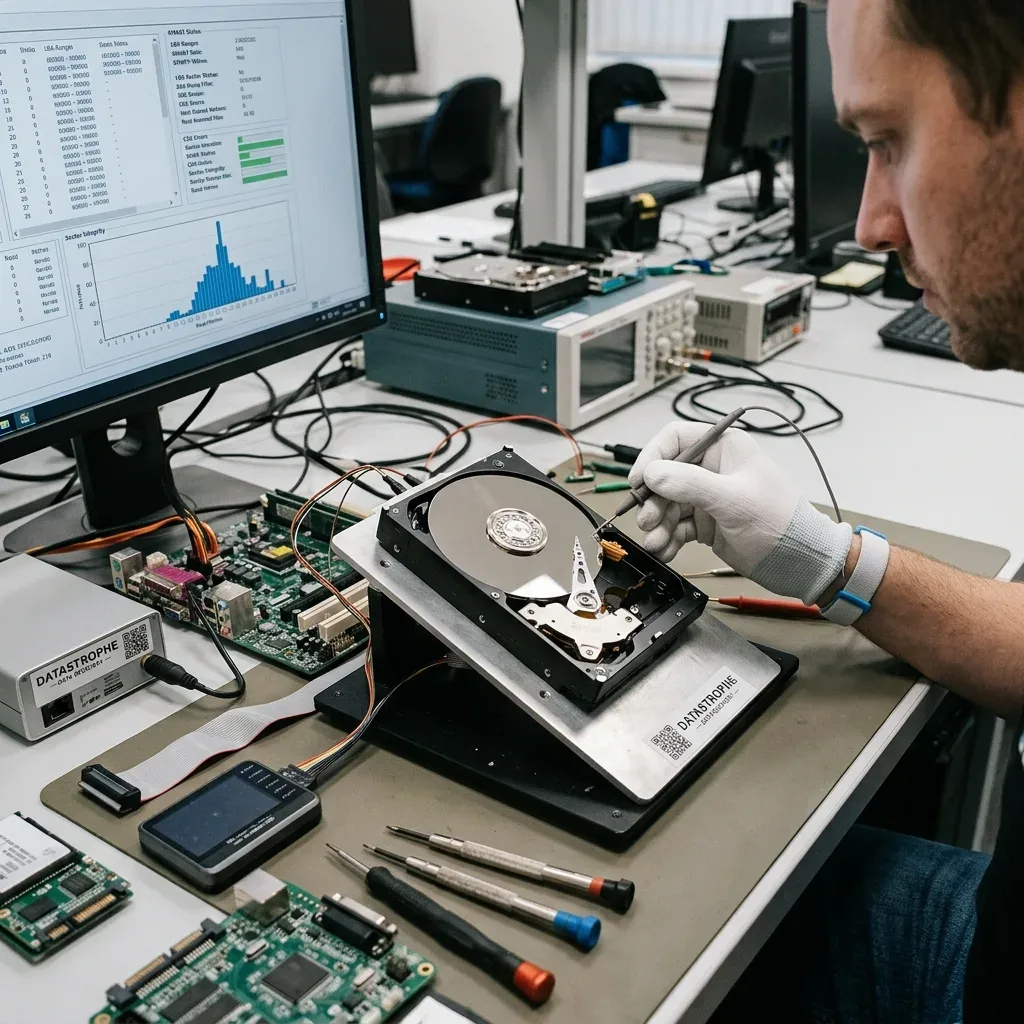
Diagnostic assessment
Do Not Confuse Urgency With Immediate Action
Data loss creates genuine urgency, but immediate action is not always helpful. Restarting, repairing, restoring, scanning or formatting may feel like taking control, yet can change the device and lower recovery prospects.
Preservation comes first. Establish what happened, which device is affected, which data are absent and which operations have already run. This simple pause prevents many secondary mistakes.
A clicking hard drive, absent SSD, bent USB connector, corrupt memory card and degraded RAID do not call for the same response. Acting before diagnosis applies one answer to different failures.
The data recovery process describes the overall route. Here, the focus is on decisions to avoid immediately after an incident.
Accept a brief pause for analysis. A few minutes spent recording symptoms, identifying the device and stopping writes can preserve more data than a rushed intervention. It is difficult under pressure, but reduces secondary loss.
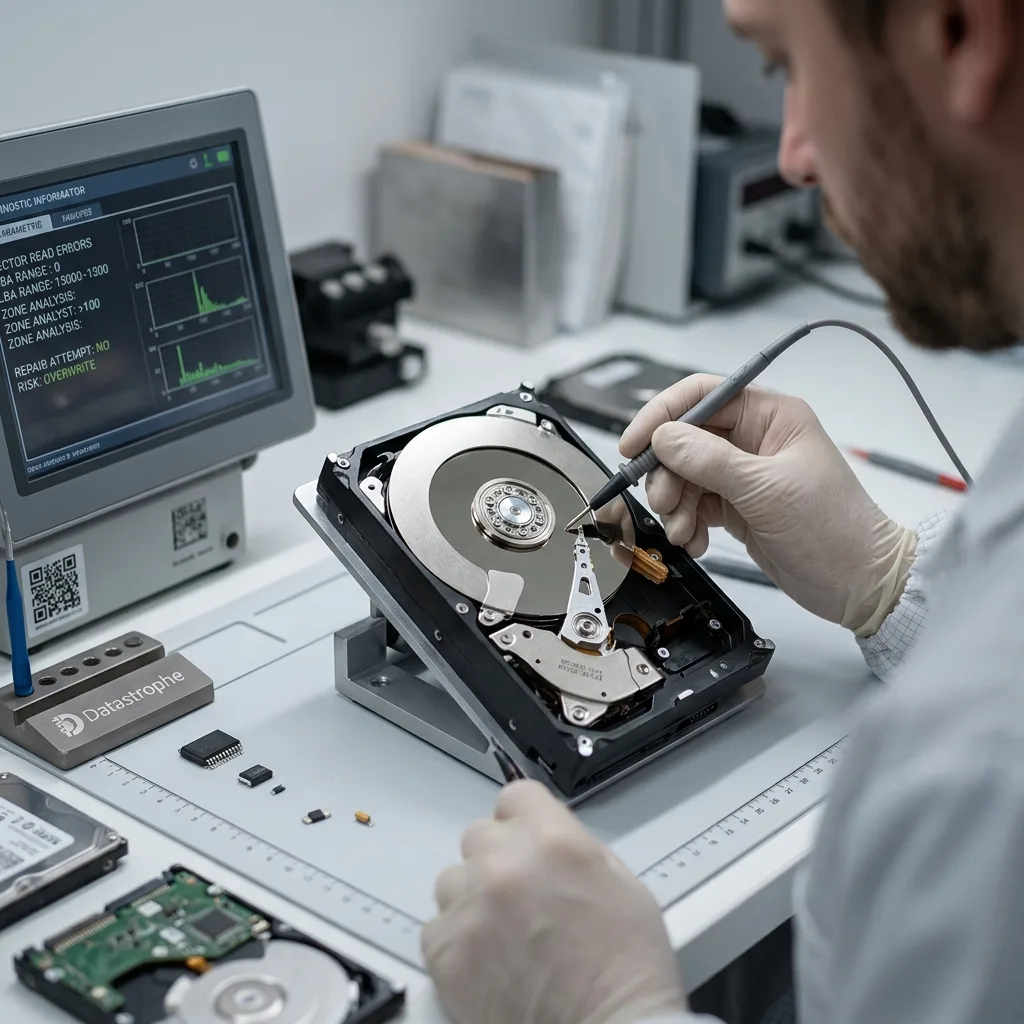
Diagnostic assessment
Avoid Formatting And Automatic Repair
An operating system frequently offers formatting when it cannot read a volume. Accepting does not recover files; it creates a new structure and can overwrite useful information. Even quick formatting alters the analysis.
Automatic repairs carry a similar risk. They may resolve a simple inconsistency, but can also move, delete or replace important metadata. On unstable hardware they add a prolonged read and in some cases writes.
Avoid drive initialization, uncontrolled reconstruction and reinstallation onto the same device as well. These operations are designed to return systems to service, not preserve their initial state.
Formatting and recovery limits explains how data can stay partly present while becoming harder to reconstruct after new writes.
Photograph or record system messages before accepting anything. A window offering repair, initialization or formatting often contains a useful clue. Continuing may remove that clue and trigger a change.
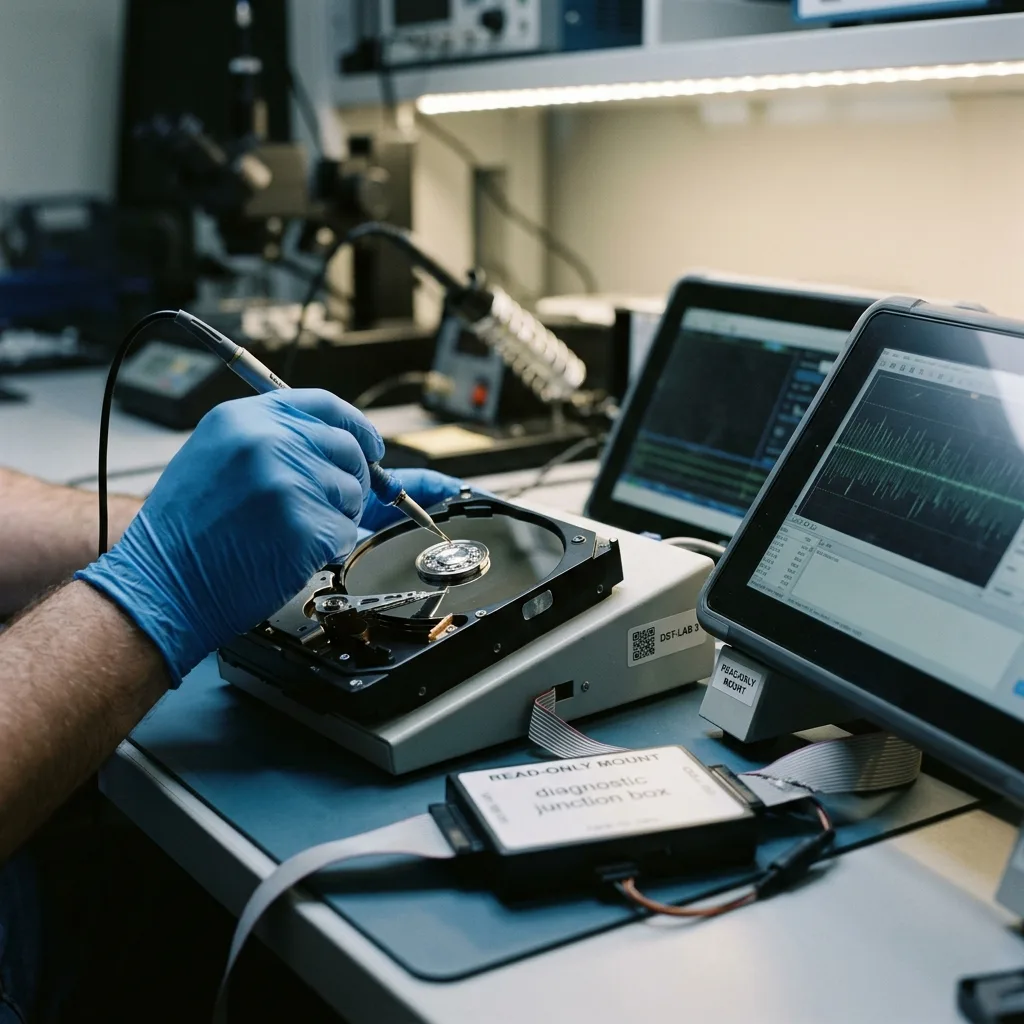
Diagnostic assessment
Stop Writing To The Affected Device
After deletion, corruption or logical failure, every write can replace an area that remains useful. Installing software, moving files, restoring to the same volume or continuing to use the computer can worsen the loss.
Long reads also threaten unstable hardware. Copying everything through the file browser can stall at weak areas and stress a device to complete failure. Controlled acquisition is safer when the data matter.
Synchronized environments add risk. Local deletion may propagate to cloud storage or a NAS. Restoration may overwrite a healthier version on another computer. Identify all sources before reconnecting or resynchronising.
Isolate the device where possible. Shut down a workstation, disconnect an external drive cleanly, pause a NAS or stop synchronization. The pause preserves options.
Isolation must stay proportionate. On a business computer, warn users before shutdown. On a NAS, establish which services still write. On flash storage, ordinary use can trigger internal clean-up. Limit changes without creating a second operational failure.
Adapt the action to the context. Abruptly disconnecting an active server may create another fault, while leaving an unstable external drive spinning can wear it further. The device differs, but non-essential activity should stop.
Diagnostic assessment
Check Backups Without Overwriting
A backup helps only when it contains the right version and can be restored without destroying a more complete source. A hurried restore to the same location may replace recoverable data or obscure chronology.
Where possible, test the backup in a separate area. Open files, check dates, test a database and compare with the actual requirement. This is stronger evidence than a successful-job status.
A backup can contain the production error. This occurs after synchronized deletion, progressive corruption or an unmonitored incremental chain. Cloud backup limits explains why multiple sources should be compared.
When restoration is essential for continuity, document it. Record what was replaced, when, from which source and with what business validation.
That record remains valuable later. Missing files may result from the initial fault, an old backup or a restore that replaced a fuller version. Without chronology, the analysis becomes uncertain.
Keep doubtful versions until diagnosis is complete. A partial backup, old export or imperfect copy may supplement recovery. Deleting them for space can remove a valuable source.
Diagnostic assessment
Prepare A Workable Assessment
Clear information improves the examination. Record the device, symptom, discovery time, displayed messages, previous actions, available backups and priority data.
Name priority files early. An accounts folder, business database, recent photographs and one video call for a distinct approach from rebuilding a whole volume. The priority changes acquisition order.
Keep partial copies, screenshots, logs and associated storage. Even imperfect items can explain the incident or supplement the handover. Replacing them without verifying is a common mistake.
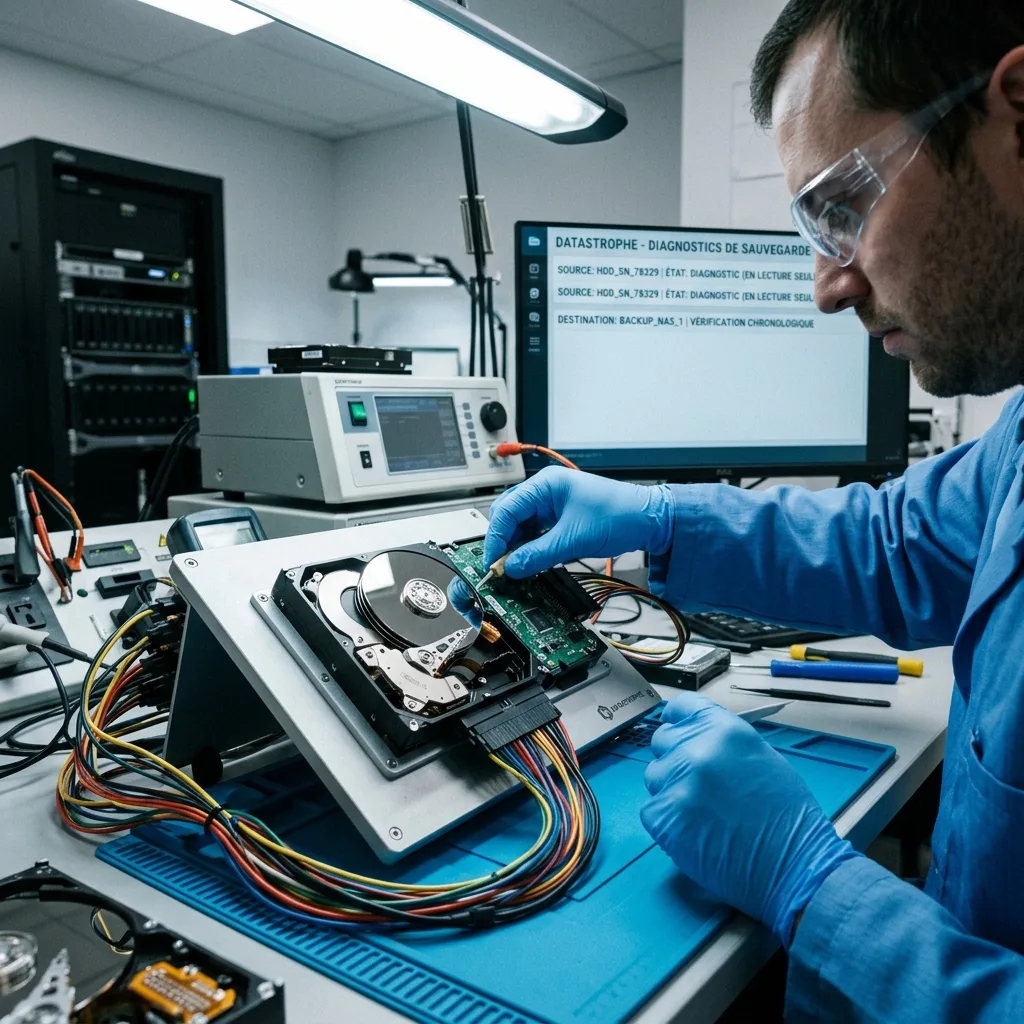
Datastrophe favours restraint: preserve the original, work from an image where possible, clarify limits and return checked files. It is not dramatic, but protects data better than repeated attempts.
Do not return the affected device to work without analysis. Even if files are found, address the cause: aging hardware, insufficient backup, misunderstood synchronization, human error or physical failure.
The most valuable mistake is the one avoided: do not write, automatically repair, format or restore without evidence. This discipline leaves more room for diagnosis and limits secondary loss.
Prevention continues after the incident. Once data are returned, correct the untested backup, single device, unclear procedure, broad permissions or misunderstood synchronization. Otherwise the same error can recur in worse circumstances.
Diagnostic assessment
Primary Technical References And Limits
Reference scope — avoid data loss incident: For mistakes avoid data loss incident, the primary references used are NIST SP 800-86. Physical evidence — avoid data loss incident: They define the relevant preservation, storage or validation concepts, but they cannot establish the exact physical condition, controller state, key availability or business consistency of the device received. Controller evidence — avoid data loss incident: Those points require measurements on the original set and verification on copies.
Diagnostic assessment
Arrange A Controlled Assessment
Complete set — avoid data loss incident: For a technical assessment of mistakes avoid data loss incident, provide the complete device or storage set, its associated power and interface parts, the symptom timeline and the priority files. Incident history — avoid data loss incident: Keep member order, labels and authorised credentials separate from the parcel paperwork; do not restart the source merely to obtain a new screenshot.
Laboratory responsibility — avoid data loss incident: Datastrophe performs the diagnosis, integrity checks and recovery directly in its own laboratory with its own team. Free assessment — avoid data loss incident: Diagnosis and the written estimate are free. Transport boundary — avoid data loss incident: Two-way private shipping is included; the carrier moves only the sealed parcel and neither accesses nor processes its data.
Controlled list — avoid data loss incident: Before any payment, the client receives the proposed price and a checked list. Verification classes — avoid data loss incident: Each item is classified, in order, as recoverable_verified, partial, detected_unverified or unrecoverable. Payment trigger — avoid data loss incident: Only recoverable_verified items whose contents were checked and found usable are presented as recoverable. No-result rule — avoid data loss incident: Payment is due only after the client accepts both the list and the price.
No-result rule — avoid data loss incident: If no usable data is verified, recovery fails, or the client declines the list or price, no standard fee is payable. Rare-part exception — avoid data loss incident: The only exception is a rare, costly and non-refundable part, which may be ordered only after a separate, explicit and priced proposal has been accepted.