
Diagnostic assessment
Ransomware Makes RAID A Logical Issue
RAID can survive a disk failure, yet offers no protection from malicious writes. Ransomware operates at the logical layer: it encrypts, renames, deletes or replaces files on an accessible volume. Redundancy then reproduces that bad state across the array.
The first mistake is treating the incident as an ordinary hardware failure. Adding a disk, rebuilding, restarting the server or restoring under pressure can alter the starting state. Valuable traces may disappear before examination begins.
Separate the layers: physical disks, RAID controller, file system, snapshots, backups, logs and encrypted files. Each can supply part of the answer, or make the picture less clear if modified too soon.
RAID data recovery explains specialist handling. This assessment concentrates on ransomware and preservation of useful material.
Risk rises when RAID hosts virtual machines, business databases or file shares. Ransomware can alter large containers, not only visible documents. Data may seem present while their internal contents are unusable.

Diagnostic assessment
Isolate Without Erasing Evidence
Once detected, isolate the system from the network to stop active access. Isolation does not prove resetting it. Avoid automated cleaning, reinstallation and immediate restoration until the state has been recorded.
Logs, modification dates, filenames, extensions, ransom notes and accounts used may define the scope. Copy or photograph this information without changing volumes wherever possible.
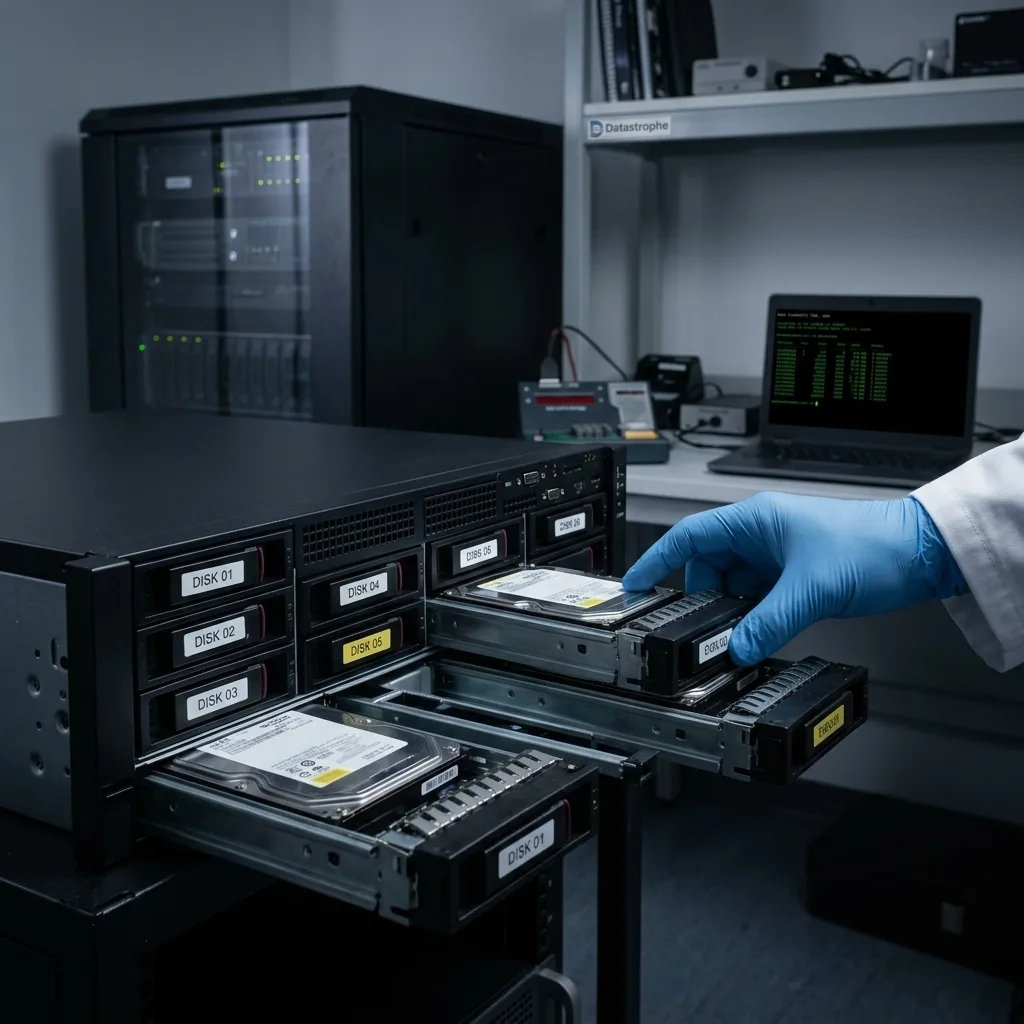
Identify every RAID disk and retain its order. Removing a disk, changing enclosure, forcing an import or accepting a rebuild can alter metadata. Retaining the original state still matters when the business needs a rapid restart.
The limits of RAID redundancy clarifies why redundancy cannot replace backup. Ransomware makes that limit immediate.
Retain setup details too: controller card, disk order, RAID type, volumes, snapshots and a settings export where available. Without them, reconstruction takes longer and uncertainty rises.
A simple initial record is frequently enough: photograph each bay, label the disks, note indicator lights, capture the controller message and record the time of the last actions. Gather these details before moving or replacing anything, since they become difficult to recreate later.

Diagnostic assessment
Check Backups, Snapshots And Versions
Backups are frequently the best route out, yet needs to be confirmed before restoration. Some may be encrypted, deleted, too old, partial or connected to the compromised system. A copy accessible from the server may have been affected.
Snapshots may help when their chain remains intact. They may also have been removed, corrupted or stored on the same array. Do not assume they are sound without verification.
Rushed restoration can overwrite evidence or mix multiple states. First establish the attack period, priority data, backup condition and confidence in the restoration environment.
Documenting a data recovery incident helps structure this material. For ransomware, include affected systems, dates, accounts, available backups and actions already carried out.
Confirm backups in an isolated environment. Restoring on the same network or server may expose data again, obscure the origin of the incident or overwrite a version that remains valuable. Checks must precede production use.
Do more than open a handful of files. Confirm the covered period, exclusions, database coherence, virtual machines and needed access rights. A visible backup can still be inadequate when critical business data are missing.

Diagnostic assessment
Avoid Rushed Rebuilding
Degraded RAID after ransomware needs particular care. If a disk was already unstable before the attack, the volume may combine hardware failure with logical encryption. Rebuilding without analysis can worsen both.
Do not initialise a new volume, create a fresh array from the same disks or force file-system repair. These actions can write over useful metadata.
When a volume remains partly accessible, rank the data. Databases, line-of-business files, accounting exports, virtual machines and client folders do not share the same priority. Targeted acquisition can be safer than a full scan.
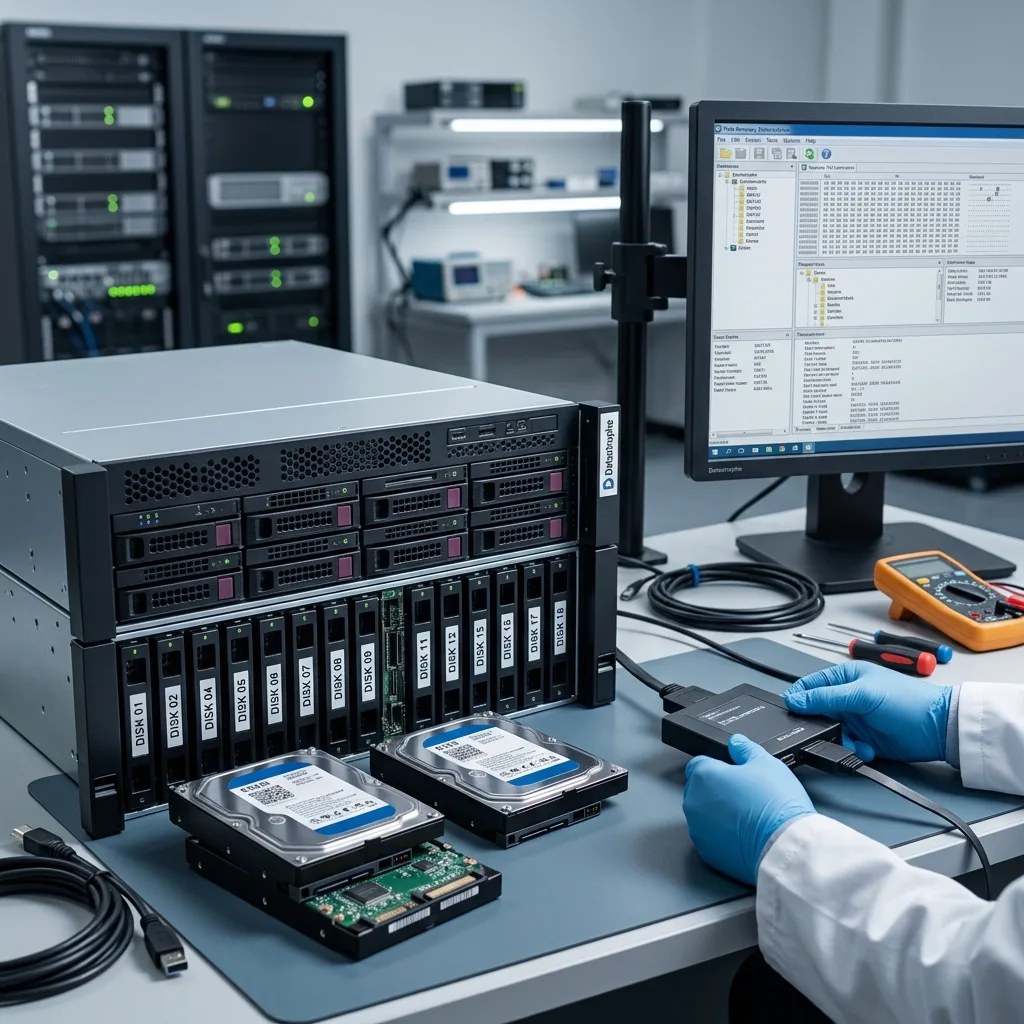
Datastrophe establishes the RAID state and then the logical condition of its data. Useful recovery may combine physical copying, RAID reconstruction, version searches and backup verification.
Where virtual machines are present, identify the priority guests. A production VM, file server and test server do not carry equal value. This hierarchy concentrates effort on the most valuable containers.
Report any encryption, antivirus or cleaning utilities run after the attack. Although well intentioned, they can remove temporary files, quarantine material or change dates needed for diagnosis.
Diagnostic assessment
Prepare A Usable Case File
Prepare the RAID setup, disk count and order, models, symptoms, discovery date, extensions created by the ransomware and available backups. These details lower uncertainty.
Retain associated storage too: backup disks, NAS appliances, virtualisation servers, exports, snapshots and logs. A secondary source may hold a cleaner version than the primary volume.
Recovering the entire volume is not automatically the right objective. Restoring priority data, verifying integrity and then building a clean environment separate from the compromised system may be more valuable.
Treat RAID ransomware as a data incident, not solely an IT incident. Isolation, preservation, documentation and verification stay the dependable sequence before rebuilding or restoring anything.
After recovery, keep analysis of the old infrastructure separate from construction of a clean environment. Returning the original volume to service without understanding the attack's reach can undo the recovery work and compromise restored data.
Diagnostic assessment
Primary Technical References And Limits
Reference scope — raid data ransomware: For preserving raid data ransomware, the primary references used are Linux MD administration guide. Physical evidence — raid data ransomware: They define the relevant preservation, storage or validation concepts, but they cannot establish the exact physical condition, controller state, key availability or business consistency of the device received. Controller evidence — raid data ransomware: Those points require measurements on the original set and verification on copies.
Diagnostic assessment
Arrange A Controlled Assessment
Complete set — raid data ransomware: For a technical assessment of preserving raid data ransomware, provide the complete device or storage set, its associated power and interface parts, the symptom timeline and the priority files. Incident history — raid data ransomware: Keep member order, labels and authorised credentials separate from the parcel paperwork; do not restart the source merely to obtain a new screenshot.
Laboratory responsibility — raid data ransomware: Datastrophe performs the diagnosis, integrity checks and recovery directly in its own laboratory with its own team. Free assessment — raid data ransomware: Diagnosis and the written estimate are free. Transport boundary — raid data ransomware: Two-way private shipping is included; the carrier moves only the sealed parcel and neither accesses nor processes its data.
Controlled list — raid data ransomware: Before any payment, the client receives the proposed price and a checked list. Verification classes — raid data ransomware: Each item is classified, in order, as recoverable_verified, partial, detected_unverified or unrecoverable. Payment trigger — raid data ransomware: Only recoverable_verified items whose contents were checked and found usable are presented as recoverable. No-result rule — raid data ransomware: Payment is due only after the client accepts both the list and the price.
No-result rule — raid data ransomware: If no usable data is verified, recovery fails, or the client declines the list or price, no standard fee is payable. Rare-part exception — raid data ransomware: The only exception is a rare, costly and non-refundable part, which may be ordered only after a separate, explicit and priced proposal has been accepted.