

Diagnostic assessment
Understand What Deletion Does
Deleting a file does not always remove its contents immediately. Depending on the file system, deletion may first remove the entry that locates it. Data areas can remain until the system reuses them.
This explains why some deleted data can be recovered, and also why limits arise. The system now treats the space as available. A new file, update, download or cache can replace part of the former content.
The Recycle Bin adds a stage. Restoration is usually straightforward while a file stays there. After it is emptied, the remaining structures, later writes and storage type determine what may still be found.
Formatting and recovery limits covers a related case. Deletion often affects selected files, whereas formatting changes the volume structure.

Diagnostic assessment
Identify What Changed After Deletion
The main question is what happened next. Did the computer keep running? Were files copied or software installed? Did cloud synchronization propagate deletion? These details alter the diagnosis.
Continued activity on a system drive can create many writes without visible user action: logs, caches, updates, indexing and temporary files. Simply leaving the machine switched on can matter.
With external storage, risk follows the handling. Copying new files, repairing the volume, creating folders or running technical tests against the source can replace valuable areas.
Check synchronized environments separately. A locally deleted file may remain in cloud version history, a remote bin, a backup or an older offline device. Compare sources before restoring anything.

Diagnostic assessment
Respond Without Overwriting Data
Stop writes first. Disconnect an external drive cleanly. For deletion on a system disk, do not install a utility on that same disk. For a cloud account, check versions and bins before reorganising folders.
Do not confuse speed with haste. Restoring the wrong backup may overwrite a more complete version. Several tools can create temporary files. Renaming or moving folders may obscure chronology.
Write recovered files to separate storage. Even when a test is reasonable, never save results back onto the deletion source. This simple rule prevents the target data being overwritten.
The data recovery process explains the service route. After deletion, analysis needs to establish later writes and alternative sources.

Diagnostic assessment
Assess Limits By Storage Type
On a hard drive, deleted data may stay until sectors are reused. Large, fragmented or application-dependent files can still be partial when metadata have gone.
An SSD behaves differently. TRIM and internal flash management can make deleted areas unavailable quickly. Outcomes depend on the operating system, controller, elapsed time and subsequent activity.
On a memory card or USB flash drive, recovery depends on the file system, wear and later writes. A camera, drone or recorder may reuse space promptly, especially for video.
Validation must be concrete. A filename in a list is insufficient. Open the document, play the video, decompress the archive or test the database with its application. Recovered files can be corrupt.
Diagnostic assessment
Prevent Critical Deletions
Prevention relies on version history and verified backups. A useful backup allows restoration to a particular date without depending on one synchronized account or its bin.
Set appropriate permissions. In a business, critical folders should not be deletable without a record by everyone. Logs and version histories reduce uncertainty after an incident.
Users need a short response: stop writing, do not install a tool on the source, do not restore at random and note the timeline. A concise instruction offers more protection than a long procedure no one reads.
Accidental deletion is not always final, but later writes and disorderly testing make it more serious. Preserve the state and seek the least altered source.
Consider business applications too. Deleting an exported file differs from removing a database, mailbox or synchronized folder. Dependencies, indexes and attachments may matter as much as the primary file.
Record the deletion time, user account, device, active synchronization, available backup and previous actions. This identifies which source is most likely to contain the right version.
Preserve intermediate versions. An older backup may be healthy while a very recent one has already captured the deletion. Comparing dates prevents one loss being replaced by an incomplete restore.
Confidentiality remains important. Deleted data can contain personal or sensitive details. Recovery should target the necessary scope, document handover and avoid circulating files that do not need to be opened.
Distinguish deliberate from accidental deletion. The technical process may be similar, but the purpose of handover differs. A business folder may require traceability; a personal loss is chiefly about usable files.
Treat nameless files cautiously. Signature-based recovery can produce documents, photographs and videos without a folder structure. That may suit some needs but be inadequate for a database, project or case where organization provides context.
In those cases, handover quality depends on metadata as much as raw content.
A final review with the user confirms which versions are genuinely valuable.
It also prevents needless duplicates being returned.
Diagnostic assessment
Primary Technical References And Limits
Reference scope — options limits deleted data: For recovery options limits deleted data, the primary references used are NIST SP 800-86. Physical evidence — options limits deleted data: They define the relevant preservation, storage or validation concepts, but they cannot establish the exact physical condition, controller state, key availability or business consistency of the device received. Controller evidence — options limits deleted data: Those points require measurements on the original set and verification on copies.
Diagnostic assessment
Arrange A Controlled Assessment
Complete set — options limits deleted data: For a technical assessment of recovery options limits deleted data, provide the complete device or storage set, its associated power and interface parts, the symptom timeline and the priority files. Incident history — options limits deleted data: Keep member order, labels and authorised credentials separate from the parcel paperwork; do not restart the source merely to obtain a new screenshot.
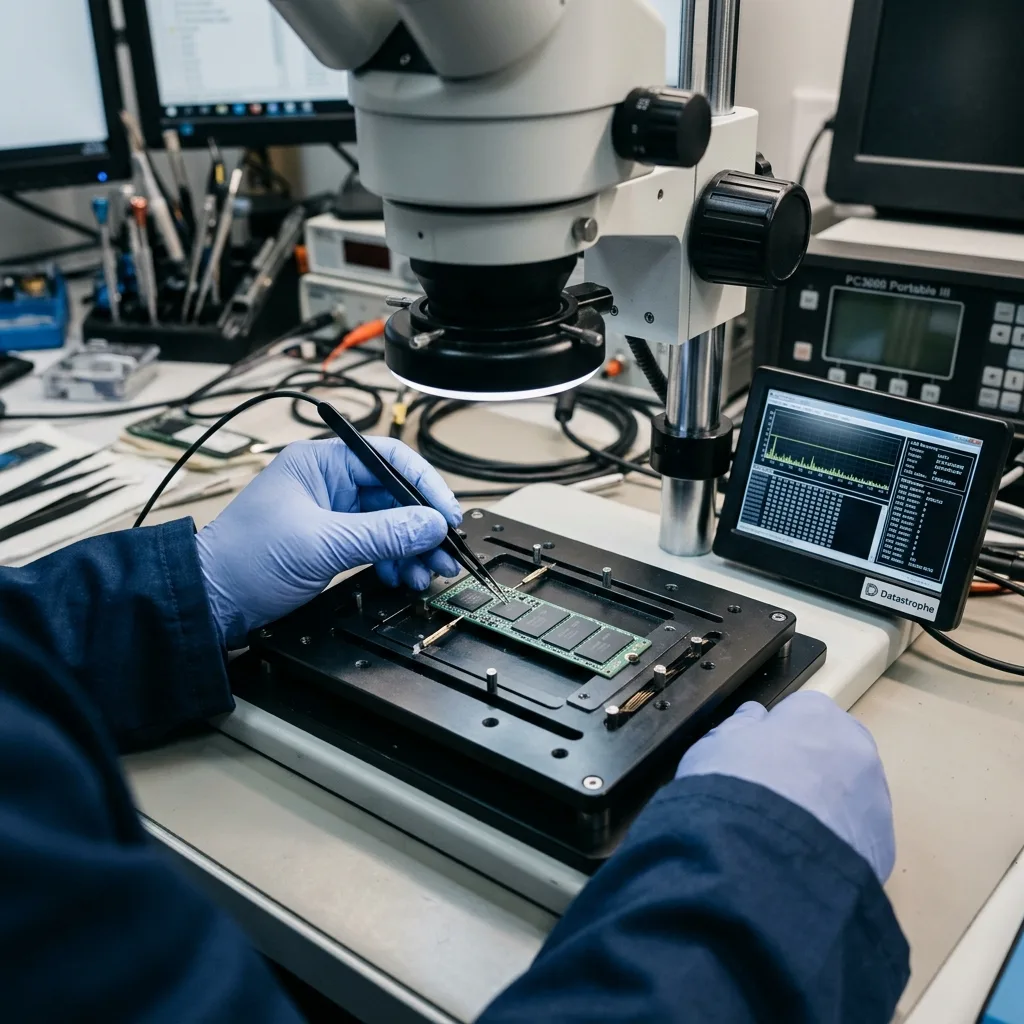
Laboratory responsibility — options limits deleted data: Datastrophe performs the diagnosis, integrity checks and recovery directly in its own laboratory with its own team. Free assessment — options limits deleted data: Diagnosis and the written estimate are free. Transport boundary — options limits deleted data: Two-way private shipping is included; the carrier moves only the sealed parcel and neither accesses nor processes its data.
Controlled list — options limits deleted data: Before any payment, the client receives the proposed price and a checked list. Verification classes — options limits deleted data: Each item is classified, in order, as recoverable_verified, partial, detected_unverified or unrecoverable. Payment trigger — options limits deleted data: Only recoverable_verified items whose contents were checked and found usable are presented as recoverable. No-result rule — options limits deleted data: Payment is due only after the client accepts both the list and the price.
No-result rule — options limits deleted data: If no usable data is verified, recovery fails, or the client declines the list or price, no standard fee is payable. Rare-part exception — options limits deleted data: The only exception is a rare, costly and non-refundable part, which may be ordered only after a separate, explicit and priced proposal has been accepted.