
Diagnostic assessment
Repeated Failures Usually Point to a Shared Cause
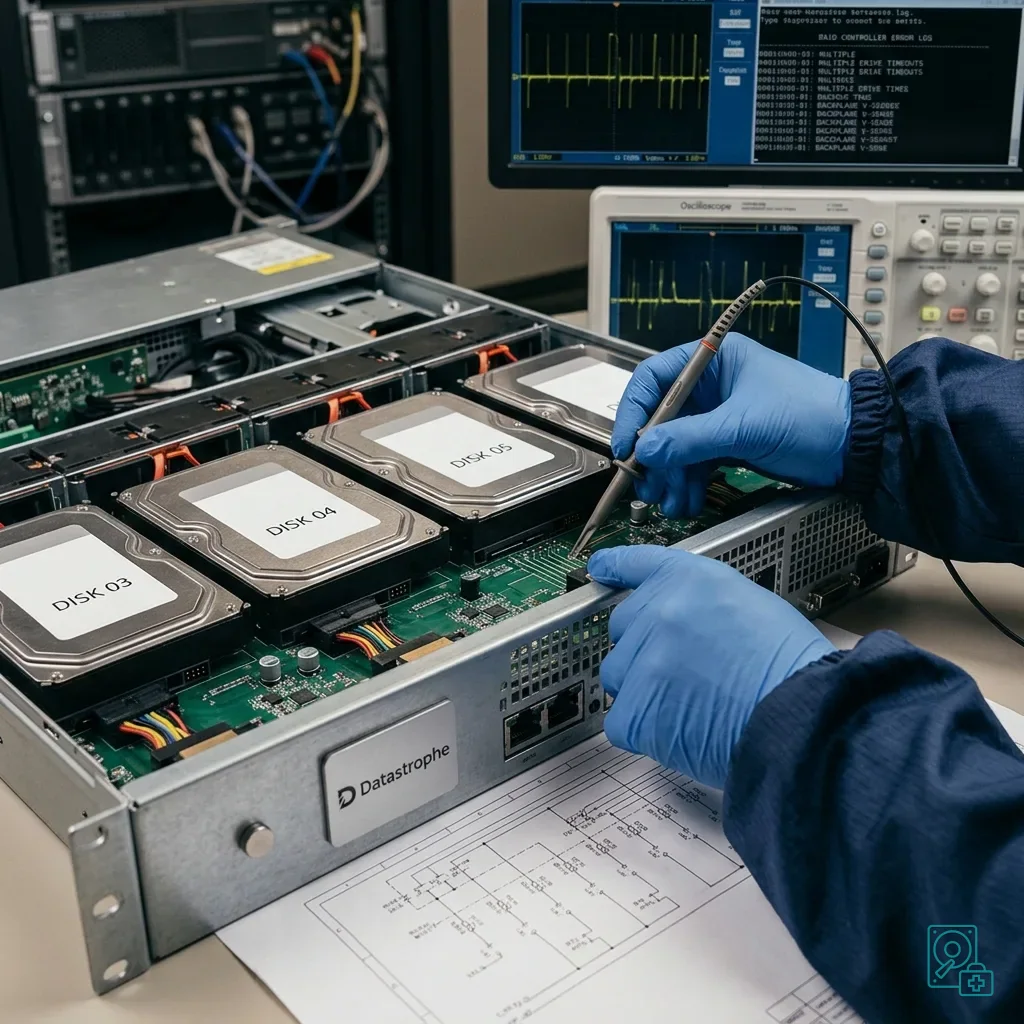
Replacing one server drive after one clear error may be routine. When several alerts appear within a short period, the investigation must widen to shared causes such as heat, power, the backplane, RAID controller, vibration, firmware, or an excessively demanding rebuild.
A server concentrates many dependencies. Its drives often run continuously in a shared enclosure under sustained temperature and workload constraints, so repeated failure should not be dismissed as a sequence of unrelated coincidences.
Read the signs together: SMART errors, reallocated sectors, disappearing drives, I/O delays, a stalled rebuild, a degraded volume, controller logs, and power or fan alerts. One isolated warning may be straightforward; an accumulation demands greater caution.
Server data recovery describes the service approach. Here, the focus is the mechanism behind repeated failures, which is easily misread under pressure.
The main risk is replacing one drive after another without understanding why the errors are multiplying. Every rebuild loads the remaining media heavily. If one is already fragile, that workload may trigger a more serious failure.
Be wary when alerts disappear after a restart. A drive returning online does not prove that the incident is over. An unstable connection, unreliable bay or marginal power supply can create intermittent errors that are often harder to diagnose than a complete failure.
Diagnostic assessment
Check RAID, Backplane, Cooling, and Power Together
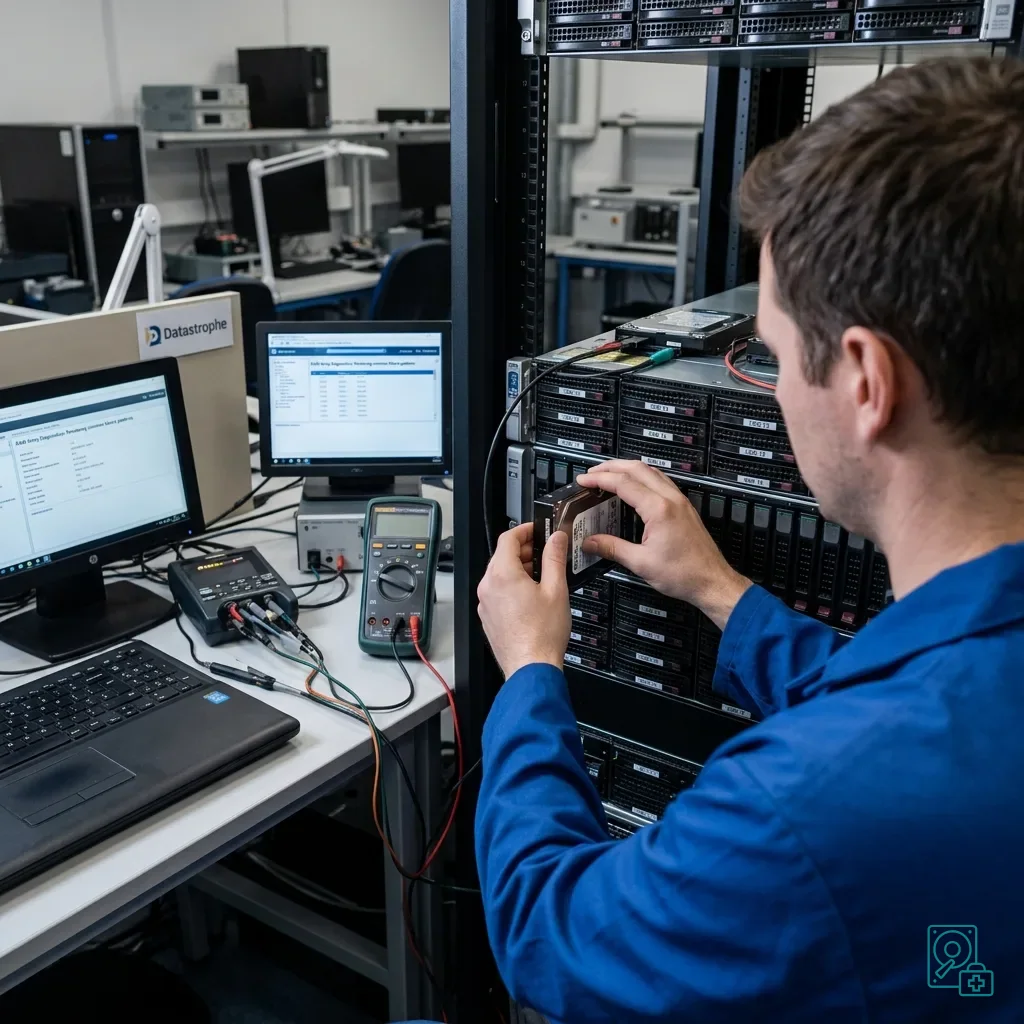
RAID can mask one failure, but it cannot correct every cause. An unstable controller, defective backplane, or irregular power supply may generate errors across several drives. Replacing only the media will not solve the problem while the shared layer remains faulty.
The backplane deserves particular attention. Worn connectors, oxidation, poor seating, or a bay defect can make a drive disappear intermittently. The RAID log may then resemble a media failure even though the drive itself is not solely responsible.
Heat is another factor. A poorly ventilated rack server, heavy dust build-up or high ambient temperature can lead to accumulating errors. The most active or least effectively cooled drives may show the damage first.
Servers and critical data explains why services must be prioritized. The hardware assessment here is intended to stop restart work destroying the final usable sources.
Preserve logs before they rotate. RAID controller, operating system, hypervisor, monitoring and SMART records often reveal the true sequence: which drive reported first, when a rebuild began and which bay lost contact.
That chronology helps distinguish a genuinely failed drive from one disconnected at the wrong moment. It also reduces the risk of removing media that remains essential to the volume's coherence.
Diagnostic assessment
Do Not Launch Rebuilds Repeatedly
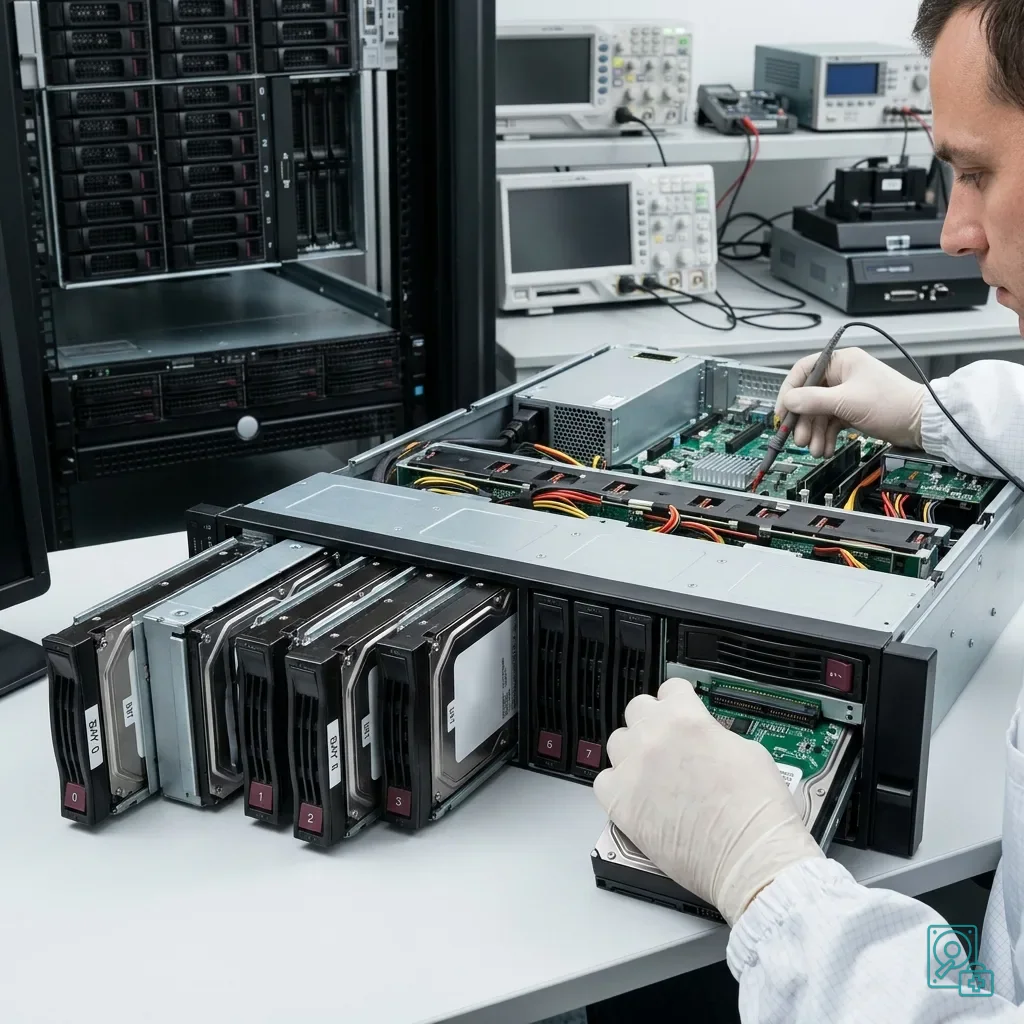
A RAID rebuild is useful only when the surrounding system is healthy. It becomes hazardous when several drives are unstable, errors keep returning, or the shared cause remains unknown. Repeated rebuilds can consume the last successful reads available from weakened media.
Avoid undocumented automatic actions: sequential replacements, volume initialization, forced imports, removal of a drive marked foreign, volume extension or restoration to the same location. These operations may alter metadata needed to understand the array.
Before any rebuild, preserve drive order, RAID configuration, logs and the present state. A technical image or controlled copy may be preferable when the volume holds critical data and its media show signs of instability.
RAID redundancy and its limits explains why redundancy is not a backup. During repeated failure, that limit becomes immediate because fault tolerance can be exceeded very quickly.
Do not confuse a mounted volume with a dependable one. A server may restart after rebuilding while holding inconsistent files or damaged databases. Quality checks must follow the technical restart.
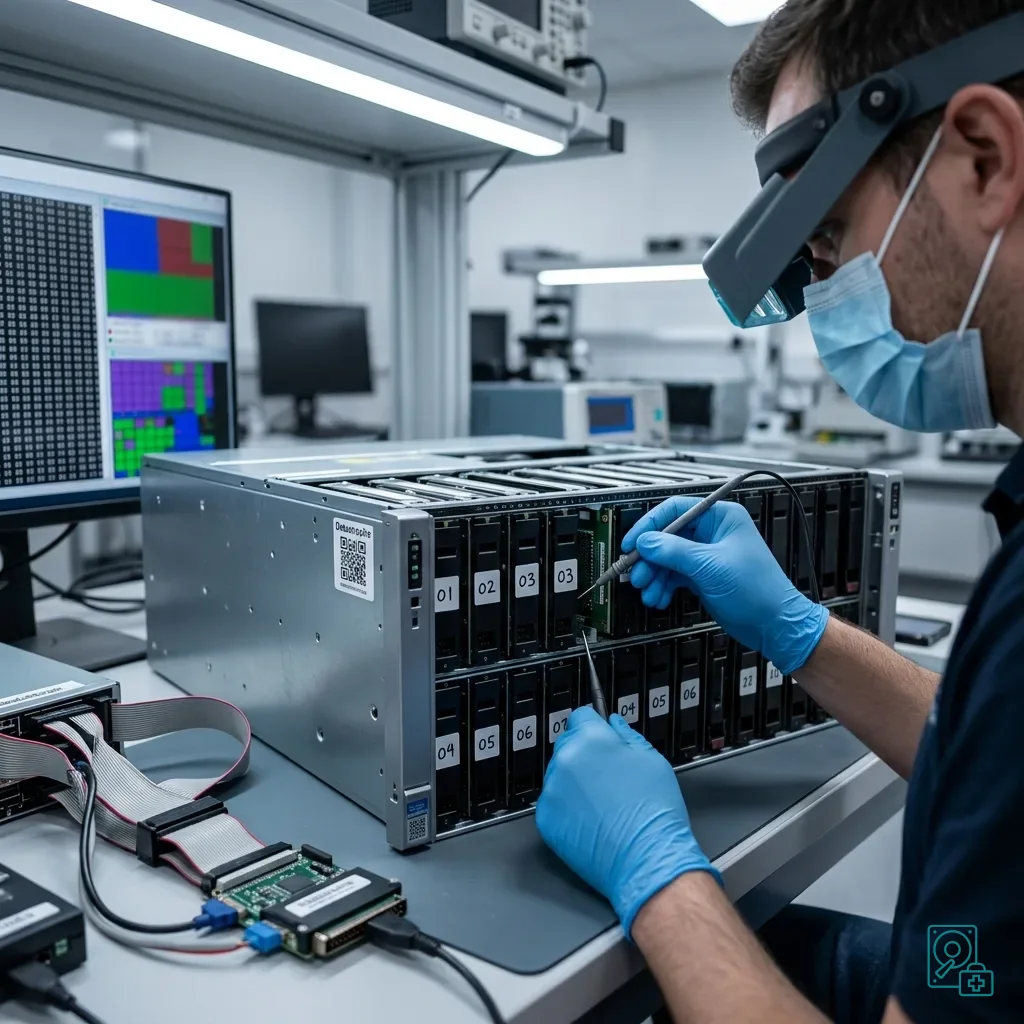
Diagnostic assessment
Prioritize Critical Services and Data
Not all data carries the same weight during a server incident. A business database, shared folder, mail system, virtual-machine volume, and production files may each require a different priority, which should be established before the assessment begins.
Operations can resume from a copy or backup, but restart work must not overwrite the sources. When the team restores quickly to bring services back, retain the original drives and configuration for subsequent analysis.
Application dependencies matter too. A database without its journals, virtual machine without its descriptor or share without permissions may be partly readable yet difficult to return to production. Assess the data according to how it will actually be used.
An enterprise data recovery plan develops this approach. Technical work is more effective when business priorities have already been identified.
Keep internal communication factual. "Volume degraded, rebuild stopped, drives 2 and 4 unstable, accounts database first priority" supports decisions far better than a vague failure report and helps prevent conflicting interventions.
Diagnostic assessment
Document Corrective and Preventive Measures
After the incident, prevention must address the underlying cause. If heat, the backplane, or power was involved, replacing drives is insufficient; check the environment, monitoring, backup policy, and rebuild procedures.
Test the alerts. A SMART or RAID notification ignored for several days can turn a simple failure into a complete incident. Prevention depends as much on the response to warnings as on the technology producing them.
Backups must be restorable. An untested, outdated backup or one stored in the same environment cannot provide dependable continuity. RAID protects against selected scenarios, not every form of loss.
Maintain a server record containing its model, controller, RAID type, drive order, capacity, firmware, location, hosted services and procedures. During an incident, this information speeds decisions without forcing risky experiments.
Datastrophe can assess a server whose drives show repeated failures or a difficult rebuild. The objective is to identify probable causes, preserve the media and recover priority data without unnecessarily restarting destructive operations.
In virtualized environments, include virtual-machine volumes, snapshots and datastores in that analysis. A physical server-drive failure may leave virtual files incomplete even while the host operating system can still restart.
Diagnostic assessment
Primary Technical References And Limits
Reference scope — drives repeated failures investigation: For server drives repeated failures investigation, the primary references used are csrc.nist.gov. Physical evidence — drives repeated failures investigation: They define the relevant preservation, storage or validation concepts, but they cannot establish the exact physical condition, controller state, key availability or business consistency of the device received. Controller evidence — drives repeated failures investigation: Those points require measurements on the original set and verification on copies.
Diagnostic assessment
Arrange A Controlled Assessment
Complete set — drives repeated failures investigation: For a technical assessment of server drives repeated failures investigation, provide the complete device or storage set, its associated power and interface parts, the symptom timeline and the priority files. Incident history — drives repeated failures investigation: Keep member order, labels and authorised credentials separate from the parcel paperwork; do not restart the source merely to obtain a new screenshot.
Laboratory responsibility — drives repeated failures investigation: Datastrophe performs the diagnosis, integrity checks and recovery directly in its own laboratory with its own team. Free assessment — drives repeated failures investigation: Diagnosis and the written estimate are free. Transport boundary — drives repeated failures investigation: Two-way private shipping is included; the carrier moves only the sealed parcel and neither accesses nor processes its data.
Controlled list — drives repeated failures investigation: Before any payment, the client receives the proposed price and a checked list. Verification classes — drives repeated failures investigation: Each item is classified, in order, as recoverable_verified, partial, detected_unverified or unrecoverable. Payment trigger — drives repeated failures investigation: Only recoverable_verified items whose contents were checked and found usable are presented as recoverable. No-result rule — drives repeated failures investigation: Payment is due only after the client accepts both the list and the price.
No-result rule — drives repeated failures investigation: If no usable data is verified, recovery fails, or the client declines the list or price, no standard fee is payable. Rare-part exception — drives repeated failures investigation: The only exception is a rare, costly and non-refundable part, which may be ordered only after a separate, explicit and priced proposal has been accepted.