

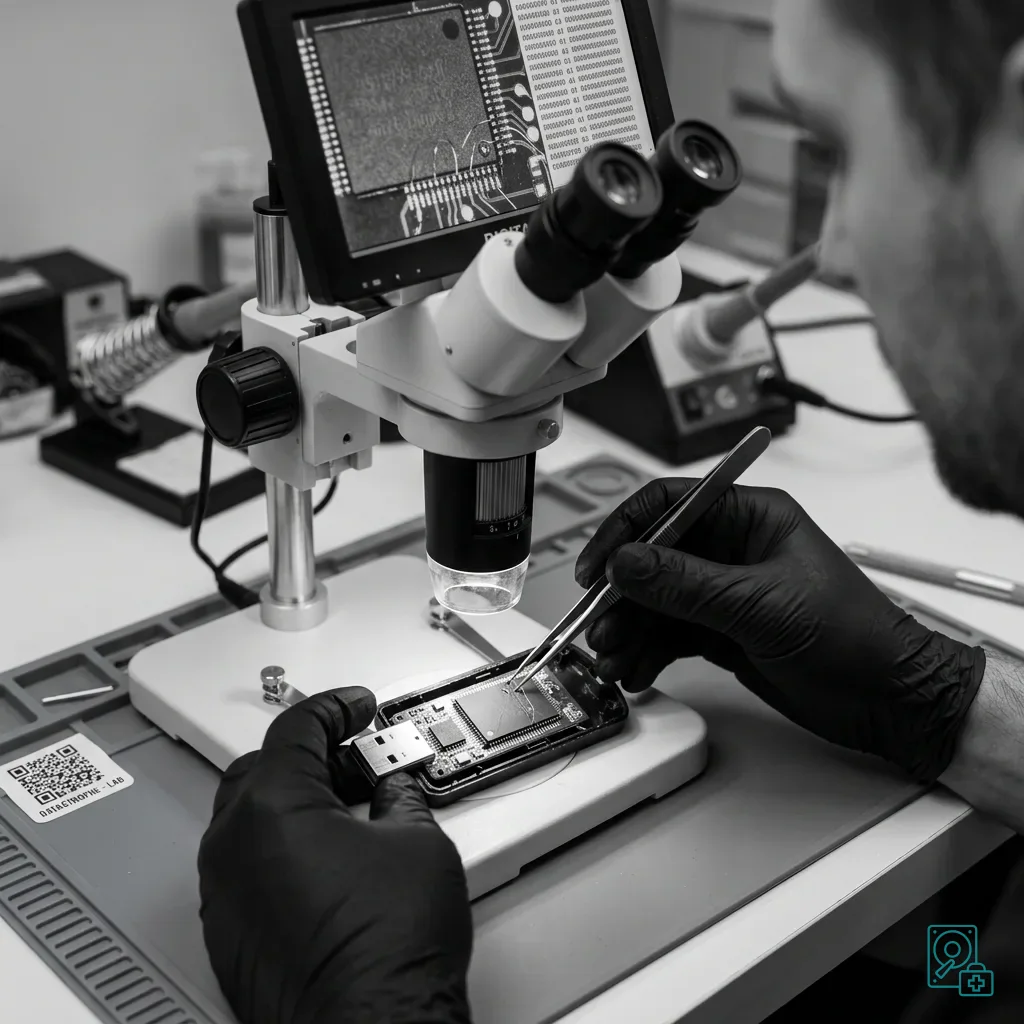
Diagnostic assessment
Sensitive Media Require More Than Routine USB Handling
A USB drive used for backup, business export or archiving may hold sensitive files, logs, signatures, exports or settings. Although the hardware may be ordinary, its context calls for stricter handling.
File loss is only one concern. Altering the source state, blurring the timeline or preventing an integrity check can matter just as much. A hurried copy, automatic repair or formatting operation may create more problems than it resolves.
USB flash drive data recovery explains the technical service. Here, the scope is preservation, traceability and assessment; Datastrophe does not replace business validation of backed-up files.
Keep the drive in its initial state. If it is unrecognized, asks to be formatted or shows incoherent files, do not keep reconnecting it. Each access may change metadata, logs or temporary files.
Sensitive handling also separates responsibilities. The requester defines the expected technical scope, while authorized owners validate content, procedures and administrative decisions.
Diagnostic assessment
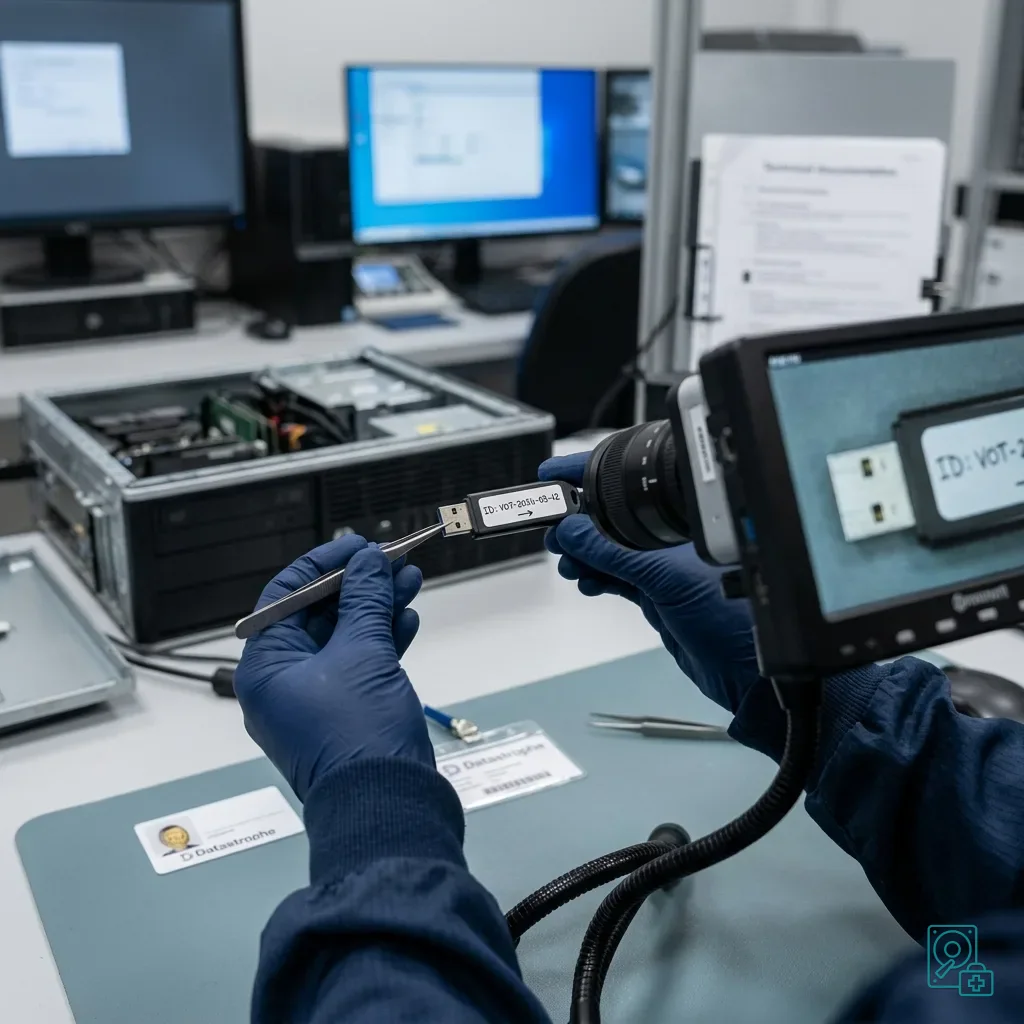
Record The Case Before Handling
Start with the context: date, equipment, exact message, software, people present, actions already taken and the specific drive. Photographs of the media, label and error screen can add detail without changing data.
Preserve associated items too. The computer, terminal, software, logs, internal procedures and existing copies may be needed to understand the format; the USB drive rarely tells the whole story alone.
Limit and record every action. Connecting the drive to several computers, accepting repair or attempting a partial copy can change dates or create extra files. Even an ordinary technical step needs control in a sensitive case.
Documentation does not replace assessment. It separates effects from the media, software, environment and later actions, while allowing limitations to be described without ambiguity.
Avoid vague reports. Saying a drive no longer works is insufficient. The exact message, system, incident time and existence of any earlier copy can change the preservation strategy.
Diagnostic assessment
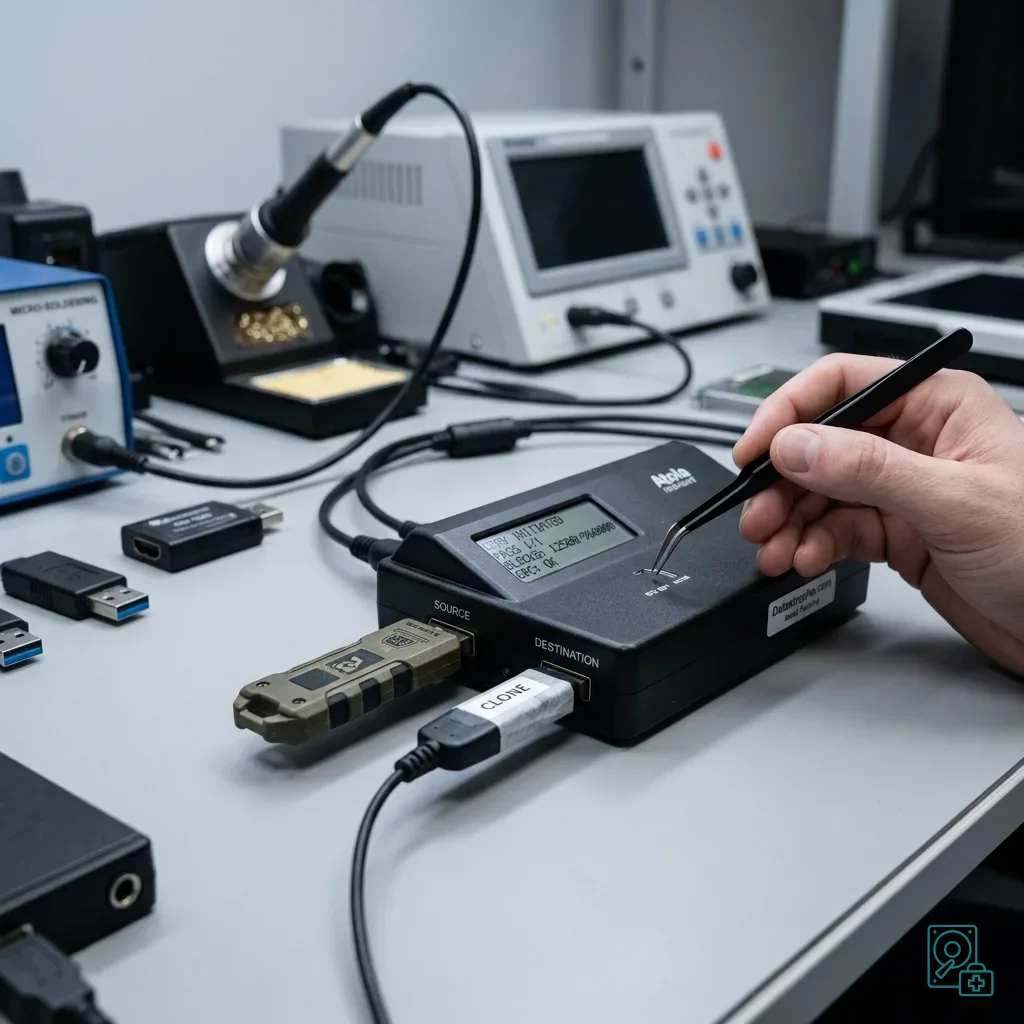
Create A Controlled Copy When Possible
If the drive responds sufficiently, preserve the original and work from a controlled copy. The aim is technical integrity, not merely transferring visible files, so the structure can be examined without repeatedly stressing the source.
Do not read an unstable drive for hours without a plan. Stop if it disconnects, heats, changes capacity or disappears. The assessment must then separate connector, electronics, flash-memory and file-system causes.
Check the files afterwards. A visible export may be incomplete, a log may be missing, a signature may no longer match and a folder tree may be partial. Useful recovery distinguishes present, readable, coherent and usable files.
Incident documentation supports this method. In a sensitive case, the record of each step matters as much as the number of recovered files.
Keep multiple versions separate. An older copy, partial export or associated log can explain differences from the failed drive; mixing them with the source removes that clarity.
Do not manually correct filenames or dates before analysis. Even an obvious correction may hide an anomaly that explains the incident.
Diagnostic assessment
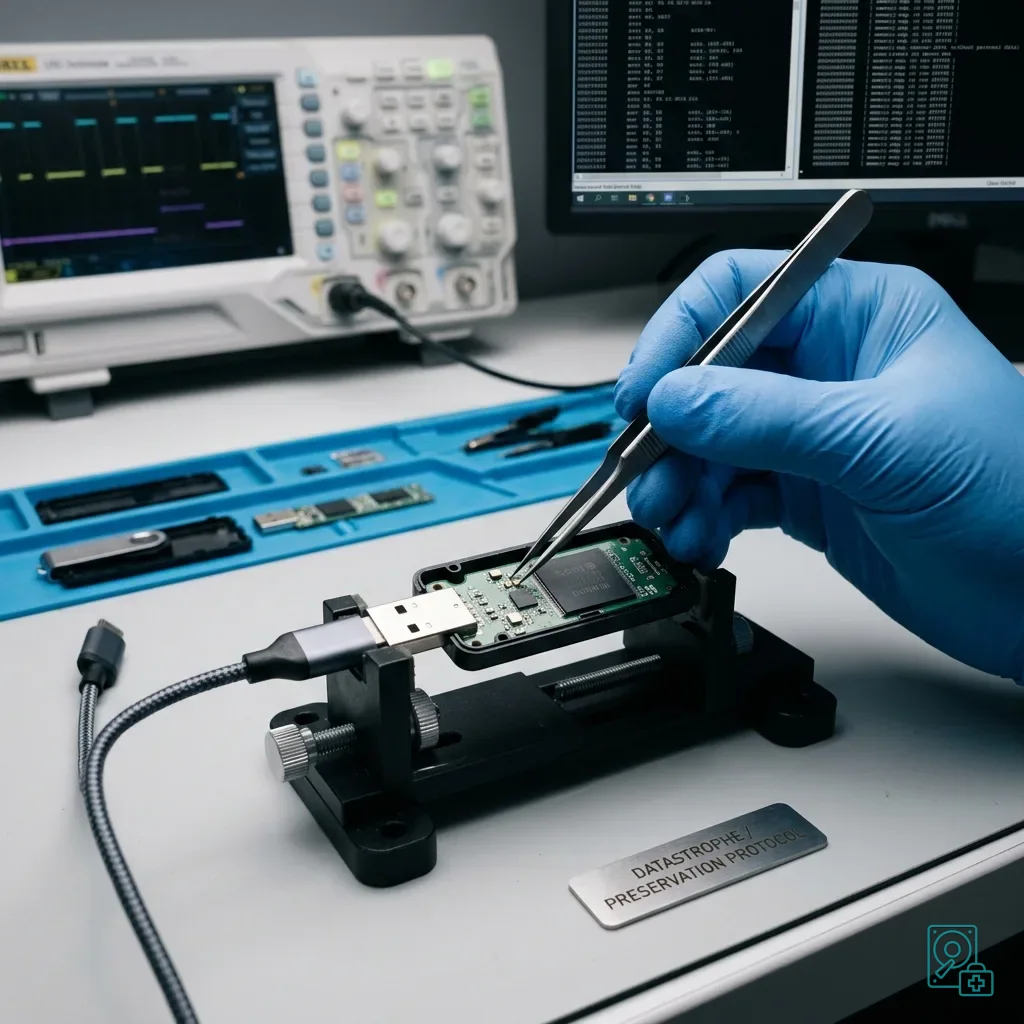
Avoid Repairs That Alter Source State
Operating systems may offer to repair a drive, correct its volume or format it. Those operations write to the media and should be avoided until the initial state has been secured.
Avoid renaming, moving or opening files from the original drive as well. Applications can create temporary content during an apparently simple open operation; preserve first and analyze a copy where possible.
Keep the handling chain clear: who held the media, when, in what condition, which actions were performed and with what result. This protects the technical value of the handover.
Datastrophe works on the media and files. Administrative, legal and business validation remains with authorized owners, keeping the technical scope clear and verifiable.
Set that limit at the start. Recovery can establish what is readable, complete or altered, but does not replace internal controls, official procedures or decisions by competent authorities.
Diagnostic assessment
Prepare A Verifiable Handover
Define the expected data before handover: exports, logs, reports, configuration files, signatures, dated folders or archives. That list makes it possible to check whether essential items are present and readable.
Use suitable destination media. Sensitive data need a clear scope, controlled access and separation between source and copy, with the handover stating what was recovered, what remains uncertain and what could not be read.
Finally, consider the likely cause. A weak connector, poor-quality drive, premature removal, interrupted software, faulty port and worn flash memory require different prevention, and the drive may need replacement even after successful recovery.
A sensitive USB backup or export therefore needs a restrained method: preserve the state, document actions, limit writes and return files that can be checked without interpreting their business meaning.
Diagnostic assessment
Primary Technical References And Limits
Reference scope — backup drive integrity check: For USB backup drive integrity check, the primary references used are csrc.nist.gov. Physical evidence — backup drive integrity check: They define the relevant preservation, storage or validation concepts, but they cannot establish the exact physical condition, controller state, key availability or business consistency of the device received. Controller evidence — backup drive integrity check: Those points require measurements on the original set and verification on copies.
Diagnostic assessment
Arrange A Controlled Assessment
Complete set — backup drive integrity check: For a technical assessment of USB backup drive integrity check, provide the complete device or storage set, its associated power and interface parts, the symptom timeline and the priority files. Incident history — backup drive integrity check: Keep member order, labels and authorised credentials separate from the parcel paperwork; do not restart the source merely to obtain a new screenshot.
Laboratory responsibility — backup drive integrity check: Datastrophe performs the diagnosis, integrity checks and recovery directly in its own laboratory with its own team. Free assessment — backup drive integrity check: Diagnosis and the written estimate are free. Transport boundary — backup drive integrity check: Two-way private shipping is included; the carrier moves only the sealed parcel and neither accesses nor processes its data.
Controlled list — backup drive integrity check: Before any payment, the client receives the proposed price and a checked list. Verification classes — backup drive integrity check: Each item is classified, in order, as recoverable_verified, partial, detected_unverified or unrecoverable. Payment trigger — backup drive integrity check: Only recoverable_verified items whose contents were checked and found usable are presented as recoverable. No-result rule — backup drive integrity check: Payment is due only after the client accepts both the list and the price.
No-result rule — backup drive integrity check: If no usable data is verified, recovery fails, or the client declines the list or price, no standard fee is payable. Rare-part exception — backup drive integrity check: The only exception is a rare, costly and non-refundable part, which may be ordered only after a separate, explicit and priced proposal has been accepted.