
Diagnostic assessment
Understand The Risk From Water
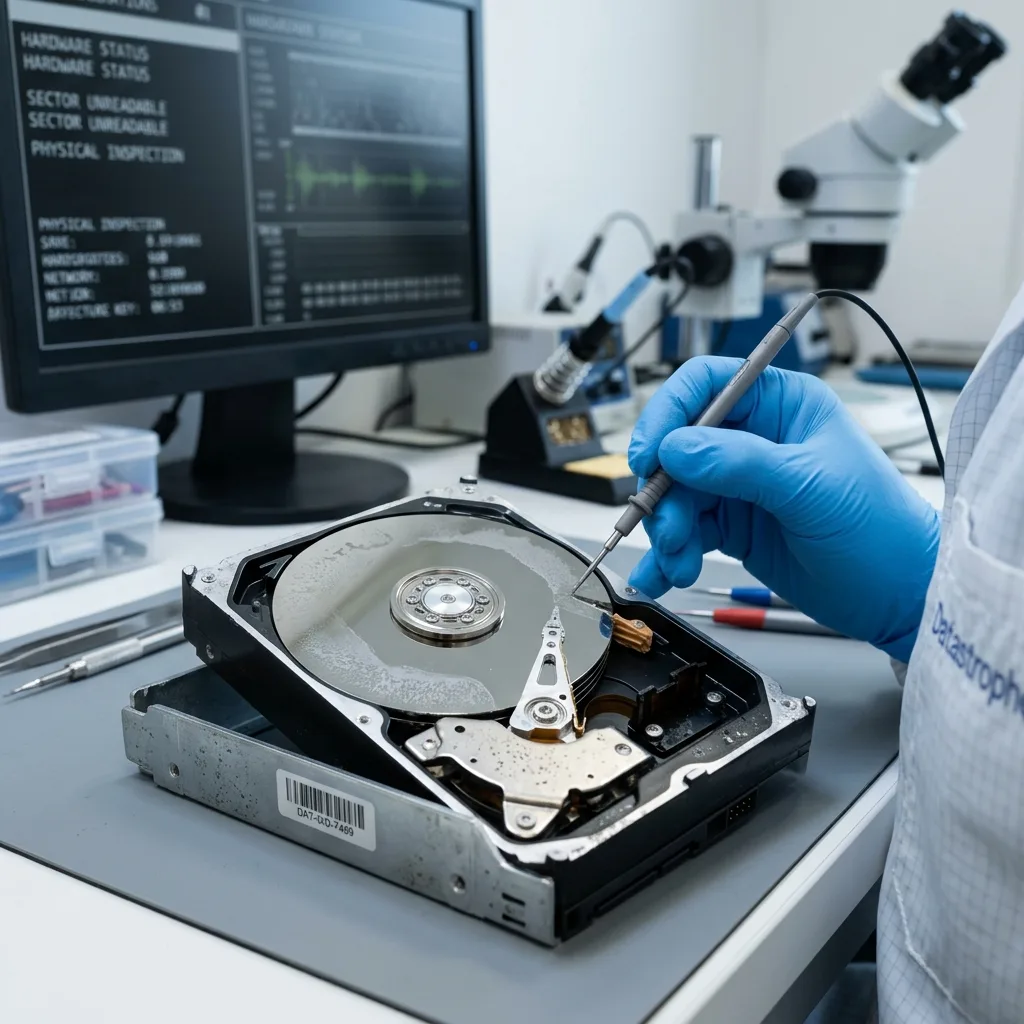
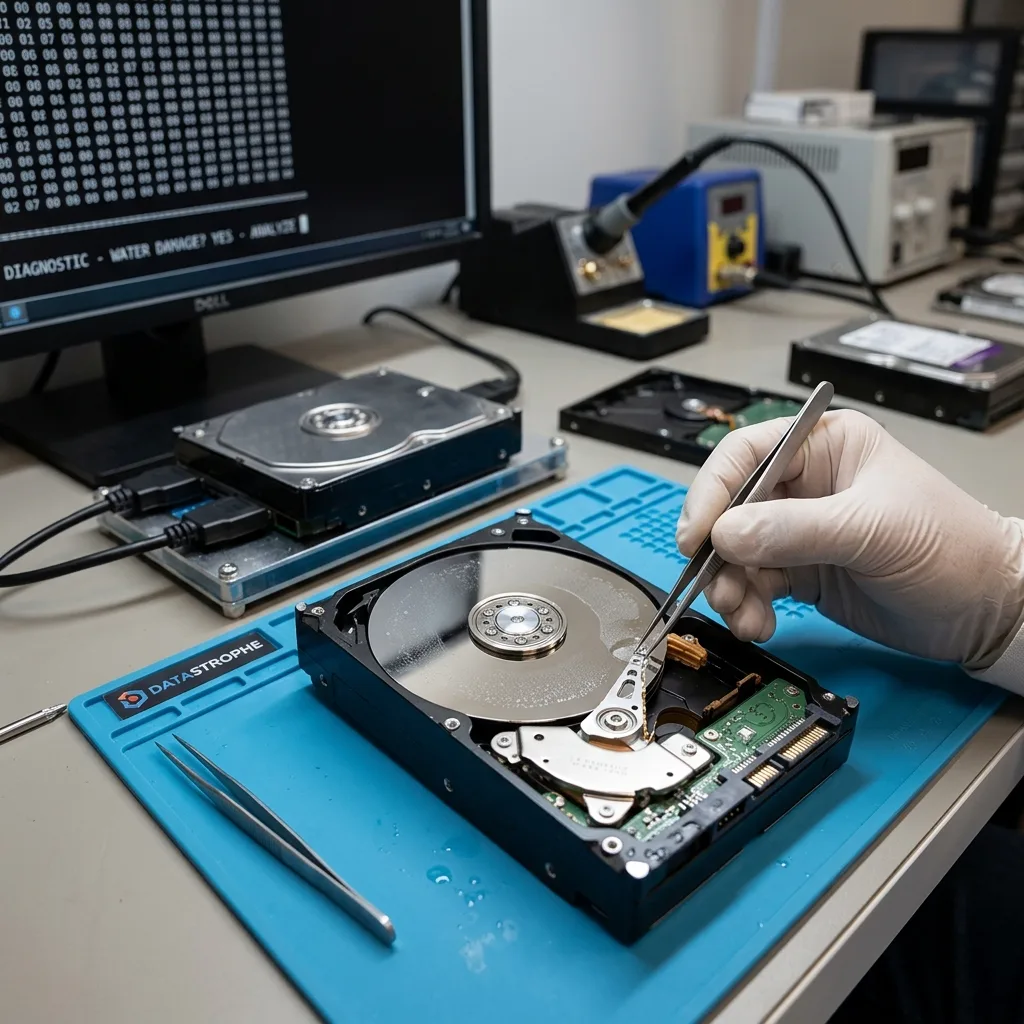
A drive exposed to water, flooding or another liquid should not be treated as an appliance that is merely damp. Liquid can reach its electronics, connectors, casing, filters and in some situations its internal environment. Risk can remain after the outside appears dry.
Corrosion, deposits and short circuits create the danger. Powering the device can damage its circuit board. Residue may disrupt contacts, while weakened mechanics can generate errors or abnormal noise.
The type of liquid matters. Clean, salt, dirty or sugary water and floodwater leave distinct deposits. Corrosion can progress for as long as the device remains exposed; as a result, record the chronology.
The concern here is the drive itself. Moisture affecting an external hard drive concentrates on humidity, condensation and the enclosure.
That distinction matters. Ambient humidity may cause gradual condensation, whereas immersion or splashing tends to introduce more aggressive deposits. An examination must establish more than whether the drive now looks dry.
Diagnostic assessment
Avoid Actions That Worsen Damage
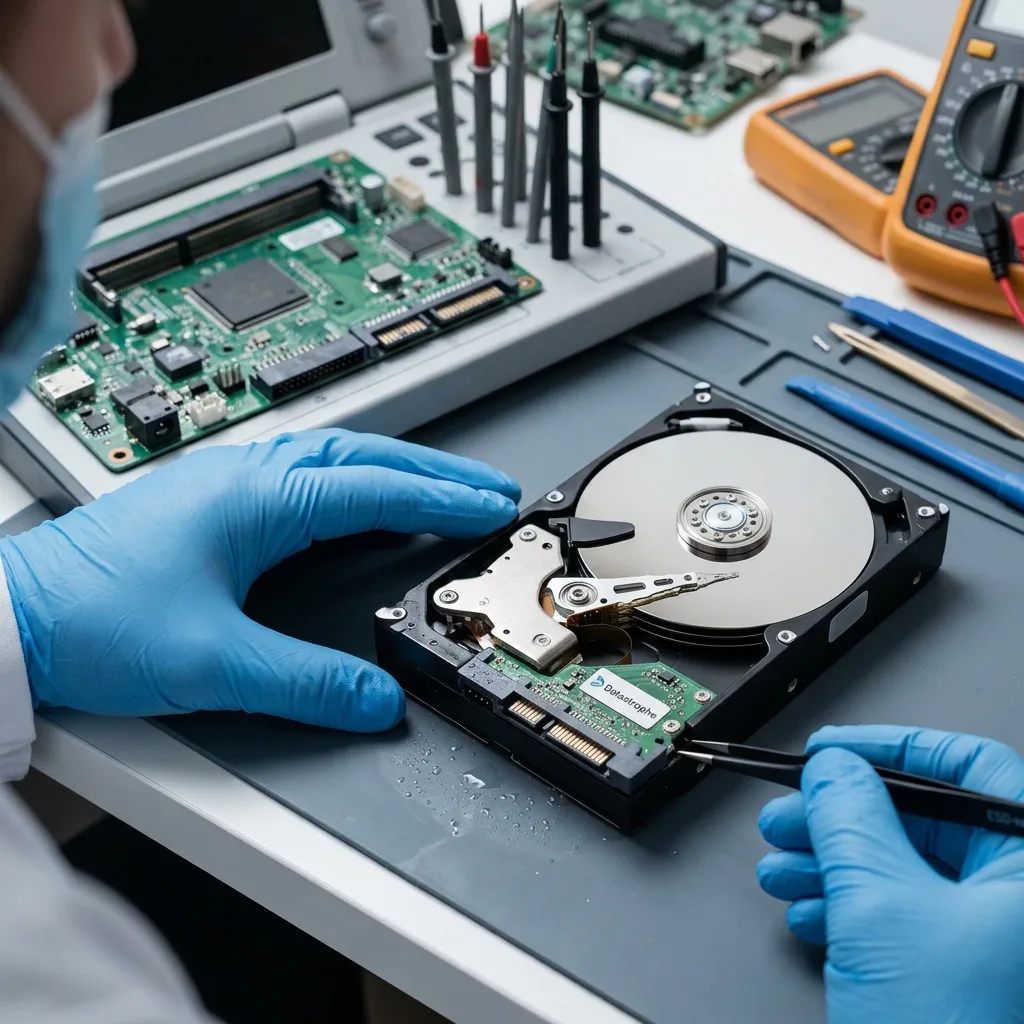
Do not power the drive on again. Its electronics and connectors may stay contaminated even when the exterior looks dry. Repeated power-up can turn limited damage into a more serious fault.
Avoid hairdryers, radiators, freezers, cleaning products and improvised dismantling. Heat can move deposits, create condensation or distort parts. Opening a drive outside a suitable environment exposes the platters to dust.
Do not shake the device or attempt to drain it. That can move residue toward sensitive areas. Keep it stable and retain details of the exposure.
Retain any backup separately. Do not replace it with a copy attempted from the wet drive. Every available source should remain intact until the assessment.
Avoid cleaning connectors without a approach as well. An unsuitable product or forceful rubbing can move corrosion, damage a ribbon cable or obscure useful traces. Send the device with its context instead of preparing it blindly.
Diagnostic assessment
Examine Electronics And Mechanics
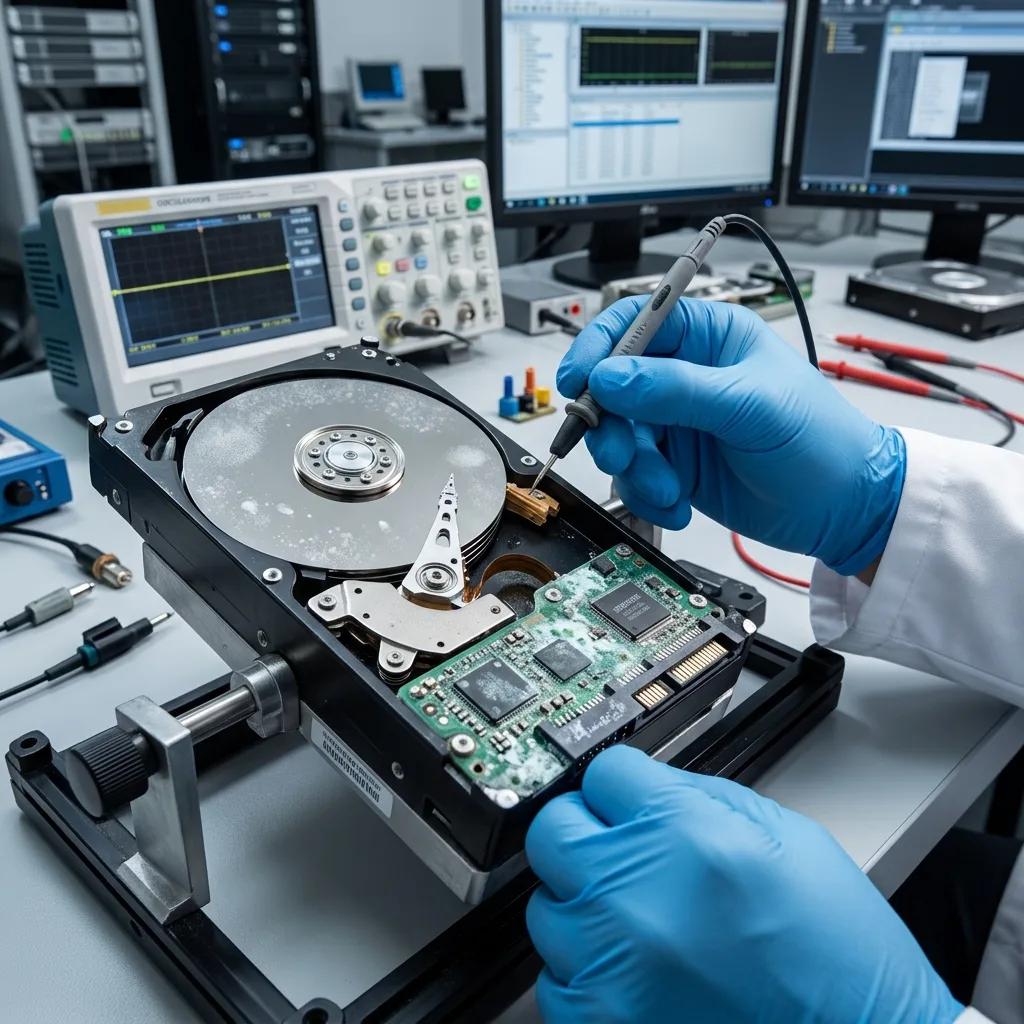
The assessment must separate electronic, mechanical and logical effects. An oxidised board can block access while the platters still hold data. Contaminated or unstable mechanics may make reading dangerous.
Datastrophe favours controlled inspection before any read-out. The objective is to establish whether the device can be stabilized or imaged and which physical limits apply. Responsible recovery does not promise a result before this evidence exists.
Platters and read heads require particular care. If liquid reached the internal environment, rotation may cause further damage. Decisions depend on noise, exposure, liquid type and data priorities.
Hard drive data recovery describes the service route. The particular risks here are water exposure and the actions that must be avoided.
The examination may identify firm limits. Affected platters, advanced corrosion or multiple power-ups after exposure may make recovery partial. Explain that limit before making any assurance about the result.
Diagnostic assessment
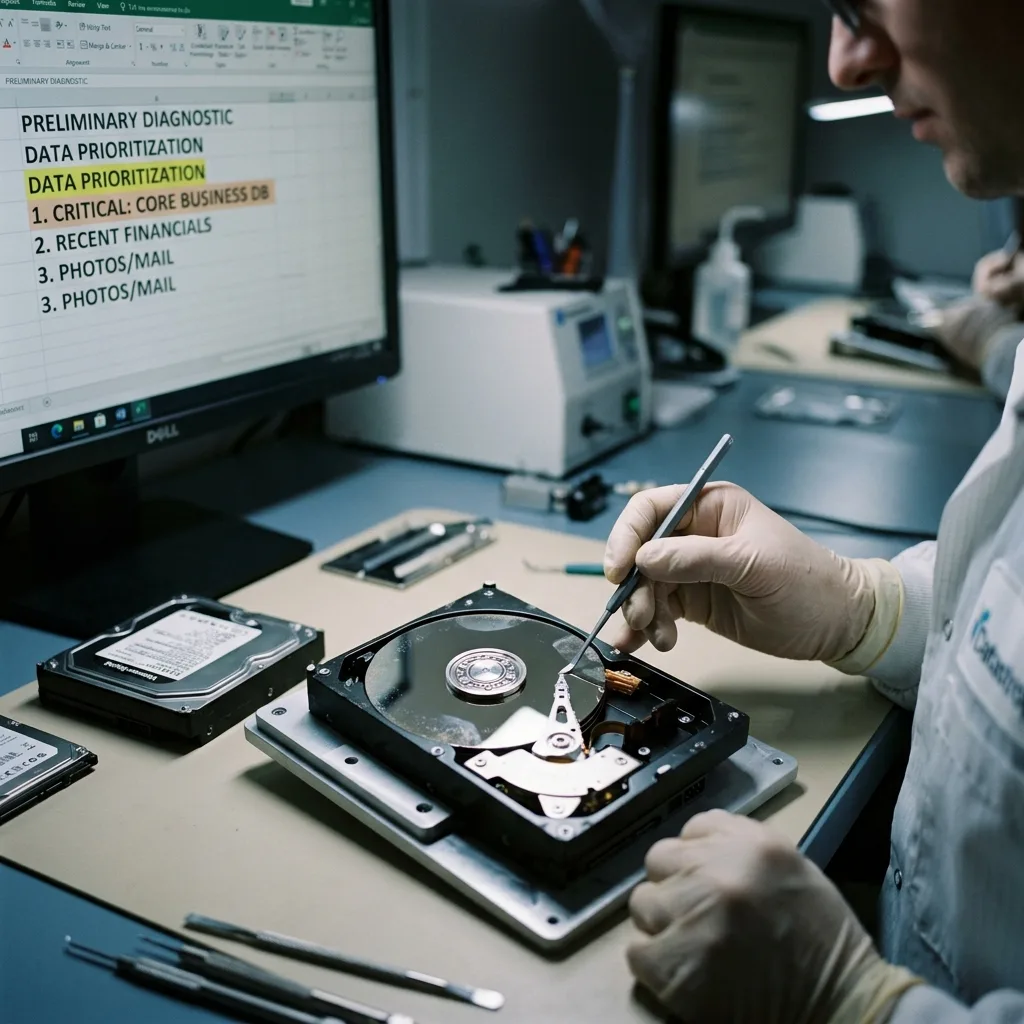
Prioritize Priority data
A water-damaged hard drive may offer a limited reading window or require intervention before any read is possible. Define priorities first: recent folders, photographs, accounts, a business database, archives or legal files.
This prevents the best remaining reads being spent on secondary content. If controlled acquisition becomes possible, its order can match the real requirement. Partial recovery stays useful when it holds the essential files.
Recovered files need checking. Water may cause an access failure, while logical corruption may also arise if the drive continued operating during or once the incident has occurred. Open files, compare them and label partial results.
Report every previous attempt, including drying, power-up, opening, board replacement, software use and interrupted copying. These actions change the analysis and may explain particular limits.
A priority list is especially valuable here. If only part of the device can be read, knowing which folders to seek first protects the most important information.
Diagnostic assessment
Prevent A Repeat Following Flooding
The affected drive should not return to work after a water incident. Even when data are recovered, the exposure proves that the device is no longer dependable. Move to healthy storage.
Prevention depends on independent, confirmed copies. A drive kept near floor level, in a cellar, damp room or flood-prone area is vulnerable. High-priority data need another location.
Businesses should have a simple plan: isolate affected devices, do not apply power, record the exposure, identify critical files and confirm backups away from production. This framework prevents decisions made under stress.
Common causes of data loss places water alongside hardware failure, human error, corruption and insufficient backup.
With a wet drive, controlled inaction is frequently the best immediate response: do not restart, open or clean it at random, and retain the details needed for examination.
Location is part of prevention. Backup media near the floor, under pipework or in a cellar face foreseeable risks. An independent copy elsewhere is the simplest protection against this type of incident.
Test that copy before discarding or replacing the affected drive. A visible backup that cannot be opened supplies false confidence. Check essential files on healthy storage.
Diagnostic assessment
Primary Technical References And Limits
Reference scope — hard drives recovery options limits: For water-damaged hard drives recovery options limits, the primary references used are NIST SP 800-86. Physical evidence — hard drives recovery options limits: They define the relevant preservation, storage or validation concepts, but they cannot establish the exact physical condition, controller state, key availability or business consistency of the device received. Controller evidence — hard drives recovery options limits: Those points require measurements on the original set and verification on copies.
Diagnostic assessment
Arrange A Controlled Assessment
Complete set — hard drives recovery options limits: For a technical assessment of water-damaged hard drives recovery options limits, provide the complete device or storage set, its associated power and interface parts, the symptom timeline and the priority files. Incident history — hard drives recovery options limits: Keep member order, labels and authorised credentials separate from the parcel paperwork; do not restart the source merely to obtain a new screenshot.
Laboratory responsibility — hard drives recovery options limits: Datastrophe performs the diagnosis, integrity checks and recovery directly in its own laboratory with its own team. Free assessment — hard drives recovery options limits: Diagnosis and the written estimate are free. Transport boundary — hard drives recovery options limits: Two-way private shipping is included; the carrier moves only the sealed parcel and neither accesses nor processes its data.
Controlled list — hard drives recovery options limits: Before any payment, the client receives the proposed price and a checked list. Verification classes — hard drives recovery options limits: Each item is classified, in order, as recoverable_verified, partial, detected_unverified or unrecoverable. Payment trigger — hard drives recovery options limits: Only recoverable_verified items whose contents were checked and found usable are presented as recoverable. No-result rule — hard drives recovery options limits: Payment is due only after the client accepts both the list and the price.
No-result rule — hard drives recovery options limits: If no usable data is verified, recovery fails, or the client declines the list or price, no standard fee is payable. Rare-part exception — hard drives recovery options limits: The only exception is a rare, costly and non-refundable part, which may be ordered only after a separate, explicit and priced proposal has been accepted.