


Diagnostic assessment
Understand What A Backup Really Proves
A backup protects data only when it can be restored at the right time, in the right state and on healthy storage. The presence of a folder, log or success message is not enough. Confirm that expected files exist, open and cover the required period.
The most common trap is confusing a copy with proof. A copy may be incomplete, old, interrupted or already corrupt. Backup can also hold the wrong version when synchronization transmits the incident before anyone detects it.
Proof should match the data type. Office documents can be checked by opening files. A database needs to mount in a consistent environment. A virtual machine should start or at least present a usable structure. An application export needs verifying in the software that consumes it.
The useful question is not "do we have a backup?" but "which version can we restore without making the loss worse?" That framing changes the priorities: preserve the source, pinpoint available versions and test before writing.
Cloud data loss describes synchronization limits. The wider issue is why a backup can exist without being sufficient.

Diagnostic assessment
Distinguish Copying, Synchronization And Restoration
A straightforward copy duplicates files to another location. It can be useful, but depends on copy quality and the date it was made. A job run after corruption may reproduce the problem.
Synchronization retains locations aligned. It is convenient for daily work but dangerous when it propagates deletion, malicious encryption or an accidental change. Without version history, it can replace sound data with damaged data.
A genuine backup strategy must support restoration. That requires versions, separation from the primary risk, tests and a way to choose the restoration point. Applications matter too: an open database, virtual machine or business project cannot be validated from a file list alone.
This distinction becomes critical when several tools coexist. An external disk may hold a manual copy, a cloud service synchronize selected folders, a NAS create snapshots and an application produce its own exports. Without a basic map, nobody knows which source should prevail during an incident.
The distinction also underpins a business data recovery plan: backup has value only when it can support controlled continuity.
Diagnostic assessment
Test Before Overwriting The Source
Restoring too quickly after data loss can remove the final evidence. Direct restoration to the original workstation, server or volume may overwrite deleted files, replace a partly usable version or change useful metadata.
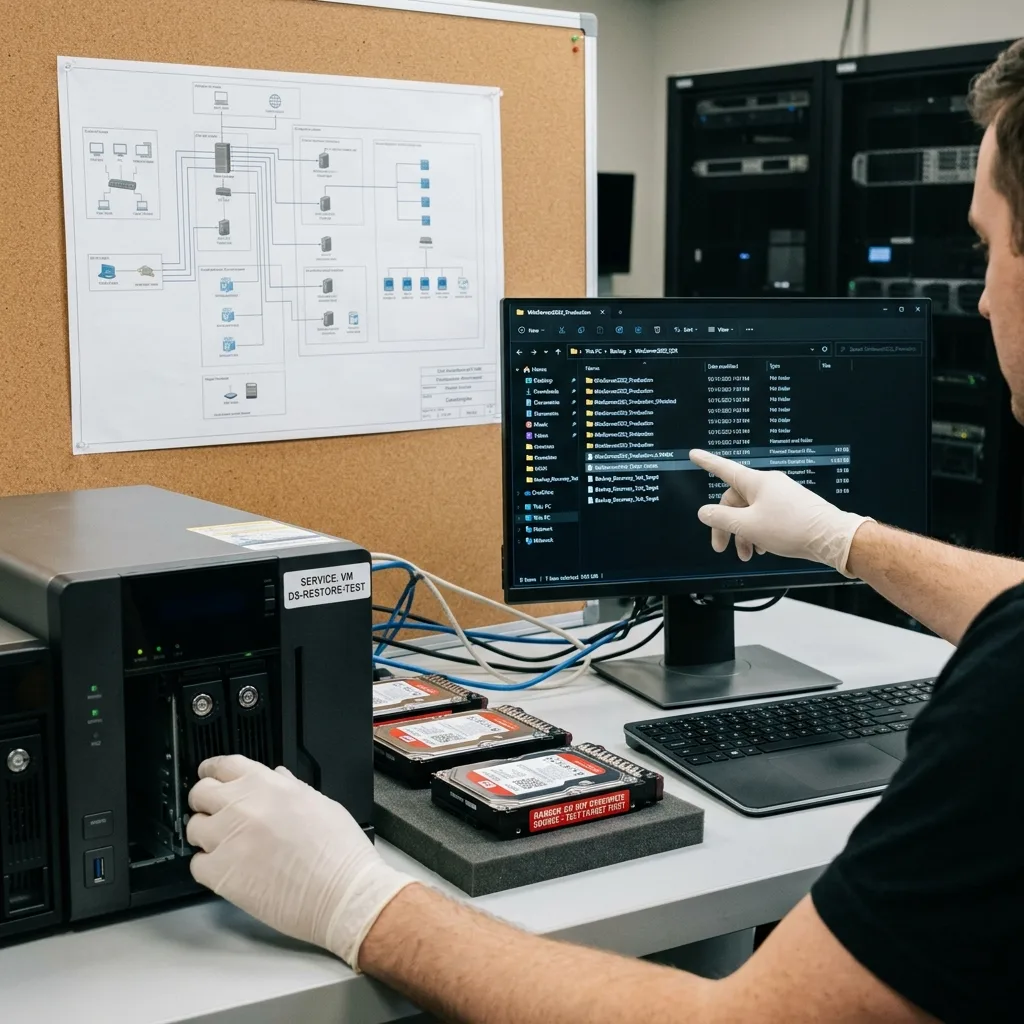
Test backup separately instead. Open priority files, inspect dates and sizes, start the relevant application where necessary and compare the outcome with the actual need. A technically successful restoration may remain useless when business data will not open.
Preserve existing backups even when they appear inadequate. An older version can complement a corrupted recent one, while a partial copy may provide reference files. Several imperfect sources can be more useful than one rushed restoration.
Datastrophe treats these sources as contextual evidence. They help establish what is missing, what may be recovered and what must be preserved before work on the original device.
Keep the test proportionate but concrete. There is no need to inspect every file individually; verify critical folders, sensitive formats, expected dates and representative items. This quickly exposes a backup that was only superficially readable.
Diagnostic assessment
Preserve Versions After An Incident
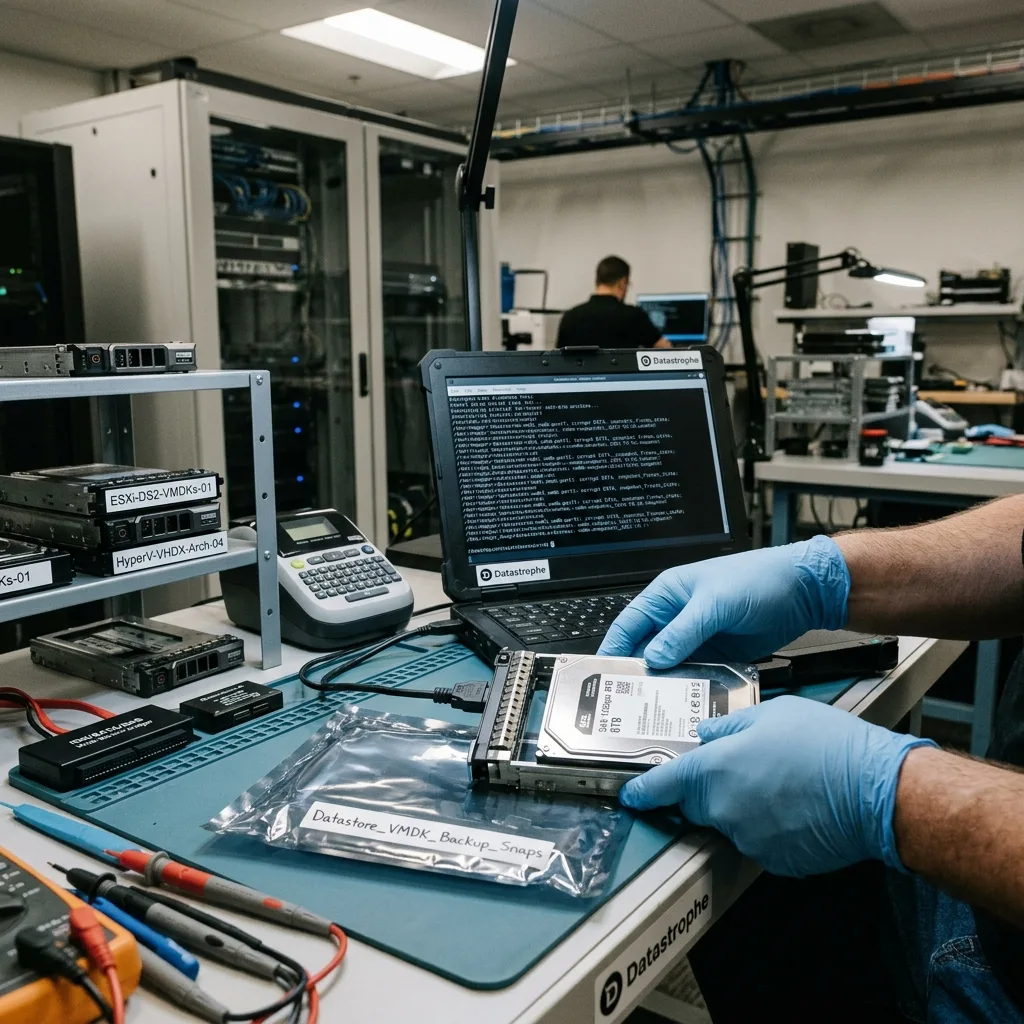
When an incident is found, freeze source states wherever possible. Preserve original storage, backups, local copies, cloud exports and logs. Deleting an old backup to create space can remove the remaining useful version.
The timeline is essential. Record deletion, failure, synchronization, attempted restoration and observed messages. It prevents selection of a backup that already contains the error.
In a business environment, operations can resume on healthy infrastructure while original devices remain preserved. This separates operational need from technical recovery. Combining them may write over the only material still usable.
Network interruption and incomplete backup provides a concrete example: an interrupted job can appear present but stay unusable.
Preserve error evidence too. Backup logs, alerts, modification dates, mounted volumes and cloud history can explain why a version is absent. Removing them during clean-up makes assessment slower and less reliable.
Diagnostic assessment
Improve Protection Without Multiplying Tools
Better backup does not mean stacking software. Protect critical data first, test restoration, preserve separate versions and document who validates the outcome. A simple arrangement is more likely to work than a cumbersome process.
Separate backup storage from the primary risk. A permanently connected copy can suffer the same power fault, encryption or human error as the original. An offline copy, remote version or proved restoration provides more value than a reassuring dashboard.
Tests should reflect real use. Open a document, mount a virtual machine, check a database or inspect a client folder. A success message alone does not show that expected data are usable.
A verification routine can be short: restore a monthly sample, verify one business dataset, record the result and correct omissions immediately. This prevents discovery during failure that a local folder, external volume or whole application was never covered.
After an incident, the priority stays avoiding overwrite. An inadequate backup can still help when retained and examined alongside other sources. Data protection therefore starts with one measured rule: no destructive restoration before verification.
If backup coverage is uncertain, preserve every surviving source so Datastrophe can compare versions before any restore overwrites evidence; clean room work applies only to mechanical drives that must be opened.
Diagnostic assessment
Primary Technical References And Limits
Reference scope — are not enough prevent data loss: For when backups are not enough prevent data loss, the primary references used are csrc.nist.gov. Physical evidence — are not enough prevent data loss: They define the relevant preservation, storage or validation concepts, but they cannot establish the exact physical condition, controller state, key availability or business consistency of the device received. Controller evidence — are not enough prevent data loss: Those points require measurements on the original set and verification on copies.
Diagnostic assessment
Arrange A Controlled Assessment
Complete set — are not enough prevent data loss: For a technical assessment of when backups are not enough prevent data loss, provide the complete device or storage set, its associated power and interface parts, the symptom timeline and the priority files. Incident history — are not enough prevent data loss: Keep member order, labels and authorised credentials separate from the parcel paperwork; do not restart the source merely to obtain a new screenshot.
Laboratory responsibility — are not enough prevent data loss: Datastrophe performs the diagnosis, integrity checks and recovery directly in its own laboratory with its own team. Free assessment — are not enough prevent data loss: Diagnosis and the written estimate are free. Transport boundary — are not enough prevent data loss: Two-way private shipping is included; the carrier moves only the sealed parcel and neither accesses nor processes its data.
Controlled list — are not enough prevent data loss: Before any payment, the client receives the proposed price and a checked list. Verification classes — are not enough prevent data loss: Each item is classified, in order, as recoverable_verified, partial, detected_unverified or unrecoverable. Payment trigger — are not enough prevent data loss: Only recoverable_verified items whose contents were checked and found usable are presented as recoverable. No-result rule — are not enough prevent data loss: Payment is due only after the client accepts both the list and the price.
No-result rule — are not enough prevent data loss: If no usable data is verified, recovery fails, or the client declines the list or price, no standard fee is payable. Rare-part exception — are not enough prevent data loss: The only exception is a rare, costly and non-refundable part, which may be ordered only after a separate, explicit and priced proposal has been accepted.