

Apple Mac Data Recovery
APFS, FileVault and the Mac generation determine the recovery path. On T2 and Apple silicon systems, storage, controller and hardware-bound keys are closely linked.
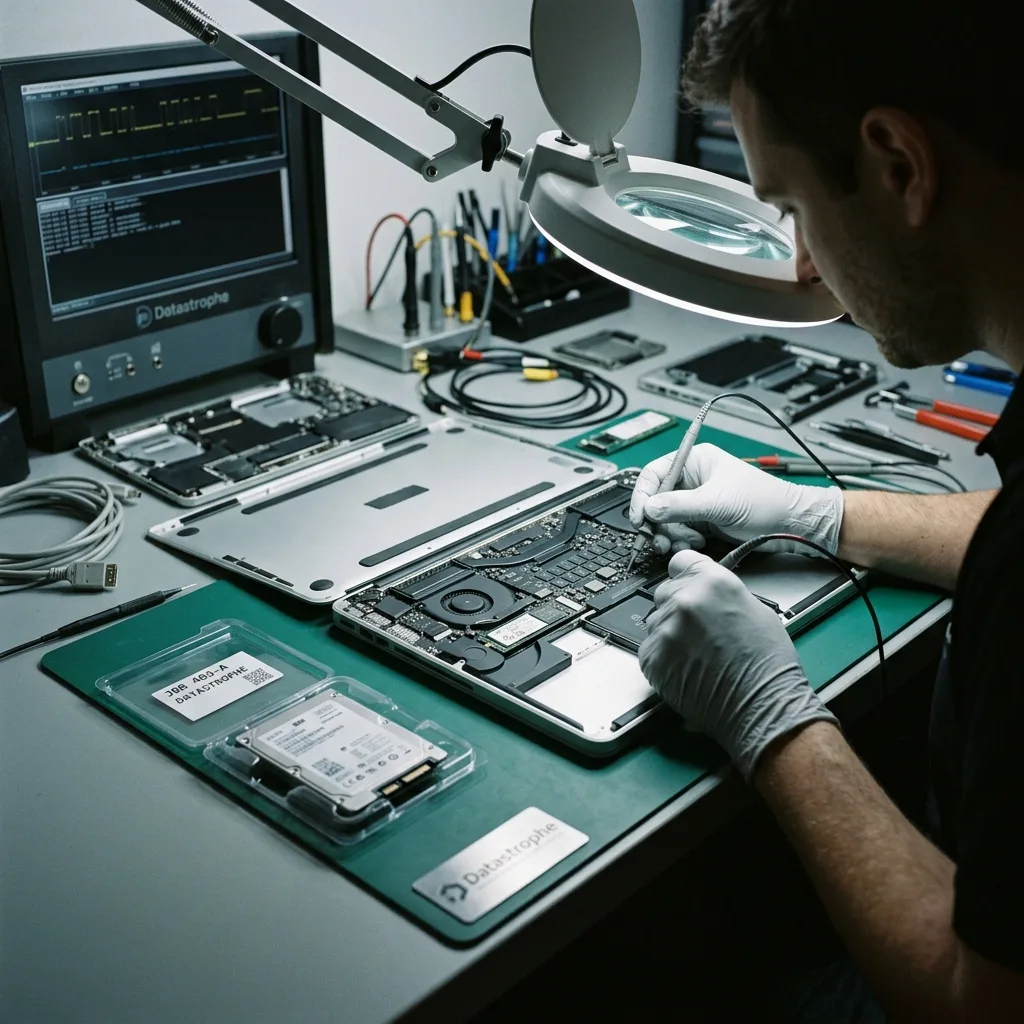
Symptom layers
A flashing folder, a stalled Apple logo and a Mac with no power require different diagnoses
The screen symbol describes where startup stopped; it does not by itself identify whether the logic board, storage or file system has failed.
A flashing folder can mean that the Mac cannot find a valid startup system, while a progress bar that stalls may follow APFS corruption, an update problem or unreadable storage. A Mac with no sign of power may have a board or charging fault while its data may remain present but depend on hardware-bound access.
Repeated restarts can trigger recovery procedures, snapshots or file-system changes. Internet Recovery and macOS installation are designed to restore a working system, not to preserve the best recovery state. Do not erase the disk, reinstall macOS or create a new APFS volume when the missing data is the priority.
The assessment records model identifier, year, processor generation, symptoms, last update and any impact or liquid history. Safe power and display checks are separated from storage access. The Mac architecture determines whether removable media can be acquired independently or authorised access must be restored through the original board.
Intel without T2
Some models use removable SATA or PCIe storage that can be assessed separately, while others use proprietary modules. Exact model and encryption status remain important before removal.
T2 and Apple silicon
Storage control and encryption are integrated with the platform. Board condition and authorised credentials can be essential; treating NAND as an ordinary detachable disk is misleading.
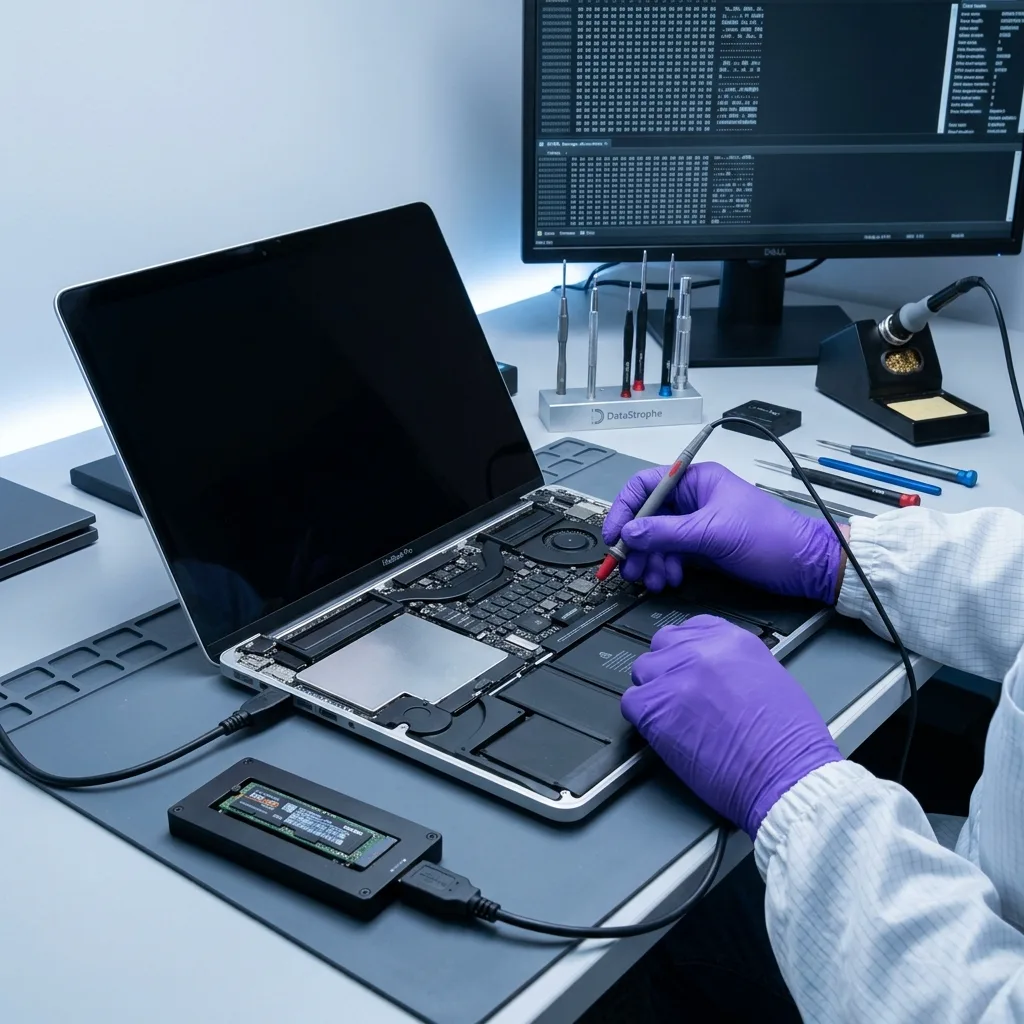
Encryption boundary
FileVault protects the volume and requires authorised unlock material
A complete APFS acquisition can remain unreadable until the correct user password, recovery key or authorised account route is available.
FileVault encrypts user data and may associate unlock with user credentials, a personal recovery key or organisation-managed escrow. On newer Macs, hardware encryption exists beneath FileVault as part of the platform. The absence of a remembered opt-in does not prove that storage is unencrypted.
Preserve the original Mac, known account credentials, key records and any mobile-device-management contact. Do not issue a remote erase from the associated Apple account, remove the device from management or reset security settings before authorised recovery information has been checked. A password change made elsewhere may not correspond to the local unlock secret.
Data recovery does not bypass FileVault or recreate a lost hardware-bound key. Legitimately supplied credentials are used only against protected working data or the original authorised access path. Confidential handling includes limiting credential exposure and reporting an encrypted but otherwise complete acquisition honestly when decryption remains unavailable.
- Keep the original Mac and its security state unchanged
- Locate authorised FileVault recovery information
- Do not issue remote erase or use Internet Recovery
- Transfer credentials only through an agreed secure method
Personal ownership
Record the macOS user name, known password history and any personal recovery key. The authorised owner should identify which account contains the required data.
Managed Mac
An employer or institution may hold FileVault escrow and device records. Its authorised administrator should preserve the key and nominate the data contact before review.
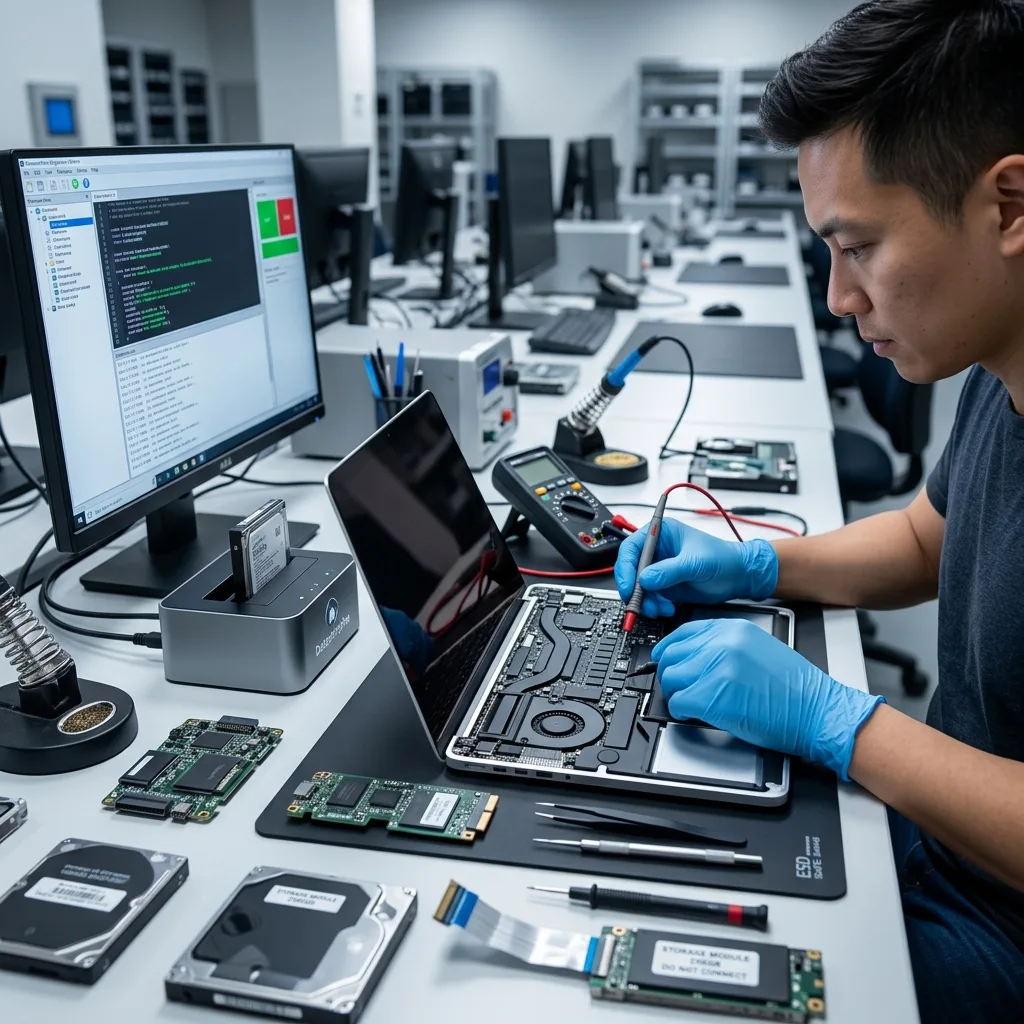
File-system structure
APFS joins containers, volume groups, snapshots and clones
The visible Macintosh HD volume is only one part of a shared container whose metadata can represent several system states.
APFS allocates space dynamically among volumes and uses copy-on-write metadata. Modern macOS pairs a sealed system volume with a writable data volume through a volume group. Recovery must preserve those relationships so user paths are not separated from their current metadata.
Snapshots can record earlier file-system states, while clones allow files to share physical blocks until one changes. A damaged object map or checkpoint can affect many paths at once. Mounting read-write may select or update structures, so reconstruction takes place from an acquired copy using explicit checkpoints.
A snapshot is not automatically a backup and may share blocks with the live container. The newest mountable checkpoint is not necessarily the most complete state for the client's priority files. Candidate trees are compared by chronology, consistency and content, with stale and current versions kept distinguishable.
Volume groups
System and Data roles are associated through identifiers and firmlinks. Reconstructing only one volume can leave user data present but detached from expected paths and applications.
Snapshots and clones
Earlier metadata may reveal deleted paths, but shared or released blocks can still be absent. Each recovered version requires content checks rather than trust in its timestamp.
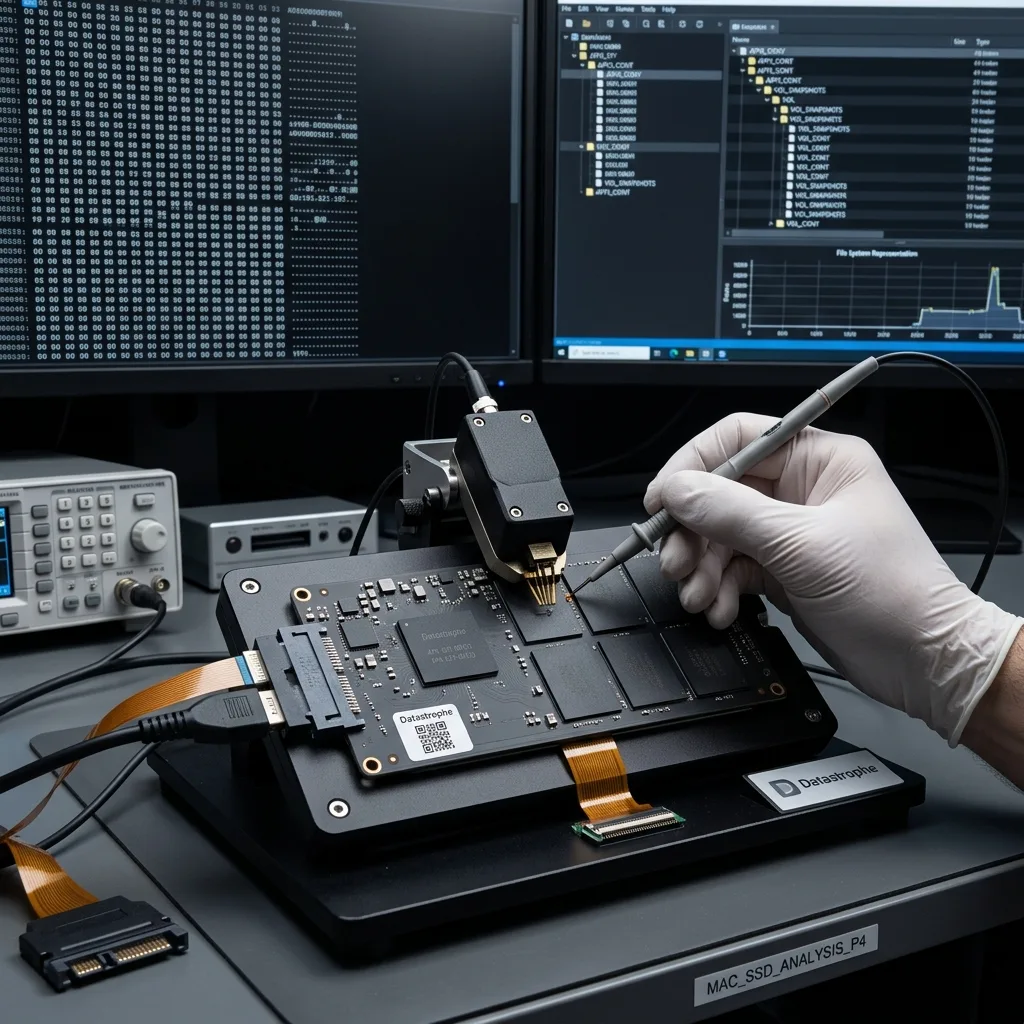
Composite storage
Fusion Drive recovery must reunite the correct SSD and hard disk
A Fusion Drive is a logical set across two physical devices; neither member alone represents the complete file system.
Fusion Drive combines flash and magnetic storage under CoreStorage or APFS, depending on macOS generation. Frequently used and metadata blocks may reside on the SSD while bulk data occupies the hard disk. Removing one member or re-creating the set can make the other appear unformatted.
Both devices are labelled and acquired according to their own physical condition. The SSD is assessed for controller, NAND and TRIM behaviour; the hard disk is assessed for mechanics and unstable sectors. The logical identifiers and volume metadata then guide virtual reconstruction on working copies.
Do not use Disk Utility to split, recreate or repair the original pair. A new Fusion set can overwrite relationships required to align the members. The SSD and NVMe recovery and hard drive recovery pages explain the different acquisition risks beneath this one Apple volume.
- Preserve both original Fusion Drive members
- Acquire each device according to its physical condition
- Retain CoreStorage or APFS identifiers and chronology
- Reconstruct virtually before attempting a mount
Member inventory
Record serial numbers, capacities, connector positions and any previous replacement. Both original members remain part of the case even if only one reports an obvious fault.
Virtual reassembly
Container identifiers and allocation metadata are applied to member images. Candidate views are tested for file-system continuity before user libraries are exported.
Board-level access
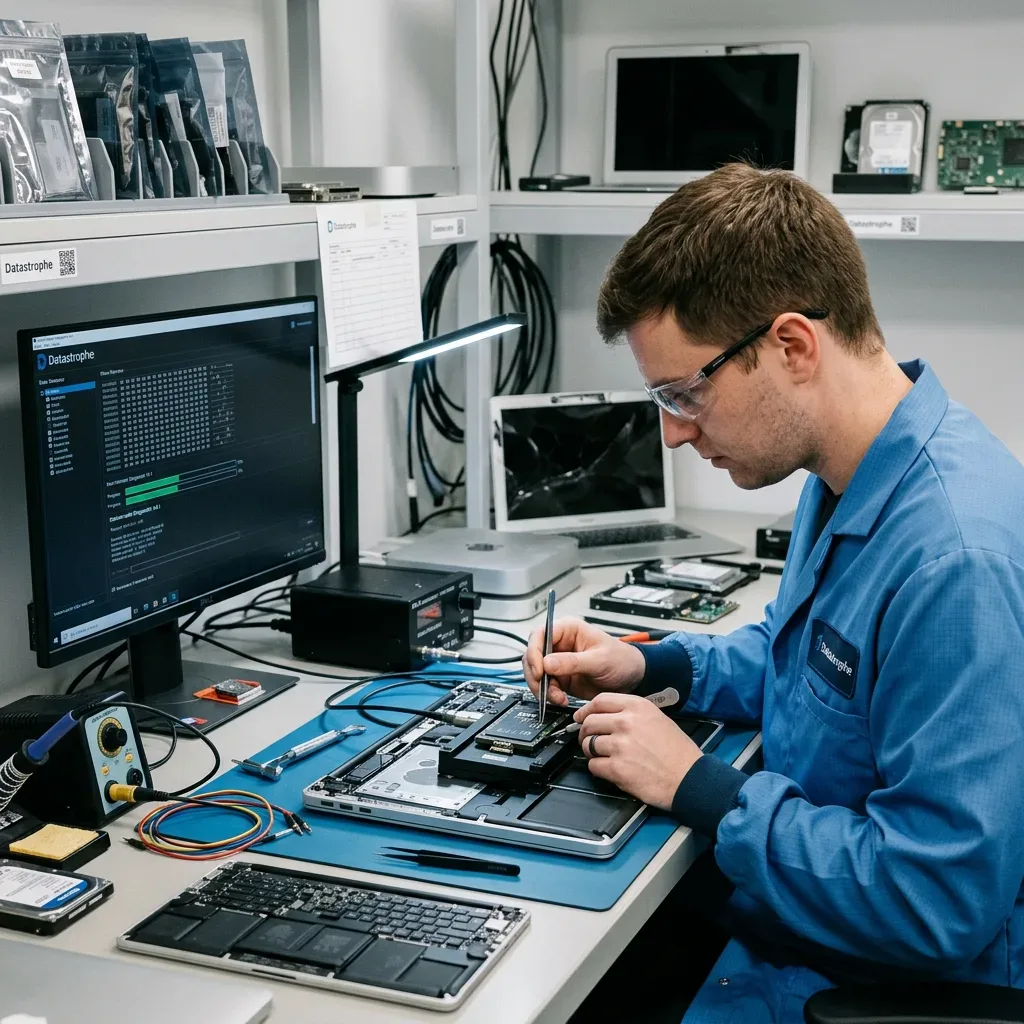
A liquid-damaged Mac may depend on temporary logic-board stability
Where storage and keys are soldered or integrated, stabilising the original board can be the only authorised route to decrypted data.
Liquid residues can short power rails and corrode components beneath shields. Continuing to charge or start the Mac may damage the storage controller, secure hardware or NAND power path. Disconnect external power and avoid heat, rice and repeated button presses after exposure.
Electronic laboratory work documents the liquid, board state and electrical fault before controlled cleaning or component-level stabilisation. The aim is to create a limited acquisition window, not to certify the Mac for normal service. This work is distinct from a mechanical hard-drive cleanroom, because integrated flash has no exposed platters.
On T2 and Apple silicon systems, moving raw memory components does not reproduce the original controller and key relationships. Board repair for data access can be more defensible than chip removal, but neither route guarantees access if security or storage components are irreversibly damaged.
Remove power
Do not test a damp Mac or connect a charger to see whether it recovered. Record liquid type, entry point and every action taken, then keep the complete device together.
Access window
If stable authorised startup or target access is restored, priority data is acquired promptly to separate storage. The temporary repair is not relied upon for continued everyday operation.
macOS data context
Photos and Final Cut libraries must be validated as packages
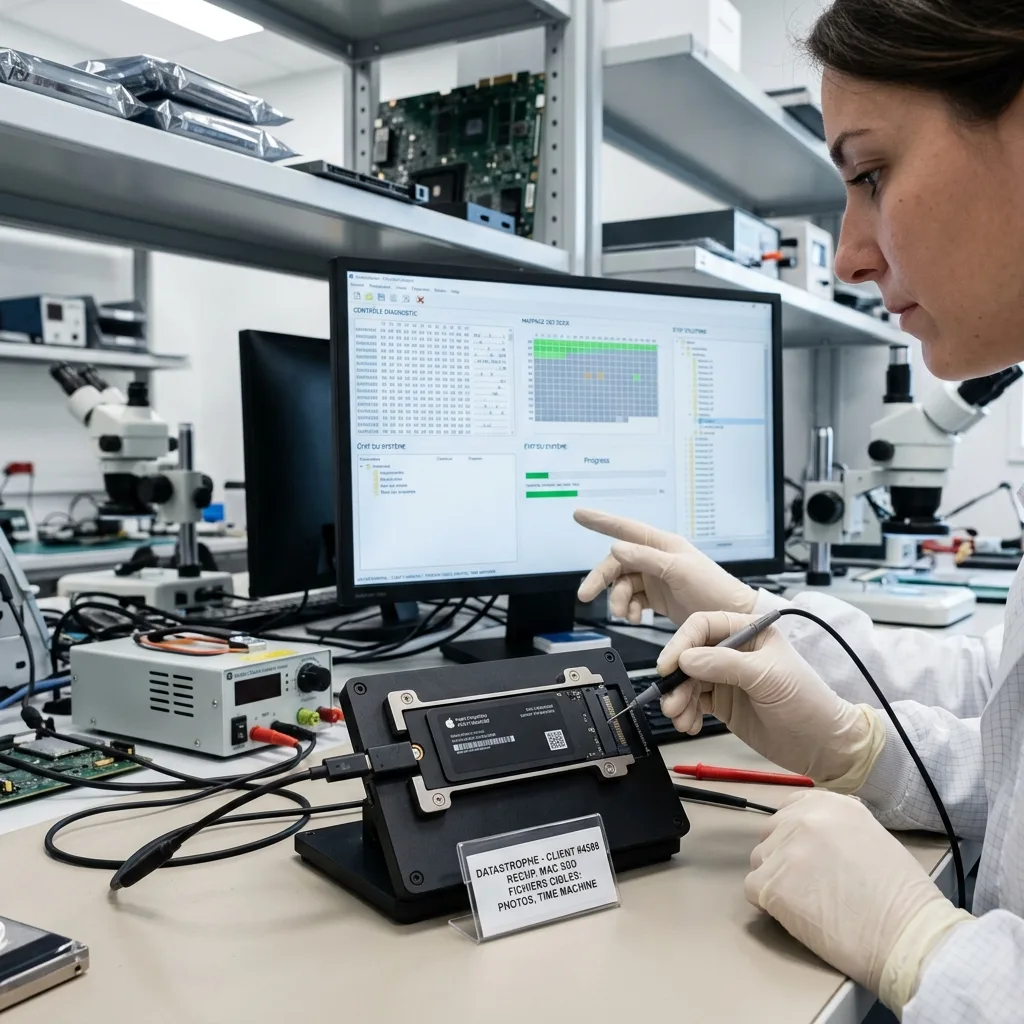
A library is an interdependent structure of databases, originals, previews and sidecars, not simply a folder of visible thumbnails.
A Photos library can contain original masters, edited derivatives, thumbnails and a database that connects people, albums and dates. iCloud optimisation may leave some originals only in the cloud. Recovery distinguishes locally complete assets from placeholders or previews rather than implying that every thumbnail represents a full-resolution file.
Final Cut Pro and other creative applications use library databases, events, projects, generated media and linked external assets. Opening the library package proves little if source clips are absent or database records are inconsistent. Validation samples timelines, media links and representative exports where appropriate.
Mail, Notes and other Apple application stores also rely on databases and account context. Package contents are preserved before any migration or library repair tool is used. Priority libraries can be copied and tested on a compatible environment without altering the best available source image.
- Identify the priority macOS user and library path
- State whether iCloud optimisation was enabled
- Keep external media linked to creative projects
- Choose representative albums, events or timelines to test
Photo libraries
Checks separate originals, edited versions, thumbnails and cloud-only records. Representative images are decoded at expected resolution and compared with album or date priorities.
Creative projects
Libraries are assessed with linked media, events and project databases. A structurally valid package can still have missing clips, which remain listed rather than concealed.
Outcome evidence
Decrypted files are checked before confidential return
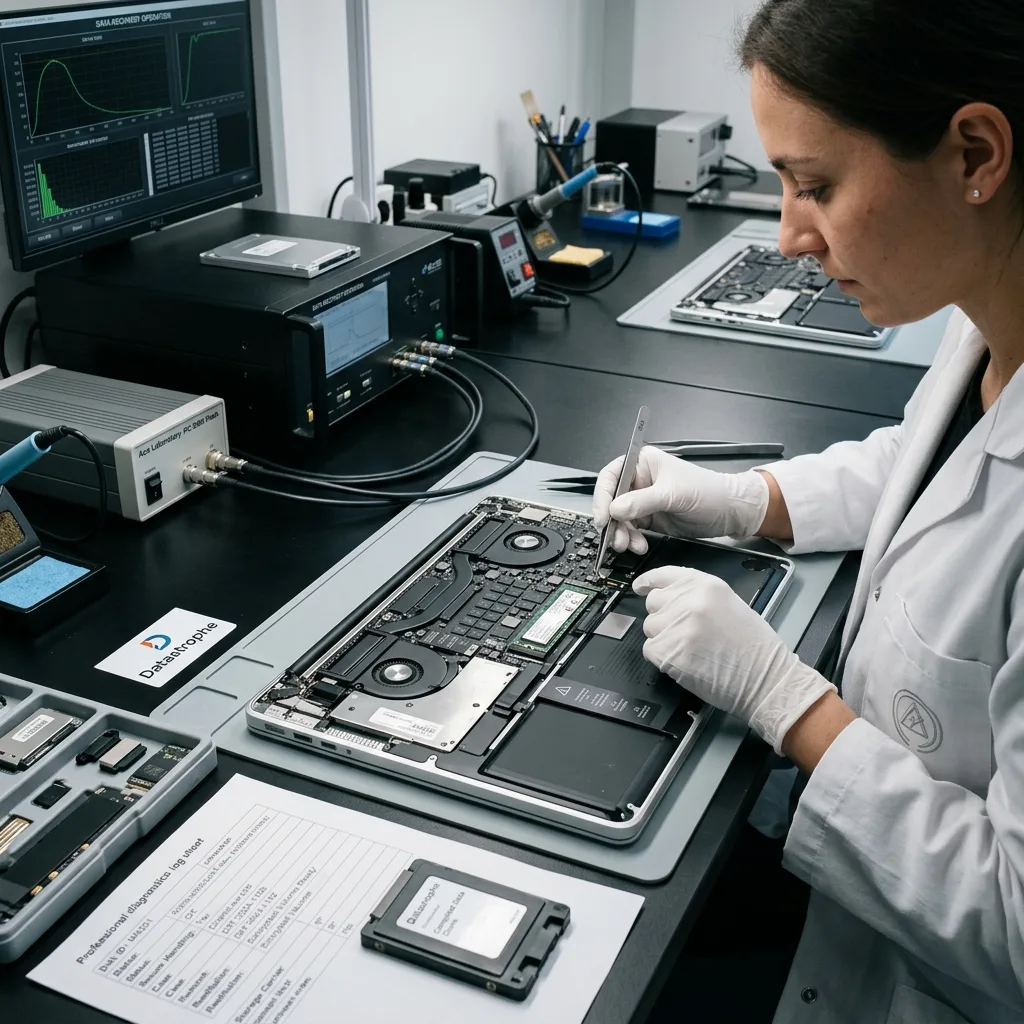
Successful FileVault unlock or APFS mount is a technical milestone, not proof that priority libraries and documents are complete.
The working reconstruction is reviewed against the client's priorities: user folders, current documents, mail, photographs, creative projects or application data. Representative files are opened, archives tested and databases or packages examined with compatible tools. Cloud placeholders and older snapshots remain labelled.
Access to personal or business content is restricted to authorised recovery and agreed validation. Passwords and recovery keys are not included in ordinary inventory reports. Recovered material is exported to healthy storage with a file system suitable for the receiving environment rather than written back to the failed Mac.
The outcome separates verified, partial, encrypted and unavailable material. Missing APFS extents, damaged NAND, absent Fusion members, unrecoverable keys and untested specialist formats stay visible. A file tree or total capacity is supporting evidence, not a substitute for content-level checks.
Representative testing
Samples span priority folders, dates and formats. Photos are decoded beyond thumbnails, large packages are checked internally and current versions are distinguished from snapshot copies.
Source decision
The original Mac and working acquisition remain controlled until review is complete. Return, retention or secure destruction follows an authorised instruction rather than an assumed outcome.
Countrywide intake
For UK intake, provide the exact Mac model and authorised access history
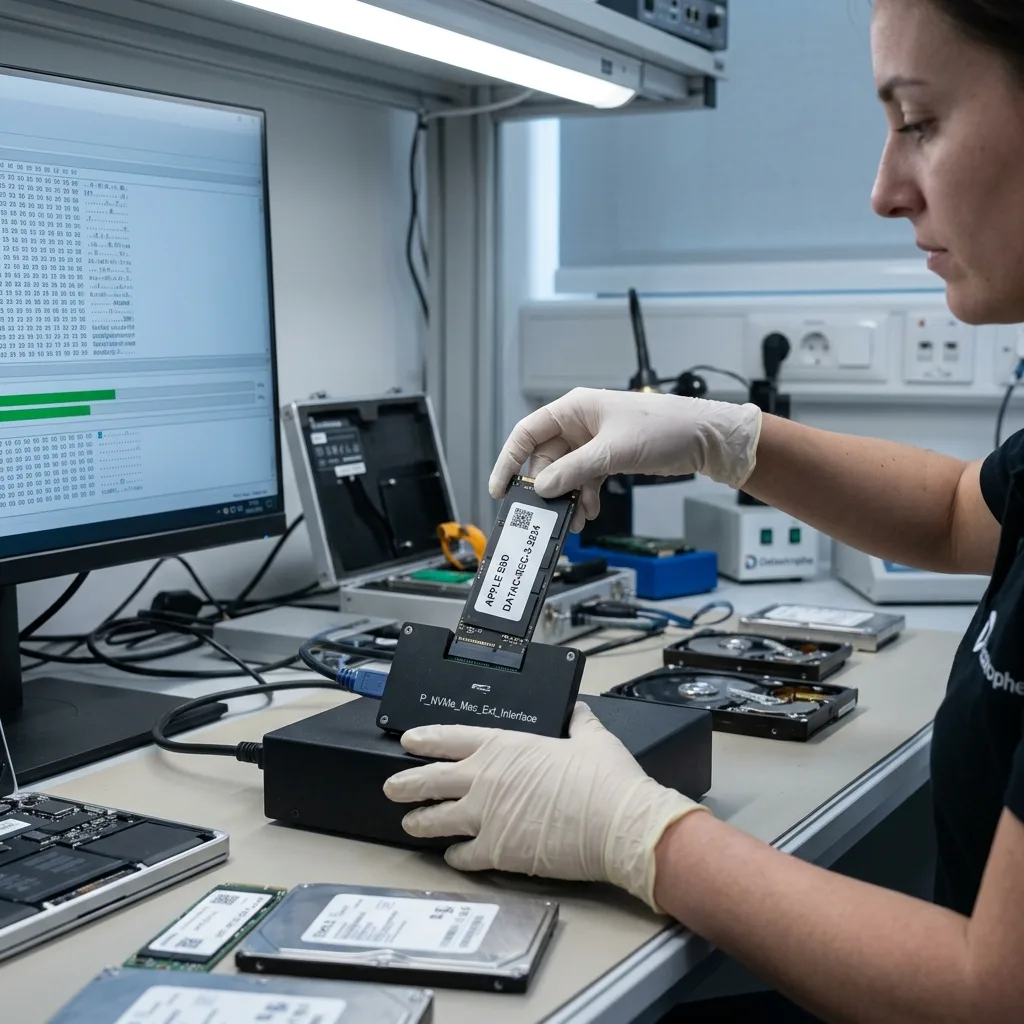
Datastrophe supports Apple Mac enquiries throughout the United Kingdom through arranged intake. The initial review confirms the complete Mac, access context and any linked storage required for assessment.
Provide the Mac model identifier or serial number, approximate year, processor generation, symptoms, last macOS version and incident chronology. State whether FileVault, iCloud optimisation, Fusion Drive or organisation management may apply. Photograph existing screen messages and visible liquid damage without powering an unsafe Mac to recreate them.
Keep the complete computer, charger and any external project storage available. Do not remove soldered storage or separate Fusion Drive members. For transport, protect the device in a rigid cushioned parcel, isolate accessories and follow battery instructions confirmed for the case.
Use Request a quote to supply priorities. The data recovery process describes assessment and validation, while pricing information explains why board access, media condition and encryption change scope. The handling route, destination and required Apple hardware are confirmed individually before dispatch.
- Do not reinstall, erase or repeatedly boot the Mac
- Preserve the complete Mac and authorised key context
- Keep both members of any Fusion Drive together
- Confirm packaging, battery and dispatch instructions
Access inventory
Locate authorised FileVault keys, user credentials and management contacts without sending secrets prematurely. Note which account holds the required data and whether another Mac can access cloud copies.
Priority inventory
List libraries, projects, folders and dates that matter most. Include external disks or sample files where they help validate a creative application or capture workflow.
FAQ
Frequently asked questions
Should I use Internet Recovery when my Mac will not start?
Not before the data state is protected. Internet Recovery can lead to Disk Utility, reinstallation or erase operations that change APFS metadata and consume storage writes. Record the existing symptom and stop repeated boots. Diagnosis should first separate power, logic-board, storage, file-system and encryption faults, then acquire or stabilise the relevant source before repair is tested on a copy.
Can FileVault data be recovered without an authorised key?
A readable encrypted acquisition still requires the correct user credential, recovery key or managed escrow route. Preserve the original Mac, account history and device-management records. Recovery cannot bypass lawful encryption or recreate lost hardware-bound secrets. If acquisition succeeds but no valid key is available, the result remains encrypted and that limitation should be stated before further work.
Can one Fusion Drive member be recovered on its own?
It may contain some physical blocks, but it does not represent the complete logical volume. Metadata and user data can be distributed across the SSD and hard disk. Preserve and label both original members, acquire each according to its condition and reconstruct the set virtually. Recreating or splitting the original Fusion Drive can overwrite relationships needed to align the images.
Does chip removal recover data from an Apple silicon Mac?
Not as an ordinary independent disk. On T2 and Apple silicon systems, storage control and encryption are closely integrated with the platform. Raw memory components do not carry a self-contained, readily decryptable APFS volume. Board-level stabilisation may provide an authorised access route, but feasibility depends on surviving controller, security, NAND and credential relationships and cannot be promised from model alone.
How are Photos or Final Cut libraries checked after recovery?
Libraries are treated as packages containing databases, originals, previews and linked media. Representative photographs are decoded at expected resolution, cloud placeholders are separated from local originals, and creative libraries are checked for projects, events and missing source clips. The report records what was sampled, any partial packages and the difference between a visible thumbnail and a complete original asset.
Media
Other expertise
- Hard Drive Data Recovery Hard drive data recovery for clicking, impact damage, unstable sectors and corrupted file systems, based on a controlled technical evaluation.
- External Hard Drive Data Recovery External hard drive data recovery for USB bridge faults, power damage, impact, enclosure encryption and volumes that no longer mount.
- SSD and NVMe Data Recovery SSD and NVMe data recovery for controller, NAND, firmware and FTL faults, TRIM, damaged file systems and encrypted volumes.
- USB Flash Drive Data Recovery USB flash drive data recovery for broken connectors, damaged circuit boards, controller failure, unstable NAND and deleted files.
- Memory Card Data Recovery Memory card data recovery for formatted SD, microSD and CF media, NAND faults, missing DCIM folders and damaged RAW photographs or video.
- Laptop Data Recovery Laptop data recovery after drops, liquid damage, motherboard failure, faulty SSDs or hard disks and encrypted user profiles.
- Tablet Data Recovery Tablet data recovery for broken displays, liquid damage, logic-board failure, boot loops and encrypted internal flash storage.
- VMDK and VHDX Virtual Disk Data Recovery VMDK, VHDX and virtual disk data recovery for broken snapshot chains, missing parent files, thin provisioning and damaged datastores.
- RAID, NAS and Storage Array Data Recovery RAID and NAS data recovery after multiple disk failures, an interrupted rebuild, lost member order, parity errors or an inaccessible pool.
- Business Server Data Recovery Server data recovery after storage, file-system, database or operating-system damage, with business-critical services prioritised.
- CCTV Data Recovery from NVR, DVR and XVR Recorders CCTV data recovery from NVR, DVR and XVR recorders with empty calendars, failed disks, corrupt indexes, proprietary codecs or overwritten footage.
- Data Recovery Laboratory Work in an ISO 5 Class 100 Cleanroom ISO 5 Class 100 cleanroom procedures for mechanically damaged hard drives, failed head assemblies, platter inspection and controlled sector acquisition.
 Hard Drive Data Recovery
  SSD and NVMe Data Recovery
  USB Flash Drive Data Recovery
  Memory Card Data Recovery
  Laptop Data Recovery
  Tablet Data Recovery
  VMDK and VHDX Virtual Disk Data Recovery
  RAID, NAS and Storage Array Data Recovery
  Business Server Data Recovery
  CCTV Data Recovery from NVR, DVR and XVR Recorders
  Data Recovery Laboratory Work in an ISO 5 Class 100 Cleanroom
 Diagnostic assessment
Unsure about a storage device or fault?
Datastrophe qualifies the risk before any recovery attempt and points you towards the safest next step.