

Hard Drive Data Recovery
A clicking, dropped or undetected hard drive should be powered down. Mechanical condition, platter damage and logical corruption require different recovery paths.
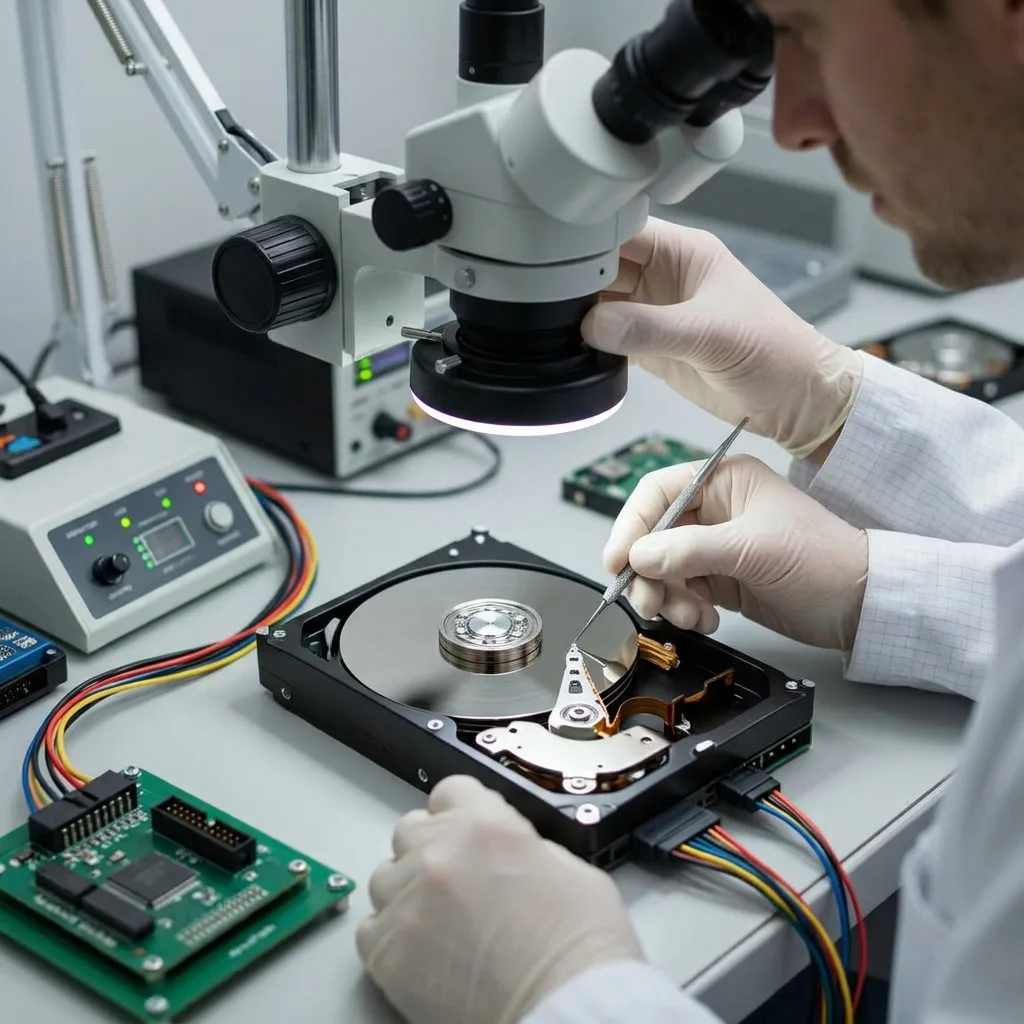
Immediate diagnosis
A clicking hard drive is a mechanical warning, not a volume to scan
Clicking, repeated spin-up or scraping indicates that safe access must be established before file-system work begins.
A hard disk contains heads flying extremely close to magnetic platters. After an impact, head damage, contamination or a seized spindle can turn each restart into another contact event. Powering the disk repeatedly may enlarge a local defect into a wider area of unreadable surface.
A single click does not identify the failed component on its own. The model, recent incident, acoustic pattern, motor behaviour, current draw and interface response are considered together. A quiet drive may still have damaged firmware or electronics, while a loud drive may never reach a stable service state.
The diagnostic assessment therefore asks a practical question: can the disk provide controlled reads without putting the recording surfaces at disproportionate risk? If not, mechanical inspection may be justified before acquisition. Ordinary recovery utilities cannot make that safety decision and should not be run against a clicking source.
What to record
Note whether the sound began after a drop, power incident or gradual slowdown, and whether the drive was running at the time. Record any previous opening, board swap or software scan because it changes the evidence available to the technician.
What to stop
Disconnect the drive, do not freeze or strike it, and do not test it through several docks. Preserve its label and electronics. A short, accurate incident history is more useful than another uncontrolled power cycle.
Fault pattern
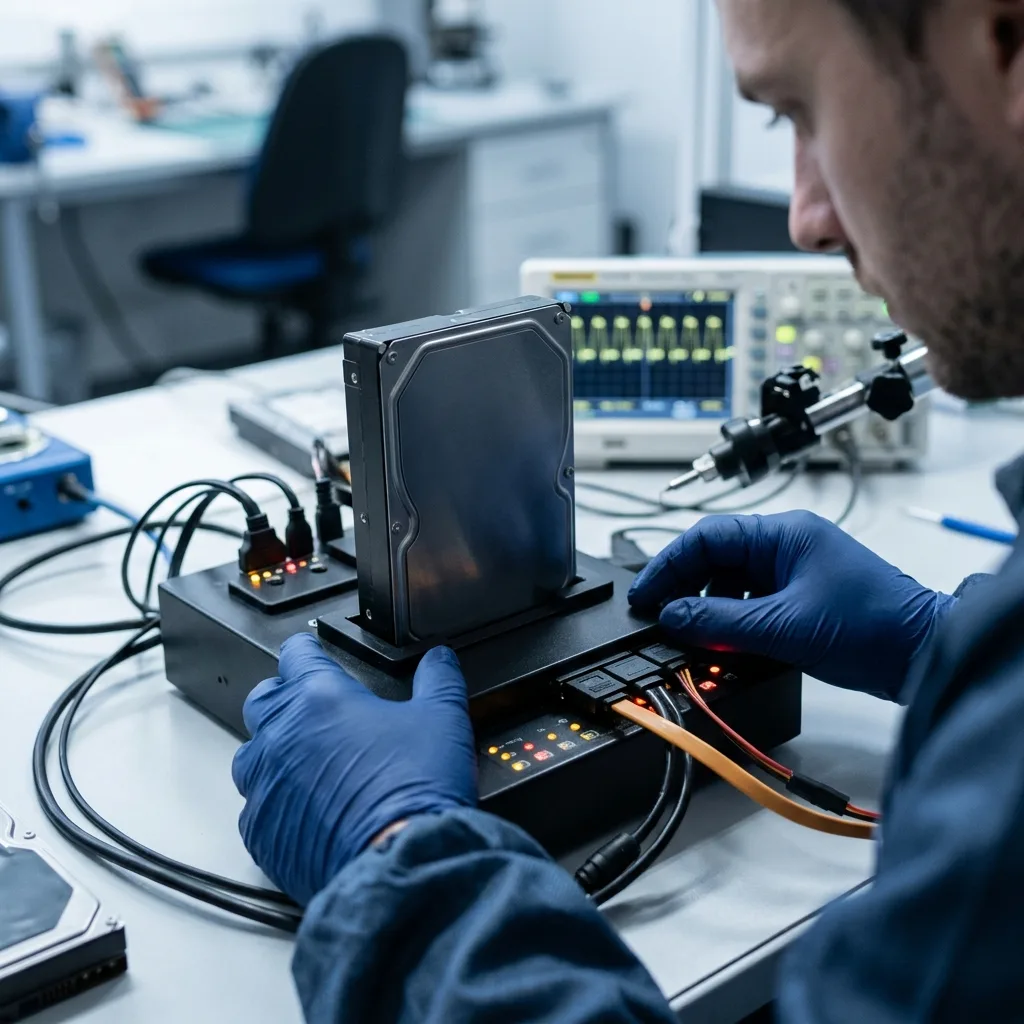
Unstable sectors, SMART warnings and a RAW volume must be read together
A slow disk or RAW partition may reflect failing media, damaged metadata or both; the symptom alone does not select the method.
SMART counters can reveal reallocated, pending or uncorrectable sectors, but a clean headline status is not proof of a healthy disk. Some failures develop faster than the counters update, and USB bridges may hide useful device information. Read latency and error location often matter more than a simple pass or fail label.
A volume shown as RAW means the operating system cannot interpret its expected file system. The cause may be a damaged boot sector, partition metadata, unreadable areas or an earlier repair attempt. Initialising, formatting or running CHKDSK writes new structures and can replace evidence needed for reconstruction.
Diagnosis combines physical behaviour with the logical map. If essential metadata sits in a weak region, the acquisition order may prioritise it before less valuable space. If the disk is physically stable, file-system reconstruction can later compare primary and backup structures from the image rather than modifying the original.
- Do not initialise a disk that appears unallocated or RAW
- Do not accept an automatic repair prompt on the source
- Do not use SMART status as the sole safety judgement
- Keep the original controller board with the drive
Useful observations
Report the displayed capacity, connection type, operating-system message and any folders that remained readable. Screenshots of prompts are helpful, provided taking them does not require reconnecting an unstable disk.
Misleading signals
A healthy enclosure light proves only that some power is present. A directory listing proves only that metadata was read once. Neither establishes that the disk can sustain a complete, repeatable acquisition.
Mechanical handling
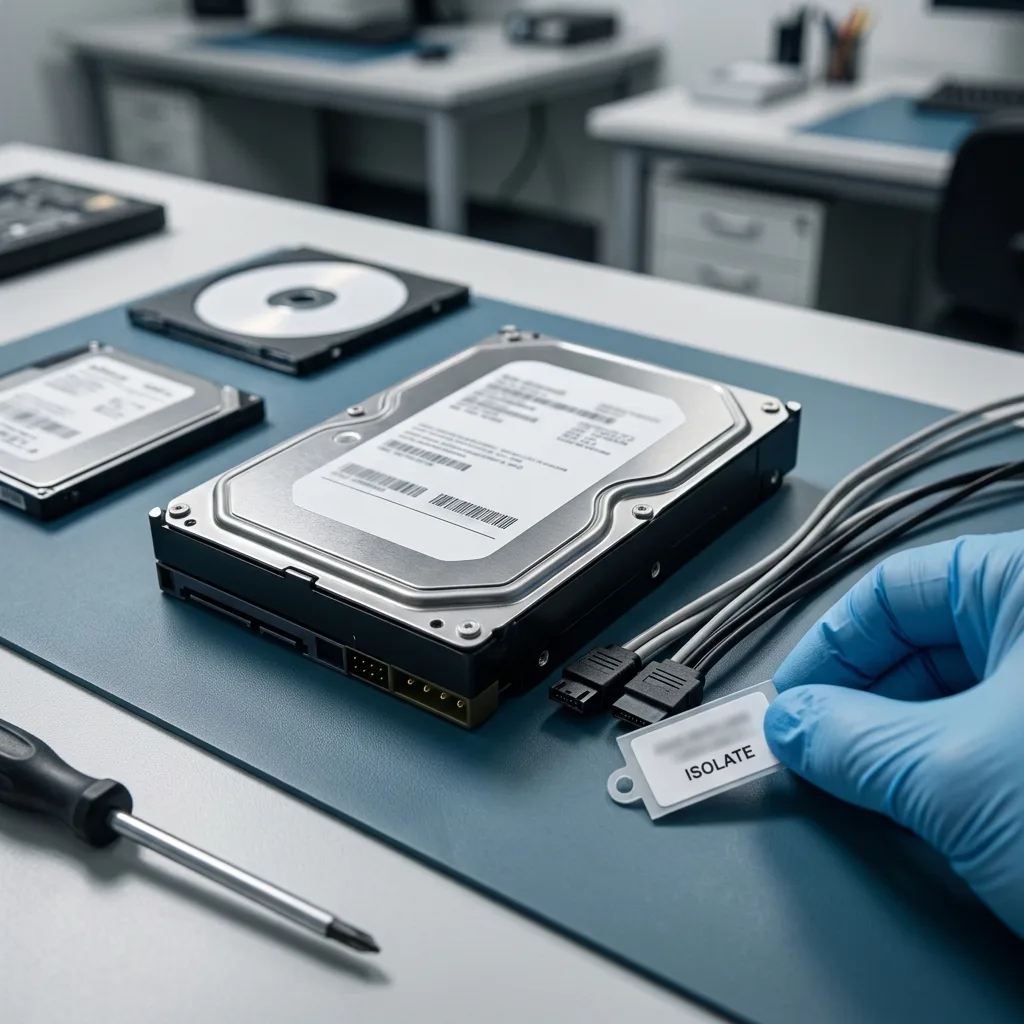
Cleanroom opening protects exposed platters only when diagnosis justifies it
Cleanroom work is relevant to internal mechanical damage, not to every hard-drive or deleted-file case.
Opening a hard disk exposes heads and recording surfaces that were assembled in a controlled environment. Ordinary room particles can be larger than the head-to-platter flying clearance and may cause contact during rotation. A home or repair-shop opening therefore adds risk even if nothing visibly touches a platter.
An ISO 5 Class 100 cleanroom controls airborne particles while a technician inspects internal condition or fits compatible temporary components. The cleanroom data recovery service explains that this work creates a reading opportunity; it does not repair scratches or restore magnetic coating that has been removed.
Donor matching depends on technical family, firmware, head map, preamplifier and manufacturing details, not just the capacity printed on the label. A donor head assembly is a controlled means of access, never a guarantee that every platter surface remains readable. Acquisition must still manage weak areas and temperature after the disk is reassembled.
When opening may help
Diagnosed head failure, seized mechanics or contamination after an impact can justify inspection. The choice follows evidence from the disk; clicking alone is not a licence to replace parts speculatively.
When it does not help
Deleted files, damaged partitions, most firmware states and sound drives with weak sectors do not automatically require opening. SSDs have no heads or platters and follow a different electronic and flash workflow.
Acquisition procedure
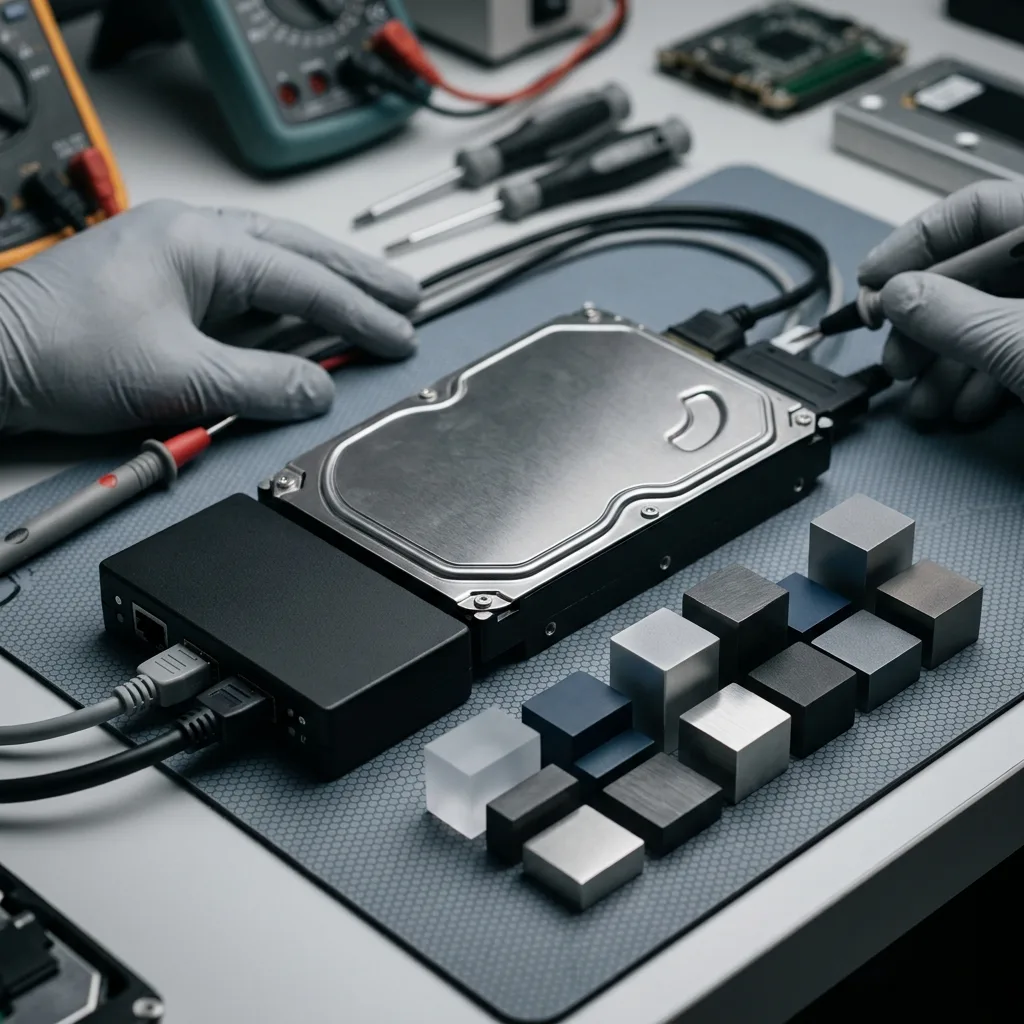
A controlled image protects the source before files are reconstructed
Recovery separates the fragile act of reading sectors from the repeatable work of rebuilding partitions, folders and files.
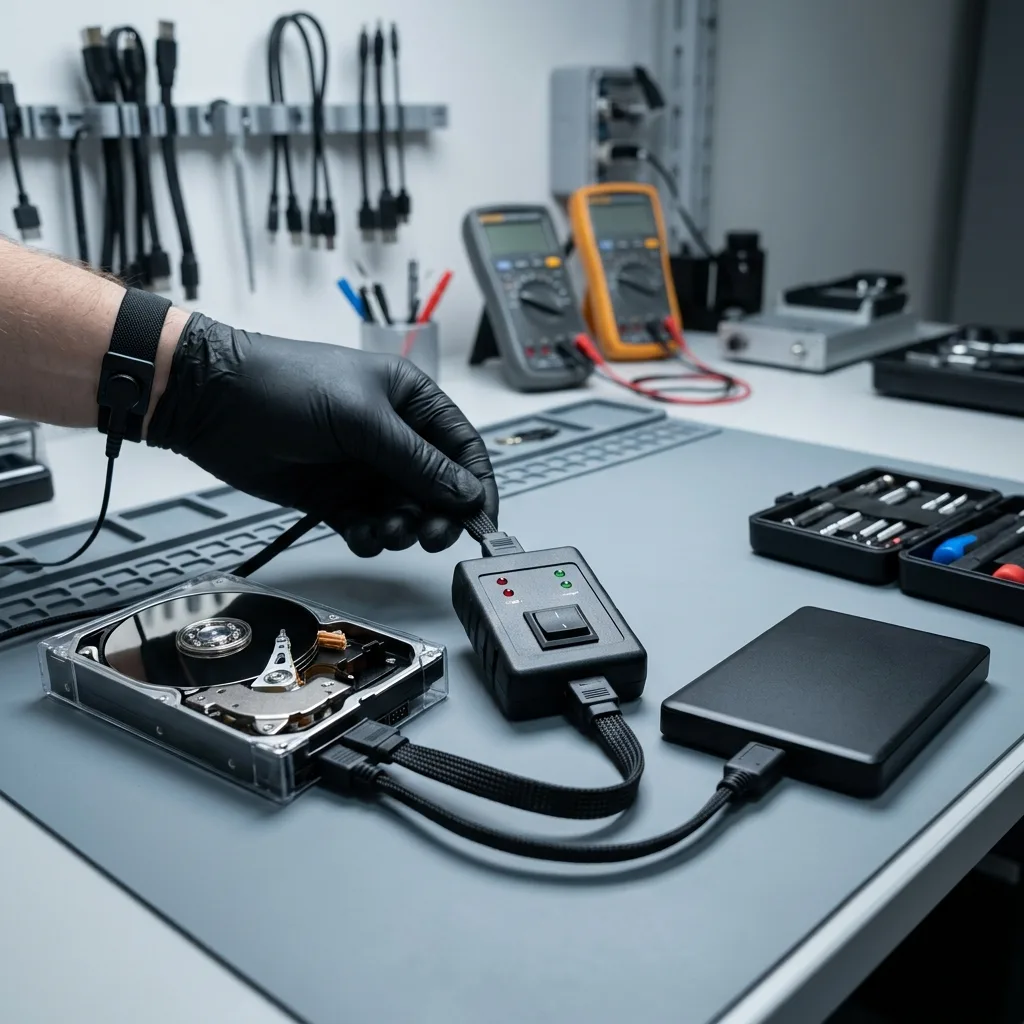
Once stable access exists, the priority is a sector-level image or clone on healthy storage. Imaging hardware can record errors, control timeouts and revisit difficult regions selectively. A conventional copy command repeatedly follows the file system and may stall on one file while ignoring sectors that should have been secured first.
The reading plan responds to the disk. A drive that degrades with heat may be acquired in controlled passes; one with local damage may be read around the defect before slower retries. The objective is not to force every sector immediately, but to preserve the greatest useful evidence with the fewest demands on the original.
Hashes and acquisition logs can document working copies and unread areas. Reconstruction then takes place on those copies: partitions, NTFS, exFAT, HFS+, ext or other structures can be interpreted without asking the source disk to survive every experiment. The data recovery process sets out this separation from intake to validation.
- Acquire readable areas before attempting logical repair
- Record errors and significant changes in drive behaviour
- Keep reconstruction and previews away from the source disk
- Retain a protected image until the result has been reviewed
Priority-led reading
Known folders, database areas or recent project data may influence acquisition order where the disk is deteriorating. Priorities must be stated before imaging rather than inferred from filenames after access has worsened.
Traceable working copies
Logs record what was read, skipped and retried. They do not make an incomplete image complete, but they make the limits explicit and allow later reconstruction decisions to be explained.
Logical validation
Usable documents and databases matter more than a headline gigabyte count
A recovered directory or file signature is only a candidate result until representative content has been opened and checked.
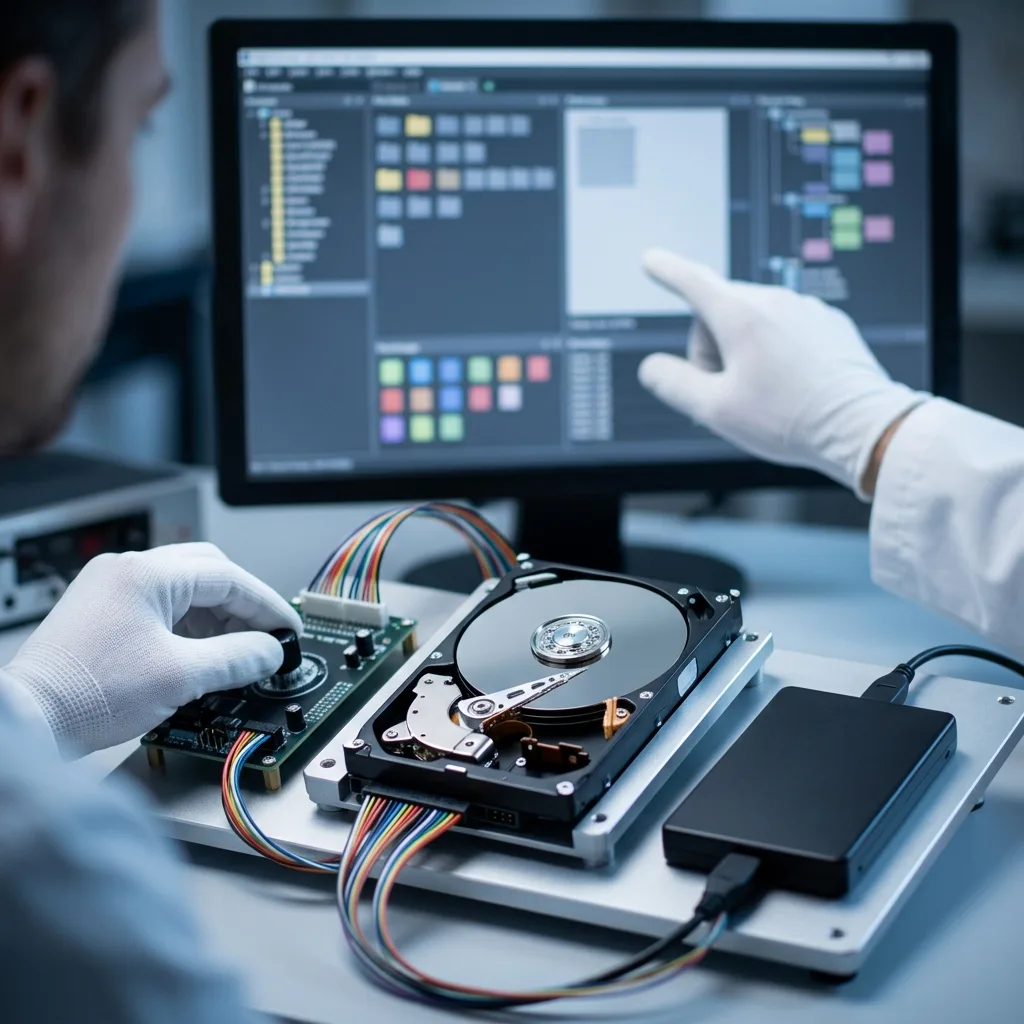
File-system metadata can restore original names, folders, dates and allocation relationships. When those structures are damaged, signature-based carving may locate content without its former path or name. Both methods are useful, but neither proves that every internal block of a file is present.
Different formats fail differently. A JPEG may display only its first portion, a ZIP archive may list entries yet fail integrity checks, and a database may open while pages or transactions remain inconsistent. Large media projects and virtual disks require checks across their duration or structure, not just a successful application launch.
Validation is guided by the client's priorities. Representative documents are opened, archives are tested, photographs are decoded and database or virtual-machine material is assessed with suitable tools. The report distinguishes verified files, partial files and material that could not be reconstructed; it does not turn a folder count into a success promise.
Metadata-led recovery
Where directory structures survive, the result can preserve filenames and relationships that help a user understand the data. Damaged allocation records are cross-checked against file content rather than trusted automatically.
Content-led recovery
Carved files may be valuable when metadata is absent, but duplicates, fragments and false positives are expected. Samples must be decoded and grouped before their practical value can be described.
System context
The disk's original role changes the recovery strategy
The same hard-drive model can hold a home computer, a USB archive, a recorder stream or one member of an array.
An internal system disk brings boot partitions, user profiles and sometimes encryption. An external hard drive may rely on a USB bridge or enclosure-specific encryption. Removing the disk without recording that context can make readable sectors appear meaningless or separate keys from the data they protect.
A member from a RAID or NAS cannot be interpreted reliably in isolation. Member order, stripe geometry, parity and the state of the other disks determine its role. Likewise, a CCTV recorder disk may use proprietary indexes and circular recording rather than ordinary files.
The diagnostic assessment records the host, bay, interface and recent changes before components are separated. Data recovery should preserve relationships as carefully as it preserves sectors. A technically readable disk can still be unusable if its surrounding configuration or authorised encryption material has been discarded.
- Computer disk: preserve user, boot and encryption context
- External disk: keep the enclosure and its bridge board
- Array member: retain bay order and every member device
- Recorder disk: note channel mapping and the incident window
Keep associated hardware
Retain original enclosures, adapters, controller cards and power supplies unless safe packing requires separation. They may carry configuration, translation or encryption information even when they are not the failed layer.
Record logical relationships
For arrays, label each bay and serial number. For computers, record the user profile and encryption status. For recorders, state the channel, time zone and required date range.
Evidence and privacy
Confidential handling continues through review and return
Recovery access can expose personal, commercial or regulated information, so scope and review must remain controlled.
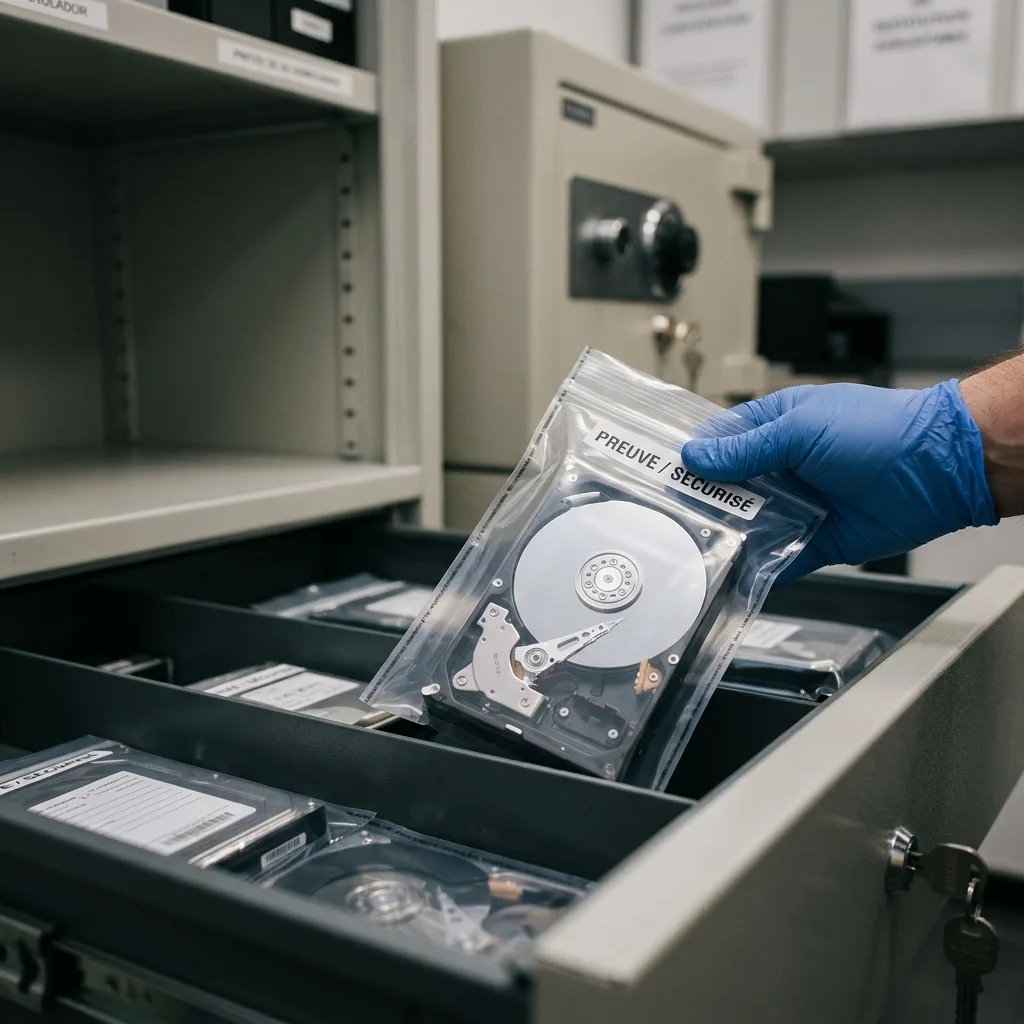
The case record should identify the authorised contact, the relevant device and the requested data. Technical work is limited to what is needed for diagnosis, acquisition and validation. Credentials or recovery keys are requested only when they are necessary to interpret an encrypted working copy and should be transferred through an agreed channel.
Recovered material is placed on separate healthy media rather than returned on the failed disk. Folder listings and selected samples can support review without indiscriminate disclosure. Where a business needs an internal approval trail, acquisition notes, observed limitations and delivery details can help its incident or compliance record.
Confidentiality does not justify hiding uncertainty. Unread sectors, missing encryption keys, overwritten content and damaged files remain visible in the outcome. The client should know what was tested, what was not tested and whether any technically recovered material still requires application-level verification.
Authorised access
Ownership or authority should be clear before protected data is examined. The service does not bypass lawful access controls; supplied credentials are used only for the agreed recovery purpose.
Outcome report
A useful result records priorities, representative checks and known gaps. It avoids absolute language where damaged surfaces, incomplete metadata or untested specialist formats prevent a complete statement.
Countrywide service
For UK intake, prepare evidence, priorities and safe transport
Datastrophe accepts enquiries from across the United Kingdom through arranged intake. The initial review confirms the assigned destination, protective packing and any electronics that must accompany the disk.
The first contact should describe the device model, capacity, interface, incident and current symptoms. State whether the disk contains personal files, business systems or regulated material, and list the folders or dates that matter most. This allows the initial discussion to distinguish a mechanical emergency from a stable logical case.
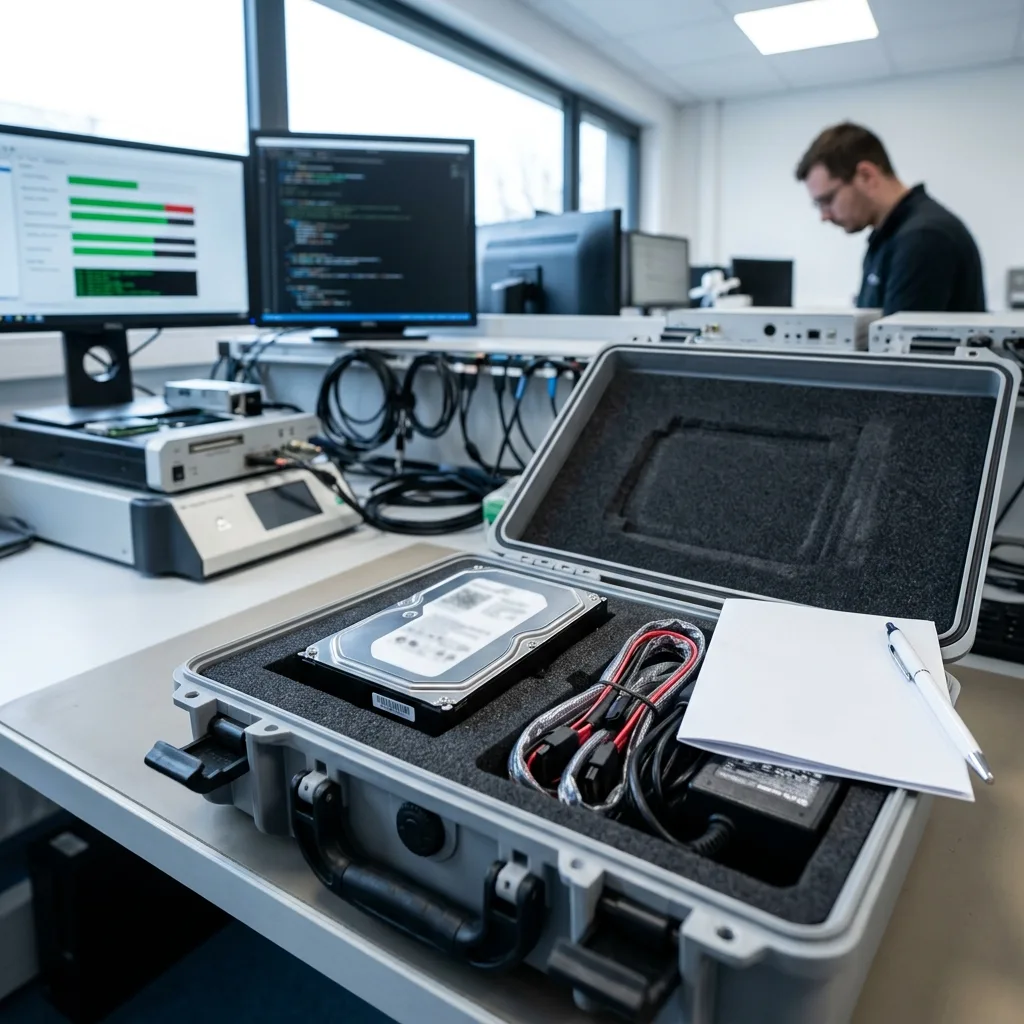
For transport, place the disk in an anti-static bag and cushion it inside a rigid box so it cannot move. Keep labels legible and include associated electronics when requested. Do not power the drive merely to confirm the fault before dispatch; a precise note is safer than a fresh test.
Use Request a quote to provide the case details. The pricing guide explains why a fixed figure cannot be promised before diagnosis. The assessed fault, required handling and agreed priorities determine the proposed work, recovery outlook and timescale.
- Power down and keep the original disk unchanged
- Pack against shock, static and movement in transit
- List priority folders, dates and file types
- Retain passwords or recovery keys securely until requested
Information to include
Give the full model and serial number if accessible, operating system, encryption status, previous repair attempts and a concise chronology. Never open the disk or remove its label to obtain details.
Decision after assessment
The diagnosis should identify the failure layer, proposed acquisition route, material risks, likely form of the result and quotation. Work proceeds only after that scope is understood.
FAQ
Frequently asked questions
Can a clicking hard drive be scanned for files?
It should not be scanned repeatedly. Clicking may indicate that heads cannot read normally or are contacting damaged areas. A long software scan creates sustained movement and heat without first establishing mechanical safety. Power the disk down, record the sound and incident, and obtain a diagnostic assessment. Software becomes relevant only after stable acquisition exists, normally on a working image rather than the original.
Does every failed hard drive need cleanroom work?
No. Cleanroom opening is reserved for diagnosed internal mechanical work involving heads and platters. Electronic, firmware, weak-sector and file-system faults may be handled without opening the disk. The decision depends on evidence from the particular drive. Cleanroom conditions reduce particle risk during justified work but cannot reverse platter scratches or guarantee complete sector access.
Should I run CHKDSK when the hard drive appears as RAW?
Not on the only copy. CHKDSK is a file-system repair tool and can change metadata to make a volume internally consistent, even when those changes discard references useful to recovery. If the disk is physically stable, it should first be imaged. File-system repair or reconstruction can then be tested on a copy with the original evidence preserved.
How is recovered hard-drive data checked before return?
Checks are matched to the requested material. Representative documents and photographs are opened, archives can be integrity-tested, and database or virtual-disk content receives format-appropriate review. The result should distinguish verified, partial and unreadable material and record acquisition gaps. A filename list or total gigabyte count is useful evidence, but it is not proof that every file is usable.
Can I send a hard drive from anywhere in the United Kingdom?
Countrywide enquiries and arranged transport are supported, subject to the case details agreed during intake. Keep the disk powered off, use anti-static protection and rigid cushioning, and retain tracking information. Dispatch instructions and the assigned destination should be confirmed before sending the device.
Media
Other expertise
- External Hard Drive Data Recovery External hard drive data recovery for USB bridge faults, power damage, impact, enclosure encryption and volumes that no longer mount.
- SSD and NVMe Data Recovery SSD and NVMe data recovery for controller, NAND, firmware and FTL faults, TRIM, damaged file systems and encrypted volumes.
- USB Flash Drive Data Recovery USB flash drive data recovery for broken connectors, damaged circuit boards, controller failure, unstable NAND and deleted files.
- Memory Card Data Recovery Memory card data recovery for formatted SD, microSD and CF media, NAND faults, missing DCIM folders and damaged RAW photographs or video.
- Laptop Data Recovery Laptop data recovery after drops, liquid damage, motherboard failure, faulty SSDs or hard disks and encrypted user profiles.
- Apple Mac Data Recovery Apple Mac data recovery for APFS corruption, FileVault, T2 or Apple silicon systems, failed SSDs, Fusion Drive and macOS start faults.
- Tablet Data Recovery Tablet data recovery for broken displays, liquid damage, logic-board failure, boot loops and encrypted internal flash storage.
- VMDK and VHDX Virtual Disk Data Recovery VMDK, VHDX and virtual disk data recovery for broken snapshot chains, missing parent files, thin provisioning and damaged datastores.
- RAID, NAS and Storage Array Data Recovery RAID and NAS data recovery after multiple disk failures, an interrupted rebuild, lost member order, parity errors or an inaccessible pool.
- Business Server Data Recovery Server data recovery after storage, file-system, database or operating-system damage, with business-critical services prioritised.
- CCTV Data Recovery from NVR, DVR and XVR Recorders CCTV data recovery from NVR, DVR and XVR recorders with empty calendars, failed disks, corrupt indexes, proprietary codecs or overwritten footage.
- Data Recovery Laboratory Work in an ISO 5 Class 100 Cleanroom ISO 5 Class 100 cleanroom procedures for mechanically damaged hard drives, failed head assemblies, platter inspection and controlled sector acquisition.
 External Hard Drive Data Recovery
  SSD and NVMe Data Recovery
  USB Flash Drive Data Recovery
  Memory Card Data Recovery
  Laptop Data Recovery
  Tablet Data Recovery
  VMDK and VHDX Virtual Disk Data Recovery
  RAID, NAS and Storage Array Data Recovery
  Business Server Data Recovery
  CCTV Data Recovery from NVR, DVR and XVR Recorders
  Data Recovery Laboratory Work in an ISO 5 Class 100 Cleanroom
 Diagnostic assessment
Unsure about a storage device or fault?
Datastrophe qualifies the risk before any recovery attempt and points you towards the safest next step.