

Business Server Data Recovery
A failed server may continue writing. Containing change and mapping storage, application and identity dependencies comes before another reboot or repair attempt.
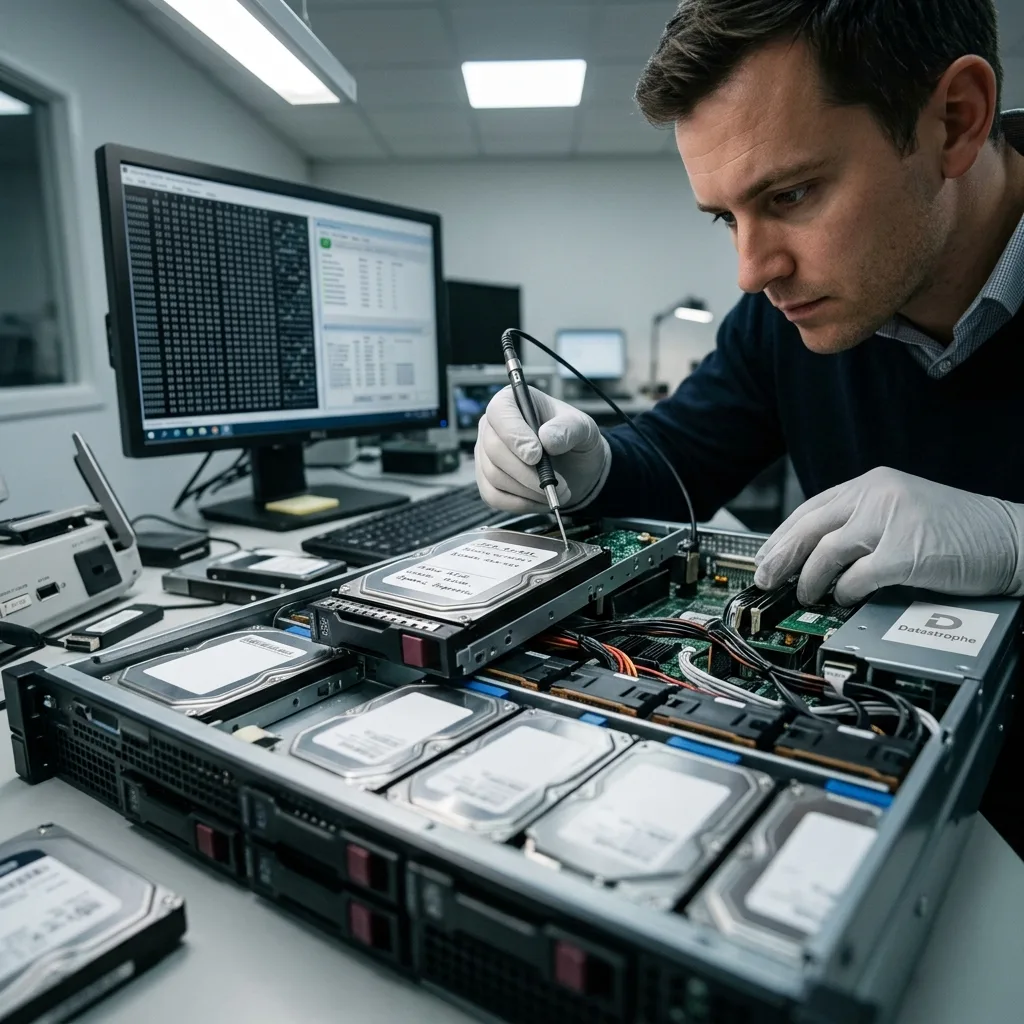
Incident containment
Freeze writes before searching for another way to boot the server
Automatic restart, clustering, replication and repair can change the source while the failure and required recovery point remain unknown.
A server that is partly online may still accept writes from applications, scheduled tasks, clients or replication peers. A failed boot can trigger journal replay, array rebuild, database recovery or configuration rollback. These processes seek availability, but they may overwrite evidence needed to reconstruct an earlier consistent state.
Containment identifies which systems are writing to the affected storage and stops them in a controlled order. Network isolation may be preferable to repeated hard power cuts, depending on the hardware state. Do not force an array online, initialise volumes or restore a backup over the source merely to shorten the outage.
Record console messages, alert times, cluster ownership, recent changes and the last known good business operation. Preserve volatile evidence where appropriate without extending unsafe storage access. The initial objective is a stable, documented incident boundary from which protected acquisitions and alternative service arrangements can be planned.
Stop dependent writes
Pause applications, jobs, replication and monitoring actions that alter the failed system. Record what was stopped and the last confirmed transaction or user activity.
Preserve the timeline
Collect relevant alerts, controller events and change records without clearing logs. Time-zone and clock differences are noted so events can be aligned later.
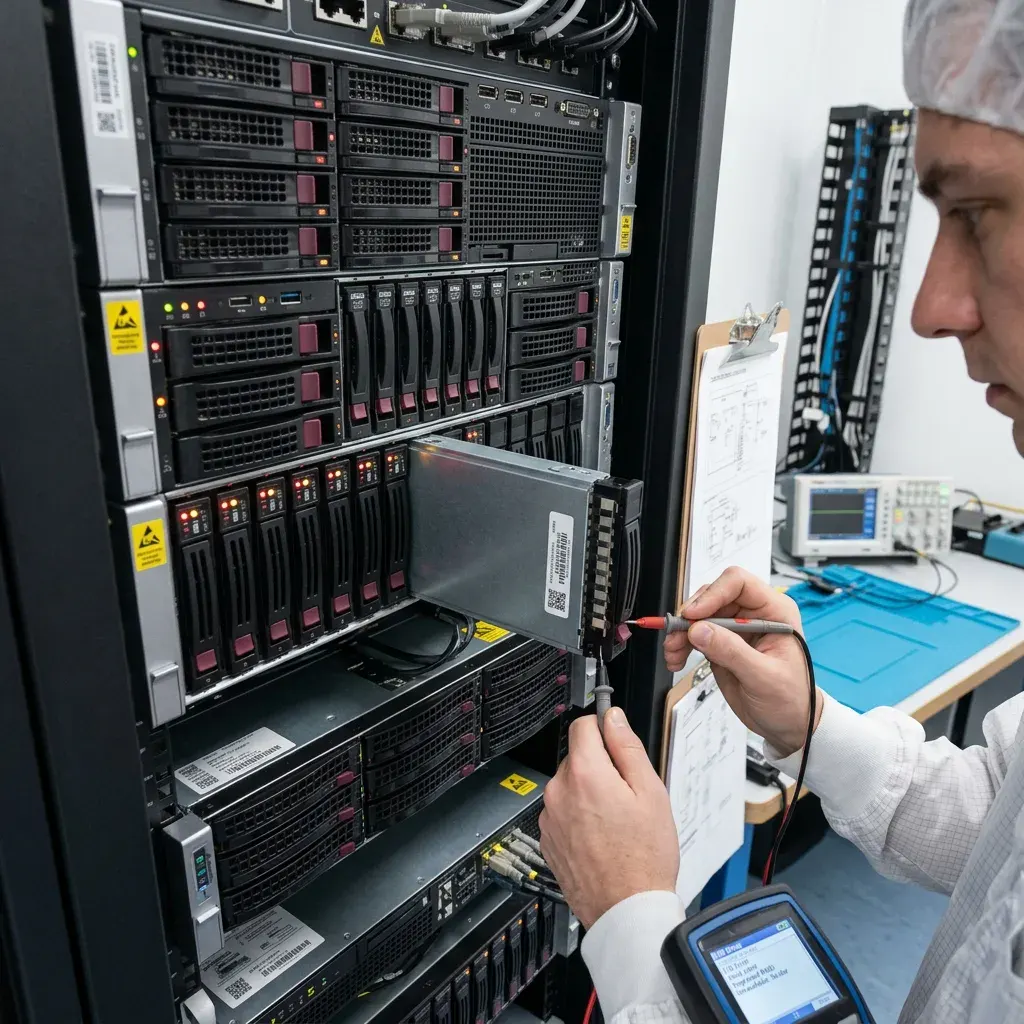
Topology mapping
Controller, RAID, SAN and volumes form a storage dependency stack
The operating-system volume may sit above several physical and logical layers, each with its own metadata and failure modes.
Inventory server model, controller, direct-attached disks, shelves, SAN LUNs, multipath settings, RAID groups, encryption, volume managers and file systems. A missing LUN, changed HBA path or controller cache problem can resemble local disk corruption from the host's perspective.
Preserve bay order, serial numbers, controller configuration and event logs before removing hardware. For RAID or NAS recovery, each member is acquired separately and geometry is reconstructed virtually. Shared-storage snapshots and replication copies remain distinct generations, not interchangeable replacements.
A storage layer is not repaired merely because the layer above cannot mount. The assessment moves from physical condition and transport through arrays, pools, volumes and file systems, testing each relationship on copies. Cleanroom handling is considered only for an individual mechanical disk with diagnosed internal damage.
- Map every controller, member, shelf and storage path
- Export configuration without starting a rebuild
- Retain bay order, serials, firmware and event logs
- Keep snapshots and replicas as separate dated sources
Physical and transport
Power, controller, cabling, HBA, network storage and member health are reviewed. Device errors are separated from host or path failures before long reads begin.
Logical allocation
RAID, LVM, Storage Spaces, ZFS or vendor pools map blocks into volumes. Their identifiers, generations and snapshots must align before file systems are interpreted.
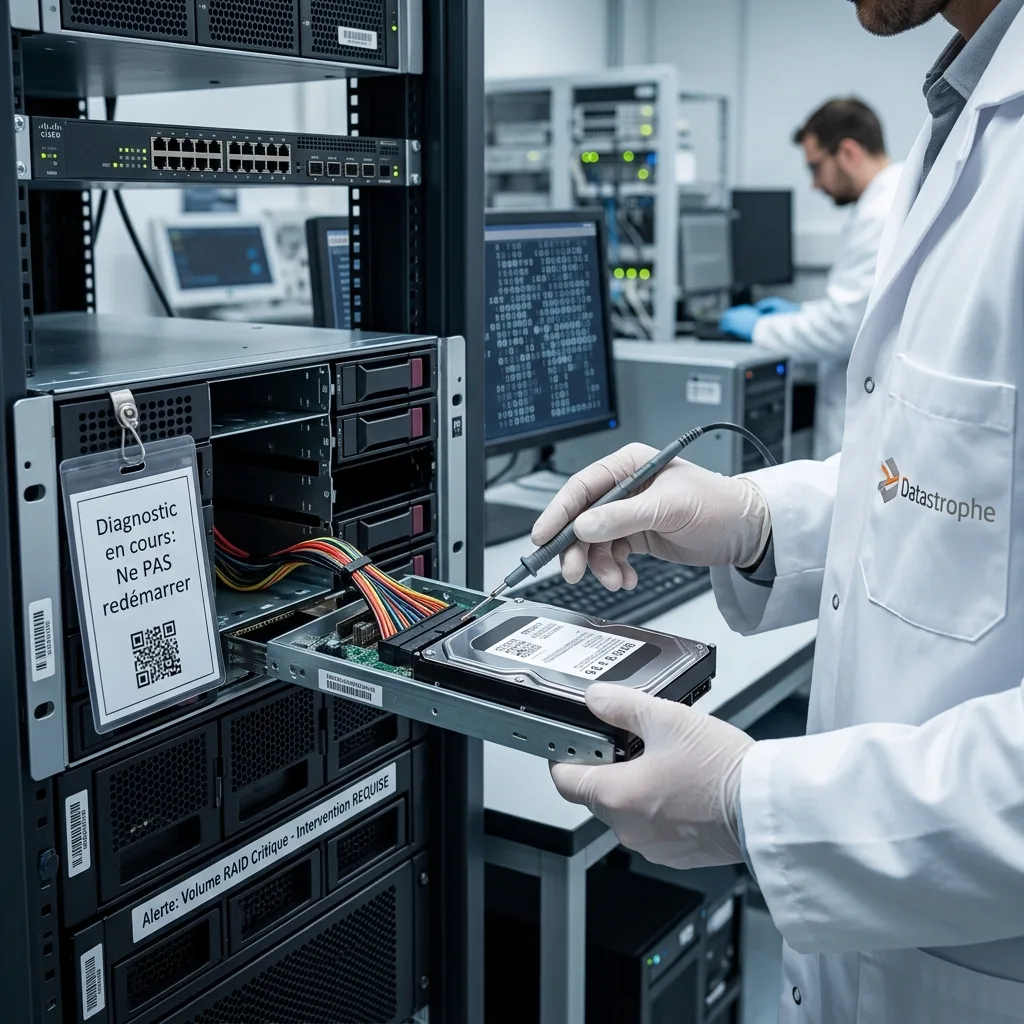
Recovery boundary
Repairing the operating system and recovering data are separate objectives
A repair can create a bootable server by discarding damaged state, while recovery preserves that state long enough to extract priority data.
Startup repair, file-system checks, package reinstallations and configuration resets write to disks and may replay logs. They can be appropriate on a disposable clone once the source has been acquired. On the original, they can remove orphaned records or replace configuration needed to understand the incident.
Where storage is stable, sector or block acquisitions are created before logical reconstruction. When a member or LUN is unstable, the reading plan records errors and prioritises metadata or critical regions. The best available acquisition is protected while experiments occur on derivative copies.
The data recovery process keeps these tracks explicit. A server that boots after repair is not necessarily the server state required by the business. Current files, transaction consistency, identities and application dependencies still need validation against the chosen recovery point.
Recovery track
Protect source state, reconstruct data and prove priorities. The result can be exported to a clean environment without making the failed server production-ready.
Repair track
Test boot, service and configuration changes on a disposable copy. Document every change and retain the protected recovery baseline for comparison or rollback.
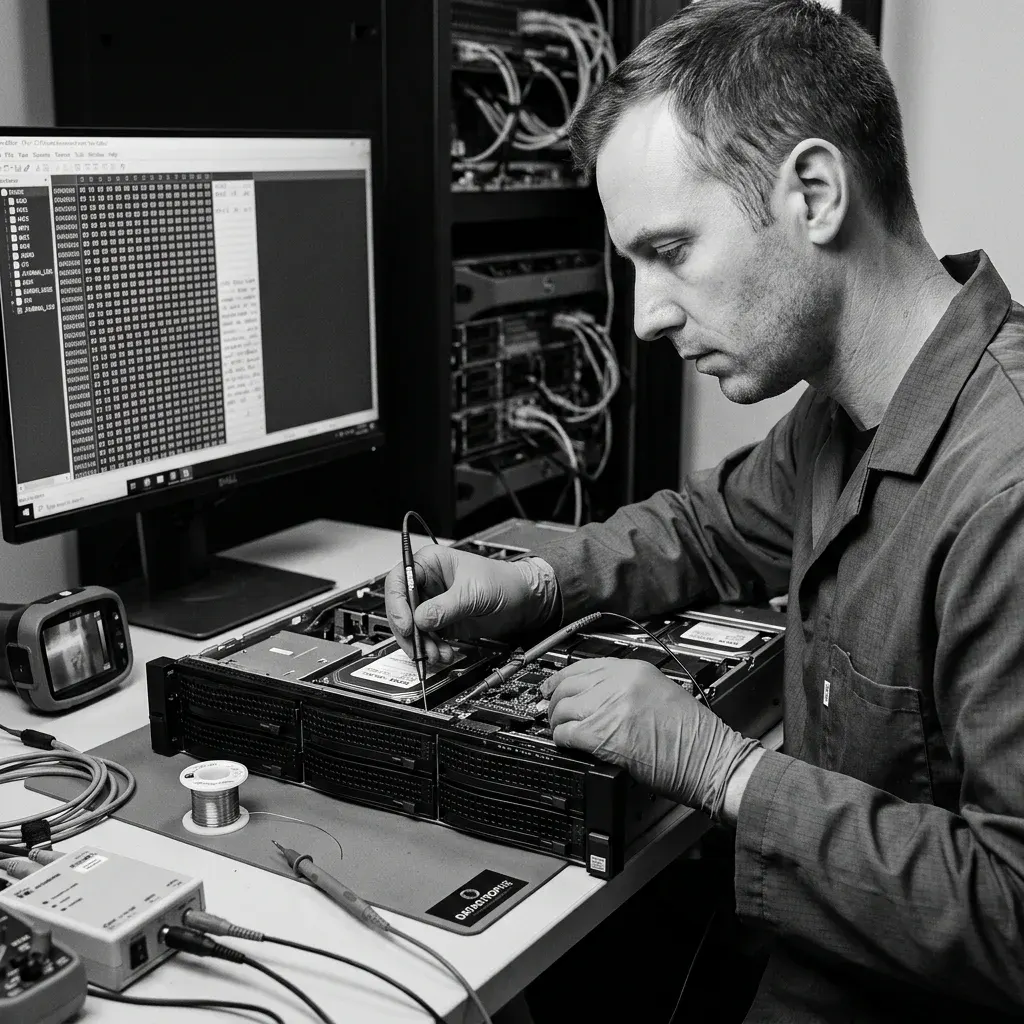
Virtualisation
Virtual servers require complete datastores and snapshot chains
A guest disk depends on the hypervisor, datastore, descriptors and checkpoints beneath it, not just the operating-system files visible inside the VM.
Preserve VM configuration, virtual-disk descriptors and extents, snapshots, logs and host inventory before consolidation or restart. Shared datastores may hold several interdependent VMs and metadata that an individual export omits. Replicas and backup copies are dated and kept separate.
The VMDK and VHDX recovery workflow rebuilds parent-child chains and sparse allocation on copies. A guessed snapshot link can combine blocks from different moments, producing a guest that boots while databases or less-used files remain chronologically inconsistent.
Do not boot the only reconstructed chain. Candidate virtual disks are mounted read-only first, then a disposable clone may be started in an isolated network. This prevents journal replay, identity conflicts, replication and application updates from altering the baseline.
- Freeze snapshot deletion and consolidation
- Preserve complete VM directories and datastore metadata
- Keep replicas and backups as distinct generations
- Use read-only inspection before an isolated boot
Hypervisor evidence
Keep versions, datastore paths, VM IDs, parent locators, content IDs and task logs. Small descriptors and configuration files can determine how large extents relate.
Guest evidence
Partition, encryption, file-system and application state are checked against the required time. A login screen alone does not validate the guest's business data.

Application integrity
SQL data and transaction logs must reach a consistent point together
Copying a database file is not enough when logs, checkpoints, multiple volumes or external dependencies represent different moments.
Relational databases maintain transaction logs and recovery rules designed to move from an on-disk checkpoint to a consistent state. Missing log segments, torn pages or storage snapshots taken at different times can prevent that process. File-system consistency does not guarantee database consistency.
Data files, transaction logs, configuration and encryption material are kept together. Vendor consistency checks, log analysis, controlled starts and exports run on isolated copies. Where an application spans databases or servers, the required recovery point is defined across the group rather than selected independently for each file.
Automated repair options can deallocate damaged pages or discard transactions. Their output may be valuable, but the changes and data loss must be measured against a protected baseline. Representative queries and application-owner checks show whether recovered records have business meaning beyond a successful service start.
Consistency tools
Run them on disposable copies with full output retained. Separate informational findings, repairable metadata and changes that would remove user data.
Business checks
Authorised owners verify recent orders, accounts or other representative records and dates. Sensitive records are accessed only to the degree required by the agreed validation.
Business triage
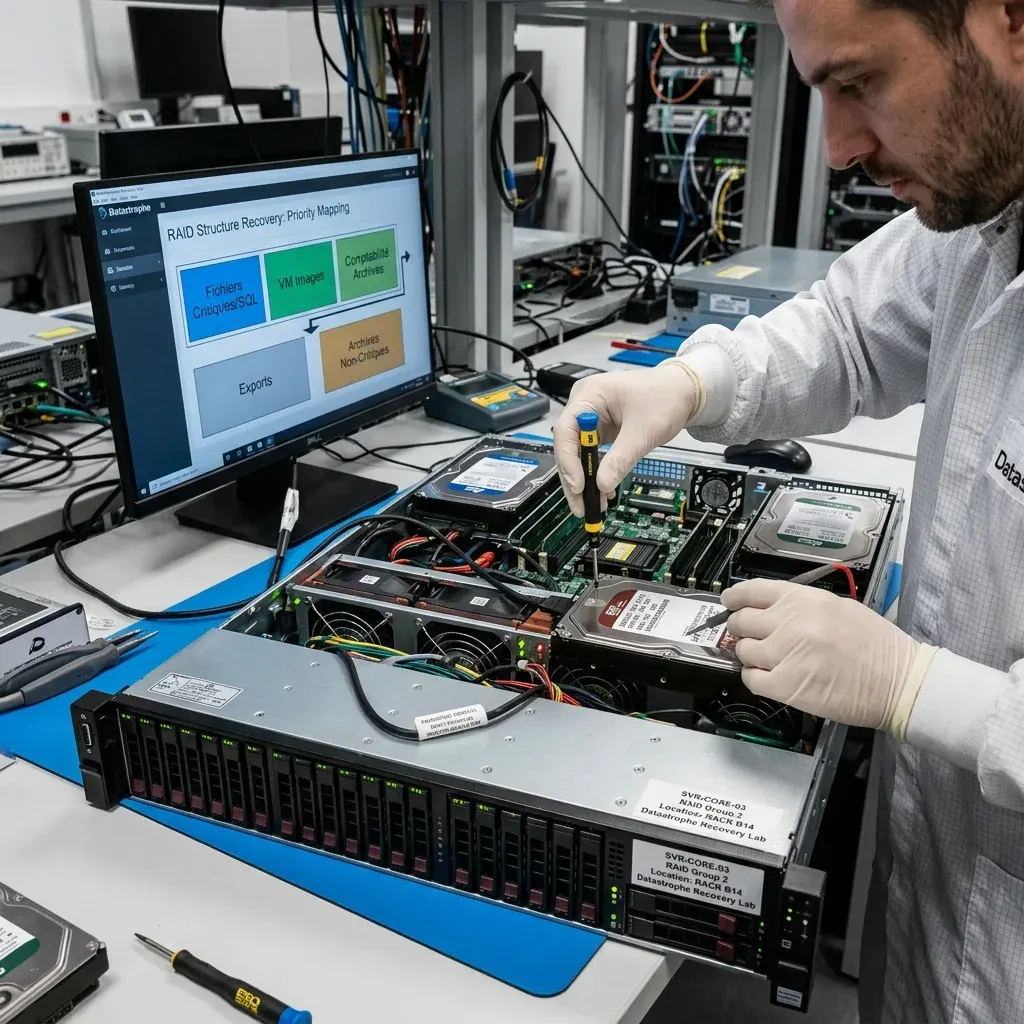
Identity, configuration, databases and shares need an explicit priority order
The most visible volume is not always the most valuable; small configuration or key stores may unlock much larger recovered data sets.
List critical services, data owners, acceptable recovery points and dependencies. Identity databases, certificates, encryption keys, application configuration, databases, file shares and virtual machines are ranked by business impact and replaceability. Confirmed backup or replica copies reduce unnecessary work on the failed source.
Priorities influence acquisition when storage is deteriorating and guide validation when some regions cannot be reconstructed. A payroll database, current design repository and old archive should not receive equal treatment by default. Recovery also distinguishes data extraction from the later task of rebuilding a secure production platform.
Authorisation and confidentiality are recorded for each system. Administrator credentials do not imply permission to inspect every user's data. Review can use agreed samples, structural checks and application-owner participation, with regulated or personal content handled according to the defined scope.
- Define critical services and authorised owners
- Rank data by impact, uniqueness and recovery point
- Preserve keys, certificates and configuration dependencies
- Verify alternative copies before excluding a source
Dependency order
Identify keys, identity, configuration and catalogues needed to interpret other stores. Their small size can make them acquisition priorities even before bulk file shares.
Data order
Rank databases, shares, VMs and archives by outage impact, uniqueness and target date. Record which alternative copies have been opened and verified.
Outcome assurance
Validate recovered services in isolation before production use
A recovered server should first prove file, application and security consistency where it cannot replicate, overwrite or conflict with live systems.
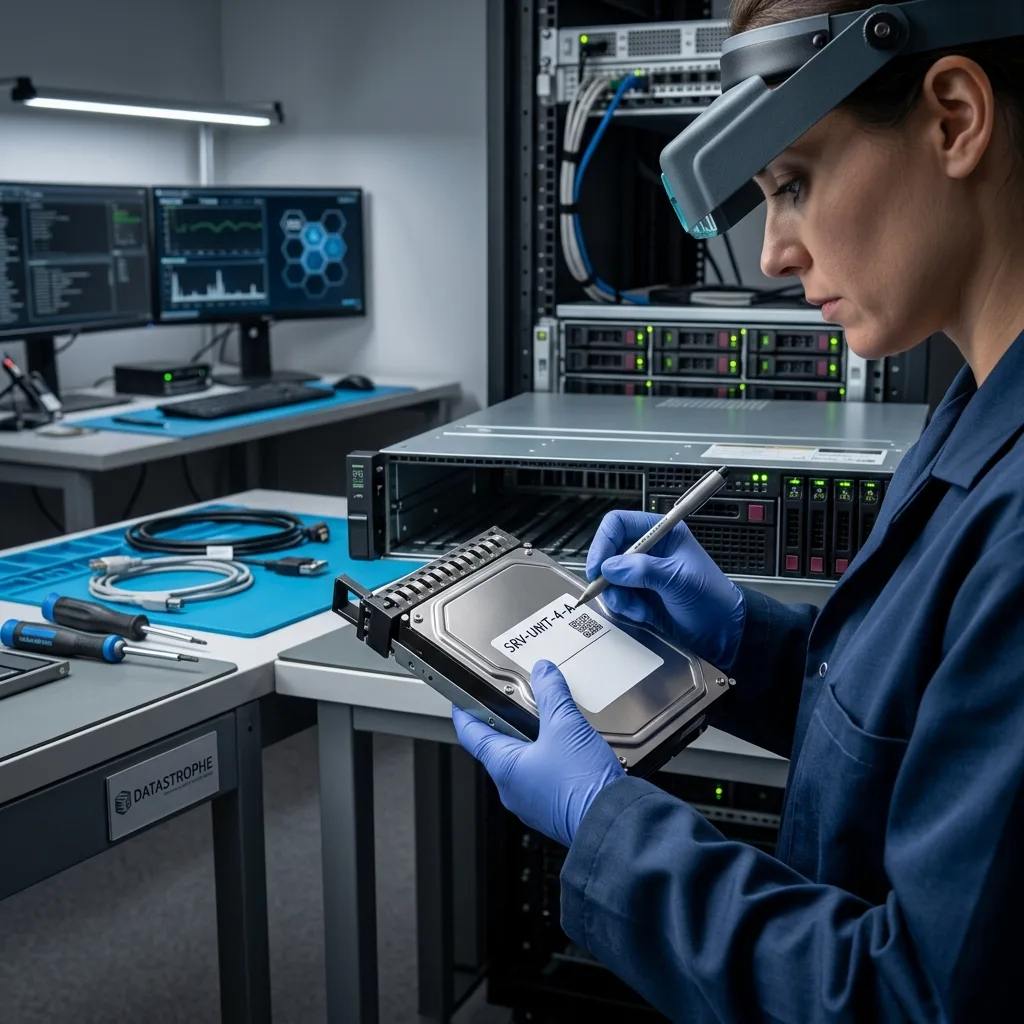
Recovered volumes and virtual machines are connected to an isolated test environment. Network routes, scheduled jobs, mail relays, replication and automated clients are controlled. This prevents an older identity or database state from communicating as though it were current.
Representative files are opened, database checks and queries are reviewed, services are started deliberately and application dependencies are recorded. Security teams can assess credentials, certificates and incident implications before any migration. Recovered data is exported to healthy storage or a clean platform rather than written back to failed media.
The outcome separates technical recovery from production readiness. Unread blocks, stale snapshots, missing logs, broken application links and untested specialist formats remain in the report. A service start, mounted share or total data size is evidence, but none alone proves a safe business restoration.
Technical acceptance
Record acquisition gaps, reconstructed layers, file-system state and application-test results. Keep the protected baseline available while fixes are evaluated.
Operational acceptance
The client's owners decide whether the recovery point, security state and outstanding rebuild work meet the needs of production or a staged migration.

Countrywide service
Prepare topology, logs, backups and recovery objectives for UK intake
Datastrophe supports server cases across the United Kingdom through managed remote evidence and media intake. The initial review defines containment, the complete source set and the assigned handling route.
Provide hardware and virtual topology, controller and storage configuration, disk or LUN inventory, operating systems, application versions, error messages and incident chronology. Preserve logs and screenshots without clearing alerts or restarting failed services. State what remains online and what has already been isolated.
List backups, replicas and snapshots with dates and whether representative restores were tested. Define the recovery point objective, priority services and acceptable older state in practical terms. For physical media, retain bay order and agree the complete hardware set and packing plan before dispatch.
Use Request a quote to provide the evidence. Pricing information explains why storage layers, virtualisation and application validation affect scope. The assessment defines containment, acquisition, risks, required hardware and validation before chargeable work begins.
- Contain writes and document every subsequent action
- Map hardware, storage, virtualisation and applications
- Verify available backups without overwriting the source
- Agree remote transfer or physical dispatch requirements
Technical handover
Include diagrams, serials, bay maps, configuration exports, relevant logs, administrator notes and every change made since the incident. Mark unknowns rather than filling them by assumption.
Business handover
Name authorised technical and data owners, priority services, required dates and confidentiality constraints. Identify a safe environment for later validation or export.
FAQ
Frequently asked questions
Should a failed server be rebooted before data recovery?
Not automatically. Reboot can replay journals, start array rebuilds, launch services or trigger repair and replication. First identify ongoing writes, isolate dependencies and record the incident state. If a boot test is later useful, perform it on a protected disposable copy in an isolated environment. The original storage should not become the platform for repeated availability experiments.
What is the difference between server repair and data recovery?
Repair aims to make a system operate, potentially by replacing configuration or discarding damaged state. Recovery protects the source, reconstructs priority data and documents limits. The two can support one another, but repair experiments should run on copies. A bootable server does not prove that current files, transactions, identity or application dependencies are complete and safe.
Can a server database be recovered from data files alone?
Sometimes a usable subset is possible, but databases may depend on transaction logs, checkpoints, encryption material and several aligned volumes. Files from different moments can mount yet remain transactionally inconsistent. Preserve all related stores and define the required recovery point. Consistency checks, controlled starts, exports and representative queries should run on isolated copies with any repair changes recorded.
When is cleanroom work relevant to a server case?
Only when an individual mechanical hard drive has diagnosed internal head or platter damage. Most server recovery concerns RAID geometry, SAN or controller paths, virtual disks, file systems and applications. SSDs use electronic and flash methods. Cleanroom handling can create a reading opportunity for one damaged disk, but the array and business services still require separate logical reconstruction and validation.
When is a recovered server ready for production?
Only after the client accepts the recovery point, file and database checks, identity and security state, external dependencies and outstanding gaps. Testing occurs in isolation so older services cannot replicate or conflict with live systems. Recovery may deliver verified data or a testable system while further hardening, configuration and migration remain necessary before production use.
Media
Other expertise
- Hard Drive Data Recovery Hard drive data recovery for clicking, impact damage, unstable sectors and corrupted file systems, based on a controlled technical evaluation.
- External Hard Drive Data Recovery External hard drive data recovery for USB bridge faults, power damage, impact, enclosure encryption and volumes that no longer mount.
- SSD and NVMe Data Recovery SSD and NVMe data recovery for controller, NAND, firmware and FTL faults, TRIM, damaged file systems and encrypted volumes.
- USB Flash Drive Data Recovery USB flash drive data recovery for broken connectors, damaged circuit boards, controller failure, unstable NAND and deleted files.
- Memory Card Data Recovery Memory card data recovery for formatted SD, microSD and CF media, NAND faults, missing DCIM folders and damaged RAW photographs or video.
- Laptop Data Recovery Laptop data recovery after drops, liquid damage, motherboard failure, faulty SSDs or hard disks and encrypted user profiles.
- Apple Mac Data Recovery Apple Mac data recovery for APFS corruption, FileVault, T2 or Apple silicon systems, failed SSDs, Fusion Drive and macOS start faults.
- Tablet Data Recovery Tablet data recovery for broken displays, liquid damage, logic-board failure, boot loops and encrypted internal flash storage.
- VMDK and VHDX Virtual Disk Data Recovery VMDK, VHDX and virtual disk data recovery for broken snapshot chains, missing parent files, thin provisioning and damaged datastores.
- RAID, NAS and Storage Array Data Recovery RAID and NAS data recovery after multiple disk failures, an interrupted rebuild, lost member order, parity errors or an inaccessible pool.
- CCTV Data Recovery from NVR, DVR and XVR Recorders CCTV data recovery from NVR, DVR and XVR recorders with empty calendars, failed disks, corrupt indexes, proprietary codecs or overwritten footage.
- Data Recovery Laboratory Work in an ISO 5 Class 100 Cleanroom ISO 5 Class 100 cleanroom procedures for mechanically damaged hard drives, failed head assemblies, platter inspection and controlled sector acquisition.
 Hard Drive Data Recovery
  SSD and NVMe Data Recovery
  USB Flash Drive Data Recovery
  Memory Card Data Recovery
  Laptop Data Recovery
  Tablet Data Recovery
  VMDK and VHDX Virtual Disk Data Recovery
  RAID, NAS and Storage Array Data Recovery
  CCTV Data Recovery from NVR, DVR and XVR Recorders
  Data Recovery Laboratory Work in an ISO 5 Class 100 Cleanroom
 Diagnostic assessment
Unsure about a storage device or fault?
Datastrophe qualifies the risk before any recovery attempt and points you towards the safest next step.