

External Hard Drive Data Recovery
An external drive can fail at its cable, power supply, USB bridge, encryption layer or internal disk. Bypassing the enclosure without diagnosis can remove essential context.
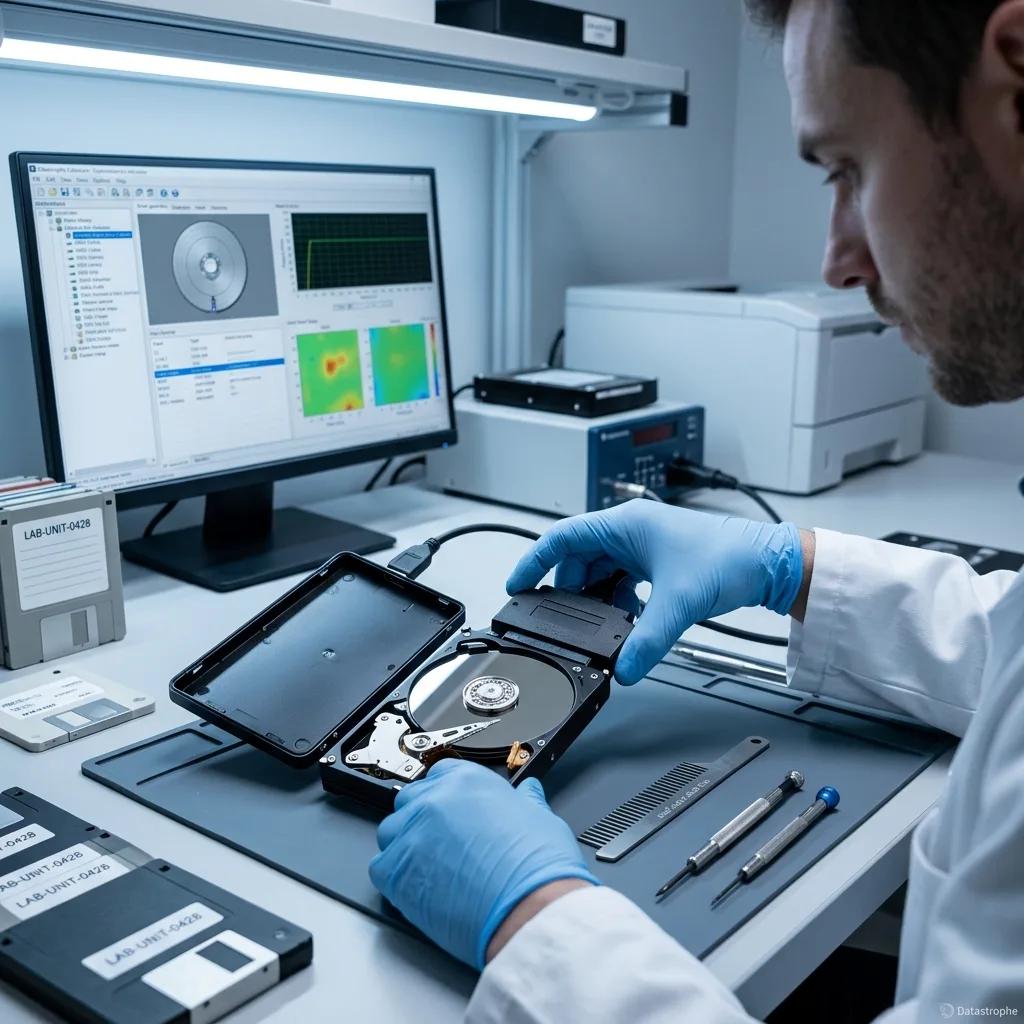
Layered diagnosis
A lit enclosure does not prove that the external disk is readable
Power at an indicator LED may coexist with a failed bridge board, unstable supply or mechanically damaged disk.
An external hard drive is a storage device plus an enclosure. Between the computer and the disk may sit a connector, cable, USB-to-SATA bridge, voltage regulation and sometimes transparent encryption. Testing only whether the light turns on reveals almost nothing about communication with the recording medium.
Diagnosis begins with the reported symptom: no light, repeated disconnects, correct model but wrong capacity, a format prompt, clicking, or no rotation at all. The original cable and power adapter are identified, but substitute power supplies are not tried unless voltage, polarity and current requirements have been confirmed.
A safe assessment isolates layers without changing the data. Electrical measurements can establish whether the enclosure is delivering stable power; protocol response can show whether the bridge sees the disk. If the internal drive is mechanically abnormal, logical tests stop. If it is stable, acquisition may proceed through the original or an equivalent controlled interface.
Bridge symptoms
Intermittent USB recognition, a generic device name or disconnects under load may implicate the bridge or power path. They can also be secondary effects of a disk that is taking too long to answer.
Disk symptoms
Clicking, scraping, stalled spin-up or a severe slowdown points beyond the enclosure. Continued USB reconnection can repeat the same damaging internal sequence without providing useful diagnostic evidence.
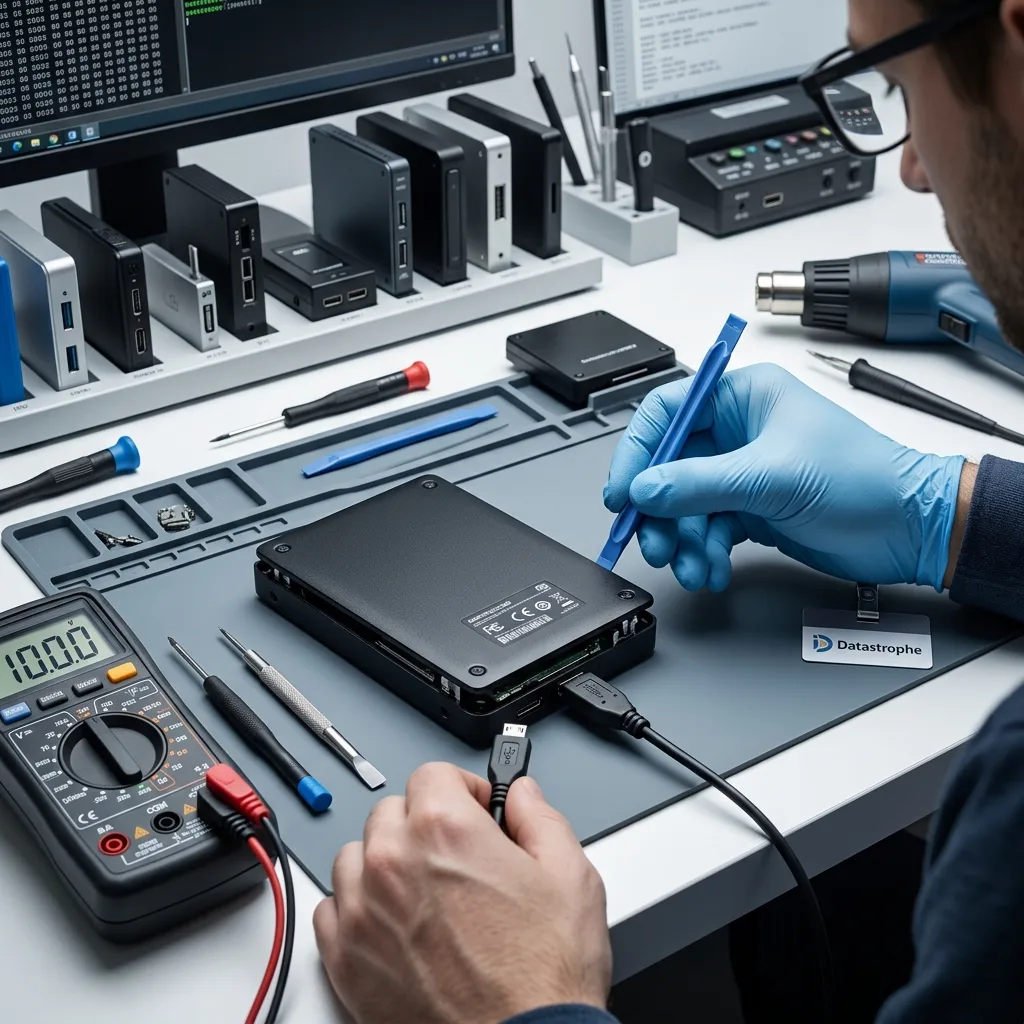
Impact response
A fall can damage heads and platters even when the case looks intact
The most important fact after a drop is whether the disk was spinning, not whether the plastic enclosure is visibly marked.
A powered hard drive has heads flying over rotating platters. A shock can disturb that clearance, deform the suspension or create local surface contact. The rubber feet and plastic shell may absorb cosmetic damage while the internal mechanism records the impact more severely.
If clicking begins after the fall, switch the drive off. A quick attempt to copy one folder still asks the heads to cross damaged areas and may spread debris. Do not shake the enclosure, tap it, freeze it or cycle the power in the hope that the disk becomes briefly detectable. Those actions add uncontrolled variables rather than restoring a safe reading state.
The internal disk follows the same mechanical principles described for hard drive data recovery. Where diagnosis supports internal inspection, controlled cleanroom handling may protect exposed platters during limited component work. It cannot recreate coating lost to a scratch.
- Disconnect the external drive after a fall or new clicking
- Record whether it was running when the impact occurred
- Keep every loose enclosure part without opening the disk
- Avoid a software scan until mechanical condition is known
Powered impact
A fall while the disk is operating raises concern about head-to-platter contact. Record any sound and leave the drive off; the first stable access attempt should be planned around that history.
Unpowered impact
Parked heads reduce one risk but do not make the device immune to spindle, bearing, connector or enclosure damage. Assessment is still required if recognition or sound changed afterwards.
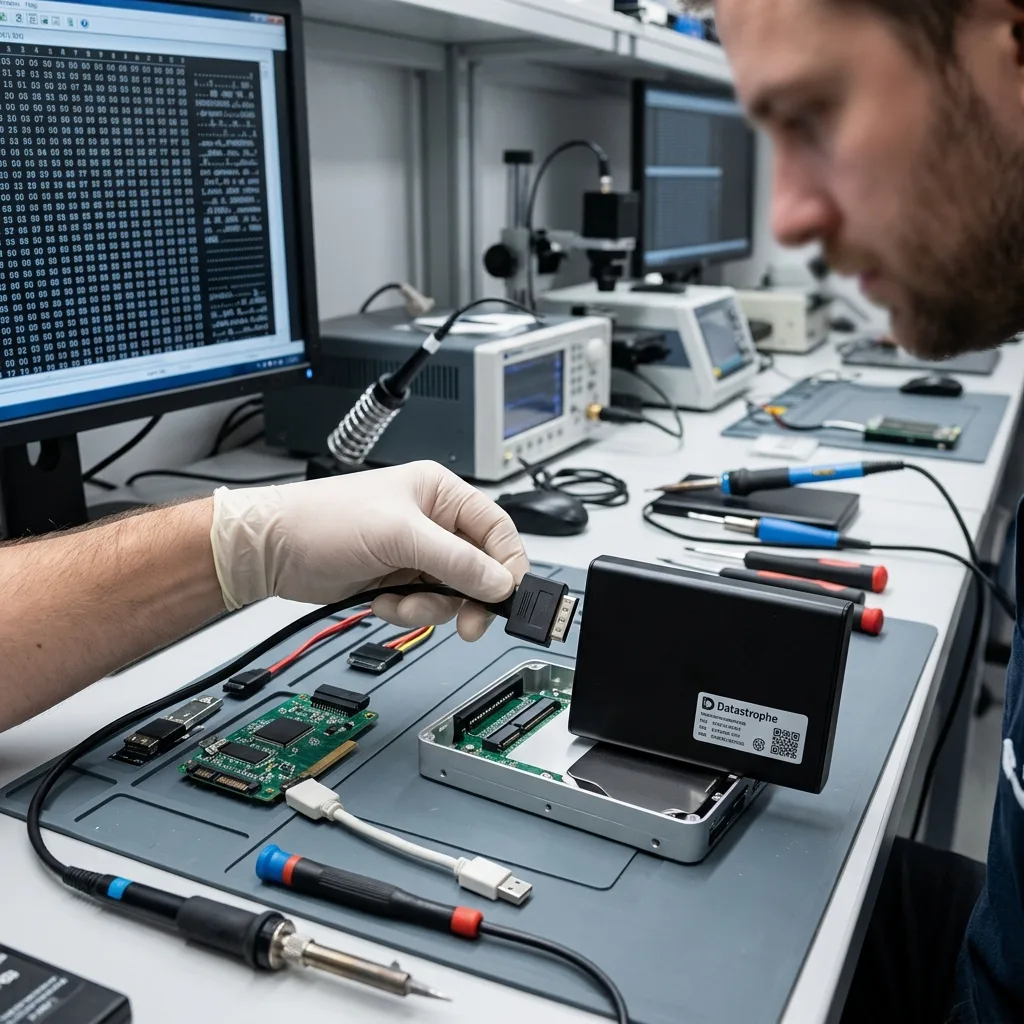
Enclosure electronics
The original USB bridge may be part of the decryption path
Some external drives transform or encrypt sectors on the bridge board, so a bare SATA connection may not reveal the expected volume.
Removing a disk from its enclosure is sometimes useful for controlled acquisition, but it is not a universal first step. Certain bridge controllers apply hardware encryption transparently, even when the user never set a password. The sectors read directly from SATA can therefore be valid yet unintelligible without the original bridge logic.
Other products expose a native USB disk board rather than a removable SATA device. In those cases the connector, voltage regulation and controller electronics are part of one assembly. A generic enclosure swap may be impossible or may discard adaptive information linked to that particular drive.
The assessment documents bridge model, board identifiers and behaviour before bypassing anything. The enclosure should be preserved until a readable, correctly decrypted image has been confirmed. A replacement board is not matched by connector shape alone; firmware, encryption and device-specific data must be considered.
Transparent encryption
A user may have no separate password because the bridge encrypts and decrypts automatically. The original electronics can still be essential to convert acquired sectors into the file-system view.
Native USB designs
Some portable drives integrate USB onto the disk electronics. Diagnosis then works with the board as supplied rather than assuming an ordinary SATA connector is hidden underneath.
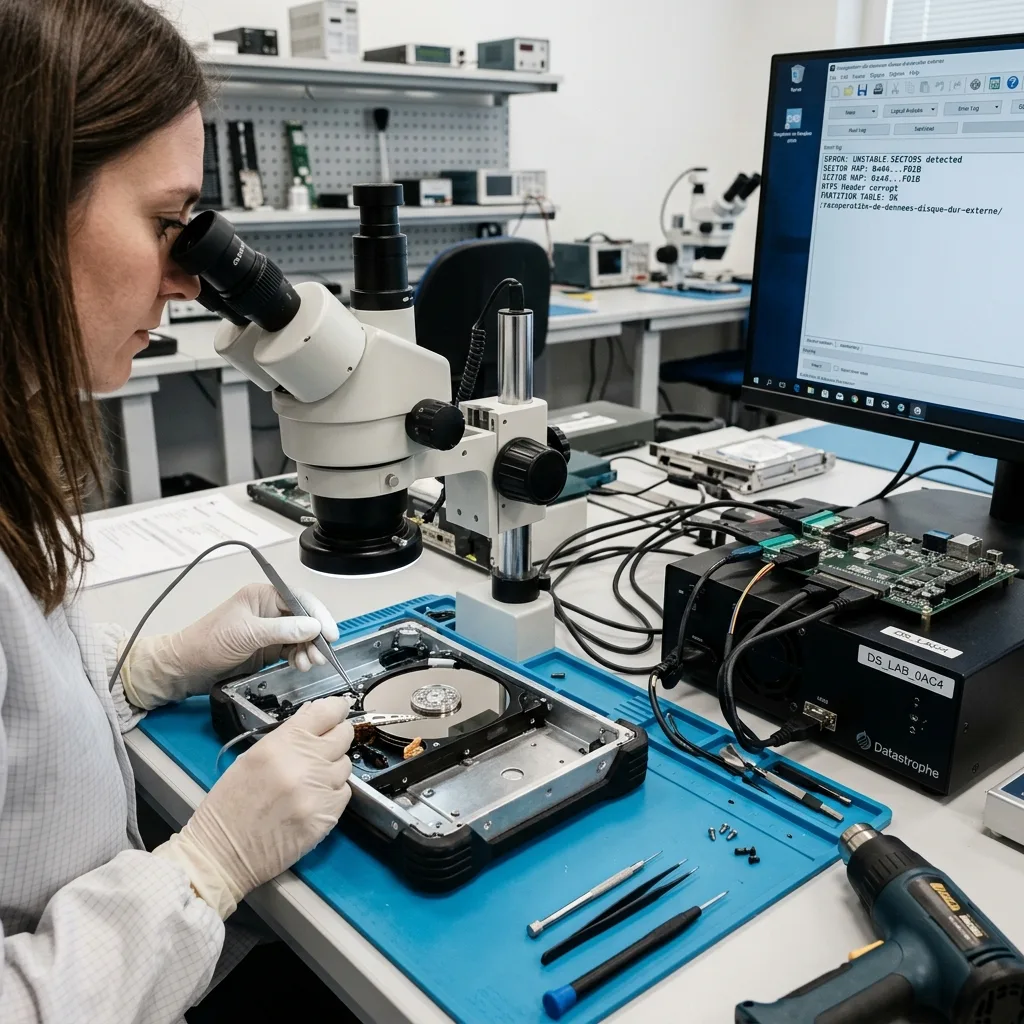
Logical fault
A format prompt or missing partition is evidence to preserve
When Windows or macOS cannot mount an external volume, formatting creates new metadata rather than discovering what happened.
A request to initialise or format may follow partition-table damage, file-system corruption, an incorrect bridge path or unreadable sectors. The prompt describes the operating system's present interpretation; it does not establish that the files have disappeared. Accepting it writes structures to the area being investigated.
Repair utilities can also update allocation records, discard orphaned references or replay journals. Those changes may be appropriate for restoring a disposable copy to service, but they are not a safe first action on the only source. Recovery preserves the current state before it attempts to make any structure consistent.
Once the physical disk and interface are stable, a sector image allows partition backups, boot records, allocation tables and directory entries to be compared. File signatures can supplement damaged metadata, but they are interpreted alongside folder structure and expected file types rather than presented as automatically intact results.
- Decline format, initialise and repair prompts
- Record the displayed capacity and volume name
- Preserve encryption passwords and recovery keys
- State whether the issue followed unsafe removal or a power cut
Do not initialise
Initialisation can create a new partition map. Take a photograph of the message if it is already visible, then disconnect the drive rather than reproducing the prompt on several computers.
Do not repair in place
CHKDSK, First Aid and similar tools alter file-system metadata. Any experiment should follow acquisition and run on a disposable copy with its effects documented.
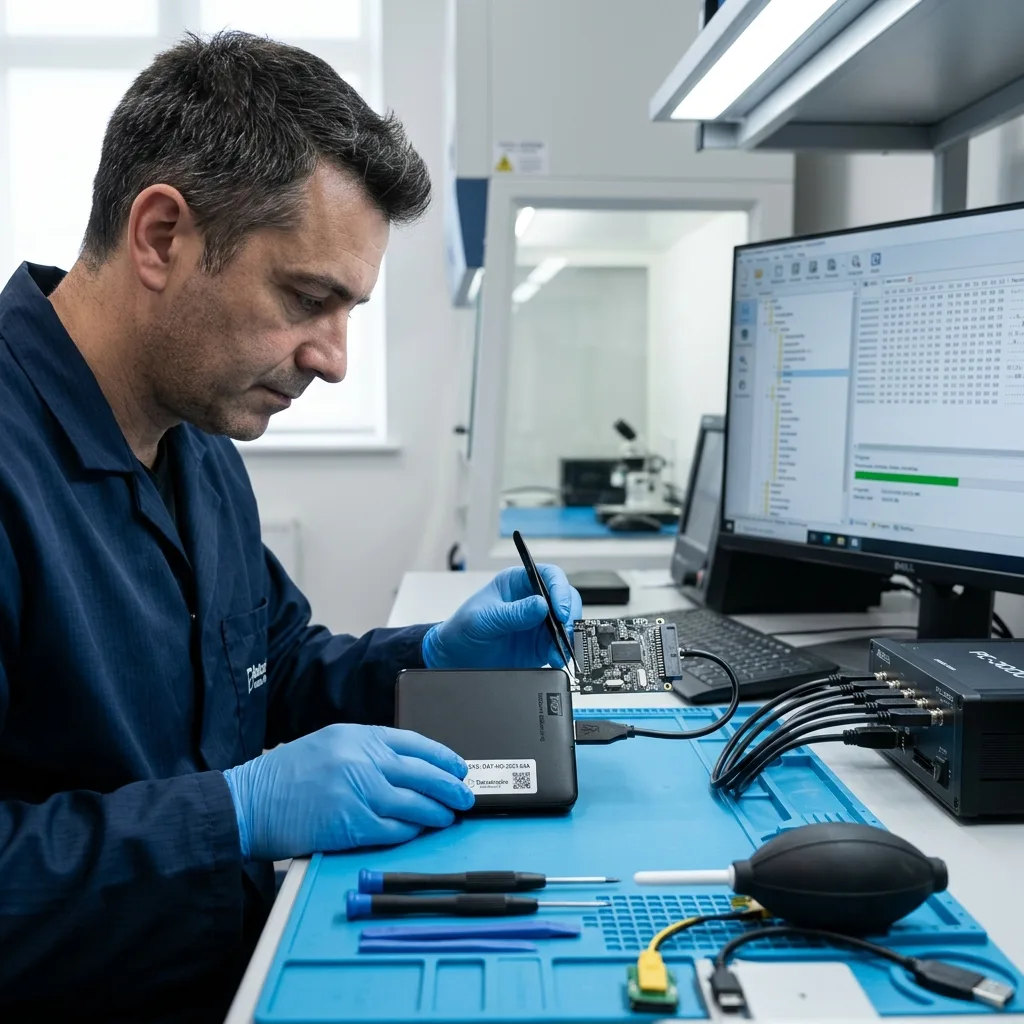
Controlled acquisition
Imaging must not depend on an unstable consumer USB connection
Repeated disconnects need an access path that can manage errors and resume deliberately, not an ordinary drag-and-drop copy.
USB mass-storage behaviour can hide the underlying disk response behind resets and long timeouts. When a weak sector stalls the bridge, the operating system may disconnect the whole device. Reopening a file copy then starts another uncontrolled traversal and may never reach unaffected areas.
A suitable acquisition path records what has been read, limits retries and can return to difficult regions after stable areas are secured. Depending on the enclosure and encryption, that may use the original bridge under controlled power or a carefully chosen lower-level route. The decision is made from diagnosis, not convenience.
The source is treated as read-only and is no longer used for logical experiments once an adequate image exists. Reconstruction follows the data recovery process on separate storage. A clone is useful only when its error map and decryption state are understood; an unverified byte count can conceal gaps.
Read around damage
Stable regions can be secured before slow or unreadable areas are revisited. This reduces repeated stress and gives priority data a better chance when the disk is deteriorating.
Preserve the map
Acquisition logs associate missing sectors with the working image. They support later decisions about file damage and prevent an incomplete clone from being mistaken for a complete source.
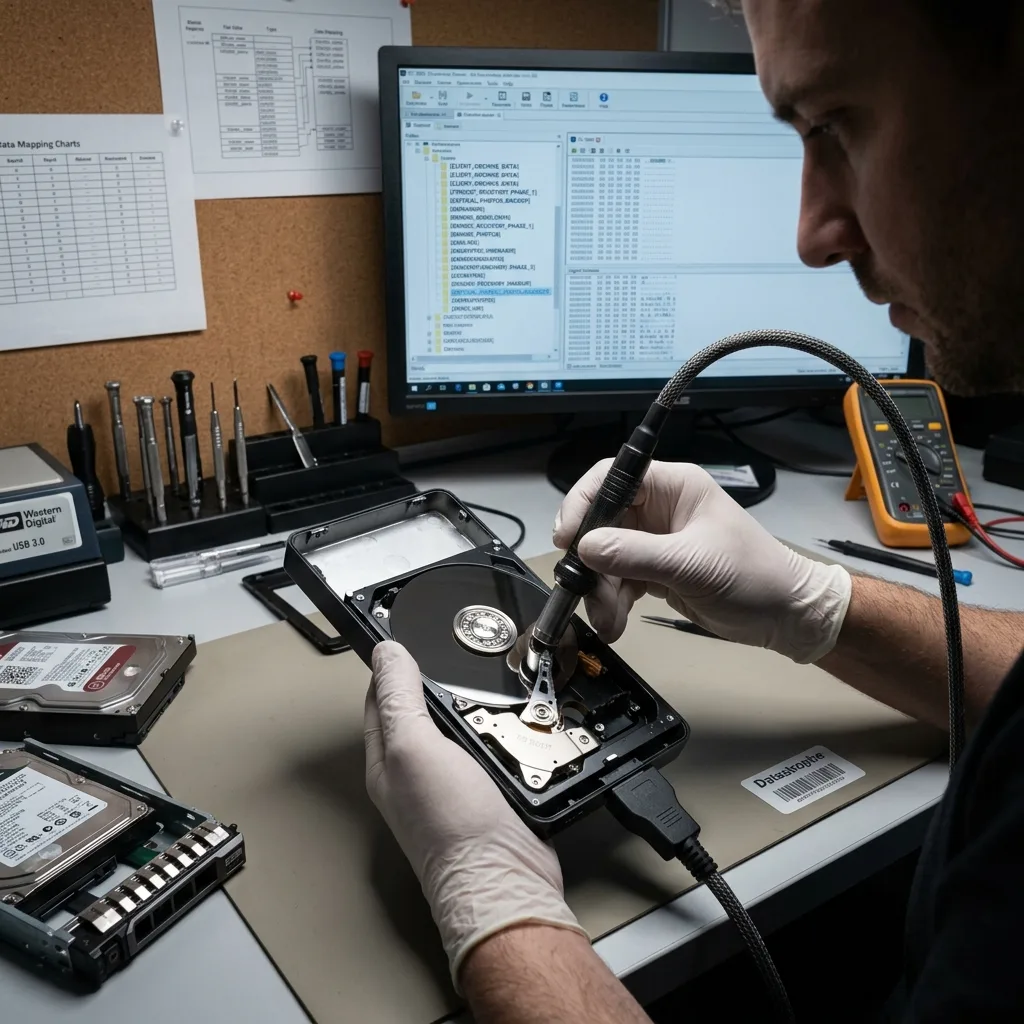
Incident scope
An external drive is convenient storage, not an independent backup
Recovery priorities depend on whether the failed device held the only copy, a backup set or a mixture of live work and archives.
A backup exists only when another usable copy is separate from the same failure event. An external disk permanently attached to a computer can be affected by deletion, ransomware, power damage or theft at the same time. A drive rotated off-site may be safer, but its contents and restore process still need periodic verification.
Before recovery, check other sources without writing to the failed disk: cloud synchronisation, another backup generation, camera cards, sent attachments or a colleague's project copy. This does not replace diagnosis; it helps define which folders and dates justify effort and which material is already safely available elsewhere.
If the disk contains a backup catalogue, preserving its metadata can be as important as individual files. Catalogue databases may describe versions, chunk sets or encryption needed for restore. Do not create a fresh backup job on the failed destination, because it may overwrite the very generations being sought.
- Check whether a separate confirmed copy already exists
- Identify the last successful and tested backup date
- Retain catalogue passwords and application details
- Do not rerun the backup task against the failed disk
Identify data with no other copy
List material unavailable from any other source, including recent changes after the last confirmed backup. This priority list can guide acquisition and result review when not every sector survives.
Preserve backup metadata
Keep catalogues, passwords, manifests and the software version used to create the set. Files split across containers may be unusable unless those relationships are reconstructed.
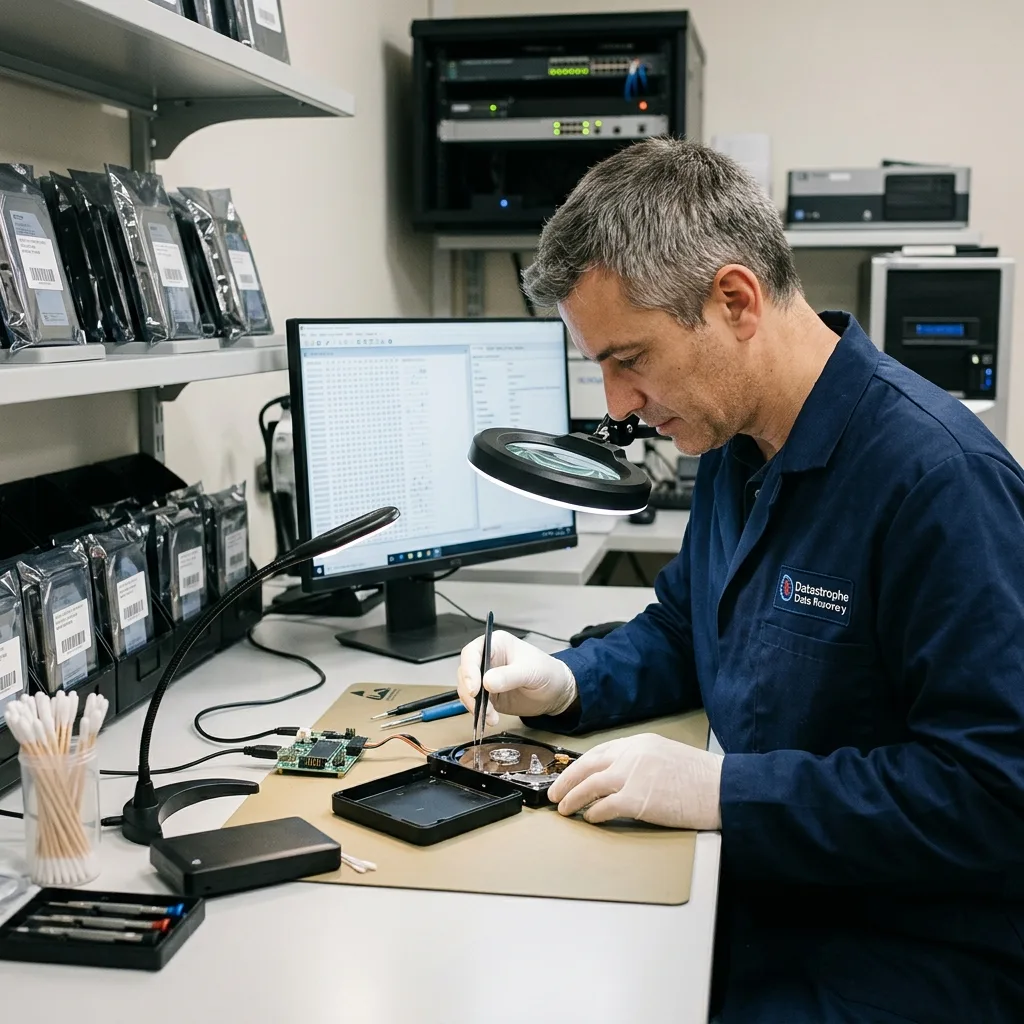
Outcome review
Archives, photo libraries and catalogues need content-level validation
A mounted image and familiar folder tree are encouraging, but compressed archives and managed libraries can still contain hidden damage.
External drives often hold long-lived collections: RAW photographs with catalogue databases, video projects with linked media, encrypted archives or backup containers. A directory listing may survive while one damaged region affects thousands of objects packed inside a single large file.
Validation therefore samples priorities in their native context. Archives can be integrity-tested, photographs decoded beyond thumbnails, and catalogue or project files opened against associated assets. Dates and folder relationships are compared with the client's expectations so an older but intact copy is not mistaken for the missing current version.
Recovered data is handled as confidential material and returned on separate healthy storage. Access is limited to diagnosis and agreed checks; authorised credentials are used only where necessary. The outcome separates verified, partial and absent items and records unread areas instead of promising that every listed filename is sound.
Representative samples
Choose files from several dates, folders and formats, especially large containers that cross many disk regions. A handful of easy-to-open documents cannot validate an entire archive.
Confidential review
Where content is sensitive, review can focus on agreed samples, structural checks and client-supplied priorities. The report should still state any limits that prevent a broader conclusion.
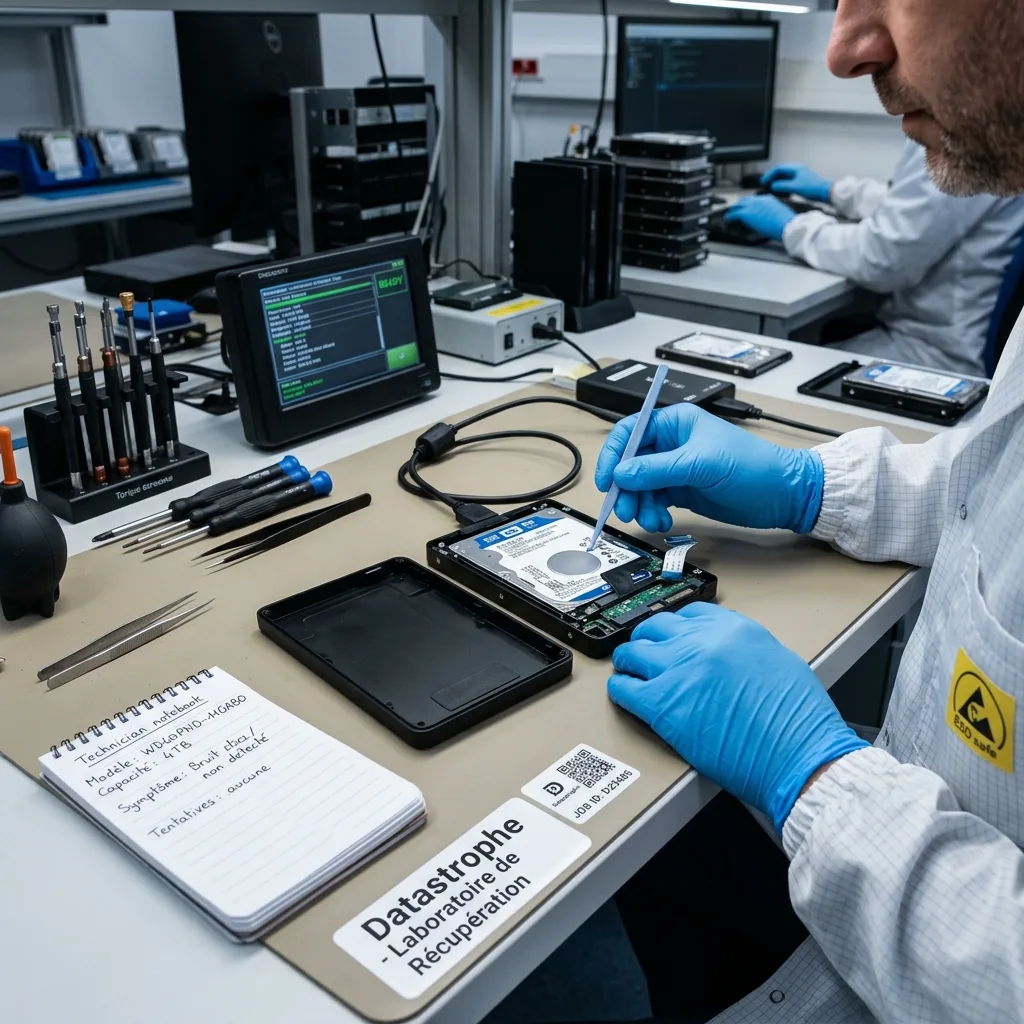
Countrywide intake
For UK intake, retain the enclosure, cable and incident history
Datastrophe supports enquiries across the United Kingdom through arranged intake and transport. Confirm the assigned destination and required accessories before dispatch.
Start with the make, model, capacity, connector and any separate power adapter. Describe the last normal use, exact error, sounds, drops, liquid or power events, and every repair already attempted. Photograph the assembled device and label before packing, without reconnecting it merely for the picture.
Keep the disk inside its enclosure unless instructed otherwise. Place the device in anti-static protection, cushion it within a rigid box and prevent the power adapter from striking it. Include the original cable and correctly labelled supply when requested; do not place a bare disk loosely beside heavy accessories.
Submit details through Request a quote. The pricing guide explains why enclosure electronics, mechanical work and logical reconstruction cannot be priced from capacity alone. The assigned destination, required hardware set and dispatch method are confirmed for the individual case.
- Keep the bridge board and enclosure with the original disk
- Pack the device against shock, static and accessory movement
- Include a concise chronology instead of performing another test
- Confirm dispatch instructions before sending the case
Case information
State the priority folders, date range, encryption or backup software and whether any duplicate exists. Business clients should nominate an authorised technical and data contact.
Assessment decision
After diagnosis, the proposed work should identify the failed layer, access route, risks, validation plan and quotation. Proceed only when that scope matches the value of the required data.
FAQ
Frequently asked questions
Can I remove the disk from a failed external enclosure?
Keep it assembled unless a recovery specialist advises otherwise. The enclosure may contain a USB bridge that encrypts or transforms sectors, and some portable drives use native USB electronics rather than a hidden SATA connector. Removing the disk can also lose evidence about power or impact. Preserve the enclosure, board, cable and adapter even if someone has already dismantled it.
Why does my external drive ask to be formatted?
The operating system cannot interpret the expected volume through the current access path. Causes include damaged partition or file-system metadata, weak sectors, bridge problems or encryption context. Formatting writes new metadata; it does not diagnose the fault. Decline the prompt, disconnect the drive and obtain an assessment before any repair is attempted on a protected image.
Does a clicking external drive require cleanroom recovery?
Clicking after a fall or during spin-up can indicate internal mechanical trouble, but cleanroom work is chosen only after diagnosis. The enclosure and power path are checked first without subjecting the drive to sustained, risky reading. If heads or platters require inspection, controlled conditions reduce particle exposure. They cannot reverse scratches, so the achievable result still depends on surviving magnetic surface.
Should I try another cable or power adapter first?
A known-good data cable of the correct type may rule out a simple connection issue only when the drive has no mechanical warning. Never substitute a power adapter unless voltage, polarity and current are confirmed; a wrong supply can damage the bridge and disk. If the device clicks, smells burnt, disconnects repeatedly or suffered impact, stop testing and preserve the original accessories.
How are recovered photo or backup archives checked?
Validation goes beyond seeing filenames. Representative photographs are decoded, archives can be integrity-tested, and backup catalogues are checked with their containers, passwords and software context. Samples cover priority dates and folders, while unread sectors and incomplete large files are reported. This supports an informed review without claiming that every item is usable when only a subset has been examined.
Media
Other expertise
- Hard Drive Data Recovery Hard drive data recovery for clicking, impact damage, unstable sectors and corrupted file systems, based on a controlled technical evaluation.
- SSD and NVMe Data Recovery SSD and NVMe data recovery for controller, NAND, firmware and FTL faults, TRIM, damaged file systems and encrypted volumes.
- USB Flash Drive Data Recovery USB flash drive data recovery for broken connectors, damaged circuit boards, controller failure, unstable NAND and deleted files.
- Memory Card Data Recovery Memory card data recovery for formatted SD, microSD and CF media, NAND faults, missing DCIM folders and damaged RAW photographs or video.
- Laptop Data Recovery Laptop data recovery after drops, liquid damage, motherboard failure, faulty SSDs or hard disks and encrypted user profiles.
- Apple Mac Data Recovery Apple Mac data recovery for APFS corruption, FileVault, T2 or Apple silicon systems, failed SSDs, Fusion Drive and macOS start faults.
- Tablet Data Recovery Tablet data recovery for broken displays, liquid damage, logic-board failure, boot loops and encrypted internal flash storage.
- VMDK and VHDX Virtual Disk Data Recovery VMDK, VHDX and virtual disk data recovery for broken snapshot chains, missing parent files, thin provisioning and damaged datastores.
- RAID, NAS and Storage Array Data Recovery RAID and NAS data recovery after multiple disk failures, an interrupted rebuild, lost member order, parity errors or an inaccessible pool.
- Business Server Data Recovery Server data recovery after storage, file-system, database or operating-system damage, with business-critical services prioritised.
- CCTV Data Recovery from NVR, DVR and XVR Recorders CCTV data recovery from NVR, DVR and XVR recorders with empty calendars, failed disks, corrupt indexes, proprietary codecs or overwritten footage.
- Data Recovery Laboratory Work in an ISO 5 Class 100 Cleanroom ISO 5 Class 100 cleanroom procedures for mechanically damaged hard drives, failed head assemblies, platter inspection and controlled sector acquisition.
 Hard Drive Data Recovery
  SSD and NVMe Data Recovery
  USB Flash Drive Data Recovery
  Memory Card Data Recovery
  Laptop Data Recovery
  Tablet Data Recovery
  VMDK and VHDX Virtual Disk Data Recovery
  RAID, NAS and Storage Array Data Recovery
  Business Server Data Recovery
  CCTV Data Recovery from NVR, DVR and XVR Recorders
  Data Recovery Laboratory Work in an ISO 5 Class 100 Cleanroom
 Diagnostic assessment
Unsure about a storage device or fault?
Datastrophe qualifies the risk before any recovery attempt and points you towards the safest next step.