

SSD and NVMe Data Recovery
An SSD can disappear without warning. Controller state, NAND wear, flash translation, TRIM and encryption determine whether surviving blocks can become usable files.
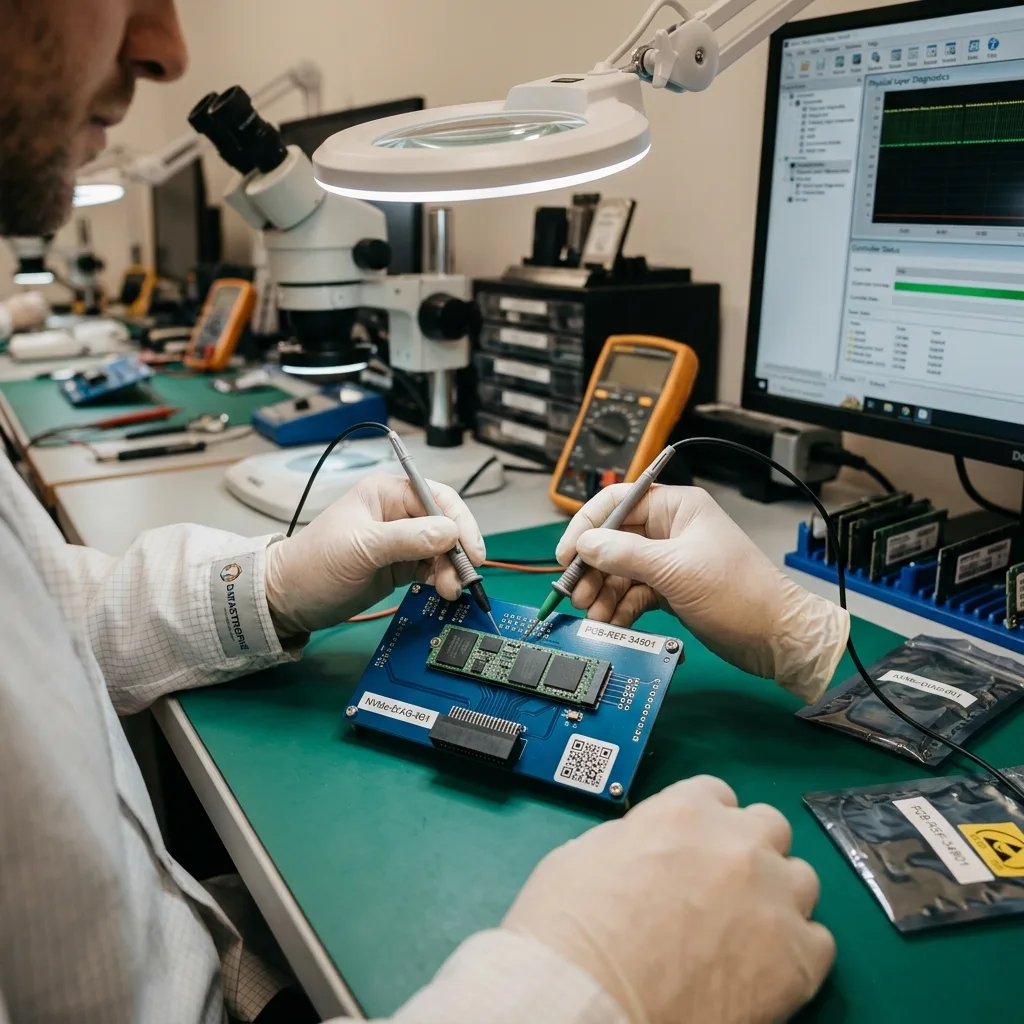
Silent failure
An SSD missing from BIOS may still contain recoverable flash data
No detection, zero capacity and a read-only state are different controller outcomes and should not be treated with the same experiment.
Unlike a hard disk, an SSD has no motor sound to warn that access is deteriorating. A SATA drive may vanish, an NVMe module may stop enumerating, or the device may report a generic name and incorrect capacity. These symptoms point towards power, controller, firmware or translation faults rather than proving that NAND cells are empty.
The first assessment records the exact model, interface, host behaviour and last successful access. Power consumption, temperature and protocol response can distinguish a short circuit from a controller that enters a safe or degraded mode. Repeated power cycles are not neutral when damaged electronics or background flash management remain active.
A visible read-only state can be protective firmware behaviour after wear limits or internal errors. Initialising the device, reinstalling an operating system or applying a generic firmware update may change metadata needed for access. The objective is to preserve its present state long enough to choose the least intrusive acquisition route.
Absent device
When the SSD is not enumerated, no file-system scan has a stable device to address. Electronic and firmware diagnosis comes before any partition analysis or repair.
Wrong identity
A controller family name, zero capacity or an unexpected namespace may indicate a service state. Record the exact message rather than accepting an initialise or format prompt.
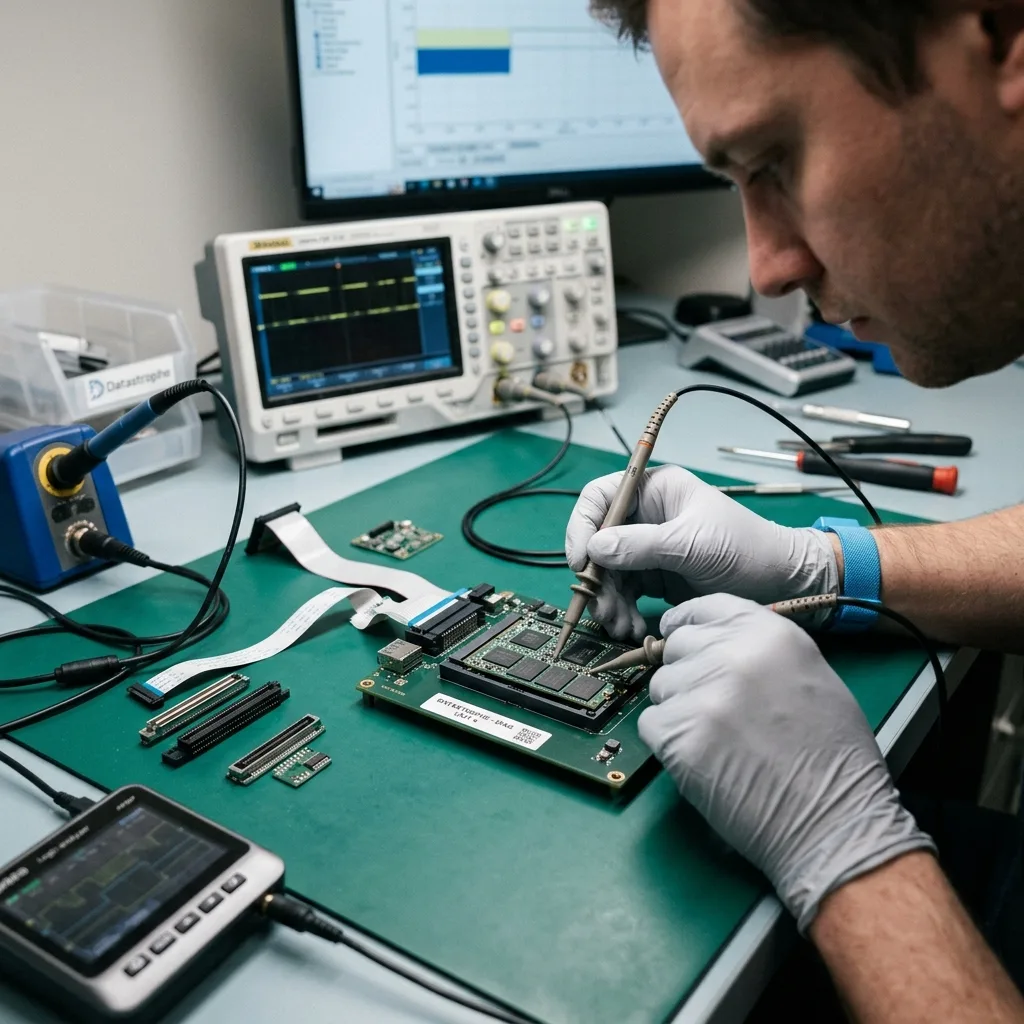
Time-sensitive limit
TRIM changes the prognosis after deletion or formatting
Deleted flash blocks may be released internally even when directory entries or file names remain visible.
TRIM tells an SSD which logical blocks the operating system no longer needs. The controller can then erase or recycle the corresponding NAND pages through background garbage collection. This separates SSD recovery from magnetic-disk assumptions: an old directory reference does not mean its former content still exists.
The effect depends on the operating system, file system, connection path, controller and what happened after deletion. Some USB bridges do not pass TRIM; some encrypted or damaged volumes behave differently; and a format can issue broad discard commands. No responsible assessment can promise deleted SSD files merely because their names are discoverable.
Stop using the computer or enclosure and do not install a recovery utility onto the affected SSD. Installation, browser activity, synchronisation and ordinary boot processes create writes. If the device is still visible, preserving its current logical state promptly may be more valuable than spending time browsing for individual missing items.
- Shut down rather than continuing normal work on the SSD
- Do not reinstall the operating system or create a new volume
- Record whether deletion, formatting or reset occurred
- State whether the SSD was internal, USB-attached or part of an array
Directory evidence
Metadata may retain a filename, path and timestamps after content blocks have been released. Those entries guide a search, but each recovered object must be tested independently.
Surviving blocks
Where TRIM was not issued or garbage collection has not completed, data may remain. Acquisition still needs to avoid writes and account for encryption and translation.
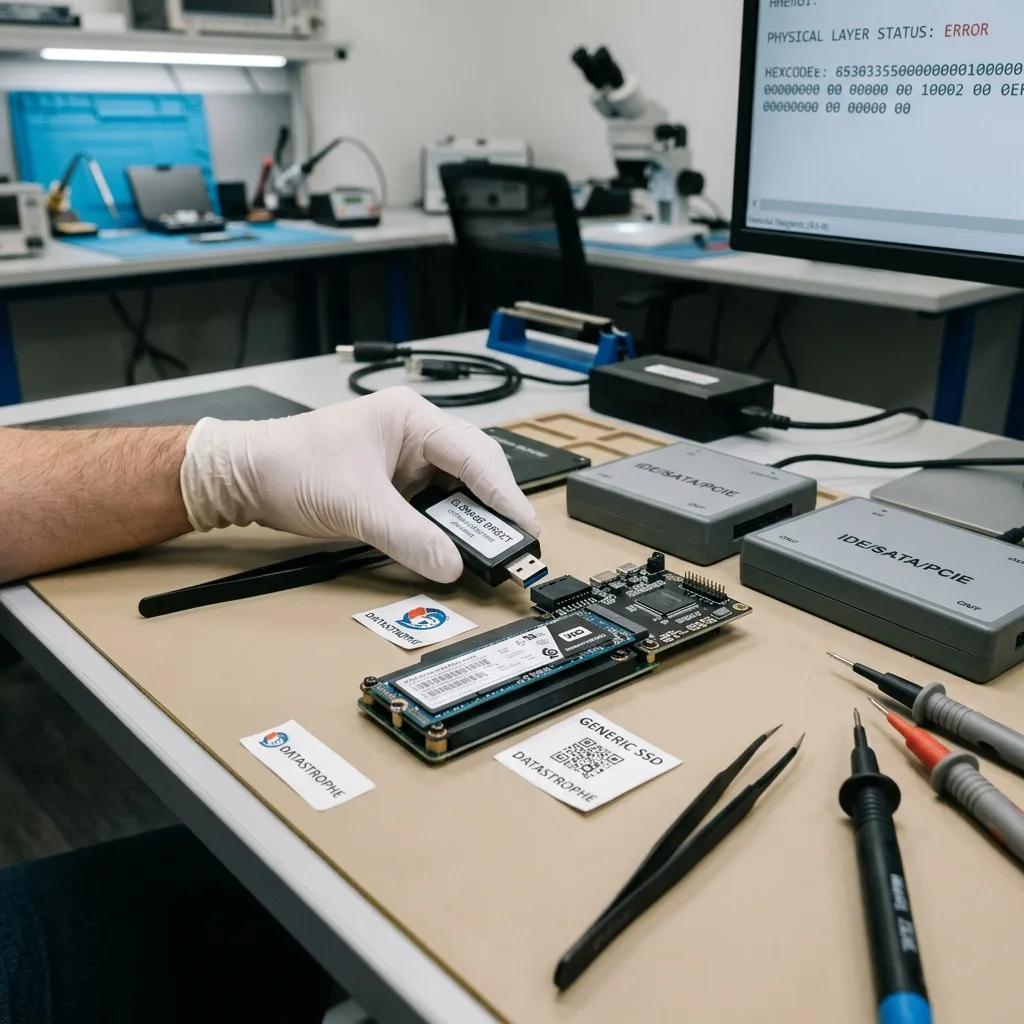
Flash architecture
Controller, NAND and the flash translation layer form one storage system
Raw memory pages do not follow the logical sector order seen by a computer; controller metadata is needed to rebuild that view.
The flash translation layer, or FTL, maps host addresses to changing NAND locations. Wear levelling moves data, bad-block management excludes unreliable regions, and error-correcting codes repair a limited number of bit errors. Spare areas hold metadata that may be as important as user pages for reconstruction.
Modern drives can distribute data across channels, dies and planes, then scramble or interleave it. A direct NAND read therefore produces physical pages, not an immediately mountable disk image. The controller family and firmware revision determine how those pages should be ordered, corrected and translated.
Encryption may occur inside the controller even when the user did not enable a separate password. Reading every available chip does not guarantee a coherent volume if translation metadata or device-bound keys are lost. Feasibility is assessed at the architecture level rather than inferred from the apparent condition of one package.
Mapping metadata
FTL tables and journals connect logical sectors with their current physical pages. Older or partial copies can create a volume that looks plausible while mixing generations.
Error correction
ECC can repair cells within its designed margin, not recreate pages beyond it. Corrections and uncorrectable regions must be recorded before file-level claims are made.
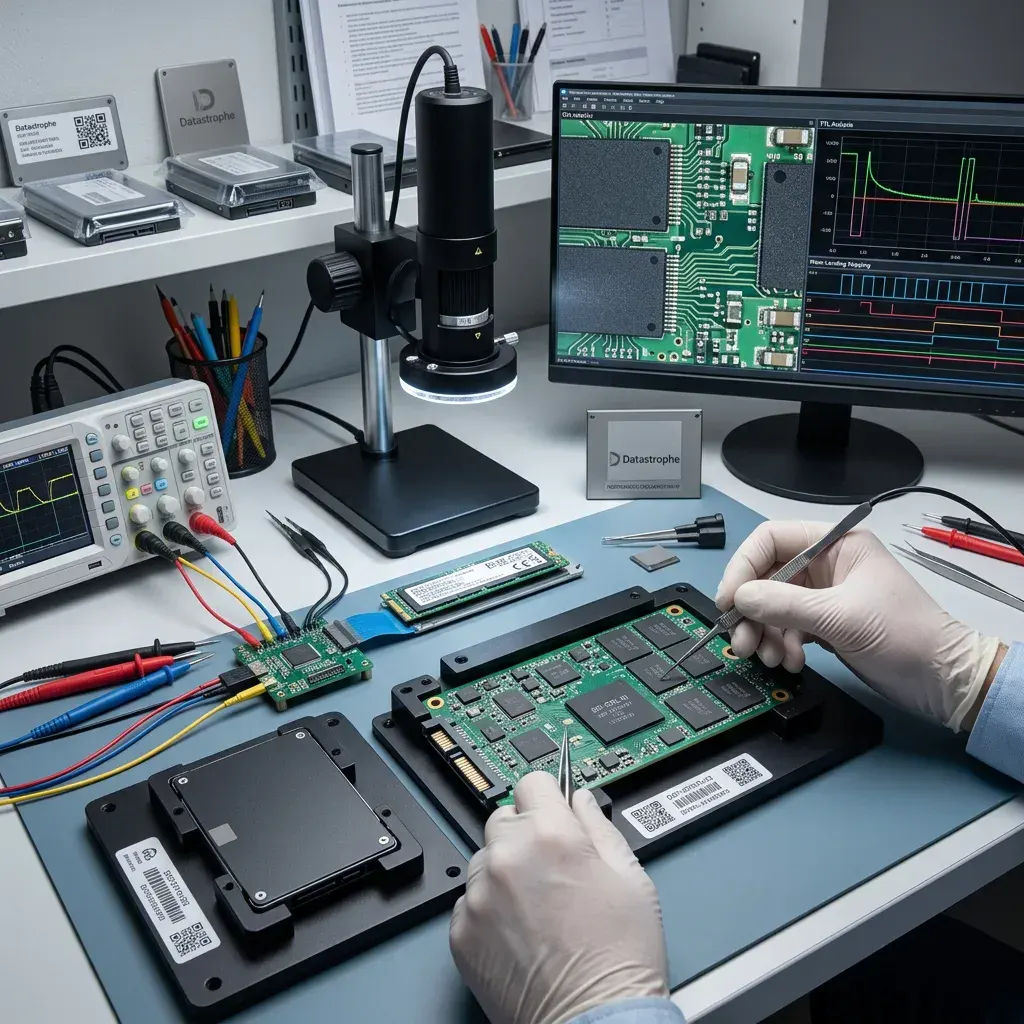
Board condition
Short circuits and liquid damage require electronic stabilisation first
A wet, burnt or overheating SSD should not be powered until contamination and the power path have been assessed.
Liquid residues can bridge conductors and continue corroding fine-pitch components after the visible surface dries. A damaged power rail can overload the controller or NAND. Connecting the device through several adapters supplies energy to the fault and may convert a repairable board problem into broader component damage.
Electronic diagnosis checks for shorts, damaged protection components, unstable regulators and signs of corrosion. Cleaning and board-level work are performed only with the purpose of creating controlled data access. The aim is not to return the failed SSD to everyday service or conceal its damage.
This is specialist laboratory electronics work, but it is not a mechanical cleanroom case: SSDs have no exposed platters or flying heads. Cleanroom terminology should not be used to imply a benefit where the relevant controls are electrical safety, contamination management and flash access.
- Remove power when the SSD overheats or smells burnt
- Avoid ultrasonic cleaning or soldering without diagnosis
- Preserve board labels and every original component
- Record liquid, surge and previous repair details
After liquid exposure
Disconnect power, do not use heat or rice, and keep the device with its host context. Note the liquid type, exposure time and any attempted charging or cleaning.
After a power event
Retain the original computer, enclosure or power supply information. A surge may affect the host, adapter and SSD differently, so replacement parts should not be tried blindly.
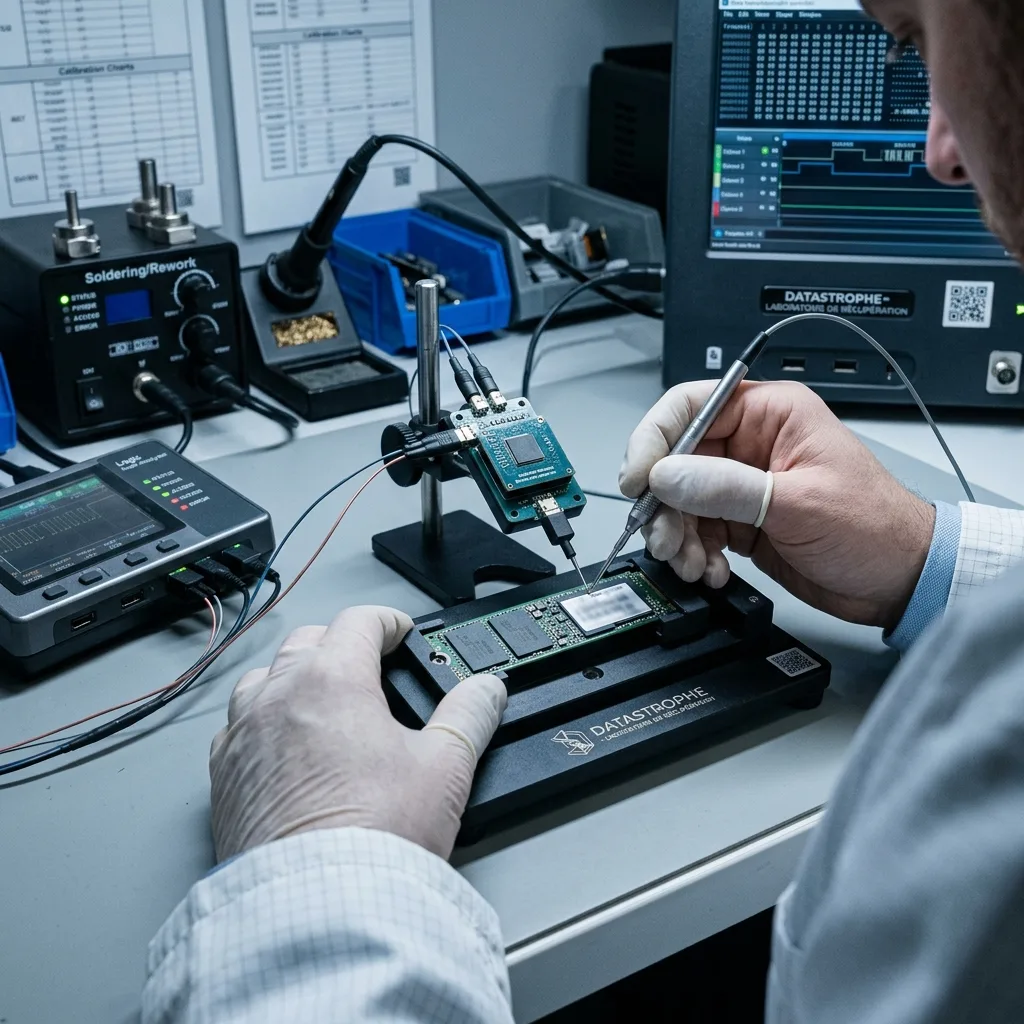
Acquisition decision
The least intrusive access path is chosen before NAND reconstruction
Stable protocol imaging, controlled controller access and direct flash reading carry different costs, risks and reconstruction requirements.
If the SSD communicates reliably, a read-focused acquisition through SATA, NVMe or its native interface may preserve the controller's own translation and decryption. Imaging logs record unread blocks and changing behaviour. Logical reconstruction is then performed from the acquired copy rather than by repairing the live source.
Where firmware or controller state blocks normal access, a supported service mode may provide a limited route. Such work depends on the exact controller and revision; speculative firmware packages can overwrite adaptives or alter translation. A method suitable for one model must not be generalised to another with a similar retail name.
Direct NAND reading is reserved for cases where a safer controller path is unavailable and the architecture is technically interpretable. The most elaborate method is not automatically the best method. The chosen route should maximise usable evidence while minimising irreversible changes to the original SSD.
Protocol acquisition
A controller-provided logical image retains its mapping when access is stable. Timeouts, resets and thermal behaviour are monitored so the device is not treated like healthy storage.
Physical flash acquisition
Raw pages require interleave, scrambling, ECC, bad-block and FTL reconstruction. Monolithic or highly integrated designs may limit access or make the result dependent on surviving controller metadata.
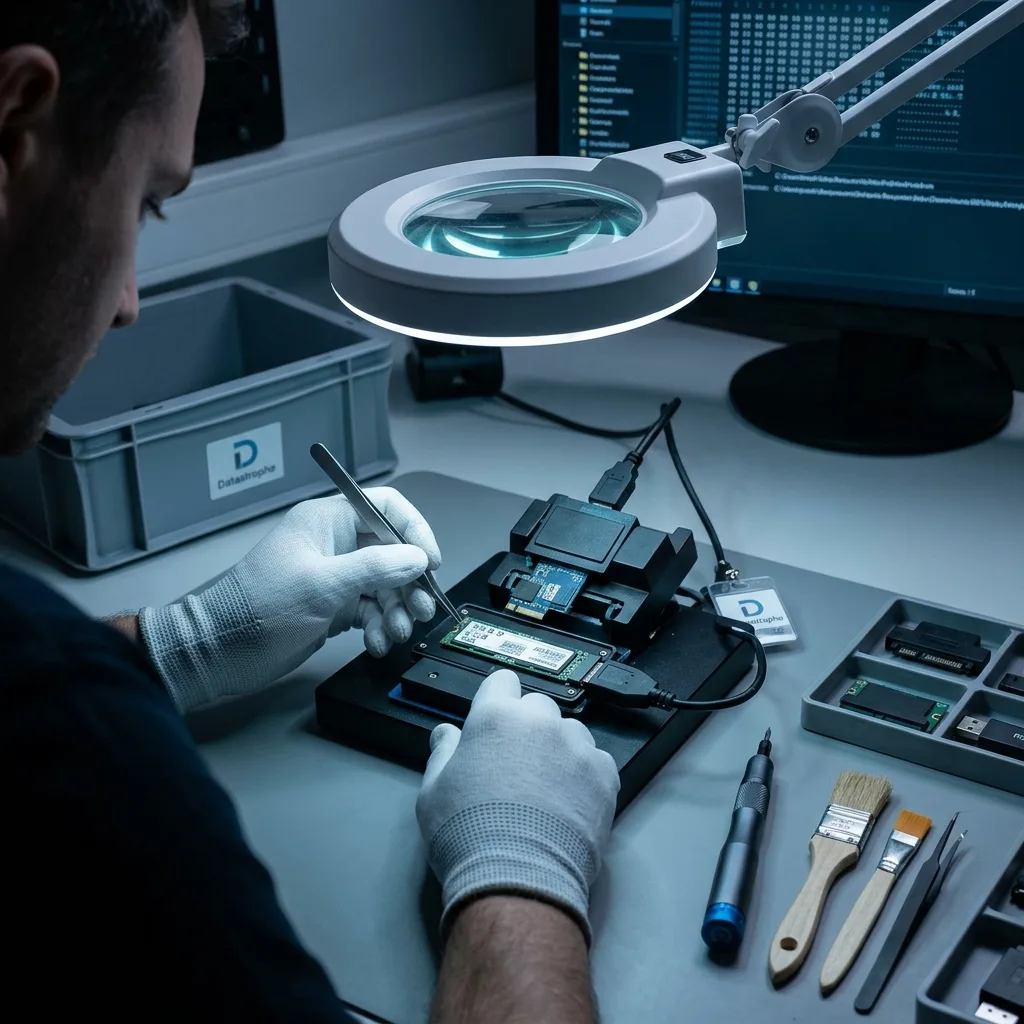
Authorised decryption
BitLocker, FileVault and hardware encryption remain part of the recovery
Readable encrypted sectors are not usable files until the correct recovery key, password and volume context are available.
BitLocker may depend on a recovery key, TPM state or enterprise directory. FileVault can rely on user credentials or a personal recovery key. Some SSD controllers add transparent hardware encryption beneath those systems. Each layer must be identified so that a successful acquisition is not mistaken for a readable result.
Keep the original computer, account records and authorised keys. Do not reset a TPM, remove a device from management or erase an account before its recovery information has been checked. The laptop data recovery workflow explains why host context matters when the SSD is tied to platform security.
Credentials are handled as confidential case material and used only for the agreed validation or export. Data recovery does not bypass lawful access controls or manufacture a missing encryption key. An encrypted image may be technically complete yet remain undecodable, and that limit must be stated before approval.
- Retain BitLocker and FileVault recovery information
- Do not clear TPM or account-management records
- Identify any self-encrypting-drive configuration
- Share credentials only through the agreed secure process
Key inventory
Locate printed or saved recovery keys, authorised accounts, device-management records and known passwords. Record which credential belongs to which machine without sending secrets through an unagreed channel.
Host-bound context
TPM, secure-enclave or controller relationships may make the original host relevant. Preserve the device even when another computer can physically accept the SSD.
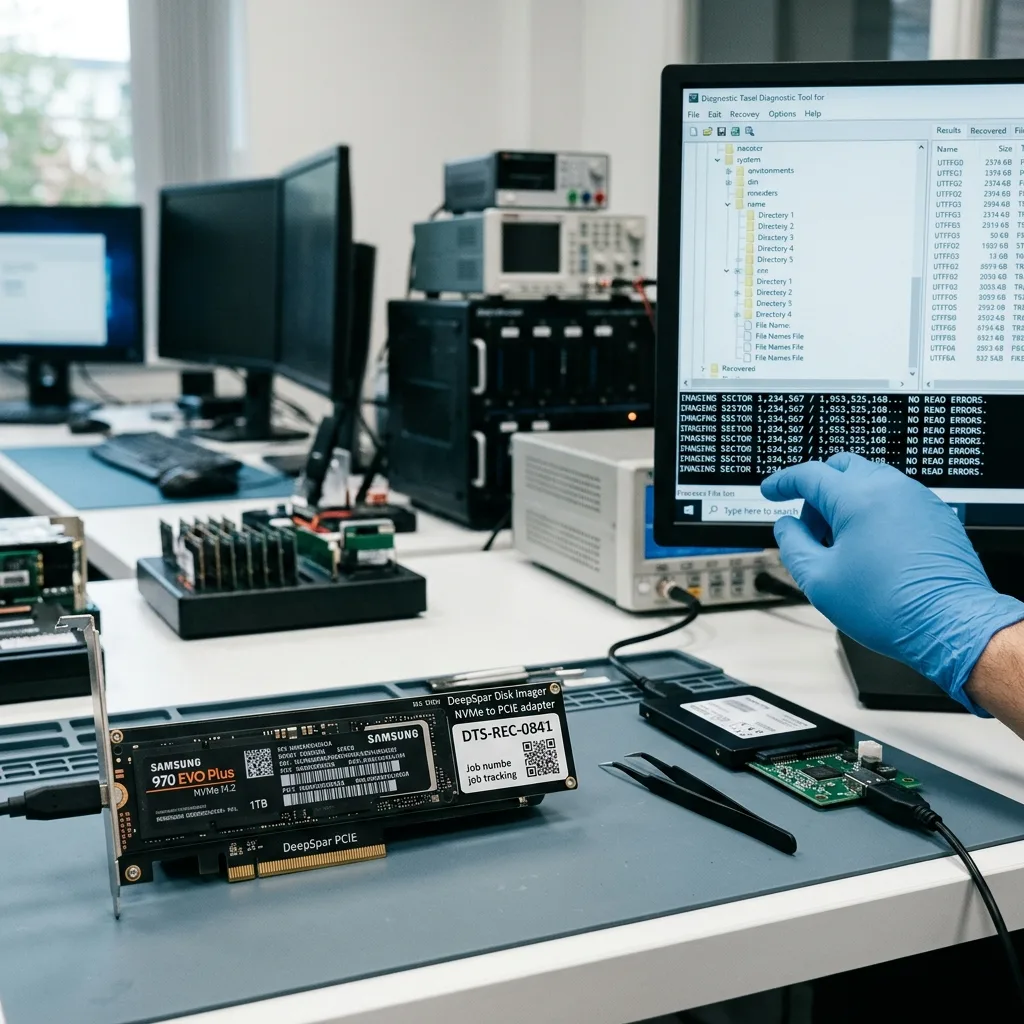
Outcome evidence
ECC correction and a directory tree do not replace file validation
The result is judged by priority files that open and behave correctly, not simply by the quantity of flash pages acquired.
An SSD image can contain corrected and uncorrectable regions. FTL reconstruction may also combine metadata generations when the current tables are damaged. Partitions and folders can therefore appear convincing while individual files contain gaps, stale blocks or content from an earlier state.
Validation samples documents, photographs, archives, databases and media projects with format-appropriate checks. APFS snapshots, virtual disks and large containers need structural review beyond a header match. For Apple storage, Apple Mac data recovery covers APFS, FileVault and device architecture in their wider context.
The report separates verified, partial, encrypted and absent material, identifies unread or discarded regions where known, and records which priorities were tested. No percentage is inferred from the number of filenames alone. Recovered data is returned on separate healthy storage while the original and working image remain protected during review.
Logical consistency
Partition and file-system structures are cross-checked against content. Plausible metadata is not accepted automatically when mapping damage could have joined blocks from different generations.
Confidential review
Sensitive material can be checked through agreed samples and structural tests. Access stays limited to the recovery purpose, with unresolved encryption and untested formats disclosed.
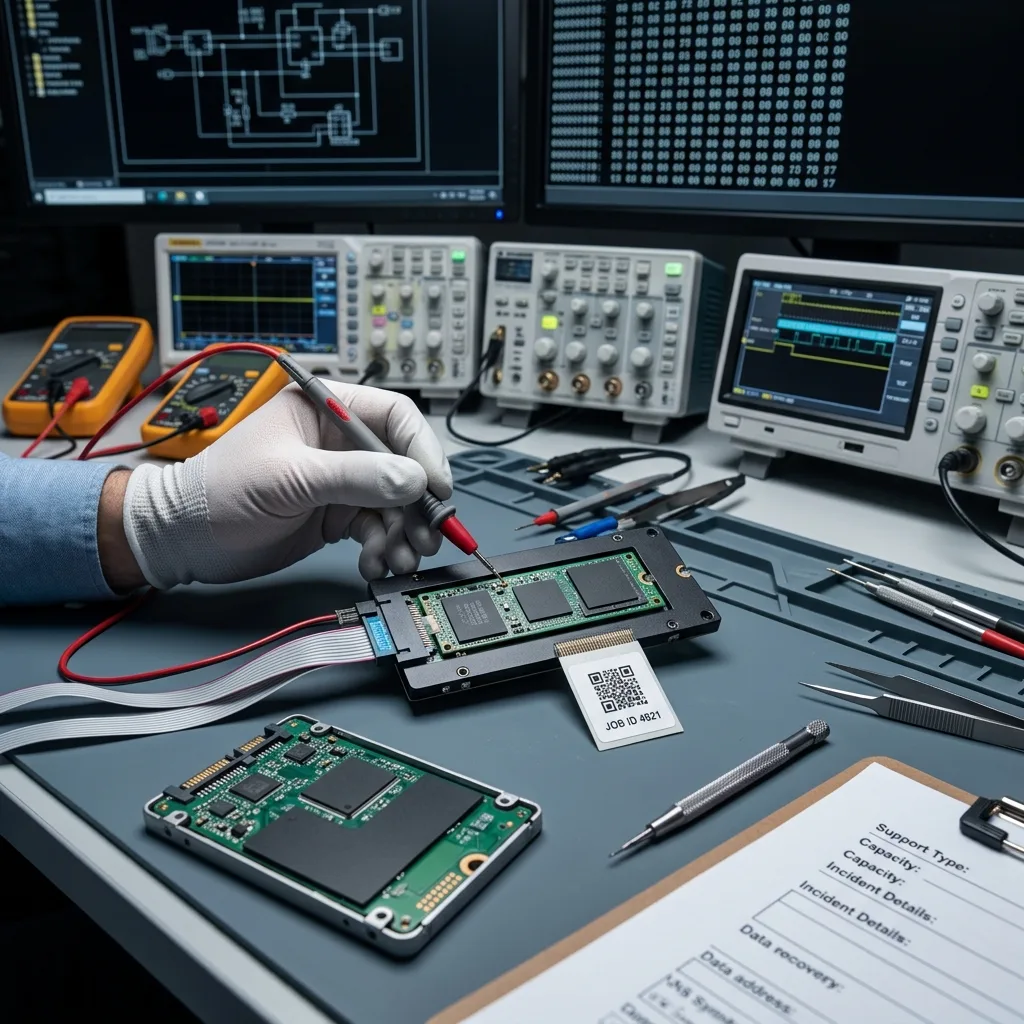
Countrywide intake
For UK intake, record the exact SSD model, interface and encryption history
Datastrophe supports enquiries across the United Kingdom through managed intake. The initial review confirms whether the SSD, host computer, enclosure or recovery-key context must be supplied.
State whether the device is a 2.5-inch SATA SSD, M.2 SATA module, M.2 NVMe device, soldered storage or part of another system. Provide its exact model and capacity, the host model, last successful access, current response and any overheating, liquid, surge, deletion or formatting event.
Do not remove soldered storage or detach an M.2 module if doing so risks damage or loses host context. Place a removable SSD in anti-static protection and a rigid cushioned box only after dispatch instructions are agreed. Keep the computer, enclosure and any controller board available when encryption or power history may matter.
Submit the details through Request a quote. The data recovery process explains assessment and validation, while pricing information describes why controller support, NAND work and encryption affect scope. The diagnosed architecture and source condition determine the recovery outlook, proposed work and timescale.
- Record the complete model, capacity and interface
- Preserve the original host and authorised recovery keys
- Stop power when heat or electrical damage is suspected
- Confirm transport and destination before dispatch
Technical evidence
Include photographs of both label sides, interface, host error messages and any board damage without repowering the device. Note every firmware, reset, format or software attempt.
Approval point
The assessment should identify the likely failed layer, proposed acquisition route, encryption dependencies, material risks and validation plan before chargeable recovery work proceeds.
FAQ
Frequently asked questions
Can deleted SSD files be recovered after TRIM?
Sometimes, but TRIM can allow the controller to erase or recycle deleted blocks through garbage collection. A surviving filename does not prove that its content remains. The outcome depends on the operating system, file system, connection path, controller and subsequent use. Stop using the SSD promptly and avoid installing recovery tools on it; each write or background task may reduce what survives.
Should I update NVMe firmware when the drive disappears?
Not before the state is documented and a supported recovery route is understood. Firmware updates can change controller tables, service modes or translation metadata, and a package intended for a similar model may not match the exact revision. Record the model, reported identity and host message. Any firmware intervention should have a specific technical basis and a defined fallback.
Does chip-off guarantee recovery from a failed SSD?
No. Raw NAND pages still require interleave, scrambling, error correction, bad-block handling, FTL mapping and sometimes controller-based encryption. Monolithic or highly integrated designs can also limit physical access. Direct flash reading is one possible route when safer controller access is unavailable; it is not proof that a coherent logical volume or usable files can be reconstructed.
Why are BitLocker or FileVault keys needed after imaging?
Imaging preserves the encrypted blocks, not the secret needed to interpret them. BitLocker, FileVault and self-encrypting drives may rely on recovery keys, passwords, TPM or host-bound context. Preserve the original machine and authorised account records. Datastrophe can apply legitimately supplied credentials to the working copy, but data recovery cannot bypass lawful security or recreate an unavailable key.
How is an SSD recovery result checked?
The image and file system are assessed for mapping consistency, corrected and unread regions, then representative priority files are opened or structurally tested. Documents, archives, databases, photographs and virtual disks need different checks. The result distinguishes verified, partial, encrypted and absent material. File counts and folder names are reported as evidence, not converted into an unsupported completeness percentage.
Media
Other expertise
- Hard Drive Data Recovery Hard drive data recovery for clicking, impact damage, unstable sectors and corrupted file systems, based on a controlled technical evaluation.
- External Hard Drive Data Recovery External hard drive data recovery for USB bridge faults, power damage, impact, enclosure encryption and volumes that no longer mount.
- USB Flash Drive Data Recovery USB flash drive data recovery for broken connectors, damaged circuit boards, controller failure, unstable NAND and deleted files.
- Memory Card Data Recovery Memory card data recovery for formatted SD, microSD and CF media, NAND faults, missing DCIM folders and damaged RAW photographs or video.
- Laptop Data Recovery Laptop data recovery after drops, liquid damage, motherboard failure, faulty SSDs or hard disks and encrypted user profiles.
- Apple Mac Data Recovery Apple Mac data recovery for APFS corruption, FileVault, T2 or Apple silicon systems, failed SSDs, Fusion Drive and macOS start faults.
- Tablet Data Recovery Tablet data recovery for broken displays, liquid damage, logic-board failure, boot loops and encrypted internal flash storage.
- VMDK and VHDX Virtual Disk Data Recovery VMDK, VHDX and virtual disk data recovery for broken snapshot chains, missing parent files, thin provisioning and damaged datastores.
- RAID, NAS and Storage Array Data Recovery RAID and NAS data recovery after multiple disk failures, an interrupted rebuild, lost member order, parity errors or an inaccessible pool.
- Business Server Data Recovery Server data recovery after storage, file-system, database or operating-system damage, with business-critical services prioritised.
- CCTV Data Recovery from NVR, DVR and XVR Recorders CCTV data recovery from NVR, DVR and XVR recorders with empty calendars, failed disks, corrupt indexes, proprietary codecs or overwritten footage.
- Data Recovery Laboratory Work in an ISO 5 Class 100 Cleanroom ISO 5 Class 100 cleanroom procedures for mechanically damaged hard drives, failed head assemblies, platter inspection and controlled sector acquisition.
 Hard Drive Data Recovery
  USB Flash Drive Data Recovery
  Memory Card Data Recovery
  Laptop Data Recovery
  Tablet Data Recovery
  VMDK and VHDX Virtual Disk Data Recovery
  RAID, NAS and Storage Array Data Recovery
  Business Server Data Recovery
  CCTV Data Recovery from NVR, DVR and XVR Recorders
  Data Recovery Laboratory Work in an ISO 5 Class 100 Cleanroom
 Diagnostic assessment
Unsure about a storage device or fault?
Datastrophe qualifies the risk before any recovery attempt and points you towards the safest next step.