

USB Flash Drive Data Recovery
A USB stick can fail at its connector, circuit board, controller or NAND. Its construction determines whether stabilisation, controlled imaging or flash reconstruction is appropriate.
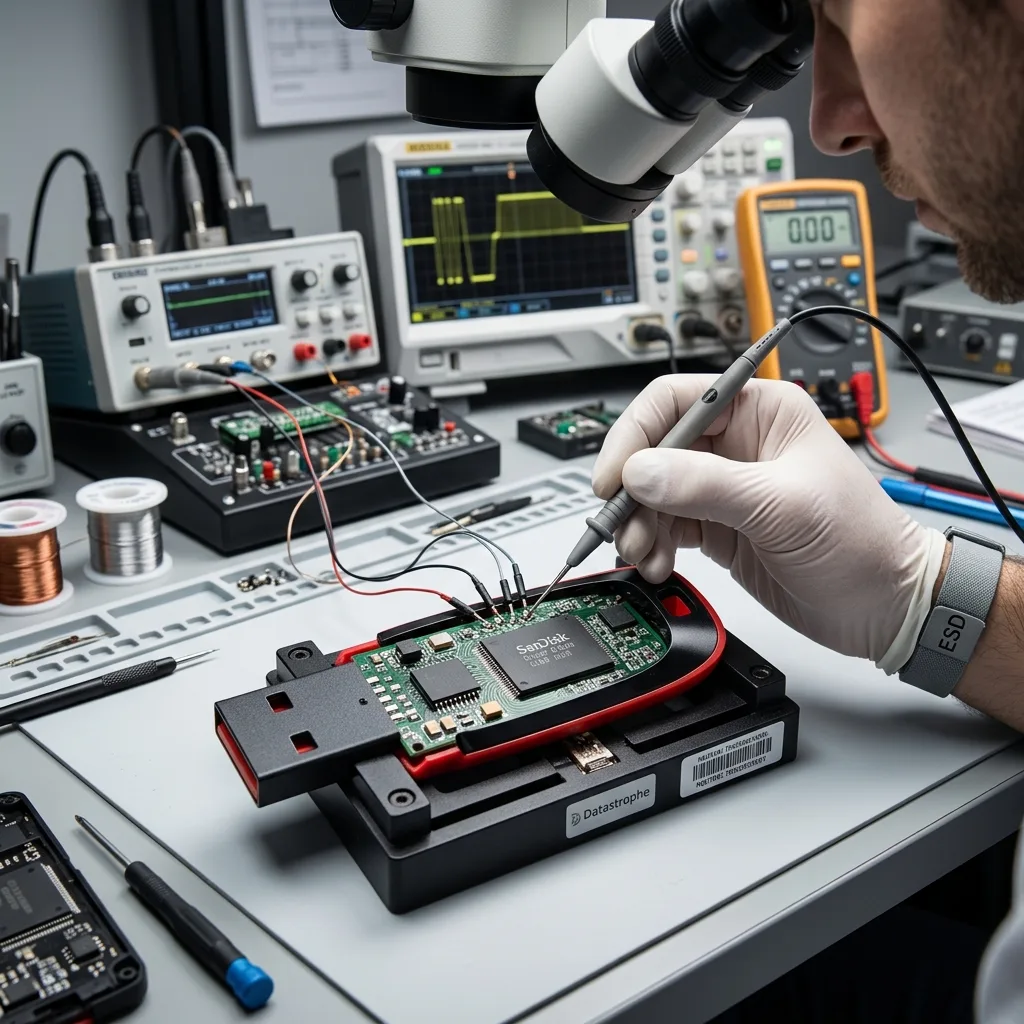
Physical damage
A torn USB connector must be stabilised before any soldering attempt
The remaining tracks and pads may be the only practical route to the controller, so bending the plug can turn a local break into board damage.
A USB stick that has been struck while inserted can crack solder joints, lift copper pads or break the connector away from the printed circuit board. The NAND may remain intact, but every movement of the loose plug can tear tracks further towards fine controller connections.
Do not hold the connector at an angle to make the device appear briefly. Intermittent contact can short power and data lines or reset the controller during writes. Makeshift soldering is especially risky when heat, excessive solder or incorrect pin bridging reaches components that were not initially damaged.
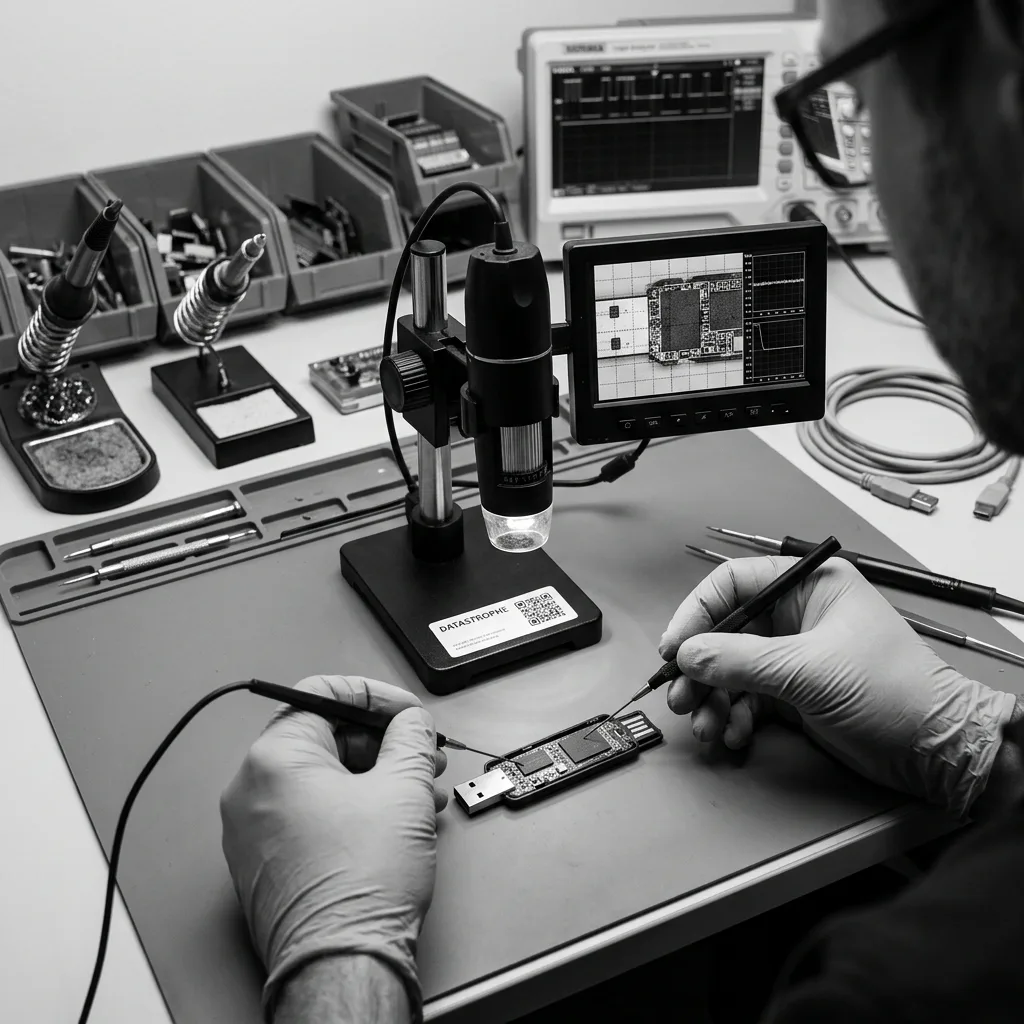
Electronic assessment begins under magnification with the casing and board supported. Continuity, protection components and power rails are checked before any controlled connection is made. A repair is undertaken only to create stable read access; the failed stick is not presented as a reliable device for continued use.
Conventional circuit board
On a board with accessible tracks, damaged connections may be stabilised or bypassed with fine conductors. Component identity and power conditions are verified before the controller is energised.
Monolithic construction
Some compact sticks place contacts, controller and flash within one package. Access may require specialised test points and model-specific knowledge, and feasibility varies with physical damage.
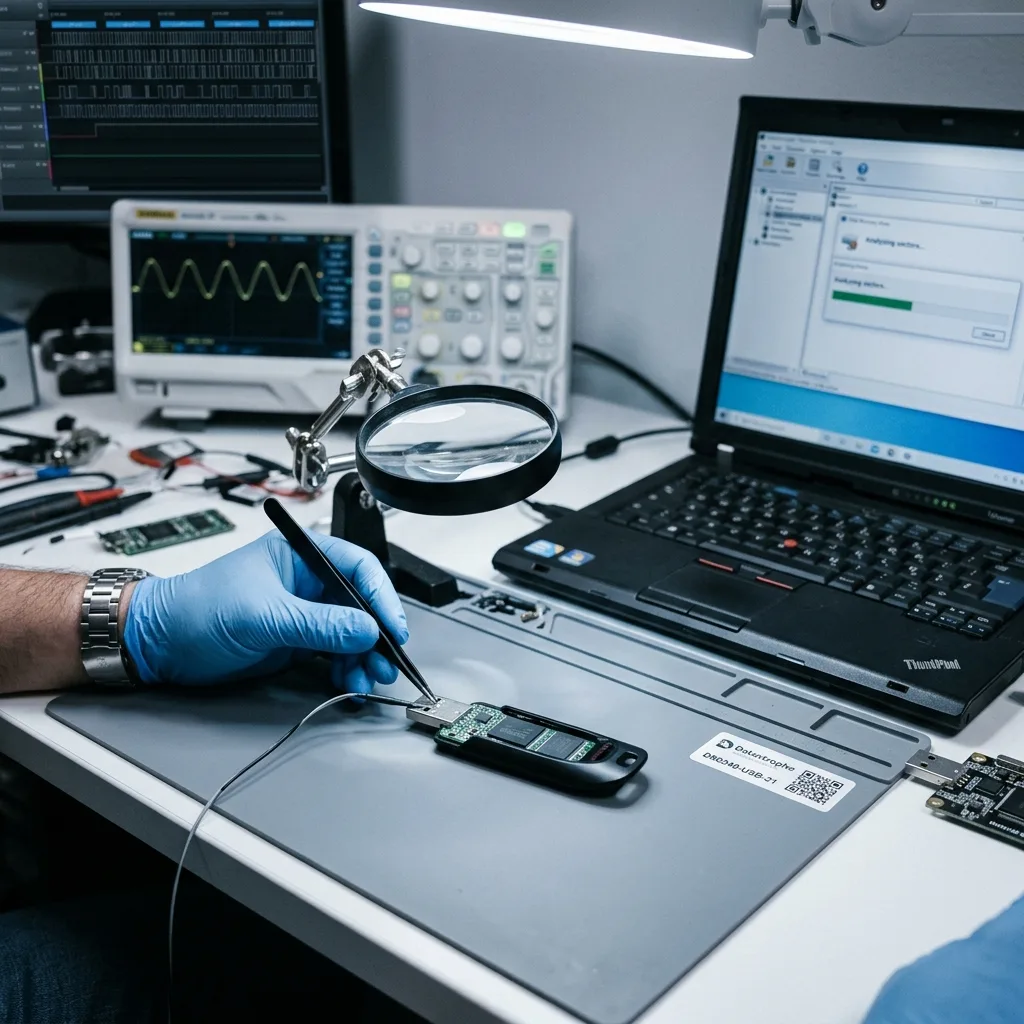
Symptom triage
Zero bytes or a format request points to more than one possible fault
A computer may see the USB interface while the controller cannot expose its expected flash capacity or file system.
A stick detected as zero bytes, no media or an incorrect capacity may have a controller, firmware, translation or NAND communication problem. A normal capacity with a format prompt may instead reflect damaged partition or file-system metadata. The displayed message narrows the questions but does not prove which layer failed.
Initialising or formatting writes new structures and can issue erase-related commands. File-system repair tools also modify allocation records. Decline these prompts and do not create a test file, even if the operating system claims the device is empty. A screenshot of the existing message is enough; repeated testing across computers adds no reliable evidence.
The diagnostic assessment records device identity, current draw, enumeration, capacity and read stability. If logical sectors remain accessible, acquisition can preserve them before reconstruction. If the controller cannot translate NAND consistently, deeper flash analysis may be required rather than a longer software scan.
- Decline format, initialise and repair prompts
- Do not copy new files to test whether the stick works
- Record the exact capacity and device name displayed
- Note whether failure followed unsafe removal, impact or power loss
Correct capacity, unreadable volume
This pattern can be compatible with file-system damage, deletion or local unreadable areas. Physical stability must still be checked before a sector scan is considered safe.
Incorrect or absent capacity
The controller may not have completed flash initialisation or may be exposing a service state. Ordinary utilities cannot recover files until a coherent address space exists.
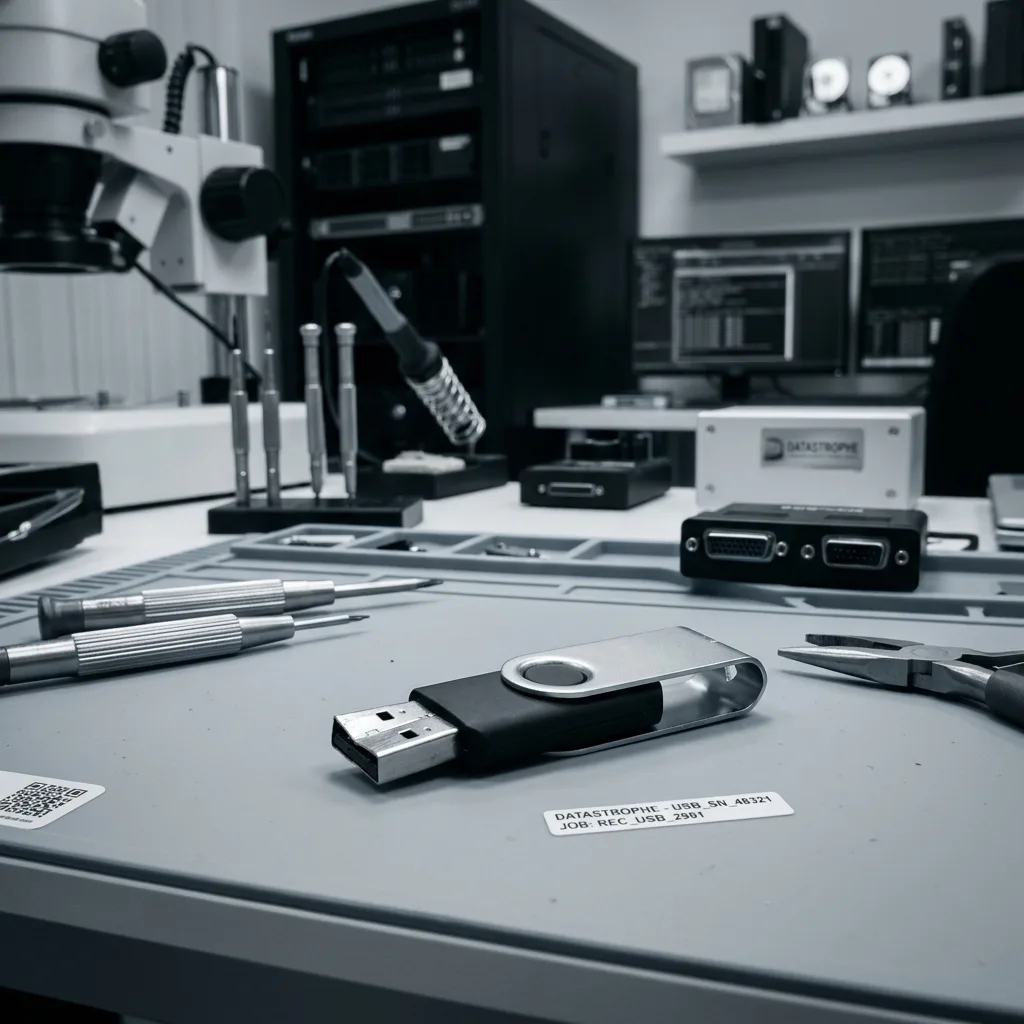
Flash translation
ECC, scrambling and controller mapping transform raw NAND pages
A physical read of the memory package does not produce files until the controller's storage rules have been reconstructed.
USB controllers distribute logical data across NAND pages and may use interleaving, XOR patterns or scrambling. Spare areas contain error-correction codes and block-management metadata. Wear levelling means successive logical sectors are not necessarily adjacent in the physical read.
A direct dump must be interpreted using the controller family, NAND geometry and observed metadata. ECC is applied within its limits, bad blocks are accounted for and page order is rebuilt. An incorrect parameter can yield plausible fragments while silently joining the wrong pages.
Some controllers also encrypt or transform data internally. Possessing a complete chip image is not equivalent to possessing a coherent volume. The recovery route is viable only if the translation, correction and any encryption layers can be reproduced with enough confidence to validate actual files.
Controller metadata
Translation tables and sequence markers help identify current page order. Partial or stale copies can represent different moments, so their consistency must be tested rather than assumed.
Bit-error limits
ECC can correct a finite number of errors in each codeword. Pages beyond that margin remain incomplete and may damage files even when neighbouring pages reconstruct correctly.
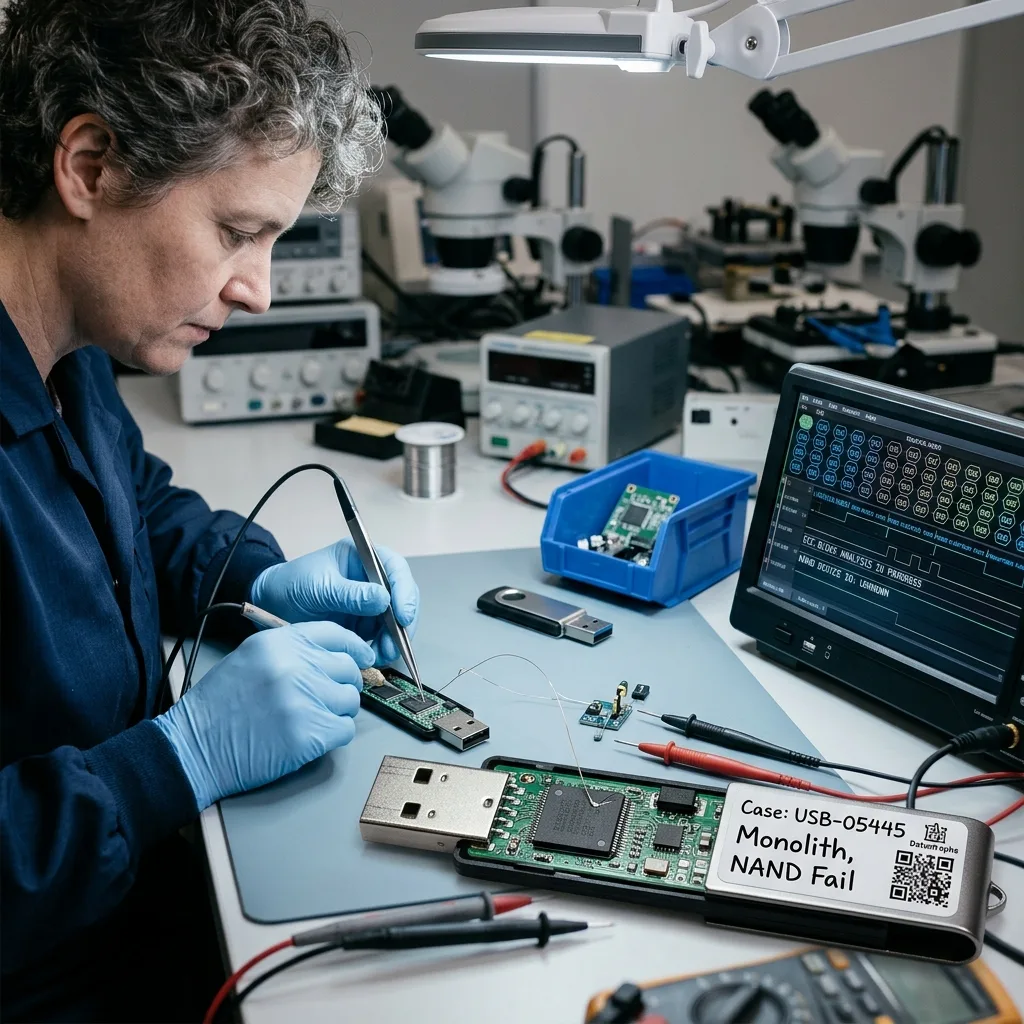
Controlled acquisition
An unstable USB stick should be imaged before it is browsed
Opening folders and copying files in alphabetical order can spend the device's remaining stable reads on low-priority data.
A failing stick may disconnect under sustained load, return different data on repeated reads or become hotter as the controller retries worn cells. File Explorer or Finder follows directory requests without managing this deterioration. A stalled copy can repeatedly revisit one damaged object while other readable areas remain unsecured.
Where the controller still exposes sectors, acquisition records errors, controls retries and can prioritise stable regions. The source is not mounted read-write. If behaviour changes, the reading plan can pause or move around weak areas rather than forcing a continuous pass.
The resulting image becomes the basis for partition and file-system reconstruction. Repeated scans of the original are avoided because each tool would ask the same fragile controller to reinterpret NAND again. The data recovery process separates acquisition from logical analysis and result review.
- Stop browsing when the stick disconnects or becomes hot
- Acquire sectors to separate storage before repair
- Log unreadable and inconsistent regions
- Perform file-system experiments only on working copies
Priority-aware reading
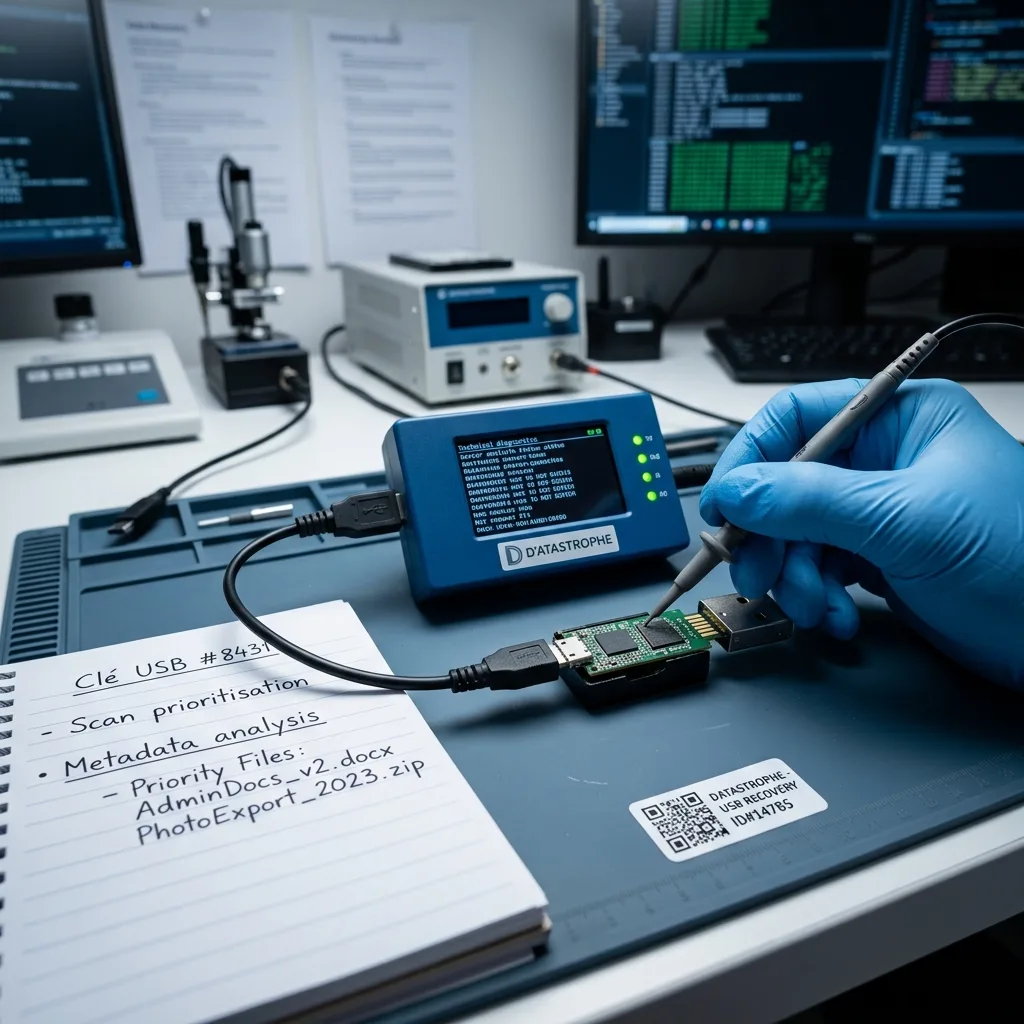
When the stick is deteriorating, known folders or project dates can influence acquisition order. Priorities should be supplied at intake, before access is consumed by an exhaustive scan.
Repeatability checks
Selected sectors can be compared across reads to identify unstable output. Conflicting data is logged and not silently treated as a trustworthy source for reconstruction.
Logical reconstruction
Documents, photographs and folder structure need separate checks
A recovered filename is useful metadata, but only content validation can show whether the requested file is complete.
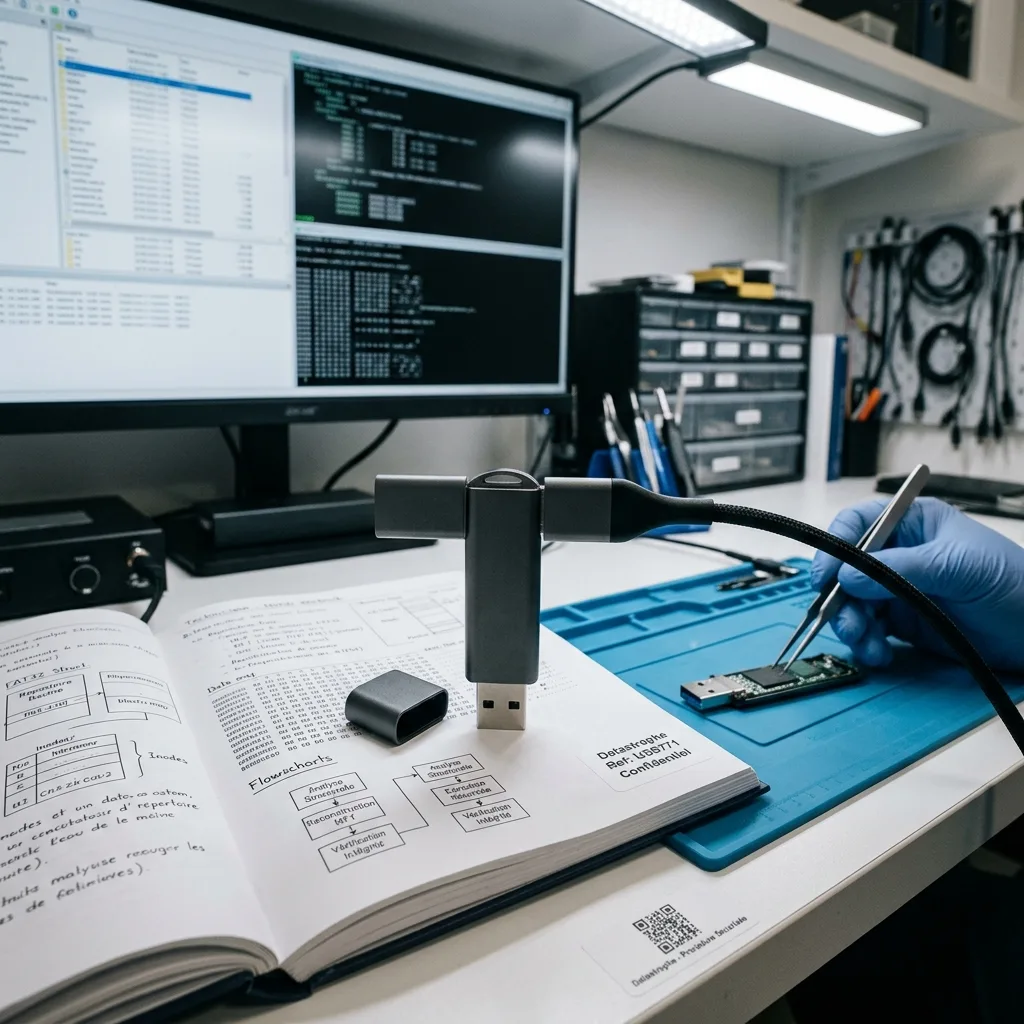
If FAT, exFAT or NTFS metadata survives, original names, folders and timestamps may be reconstructed. When allocation information is damaged, file signatures can locate documents or images without their former path. These approaches produce different kinds of evidence and should not be merged into one unexplained result.
Office files and archives are containers with internal structures that can be tested. Photographs should decode beyond embedded previews, and PDFs may contain intact first pages with later objects missing. Database exports and specialist project files require application-aware checks rather than a successful double-click alone.
The client identifies priority folders, versions and dates before validation. The outcome distinguishes verified, partial, duplicate and undecodable files; a high item count is not converted into a recovery percentage. Recovered data is exported to separate healthy media, never back onto the failed USB stick.
Metadata recovery
Directory records can preserve business context and version history. They are cross-checked against file content because stale entries may point to reused or unreadable flash pages.
Signature recovery
Carving can find content after metadata loss, but it often produces duplicates, fragments and generic names. Representative objects must be opened before their value is described.
Service boundary
USB sticks and memory cards share flash but not the same evidence
The correct workflow follows how the medium was built and used, not merely the fact that both devices contain NAND.
A USB stick is usually a general-purpose file carrier with an exposed plug, controller board and file system written by several computers. Connector fatigue, shared-machine malware, interrupted document writes and mixed file versions are common parts of its incident history.
A memory card recovery case is more often tied to a camera, drone, dashcam or recorder. The originating device, capture sequence, RAW format, video finalisation and requested time window can be essential. Cards also use different packages and pin arrangements, including microSD monoliths.
The page distinction prevents the diagnosis becoming generic. A broken USB plug is an electronic-access problem; a camera card with missing clips may require capture-sequence and media-container reconstruction. Both protect the original and may require flash work, but their validation questions and associated hardware are different.
- Connector and board condition dominate many USB failures
- Capture device and recording sequence matter for memory cards
- File types determine how recovered content is validated
- Neither medium should be used to receive its own recovered data
USB context
Record the computers used, last file operation, ejection or impact event and the documents that have no other copy. Keep the stick's broken hardware together.
Card context
Retain the camera or recorder, note the recording mode and list missing dates or clips. Do not let the device format or overwrite the card.
Confidential return
Recovery ends on healthy media with a documented source decision
The failed stick remains evidence and should not be reused simply because temporary access was restored.
Any connector repair, controller access or direct NAND work is performed to acquire data, not to certify the USB stick for future storage. Repaired connections may be delicate and worn flash may continue to degrade. The recovered result is placed on a separate healthy device or another agreed delivery medium.
Case access is limited to diagnosis, reconstruction and agreed validation. Business documents, identity records or personal photographs are treated as confidential material. Credentials are requested only when necessary for an encrypted container and used through an authorised process.
The result includes the available folder structure, priority-file checks and known gaps. Unreadable NAND pages, overwritten content, missing encryption material and untested proprietary formats remain explicit limitations. The client can then decide whether the original should be retained, securely returned or destroyed under an agreed instruction.
Return media
The destination must have enough capacity and an appropriate file system for large or cross-platform files. Verification is completed before the source is considered no longer needed.
Source retention
Retention or destruction should follow the client's authority and any legal or organisational requirement. No irreversible disposal decision is inferred from a successful preview.
Countrywide intake
For UK intake, provide photographs and a precise USB incident note
Datastrophe supports enquiries throughout the United Kingdom through managed intake. Photographs and incident history establish the likely electronic or flash-access route before dispatch.
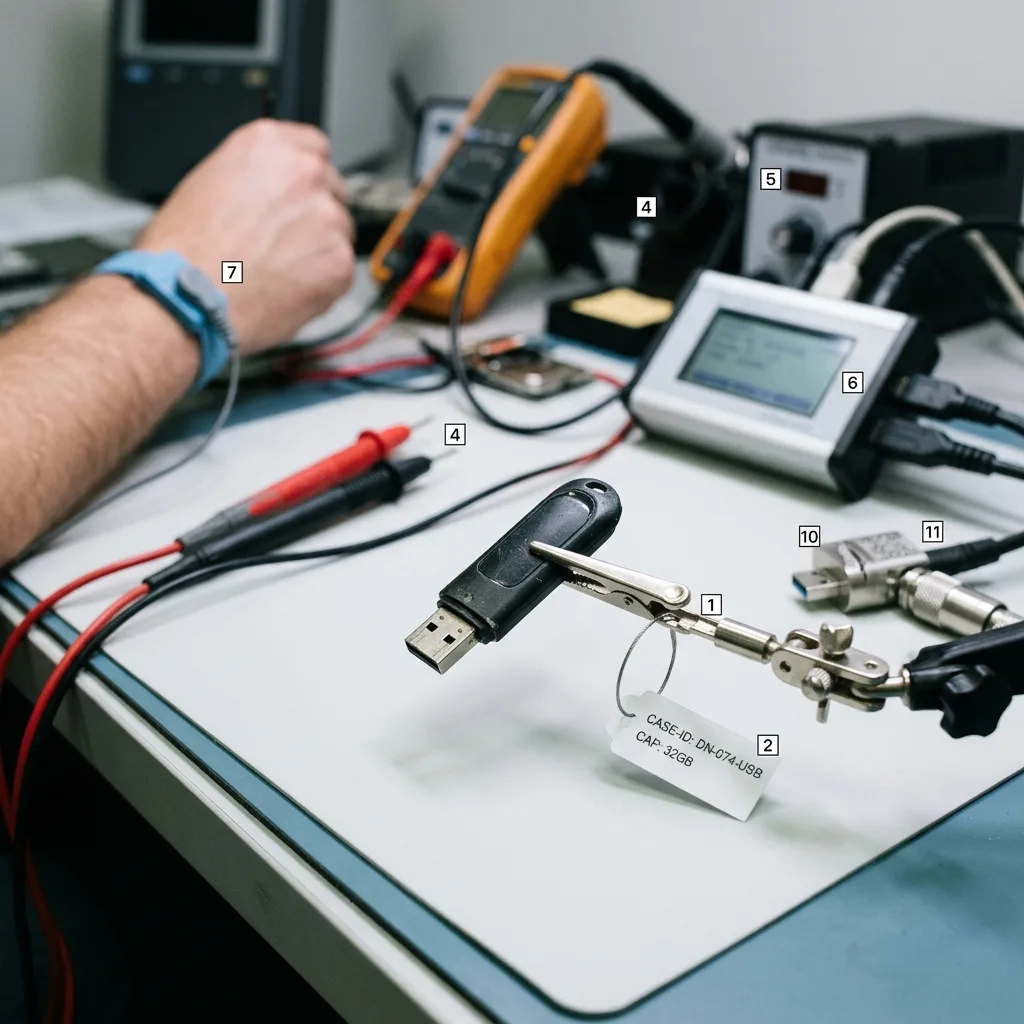
Photograph both sides, the connector and any board damage without flexing the device. Provide the printed capacity, operating-system message, last successful use and whether it was bent, wet, hot, reformatted or removed during a write. Describe every soldering or software attempt, however brief.
Place the stick and all loose parts in a small anti-static container, then cushion that inside a rigid tracked parcel after dispatch details are confirmed. Do not tape directly over exposed components or allow the connector to move. Monolithic devices should remain intact; drilling or scraping for test points can destroy access.
Use Request a quote to submit the evidence. Pricing information explains why connector repair, controller access and flash reconstruction have different scopes. The assigned handling route, destination and required loose components are confirmed for the individual case.
- Stop reconnecting a broken, hot or unstable USB stick
- Keep connector fragments and casing with the device
- Record exact symptoms and all previous interventions
- Confirm dispatch destination and packaging before sending
Files to prioritise
List folders, filenames, approximate dates and file types, and say whether another copy exists. This can guide acquisition if the controller or NAND becomes less stable.
Assessment outcome
The diagnosis should identify device construction, failed layer, proposed access route, material risks, validation approach and quotation before chargeable recovery proceeds.
FAQ
Frequently asked questions
Can I bend a broken USB connector until the stick appears?
No. Flexing can lift additional copper pads, tear tracks and short power to data lines. A brief appearance does not mean the connection is safe enough for a complete copy. Photograph the device, support it so the plug cannot move and keep all fragments. Fine electronic stabilisation should be planned under magnification before the controller is powered.
Why does a USB stick show zero bytes or no media?
The computer may recognise the USB controller while the controller cannot initialise or map the NAND. Power faults, firmware state, failed memory communication and damaged translation metadata can produce similar messages. A file-system scan cannot address a coherent space that the controller does not expose. Do not format the stick; record the exact identity and capacity for diagnostic assessment.
Does direct NAND reading always recover USB files?
No. Raw pages still require scrambling, interleave, ECC, bad-block handling, logical mapping and sometimes controller encryption. A complete physical read can remain unusable if essential translation information is missing or too many cells exceed correction limits. Direct flash acquisition is considered when controller access is unavailable and the architecture can be reconstructed with defensible checks.
Should I run a recovery program on an unstable USB stick?
Avoid repeated scans of the original. An unstable controller may disconnect, heat up or return inconsistent data while software repeatedly traverses the same weak areas. If sectors are accessible, a controlled image should be acquired first with errors recorded. File-system repair, carving and previews then run on working copies, preserving the source and the best available acquisition.
How is confidential USB data handled and validated?
Access is limited to authorised diagnosis, reconstruction and agreed checks. Representative documents, archives and photographs are opened or structurally tested against the client's priorities. Recovered data is delivered on separate healthy media. The report distinguishes verified, partial and unreadable material and records missing keys or untested formats without exposing more content than the review requires.
Media
Other expertise
- Hard Drive Data Recovery Hard drive data recovery for clicking, impact damage, unstable sectors and corrupted file systems, based on a controlled technical evaluation.
- External Hard Drive Data Recovery External hard drive data recovery for USB bridge faults, power damage, impact, enclosure encryption and volumes that no longer mount.
- SSD and NVMe Data Recovery SSD and NVMe data recovery for controller, NAND, firmware and FTL faults, TRIM, damaged file systems and encrypted volumes.
- Memory Card Data Recovery Memory card data recovery for formatted SD, microSD and CF media, NAND faults, missing DCIM folders and damaged RAW photographs or video.
- Laptop Data Recovery Laptop data recovery after drops, liquid damage, motherboard failure, faulty SSDs or hard disks and encrypted user profiles.
- Apple Mac Data Recovery Apple Mac data recovery for APFS corruption, FileVault, T2 or Apple silicon systems, failed SSDs, Fusion Drive and macOS start faults.
- Tablet Data Recovery Tablet data recovery for broken displays, liquid damage, logic-board failure, boot loops and encrypted internal flash storage.
- VMDK and VHDX Virtual Disk Data Recovery VMDK, VHDX and virtual disk data recovery for broken snapshot chains, missing parent files, thin provisioning and damaged datastores.
- RAID, NAS and Storage Array Data Recovery RAID and NAS data recovery after multiple disk failures, an interrupted rebuild, lost member order, parity errors or an inaccessible pool.
- Business Server Data Recovery Server data recovery after storage, file-system, database or operating-system damage, with business-critical services prioritised.
- CCTV Data Recovery from NVR, DVR and XVR Recorders CCTV data recovery from NVR, DVR and XVR recorders with empty calendars, failed disks, corrupt indexes, proprietary codecs or overwritten footage.
- Data Recovery Laboratory Work in an ISO 5 Class 100 Cleanroom ISO 5 Class 100 cleanroom procedures for mechanically damaged hard drives, failed head assemblies, platter inspection and controlled sector acquisition.
 Hard Drive Data Recovery
  SSD and NVMe Data Recovery
  Memory Card Data Recovery
  Laptop Data Recovery
  Tablet Data Recovery
  VMDK and VHDX Virtual Disk Data Recovery
  RAID, NAS and Storage Array Data Recovery
  Business Server Data Recovery
  CCTV Data Recovery from NVR, DVR and XVR Recorders
  Data Recovery Laboratory Work in an ISO 5 Class 100 Cleanroom
 Diagnostic assessment
Unsure about a storage device or fault?
Datastrophe qualifies the risk before any recovery attempt and points you towards the safest next step.