
Diagnostic assessment
Simple To Use, Complex To Assess
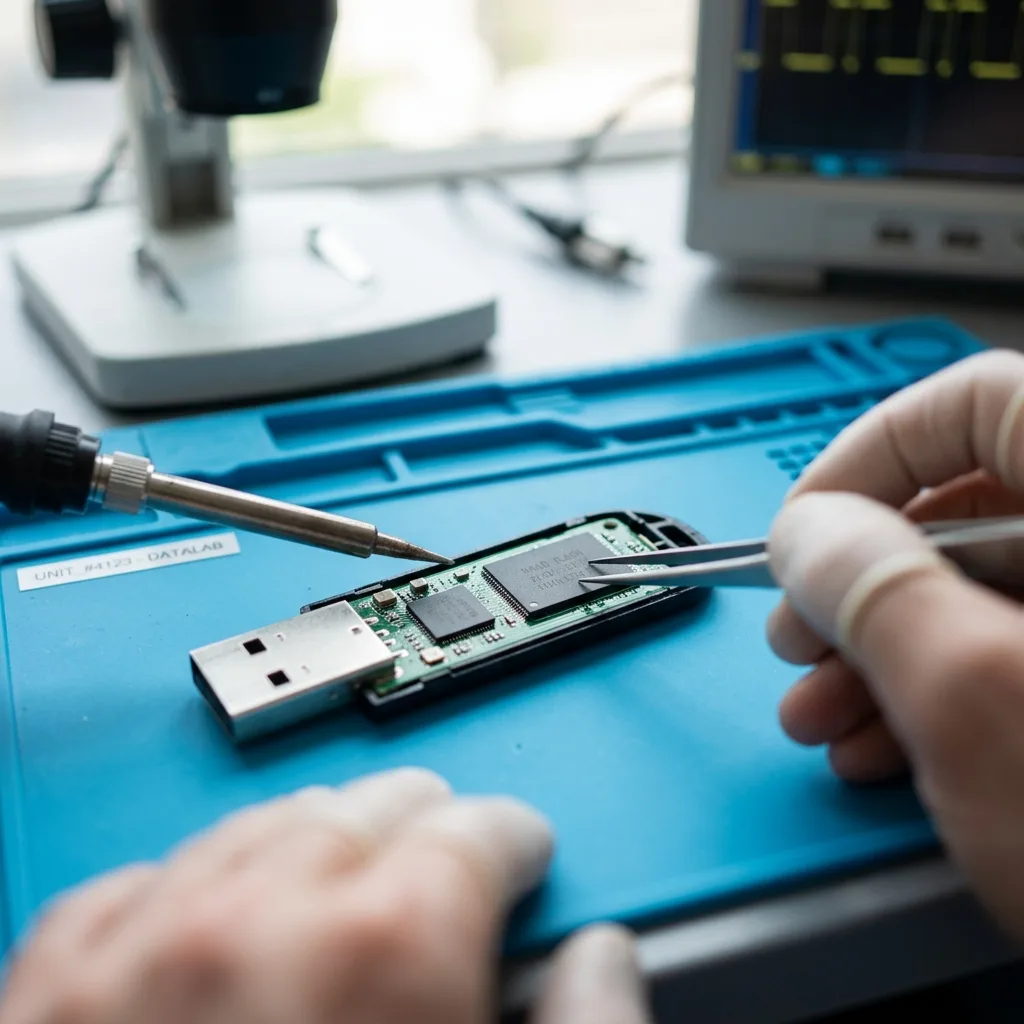
A USB flash drive gives an impression of simplicity. It plugs into a computer, carries a few files and fits into a pocket. That ease of use conceals a more vulnerable architecture: connector, solder joints, controller, NAND memory, casing and file system.
Failure can arise in several layers. The connector may be bent, solder joints cracked, controller unstable, memory degraded or logical structure corrupt. One symptom, such as a format prompt, can therefore have several causes.
That uncertainty makes recovery delicate. A drive that still appears in the operating system should not necessarily be scanned immediately. If it overheats or repeatedly disconnects, excessive testing can close its remaining access window.
USB flash drive data recovery describes specialist handling. The key point is why this type of device demands particular caution.
Diagnostic assessment
The Connector Is Often The First Weakness
USB drives are handled directly. One may remain connected to a laptop while it is moved, suffer bending, be removed abruptly or be used in worn ports. The connector becomes a critical area.
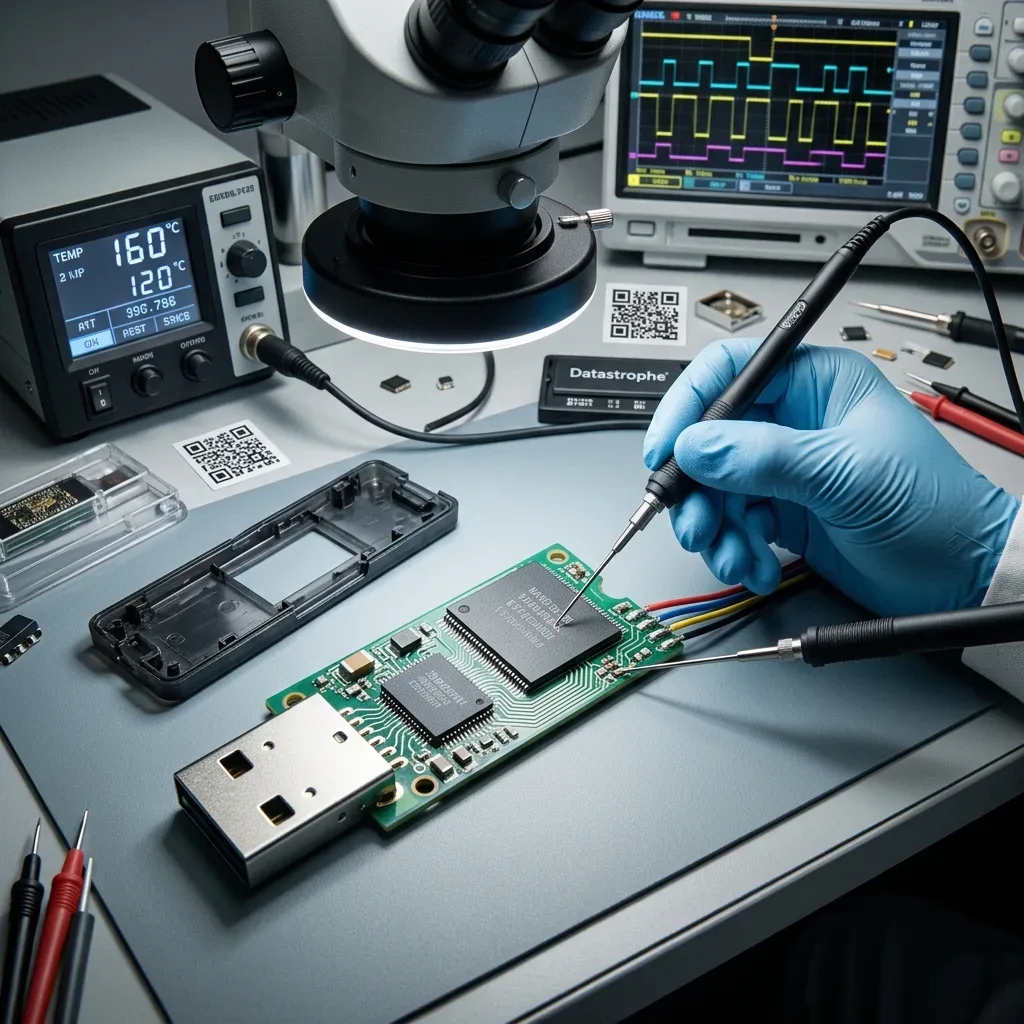
An intermittent contact can disconnect during writing. The current file may become incomplete, the file table may remain incoherent and the device can subsequently ask to be formatted. In other cases it no longer receives stable power.
Do not force a drive that sits loosely in the port or works only at one angle. Each movement can worsen its solder joints or interrupt read-out. Preserve the physical state instead of trying several computers.
A mechanical symptom may also conceal logical damage already caused by the interruptions. Even after connector repair, files may need reconstruction. Examination must address both levels.
Diagnostic assessment
The Controller And NAND Change The Rules
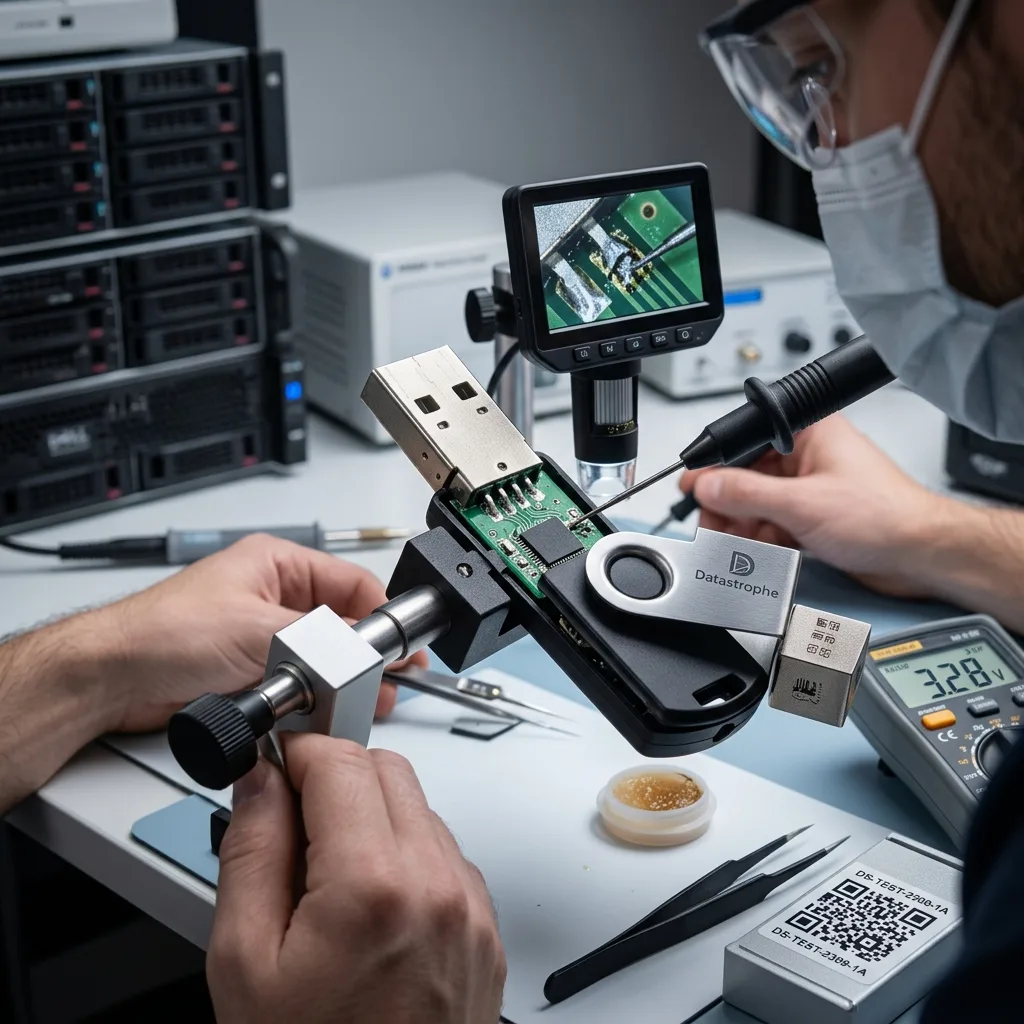
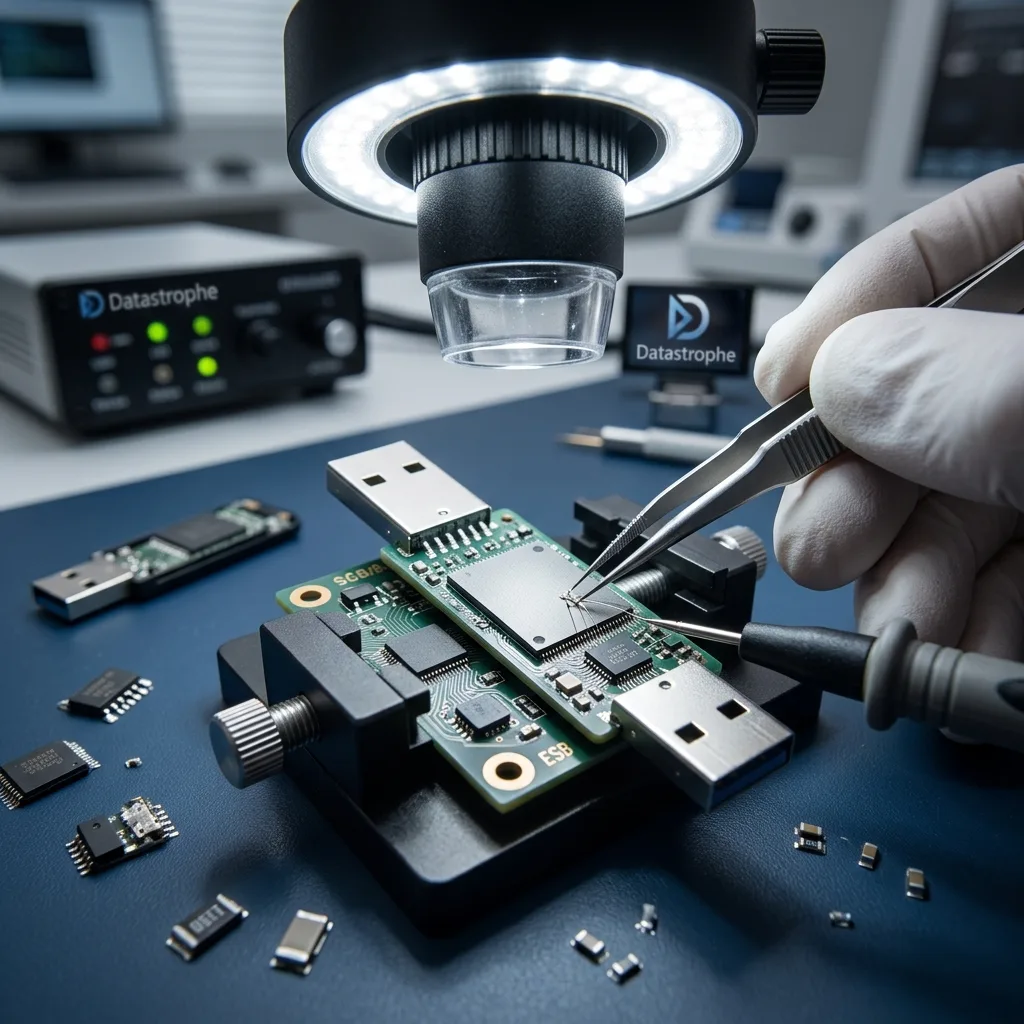
Flash memory in a USB drive is not read as a straightforward sequence of sectors. Its controller manages blocks, wear, errors and translation between what the computer sees and what exists in the chips. Normal access may become impossible when that controller stops responding correctly.
Some drives use separate components. Others are monolithic, integrating several functions into one package. This makes assessment more delicate because raw memory is not always easy to access.
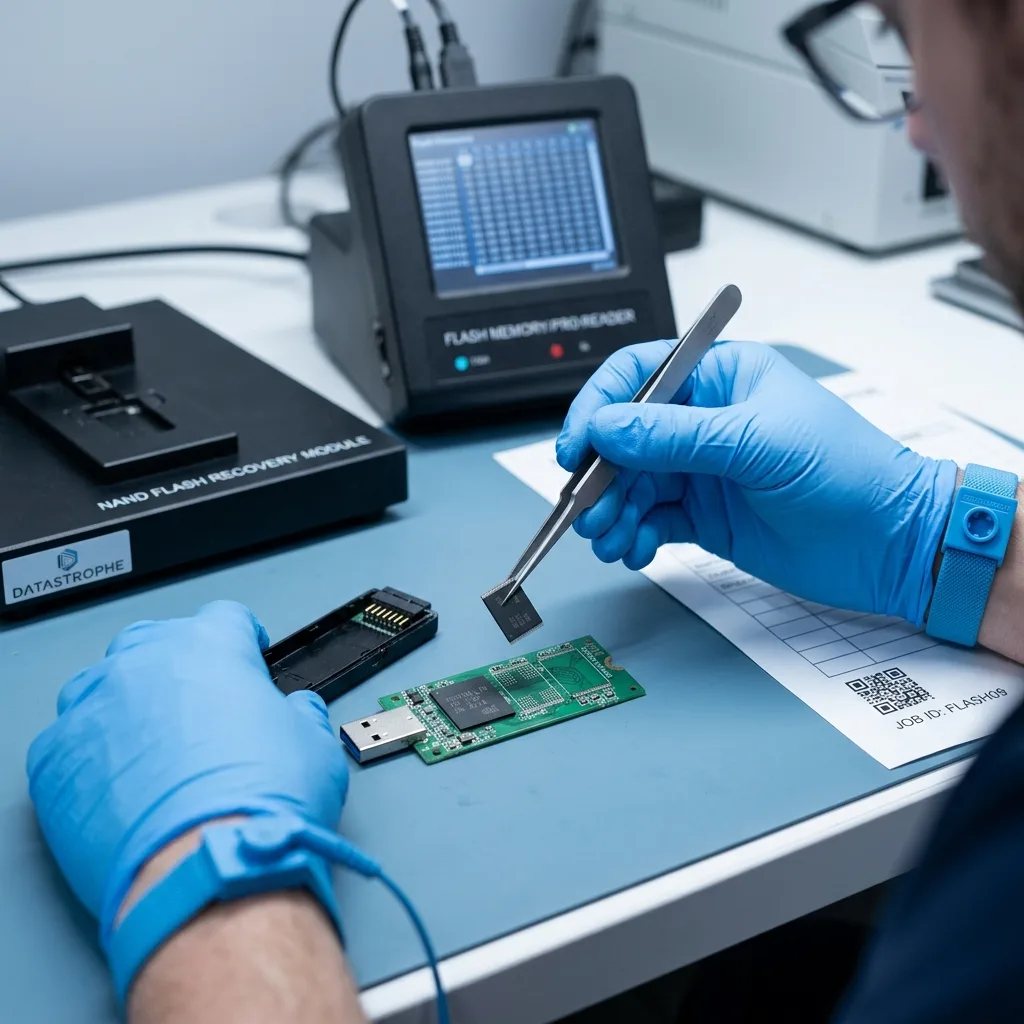
NAND can be partly degraded too. Some files remain readable, others corrupt and certain regions impossible to acquire again. The result then needs classification: validated file, partial file, unusable file or absent data.
That complexity makes general promises unsafe. A low-capacity USB drive can be harder to recover than a much larger hard disk when its controller, memory or physical format obstructs access.
Diagnostic assessment
Logical Errors Quickly Make Matters Worse
USB drives commonly use FAT32 or exFAT. These file systems are convenient, but an interrupted write can leave the directory tree incoherent. The system may then display an empty volume, unusual capacity or a format prompt.
Formatting is the classic mistake. It can recreate a readable structure while writing over useful areas. Automatic repair may move fragments or remove entries. A utility run without a prior copy can multiply reads and may even write its output back to the same device.
Stop using the drive as soon as the incident appears. Visible files can be copied to healthy storage, but do not persist with any that stall. Controlled acquisition is preferable when the device becomes slow or unstable.
Risks of a shared USB flash drive covers use on public or multiple computers. The issue here is technical: why flash storage makes recovery particularly sensitive.
Diagnostic assessment
Prepare The Drive For Useful Assessment
Record the last computer used, displayed message, capacity, brand, actions attempted and priority files. Those details may explain logical corruption or physical failure.
Protect the drive in transit. Do not manipulate a damaged connector unnecessarily. A hot or unstable device should not be plugged in for one final check. It needs to arrive as close as possible to its condition at the time of the incident.
Retain partial copies. A folder copied before failure, an older version or an email attachment can help validate the results. Do not replace those references before assessment is complete.
USB flash drive recovery is delicate because the technology is compact, fragile and often heavily handled. Stop writes, avoid automatic repair and supply precise context instead of multiplying attempts.
Separate the real need from the drive's entire contents. Years of use may leave old fragments, duplicates, temporary documents and only a few essential files. Naming priority folders or extensions makes validation clearer and prevents a confusing delivery.
Confidentiality matters too. USB drives often carry personal, administrative or professional documents with little organisation. Assessment must preserve the device while delivering data in a legible form limited to the stated need, rather than mixing useful files with old traces and irrelevant material.
Where a drive belongs to a shared setting such as a school, library or till, record that context. The location is not the main factor, but often explains abrupt removal, worn ports or interrupted writes that make recovery more sensitive.
Replace the USB drive after a serious incident. Recovering some files does not make the device dependable again. Reusing it for important data risks another loss that may be harder to interpret once the original state has disappeared.
Diagnostic assessment
Primary Technical References And Limits
Reference scope — USB flash drive recovery: For delicate USB flash drive recovery, the primary references used are NIST SP 800-86. Physical evidence — USB flash drive recovery: They define the relevant preservation, storage or validation concepts, but they cannot establish the exact physical condition, controller state, key availability or business consistency of the device received. Controller evidence — USB flash drive recovery: Those points require measurements on the original set and verification on copies.
Diagnostic assessment
Arrange A Controlled Assessment
Complete set — USB flash drive recovery: For a technical examination of delicate USB flash drive recovery, provide the complete device or storage set, its associated power and interface parts, the symptom timeline and the priority records. Incident history — USB flash drive recovery: Keep member order, labels and authorised credentials separate from the parcel paperwork; do not restart the source merely to obtain a new screenshot.
Laboratory responsibility — USB flash drive recovery: Datastrophe performs the diagnosis, integrity checks and recovery directly in its own laboratory with its own team. Free assessment — USB flash drive recovery: Diagnosis and the quotation are free. Transport boundary — USB flash drive recovery: Private collection and return is included; the carrier moves only the sealed parcel and neither accesses nor processes its data.
Controlled list — USB flash drive recovery: Before any payment, the client receives the proposed price and a checked list. Verification classes — USB flash drive recovery: Each item is classified, in order, as recoverable_verified, partial, detected_unverified or unrecoverable. Payment trigger — USB flash drive recovery: Only recoverable_verified items whose contents were checked and found usable are presented as recoverable. No-result rule — USB flash drive recovery: Payment is due only after the client accepts both the list and the price.
No-result rule — USB flash drive recovery: If no usable data is verified, recovery fails, or the client declines the list or price, no standard fee is payable. Rare-part exception — USB flash drive recovery: The only exception is a rare, costly and non-refundable part, which may be ordered only after a separate, explicit and priced proposal has been accepted.