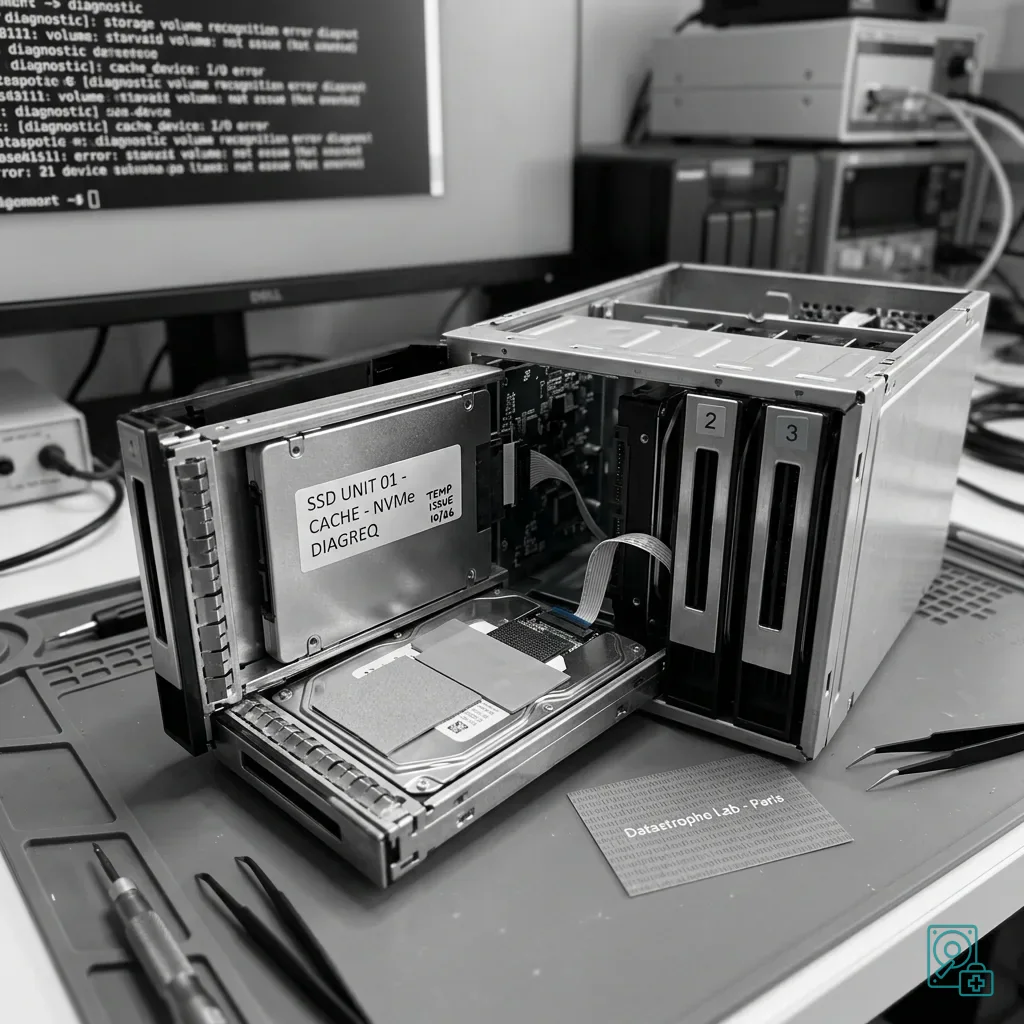
NAS SSDs: Overheating, Cache and Data
Understand how SSD overheating can threaten NAS data through cache behaviour, RAID activity, endurance limits, restricted airflow and continuous writes.
Read the articleTechnical guides on data loss prevention, storage failures and controlled data recovery methods.
Understand how SSD overheating can threaten NAS data through cache behaviour, RAID activity, endurance limits, restricted airflow and continuous writes.
Read the articleIdentify the safeguards that can give a false sense of security around virtual disks, including snapshots, cloud storage, backups, VMDK/VHDX files and replication.
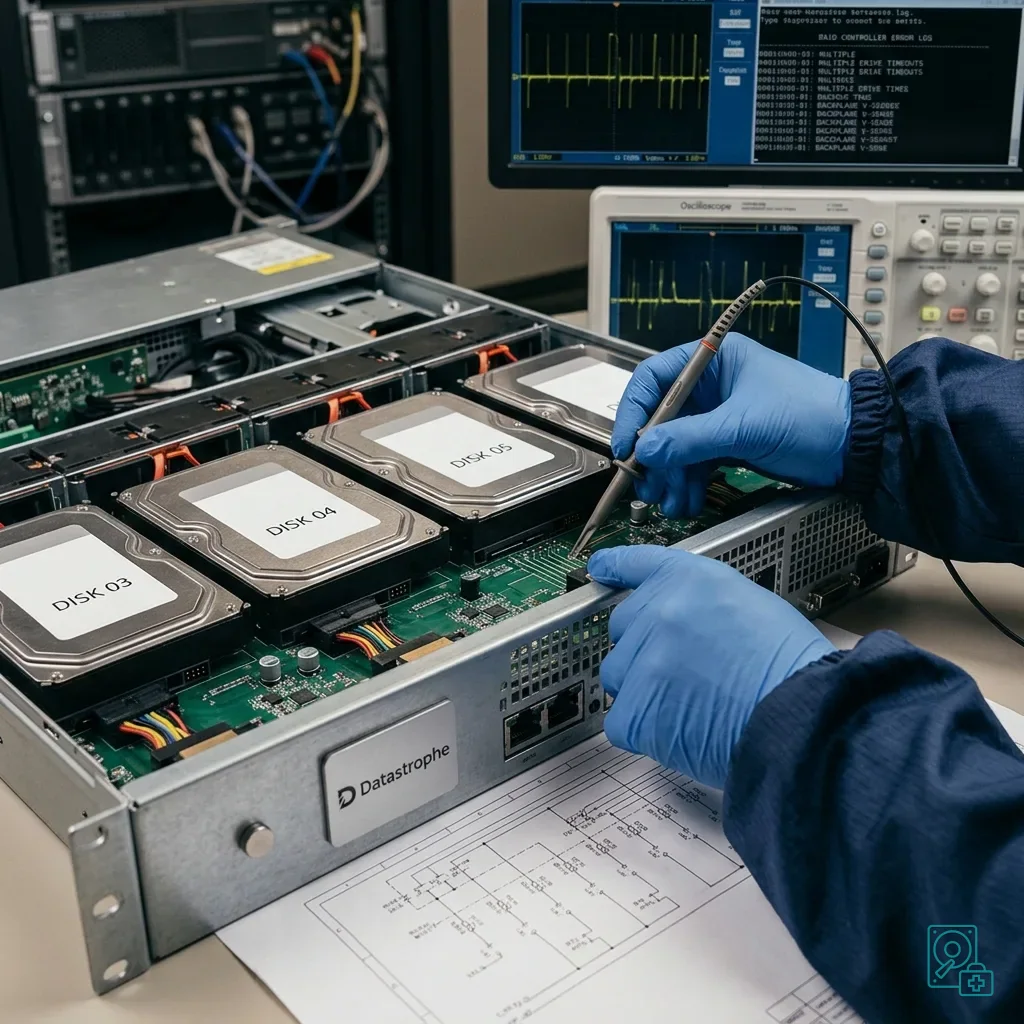
Read the articleUnderstand why server RAID can fail during a busy rebuild, including I/O pressure, weak members, controller and backplane faults, and business data priorities.
Read the articleThe factors that influence memory-card recovery cost, including fault type, memory access, file formats, earlier attempts and validation.
Read the articleUnderstand repeated server-drive failures involving RAID, the backplane, power, heat, SMART errors and the actions to avoid.
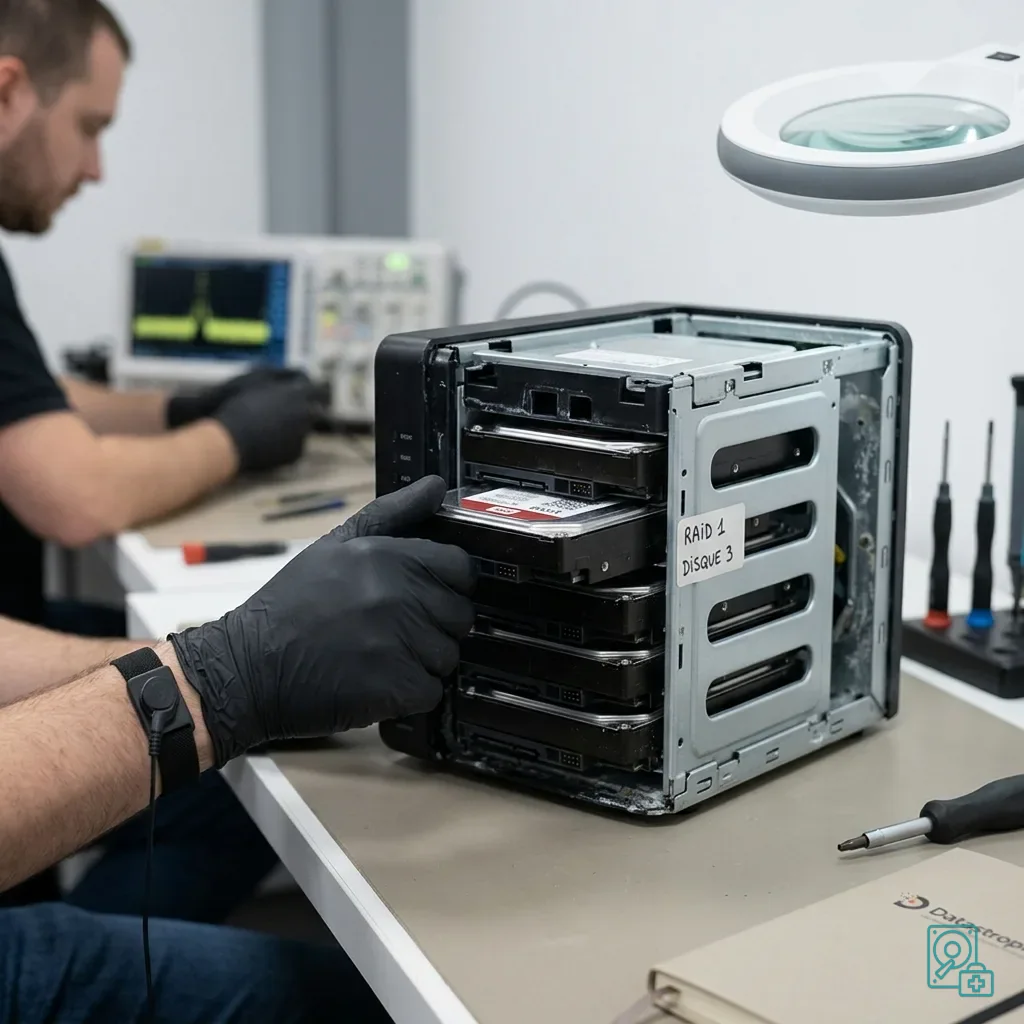
Read the articleWhat to do when flooding reaches a NAS: isolate power safely, preserve disk order and enclosure, document corrosion and recover RAID data onto healthy storage.
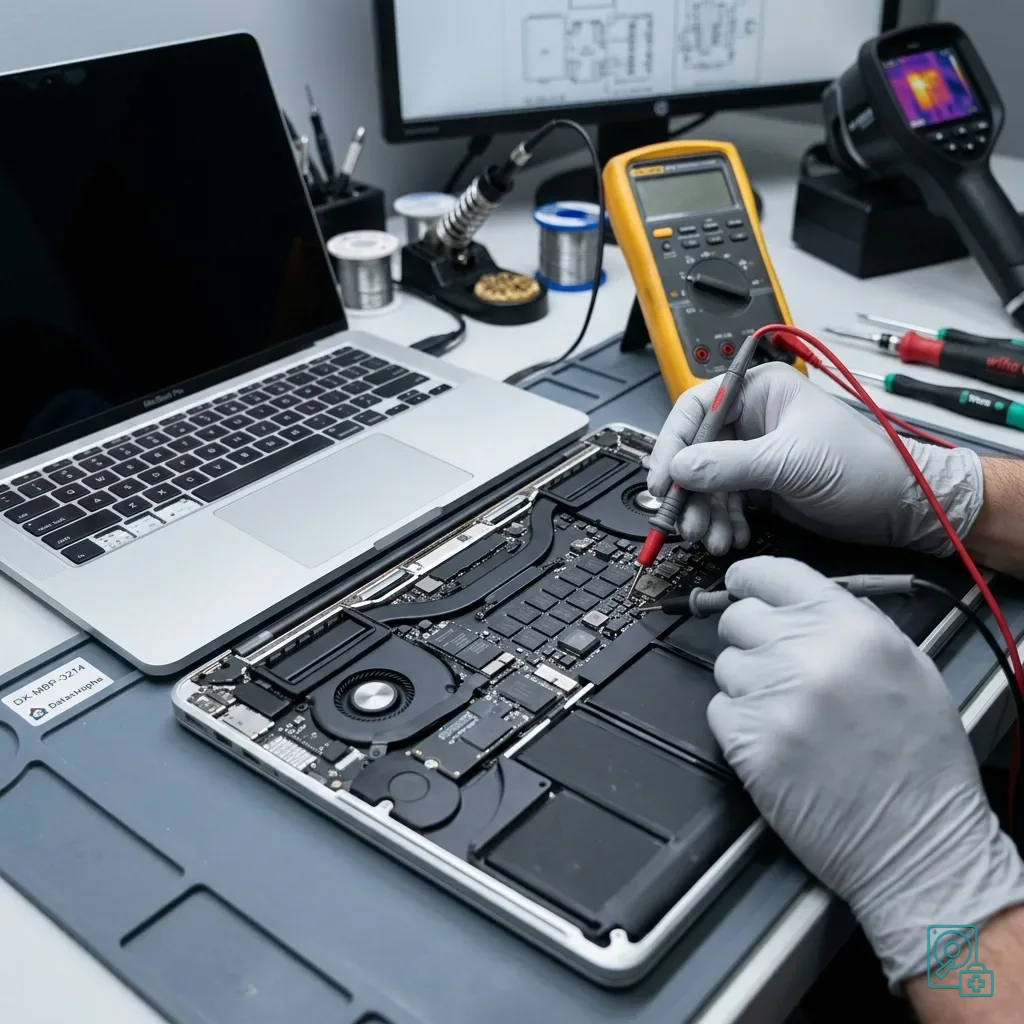
Read the articleUnderstand heat and SSD risks on a MacBook Pro, including soldered storage, FileVault, power faults, start-ups to avoid and the evidence needed for assessment.
Read the articleHow recovered files are checked before handover for readability, client priorities, documented limits, representative samples and healthy destination media.
Read the articlePrevent virtual-disk data loss during remote work by understanding synchronisation, VPNs, snapshots, local copies and the actions to avoid before an assessment.
Read the articleHow to preserve data on a memory card used in technical equipment, including logs, configuration, power faults, corruption and assessment.
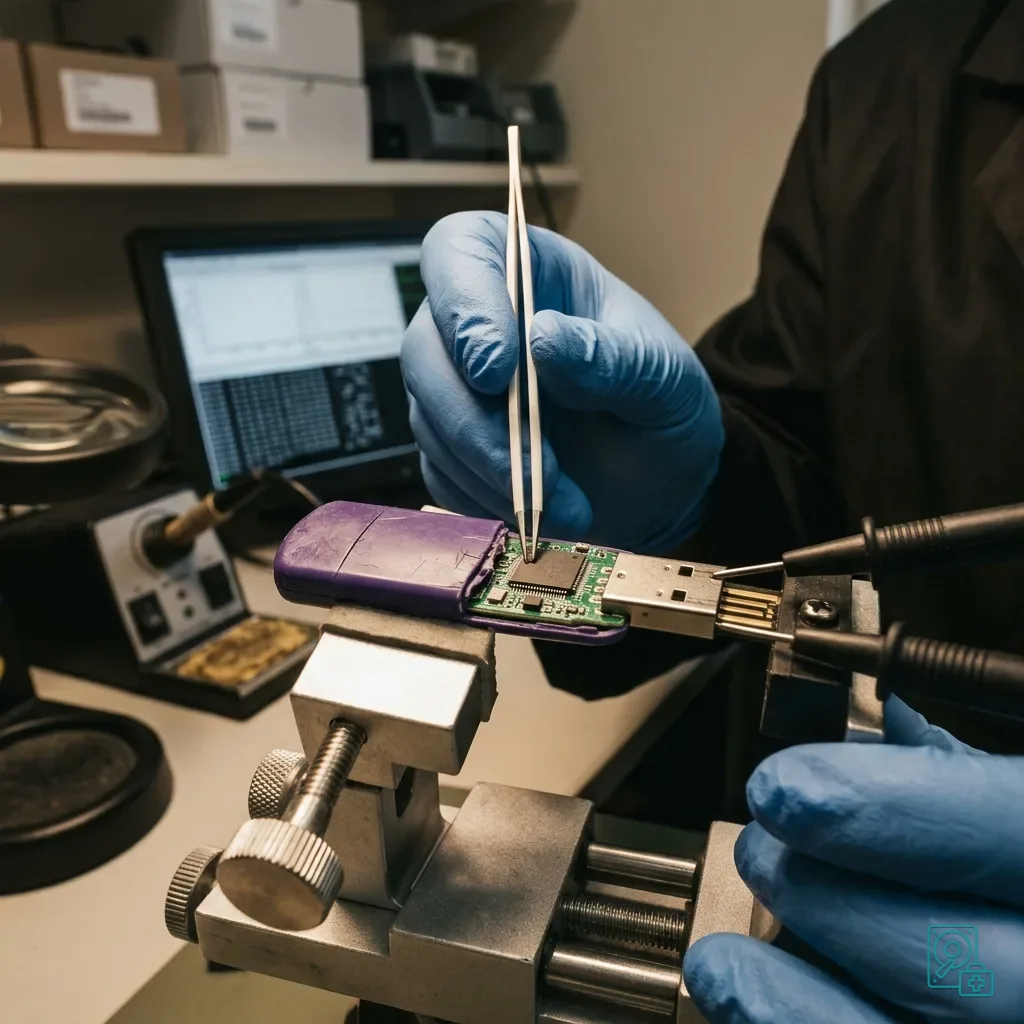
Read the articleWhy low-cost USB flash drives can expose data through weak memory, controllers, false capacity, interrupted writes and poor backup practice.
Read the articleWhat to do after dropping a memory card or device: preserve the SD or microSD card, avoid new writes and validate photographs or video.
Read the article