
Diagnostic assessment
A Virtual Disk Is Not Automatically Protected
A virtual disk may sit within a cluster, be copied by backup software, replicated to another site and surrounded by snapshots. That impressive list does not prove that a complete, coherent and recoverable version still exists.
The risk is spread across several layers: the VMDK, VHDX or equivalent file, the hypervisor, the datastore, the network, the underlying RAID and the application inside the guest. A failure at any one of these levels can produce the same visible symptom, while an incomplete backup or an application error may leave the infrastructure looking healthy.
A snapshot is not an independent archive, replication is not proof of integrity and cloud hosting does not remove human or logical errors. Each mechanism answers a particular availability need, but none removes the need to understand what changed and when.
Virtual disk recovery deals with these interdependent layers. The first objective is to identify which versions remain usable without changing the source files that may still contain the missing data.
Preserve every available state before deciding that the newest is the best. An older copy, a forgotten snapshot or a backup stopped before the incident may be more valuable than a recent replica that already includes deletion, encryption or corruption.
Do not clean up the environment too early. Temporary files, hypervisor logs, old snapshots, partial exports and failed-job records can establish the incident chronology and reveal which state preceded the damage.

Diagnostic assessment
Snapshots Do Not Replace Backups
A snapshot normally depends on a parent disk and sometimes on a long chain of delta files. If the datastore is unstable or full, a descriptor is missing or consolidation has failed, the chain may no longer be readable in the expected order.
Deleting, merging or consolidating snapshots without first preserving them changes files, indices and dependencies. An operation intended to tidy the datastore can remove the precise state required to reconstruct the virtual disk.
Recency is not the same as quality. A new snapshot may contain an application fault that began days earlier, so compare dates, file sizes, events and actual content rather than trusting the latest timestamp alone.
Signs of failure in a virtual-disk cluster explains why latency, consolidation errors and abnormal snapshot growth should be treated as evidence rather than routine administrative noise.
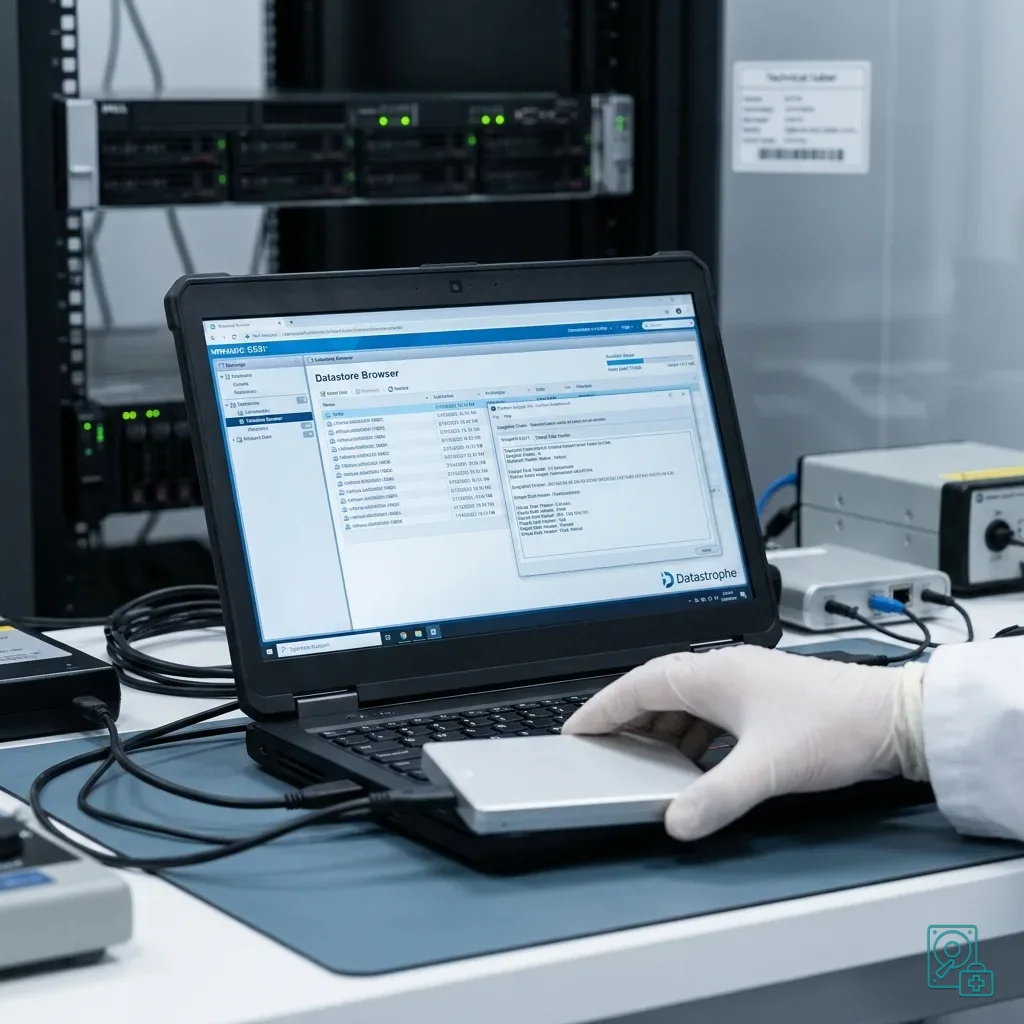
Record the chain before any intervention: snapshot names, dates, sizes, parent-child order, datastore paths, backup operations and every displayed error. This inventory helps distinguish an intact but poorly referenced chain from one that is genuinely incomplete.

Diagnostic assessment
Replication Can Propagate Corruption
Replication is useful for continuity, but it can faithfully copy the wrong state. A deletion, ransomware encryption, corrupted database or inconsistent virtual disk may reach the secondary environment before anyone recognises the incident.
Availability and recovery are different objectives. Rapidly starting a replica proves that the system can run elsewhere; it does not prove that the files, databases and application transactions inside it are sound.
Remote working adds further versions through synchronisation clients, local caches, VPN interruptions and simultaneous edits. A replicated server may therefore contain one state while a user device or offline cache still holds another useful version.
Virtual disks, remote working and synchronisation risks examines these competing copies and the precautions needed before one version overwrites the others.
Restoration tests must check real data, not merely whether a virtual machine reaches its login screen. Open representative documents, verify databases and confirm that key applications contain records from the expected point in time.

Diagnostic assessment
The Virtual File Alone Is Not Always Enough
A virtual disk file may rely on descriptors, snapshot deltas, configuration files, logs and format metadata stored elsewhere. Copying only the large VMDK or VHDX can leave behind the information needed to interpret its geometry or connect it to its parent.
Preserve the complete virtual-machine folder whenever possible, including configuration, auxiliary files, logs, descriptors and every snapshot. Also record the datastore layout and hypervisor version because tools may interpret the same files differently.
Moving the disk to a test platform can be useful only after an untouched source has been secured. A partial copy, automatic format conversion or unstable transfer may create a second problem while disguising the first.
Application-level checks remain essential for databases, mail systems and critical business software. A guest operating system can boot while journals, indexes, attachments or transaction records are inconsistent.
Quality control for recovered data sets out why readable files, coherent applications and a verifiable handover matter more than a successful virtual-machine start.
Diagnostic assessment
Preserve Before Attempting Repair
Avoid automatic consolidation, filesystem repair, live datastore extension, hurried migration and an in-place restore. Deleting apparent conflicts may also remove an older version that is the only complete copy.
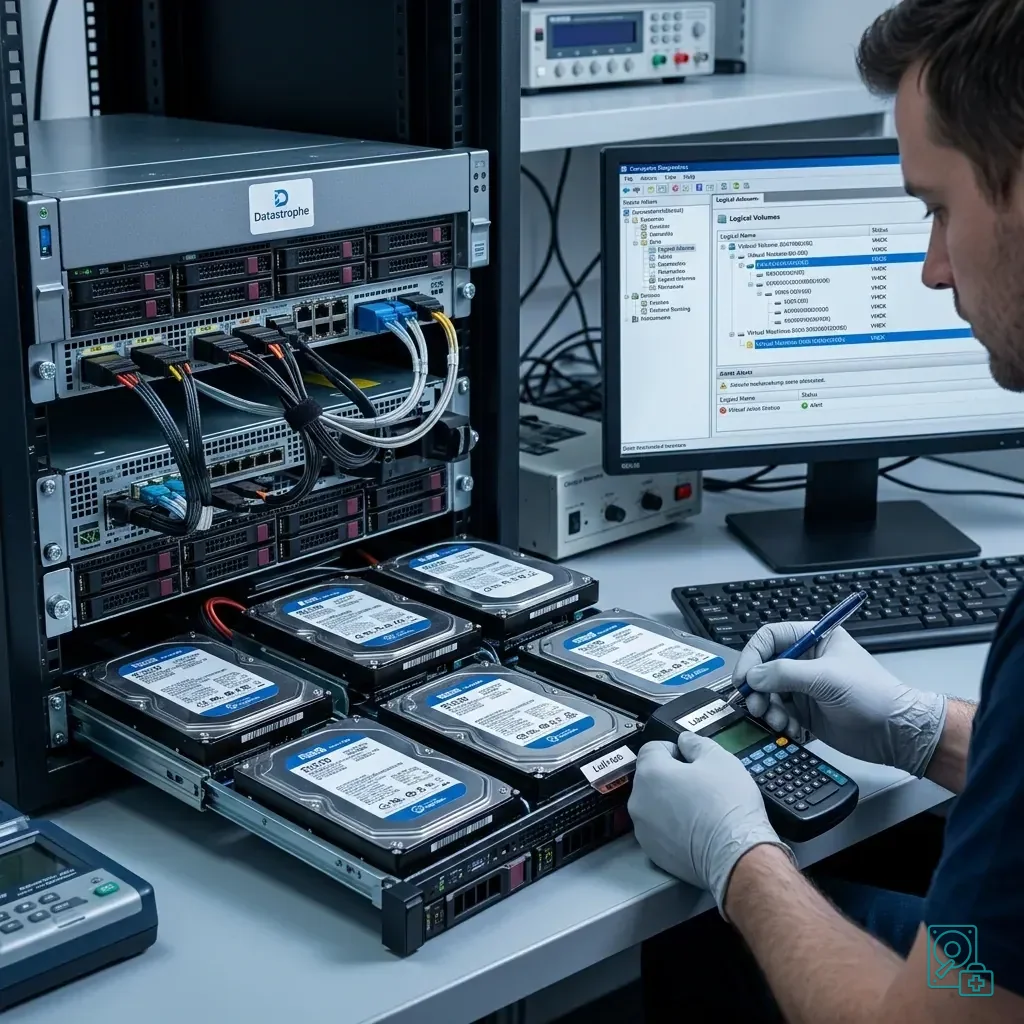
Freeze the available state and collect the disk format, virtual-machine configuration, snapshot inventory, logs, errors, underlying storage condition and priority data. Note which systems were running and which writes were still possible when the incident was discovered.
Resume business activity from a separate copy or controlled restoration where feasible, without overwriting the original files. Keep recovery work, production restart and evidential preservation as distinct operations with named destinations.
Datastrophe examines the complete chain to distinguish logical corruption, underlying storage failure, a broken snapshot dependency and unsuitable replication. That distinction determines whether to reconstruct a chain, extract selected data or work from another preserved version.
Effective prevention combines tested restores, a limited and understood snapshot policy, controlled replication, independent versioning and a documented shutdown procedure. Each protection must have a known scope, owner and retention period.
Finish with application validation. A disk that mounts or a virtual machine that starts does not demonstrate that a database, mailbox or business application is complete, current and internally coherent.
Diagnostic assessment
Primary Technical References And Limits
Reference scope — disk safeguards data recovery: For virtual disk safeguards data recovery, the primary references used are NIST SP 800-86. Physical evidence — disk safeguards data recovery: They define the relevant preservation, storage or validation concepts, but they cannot establish the exact physical condition, controller state, key availability or business consistency of the device received. Controller evidence — disk safeguards data recovery: Those points require measurements on the original set and verification on copies.
Diagnostic assessment
Arrange A Controlled Assessment
Complete set — disk safeguards data recovery: For a technical examination of virtual disk safeguards data recovery, provide the complete device or storage set, its associated power and interface parts, the symptom timeline and the priority records. Incident history — disk safeguards data recovery: Keep member order, labels and authorised credentials separate from the parcel paperwork; do not restart the source merely to obtain a new screenshot.
Laboratory responsibility — disk safeguards data recovery: Datastrophe performs the diagnosis, integrity checks and recovery directly in its own laboratory with its own team. Free assessment — disk safeguards data recovery: Diagnosis and the quotation are free. Transport boundary — disk safeguards data recovery: Private collection and return is included; the carrier moves only the sealed parcel and neither accesses nor processes its data.
Controlled list — disk safeguards data recovery: Before any payment, the client receives the proposed price and a checked list. Verification classes — disk safeguards data recovery: Each item is classified, in order, as recoverable_verified, partial, detected_unverified or unrecoverable. Payment trigger — disk safeguards data recovery: Only recoverable_verified items whose contents were checked and found usable are presented as recoverable. No-result rule — disk safeguards data recovery: Payment is due only after the client accepts both the list and the price.
No-result rule — disk safeguards data recovery: If no usable data is verified, recovery fails, or the client declines the list or price, no standard fee is payable. Rare-part exception — disk safeguards data recovery: The only exception is a rare, costly and non-refundable part, which may be ordered only after a separate, explicit and priced proposal has been accepted.