

Data recovery questions answered clearly
Protect the original storage first. Datastrophe then organises private transport, a free laboratory diagnosis and a decision based on a verified file list and an agreed price.
FAQ
Data recovery questions answered clearly
Immediate actions
What should I do immediately after data loss?
Stop using the affected storage, disconnect it if it clicks, overheats, was dropped or repeatedly disappears, and record what happened. Never open a hard drive. Do not format, initialise, repair, rebuild or reuse the source, and do not install a recovery tool on it.
Supported storage
Which storage devices does Datastrophe handle?
Datastrophe handles hard drives, SSDs, USB drives, memory cards, NAS, RAID, servers, virtual disks, tablets and iPads.
Intake and diagnosis
Are the quote, transport and laboratory diagnosis free?
Yes. The quote is free, private outbound and return transport is included, and the diagnosis is free at the Datastrophe laboratory. The carrier only transports the sealed parcel; it never accesses or processes the data.
File decision
What do I receive before deciding whether to pay?
Before payment, Datastrophe provides a list using four explicit statuses: recoverable_verified means checked and usable; partial means incomplete with the limit stated; detected_unverified means a name or signature was detected without integrity proof; unrecoverable means unusable. Only recoverable_verified items are presented as recoverable.
When do I approve the result and pay?
You review the file list and the quoted price first. You pay only if both suit you. Final recovery, preparation of the result and return take place after payment; a detected filename alone is never treated as a successful result.
Payment and fees
What happens if there is no usable result or I decline?
If no usable data is found, final recovery fails, or you decline the file list or price, no standard charge is due for the intervention, outbound transport, return transport, customs or the standard return medium. The only exception is a rare expensive part ordered after separate, explicit and priced approval; that part is non-refundable even if recovery fails.
Timing, privacy and return
How long does recovery take and who handles the data?
Timing depends on stability, capacity, damage and system complexity, so the diagnosis establishes a case-specific plan. Datastrophe performs diagnosis, technical work and verification in its laboratory; the private carrier only moves the sealed parcel.
How are recovered files checked and returned?
Datastrophe checks structure, integrity and representative priority files, identifies partial or unverified items and prepares the accepted result on a standard return medium. Recovery cannot recreate overwritten, physically destroyed or cryptographically inaccessible information, and the original source should not be returned to normal use.
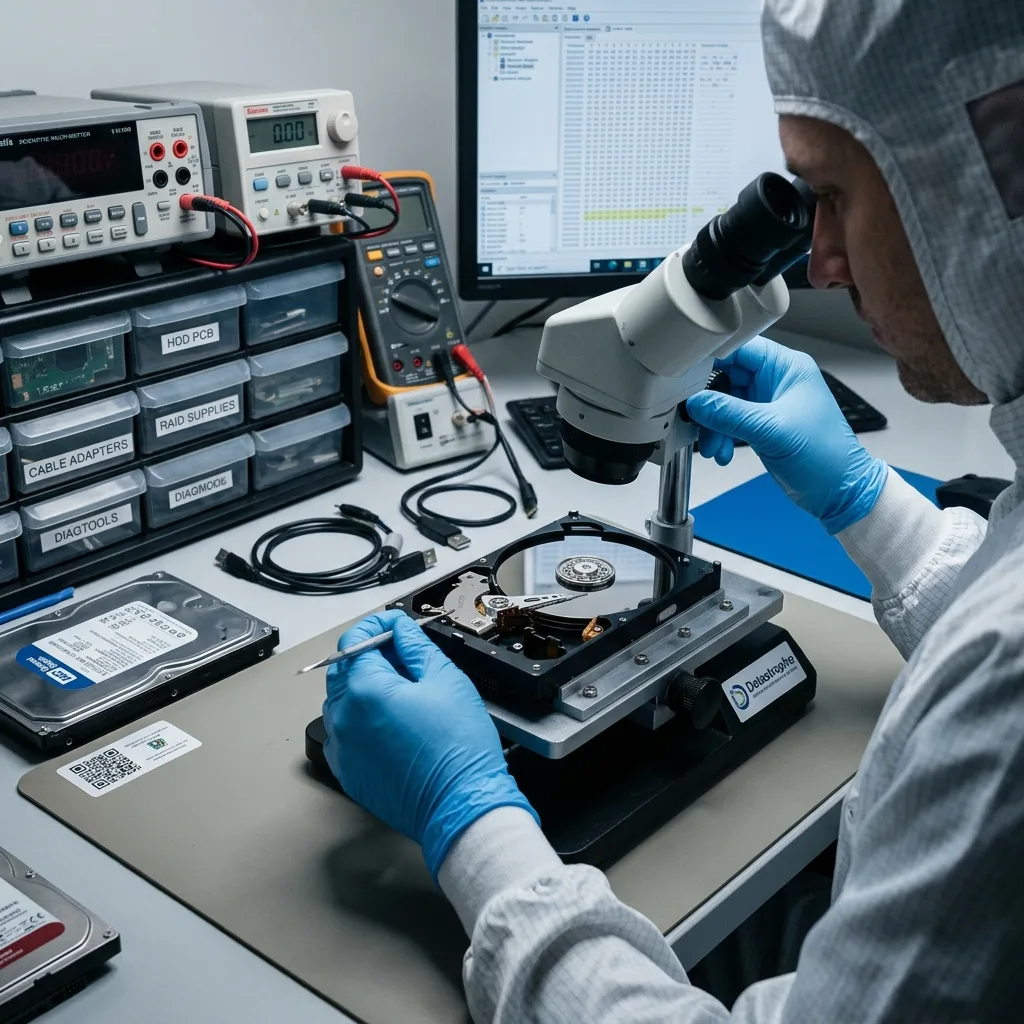
First response
Start with the symptom, not a repair attempt
A sensible first action reduces further change to the source rather than trying every available fix.
Stop and observe before choosing any software or repair command. A missing folder, RAW volume, clicking drive, silent SSD and degraded RAID array can all present as inaccessible data, but they do not carry the same risk.
Record what happened, disconnect the device if it is unstable and avoid creating new files on the affected storage. The point is to preserve remaining evidence until the fault is better understood.
- Do not accept an initialise or format prompt
- Do not keep a noisy hard drive spinning
- Do not rebuild an array before recording its original layout
If files were deleted
Stop normal use because new writes may occupy the blocks that held the deleted data. Even browser caches, updates and background synchronisation can reduce the recoverable set.
If the device behaves physically differently
Noise, failed spin-up, impact, heat and repeated disconnection justify a cautious shutdown. Software cannot correct damaged internal components and may prolong harmful operation.
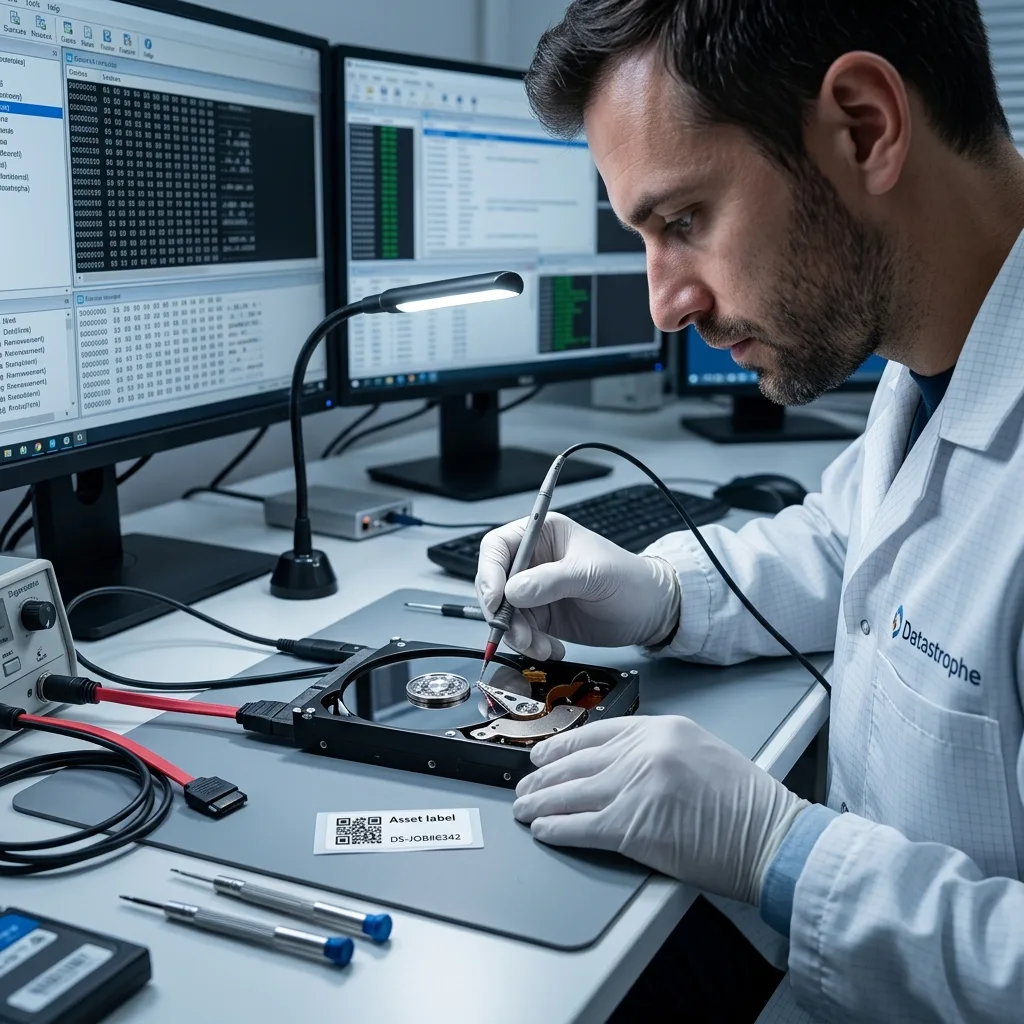
Assessment
A diagnostic assessment is safer when the source is uncertain
The purpose of diagnosis is to support a decision, not to manufacture certainty where the media cannot provide it.
Professional assessment is appropriate when the data are important and the device's condition is not known. It separates symptom from cause, identifies handling risk and proposes a method before the only copy is exposed to more attempts.
The examination can involve read stability, electronics, firmware, file-system metadata, flash translation structures or array geometry. Mechanical hard-drive symptoms may instead require laboratory work and, where justified, a controlled clean environment.
- Classify the likely logical, electronic or mechanical fault
- Identify whether imaging or stabilisation must come first
- Report evidence for the data that may be recoverable
Assessment is not recovery approval
Findings should enable you to evaluate scope, cost and limitations. They do not by themselves authorise chargeable recovery or guarantee a complete result.
Remote advice has a boundary
A conversation can identify urgent precautions, but only technical evidence from the storage can confirm readable areas, damaged structures and the work required.
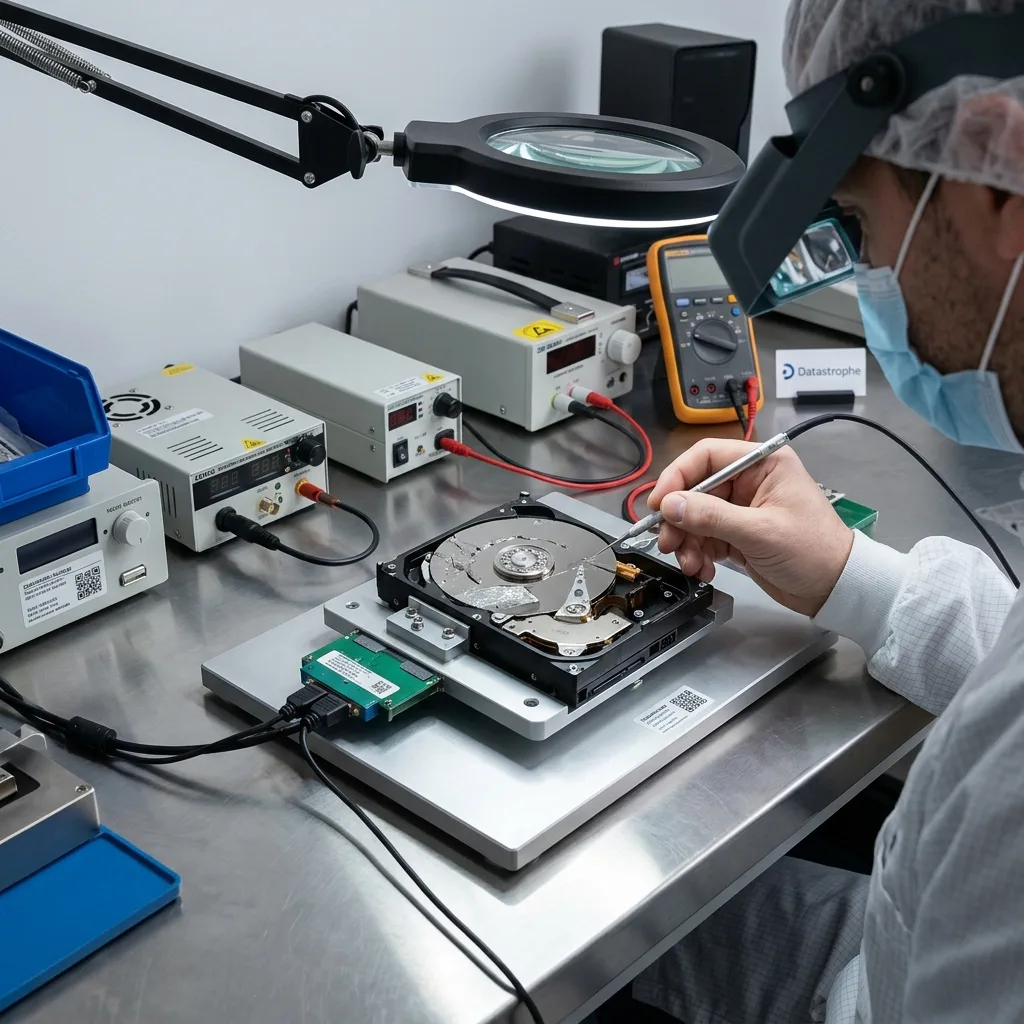
Result quality
Recoverable does not mean every detected file will open
Clear reporting distinguishes what was found, what can be read and what is usable in the applications that matter.
A filename in a scan is evidence of metadata, not proof of a complete file. Its content may occupy overwritten, unreadable or missing blocks, and damaged records can point to the wrong locations.
A useful result is judged against representative files and the client's priorities. Recovery may retain folders and names when file-system structures survive, or return files by signature with reduced naming and date information when they do not.
- Detected: an entry or signature has been found
- Readable: the required blocks could be extracted
- Usable: the recovered file opens and contains coherent data
Why folder structure can disappear
Names, paths and timestamps are usually stored separately from file content. If that metadata is lost, files may be carved by type without their original organisation.
Why some files are partial
One unreadable segment can damage a database, archive or video even when most of its bytes were copied. The effect depends on the format and where the missing content sits.
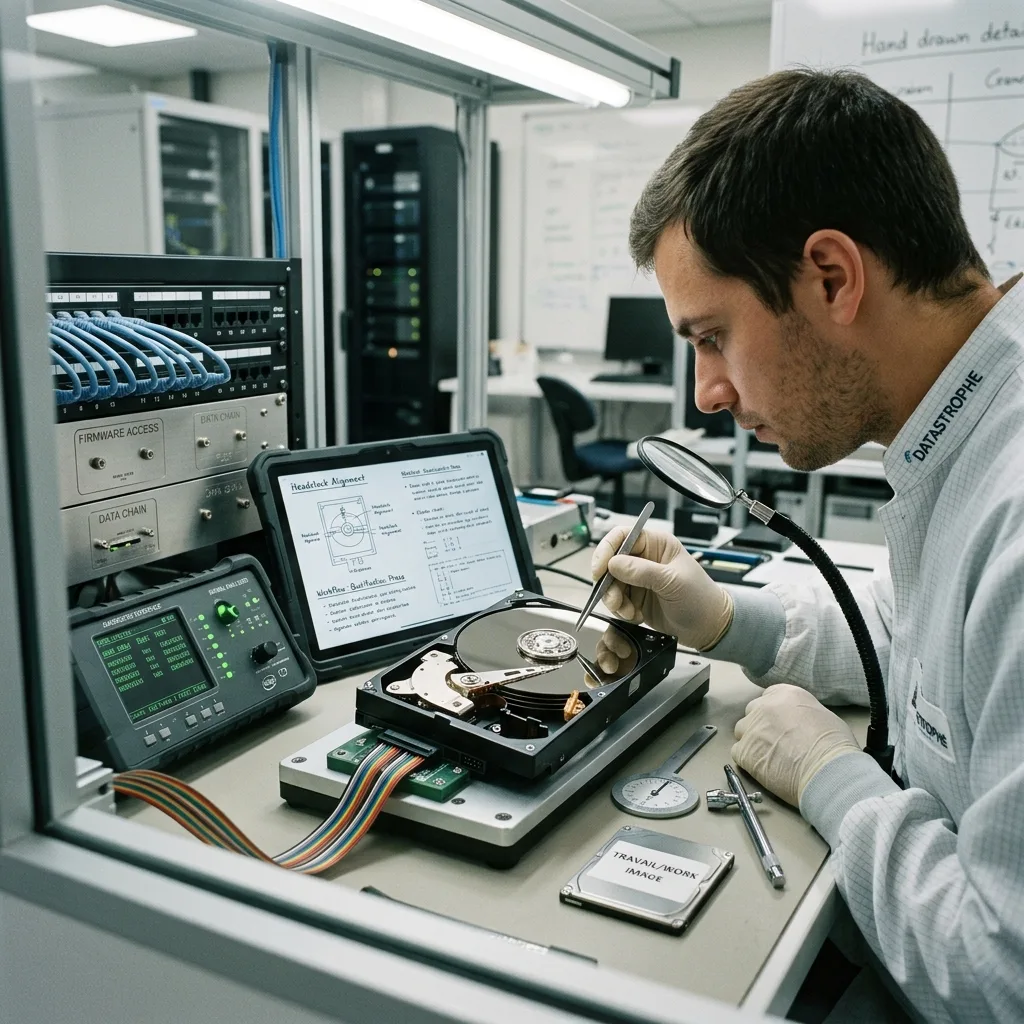
Media types
Hard drives, flash storage and arrays fail differently
Correctly identifying the storage system prevents a generic response from damaging the evidence needed for reconstruction.
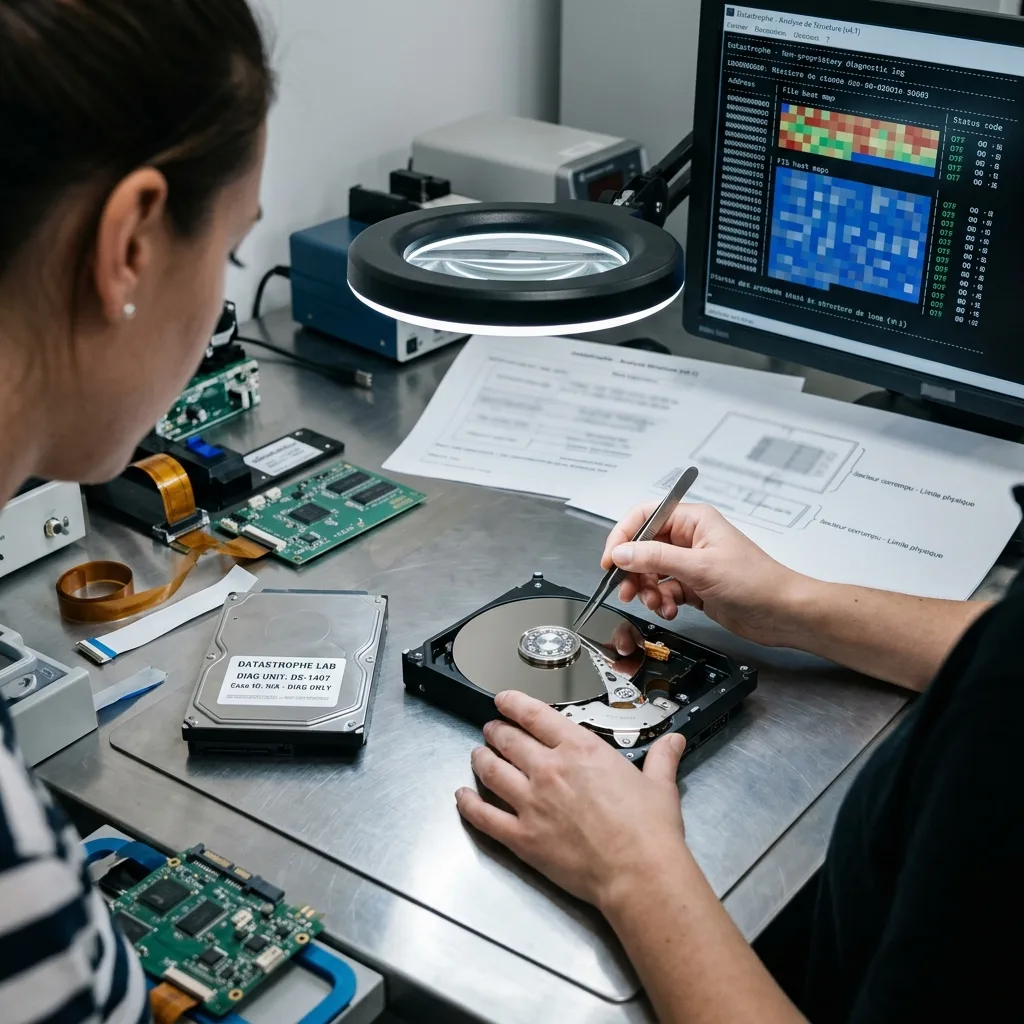
The recovery method follows the storage architecture. A hard drive stores data magnetically on platters, an SSD or memory card relies on flash memory and controller translation, while RAID and NAS systems distribute data and redundancy across several devices.
That distinction explains why a single tool cannot be appropriate for every case. The safest workflow may involve controlled imaging, flash reconstruction, parity analysis, virtual-volume mapping or a combination of these stages.
- Hard drives may develop surface, head, motor or firmware faults
- SSDs can fail through controller, power, firmware or NAND problems
- RAID recovery depends on disk order, parity, metadata and failure sequence
Portable and removable media
USB flash drives and memory cards can suffer connector damage, cracked components or corrupted translation data. Repeated reconnection is not a neutral test when the controller is unstable.
Virtual storage
VMDK, VHDX and similar disks add a container layer above the underlying storage. Snapshots, sparse extents and host faults must be understood before guest files are reconstructed.
Confidential handling
Encryption, privacy and file return need agreed controls
The case should establish who can provide credentials, approve checks and receive the result before sensitive material is accessed.
Encryption can protect data and simultaneously become a technical dependency. Recovery may require the correct key, password, recovery material or intact security metadata; readable encrypted blocks are not useful if they cannot be decrypted.
Privacy should be addressed through a defined search scope, restricted handling and proportionate verification. Recovered data are delivered on healthy storage or through an agreed controlled method, while the failed source remains unsuitable for normal use.
- Share credentials only through the agreed case procedure
- Limit validation to representative priority files
- Use a separate healthy destination for recovered data
What happens to the original device
The service aims to extract data, not certify failed hardware for reuse. Return or retention arrangements should be clear for the individual case.
How files are checked
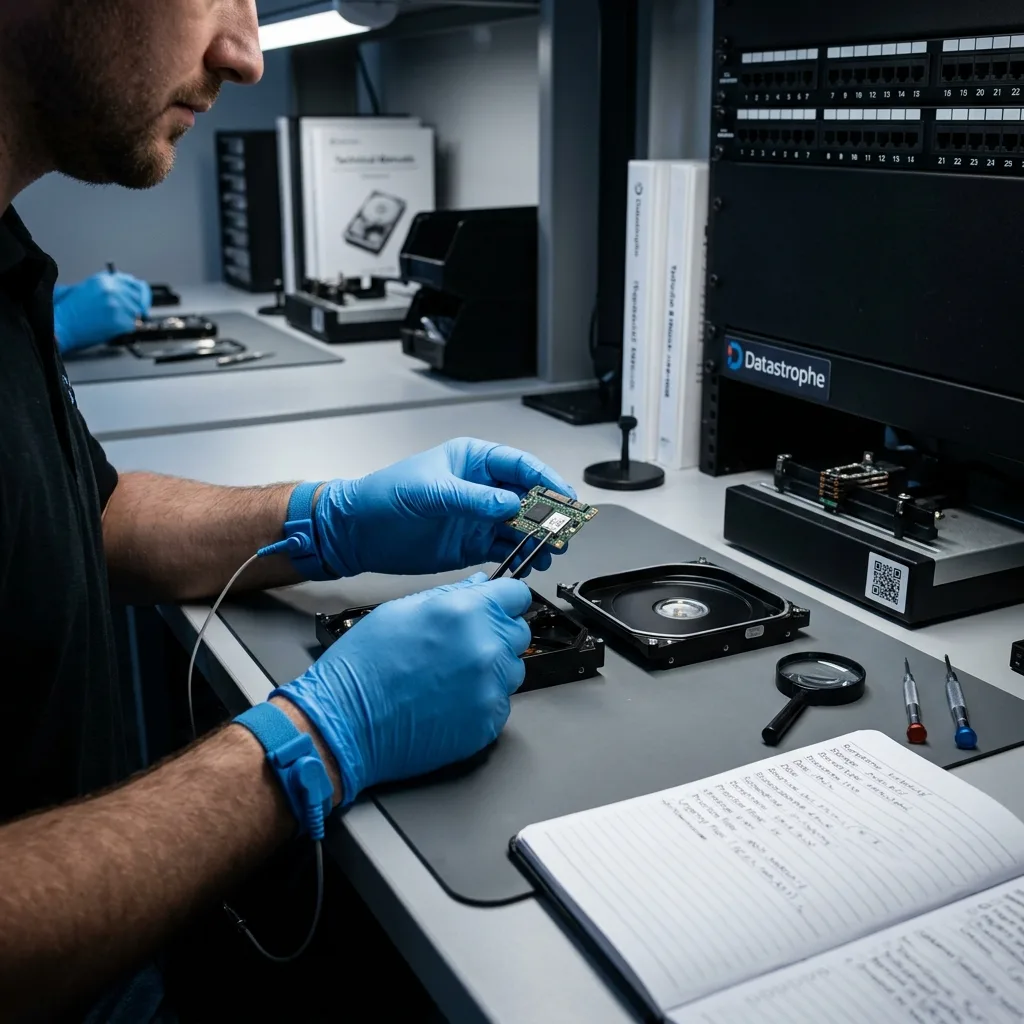
Verification can combine structural checks with a sample of agreed important files. It should reveal partial or corrupt results without unnecessarily exploring unrelated content.
Next decision
Use the page that matches your next decision
Move from general guidance to the smallest case-specific action that can reduce uncertainty safely.
General answers help you recognise risk, but an individual case needs its own evidence. Use Contact when the incident is unusual or you need help deciding what information matters.
Review data recovery pricing when comparing likely cost factors, or consult the device-specific service pages for hard drives, SSDs, RAID, servers and removable media. Keep the affected source unchanged while you choose.
- Ask a question when symptoms or configuration are unclear
- Request a quotation when the incident history is ready
- Use the process page to understand assessment, approval and delivery
When to act immediately
Disconnect storage that is noisy, hot, impact-damaged or repeatedly dropping offline. For an active server incident, stop avoidable writes and preserve configuration records.
When to gather more information
If the media are stable and already offline, record model details, symptoms, priority datasets and previous actions without running another recovery experiment.
Diagnostic assessment
Unsure about a storage device or fault?
Datastrophe qualifies the risk before any recovery attempt and points you towards the safest next step.