

Diagnostic assessment
Check the device as well as the card
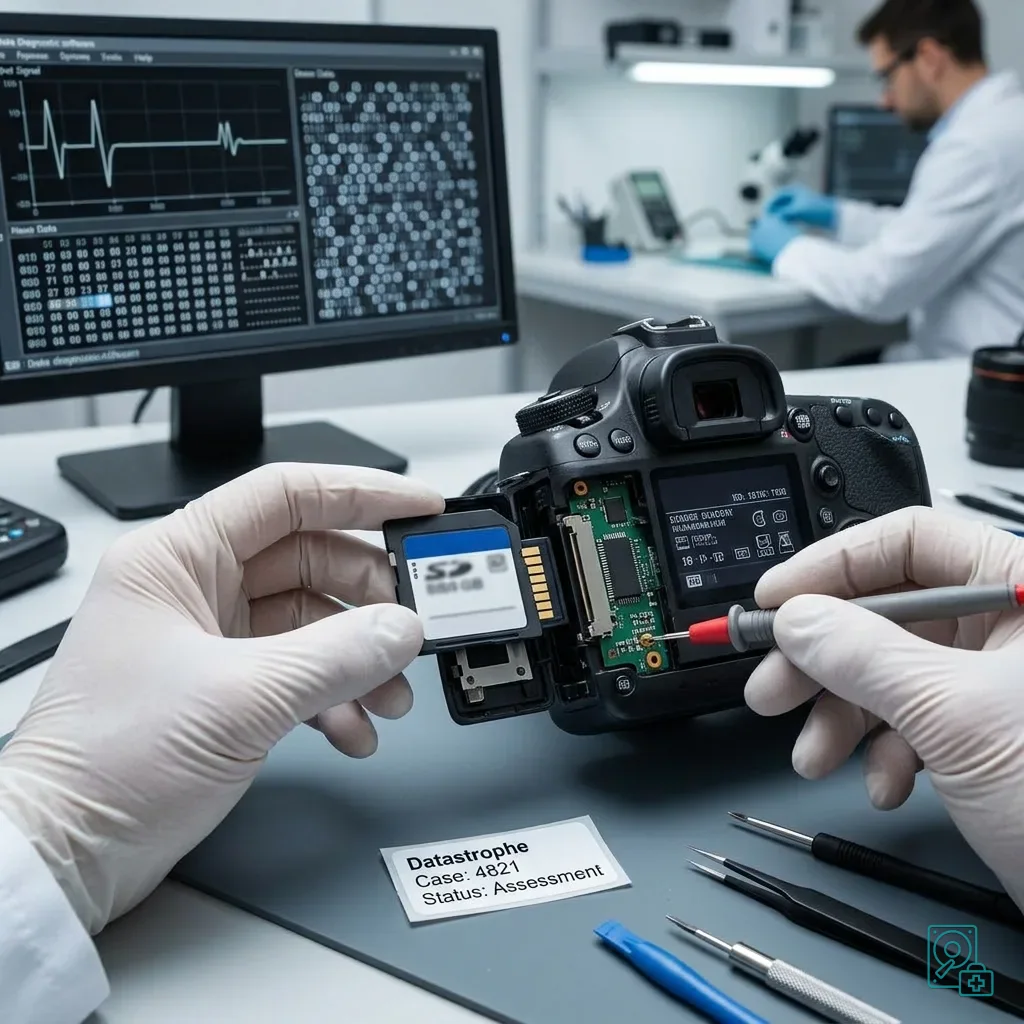
After a drop, the memory card is not always the failed component. The camera, drone, recorder, GPS unit or reader may have been damaged instead. A card that appears unreadable in the original equipment can sometimes be sound, while a card that mounts elsewhere may still be unstable.
Locate the impact before interpreting the error
Avoid diagnosing from one message. An SD card may have marked contacts, a microSD card may be slightly flexed, and the device may have lost power in the middle of a write. The visible symptom does not yet distinguish physical damage, logical corruption and a fault in the source equipment.
Damaged memory card recovery describes the broader fault families. Here the important context is the impact itself: whether the device fell, the card was ejected, a cover opened, an adaptor took the force or recording stopped suddenly.
Keep the source device if possible. It can show the expected format, clock setting, file types and original error. Some cameras also create auxiliary indexes or sidecar files needed to interpret video, telemetry or an image sequence.
Record the card's position when the drop occurred. A card that stayed latched in its slot, one thrown clear and one found loose on the ground have different risks. That observation informs checks of the casing, contacts, adaptor and likelihood of an interrupted write.
Separate three areas from the outset:
- The memory card, including contacts, casing and flash controller;
- The interface, such as the slot, adaptor or reader;
- The source device, whose power or file-system handling may have interrupted writing.
Diagnostic assessment
Stop repeated insertion
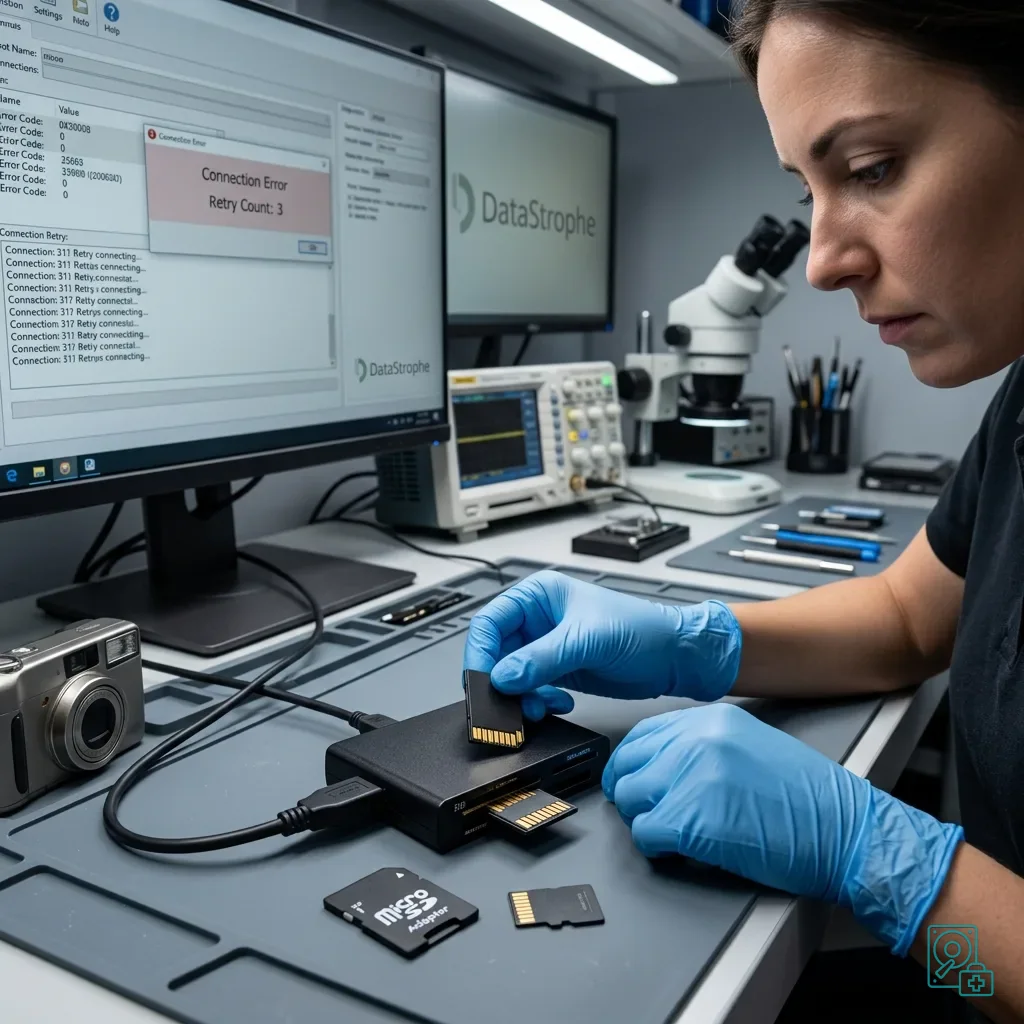
The natural reaction is to try the card again in the device, then in a computer, a USB reader and another adaptor. Those attempts are not neutral: they can move a physical defect, stress the contacts and trigger fresh metadata writes.
Stop at the first abnormal behaviour
If the card requests formatting, reports the wrong capacity, disappears or returns errors, stop. Decline automatic repair and initialisation. These operations can rewrite the logical structure and reduce the routes available for recovering the required data.
Never force a cracked, split or bent card into a slot. Even if it still fits, each insertion may shift the damaged area. The size of a microSD card can conceal significant flexing or an internal fracture.
Isolate the card, record what happened and rank the important files instead. When there is only one copy of valuable work, reading should follow a controlled plan rather than a succession of exploratory tests.
Avoid improvised cleaning too. Scraping contacts, blowing forcefully or applying an unsuitable liquid can move debris or add moisture. Surface contamination and possible internal damage should be assessed without altering the evidence.
Keep a microSD adaptor involved in the drop with the card. It may be the real source of intermittent contact or incomplete reads, and comparing it with another known-good interface can form part of a controlled diagnostic assessment.
Being detected again does not prove that the memory card is stable. When the data matter, the objective is not one more preview but preservation of the state closest to the incident.
Diagnostic assessment
Prioritise video and burst sequences
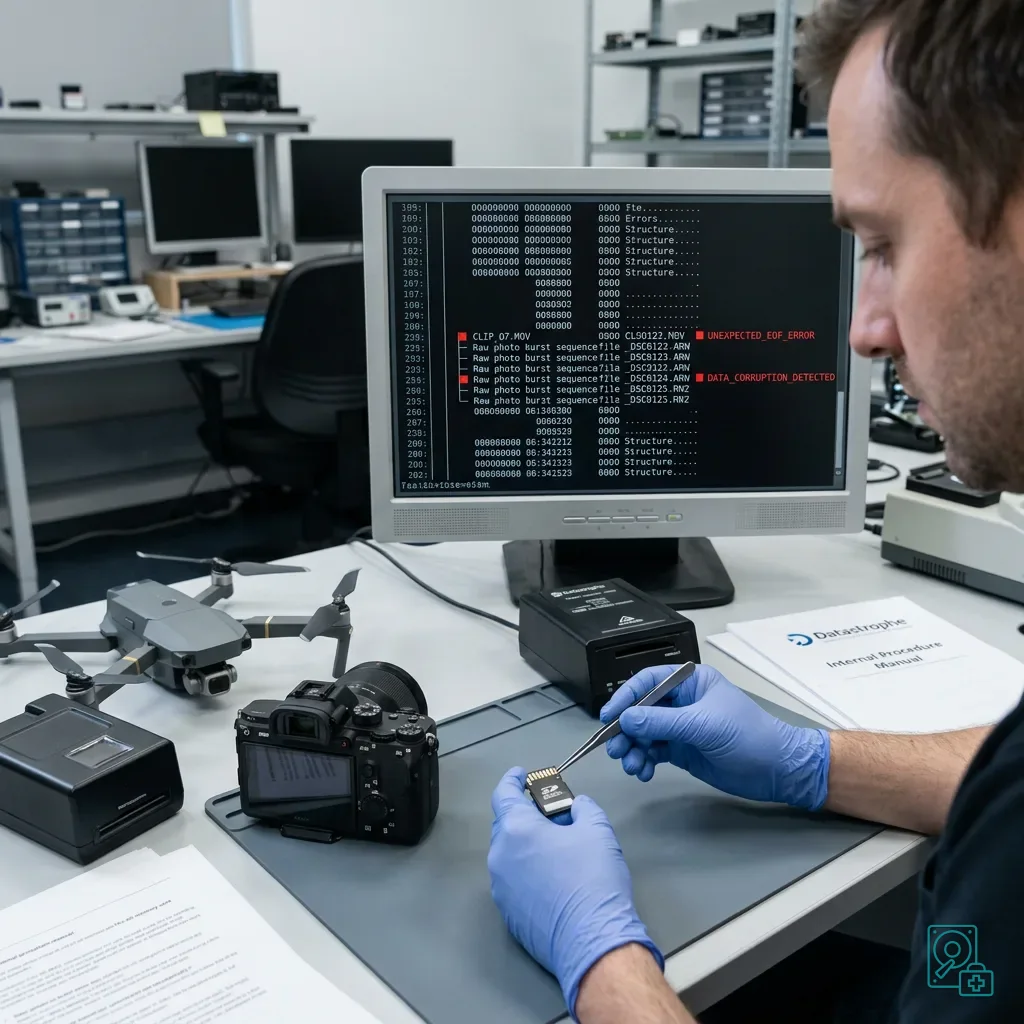
A drop during photography, drone flight, inspection or video recording can interrupt writing. The newest files are therefore the most exposed. They may appear with implausible sizes, remain absent from the directory or open only partially.
Validate the expected content, not just the filename
Video needs particular care because many containers write essential index information when recording stops. If impact cuts power before finalisation, encoded media may remain present while an ordinary player cannot open or seek through the file.
Burst photographs and RAW files can also be affected. The device may have written part of the sequence before allocation metadata became inconsistent. Useful data recovery validates each required file rather than relying on the number of directory entries.
Cards used in 4K cameras or drones sustain high write rates for long periods. Sudden interruption can create a logical fault even when the memory card did not receive the direct force of the fall.
For professional work, state whether the missing interval belongs to an unrepeatable assignment. A building survey, production take, site record, short monitoring period or technical flight may have an operational value that should determine the acquisition order.
| Required content | Possible result of impact during writing | Check performed on the copy |
|---|---|---|
| JPEG or RAW photograph | Truncated image, preview only or inconsistent metadata | Full decode, expected dimensions and review of important areas |
| Video | Missing final index, wrong duration or fragmented stream | Playback across the required interval and audio-video continuity |
| Flight log or measurement | Incomplete final sequence or discontinuous timestamp | Coherent points, dates and application format |
Diagnostic assessment
Preserve the state closest to the incident
Data recovery should start from the closest available state to the drop. Report any partial copy, restart or format operation already attempted because it changes both the diagnostic assessment and the interpretation of the remaining structures.
Acquire before reconstructing
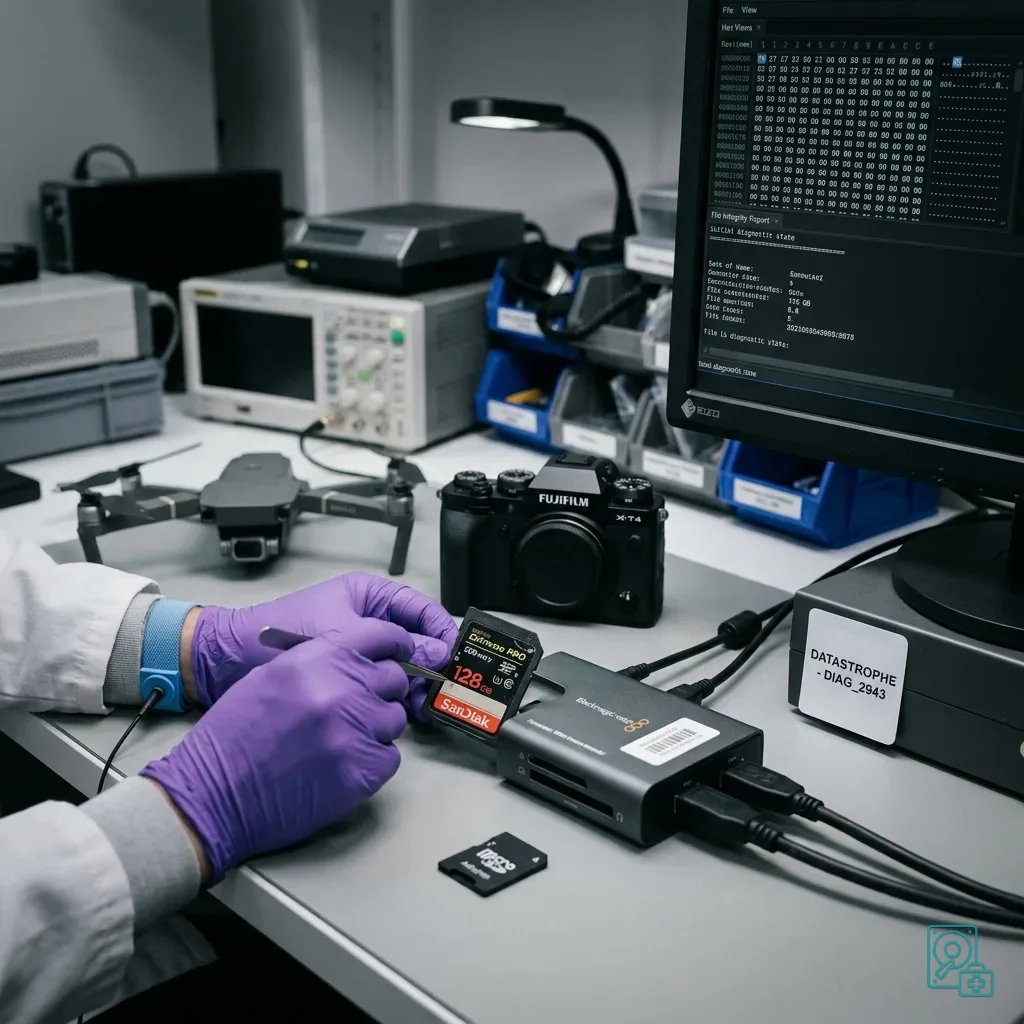
When the card responds consistently, create a controlled image or copy before logical reconstruction. This protects the original and lets a laboratory examine partitions, signatures, files and fragments without repeatedly reading the source. If access is intermittent, acquisition can prioritise areas connected to the essential files.
List priorities by date, sequence, folder, file type, expected video duration, assignment or event. A large card often contains replaceable material as well as a unique session. Ordering the work can matter when the device is deteriorating.
Datastrophe distinguishes complete, partial, corrupted and absent files. That distinction prevents a handover with an impressive file count but no usable answer to the actual requirement.
Final validation must use the expected content, not extensions alone. A video of the correct size can still fail to play, a photograph can expose only its embedded preview, and a flight log may omit the points that matter.
A controlled workflow separates:
- Recording the card's condition and actions already attempted;
- Acquiring an image or copy suited to its stability;
- Reconstructing logical structures on a working copy;
- Validating an agreed sample against the user's requirement.
Diagnostic assessment
Resume work without reusing the suspect card
The affected card should not immediately return as primary storage after a drop. Apparent readability does not restore confidence in its contacts, casing or flash. Use a new, tested card to continue the assignment.
Separate data recovery from return to service
Inspect the equipment as well. A damaged slot, loose cover, unstable battery or distorted adaptor can compromise a replacement card. Changing only the media leaves the original cause in place when the device was responsible.
Practical prevention includes:
- Copying and opening files after every important session;
- Protecting the card, adaptor and device during transport;
- Waiting for writing to finish before removal;
- Rotating identified media for critical captures.
One card concentrates too much risk even when it has never shown an error.
Treat a drop as an incident involving both storage and context. Preserving the card, limiting tests and keeping the source device give a data recovery laboratory better evidence than improvised reconnection. A clean room is generally associated with opening mechanical hard drives; intact flash cards normally require electronic and logical work, while physically broken cards demand case-specific assessment.
Diagnostic assessment
Primary Technical References And Limits
Reference scope — memory card data recovery after a: For memory card data recovery after a drop, the primary references used are www.sdcard.org. Physical evidence — memory card data recovery after a: They define the relevant preservation, storage or validation concepts, but they cannot establish the exact physical condition, controller state, key availability or business consistency of the device received. Controller evidence — memory card data recovery after a: Those points require measurements on the original set and verification on copies.
Diagnostic assessment
Arrange A Controlled Assessment
Complete set — memory card data recovery after a: For a technical examination of memory card data recovery after a drop, provide the complete device or storage set, its associated power and interface parts, the symptom timeline and the priority records. Incident history — memory card data recovery after a: Keep member order, labels and authorised credentials separate from the parcel paperwork; do not restart the source merely to obtain a new screenshot.
Laboratory responsibility — memory card data recovery after a: Datastrophe performs the diagnosis, integrity checks and recovery directly in its own laboratory with its own team. Free assessment — memory card data recovery after a: Diagnosis and the quotation are free. Transport boundary — memory card data recovery after a: Private collection and return is included; the carrier moves only the sealed parcel and neither accesses nor processes its data.
Controlled list — memory card data recovery after a: Before any payment, the client receives the proposed price and a checked list. Verification classes — memory card data recovery after a: Each item is classified, in order, as recoverable_verified, partial, detected_unverified or unrecoverable. Payment trigger — memory card data recovery after a: Only recoverable_verified items whose contents were checked and found usable are presented as recoverable. No-result rule — memory card data recovery after a: Payment is due only after the client accepts both the list and the price.
No-result rule — memory card data recovery after a: If no usable data is verified, recovery fails, or the client declines the list or price, no standard fee is payable. Rare-part exception — memory card data recovery after a: The only exception is a rare, costly and non-refundable part, which may be ordered only after a separate, explicit and priced proposal has been accepted.