
Diagnostic assessment
Classify the type of damage
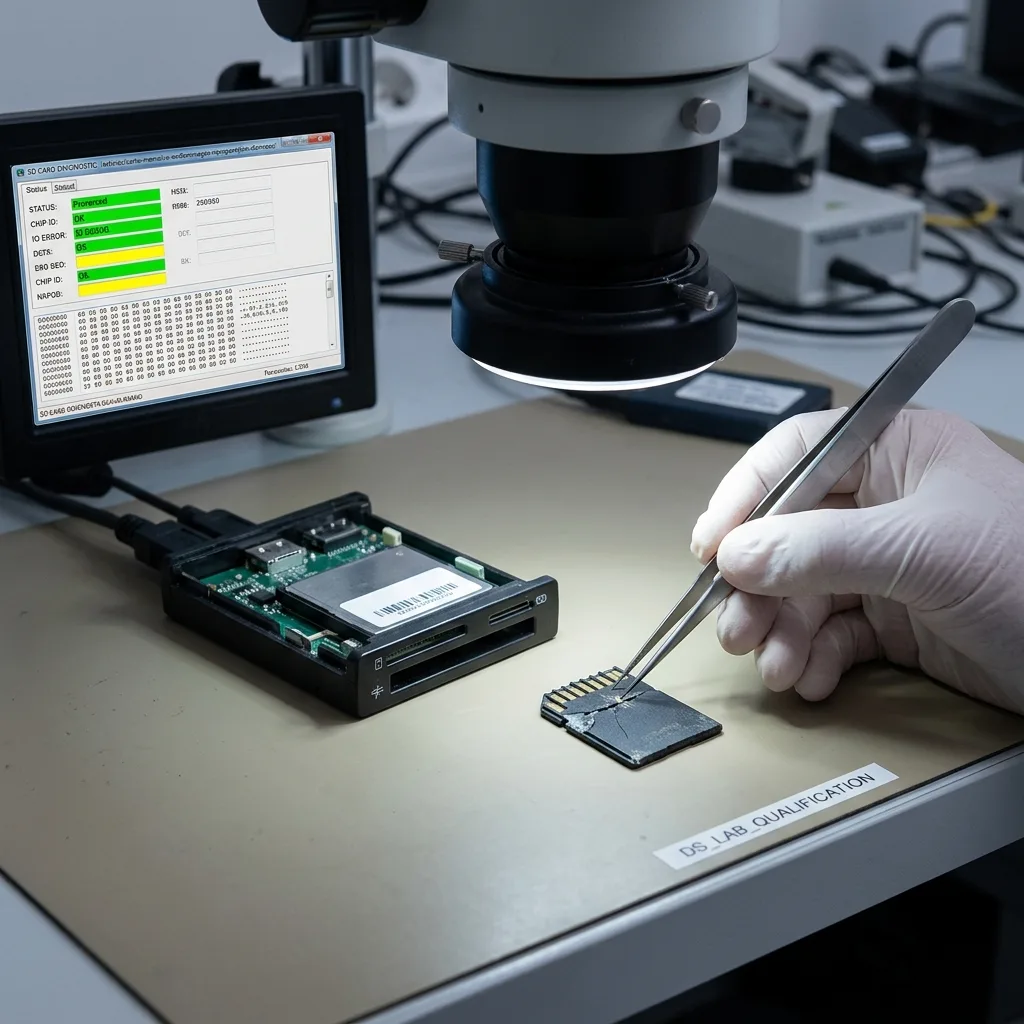
Damaged memory card data recovery starts with a read-only assessment. A request to format the card points towards logical structures, while changing capacity, a torn contact or complete absence from every reader suggests electrical or physical instability. The acquisition method follows that distinction, not the wording of a single error message.
Distinguish logical corruption from unstable reading
Three observations guide the first decision: does the identity and capacity remain stable, do the same areas return the same data on limited repeat reads, and is there visible damage to the casing or contacts? A consistently identified card may be imaged under controlled conditions. Intermittent detection requires the access path to be stabilised and the most important data to be prioritised.
Damage may be logical, electrical, mechanical or related to flash wear. An SD card from a camera, a microSD card from a sat-nav and a card pulled out during a write have different histories. The device and incident therefore need to be understood before the medium is placed under sustained load.
The first question is not which recovery programme to try, but which action could worsen the card. A device that disconnects during reading should not be scanned for hours. A card asking to be formatted must not be repaired in place through the operating system.
Stop ordinary connection attempts if any of these signs appears:
- The reported capacity or card name changes between connections;
- Transfers stall or the card repeatedly disappears;
- The card or adaptor becomes unusually warm;
- The casing, contacts or circuit tracks are cracked, bent or corroded.
| Observed symptom | Cause to investigate | Cautious decision |
|---|---|---|
| Volume visible but folders missing | File-system or directory corruption | Do not repair the original; prepare an image |
| Zero or changing capacity | Unstable controller, power or flash translation | Stop routine reader tests |
| Cracked casing or contact | Broken track or intermittent connection | Do not force or bend the card |
| Moisture or oxidation | Conductive residue and corrosion | Do not power it before inspection |
Stop point: changing capacity, heat or repeated disconnections turn a simple read test into a risk to the last accessible areas. Disconnect the card and retain the adaptor that was in use when the symptom first appeared.
Damage to a contact or to the electronics changes the method.
A cracked, bent or oxidised card can remain partly readable, yet every insertion may move the fault. Conversely, a card that looks undamaged may have failed at controller or NAND level. Appearance alone cannot establish whether software access is safe.
A monolithic microSD, in which contacts, controller and memory are integrated into one package, is not handled like a full-size SD card with an accessible circuit. Depending on its architecture, work may require microsoldering, regulated power, raw acquisition and reconstruction of the NAND translation. A clean room is not the deciding factor: opened hard-drive platters need clean-room protection, whereas a memory card belongs in a clean, anti-static electronics laboratory.
The main memory card data recovery service explains the wider assessment. Once a card is already damaged, the immediate question is which further access could reduce the remaining options.
Diagnostic assessment
Stop writes and automatic repairs
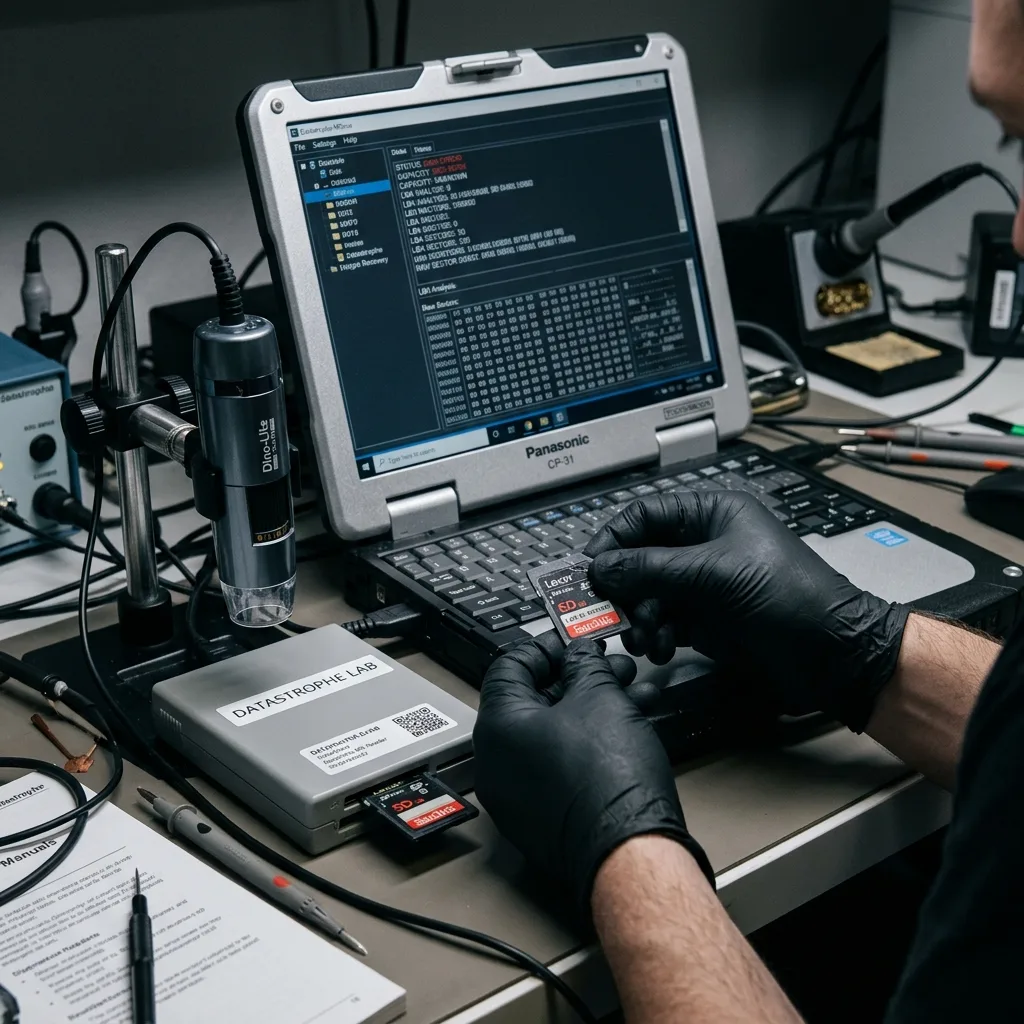
Remove the card from the source device and preserve it unchanged. Taking more photographs, recording another journey or restarting the camera can allocate new blocks over deleted or incomplete files. Even a short function test may overwrite the precise area required for reconstruction.
Avoid actions that alter the original
Reject formatting, initialisation and automatic file-system repair. These functions write management data and may change directory or allocation information that still describes the missing files. A repair that makes a folder visible is not proof that its photographs or videos remain complete.
Trying a succession of readers is not a neutral diagnostic. A damaged card slot, unstable microSD adaptor or poor power supply can cause additional drop-outs. If the card slows sharply, vanishes or heats up, stop rather than moving on to the next reader.
Record the source device, exact message, time of failure, last known successful use and every step already taken. Keep the camera, drone, dashcam or sat-nav because its formats, folder structure, clock and internal logs can explain what the card should contain.
The same caution applies when some files are visible. Copying the first folders shown may keep an unstable controller busy for hours and prevent access to the one essential recording. Define the order of acquisition before consuming limited reads on replaceable material.
Diagnostic assessment
Work from a copy, not the card
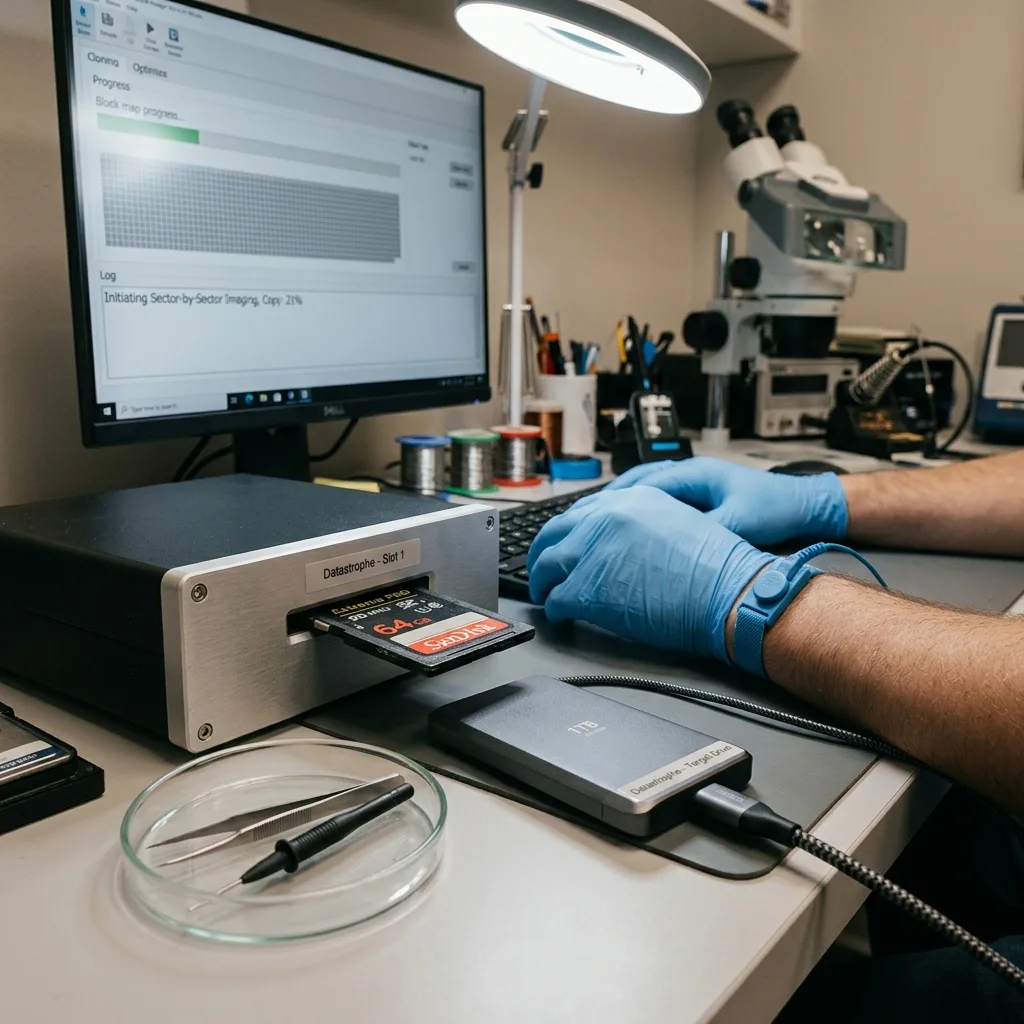
If the condition permits, create a technical image of the readable areas. This is not merely a copy of files shown by Explorer or Finder: acquisition works block by block, limits retries and records speed changes, failures and areas that could not be read.
Acquire blocks before reconstructing files
Partition, file-system, directory, signature and video-fragment analysis then takes place on a working copy. Methods can be repeated or adjusted without asking the damaged controller to interpret the NAND again. The unchanged source remains available if a second technical approach is justified.
For an unstable card, a prioritised partial image may be safer than an indiscriminate full scan. A particular shoot, time window or journey log can be acquired before secondary areas. A persistent error map allows work to continue later without blindly starting again.
The controlled data recovery process deliberately separates acquisition from reconstruction. After a power interruption, recent video may contain payload data without a valid final index or directory entry. Those structures are reconstructed on the copy, not repaired on the original.
The handover must state its limits. Unread blocks, reconstructed names and missing metadata are recorded. A high file count must not hide that the newest or most important item is only partial.

Diagnostic assessment
Define the priority files
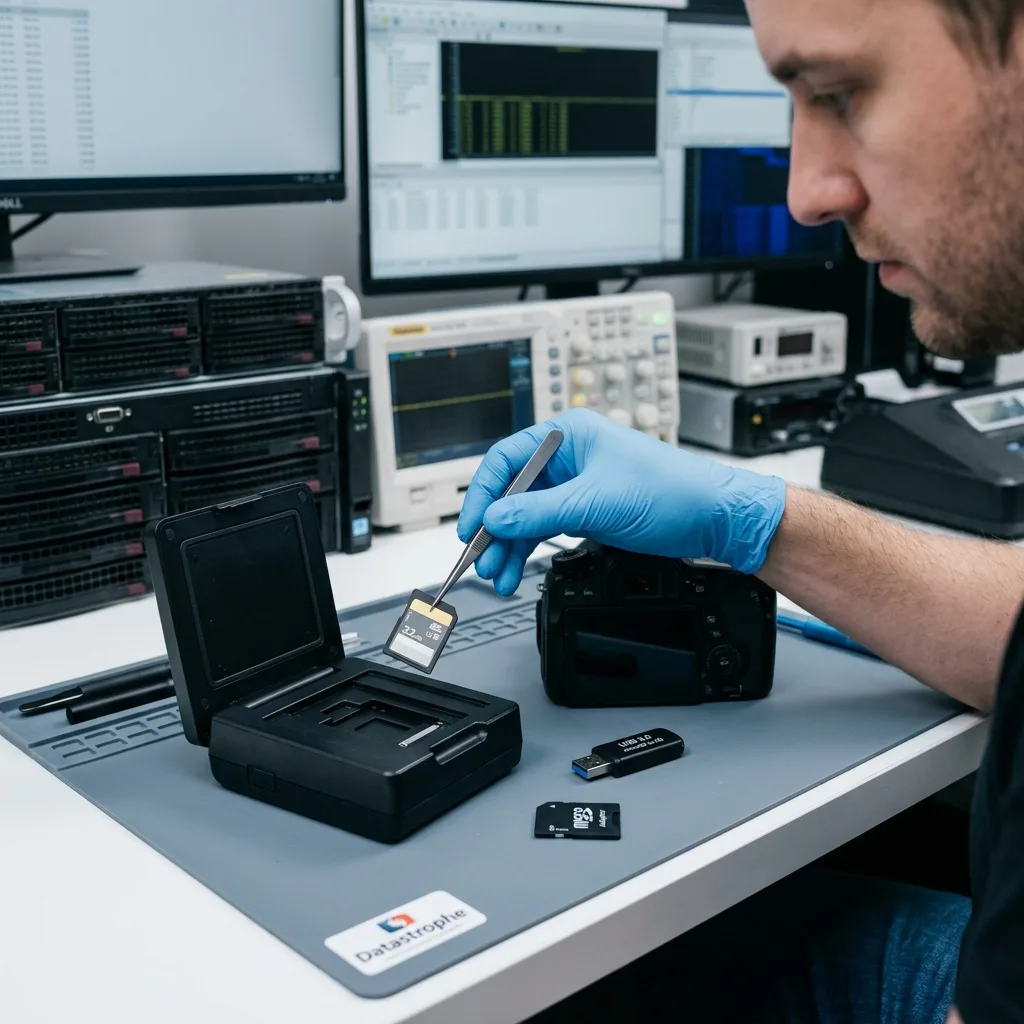
The value of a memory card is unrelated to its capacity. One RAW photograph, a short incident video, a GPS track or a professional inspection set may matter more than thousands of replaceable files. Specify file type, date range, device and intended use before broad extraction begins.
Check content and usability, not just filenames
Formats and their supporting structures belong together. Cameras may create RAW, JPEG, video, thumbnails and databases; navigation equipment stores points, routes and timelines; drones link media with flight logs. Searching only by extension can lose those relationships.
For navigation equipment, GPS memory card recovery needs to preserve tracks, points and chronology rather than return files with a familiar suffix. It illustrates why the practical requirement should be defined before a global export.
Recovered material is checked technically and editorially. A photograph may open only as a preview or contain damaged image areas. A video may start and freeze later. A GPS track may parse but omit crucial points. Results are labelled complete, partial, reconstructed or not found.
Datastrophe treats this stage as a traceable handover, not a headline number of files. Complete, damaged, partial and absent items are separated so that the recipient can make a decision based on the actual evidence.
For business, insurance or evidential use, original names, timestamps and folder relationships are retained whenever the source supports them. Signature-based carving without the original filenames is not equivalent to a complete file-system reconstruction and must be described accordingly.
Give particular attention to the latest files. On many devices, a low battery, interrupted write or early removal affects the final video, burst or track log while older material continues to open normally.
Diagnostic assessment
Prevent another loss after handover
A damaged or unstable card must not return as the primary recording medium. Temporary readability does not remove flash wear, a fractured contact or a controller fault. Recovered data are delivered to healthy storage and the source card remains unchanged until the result is accepted.
Replace the medium and inspect the whole chain
The replacement must suit the device's write profile. A dashcam, drone, stills camera, sat-nav and inspection recorder impose different sustained-rate, endurance and temperature requirements. Capacity and headline speed alone do not establish suitability.
Inspect the surrounding equipment as well. A defective adaptor, loose slot, weak battery or device that cuts power abruptly can damage successive cards. Replacing only the medium leaves the actual cause in service.
For important recordings, test both card and device with a short capture before use, copy each session to two separate destinations and open representative files before reusing the card. Long video recording also requires a card rated for sustained writing across the expected temperature range.
Acceptance separates three statements: which blocks were acquired, which files are technically readable, and which required content is complete for its intended purpose. That distinction prevents a partial reconstruction from being described as complete data recovery.
Diagnostic assessment
Primary Technical References And Limits
Reference scope — damaged memory card data: For damaged memory card data recovery, the primary references used are www.sdcard.org. Physical evidence — damaged memory card data: They define the relevant preservation, storage or validation concepts, but they cannot establish the exact physical condition, controller state, key availability or business consistency of the device received. Controller evidence — damaged memory card data: Those points require measurements on the original set and verification on copies.
Diagnostic assessment
Arrange A Controlled Assessment
Complete set — damaged memory card data: For a technical examination of damaged memory card data recovery, provide the complete device or storage set, its associated power and interface parts, the symptom timeline and the priority records. Incident history — damaged memory card data: Keep member order, labels and authorised credentials separate from the parcel paperwork; do not restart the source merely to obtain a new screenshot.
Laboratory responsibility — damaged memory card data: Datastrophe performs the diagnosis, integrity checks and recovery directly in its own laboratory with its own team. Free assessment — damaged memory card data: Diagnosis and the quotation are free. Transport boundary — damaged memory card data: Private collection and return is included; the carrier moves only the sealed parcel and neither accesses nor processes its data.
Controlled list — damaged memory card data: Before any payment, the client receives the proposed price and a checked list. Verification classes — damaged memory card data: Each item is classified, in order, as recoverable_verified, partial, detected_unverified or unrecoverable. Payment trigger — damaged memory card data: Only recoverable_verified items whose contents were checked and found usable are presented as recoverable. No-result rule — damaged memory card data: Payment is due only after the client accepts both the list and the price.
No-result rule — damaged memory card data: If no usable data is verified, recovery fails, or the client declines the list or price, no standard fee is payable. Rare-part exception — damaged memory card data: The only exception is a rare, costly and non-refundable part, which may be ordered only after a separate, explicit and priced proposal has been accepted.