
Diagnostic assessment
Understand Logical SSD Failure
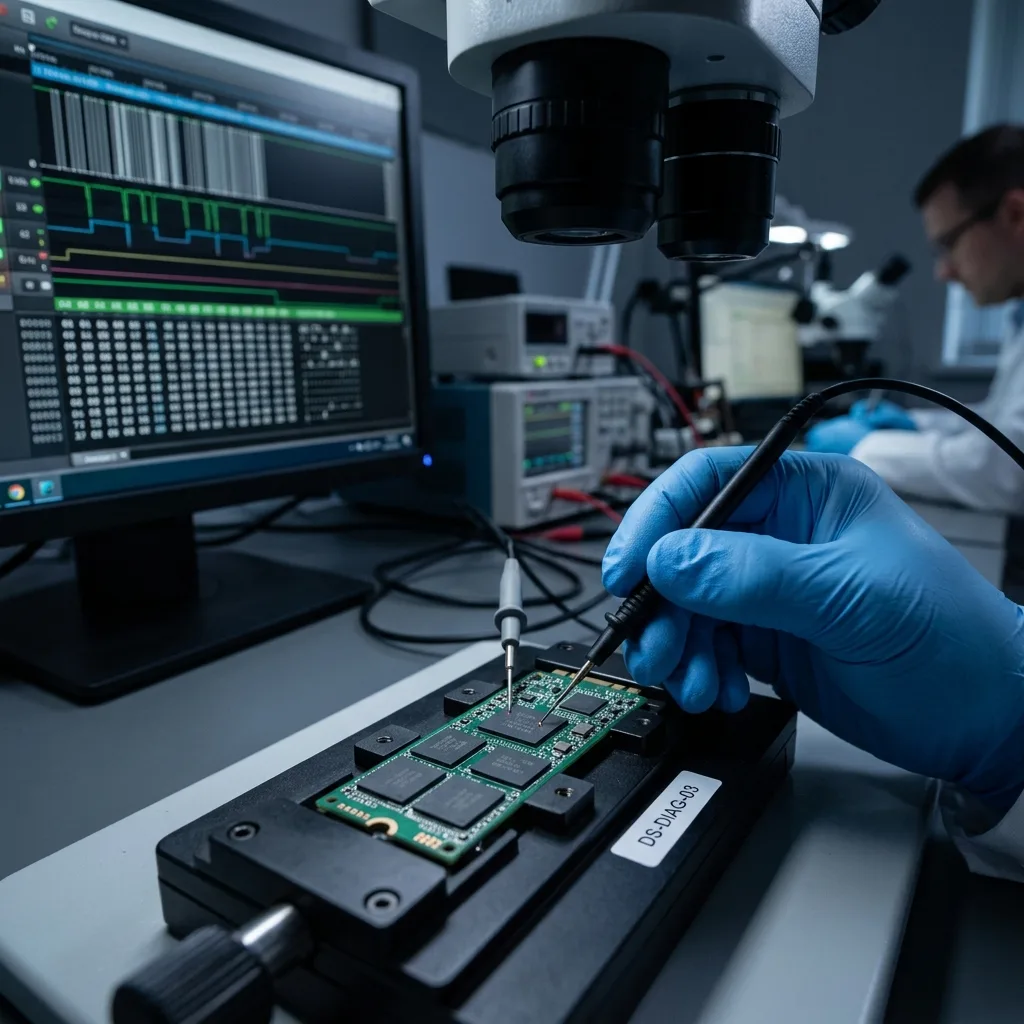
A logical SSD failure does not resemble a fault in a mechanical hard drive. There is no clicking, scraping or platter. The device may disappear, ask for repair, show an empty partition, refuse to boot or display inconsistent files. The problem lies in data organisation rather than an audible mechanism.
Possible causes include an interrupted write, power loss, a corrupted file system, an altered partition table, a synchronisation error, mishandled encryption or damaged metadata. On an SSD, the controller and its internal flash management influence every one of these situations.
TRIM also matters. Depending on the circumstances, the device may process some deletions quickly and reduce the chance of locating the relevant blocks. Continuing to use an SSD after deletion or formatting can therefore make matters worse.
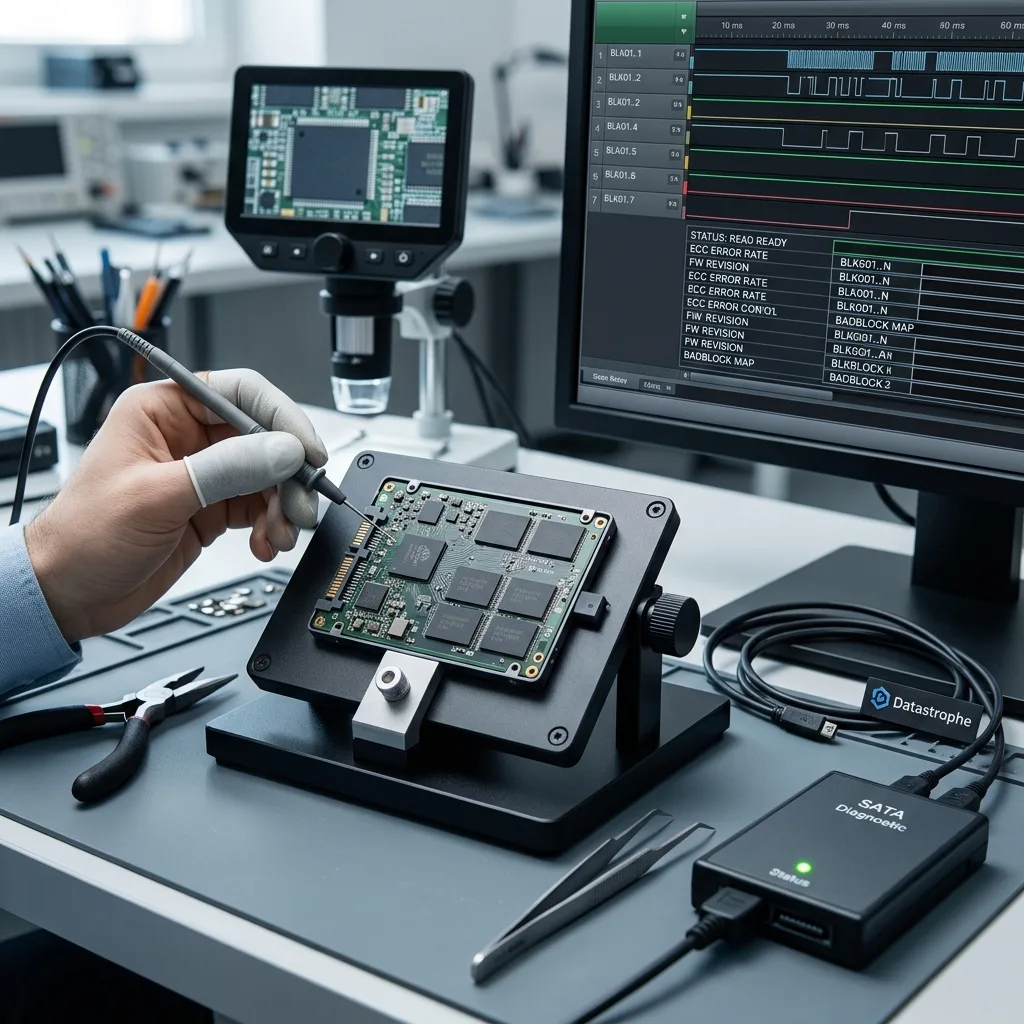
SSD data recovery covers the service itself. This examination concentrates on preventing logical faults and on the actions to avoid when the first symptoms appear.
The distinction matters because an SSD can appear physically healthy while its data have lost coherence. Silence should not provide false reassurance. With flash memory, risk is more often expressed through access, versions and metadata.
Diagnostic assessment
Limit Unnecessary Writes
Prevention starts with controlling writes. A system SSD receives updates, caches, logs, temporary files and synchronisation activity. Critical data held only on that device remain exposed to constant change.
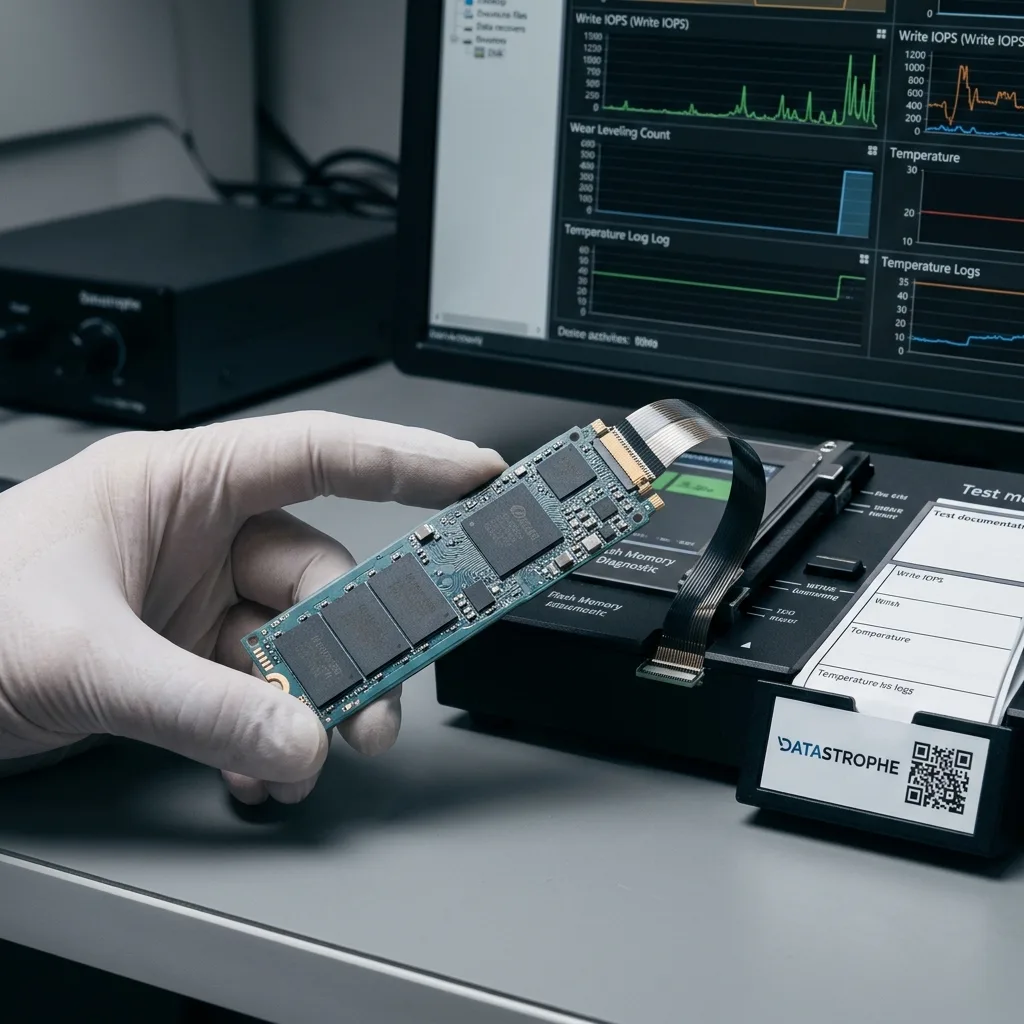
Avoid prolonged work on an SSD showing symptoms such as sudden slowness, errors when opening files, disappearing partitions, repair messages or unstable booting. Every session can write new data and alter areas that remain useful.
Treat automatic repair cautiously. It may correct a healthy volume, but it can also write over important metadata. When files are critical, stop, record the message and preserve the device in its current state.
The same rule applies to laptops. Repeated rebooting can restart system processes, synchronisation or updates. The urgent task is not to bring the computer back online, but to protect its data.
Avoid improvised copying on to the same device as well. Downloading a utility, creating an archive, moving folders or reinstalling the system may generate writes in exactly the wrong place. Preserve an important SSD before attempting any of them.
Diagnostic assessment
Test Backups And Versions
A tested backup is the strongest protection. Recovery from an SSD may be constrained by TRIM, encryption, the controller or recent writes. A sound backup reduces dependence on a device that may be difficult to reconstruct.
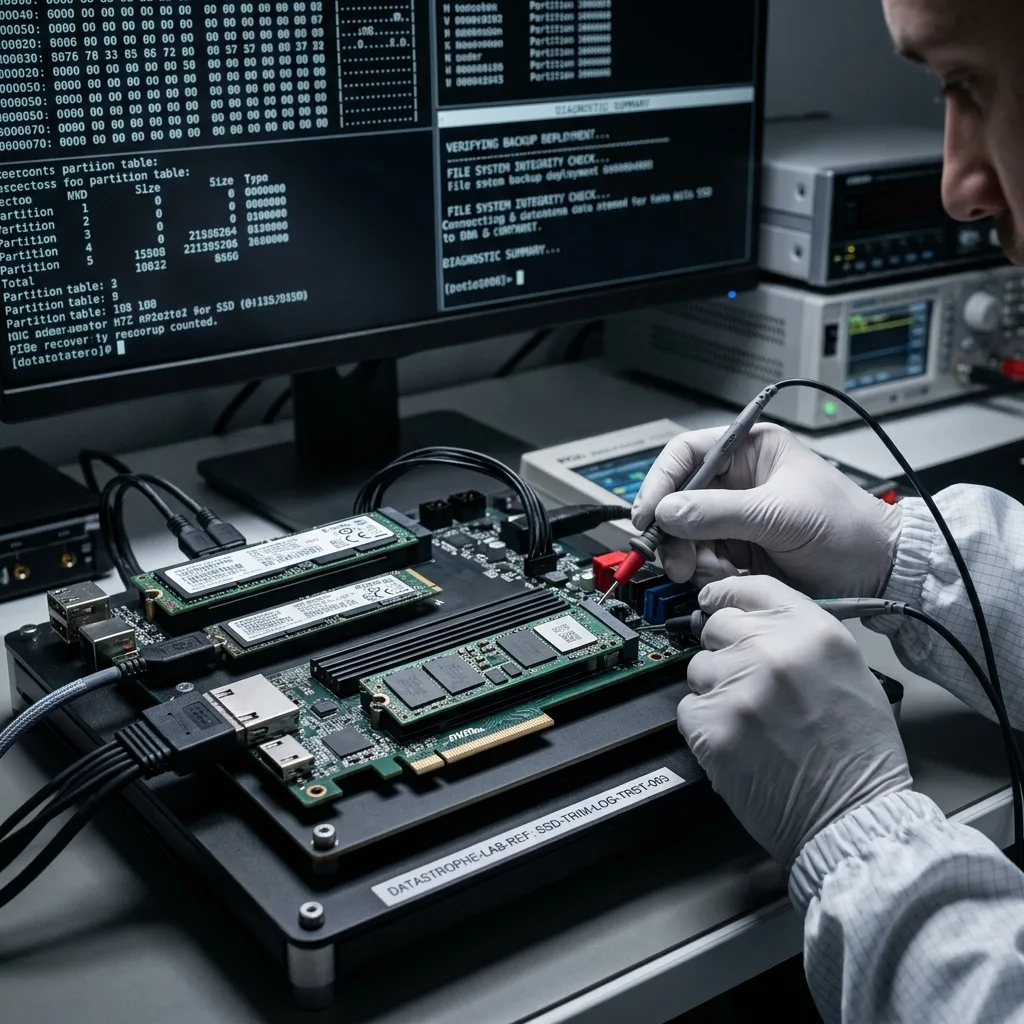
Testing means more than seeing that a copy exists. Restore several files, check their dates, open important databases or projects and confirm that encryption keys and passwords are available. An inaccessible backup does not protect a business.
Cloud synchronisation needs oversight. A local deletion can propagate. Corruption can replace a sound version. A short history window may remove the required version before anyone understands the incident.
Storage maintenance develops the monitoring side of this approach. For SSDs, the most useful proof is the ability to restore a usable version without continuing to write to the affected device.
Verify versions before an incident occurs. A backup can contain the right filename in the wrong state, or a version too old to be useful. Active projects, databases and synchronised folders deserve more frequent checks than stable archives.
Diagnostic assessment
Protect Encryption, Access And Environment
Encryption introduces a major constraint. If the key, password, account or original environment is missing, data that still exist may remain unusable. Prevention must therefore include controlled retention of access credentials, not only copies of files.
Plan firmware and system updates carefully on critical machines. They should not be avoided as a matter of principle, but they need a verified backup and a route back to the earlier state. An incident during an update can affect active data.
Heat and power can contribute to errors even when the immediate problem is logical. An SSD in a poorly ventilated machine, an unstable external enclosure or an unreliable supply can disconnect during a write and corrupt it.
Distinguish a working SSD from an archive device. Storage that remains connected, synchronised and changing does not carry the same risk as a disconnected copy. Critical data should exist in several states, not within one stream of writes.
Business environments should also plan for the departure of a computer or user. An encrypted laptop SSD can become difficult to use when its credentials are no longer available. Prevention includes control of accounts, keys and equipment return procedures.
Diagnostic assessment
Respond Correctly To The First Symptom
The first decision matters when an SSD becomes unstable. Do not format, repair, reinstall or restore on to the same device. Those actions can reduce the chances of finding data not covered by backup.
Record the exact message, date, context, recent update, power cut, deletion, encryption, expected files and any actions already attempted. This timeline helps Datastrophe distinguish logical corruption, deletion, a controller issue and a deeper fault.
Where a backup exists, verify it in healthy storage before any definitive restoration. If it does not cover everything required, preserve the original SSD for assessment. Restoring too soon can overwrite the only useful traces.
Preventing logical SSD failures does not mean promising that corruption will never occur. It means reducing uncontrolled writes, testing copies, retaining essential access details and knowing when to stop as soon as storage becomes suspect.
Do not assume that an SSD is automatically trustworthy after files have been restored or recovered. Establish whether the incident arose from an isolated logical error, an unstable environment or a device that can no longer be trusted. That conclusion prevents the same data from returning to the same risk.
At the first sign of logical SSD failure, stop writes and preserve the controller, host and encryption context for Datastrophe's assessment; clean room work applies only to mechanical drives that must be opened.
Diagnostic assessment
Primary Technical References And Limits
Reference scope — logical SSD failures data loss: For prevent logical SSD failures data loss, the primary references used are europe.kioxia.com. Physical evidence — logical SSD failures data loss: They define the relevant preservation, storage or validation concepts, but they cannot establish the exact physical condition, controller state, key availability or business consistency of the device received. Controller evidence — logical SSD failures data loss: Those points require measurements on the original set and verification on copies.
Diagnostic assessment
Arrange A Controlled Assessment
Complete set — logical SSD failures data loss: For a technical examination of prevent logical SSD failures data loss, provide the complete device or storage set, its associated power and interface parts, the symptom timeline and the priority records. Incident history — logical SSD failures data loss: Keep member order, labels and authorised credentials separate from the parcel paperwork; do not restart the source merely to obtain a new screenshot.
Laboratory responsibility — logical SSD failures data loss: Datastrophe performs the diagnosis, integrity checks and recovery directly in its own laboratory with its own team. Free assessment — logical SSD failures data loss: Diagnosis and the quotation are free. Transport boundary — logical SSD failures data loss: Private collection and return is included; the carrier moves only the sealed parcel and neither accesses nor processes its data.
Controlled list — logical SSD failures data loss: Before any payment, the client receives the proposed price and a checked list. Verification classes — logical SSD failures data loss: Each item is classified, in order, as recoverable_verified, partial, detected_unverified or unrecoverable. Payment trigger — logical SSD failures data loss: Only recoverable_verified items whose contents were checked and found usable are presented as recoverable. No-result rule — logical SSD failures data loss: Payment is due only after the client accepts both the list and the price.
No-result rule — logical SSD failures data loss: If no usable data is verified, recovery fails, or the client declines the list or price, no standard fee is payable. Rare-part exception — logical SSD failures data loss: The only exception is a rare, costly and non-refundable part, which may be ordered only after a separate, explicit and priced proposal has been accepted.